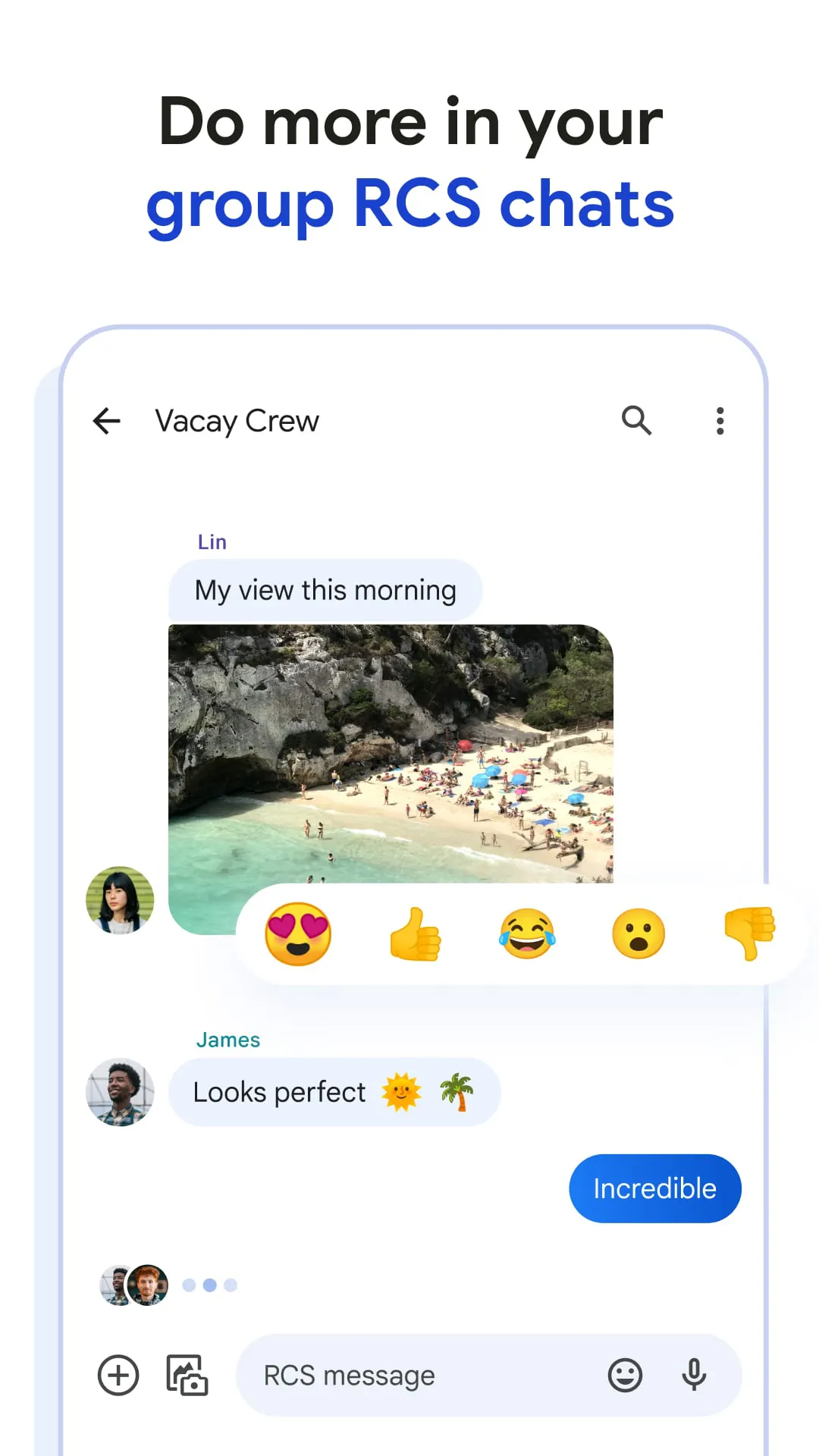
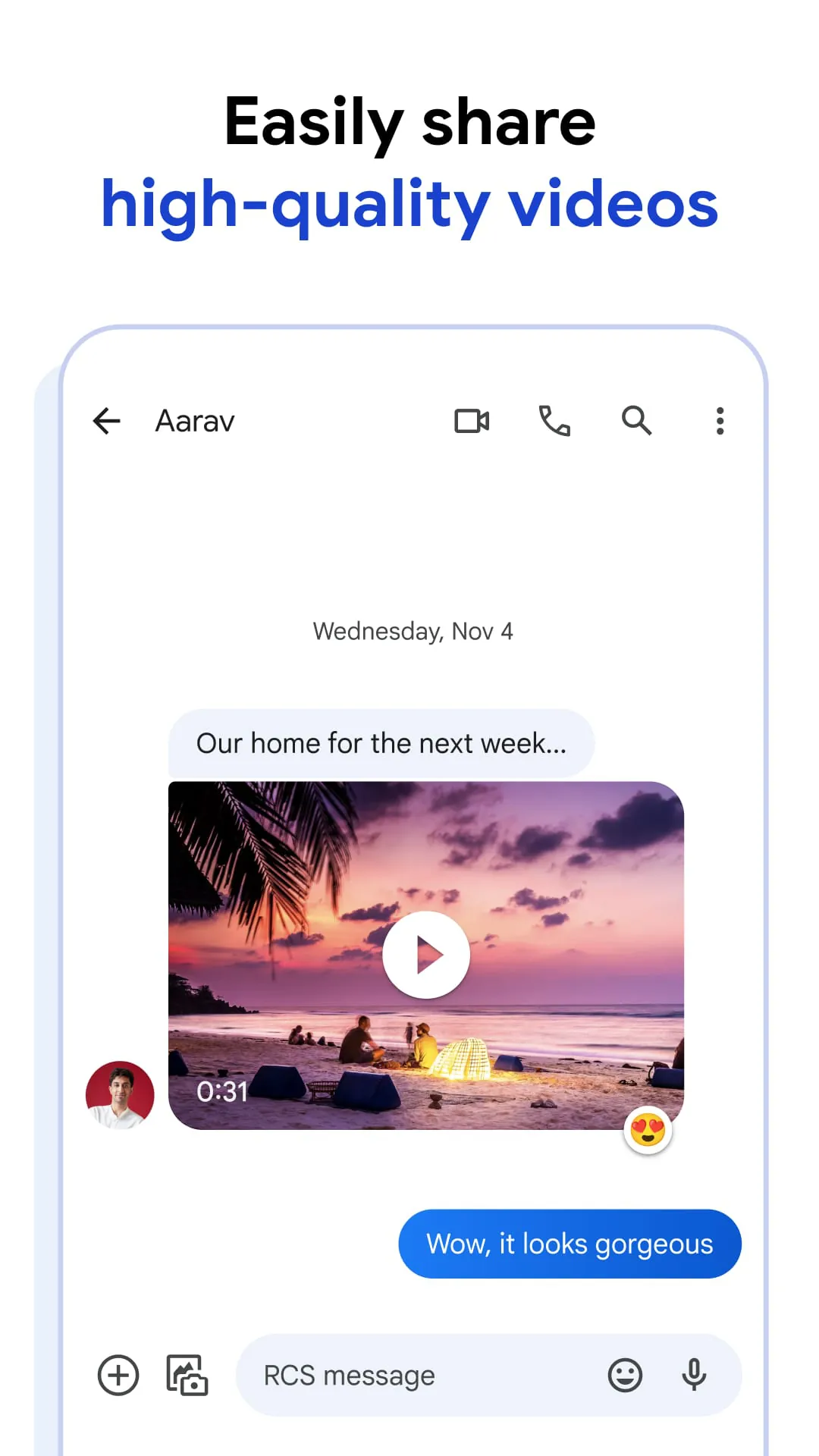
Google Messages is presented as Google's official messaging application, designed as a modern alternative to traditional SMS and MMS services. It leverages RCS (Rich Communication Services), positioning itself as a new industry standard for text messaging. The application boasts a substantial user base, with over a billion individuals utilizing it to connect with others in innovative ways. One of the key strengths highlighted is its seamless interoperability with other RCS users, including those on the iOS platform, enabling the sharing of high-resolution photos and videos, as well as engaging in dynamic group chats. The emphasis on rich communication features underscores Google's intention to provide a more visually appealing and interactive messaging experience compared to older technologies. The ability to see when others are typing, coupled with the high-quality media sharing, aims to create a more real-time and engaging conversation. The inclusion of iPhone users in this ecosystem is a significant advantage, breaking down the barriers between different mobile operating systems and fostering a more unified messaging environment. Furthermore, Google Messages emphasizes personalization, allowing users to customize their chat bubbles and add unique elements like self-made GIFs. This focus on individual expression aims to make the messaging experience more enjoyable and reflective of the user's personality. The application's availability on multiple devices, including smartphones, tablets, and computers, further enhances its convenience and usability, allowing users to seamlessly continue conversations across different platforms. The mention of Wear OS compatibility also indicates Google's commitment to providing a consistent messaging experience across its various product ecosystems. Overall, Google Messages is portrayed as a versatile and feature-rich messaging application designed to enhance communication, foster personalization, and provide a seamless user experience across various devices and platforms. The application's reliance on RCS technology positions it as a forward-looking solution, ready to take advantage of the evolving messaging landscape. By focusing on rich media sharing, cross-platform compatibility, and personalization options, Google aims to provide a compelling alternative to traditional SMS and MMS services. The application's widespread adoption, with over a billion users, suggests that Google is successfully meeting the needs of a diverse user base. The continuous development and integration of new features, such as AI-powered messaging capabilities, further demonstrates Google's commitment to innovation and improvement. The emphasis on security and privacy, with features like end-to-end encryption, also addresses growing concerns about data protection and user trust. Google Messages is not just a messaging app; it's a communication platform designed to adapt to the changing needs of its users and provide a safe, engaging, and personalized experience. The integration of AI, the focus on rich media, and the commitment to cross-platform compatibility all contribute to its appeal and make it a strong contender in the competitive messaging app market. The application's success is a testament to Google's understanding of user needs and its ability to deliver a product that is both innovative and user-friendly. Google Messages is a powerful tool for connecting with others, expressing oneself, and staying in touch with the people who matter most. Its versatility and feature-richness make it a valuable asset in the digital age, where communication is more important than ever. The application's ability to adapt to different devices and platforms ensures that users can stay connected regardless of their preferred device or location. The ongoing development and improvement of Google Messages demonstrate Google's commitment to providing a high-quality messaging experience that meets the evolving needs of its users.
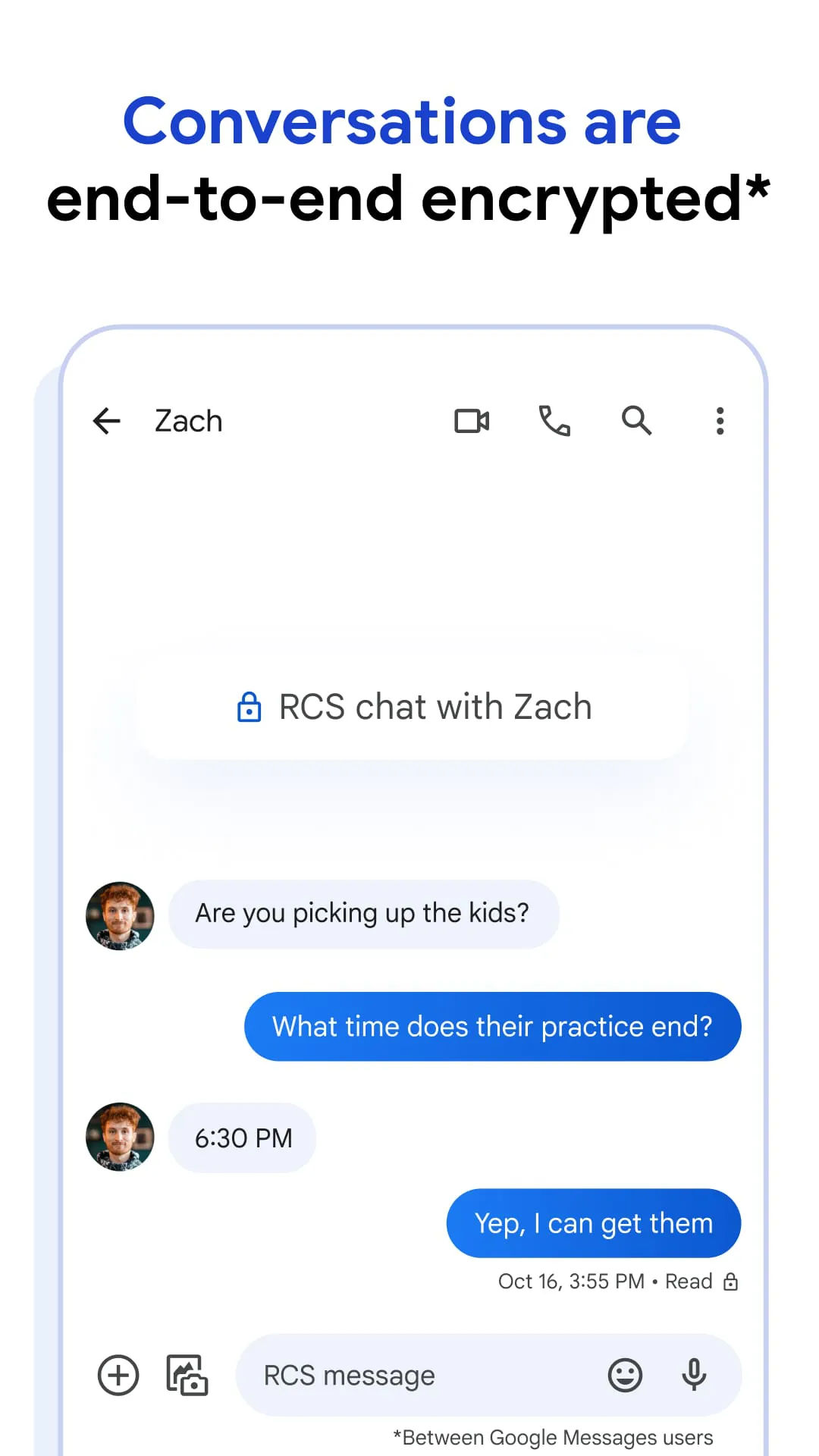
The emphasis on privacy and security is a core aspect of Google Messages, with end-to-end encryption being a key feature. This encryption ensures that conversations between Google Messages users are protected from unauthorized access, meaning that only the sender and receiver can read the messages and view any attachments shared. Google emphasizes that this protection extends to preventing even Google itself, or any third party, from accessing the content of these encrypted conversations. This strong focus on privacy is likely a response to increasing user concerns about data security and the potential for surveillance in digital communications. In addition to end-to-end encryption, Google Messages also incorporates advanced spam protection features. These features are designed to filter out unwanted or malicious messages, helping users avoid scams and other potentially harmful content. The combination of encryption and spam protection provides a multi-layered approach to security, ensuring that users can communicate with confidence and peace of mind. The integration of these security features is a significant advantage for Google Messages, as it addresses a critical need in the modern digital landscape. Users are increasingly aware of the risks associated with online communication, and they are actively seeking out messaging apps that prioritize their privacy and security. By offering robust encryption and spam protection, Google Messages positions itself as a trustworthy and reliable platform for secure communication. The emphasis on privacy and security is not just a marketing point; it's a fundamental aspect of the application's design and functionality. Google has invested significant resources in developing and implementing these features, demonstrating its commitment to protecting user data and ensuring a safe messaging experience. The company's transparency about its security measures also contributes to building user trust and confidence. Google Messages is not just a convenient way to communicate; it's also a secure and private way to connect with others. The application's encryption and spam protection features provide a valuable layer of protection against unauthorized access and malicious content, ensuring that users can communicate with peace of mind. The emphasis on privacy and security is a key differentiator for Google Messages, setting it apart from other messaging apps that may not offer the same level of protection. The company's commitment to user privacy is a core value, and it is reflected in the design and functionality of Google Messages. By prioritizing security, Google aims to provide a safe and trustworthy platform for communication, fostering user trust and confidence. The application's ongoing development and improvement demonstrate Google's commitment to staying ahead of the curve in terms of security threats and privacy concerns. Google Messages is a secure and private way to communicate, offering a valuable layer of protection against unauthorized access and malicious content.
Google Messages also incorporates AI-powered features, such as the "text magic" functionality that suggests potential replies to messages. This feature leverages Google's advanced AI algorithms to analyze the content of incoming messages and generate relevant and contextually appropriate responses. This can be particularly helpful for users who are short on time or struggling to find the right words to say. The AI-powered reply suggestions can also help to improve the quality of communication by ensuring that responses are clear, concise, and grammatically correct. The integration of AI into Google Messages is a testament to Google's commitment to innovation and its desire to provide users with a more intelligent and intuitive messaging experience. The AI features are designed to enhance the user experience by making communication easier, faster, and more effective. The use of AI in Google Messages is not just limited to reply suggestions; it also extends to other areas of the application, such as spam detection and content filtering. Google's AI algorithms are constantly learning and evolving, allowing them to identify and filter out unwanted or malicious content with increasing accuracy. This helps to protect users from scams, phishing attacks, and other online threats. The integration of AI into Google Messages is a significant advantage, as it allows the application to provide a more personalized and secure messaging experience. The AI features are designed to adapt to the user's individual needs and preferences, making communication more efficient and enjoyable. The use of AI in Google Messages is also a reflection of Google's broader strategy of incorporating AI into its various products and services. The company believes that AI has the potential to revolutionize the way we interact with technology, and it is committed to developing AI-powered solutions that can make our lives easier and more productive. Google Messages is a prime example of how AI can be used to enhance the user experience and provide a more intelligent and intuitive messaging platform. The AI features are designed to make communication easier, faster, and more secure, allowing users to connect with others in a more meaningful and effective way. The ongoing development and improvement of Google's AI algorithms ensure that Google Messages remains at the forefront of innovation in the messaging app market. The application's commitment to AI is a testament to its desire to provide users with the best possible messaging experience, now and in the future. Google Messages is an AI-powered messaging platform that is designed to make communication easier, faster, and more secure. The application's AI features are constantly learning and evolving, allowing them to adapt to the user's individual needs and preferences. The ongoing development and improvement of Google's AI algorithms ensure that Google Messages remains at the forefront of innovation in the messaging app market. Google Messages is committed to providing users with the best possible messaging experience, now and in the future.