Open Menu
Google Calendar
PRODUCTIVITY · ANDROID · IOS

Google Calendar

by Google LLC

Make the most of your day with Google Calendar, part of Google Workspace

4.60 ★
(1k+ reviews)
5B+
Downloads

A closer look

Google CalendarGoogle CalendarGoogle CalendarGoogle Calendar
ADVERTISEMENT

Overview

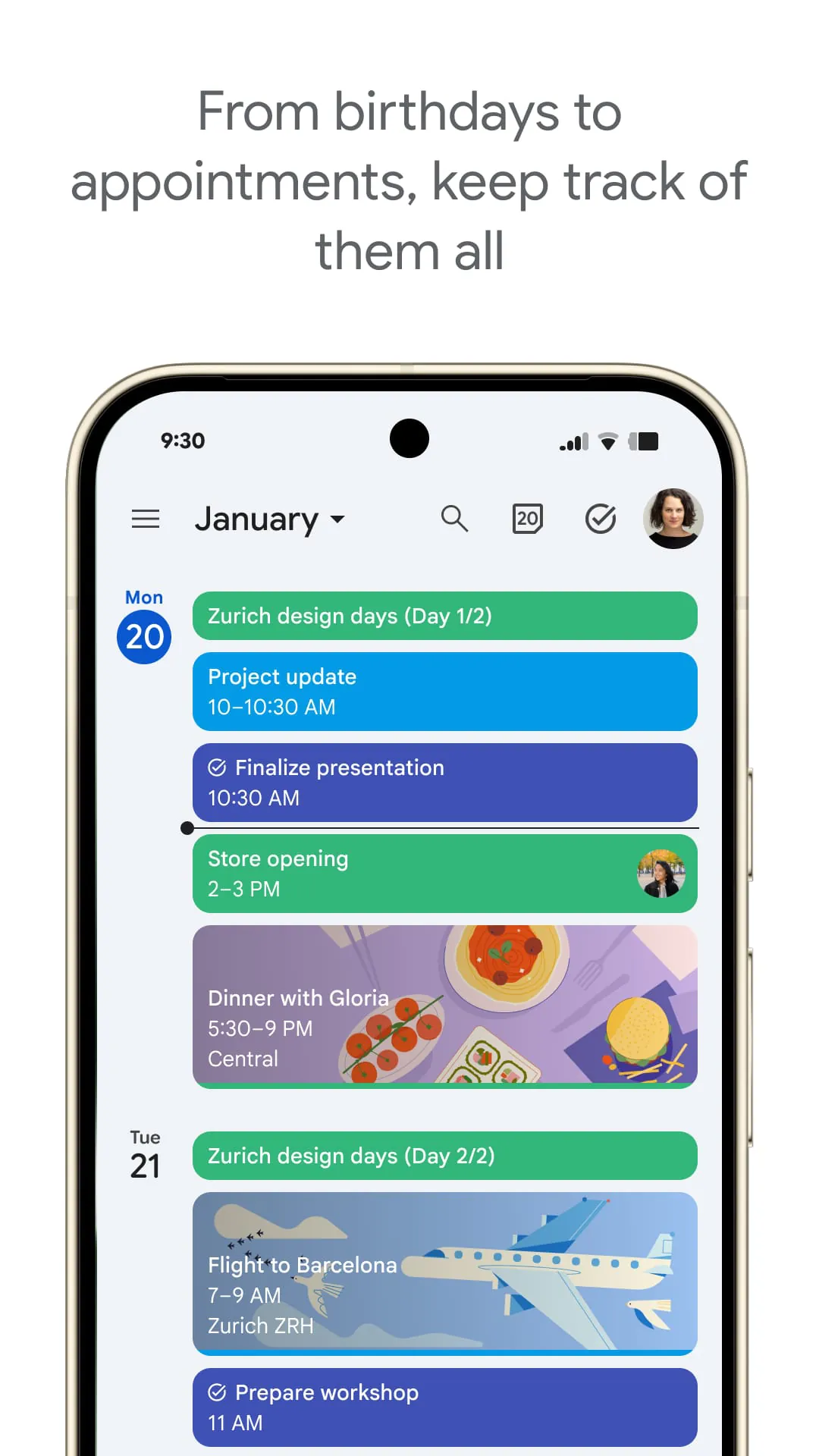
Google Calendar is a widely used digital time-management application developed by Google that helps individuals and teams organize their schedules, set reminders, and coordinate events across multiple devices. It integrates seamlessly with other Google services such as Gmail, Google Meet, and Google Tasks, making it a central hub for both personal and professional planning. With its clean interface and intelligent scheduling features, it enables users to manage appointments efficiently while receiving automatic updates and notifications.

Key Features

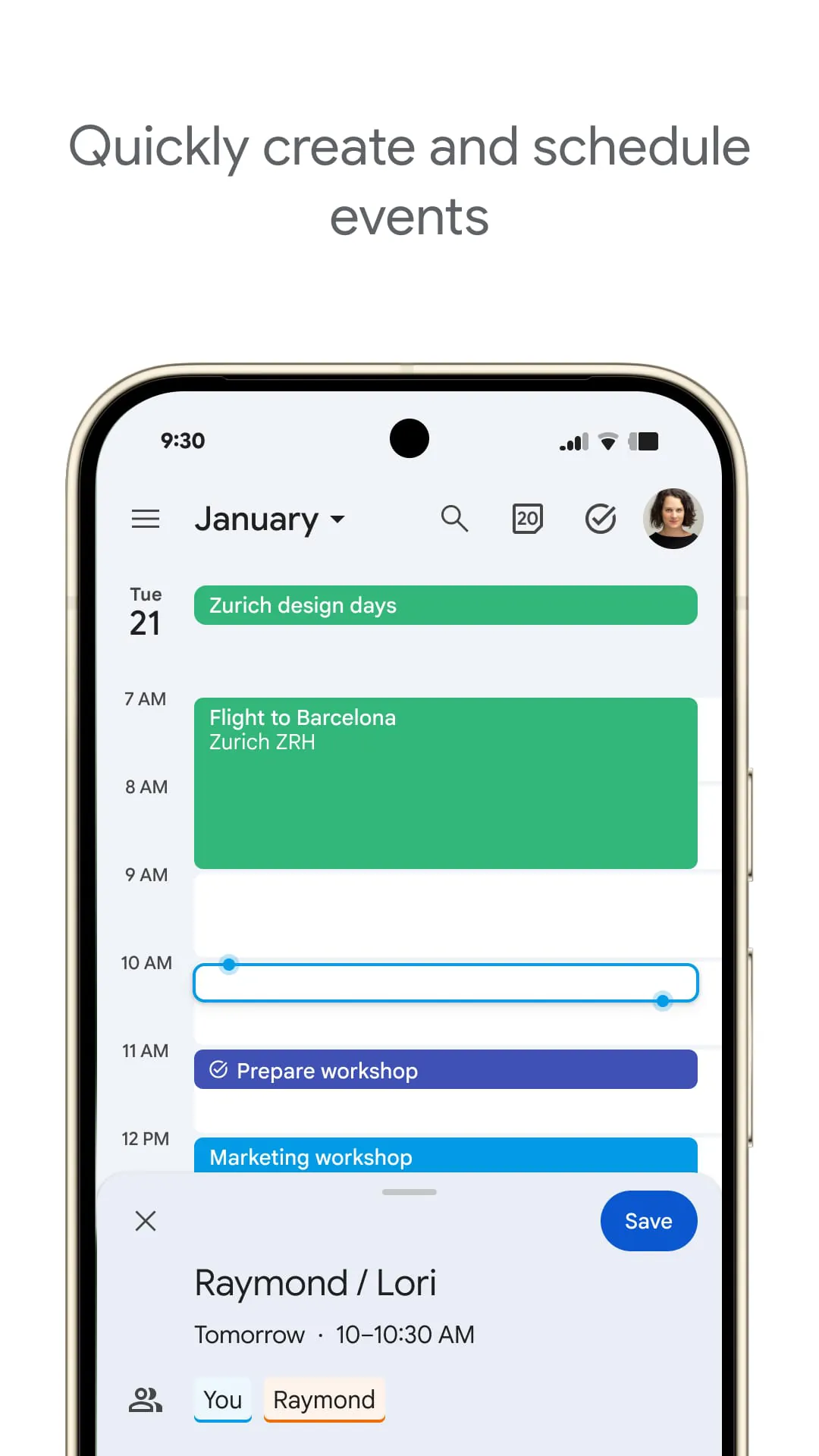
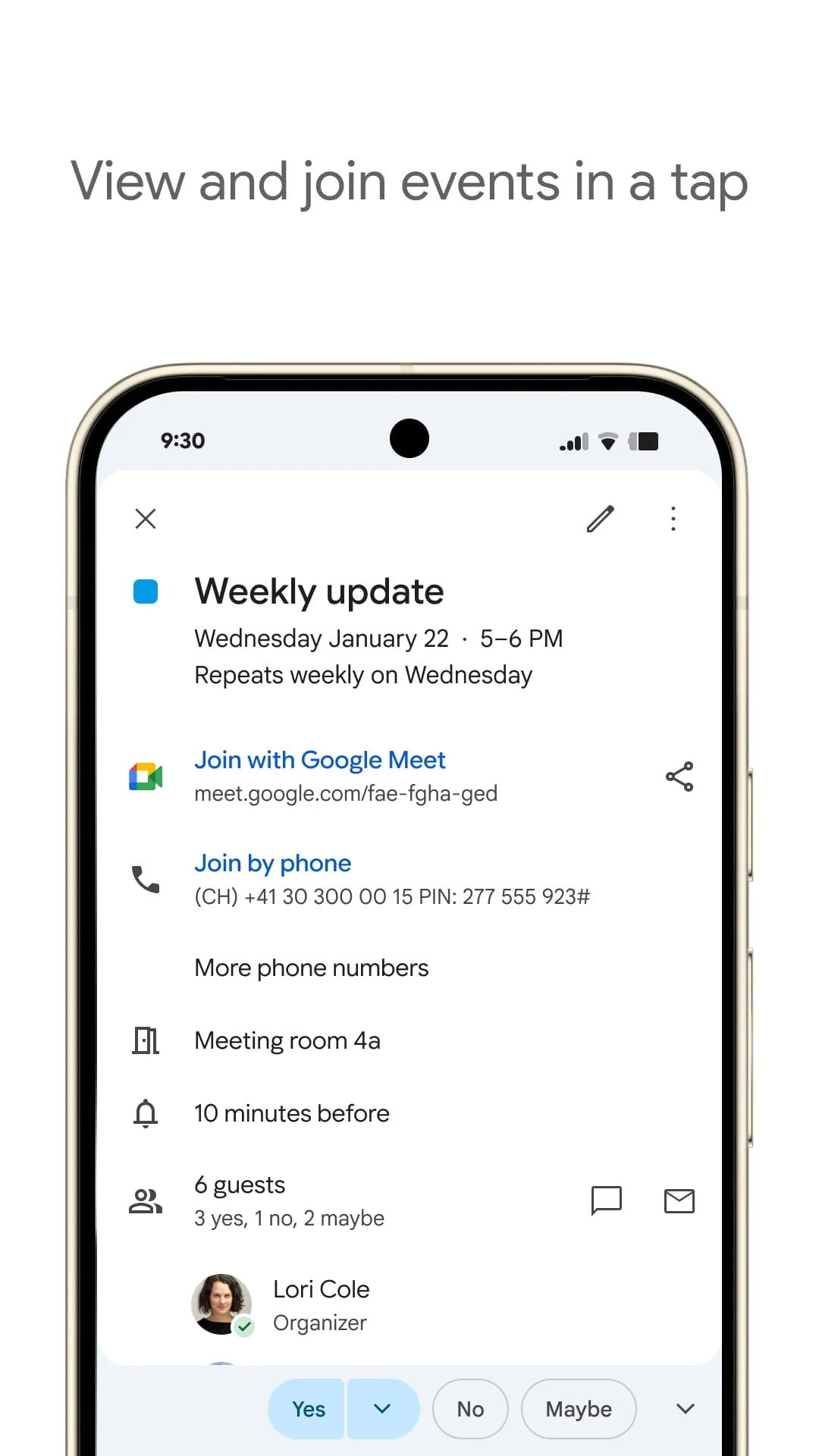
  • Event creation with customizable details such as location, guests, and video conferencing links.
  • Multiple calendar support for separating work, personal life, and special projects.
  • Smart suggestions for meeting times based on participants’ availability.
  • Goal-setting feature that schedules activities automatically based on your preferred frequency.
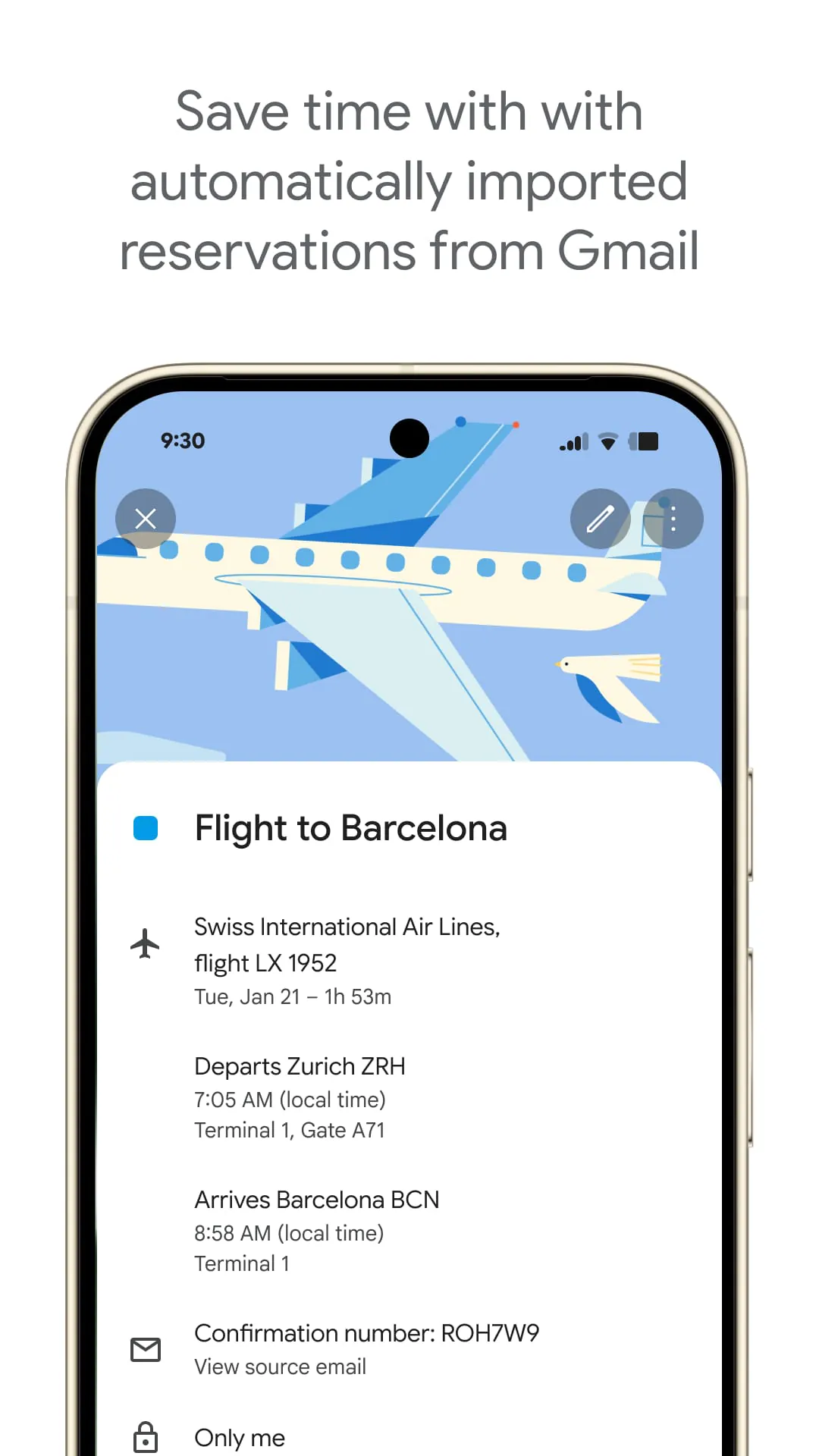
  • Integration with Gmail to detect flight bookings, hotel reservations, and event invites.

Pros & Cons

  • Pros:
  • Free to use with any Google account.
  • Real-time synchronization across smartphones, tablets, and computers.
  • Intuitive design suitable for beginners and advanced users alike.
  • Customizable notifications via email, pop-up, or mobile alerts.
  • Cons:
  • Limited offline functionality compared to some desktop-based planners.
  • Advanced scheduling options may require integration with paid Google Workspace plans.
  • Heavy reliance on internet connectivity for full feature access.

Functions

  • Daily, weekly, monthly, and yearly views for flexible schedule visualization.
  • Color-coding for different calendars to improve clarity at a glance.
  • Recurring event setup for regular meetings, birthdays, or reminders.
  • Time zone support for coordinating across global locations.
  • Task management through integrated Google Tasks lists.
  • Sharing options allowing others to view or edit specific calendars.

How to Use

Click the button "Check All Versions" below to download and install it. Once installed, sign in with your Google account to start creating events instantly. You can tap the “+” icon to add new entries, invite guests via email, and attach relevant documents from Google Drive. To keep track of important deadlines, enable notifications so you receive timely reminders before each event. For collaborative scheduling, share your calendar with colleagues or friends, adjusting permission levels to control whether they can simply view or also make changes. Regularly reviewing your calendar ensures you stay ahead of upcoming tasks and avoid conflicts in your daily agenda.

ADVERTISEMENT

App Download

Get Google Calendar from an official store or available APK channel.

Available for Android & iOS

Previous Versions

ZIP files require a Split APKs Installer (e.g., SAI) from Google Play to install. Steps: 1. Download SAI from Google Play; 2. Open SAI and tap "Install APKs"; 3. Select the ZIP file; 4. Complete installation.

V2025.50.1-844740156-release
Download
Package Name
com.google.android.calendar
Version Name
V2025.50.1-844740156-release
Version Code
V2025.50.1-844740156-release
File Size
14.85 MB
Update time
2026-1-6
V2025.04.1-720118263-release
Download
Package Name
com.google.android.calendar
Version Name
V2025.04.1-720118263-release
Version Code
V2025.04.1-720118263-release
File Size
30.76 MB
Update time
2025-1-30
V2023.36.1-562568073-release
Download
Package Name
com.google.android.calendar
Version Name
V2023.36.1-562568073-release
Version Code
V2023.36.1-562568073-release
File Size
27.3 MB
Update time
2023-9-9
V2023.32.1-554466968-release
Download
Package Name
com.google.android.calendar
Version Name
V2023.32.1-554466968-release
Version Code
V2023.32.1-554466968-release
File Size
27.4 MB
Update time
2023-8-10
V2023.30.0-550377034-release
Download
Package Name
com.google.android.calendar
Version Name
V2023.30.0-550377034-release
Version Code
V2023.30.0-550377034-release
File Size
27.3 MB
Update time
2023-8-3
V2023.28.1-549585108-release
Download
Package Name
com.google.android.calendar
Version Name
V2023.28.1-549585108-release
Version Code
V2023.28.1-549585108-release
File Size
27.2 MB
Update time
2023-7-20
V2023.24.1-540495367-release
Download
Package Name
com.google.android.calendar
Version Name
V2023.24.1-540495367-release
Version Code
V2023.24.1-540495367-release
File Size
27.1 MB
Update time
2023-6-15
V2023.20.2-534410583-release
Download
Package Name
com.google.android.calendar
Version Name
V2023.20.2-534410583-release
Version Code
V2023.20.2-534410583-release
File Size
26.9 MB
Update time
2023-5-28
V2022.46.1-490693035-release
Download
Package Name
com.google.android.calendar
Version Name
V2022.46.1-490693035-release
Version Code
V2022.46.1-490693035-release
File Size
27.97 MB
Update time
2022-11-29
V2022.44.0-484930793-release
Download
Package Name
com.google.android.calendar
Version Name
V2022.44.0-484930793-release
Version Code
V2022.44.0-484930793-release
File Size
27.82 MB
Update time
2022-11-17
V2023.18.2-529025936-release
Download
Package Name
com.google.android.calendar
Version Name
V2023.18.2-529025936-release
Version Code
V2023.18.2-529025936-release
File Size
26.9 MB
Update time
2022-7-4
V2022.12.0-436054850-release
Download
Package Name
com.google.android.calendar
Version Name
V2022.12.0-436054850-release
Version Code
V2022.12.0-436054850-release
File Size
25.6 MB
Update time
2022-3-25
V2022.10.2-435344937-release
Download
Package Name
com.google.android.calendar
Version Name
V2022.10.2-435344937-release
Version Code
V2022.10.2-435344937-release
File Size
25.5 MB
Update time
2022-3-24
V2022.08.0-429908832-release
Download
Package Name
com.google.android.calendar
Version Name
V2022.08.0-429908832-release
Version Code
V2022.08.0-429908832-release
File Size
25.5 MB
Update time
2022-3-8
V2022.06.1-428437944-release
Download
Package Name
com.google.android.calendar
Version Name
V2022.06.1-428437944-release
Version Code
V2022.06.1-428437944-release
File Size
25.4 MB
Update time
2022-2-25
V2022.04.1-423749100-release
Download
Package Name
com.google.android.calendar
Version Name
V2022.04.1-423749100-release
Version Code
V2022.04.1-423749100-release
File Size
25.3 MB
Update time
2022-2-9
ADVERTISEMENT

Frequently Asked Questions

What is the latest version of Google Calendar?

The latest version currently listed by Appspicked is V2023.20.2-534410583-release, with information updated on May 24, 2026. Versions may vary by device, region, or rollout schedule, so users should also check Google Play / App Store or announcements from Google LLC.

Is Google Calendar safe to download and use?

No website can guarantee that an app is completely risk-free. Appspicked recommends downloading Google Calendar only from an official app store or a verified channel operated by Google LLC. Before installing, confirm the developer name, package ID com.google.android.calendar, requested permissions, privacy policy, and download source.

Why can’t I find Google Calendar in the App Store?

Google Calendar may be unavailable because of regional restrictions, device incompatibility, account or age settings, a temporary removal, a name change, or because it has not been released for that platform. An Android package page does not necessarily mean that an iOS App Store version exists. Check Google LLC’s official website for current availability.

Where can I download or update Google Calendar?

Use Google Play / App Store or another official download channel provided by Google LLC whenever possible. Appspicked provides app information and store links, but users should verify the destination domain and publisher before downloading or updating the app.

Why is the version shown on Appspicked different from the app-store version?

The information on Appspicked may represent the most recently indexed snapshot. App stores sometimes release updates gradually or display different versions according to region, device, operating system, or testing group. The official store listing should be treated as the final reference.

Which devices and operating systems support Google Calendar?

Google Calendar is listed for Android / iOS, with a reported minimum requirement of Not specified. Actual compatibility may also depend on the device model, region, available storage, hardware features, and installed system components.

Is Google Calendar free?

The initial download may be free, but subscriptions, advertising, paid features, or in-app purchases may still apply. Prices and available purchases can vary by country and version. Check the payment information displayed by Google Play / App Store before completing a transaction.

What should I do if Google Calendar cannot be installed or updated?

Check the network connection, storage space, operating-system version, account region, and device compatibility. Restart the device and try again through the official store. If the problem continues, consult the support resources provided by Google LLC.


ADVERTISEMENT
You Might Like