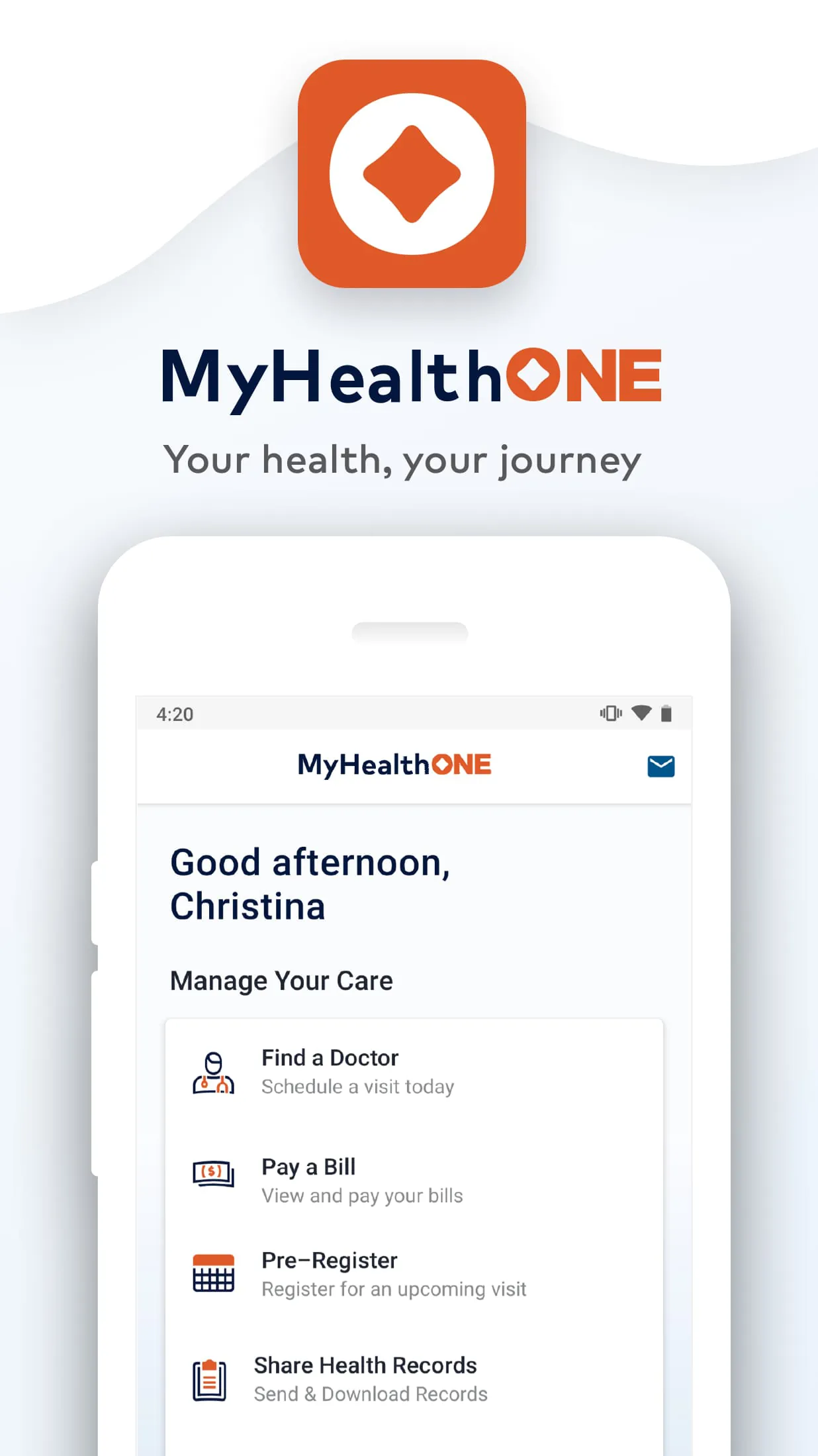
MyHealthONE is a comprehensive mobile health management application designed to centralize your personal medical information, allowing you to securely access your health records, communicate with your healthcare providers, manage appointments, and monitor your wellness all from your smartphone or tablet. It serves as a digital bridge between patients and their healthcare network, empowering users to take a more active and informed role in their healthcare journey.
Key Features
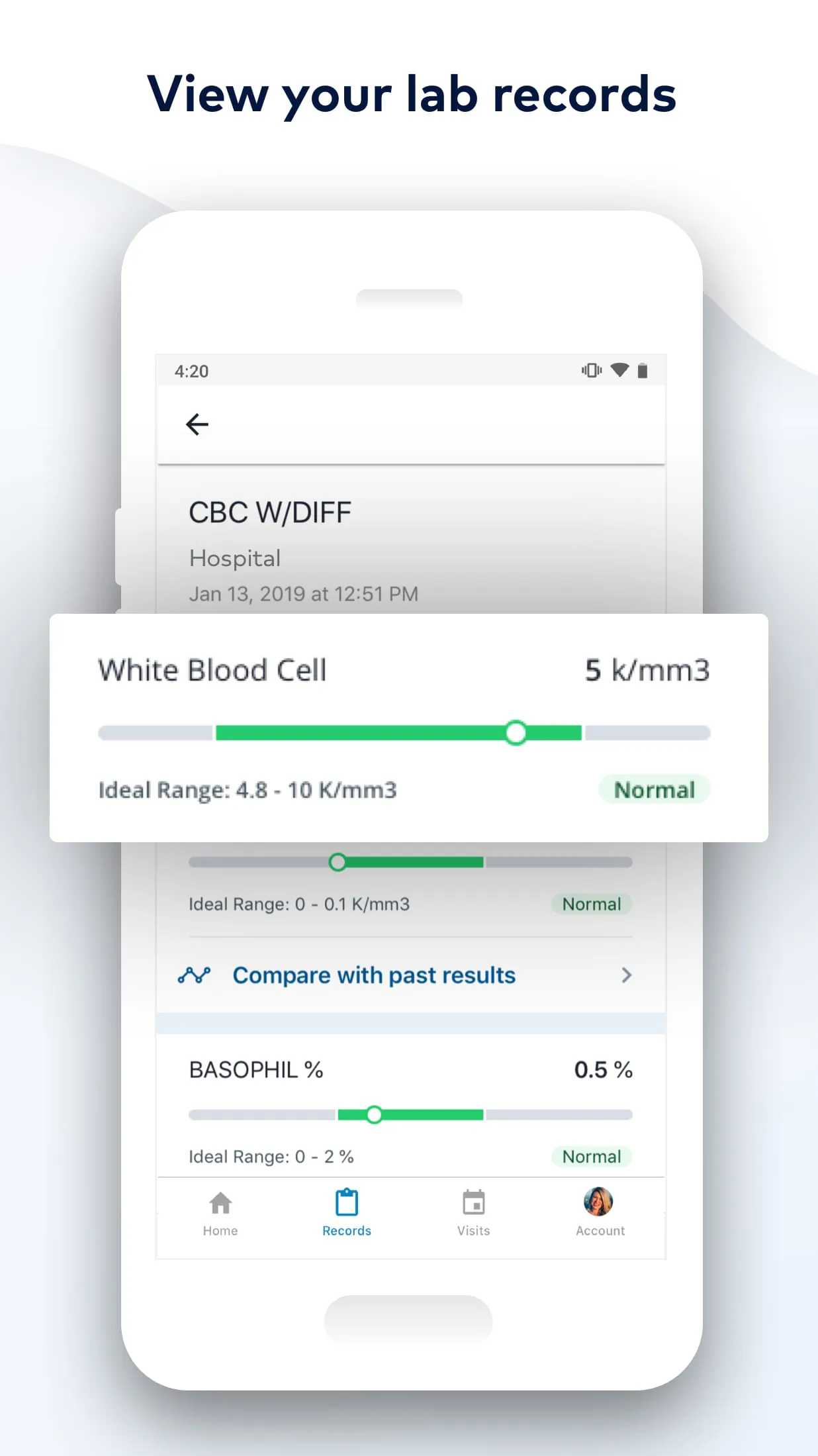
The application stands out by integrating a wide array of functionalities into a single, user-friendly platform. Its primary features include the ability to view detailed lab results, radiology reports, and vaccination history. Users can also manage their prescription medications, request appointment scheduling, and receive personalized health reminders. A secure messaging system for direct communication with one's care team is a cornerstone feature, facilitating better ongoing care coordination.
Pros & Cons
Like any tool, MyHealthONE has its strengths and areas that may present challenges for some users.
- Pros: The app offers exceptional convenience by putting vital health data at your fingertips 24/7, which can lead to more prepared doctor visits and better health tracking. Its secure platform ensures patient privacy is protected. The ability to manage appointments and refill prescriptions online saves considerable time and reduces phone calls.
- Cons: Its functionality and available features are heavily dependent on the level of integration and participation from your specific hospital or healthcare network. Some users, particularly those less comfortable with technology, may initially find the interface or navigation challenging. Occasional syncing delays with the latest medical data can also occur.
Functions
The app performs several critical functions that streamline healthcare management. Specifically, it allows you to:
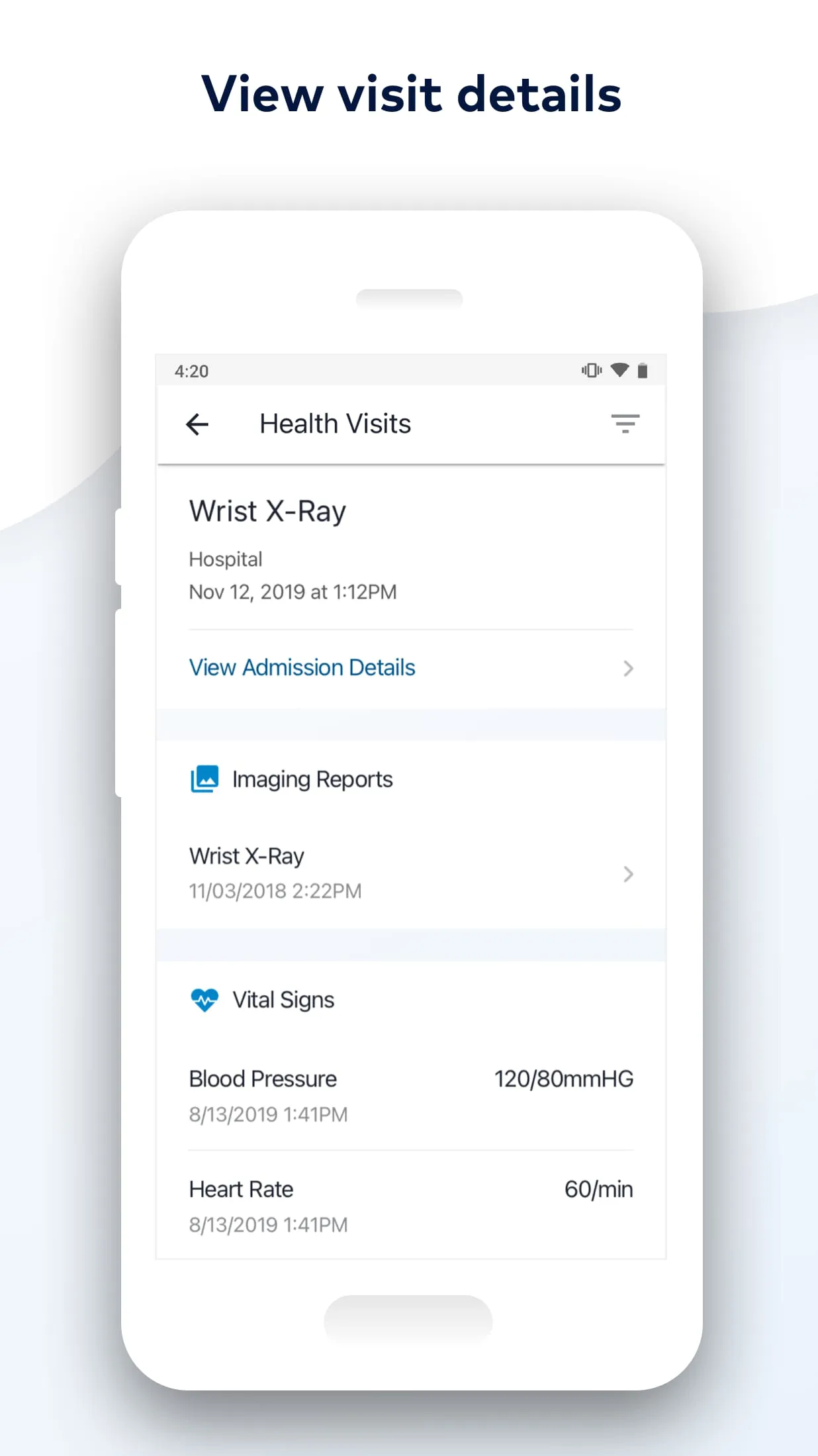
- Access and store your personal health records, including visit summaries and discharge instructions.
- Securely message your doctor's office with non-urgent questions.
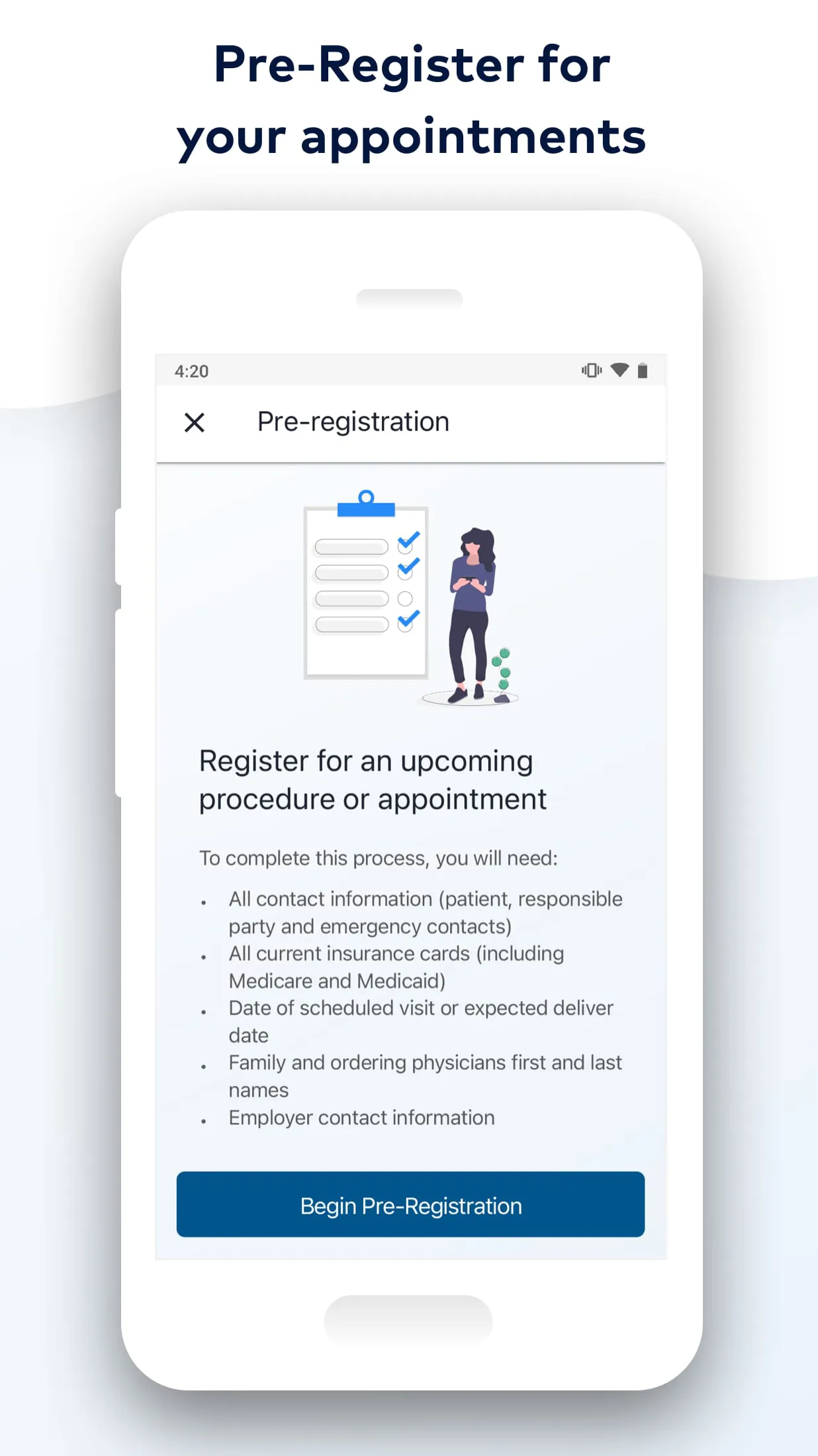
- Check in digitally for upcoming appointments and complete pre-visit paperwork.
- View and pay medical bills through a connected patient portal.
- Monitor health trends over time by reviewing historical data like blood pressure or lab values.
How to Use
Click the button "Check All Versions" below to download and install it. After installation, you will need to locate your healthcare provider or hospital system within the app and register for an account, which typically requires verifying your identity with personal details from a recent visit. Once logged in, take time to explore the dashboard to familiarize yourself with the layout. You can begin by updating your profile, then navigate to sections like "Health Records" or "Appointments" to start managing your care. For the best experience, enable notifications to receive timely alerts about new messages or upcoming visits.





 APK
APK  Google Play
  iOS
iOS  4.20
4.20