



Draw a Stickman
by Hitcents
Get ready for the most creative DRAW A STICKMAN adventure yet!
A closer look
Overview
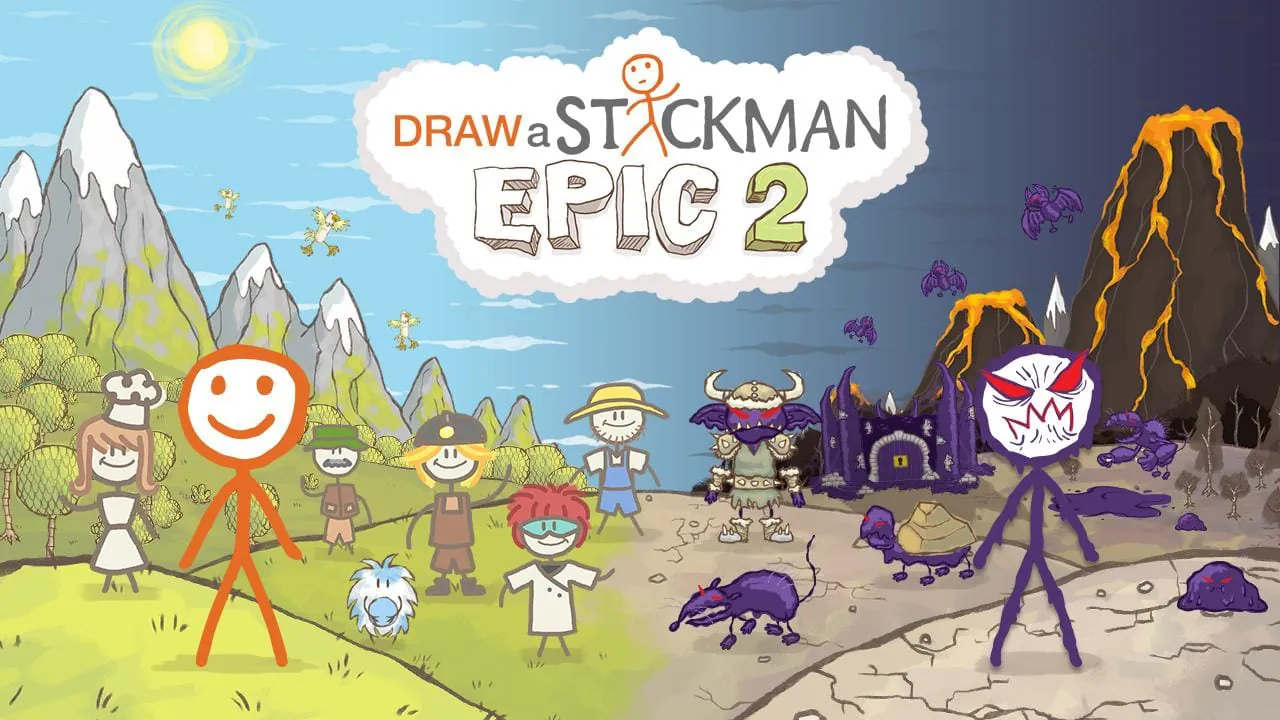
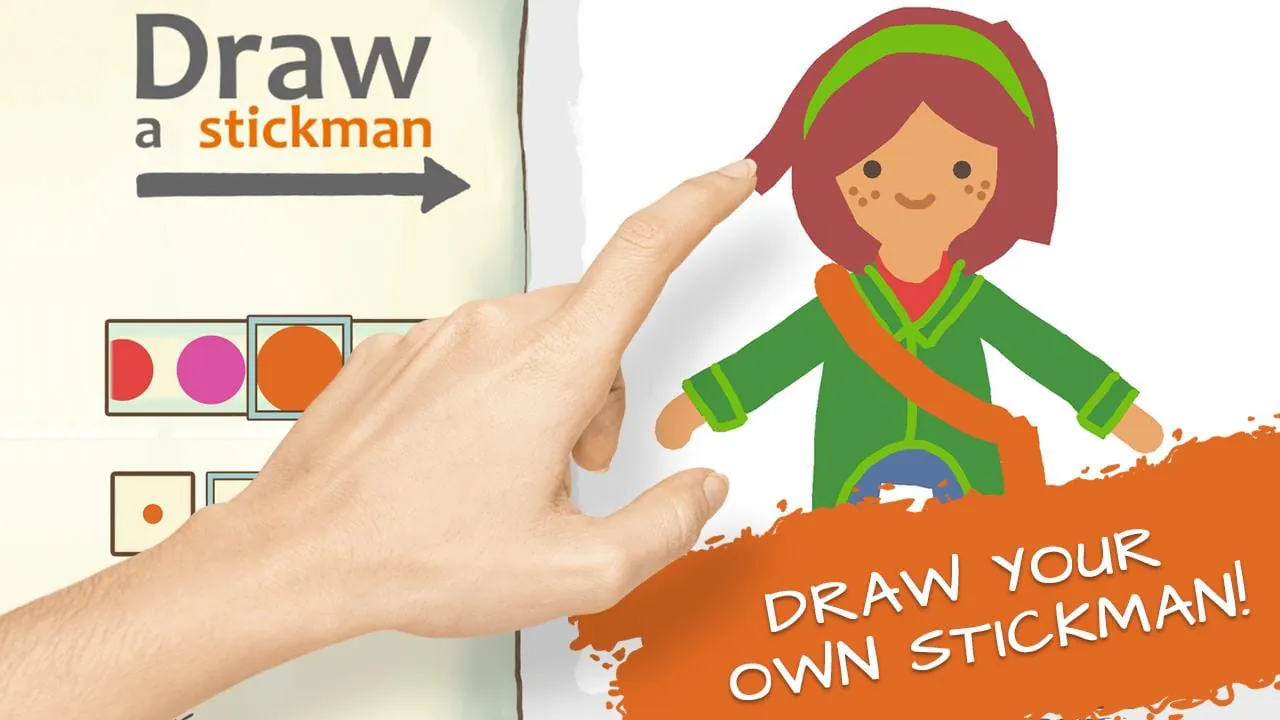
Draw a Stickman is a charming and interactive puzzle-adventure app that brings your simple doodles to life. In this unique digital experience, you literally draw the main character and various key items with your finger or stylus, and your creations become animated entities that help you navigate through a series of creative and often humorous story-driven levels, solving puzzles and escaping from cartoonish villains along the way.
Key Features
The app stands out due to its core drawing mechanics and engaging presentation. It transforms user input into the primary gameplay element, making every player's journey slightly unique. The hand-drawn cartoon art style is consistently appealing, and the puzzles are cleverly designed to integrate the drawing mechanic. Each level introduces new elements to sketch, and the storyline provides a delightful sense of context and progression for the adventures of your personally crafted stick figure.
Pros & Cons
This application offers a highly creative and accessible experience suitable for a wide age range. Its strengths and weaknesses can be summarized as follows:
- Pros: Incredibly innovative and engaging core concept that sparks creativity; simple controls that are easy for anyone to pick up; charming humor and a heartwarming narrative; family-friendly content with no in-app purchases in the original premium version.
- Cons: The overall gameplay length is relatively short; the puzzle complexity may not satisfy hardcore gamers; replay value is limited once all puzzles are solved; some later versions have included ad-supported models.
Functions
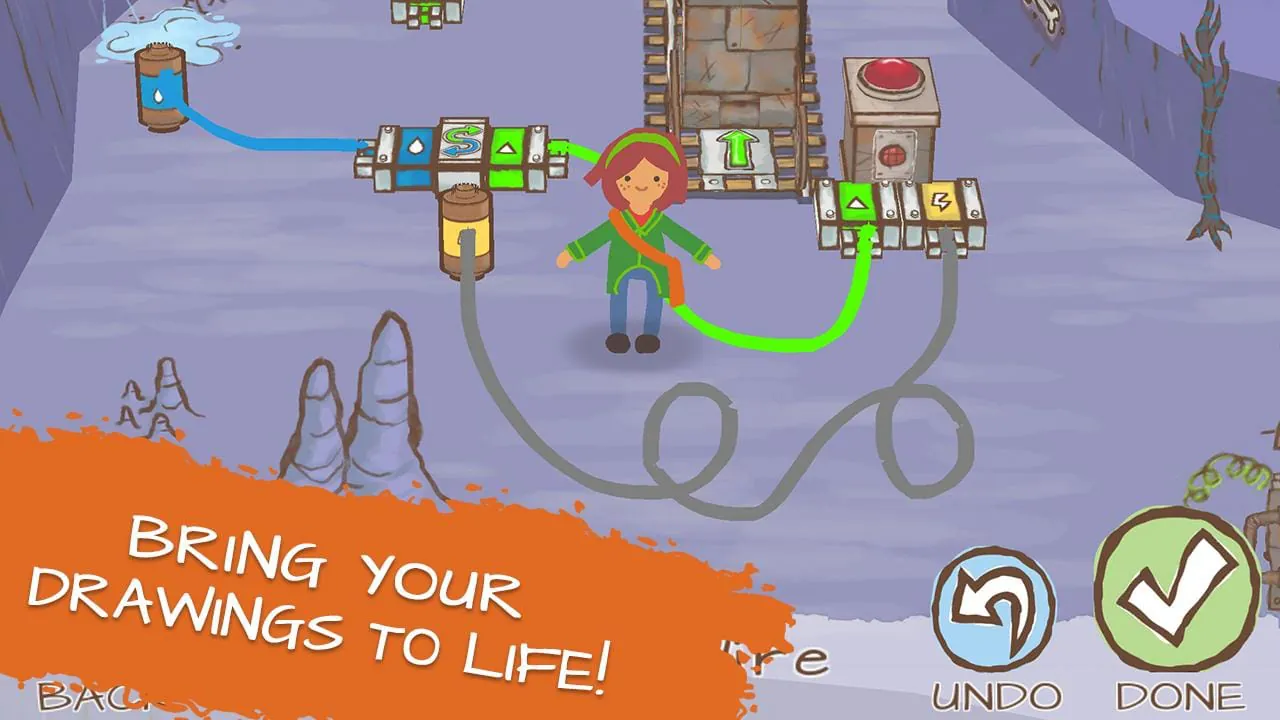
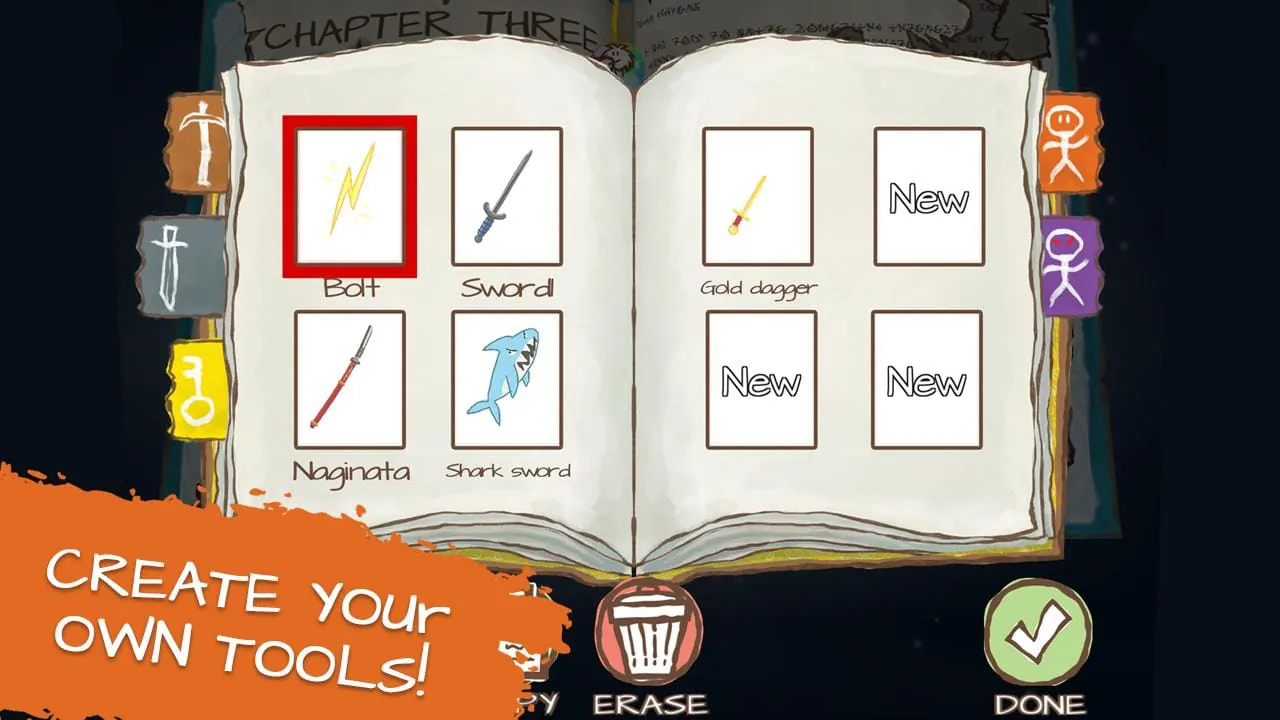
The app's functionality revolves around its interactive drawing canvas and physics-based puzzle system. The primary function is the drawing tool, which recognizes your sketches and instantly animates them. Key items you draw, such as keys, clouds, or tools, interact with the environment in specific ways to unlock paths or defeat enemies. The game also includes a save function for your progress, a help system for tricky puzzles, and a collection aspect where you can unlock new drawing themes or colors for your character throughout the adventure.
How to Use
Click the button "Check All Versions" below to download and install it. Once the app is installed, launch it to begin your adventure. You will be prompted to draw your very own stickman hero, who will immediately spring to life. Follow the on-screen instructions and story cues; when you encounter a challenge, like a gap or a locked door, the game will indicate that you need to draw an item. Simply tap the pencil icon or designated area and sketch what you think is needed—for instance, drawing a key to unlock a door or a sword to cut a rope. Use your finger to guide your animated stickman through the colorful world, interacting with objects and solving each creative puzzle to advance through the chapters.
App Download
Get Draw a Stickman from an official store or available APK channel.
Previous Versions
ZIP files require a Split APKs Installer (e.g., SAI) from Google Play to install. Steps: 1. Download SAI from Google Play; 2. Open SAI and tap "Install APKs"; 3. Select the ZIP file; 4. Complete installation.
Frequently Asked Questions
What is the latest version of Draw a Stickman?
The latest version currently listed by Appspicked is unavailable, with information updated on May 19, 2026. Versions may vary by device, region, or rollout schedule, so users should also check Google Play or announcements from Hitcents.
Is Draw a Stickman safe to download and use?
No website can guarantee that an app is completely risk-free. Appspicked recommends downloading Draw a Stickman only from an official app store or a verified channel operated by Hitcents. Before installing, confirm the developer name, package ID com.hitcents.drawastickmanepic2free, requested permissions, privacy policy, and download source.
Why can’t I find Draw a Stickman in the App Store?
Draw a Stickman may be unavailable because of regional restrictions, device incompatibility, account or age settings, a temporary removal, a name change, or because it has not been released for that platform. An Android package page does not necessarily mean that an iOS App Store version exists. Check Hitcents’s official website for current availability.
Where can I download or update Draw a Stickman?
Use Google Play or another official download channel provided by Hitcents whenever possible. Appspicked provides app information and store links, but users should verify the destination domain and publisher before downloading or updating the app.
Why is the version shown on Appspicked different from the app-store version?
The information on Appspicked may represent the most recently indexed snapshot. App stores sometimes release updates gradually or display different versions according to region, device, operating system, or testing group. The official store listing should be treated as the final reference.
Which devices and operating systems support Draw a Stickman?
Draw a Stickman is listed for Android, with a reported minimum requirement of Not specified. Actual compatibility may also depend on the device model, region, available storage, hardware features, and installed system components.
Is Draw a Stickman free?
The initial download may be free, but subscriptions, advertising, paid features, or in-app purchases may still apply. Prices and available purchases can vary by country and version. Check the payment information displayed by Google Play before completing a transaction.
What should I do if Draw a Stickman cannot be installed or updated?
Check the network connection, storage space, operating-system version, account region, and device compatibility. Restart the device and try again through the official store. If the problem continues, consult the support resources provided by Hitcents.









