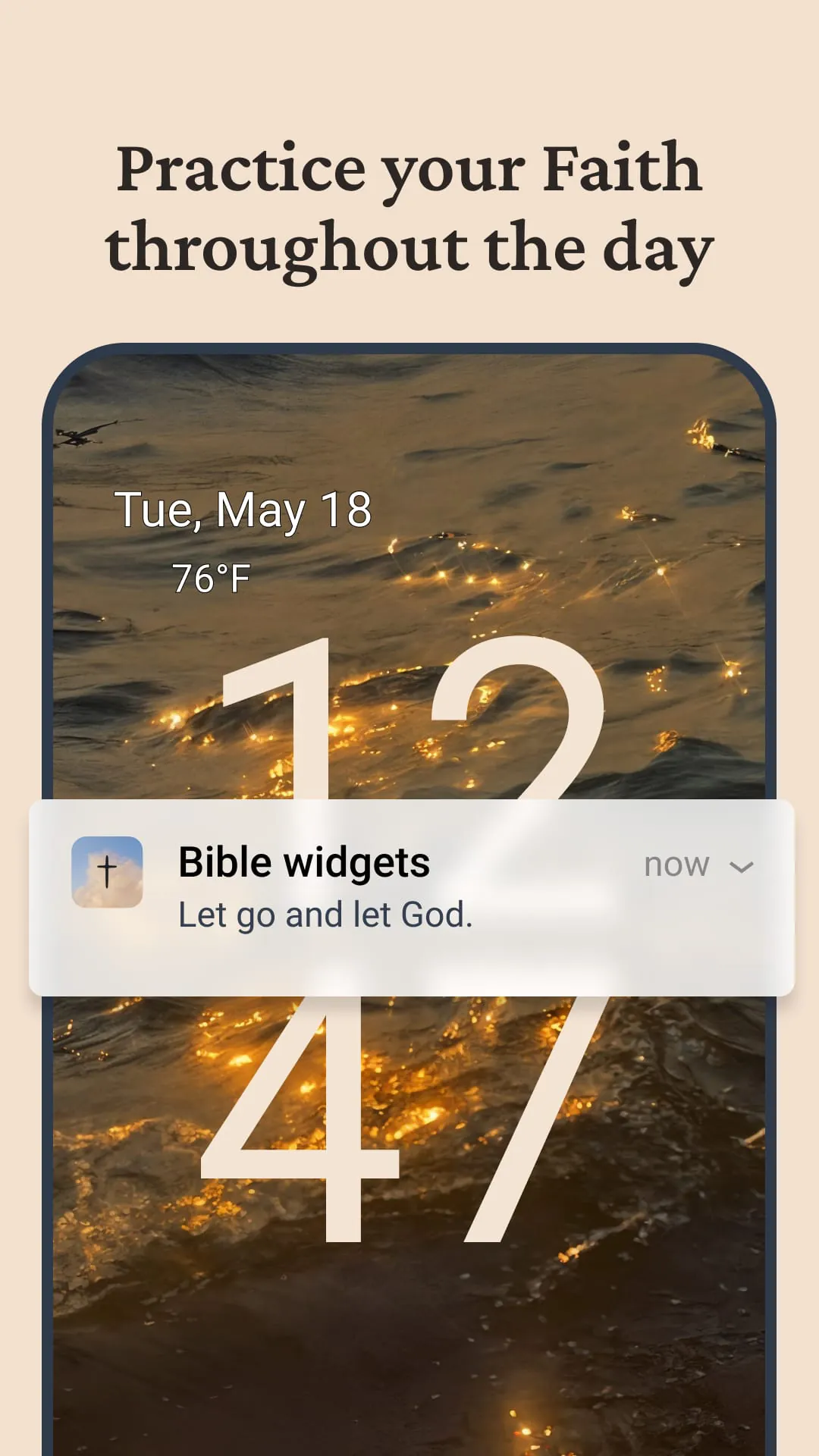
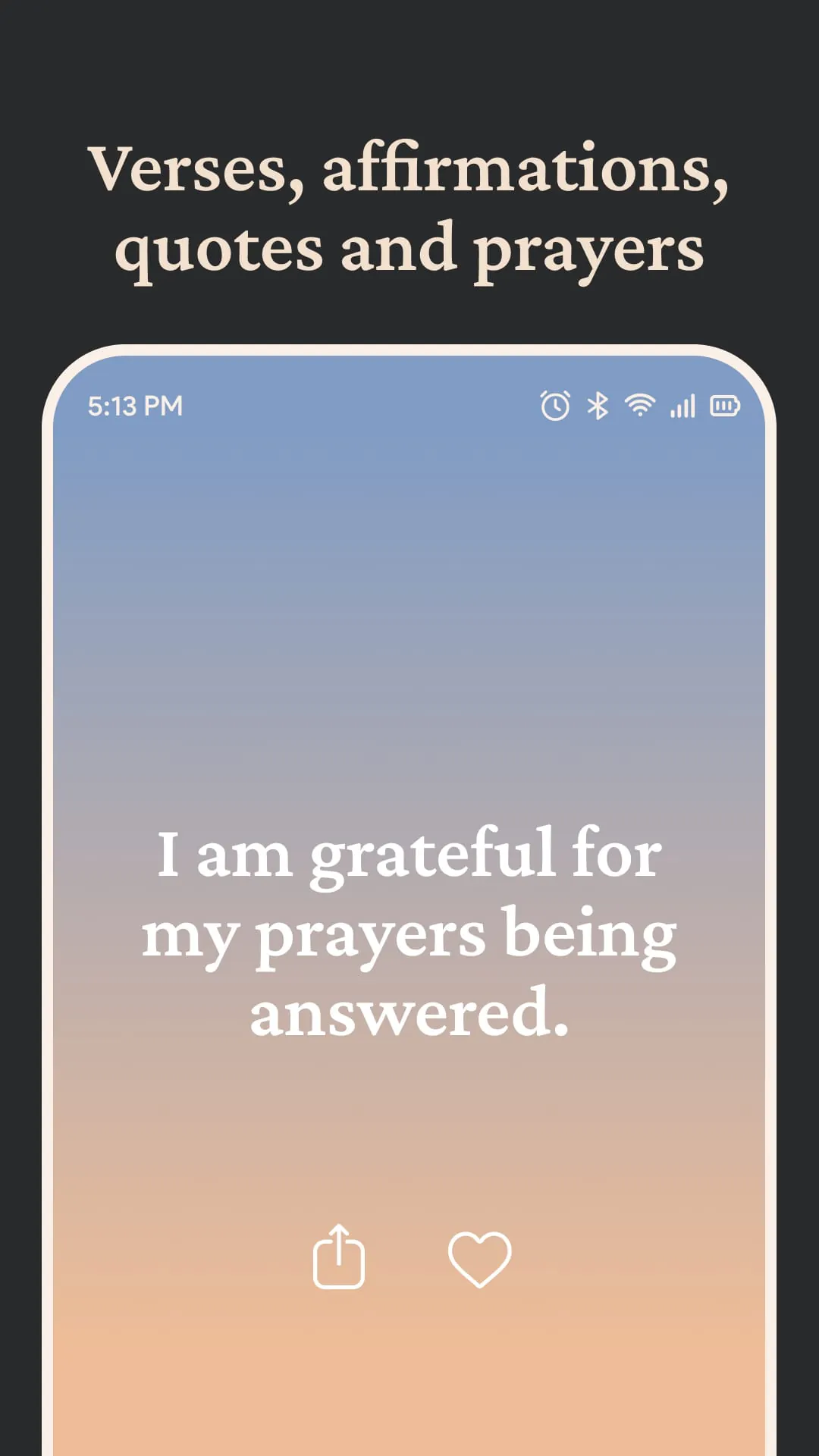
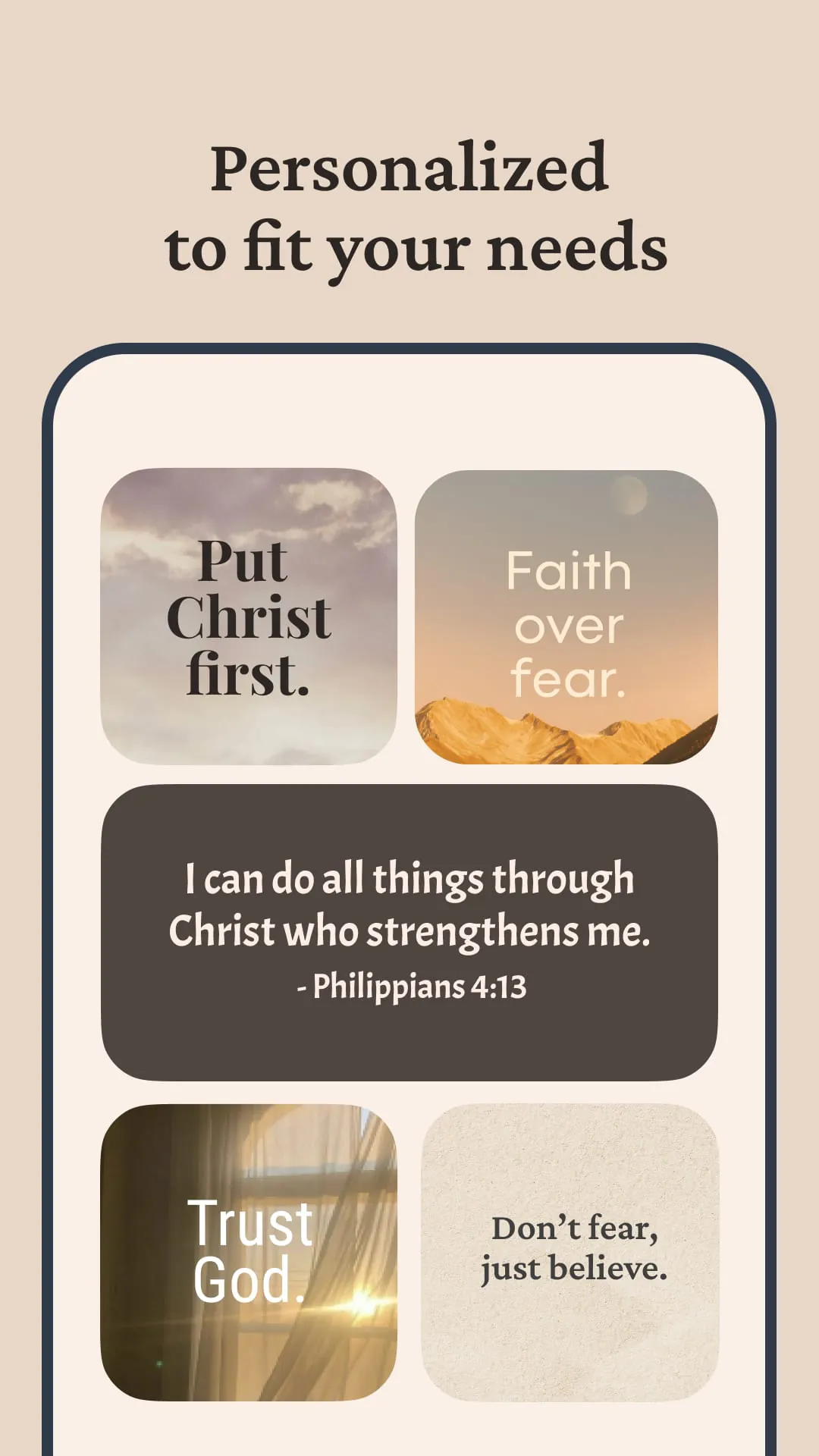
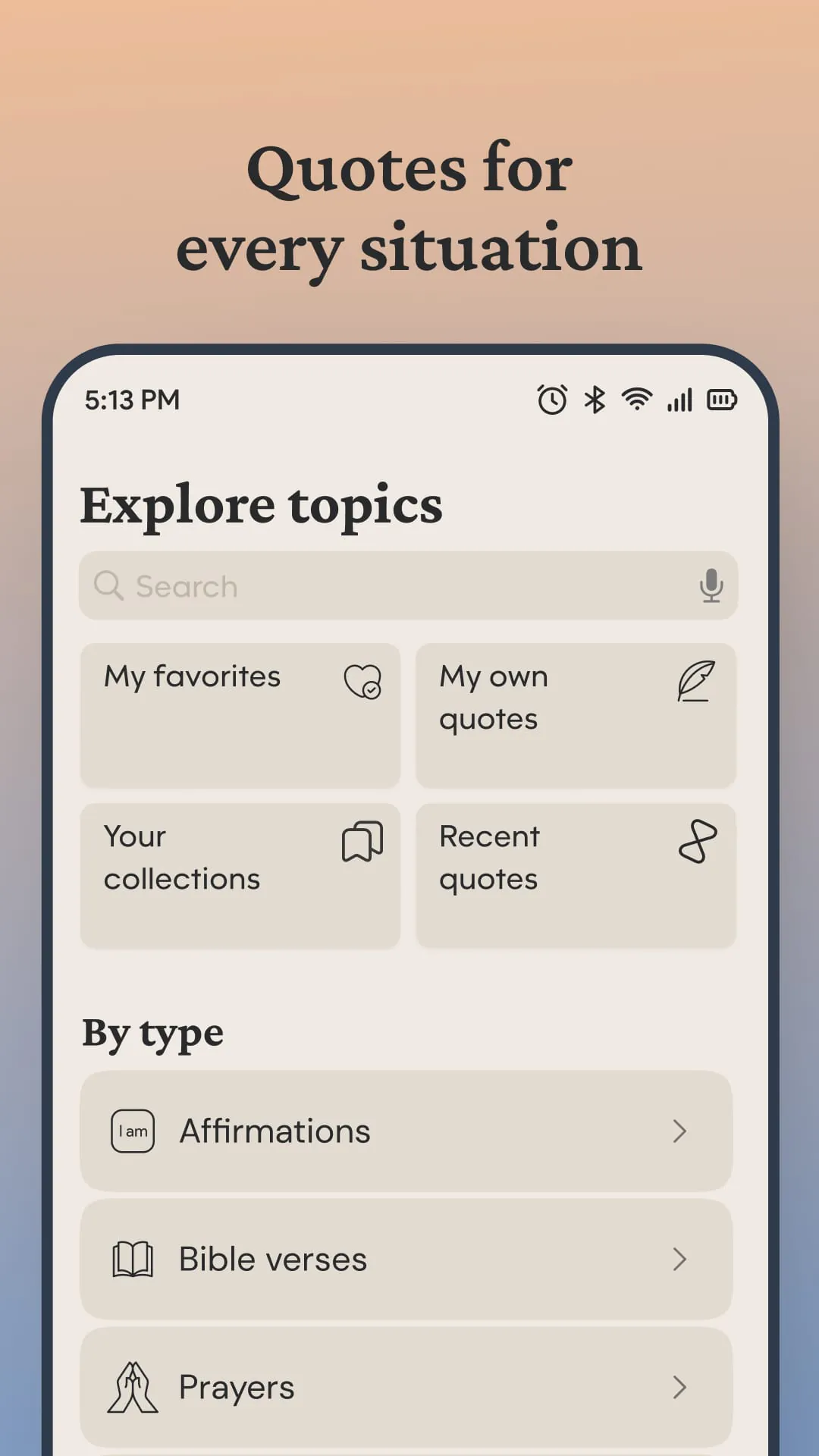
Bible Widgets is a mobile application designed to deliver the power of Scripture directly to users' home and lock screens, aiming to transform every device interaction into a moment of spiritual reflection. The app offers a range of customizable widgets that allow users to wake up to a new Bible verse each morning, receive thoughtful inspiration and quotes throughout the day, and engage in prayer whenever they seek a spiritual lift. These widgets are designed with aesthetic appeal in mind, offering various themes that can be matched to the user’s phone's overall look. The app’s core functionality revolves around providing daily reminders and notifications, allowing users to schedule these to align with their daily routines. This ensures that spiritual content is delivered at times that are most convenient and impactful for the individual. Furthermore, Bible Widgets enables users to create personalized collections of their favorite passages, which can be organized by theme, making it easy to revisit and reflect on specific verses, quotes, or prayers. A significant feature of the app is its offline access capability, ensuring that saved content remains accessible even without an internet connection, making spiritual reflection possible at any time and in any place. The app also facilitates one-tap sharing, allowing users to export spiritual quotes as images, which can then be shared on social media or in private messages with friends, family, and community members. This promotes the sharing of faith and inspiration with others, fostering a sense of connection and shared belief. The content within Bible Widgets is categorized into a wide array of topics, including Bible verses, prayers, affirmations, quotes, gratitude, faith, self-worth, kindness, letting go, mental health, hope, God, mental toughness, healing, uplifting, love, grief, feeling blessed, and inner peace. This diverse range of categories ensures that users can find content that resonates with their current needs and emotional state, providing targeted spiritual support and guidance. The app also offers a premium version, which unlocks additional features such as the removal of ads, access to all themes and categories, the ability to create custom themes with personal background images, and unlimited daily reminders. This premium offering enhances the user experience by providing a more personalized and uninterrupted spiritual journey. Overall, Bible Widgets aims to integrate faith into the daily lives of its users by providing accessible, customizable, and shareable spiritual content directly on their mobile devices. The app seeks to create moments of reflection, inspiration, and connection with God throughout the day, supporting users in their spiritual growth and well-being. The detailed customization options and the breadth of content categories make it a versatile tool for anyone seeking to incorporate faith into their daily routine. The commitment to offline accessibility further strengthens its utility, ensuring that spiritual support is always within reach, regardless of internet connectivity. The sharing feature also encourages users to spread positivity and inspiration within their networks, fostering a sense of community and shared belief. The Bible Widgets app is designed to deliver spiritual content in an easily accessible and customizable format, promoting daily reflection and inspiration for its users. The app's features are carefully crafted to integrate faith into the user's daily routine seamlessly. The core offering of Bible Widgets revolves around providing beautifully designed and fully customizable widgets for both the home and lock screens of mobile devices. These widgets serve as a constant reminder of faith, turning every glance at the device into an opportunity for spiritual reflection. Users can personalize these widgets to display categories of their choice, ranging from passages from God’s Word and verses of Scripture to prayers, quotes, and affirmations. The themes available are designed to match the user's phone aesthetic, creating a visually appealing and cohesive experience. Daily reminders and notifications are another key component of the Bible Widgets app. Users can schedule these reminders to align with their daily routines, ensuring that they receive Christian quotes and spiritual messages at times that are most convenient and impactful. This feature helps users stay connected to their faith throughout the day, even amidst busy schedules. The ability to save favorite Christian quotes and create collections is also a significant aspect of the app. Users can organize verses, quotes, and prayers by theme, making it easy to revisit and reflect on specific content that resonates with them. This personalization enhances the user's connection with the material, fostering a deeper understanding and appreciation of the spiritual messages. The app also offers a variety of themes, backgrounds, and icons, allowing users to customize the app's appearance to their liking. These include animated, light, dark, and seasonal themes, as well as the option to upload a personal background photo or select from a gallery. This level of customization ensures that the app feels personal and engaging for each user. Offline access is another crucial feature of Bible Widgets. Users can read their saved content anytime, even when they are not connected to the internet. This is particularly useful for those who want to access spiritual content while traveling or in areas with limited connectivity. One-tap sharing allows users to easily export spiritual quotes as images for social media or to share in private messages with friends, family, and community members. This feature promotes the sharing of faith and inspiration with others, fostering a sense of connection and shared belief. The app also offers a vast library of Bible verses and Christian quotes organized by category, including topics such as gratitude, faith, self-worth, kindness, letting go, mental health, hope, God, mental toughness, healing, uplifting, love, grief, feeling blessed, and inner peace. This diverse range of categories ensures that users can find content that addresses their specific needs and interests. The premium version of Bible Widgets unlocks additional features, such as the removal of ads, access to all themes and categories, the ability to create custom themes with personal background images, and unlimited daily reminders. This premium offering enhances the user experience by providing a more personalized and uninterrupted spiritual journey. The Privacy Policy and Terms of Use are readily available, ensuring transparency and user trust. Overall, Bible Widgets aims to integrate faith into the daily lives of its users by providing accessible, customizable, and shareable spiritual content directly on their mobile devices. The app seeks to create moments of reflection, inspiration, and connection with God throughout the day, supporting users in their spiritual growth and well-being. The detailed customization options and the breadth of content categories make it a versatile tool for anyone seeking to incorporate faith into their daily routine. The commitment to offline accessibility further strengthens its utility, ensuring that spiritual support is always within reach, regardless of internet connectivity. The sharing feature also encourages users to spread positivity and inspiration within their networks, fostering a sense of community and shared belief. The app leverages technology to provide a modern and engaging way to connect with scripture and spiritual wisdom. The integration of widgets on the home and lock screens of devices is a clever way to ensure that users are constantly reminded of their faith and encouraged to take moments for reflection throughout the day. The daily reminders and notifications feature is also a valuable tool for those who want to maintain a consistent spiritual practice. The app's ability to organize content by theme is a great way for users to easily find verses, quotes, and prayers that are relevant to their current needs and interests. The app’s themes are an important part of personalization to allow for customization to one's liking. The option to share content with others is also a positive feature, as it allows users to spread inspiration and encouragement to their friends, family, and community. Overall, Bible Widgets appears to be a well-designed and thoughtfully executed app that has the potential to make a positive impact on the lives of its users. The app's focus on accessibility, customization, and shareability makes it a valuable tool for anyone seeking to deepen their faith and incorporate spiritual practices into their daily routine. The user-friendly interface and diverse range of content categories ensure that the app is accessible to users of all ages and backgrounds. The app is a great tool for individuals looking to increase their daily connection to spiritual resources.
Bible Widgets offers a personalized and customizable approach to integrating faith into daily life through its range of features and content. One of the standout aspects of the app is its focus on customization, which allows users to tailor the app to their individual preferences and needs. The ability to choose from a variety of themes, backgrounds, and icons ensures that the app aligns with the user’s personal style, making it more engaging and enjoyable to use. The option to create custom themes with personal background images adds an even greater level of personalization, allowing users to create a truly unique and meaningful experience. The app's ability to save favorite Christian quotes and create collections is also a significant feature. Users can organize verses, quotes, and prayers by theme, making it easy to revisit and reflect on specific content that resonates with them. This personalization enhances the user's connection with the material, fostering a deeper understanding and appreciation of the spiritual messages. The diverse range of content categories is another key strength of Bible Widgets. The app offers a vast library of Bible verses and Christian quotes organized by category, including topics such as gratitude, faith, self-worth, kindness, letting go, mental health, hope, God, mental toughness, healing, uplifting, love, grief, feeling blessed, and inner peace. This ensures that users can find content that addresses their specific needs and interests, providing targeted spiritual support and guidance. The daily reminders and notifications feature is a valuable tool for those who want to maintain a consistent spiritual practice. Users can schedule these reminders to align with their daily routines, ensuring that they receive Christian quotes and spiritual messages at times that are most convenient and impactful. This helps users stay connected to their faith throughout the day, even amidst busy schedules. Offline access is another crucial feature of Bible Widgets. Users can read their saved content anytime, even when they are not connected to the internet. This is particularly useful for those who want to access spiritual content while traveling or in areas with limited connectivity. The one-tap sharing feature allows users to easily export spiritual quotes as images for social media or to share in private messages with friends, family, and community members. This promotes the sharing of faith and inspiration with others, fostering a sense of connection and shared belief. The premium version of Bible Widgets unlocks additional features, such as the removal of ads, access to all themes and categories, the ability to create custom themes with personal background images, and unlimited daily reminders. This premium offering enhances the user experience by providing a more personalized and uninterrupted spiritual journey. The Privacy Policy and Terms of Use are readily available, ensuring transparency and user trust. Overall, Bible Widgets aims to integrate faith into the daily lives of its users by providing accessible, customizable, and shareable spiritual content directly on their mobile devices. The app seeks to create moments of reflection, inspiration, and connection with God throughout the day, supporting users in their spiritual growth and well-being. The detailed customization options and the breadth of content categories make it a versatile tool for anyone seeking to incorporate faith into their daily routine. The commitment to offline accessibility further strengthens its utility, ensuring that spiritual support is always within reach, regardless of internet connectivity. The sharing feature also encourages users to spread positivity and inspiration within their networks, fostering a sense of community and shared belief. The integration of widgets on the home and lock screens of devices is a clever way to ensure that users are constantly reminded of their faith and encouraged to take moments for reflection throughout the day. The daily reminders and notifications feature is also a valuable tool for those who want to maintain a consistent spiritual practice. The app's ability to organize content by theme is a great way for users to easily find verses, quotes, and prayers that are relevant to their current needs and interests. The option to share content with others is also a positive feature, as it allows users to spread inspiration and encouragement to their friends, family, and community. The availability of a premium version with additional features offers users the option to enhance their experience and support the development of the app.
In summary, Bible Widgets is a comprehensive mobile application designed to seamlessly integrate faith and spirituality into the daily lives of its users. By delivering a wide array of customizable widgets, daily reminders, and categorized content directly to their devices, the app aims to foster moments of reflection, inspiration, and connection with God. The key features of Bible Widgets include beautifully designed and fully customizable widgets for home and lock screens, allowing users to personalize their experience with various themes and categories. The app also provides daily reminders and notifications that can be scheduled to align with individual routines, ensuring that users receive spiritual content at convenient and impactful times. Users can save their favorite Christian quotes and create collections organized by theme, making it easy to revisit and reflect on specific content. The app offers a variety of themes, backgrounds, and icons, allowing users to customize its appearance to their liking. Offline access ensures that saved content remains accessible even without an internet connection, while one-tap sharing enables users to easily export spiritual quotes as images for social media or to share in private messages. The app's content is organized into a diverse range of categories, including Bible verses, prayers, affirmations, quotes, gratitude, faith, self-worth, kindness, letting go, mental health, hope, God, mental toughness, healing, uplifting, love, grief, feeling blessed, and inner peace. The premium version of Bible Widgets unlocks additional features, such as the removal of ads, access to all themes and categories, the ability to create custom themes with personal background images, and unlimited daily reminders. Overall, Bible Widgets aims to provide users with a convenient and accessible way to incorporate faith into their daily routines, offering a personalized and customizable experience that supports their spiritual growth and well-being. The app leverages technology to deliver spiritual content in a modern and engaging way, ensuring that users are constantly reminded of their faith and encouraged to take moments for reflection throughout the day. The detailed customization options and the breadth of content categories make it a versatile tool for anyone seeking to deepen their faith and incorporate spiritual practices into their daily routine. The commitment to offline accessibility further strengthens its utility, ensuring that spiritual support is always within reach, regardless of internet connectivity. The sharing feature also encourages users to spread positivity and inspiration within their networks, fostering a sense of community and shared belief. Bible Widgets is a well-designed and thoughtfully executed app that has the potential to make a positive impact on the lives of its users. The app's focus on accessibility, customization, and shareability makes it a valuable tool for anyone seeking to deepen their faith and incorporate spiritual practices into their daily routine. The user-friendly interface and diverse range of content categories ensure that the app is accessible to users of all ages and backgrounds. The app’s integration of widgets on the home and lock screens of devices is a clever way to ensure that users are constantly reminded of their faith and encouraged to take moments for reflection throughout the day. The daily reminders and notifications feature is also a valuable tool for those who want to maintain a consistent spiritual practice. The app's ability to organize content by theme is a great way for users to easily find verses, quotes, and prayers that are relevant to their current needs and interests. The option to share content with others is also a positive feature, as it allows users to spread inspiration and encouragement to their friends, family, and community. Overall, Bible Widgets appears to be a well-designed and thoughtfully executed app that has the potential to make a positive impact on the lives of its users. The app is a great tool for individuals looking to increase their daily connection to spiritual resources.