




LEGO Builder
by LEGO System A/S
Scan sets, track your builds, and enjoy intuitive digital instructions.
A closer look
Overview
LEGO Builder is an official digital building application that brings the immersive and creative experience of physical LEGO construction to your smartphone, tablet, or computer, allowing users to follow step-by-step 3D interactive instructions for a wide range of LEGO sets.
Key Features
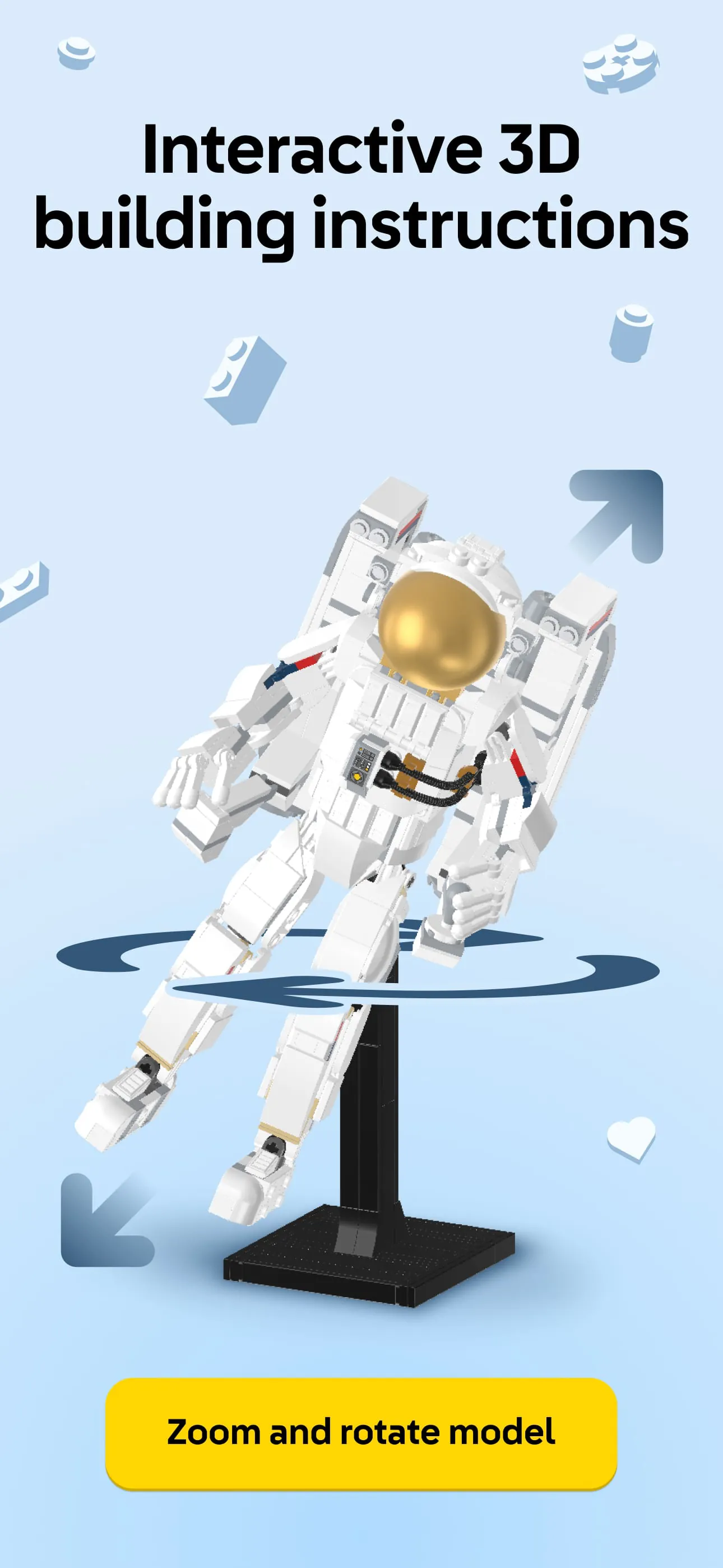
The application stands out with its intuitive and feature-rich platform designed for builders of all ages. It provides a fully rotational 3D viewing mode, enabling you to zoom in and examine models from any angle with a simple touch. A unique ghost mode offers transparency to see where the next pieces belong, and the progress tracker visually highlights which steps you have completed. Furthermore, it includes a comprehensive digital inventory of your owned sets and allows you to manually add sets that may not have official digital instructions.
Pros & Cons
Like any application, LEGO Builder has its distinct advantages and some limitations.
- Portability and convenience, replacing bulky paper manuals.
- Highly interactive and intuitive 3D instructions that are often easier to follow than static diagrams.
- Official and regularly updated content from LEGO.
- Reduces the risk of losing building instructions.
However, some considerations include:
- Requires a compatible device and sufficient storage space for larger sets.
- Not all historical LEGO sets have available digital instructions.
- The experience is entirely screen-based, which some traditional builders may not prefer.
Functions
The app serves multiple core functions to support the building journey from start to finish.
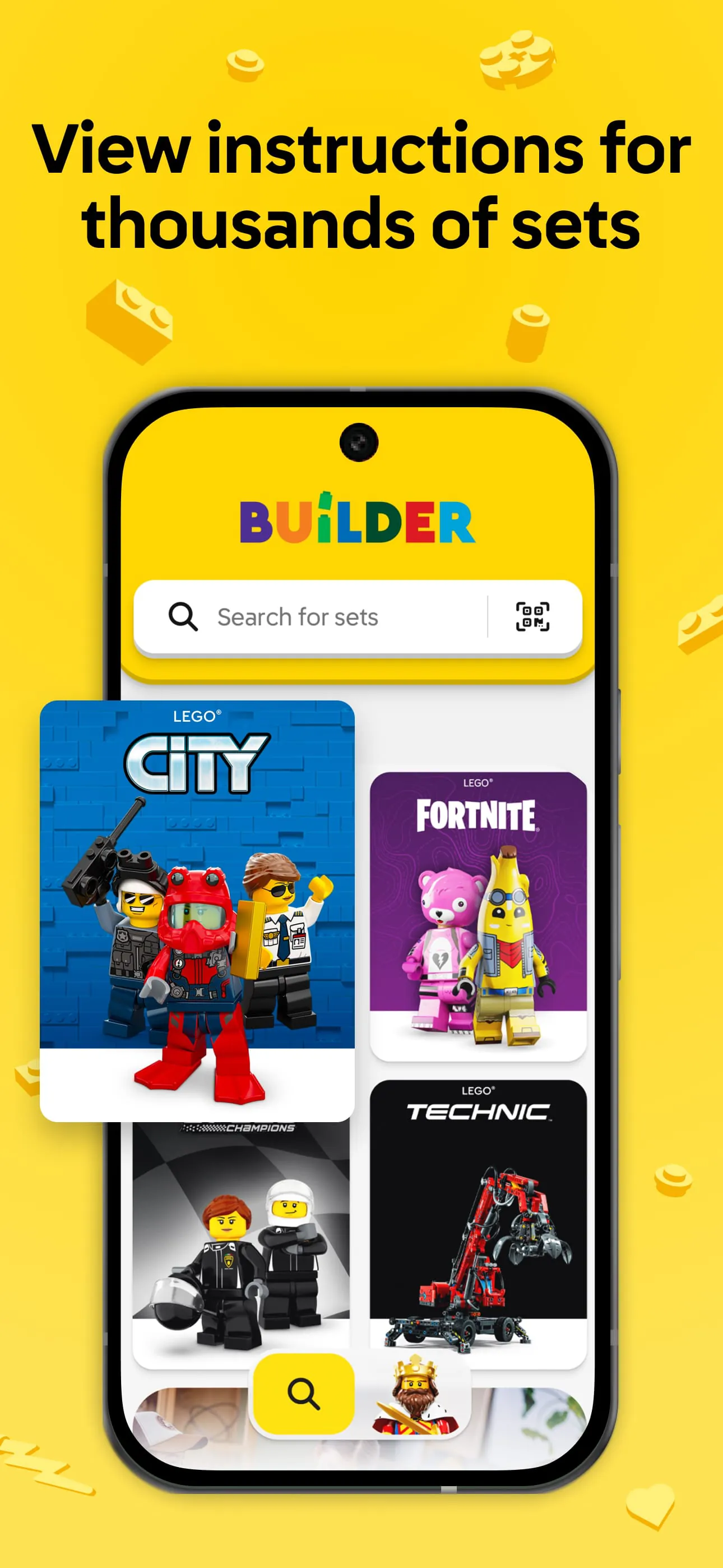
- Instruction Hub: Access and download official step-by-step guides for numerous sets.
- 3D Model Viewer: Manipulate the on-screen model with pinch-to-zoom and rotation gestures.
- Set Management: Create a personal collection by scanning set box codes or searching the database.
- Building Tools: Use features like ghost view, step tracking, and piece highlighting to simplify complex steps.
- Progress Saving: Automatically save your place, allowing you to resume building anytime.
How to Use
Click the button "Check All Versions" below to download and install it. Once installed, open the app and create or sign in to your LEGO account to sync your collection. You can browse instructions by searching for a specific set number or name, or by scanning the QR code on the physical set's manual. After selecting a set, download the instructions to your device. Begin building by following the on-screen steps, using your fingers to rotate the model for a better view, and utilize the ghost mode for tricky sections. The app will automatically save your progress as you complete each step.
App Download
Get LEGO Builder from an official store or available APK channel.
Previous Versions
ZIP files require a Split APKs Installer (e.g., SAI) from Google Play to install. Steps: 1. Download SAI from Google Play; 2. Open SAI and tap "Install APKs"; 3. Select the ZIP file; 4. Complete installation.
Frequently Asked Questions
What is the latest version of LEGO Builder?
The latest version currently listed by Appspicked is unavailable, with information updated on May 16, 2026. Versions may vary by device, region, or rollout schedule, so users should also check Google Play or announcements from LEGO System A/S.
Is LEGO Builder safe to download and use?
No website can guarantee that an app is completely risk-free. Appspicked recommends downloading LEGO Builder only from an official app store or a verified channel operated by LEGO System A/S. Before installing, confirm the developer name, package ID com.lego.legobuildinginstructions, requested permissions, privacy policy, and download source.
Why can’t I find LEGO Builder in the App Store?
LEGO Builder may be unavailable because of regional restrictions, device incompatibility, account or age settings, a temporary removal, a name change, or because it has not been released for that platform. An Android package page does not necessarily mean that an iOS App Store version exists. Check LEGO System A/S’s official website for current availability.
Where can I download or update LEGO Builder?
Use Google Play or another official download channel provided by LEGO System A/S whenever possible. Appspicked provides app information and store links, but users should verify the destination domain and publisher before downloading or updating the app.
Why is the version shown on Appspicked different from the app-store version?
The information on Appspicked may represent the most recently indexed snapshot. App stores sometimes release updates gradually or display different versions according to region, device, operating system, or testing group. The official store listing should be treated as the final reference.
Which devices and operating systems support LEGO Builder?
LEGO Builder is listed for Android, with a reported minimum requirement of Not specified. Actual compatibility may also depend on the device model, region, available storage, hardware features, and installed system components.
Is LEGO Builder free?
The initial download may be free, but subscriptions, advertising, paid features, or in-app purchases may still apply. Prices and available purchases can vary by country and version. Check the payment information displayed by Google Play before completing a transaction.
What should I do if LEGO Builder cannot be installed or updated?
Check the network connection, storage space, operating-system version, account region, and device compatibility. Restart the device and try again through the official store. If the problem continues, consult the support resources provided by LEGO System A/S.









