


V23.14.0

- Package Name
- com.mapmyrun.android2
- Version Name
- V23.14.0
- Version Code
- V23.14.0
- File Size
- 90.49 MB
- Update time
- 2023-8-17


by MapMyFitness, Inc.
Map My Run: A running tracker app that uses GPS to track route, distance & pace.
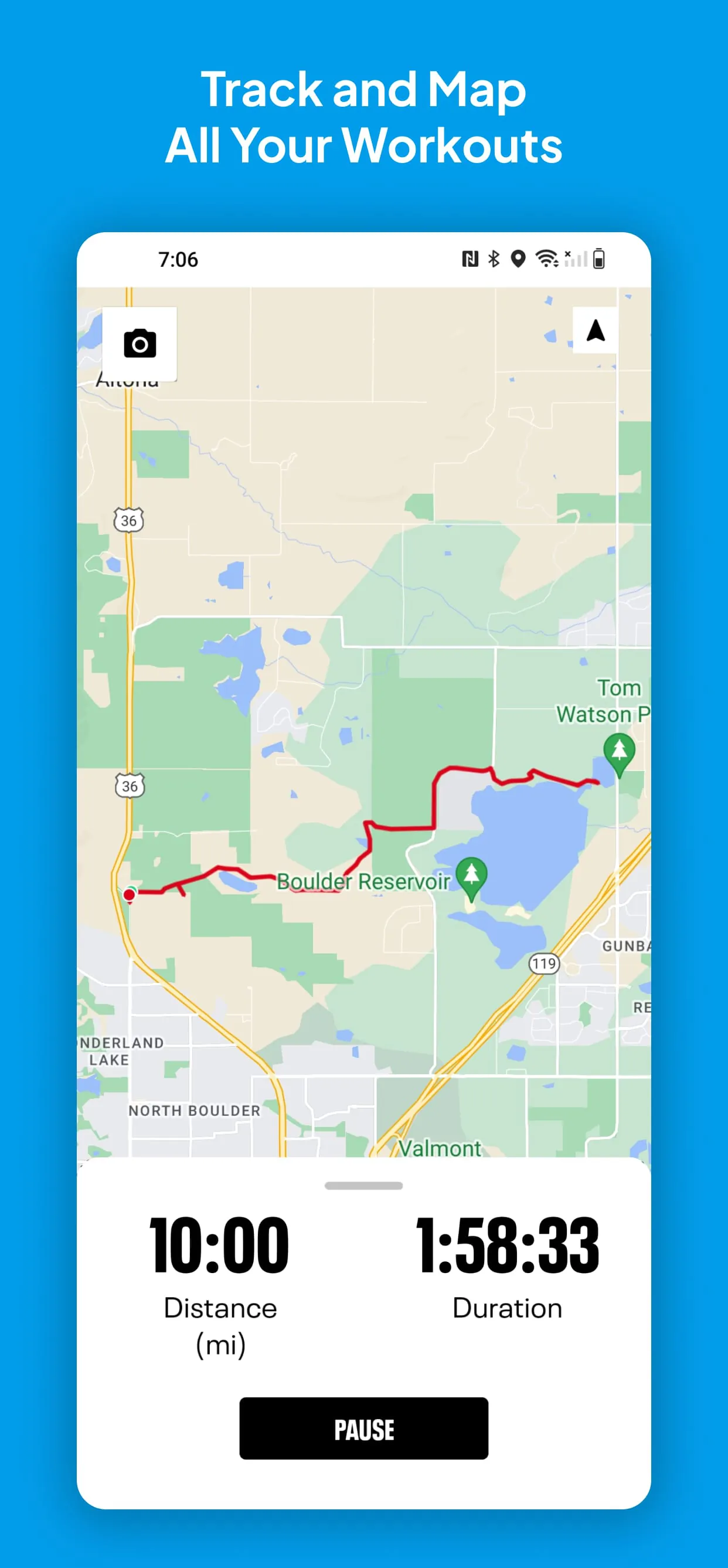
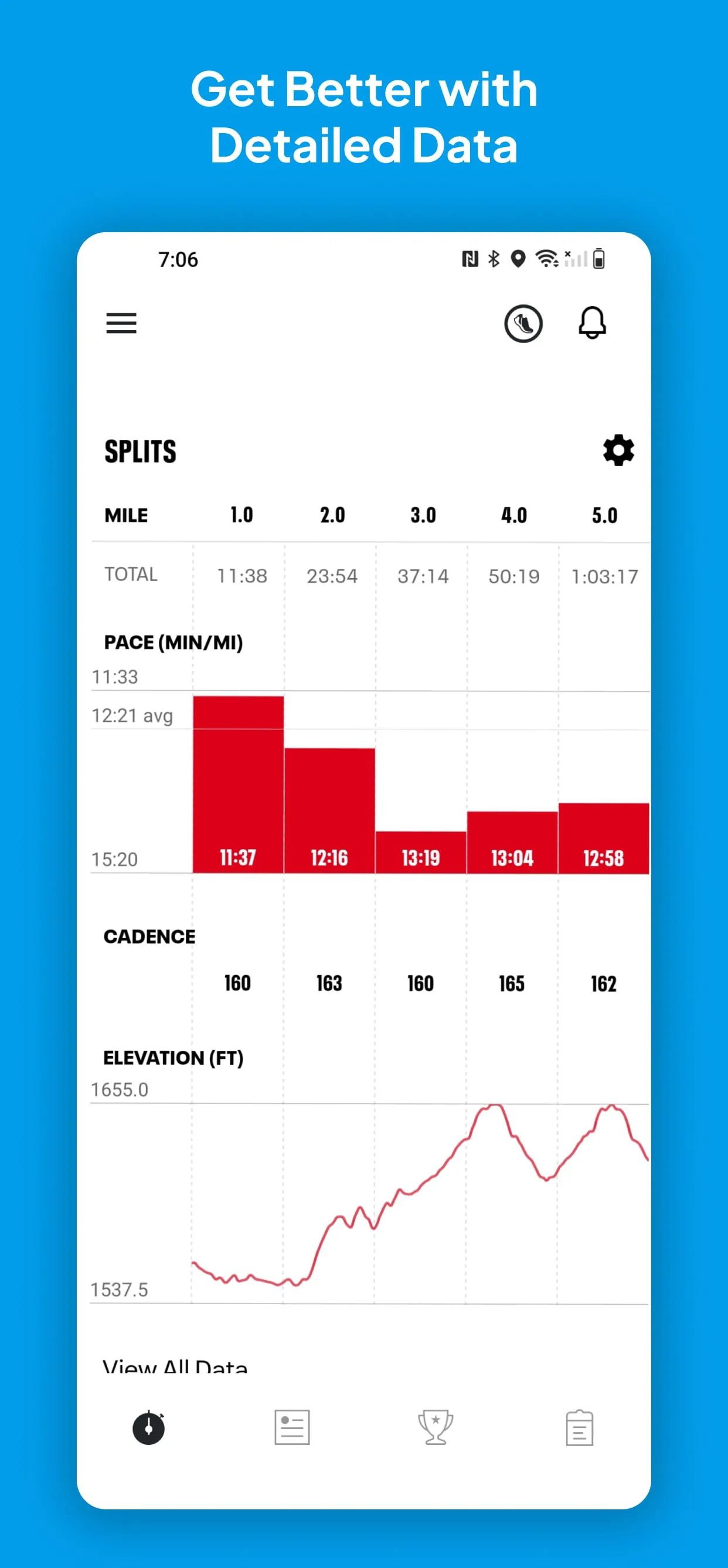
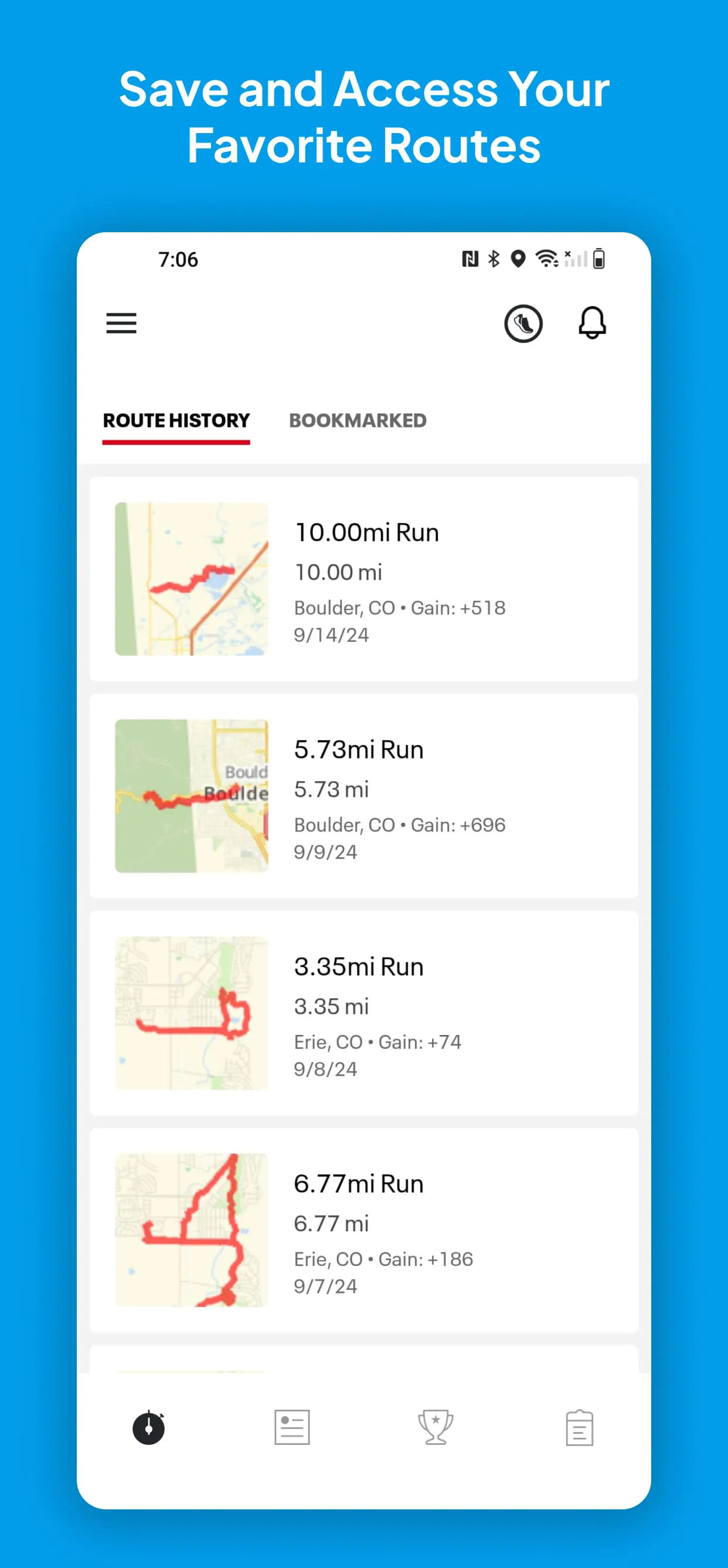
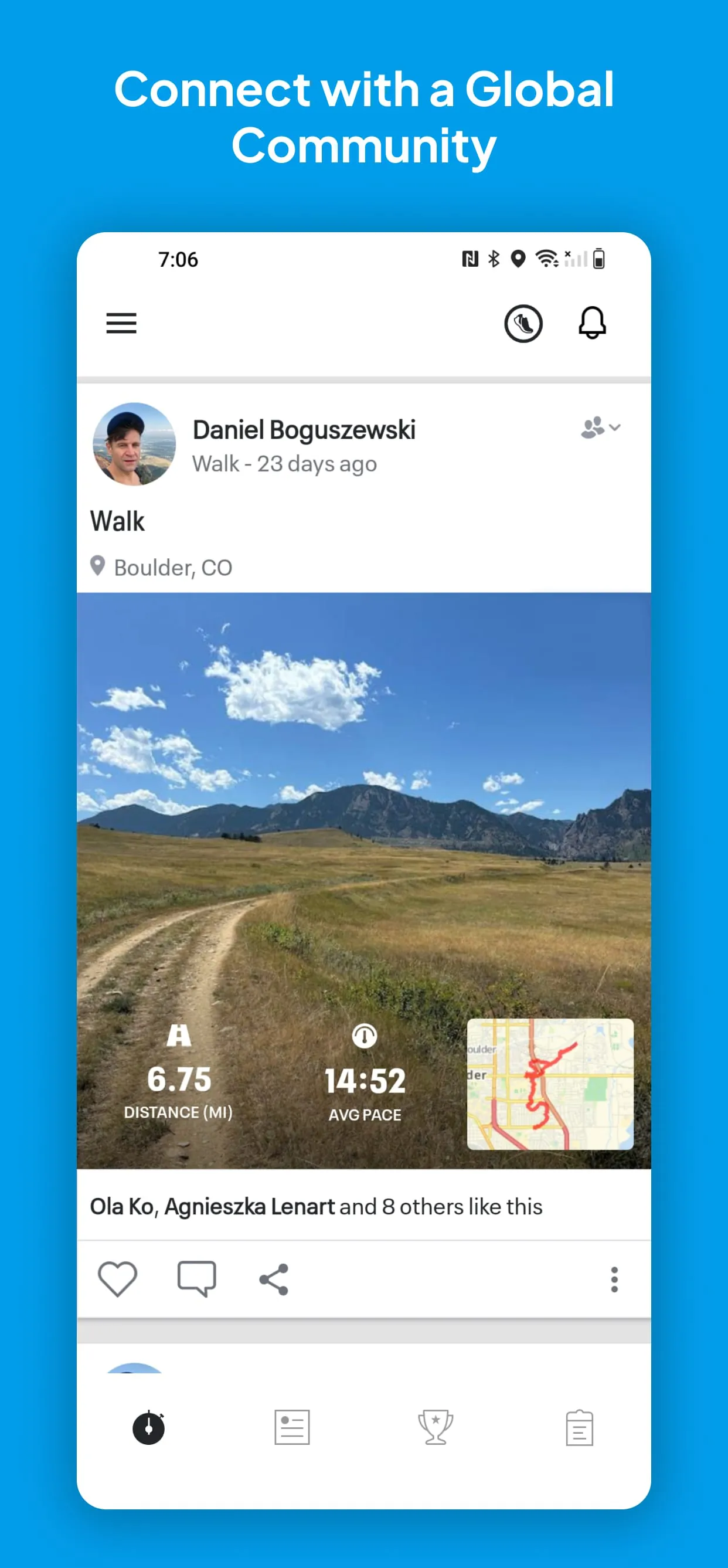
Map My Run by Under Armour is a comprehensive GPS running tracker application designed for athletes of all levels. It utilizes your smartphone's GPS to accurately map, record, and analyze your outdoor runs, jogs, and walks, turning your phone into a powerful fitness companion. The app goes beyond simple tracking by offering detailed performance metrics, personalized training plans, and a supportive social community, all aimed at helping you understand your progress and stay motivated on your fitness journey.
The application stands out with a robust set of features tailored for the modern runner. It provides detailed voice coaching that gives real-time updates on your pace, distance, and duration. The app seamlessly integrates with a wide array of wearable devices and sensors to capture heart rate and other advanced data. Furthermore, its nutrition tracking capability allows you to log your meals alongside your workouts, offering a holistic view of your health. The ability to discover and save popular running routes created by other users in your area is another significant advantage.
When evaluating this tracker, users will find several strengths and a few limitations.
The core functionality of the app revolves around precise activity tracking and data analysis.
Click the button "Check All Versions" below to download and install it. Once installed, open the app and create a free account. Before your first run, ensure location services are enabled for the app. To start tracking, simply tap the "Start Workout" button, select your activity type, and begin your exercise. The app will display your live stats. Upon completion, tap stop and save to view your full workout summary, which you can review, label, and share with your network. For deeper analysis, you can explore your data trends on the app's dashboard or the connected website.
Get Map My Run GPS Running Tracker from an official store or available APK channel.
ZIP files require a Split APKs Installer (e.g., SAI) from Google Play to install. Steps: 1. Download SAI from Google Play; 2. Open SAI and tap "Install APKs"; 3. Select the ZIP file; 4. Complete installation.
The latest version currently listed by Appspicked is V23.14.0, with information updated on May 16, 2026. Versions may vary by device, region, or rollout schedule, so users should also check Google Play or announcements from MapMyFitness, Inc..
No website can guarantee that an app is completely risk-free. Appspicked recommends downloading Map My Run GPS Running Tracker only from an official app store or a verified channel operated by MapMyFitness, Inc.. Before installing, confirm the developer name, package ID com.mapmyrun.android2, requested permissions, privacy policy, and download source.
Map My Run GPS Running Tracker may be unavailable because of regional restrictions, device incompatibility, account or age settings, a temporary removal, a name change, or because it has not been released for that platform. An Android package page does not necessarily mean that an iOS App Store version exists. Check MapMyFitness, Inc.’s official website for current availability.
Use Google Play or another official download channel provided by MapMyFitness, Inc. whenever possible. Appspicked provides app information and store links, but users should verify the destination domain and publisher before downloading or updating the app.
The information on Appspicked may represent the most recently indexed snapshot. App stores sometimes release updates gradually or display different versions according to region, device, operating system, or testing group. The official store listing should be treated as the final reference.
Map My Run GPS Running Tracker is listed for Android, with a reported minimum requirement of Not specified. Actual compatibility may also depend on the device model, region, available storage, hardware features, and installed system components.
The initial download may be free, but subscriptions, advertising, paid features, or in-app purchases may still apply. Prices and available purchases can vary by country and version. Check the payment information displayed by Google Play before completing a transaction.
Check the network connection, storage space, operating-system version, account region, and device compatibility. Restart the device and try again through the official store. If the problem continues, consult the support resources provided by MapMyFitness, Inc..









