MapQuest is a veteran digital mapping and navigation application that provides users with detailed driving directions, route planning, and local business discovery. It serves as a comprehensive tool for trip organization, offering both real-time turn-by-turn GPS navigation for drivers and pedestrian-friendly maps for those exploring on the ground, helping millions of users efficiently navigate from point A to point B.
Key Features
The application stands out with its robust set of features designed for practical, everyday use. It integrates live traffic updates to suggest faster alternate routes and calculates fuel costs for planned trips to aid in budgeting. Users can save their favorite locations and home address for quick one-tap navigation. Furthermore, MapQuest includes a "My Places" feature to organize saved spots and a convenient gas prices finder to locate the most affordable fuel along any route.
Pros & Cons
Like any service, MapQuest presents a balanced mix of advantages and limitations that users should consider.
- Pros: It offers a completely free, ad-supported service for core navigation without subscription fees. The interface is generally straightforward and easy for most users to learn. Its trip cost calculator and integrated gas price finder are highly practical for road trips. The ability to plan complex multi-stop routes on the website is also a significant strength.
- Cons: The mobile app can display banner and audio ads, which some find intrusive during navigation. Its map visuals and points of interest database are sometimes considered less detailed or updated less frequently than some leading competitors. Offline map functionality is limited compared to other dedicated apps.
Functions
MapQuest’s functionality extends beyond simple A-to-B directions to encompass a full suite of travel tools.
- Voice-Guided Navigation: Provides spoken, turn-by-turn driving directions with lane guidance.
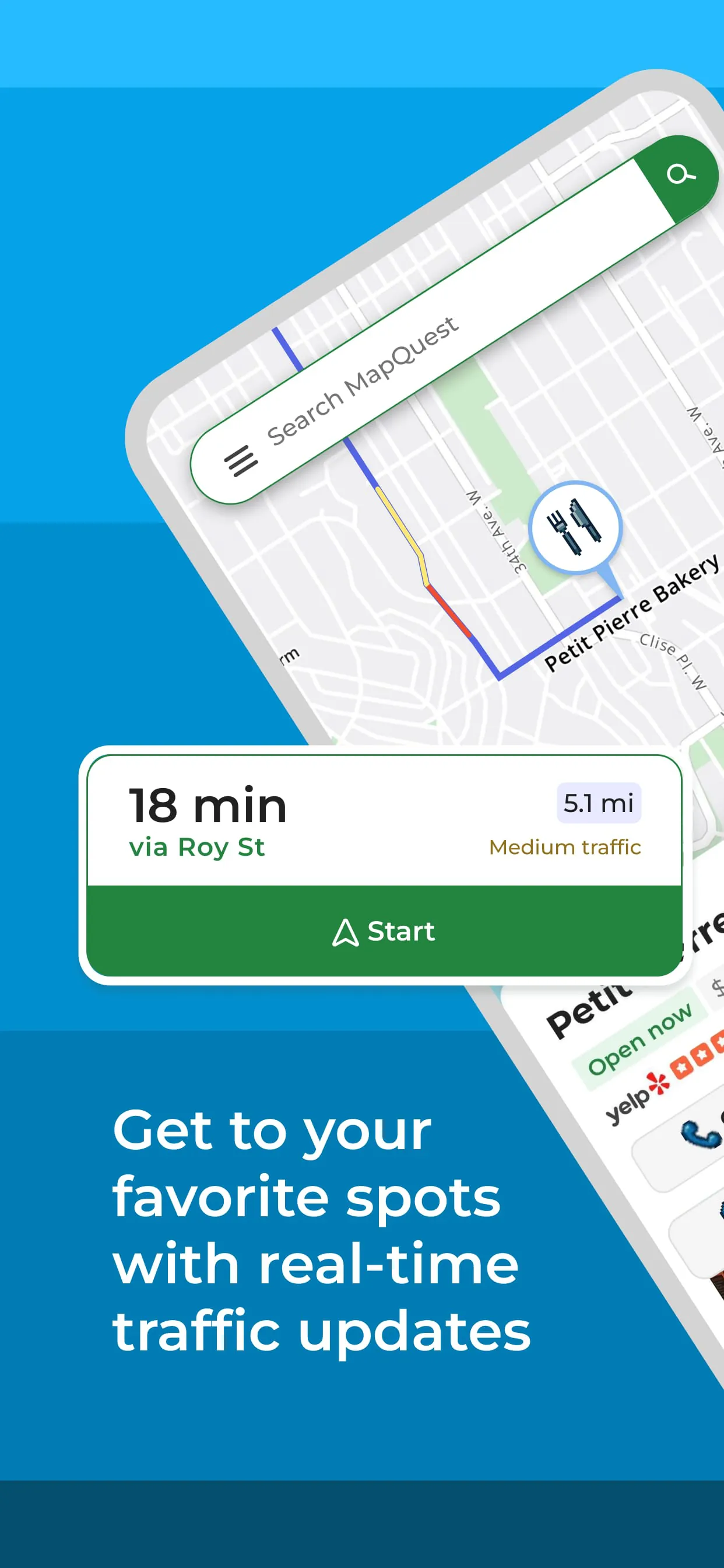
- Real-Time Traffic: Monitors congestion, accidents, and road closures to dynamically recalculate the fastest route.
- Multi-Stop Trip Planning: Allows sequencing of multiple destinations into a single, optimized journey, ideal for deliveries or errands.
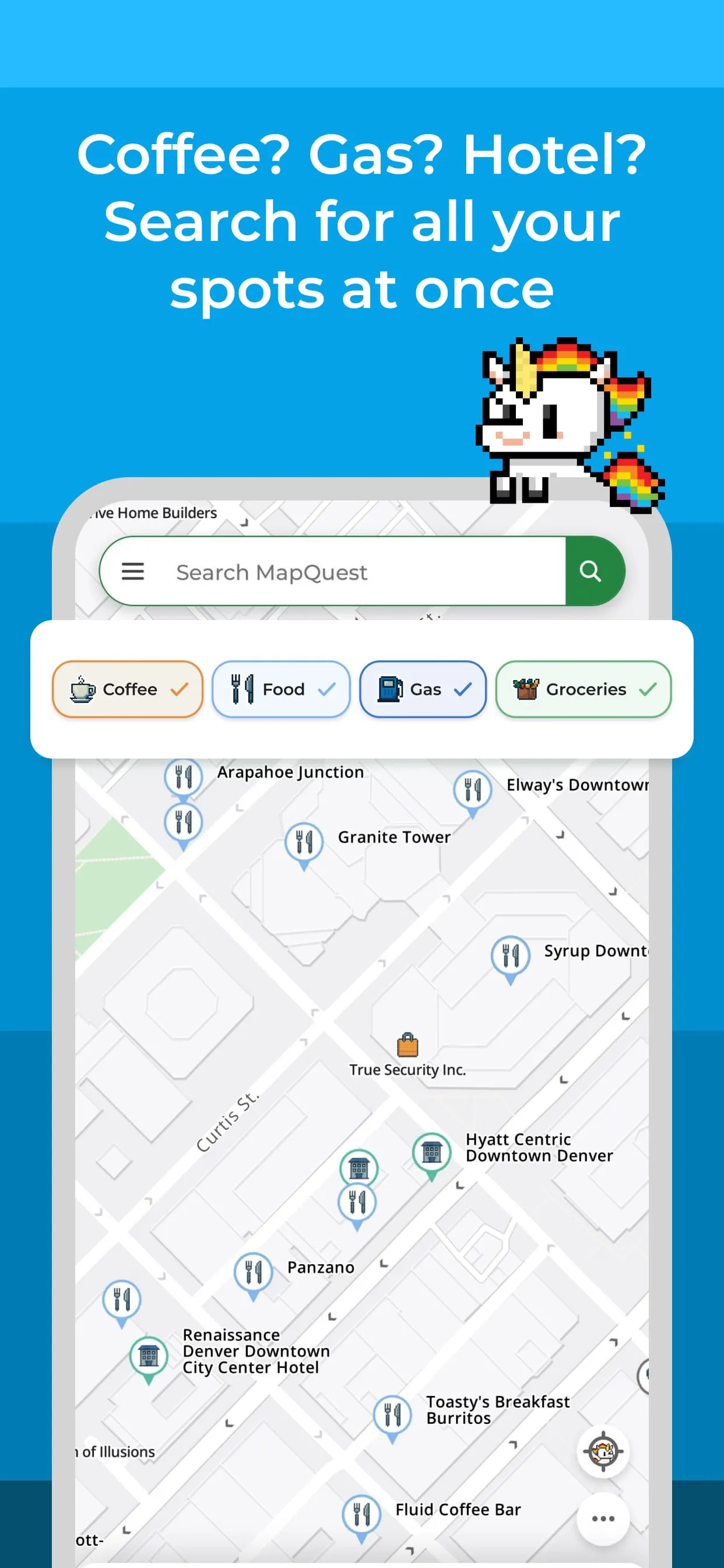
- Local Search: Helps users find nearby businesses like restaurants, gas stations, and hotels with integrated reviews and contact information.
- Pedestrian Mode: Offers walking directions and maps tailored for those traveling on foot.
How to Use
Click the button "Check All Versions" below to download and install it. Once installed, launch the app and allow location permissions for the best experience. To get started, enter your destination in the search bar at the top. The app will display the recommended route; you can tap "Details" to see step-by-step instructions or "Gas Prices" to compare fuel costs. Before you begin driving, tap "Go" to start the voice-guided navigation. For planning a trip with several stops, use the "Directions" feature and select the "+" icon to add additional addresses to your route sequence.




 APK
APK  Google Play
  iOS
iOS  3.40
3.40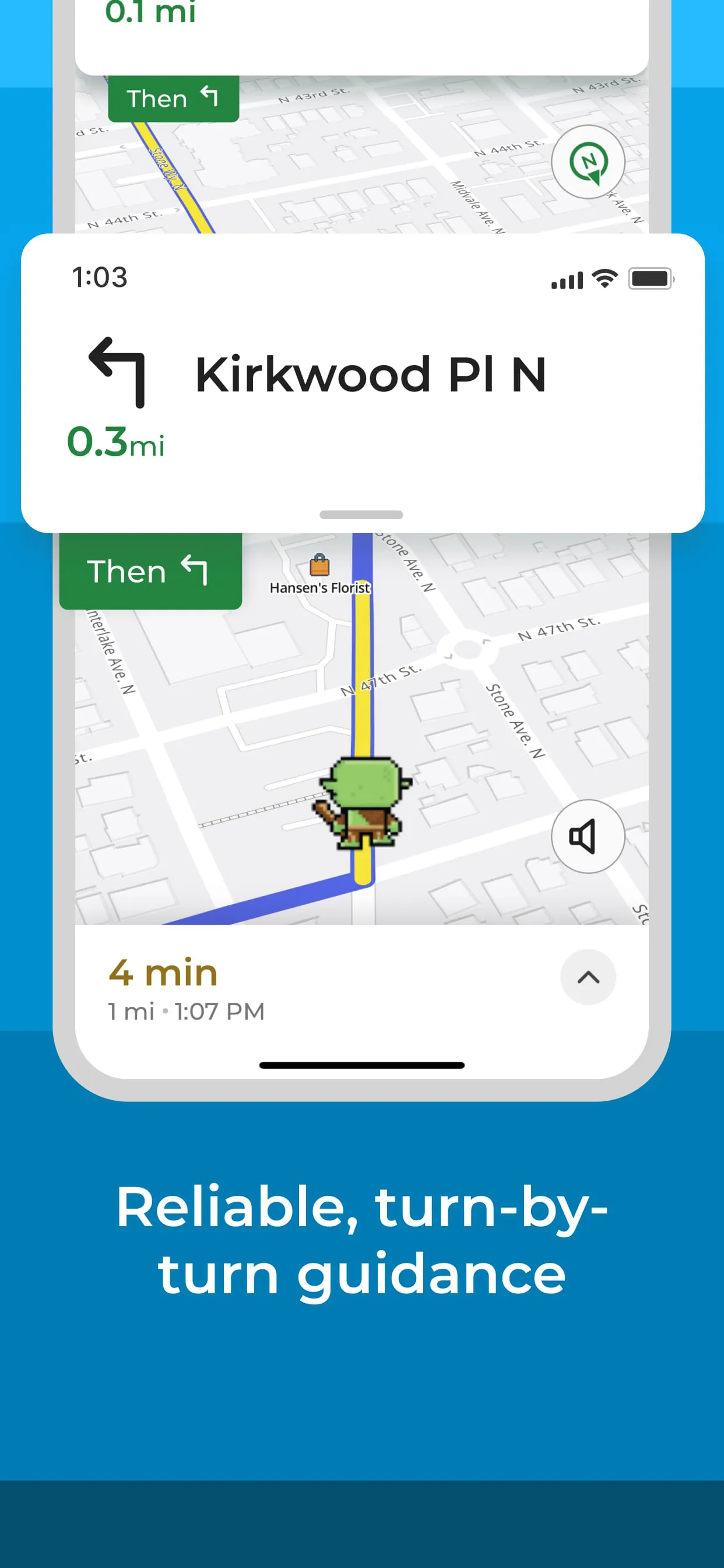
 Download








