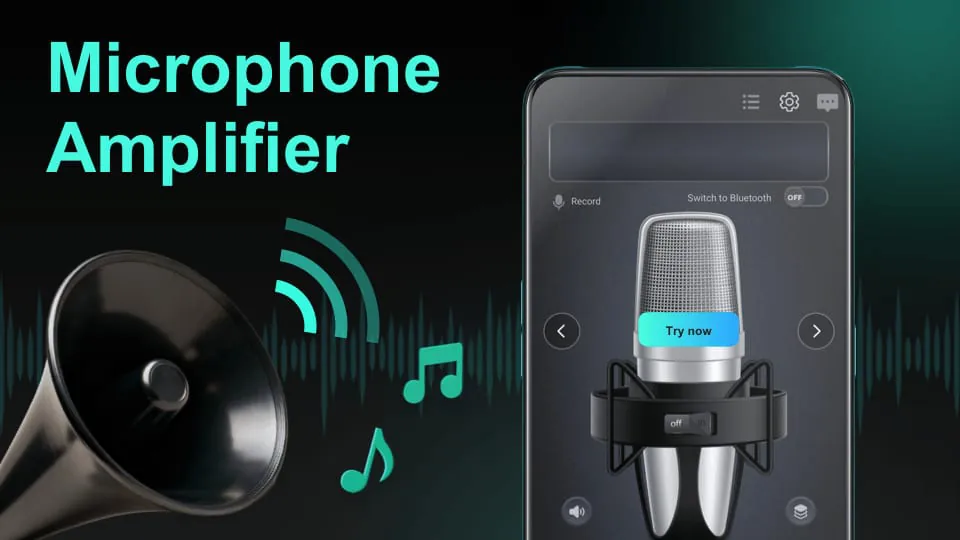
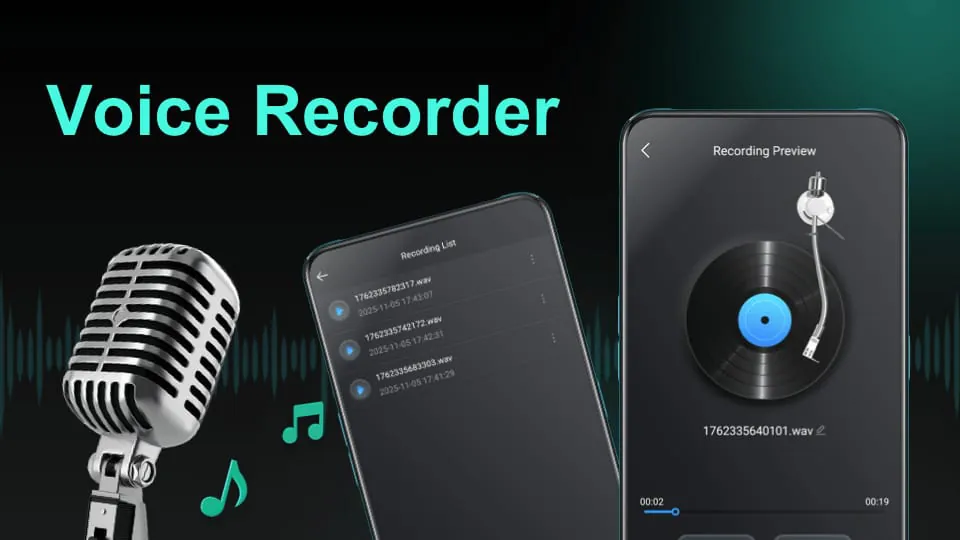
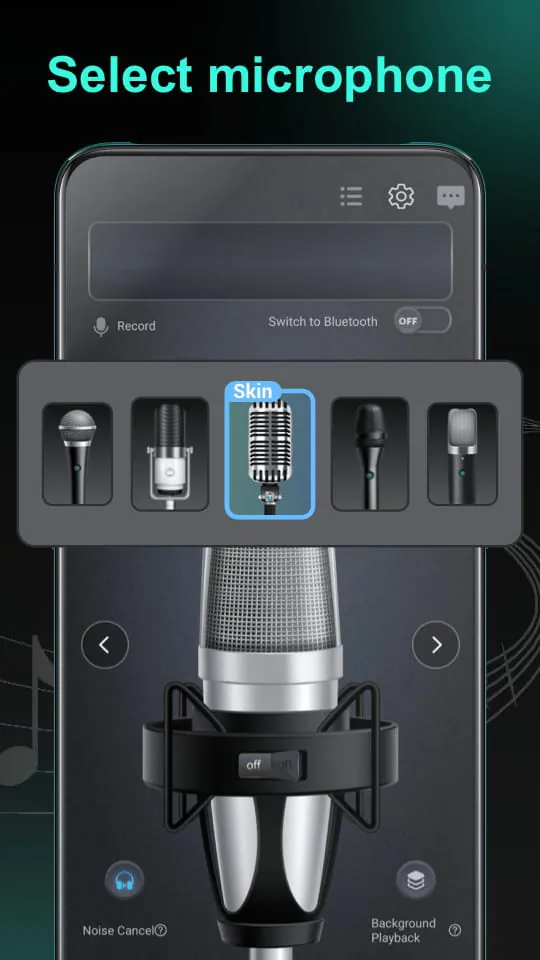
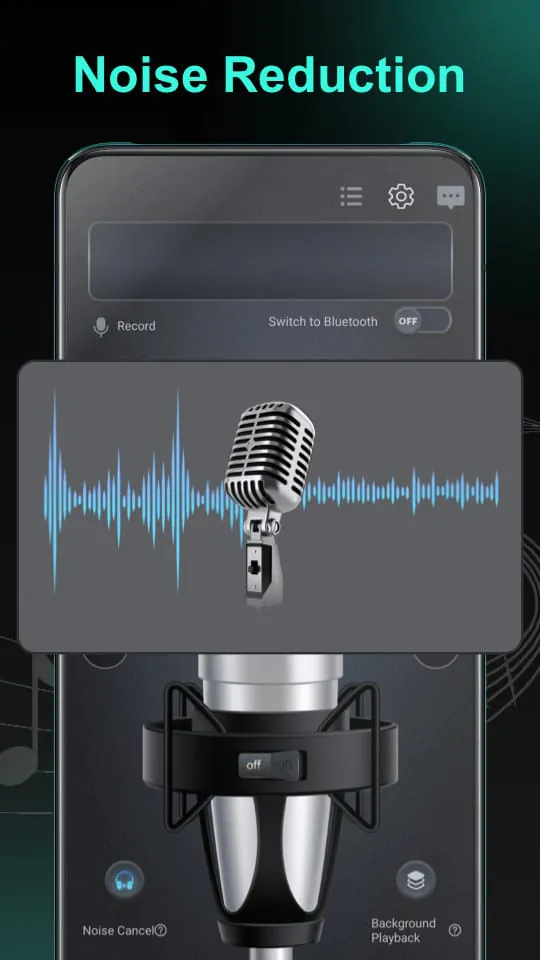
Microphone is a versatile and user-friendly audio application designed for recording, editing, and managing sound on your device. It serves as a comprehensive digital audio workstation for everyday users, enabling you to capture high-quality voice memos, interviews, lectures, and musical ideas with ease. The app provides a clean interface alongside a robust set of tools to enhance and refine your audio recordings directly on your smartphone or computer.
Key Features
The application stands out due to its rich array of functionalities tailored for both casual and semi-professional use. It is built to be an all-in-one audio solution.
- High-Fidelity Recording: Supports multiple audio formats and sample rates for crystal-clear capture.
- Real-Time Editing: Trim, cut, and merge audio clips instantly without quality loss.
- Noise Reduction: Advanced filters to remove background noise and improve clarity.
- Audio Effects Library: Apply enhancements like reverb, echo, and equalizer presets.
- Cloud Integration: Automatically back up recordings to popular cloud storage services.
- Organized Library: Tag, categorize, and bookmark recordings for quick retrieval.
Pros & Cons
Every tool has its strengths and limitations, and Microphone is no exception. Understanding these can help you determine if it fits your specific needs.
- Pros: The intuitive design makes it accessible for beginners, while the depth of features satisfies more advanced users. The noise cancellation is exceptionally effective in varied environments. Furthermore, the free version is quite generous, offering core functionalities without immediate payment.
- Cons: Some advanced editing features and export formats are locked behind a subscription. The app can be resource-intensive on older devices, potentially causing slower performance. Occasional synchronization delays have been reported when using the cloud backup feature.
Functions
Microphone goes beyond simple recording, acting as a portable audio studio. Its core functions are designed to cover the entire workflow from capture to sharing.
- Multi-Source Recording: Capture audio from the device's built-in mic, external Bluetooth microphones, or system sound.
- Post-Production Suite: Perform detailed edits, adjust volume levels, normalize audio, and insert fades.
- File Management: Convert between formats (e.g., MP3, WAV, FLAC), compress files for sharing, and organize projects into folders.
- Sharing and Export: Directly share finished audio to social media, messaging apps, or export to video editing software.
- Schedule Recordings: Set timers to start and stop recordings automatically, perfect for planned events.
How to Use
Click the button "Check All Versions" below to download and install it. Once installed, open the app and grant the necessary microphone permissions. You can start a new recording by tapping the prominent red button. To edit a recording, select it from your library where you can access the toolbar for cutting, applying effects, or reducing noise. Use the export menu to save your final audio in your desired format and location, or share it directly with others. For optimal results, refer to the in-app tutorial which guides you through all advanced features step-by-step.





 APK
APK  Google Play
  iOS
iOS  3.90
3.90