


V1.20.13.0

- Package Name
- com.mojang.minecraftedu
- Version Name
- V1.20.13.0
- Version Code
- V1.20.13.0
- File Size
- 341.18 MB
- Update time
- 2023-10-30


by Mojang
Game-based learning using creativity, collaboration, and problem-solving.
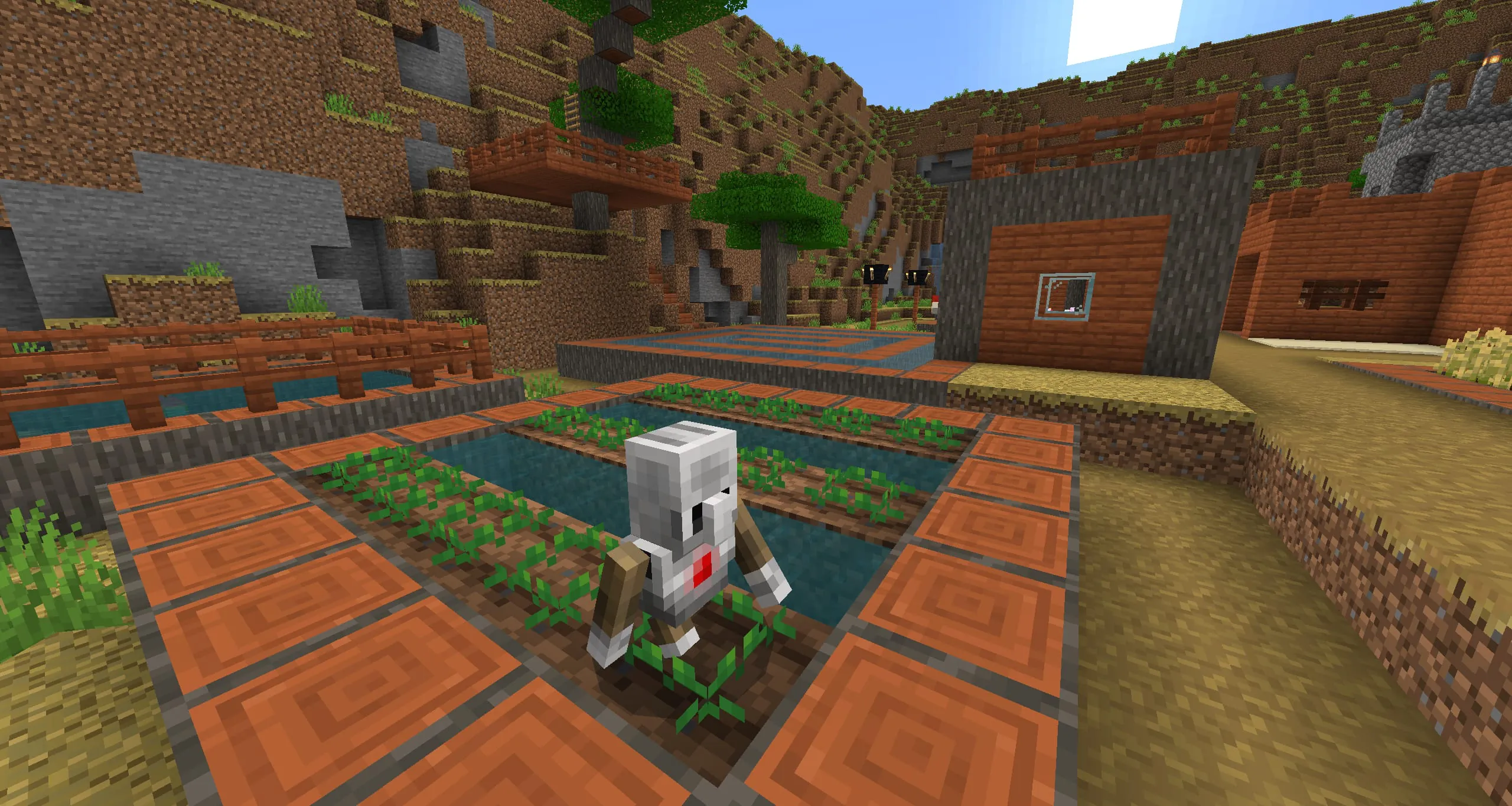
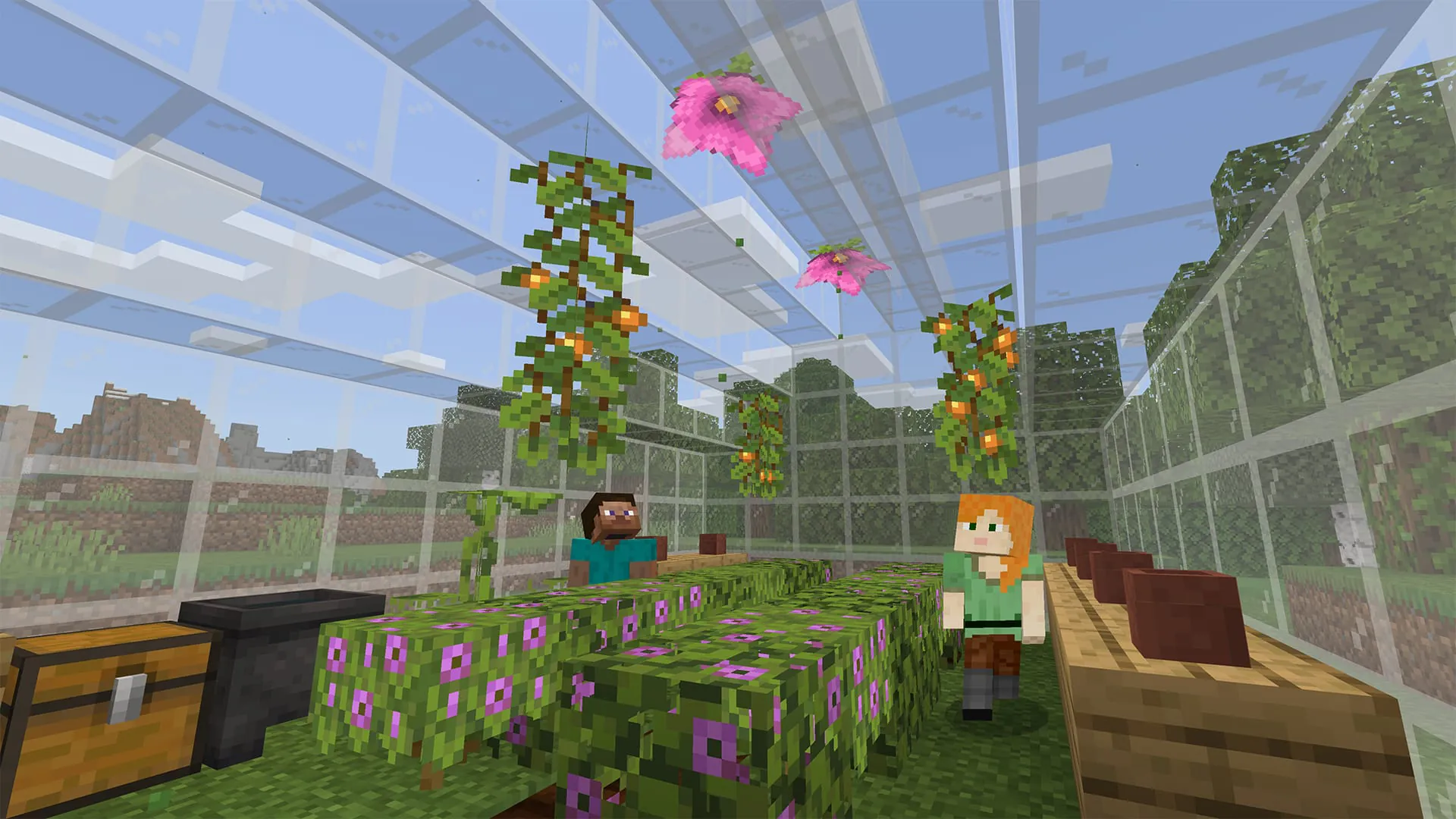
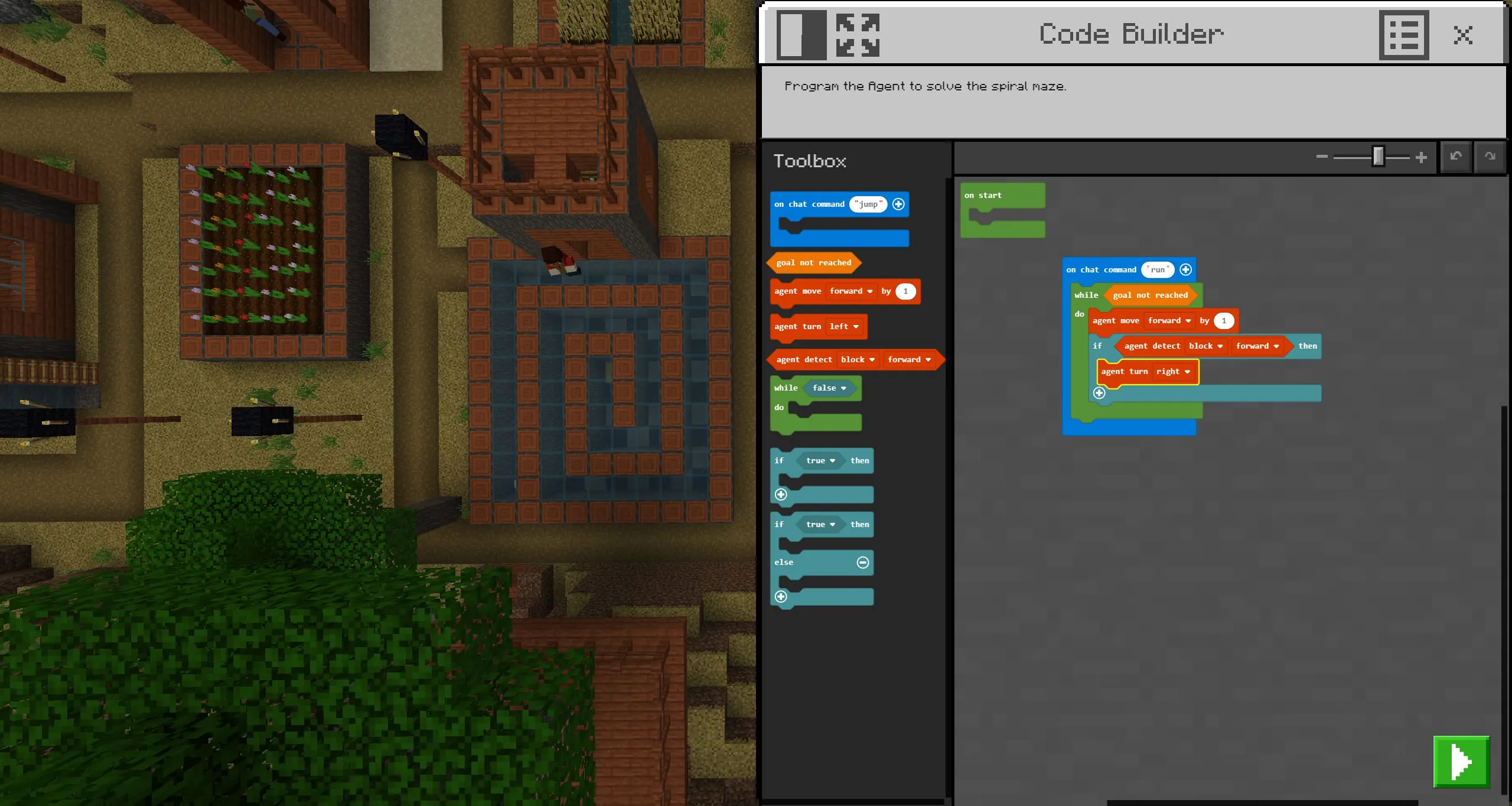
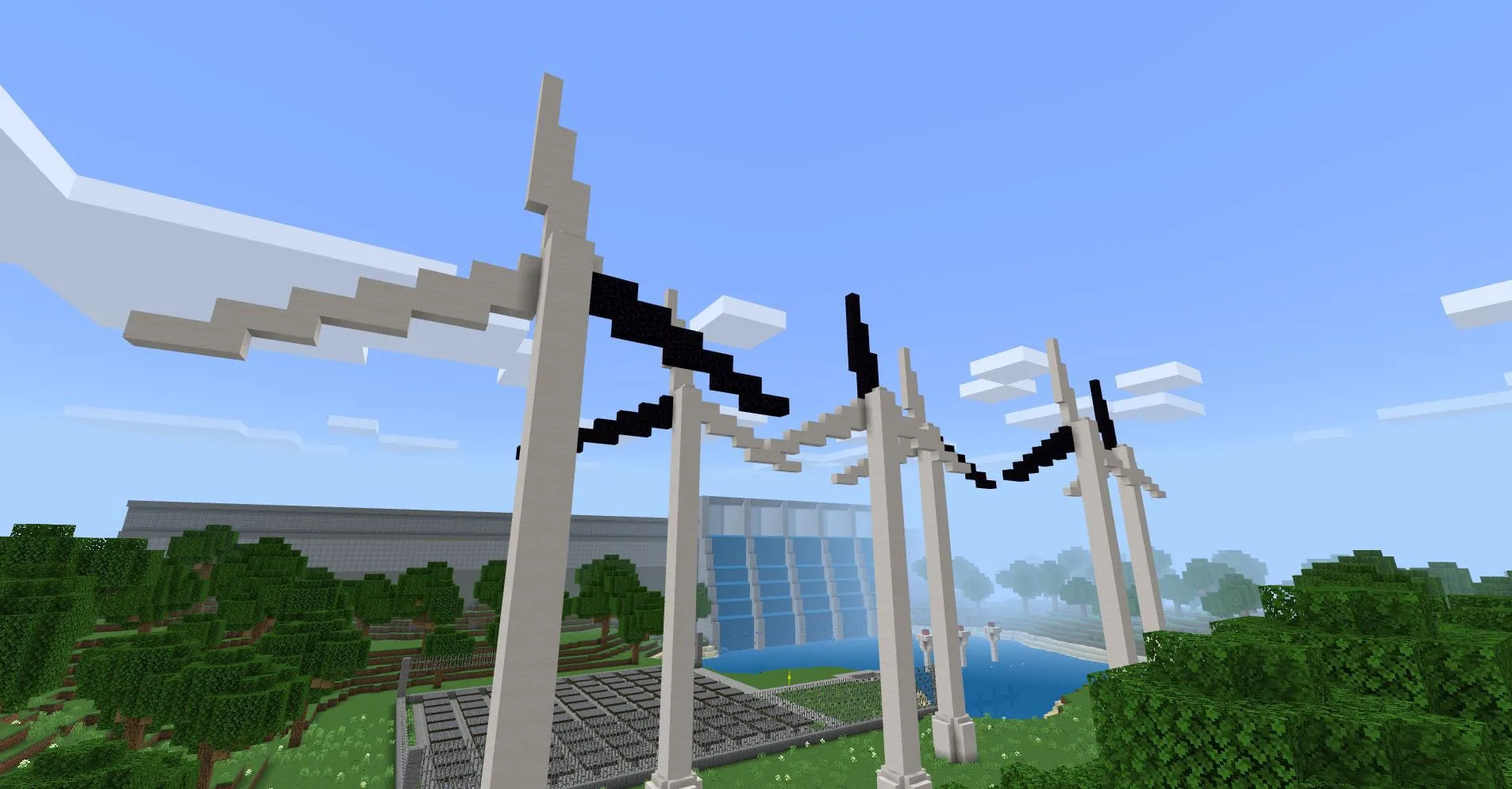
Minecraft Education Edition is a specialized version of the popular sandbox game, meticulously designed for classroom learning. It transforms the creative and exploratory essence of Minecraft into a powerful educational tool, providing teachers and students with a collaborative digital environment to engage with subjects ranging from history and mathematics to computer science and art. This platform goes beyond traditional gameplay by integrating lesson plans, classroom management tools, and unique in-game features that facilitate immersive project-based learning and the development of critical 21st-century skills.
Minecraft Education Edition is packed with features that bridge the gap between play and pedagogy. It allows educators to tailor the experience to their specific curriculum needs while maintaining a safe and controlled environment for students. The features are designed to encourage collaboration, creativity, and problem-solving in a context that students find inherently engaging and motivating.
Like any educational tool, Minecraft Education Edition has distinct advantages and some limitations that are important to consider for effective implementation.
The core functions of Minecraft Education Edition are the actionable applications of its features within an academic setting. These functions transform the virtual world into a dynamic classroom.
Click the button "Check All Versions" below to download and install it. To begin using Minecraft Education Edition, an eligible educational institution, educator, or student must first obtain a valid license, which is typically managed through an IT administrator. Once licensed, users can download the application onto supported devices, which include Windows, macOS, iPadOS, and ChromeOS. Educators are encouraged to start by exploring the in-game Tutorial World to understand the controls and basic features, and then visit the online Lesson Library to find pre-built worlds aligned with their teaching subjects. Using the Classroom Mode app on a second device, such as a tablet, is highly recommended for teachers to effectively guide the lesson, manage student interactions, and focus the class's activities without being immersed in the first-person view themselves. Successful implementation often involves starting with a short, structured activity before progressing to more open-ended, student-driven projects.
Get Minecraft Education from an official store or available APK channel.
ZIP files require a Split APKs Installer (e.g., SAI) from Google Play to install. Steps: 1. Download SAI from Google Play; 2. Open SAI and tap "Install APKs"; 3. Select the ZIP file; 4. Complete installation.
The latest version currently listed by Appspicked is V1.20.13.0, with information updated on May 18, 2026. Versions may vary by device, region, or rollout schedule, so users should also check Google Play / App Store or announcements from Mojang.
No website can guarantee that an app is completely risk-free. Appspicked recommends downloading Minecraft Education only from an official app store or a verified channel operated by Mojang. Before installing, confirm the developer name, package ID com.mojang.minecraftedu, requested permissions, privacy policy, and download source.
Minecraft Education may be unavailable because of regional restrictions, device incompatibility, account or age settings, a temporary removal, a name change, or because it has not been released for that platform. An Android package page does not necessarily mean that an iOS App Store version exists. Check Mojang’s official website for current availability.
Use Google Play / App Store or another official download channel provided by Mojang whenever possible. Appspicked provides app information and store links, but users should verify the destination domain and publisher before downloading or updating the app.
The information on Appspicked may represent the most recently indexed snapshot. App stores sometimes release updates gradually or display different versions according to region, device, operating system, or testing group. The official store listing should be treated as the final reference.
Minecraft Education is listed for Android / iOS, with a reported minimum requirement of Not specified. Actual compatibility may also depend on the device model, region, available storage, hardware features, and installed system components.
The initial download may be free, but subscriptions, advertising, paid features, or in-app purchases may still apply. Prices and available purchases can vary by country and version. Check the payment information displayed by Google Play / App Store before completing a transaction.
Check the network connection, storage space, operating-system version, account region, and device compatibility. Restart the device and try again through the official store. If the problem continues, consult the support resources provided by Mojang.









