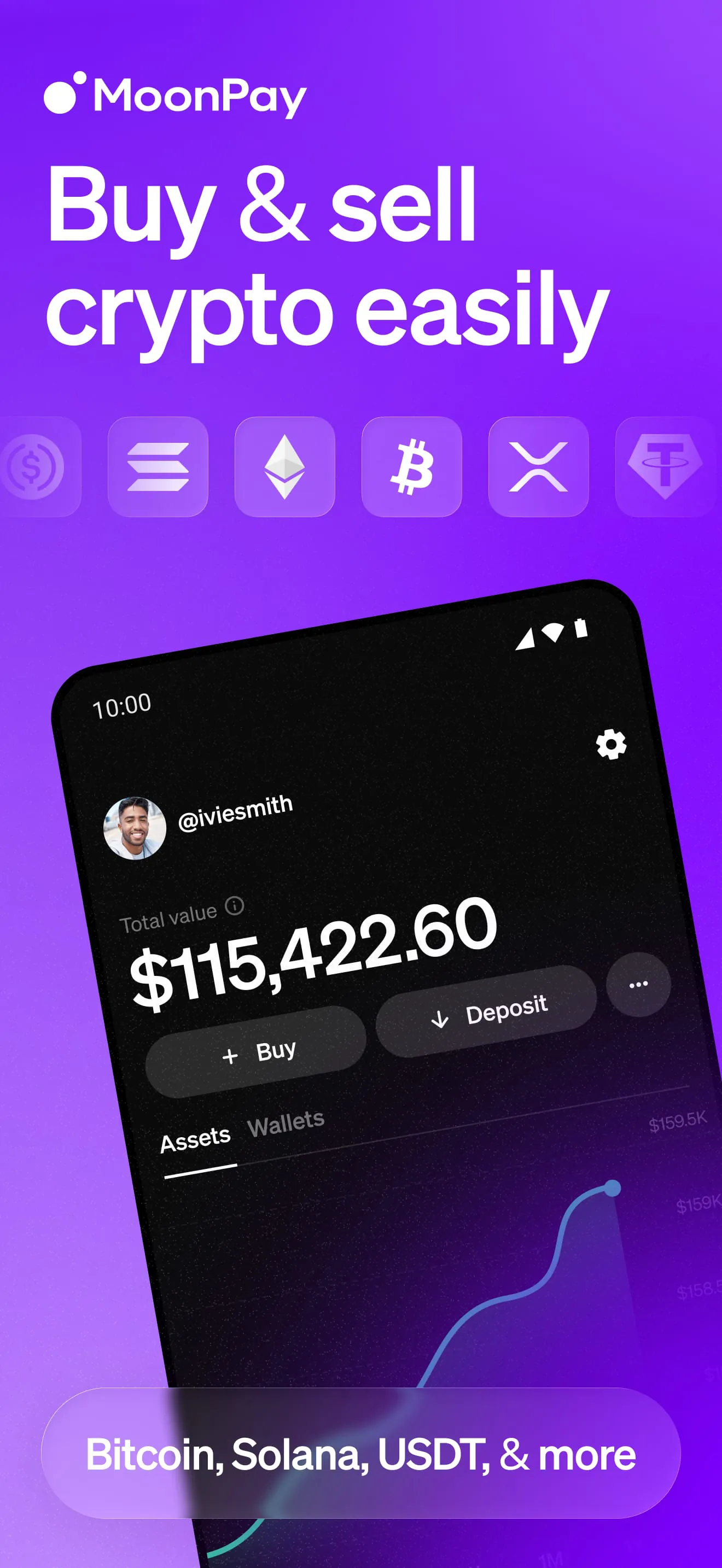
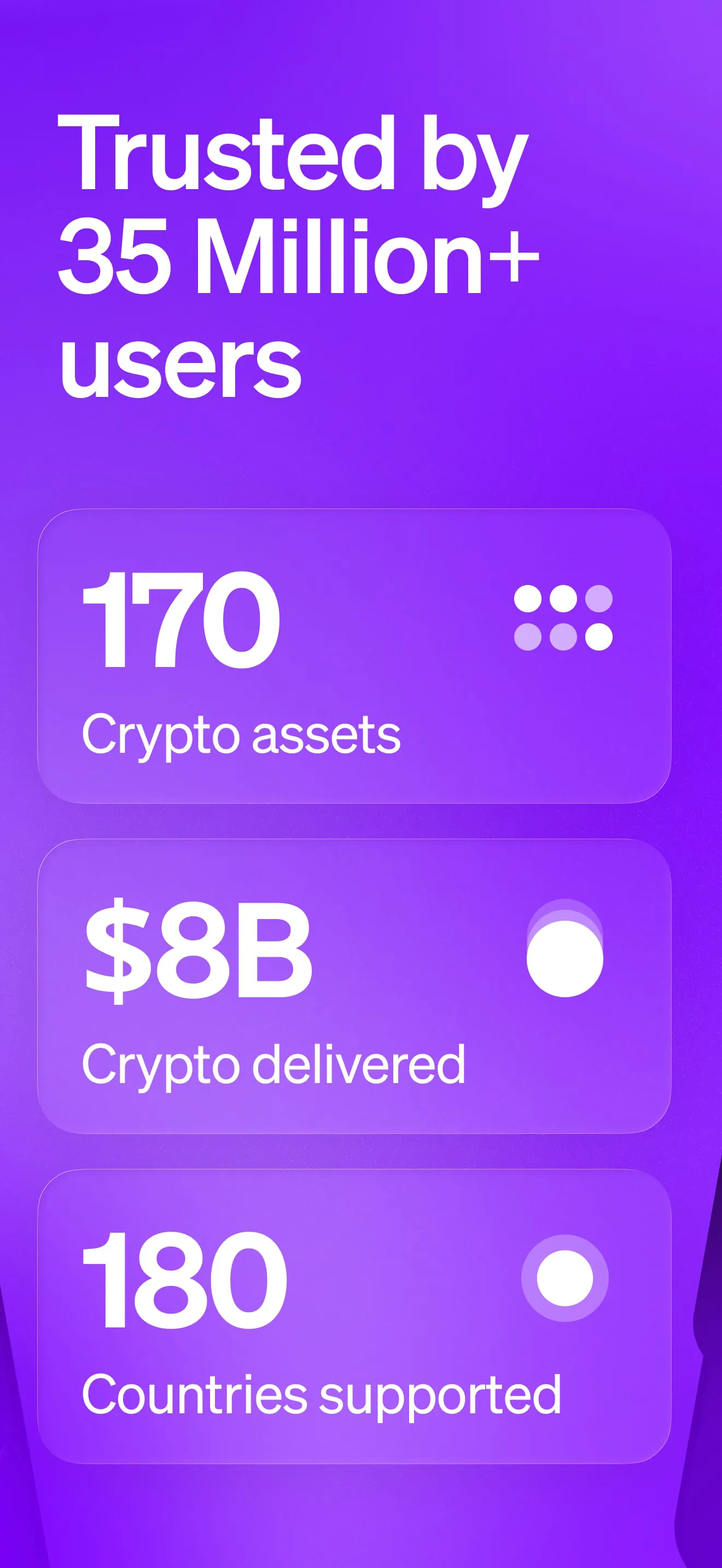
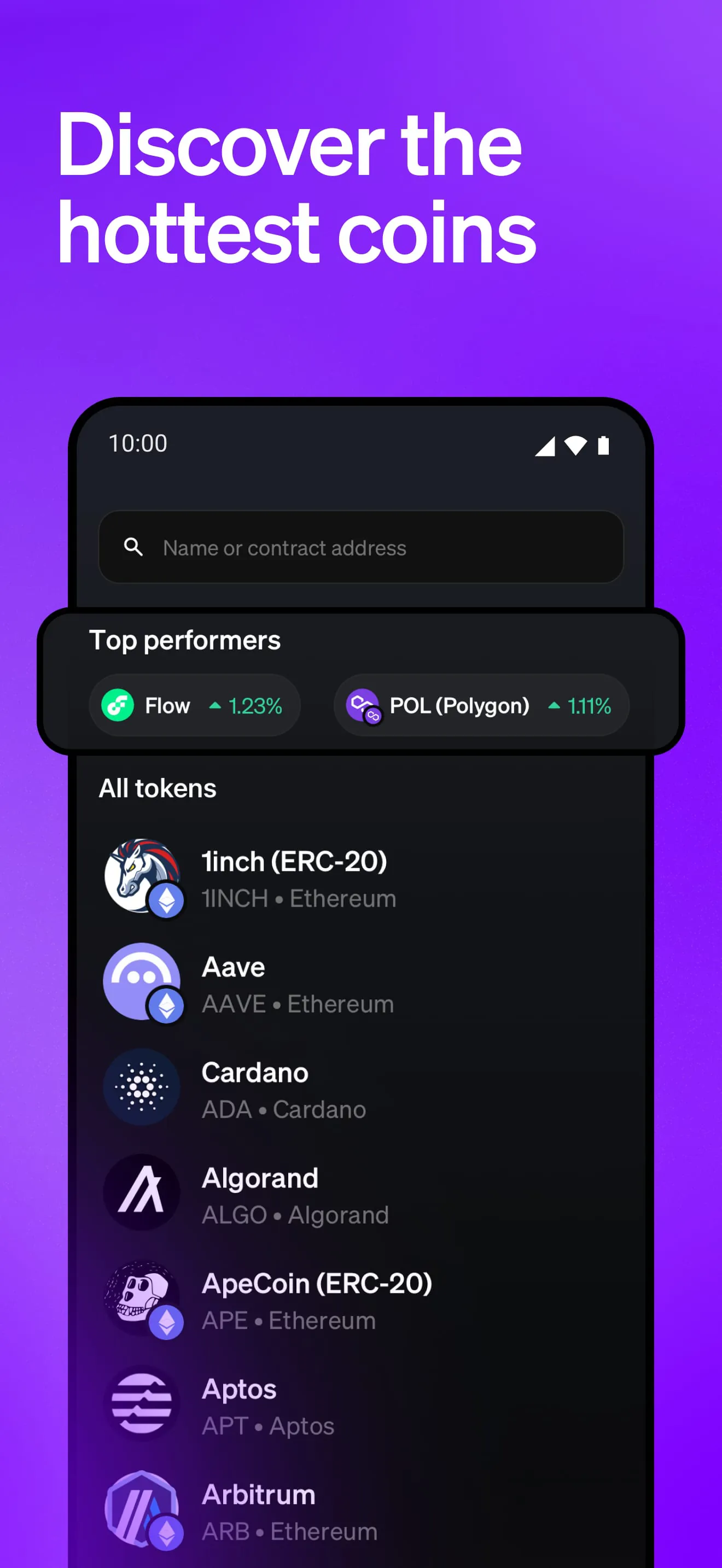
MoonPay is a platform designed to facilitate the buying, selling, and swapping of cryptocurrencies, offering a wide array of options to users globally. It supports over 170 cryptocurrencies, including prominent ones such as Bitcoin, Ethereum, Solana, XRP, and USDC, making it a versatile choice for individuals looking to engage with the crypto market. The platform emphasizes ease of use and accessibility, aiming to simplify the often complex process of cryptocurrency transactions. MoonPay provides several features that cater to both novice and experienced crypto users. One notable feature is the ability to set up recurring buys, allowing users to automate their cryptocurrency purchases and implement strategies like dollar-cost averaging. This can be particularly useful for those who want to invest in crypto regularly without having to manually execute trades each time. Additionally, MoonPay offers a feature called MoonPay Balance, which unlocks zero-fee crypto purchases, potentially saving users money on transaction costs. The platform also supports crypto swaps with over 2000 trading pairs available, giving users a wide range of options for exchanging different cryptocurrencies. Customer support is a key focus for MoonPay, with 24/7 global support available via email and chat. For US customers, dedicated phone support is also provided, ensuring that users can get assistance through their preferred channel. The platform aims to provide a seamless and user-friendly experience, making it easier for individuals to participate in the cryptocurrency market. MoonPay's commitment to accessibility, a wide range of supported cryptocurrencies, and comprehensive customer support make it an appealing option for those looking to buy, sell, or swap crypto. The platform is designed to cater to a global audience, with support for various payment methods and availability in numerous countries. By offering a user-friendly interface and a range of features, MoonPay seeks to lower the barriers to entry for individuals interested in cryptocurrency investment and trading. The availability of recurring buys and zero-fee purchases further enhances the platform's appeal, providing users with convenient and cost-effective ways to manage their crypto assets. Furthermore, the extensive customer support options demonstrate MoonPay's dedication to providing a reliable and helpful service to its users. The platform's comprehensive approach to cryptocurrency transactions makes it a valuable tool for both beginners and experienced traders alike. The ability to swap crypto with a wide selection of trading pairs adds another layer of flexibility, allowing users to diversify their portfolios and take advantage of market opportunities. MoonPay's focus on security and privacy is also a crucial aspect, ensuring that users can transact with confidence and peace of mind. The platform's encryption measures help protect user information and prevent unauthorized access, contributing to a safe and secure environment for cryptocurrency transactions. Overall, MoonPay offers a comprehensive suite of features and services designed to simplify and enhance the experience of buying, selling, and swapping cryptocurrencies. Its user-friendly interface, wide range of supported cryptocurrencies, and commitment to customer support make it a standout platform in the competitive crypto market.
MoonPay provides a unified crypto wallet management system, allowing users to manage all their cryptocurrency wallets in one central location. This feature simplifies the process of tracking and managing crypto assets, eliminating the need to switch between multiple wallets. Users can connect multiple crypto wallets to the platform, providing a consolidated view of their holdings. This can be particularly useful for individuals who use different wallets for various purposes or hold cryptocurrencies across multiple platforms. The platform also offers a detailed purchase history, allowing users to easily track their MoonPay transactions and monitor their crypto investments. This feature provides transparency and helps users stay informed about their spending and trading activity. MoonPay supports a variety of payment methods for buying crypto, including debit cards, credit cards (Visa, MasterCard), mobile payment options (Apple Pay, Google Pay), Venmo, PayPal, bank transfers, and local payment methods. This wide range of options ensures that users can choose their preferred method of payment, making it convenient and accessible to buy crypto. The platform also allows users to swap crypto with no processing fees, providing a cost-effective way to exchange cryptocurrencies. This feature is particularly appealing to traders who frequently swap between different cryptocurrencies, as it can save them significant amounts of money on transaction costs. MoonPay supports cross-chain swaps, allowing users to exchange cryptocurrencies between multiple wallets. This feature provides flexibility and allows users to take advantage of different blockchain networks. Users can connect their crypto wallet app using WalletConnect, enabling seamless integration with MoonPay. This feature enhances the user experience and simplifies the process of connecting and managing crypto wallets. The platform offers access to a vast selection of crypto trading pairs, providing users with a wide range of options for exchanging cryptocurrencies. This allows users to diversify their portfolios and take advantage of market opportunities. MoonPay supports numerous cryptocurrencies and countries, making it accessible to a global audience. The platform is available in more than 180 countries and is trusted by leading wallets, websites, and applications. MoonPay is committed to security and privacy, ensuring that all products are built with these principles in mind. Whether users are buying, selling, or swapping crypto, their information is encrypted to protect against unauthorized access. The platform also provides clear instructions on how to buy cryptocurrency, making it easy for beginners to get started. Users can simply download the MoonPay app, select a cryptocurrency from the drop-down menu, and enter the amount they would like to buy in their preferred currency. The platform also requires users to enter their crypto wallet address, ensuring that the purchased tokens are sent to the correct destination. MoonPay is available for both U.S. and non-U.S. residents, with a slightly different selection of crypto assets available depending on the location. This allows MoonPay to cater to a global audience while still adhering to local regulations and guidelines. MoonPay emphasizes the importance of using a compatible wallet address when purchasing cryptocurrencies, ensuring that users do not lose their funds due to incorrect wallet addresses. This attention to detail demonstrates MoonPay's commitment to providing a safe and reliable platform for cryptocurrency transactions.
MoonPay offers a comprehensive and secure platform for buying, selling, and swapping cryptocurrencies, with a focus on ease of use, accessibility, and security. The platform's wide range of supported cryptocurrencies, payment methods, and countries makes it a versatile choice for individuals looking to engage with the crypto market. MoonPay's features, such as recurring buys, zero-fee purchases, and unified wallet management, enhance the user experience and provide convenient ways to manage crypto assets. The platform's commitment to customer support and security further contributes to its appeal, ensuring that users can transact with confidence and peace of mind. MoonPay's availability to both U.S. and non-U.S. residents, with a tailored selection of crypto assets, demonstrates its global reach and adaptability. The platform's focus on security and privacy is evident in its encryption measures and attention to detail in ensuring the correct use of wallet addresses. MoonPay's integration with WalletConnect and its vast selection of crypto trading pairs provide users with flexibility and opportunities to diversify their portfolios. The platform's emphasis on transparency and detailed purchase history allows users to track their transactions and monitor their crypto investments. MoonPay's commitment to providing a user-friendly interface and comprehensive support makes it a standout platform in the competitive crypto market. The platform's features cater to both novice and experienced crypto users, making it accessible to a wide range of individuals. MoonPay's focus on security and privacy ensures that users can transact with confidence, knowing that their information is protected. The platform's integration with various payment methods, including debit cards, credit cards, and mobile payment options, makes it convenient for users to buy crypto. MoonPay's availability in more than 180 countries makes it a truly global platform, accessible to a vast audience. The platform's support for numerous cryptocurrencies, including Bitcoin, Ethereum, Solana, and XRP, provides users with a wide range of options for diversifying their portfolios. MoonPay's commitment to providing a seamless and user-friendly experience makes it an appealing choice for individuals looking to engage with the crypto market. The platform's features, such as recurring buys and zero-fee purchases, provide users with convenient and cost-effective ways to manage their crypto assets. MoonPay's comprehensive customer support options demonstrate its dedication to providing a reliable and helpful service to its users. The platform's unified crypto wallet management system simplifies the process of tracking and managing crypto assets, eliminating the need to switch between multiple wallets. MoonPay's cross-chain swap capabilities provide users with flexibility and allow them to take advantage of different blockchain networks. The platform's vast selection of crypto trading pairs allows users to diversify their portfolios and take advantage of market opportunities. MoonPay's emphasis on transparency and detailed purchase history allows users to track their transactions and monitor their crypto investments. MoonPay's commitment to providing a safe and reliable platform for cryptocurrency transactions makes it a valuable tool for both beginners and experienced traders alike. The platform's focus on security, accessibility, and user experience makes it a standout platform in the competitive crypto market.