




MSC for Me
by MSC Cruises S.A.
Get the most out of your cruise with the MSC for Me app!
A closer look
Overview
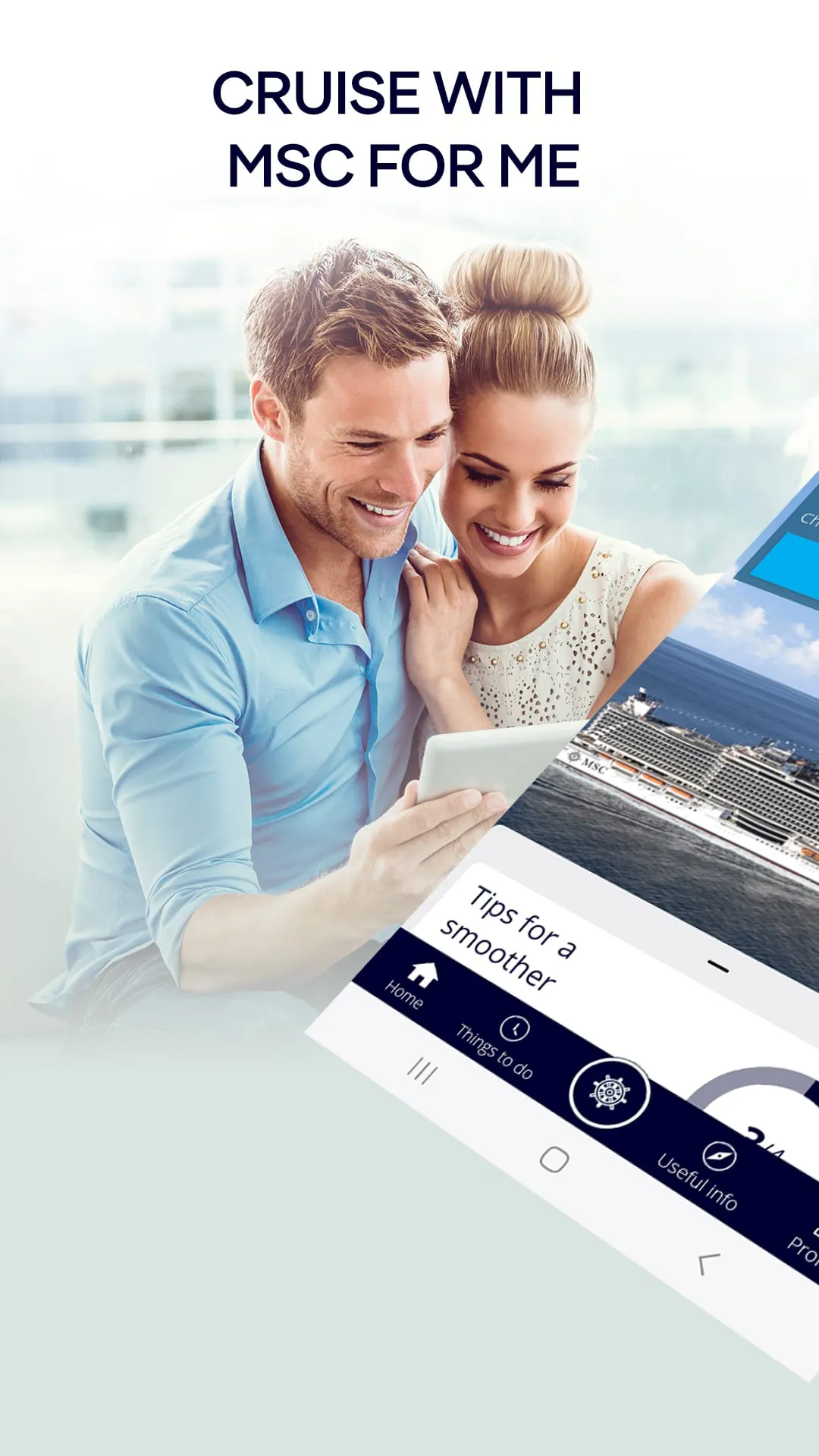
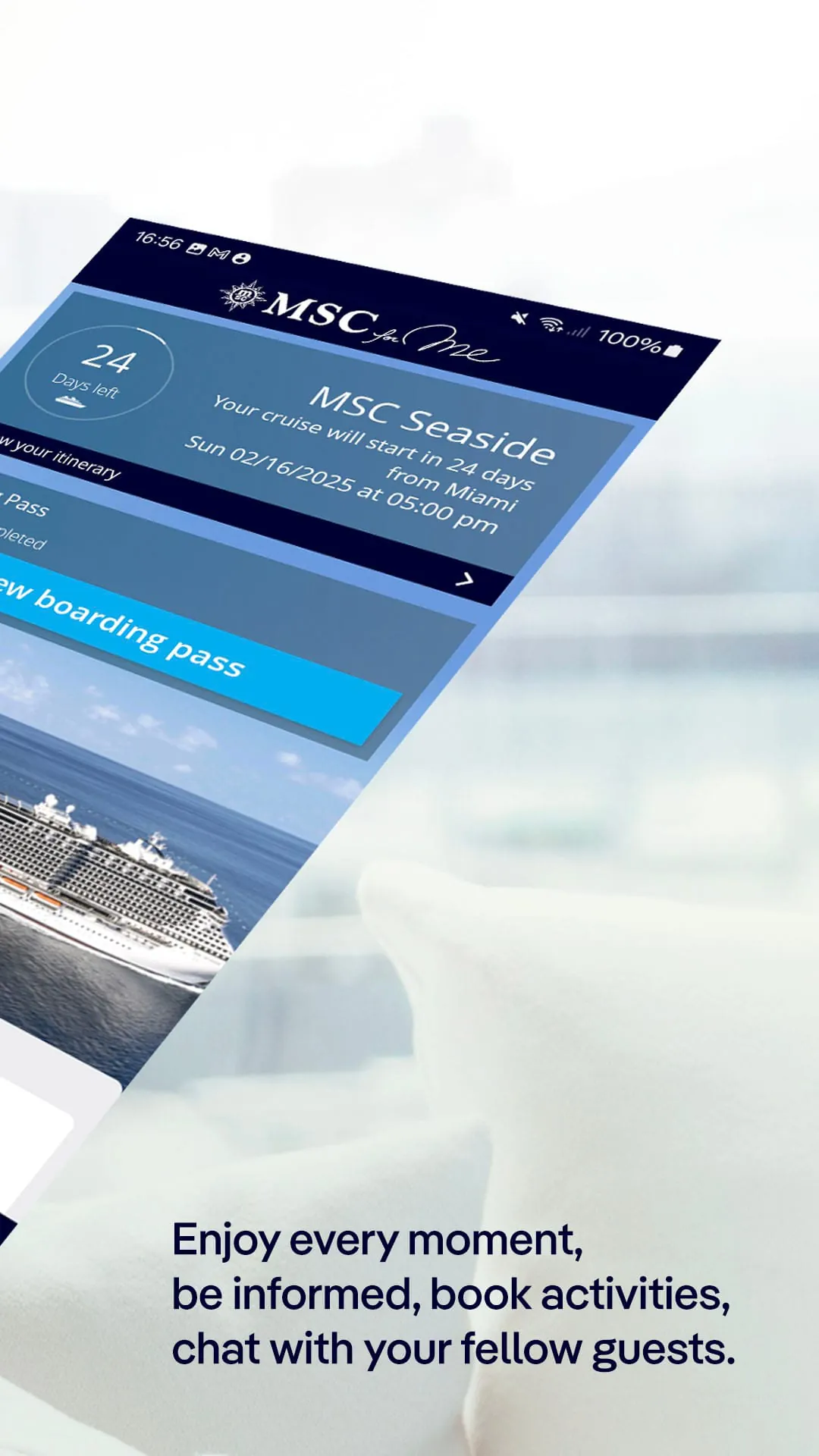
MSC for Me is an official mobile application developed by MSC Cruises, designed specifically for passengers to manage nearly all aspects of their cruise journey directly from their smartphone. It serves as a comprehensive digital companion, allowing users to plan their vacation before departure and enhance their experience while on board the ship, centralizing information and services into one convenient, user-centric platform.
Key Features
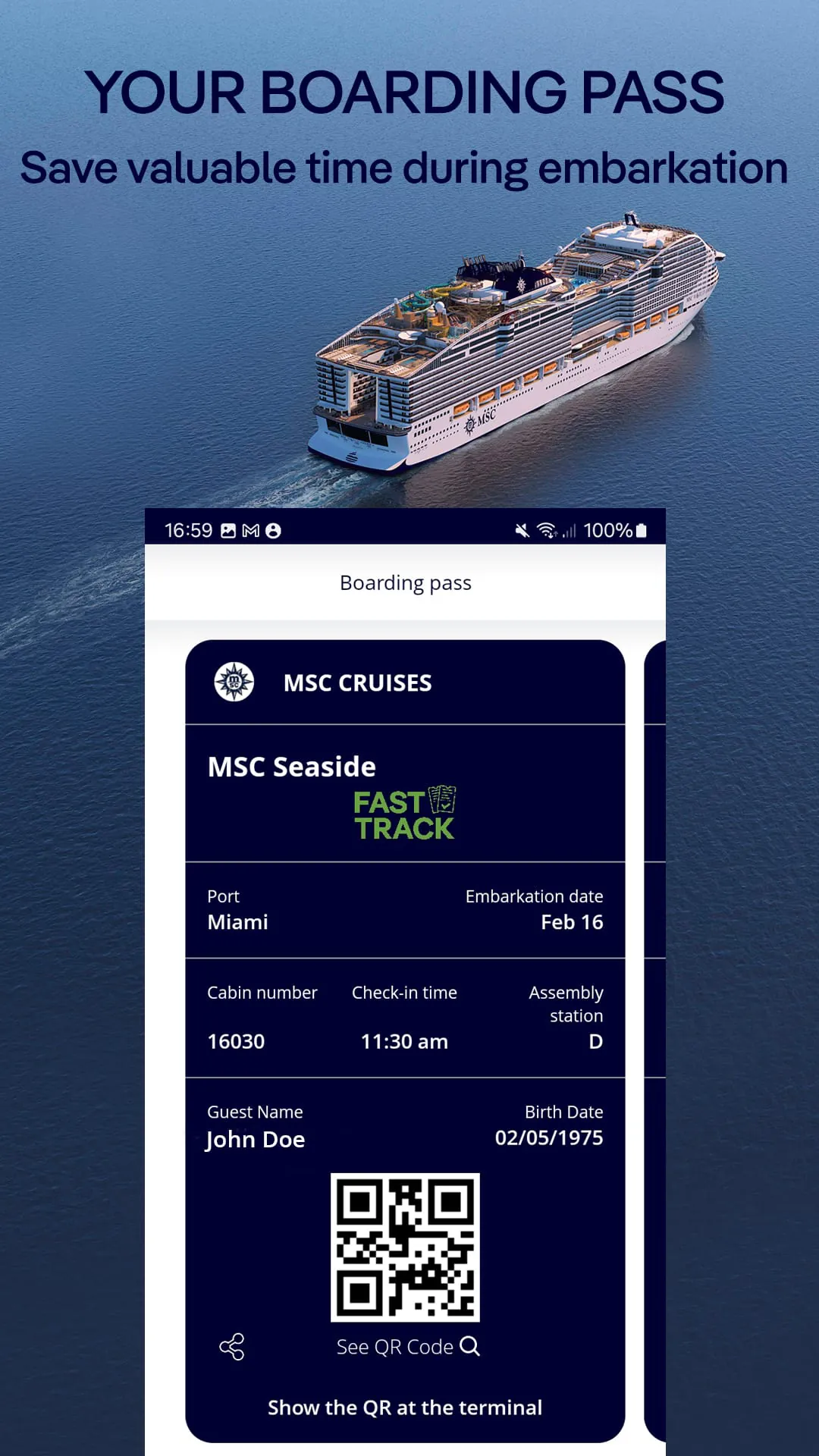
The app stands out by providing a high degree of personalization and real-time control over the cruise experience. Its core value lies in streamlining what can otherwise be a complex vacation logistics process. Key aspects of its design include a personalized daily agenda, seamless integration with onboard services, and a focus on reducing physical paperwork and queues, thereby allowing guests to focus more on relaxation and enjoyment.
Pros & Cons
Evaluating MSC for Me reveals a mix of significant advantages and some potential limitations depending on the user's needs and circumstances.
- Pros: The app offers remarkable convenience by enabling guests to book excursions, make dinner reservations, and view daily activities from anywhere. Its interactive deck maps and real-time messaging with fellow travelers are highly useful. It also provides instant access to onboard spending accounts, helping users manage their budget effectively without waiting in line at the guest services desk.
- Cons: The functionality is primarily dependent on the ship's Wi-Fi network, which can sometimes be unstable, and certain core features are only accessible after boarding. Some users may also find the interface less intuitive initially, and the app's performance and feature set can vary slightly between different MSC cruise ships.
Functions
MSC for Me packs a wide array of practical functions into a single application, acting as a digital concierge. Its capabilities extend across the entire customer journey.
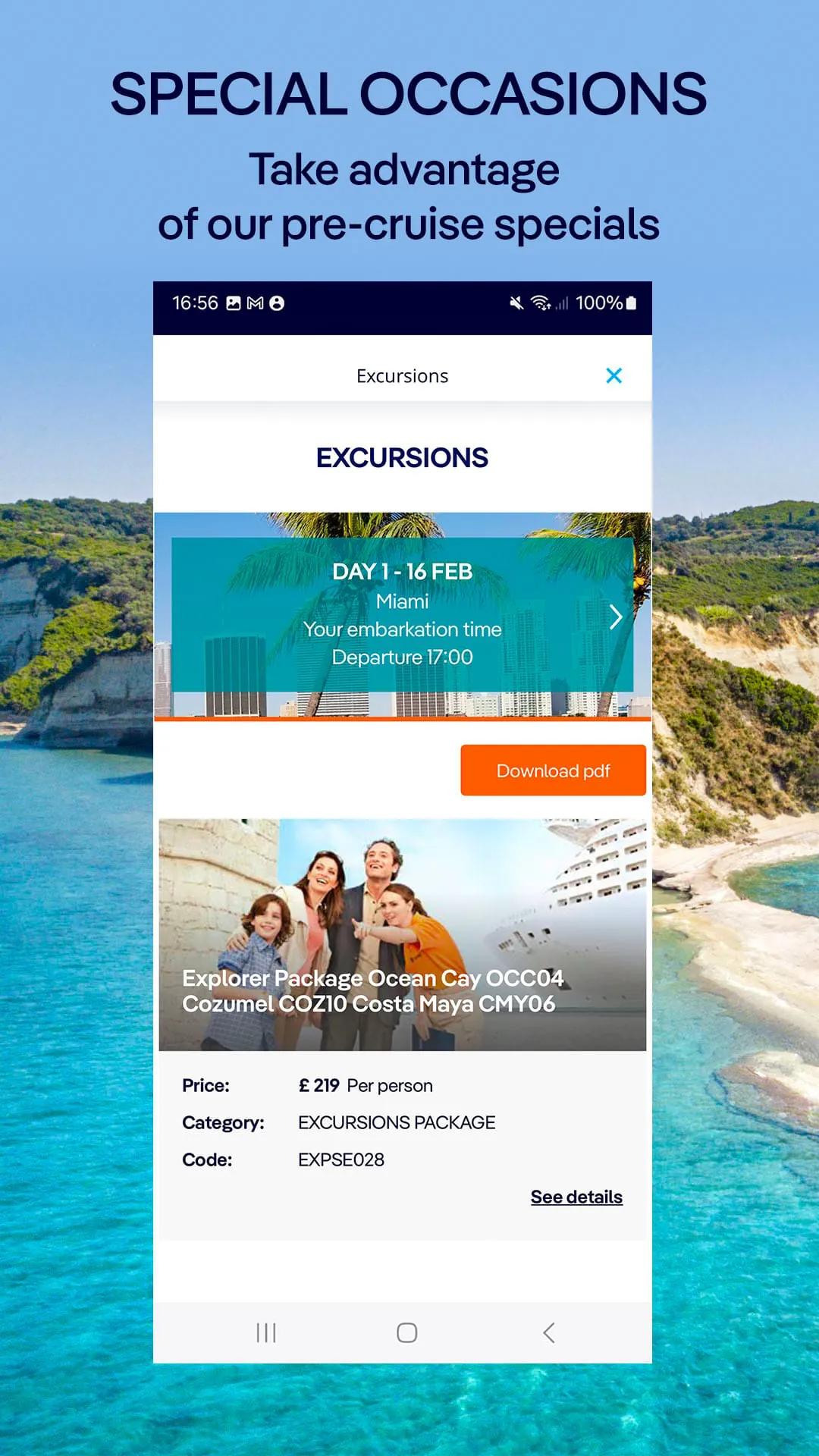
- Pre-cruise booking management for services like drink packages and special dining.
- Interactive, real-time daily planner (The Daily Program) with personalized activity schedules.
- Deck-by-deck interactive maps for easy navigation around the ship.
- Direct booking system for shore excursions, spa treatments, and entertainment shows.
- Onboard account monitoring and expense tracking in real-time.
- In-app messaging feature to stay connected with travel companions without needing an internet package.
- Restaurant menus and opening hours, along with table reservation management.
How to Use
Click the button "Check All Versions" below to download and install it. Once installed, you should create an account or log in using your MSC booking details. Before your cruise, you can use the app to explore and pre-book various add-ons. After embarking the ship, connect your device to the ship's dedicated onboard Wi-Fi (typically free for app use) to unlock all live functions. From there, you can navigate through the different sections to build your daily schedule, book activities, message your party, and check your account balance, all of which are designed to be straightforward with minimal learning curve.
App Download
Get MSC for Me from an official store or available APK channel.
Previous Versions
ZIP files require a Split APKs Installer (e.g., SAI) from Google Play to install. Steps: 1. Download SAI from Google Play; 2. Open SAI and tap "Install APKs"; 3. Select the ZIP file; 4. Complete installation.
Frequently Asked Questions
What is the latest version of MSC for Me?
The latest version currently listed by Appspicked is unavailable, with information updated on May 14, 2026. Versions may vary by device, region, or rollout schedule, so users should also check Google Play or announcements from MSC Cruises S.A..
Is MSC for Me safe to download and use?
No website can guarantee that an app is completely risk-free. Appspicked recommends downloading MSC for Me only from an official app store or a verified channel operated by MSC Cruises S.A.. Before installing, confirm the developer name, package ID com.msccruises.mscforme, requested permissions, privacy policy, and download source.
Why can’t I find MSC for Me in the App Store?
MSC for Me may be unavailable because of regional restrictions, device incompatibility, account or age settings, a temporary removal, a name change, or because it has not been released for that platform. An Android package page does not necessarily mean that an iOS App Store version exists. Check MSC Cruises S.A.’s official website for current availability.
Where can I download or update MSC for Me?
Use Google Play or another official download channel provided by MSC Cruises S.A. whenever possible. Appspicked provides app information and store links, but users should verify the destination domain and publisher before downloading or updating the app.
Why is the version shown on Appspicked different from the app-store version?
The information on Appspicked may represent the most recently indexed snapshot. App stores sometimes release updates gradually or display different versions according to region, device, operating system, or testing group. The official store listing should be treated as the final reference.
Which devices and operating systems support MSC for Me?
MSC for Me is listed for Android, with a reported minimum requirement of Not specified. Actual compatibility may also depend on the device model, region, available storage, hardware features, and installed system components.
Is MSC for Me free?
The initial download may be free, but subscriptions, advertising, paid features, or in-app purchases may still apply. Prices and available purchases can vary by country and version. Check the payment information displayed by Google Play before completing a transaction.
What should I do if MSC for Me cannot be installed or updated?
Check the network connection, storage space, operating-system version, account region, and device compatibility. Restart the device and try again through the official store. If the problem continues, consult the support resources provided by MSC Cruises S.A..









