Music Downloader Mp3 Download is a mobile application designed for Android devices that allows users to search for, stream, and save audio content directly to their phones, enabling offline listening by converting online music and videos into downloadable MP3 files.
Key Features
The application boasts a range of functionalities aimed at enhancing the user's music collection process. It supports downloads from a multitude of online platforms beyond just mainstream music services. A built-in music player lets you enjoy your tracks immediately without needing another app. The tool also includes a video-to-MP3 converter, allowing you to extract audio from video clips. Furthermore, it provides options to manage your downloaded files, such as organizing them into playlists and editing ID3 tags for proper metadata.
Pros & Cons
Utilizing this type of application comes with distinct advantages and notable drawbacks that users should carefully consider.
- Pros: The primary benefit is the immense convenience of building a permanent, offline-accessible music library for free. It provides a solution for accessing music that may not be available on subscription streaming services. The integrated converter and browser streamline the entire process from discovery to download.
- Cons: Significant legal and ethical concerns exist, as downloading copyrighted material without permission infringes on artists' and creators' rights. Download safety is a major risk, as files from unofficial sources can contain malware. The audio quality can be inconsistent, and app updates are unreliable, often leading to broken functionality.
Functions
The core operations of the app are built around several key modules that work in tandem.
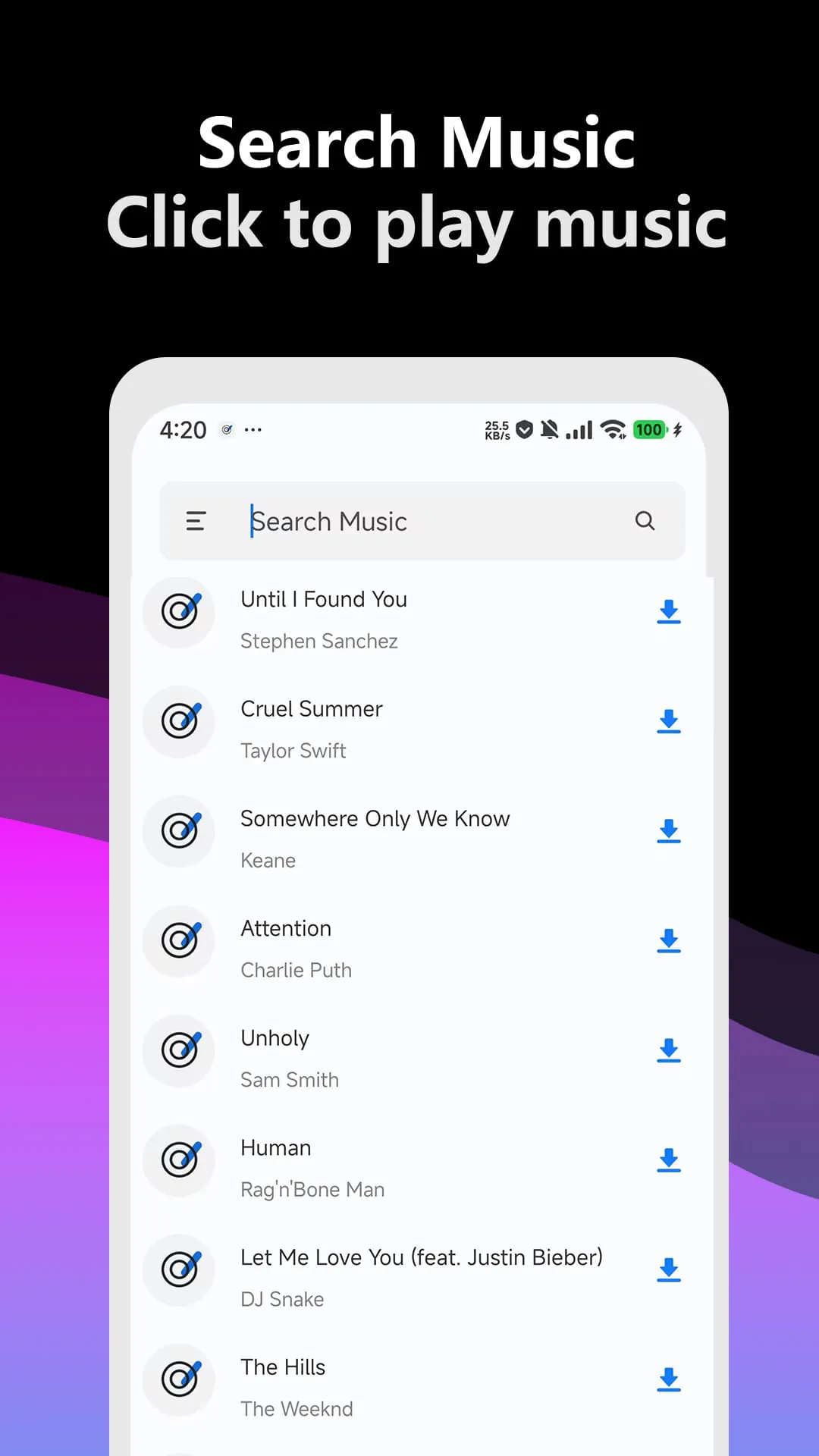
- A powerful search engine that scours the web for audio content based on song title, artist, or album.
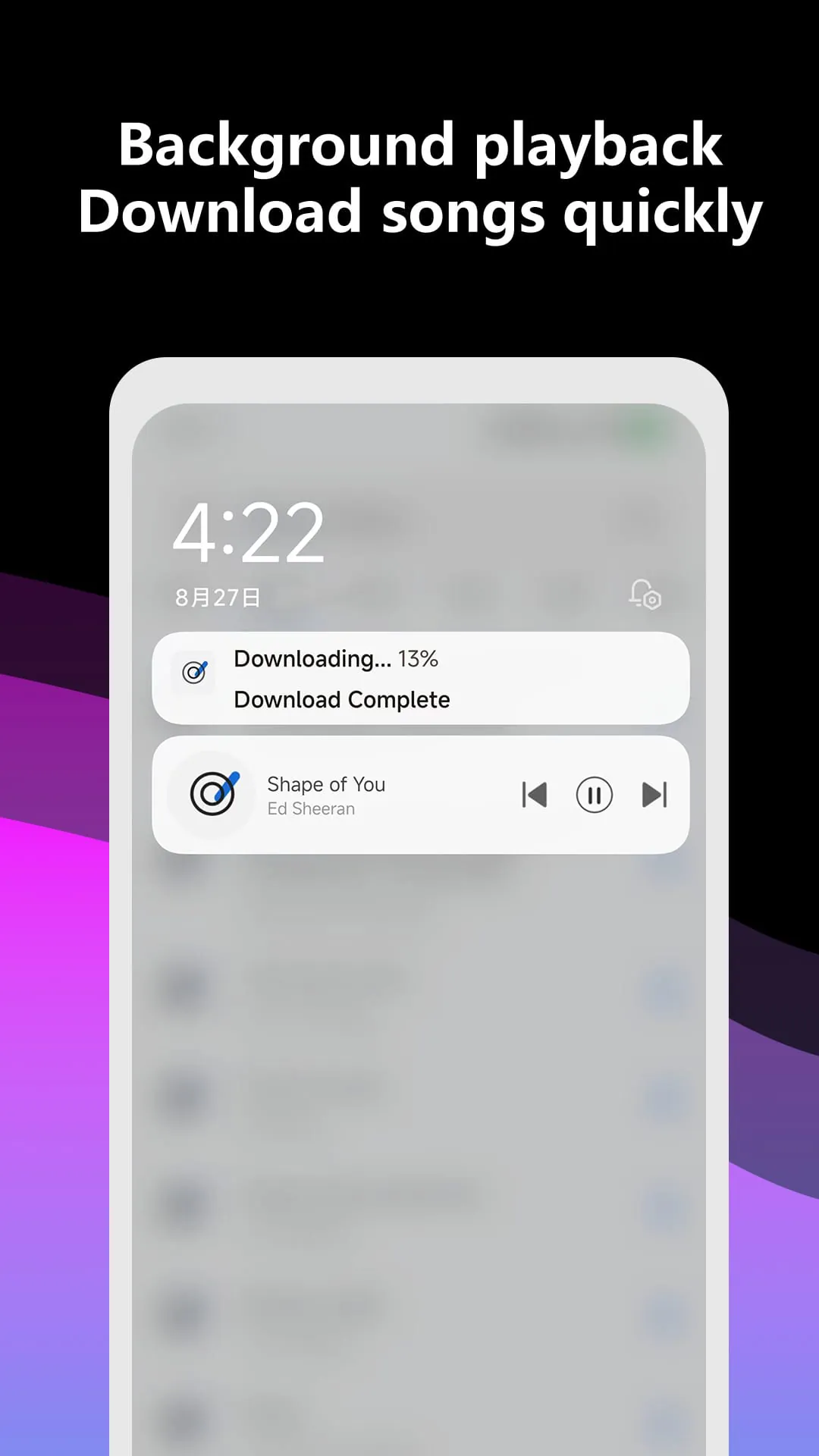
- A download manager that handles the fetching and saving of files to a user-specified folder on the device.
- A conversion engine that processes video files from various sources and strips the audio into an MP3 format.
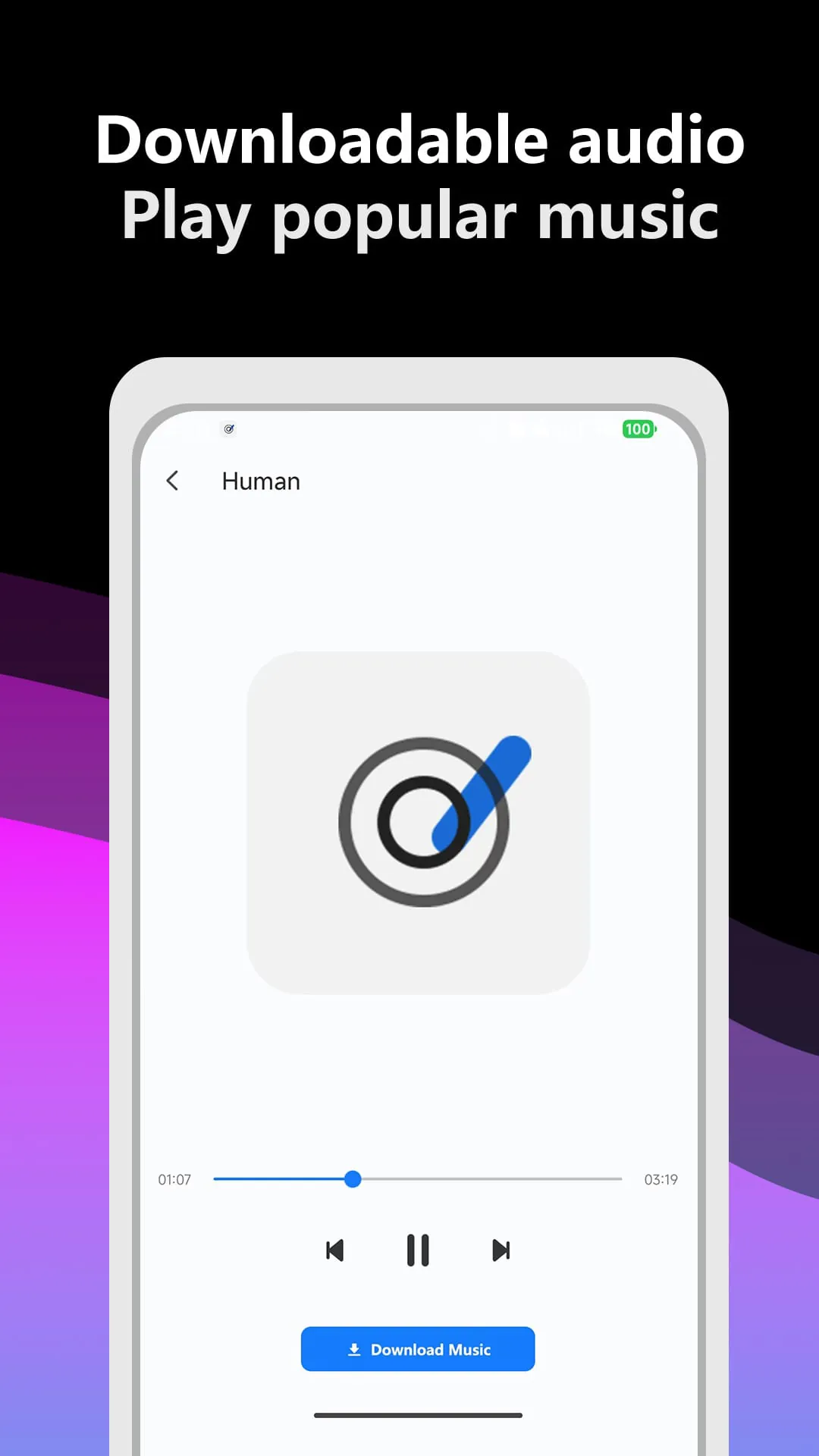
- An in-app media library and player for browsing and playing downloaded tracks without exiting the application.
How to Use
Click the button "Check All Versions" below to download and install it. Once the application is installed on your Android device, launch it to begin. Use the search bar within the app to find the song or video you want. After selecting the desired result, you will typically be presented with options for quality or format; choose MP3. Initiate the download, and the file will be processed and saved to your device's local storage. You can then access your downloaded music through the app's dedicated "Library" or "My Music" section for playback.





 APK
APK  Google Play
  iOS
iOS  4.40
4.40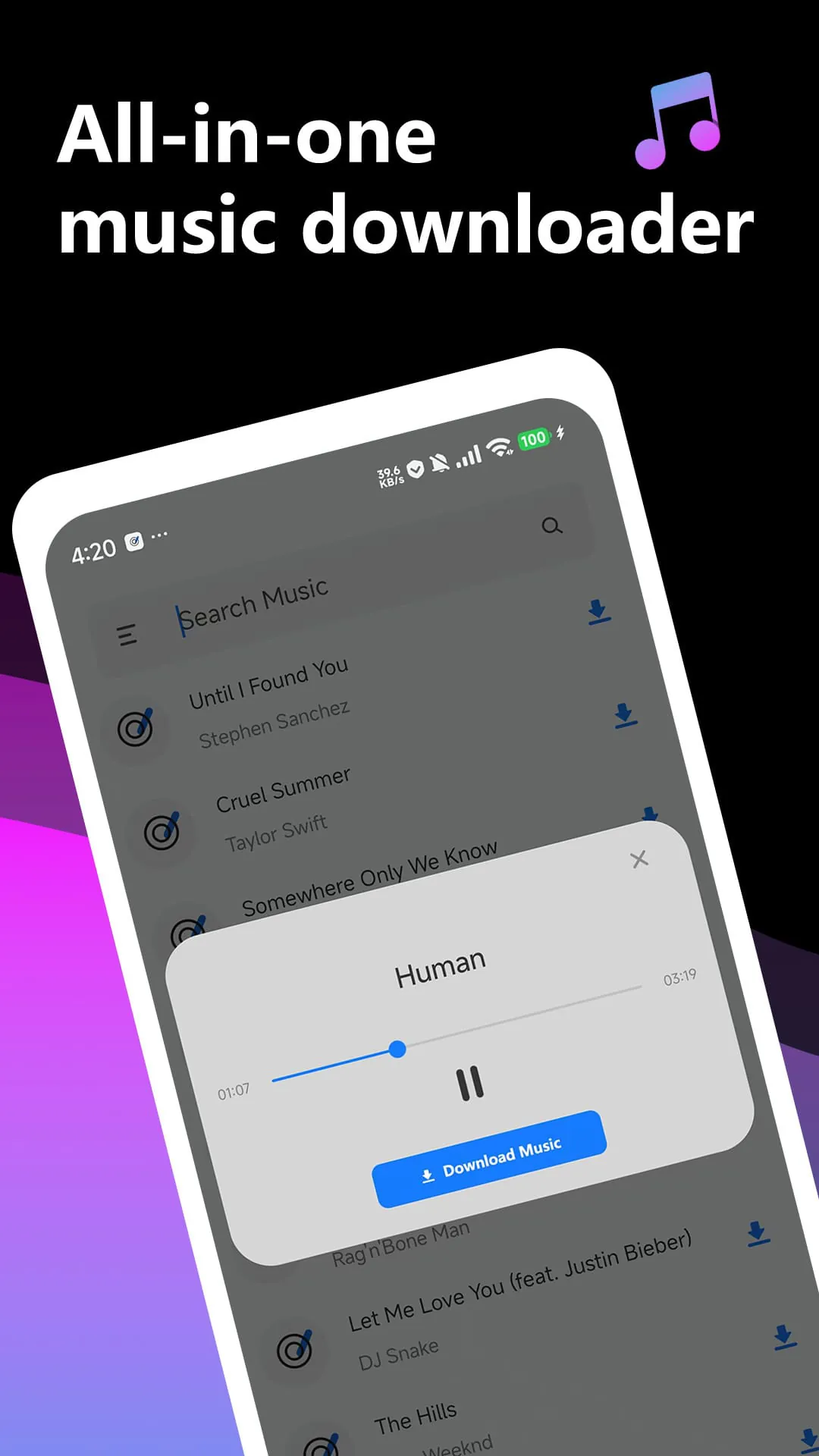
 Download








