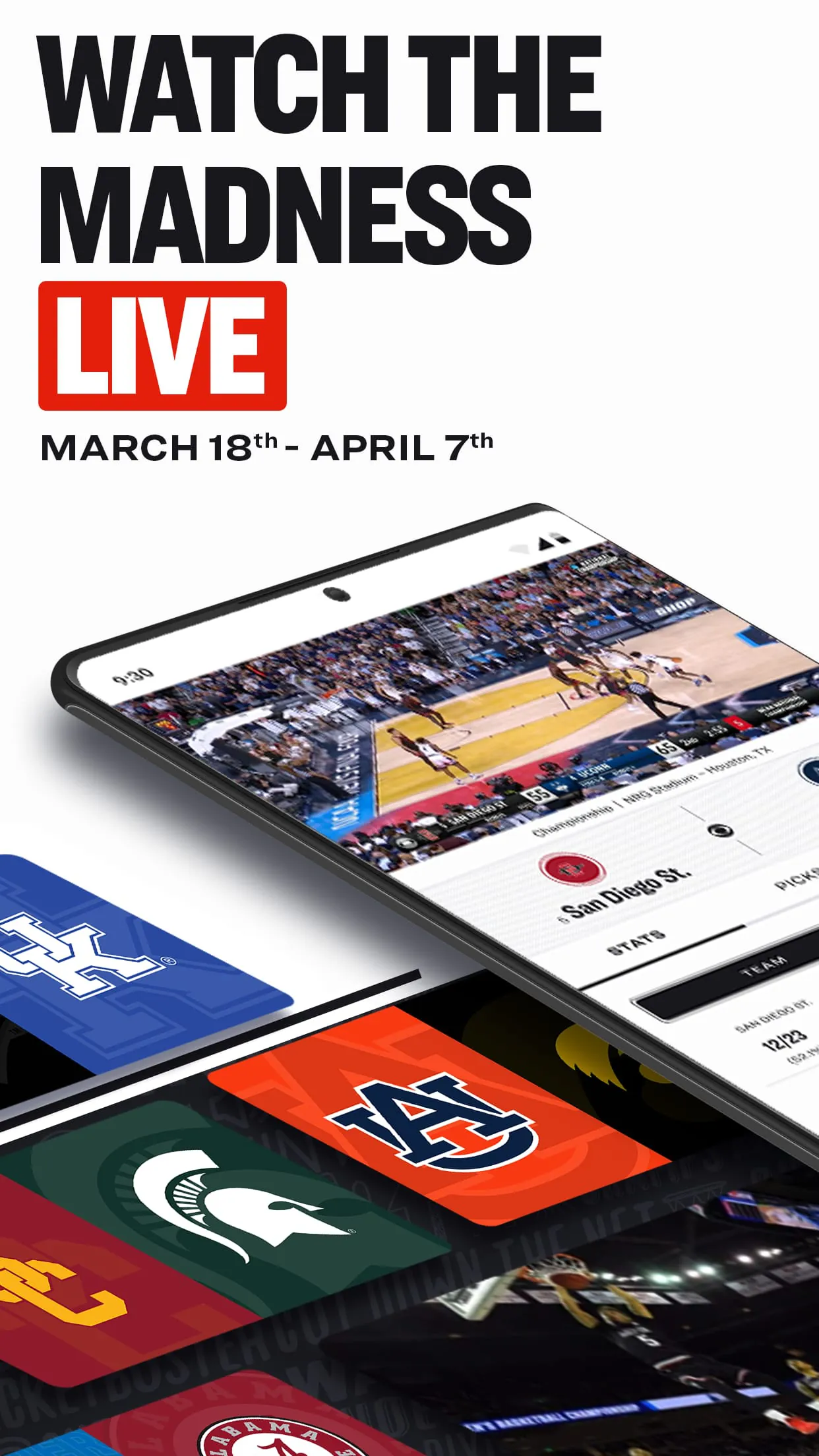
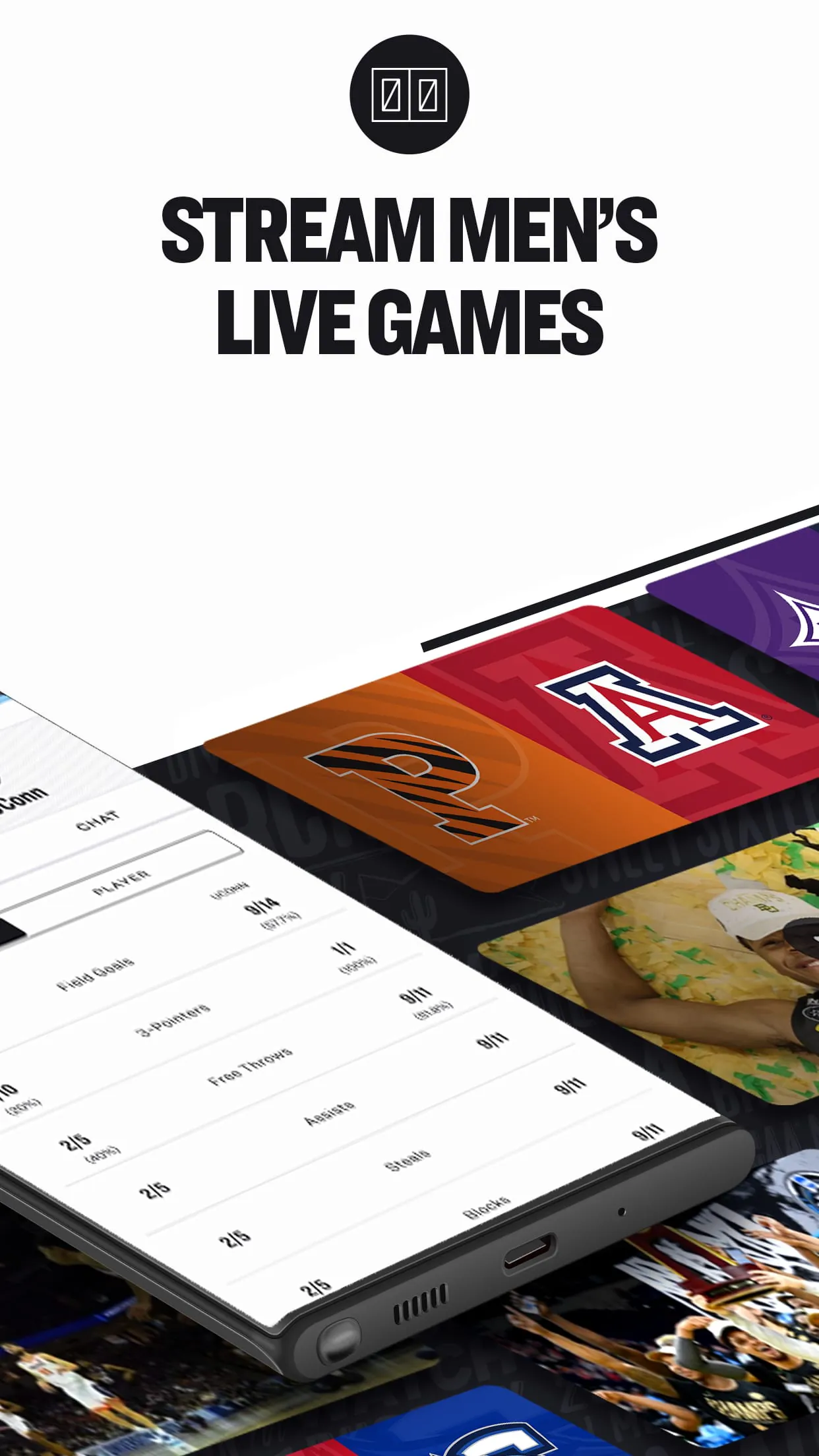
NCAA March Madness Live is the official mobile application for the NCAA Division I Men's Basketball Tournament, providing comprehensive coverage of the annual college basketball championship. The app allows fans to stream live games, access real-time scores and statistics, and receive personalized alerts for their favorite teams. It serves as a central hub for tournament content, including highlights, bracket updates, and expert analysis, ensuring users stay connected to every moment of the action during March Madness.
Key Features
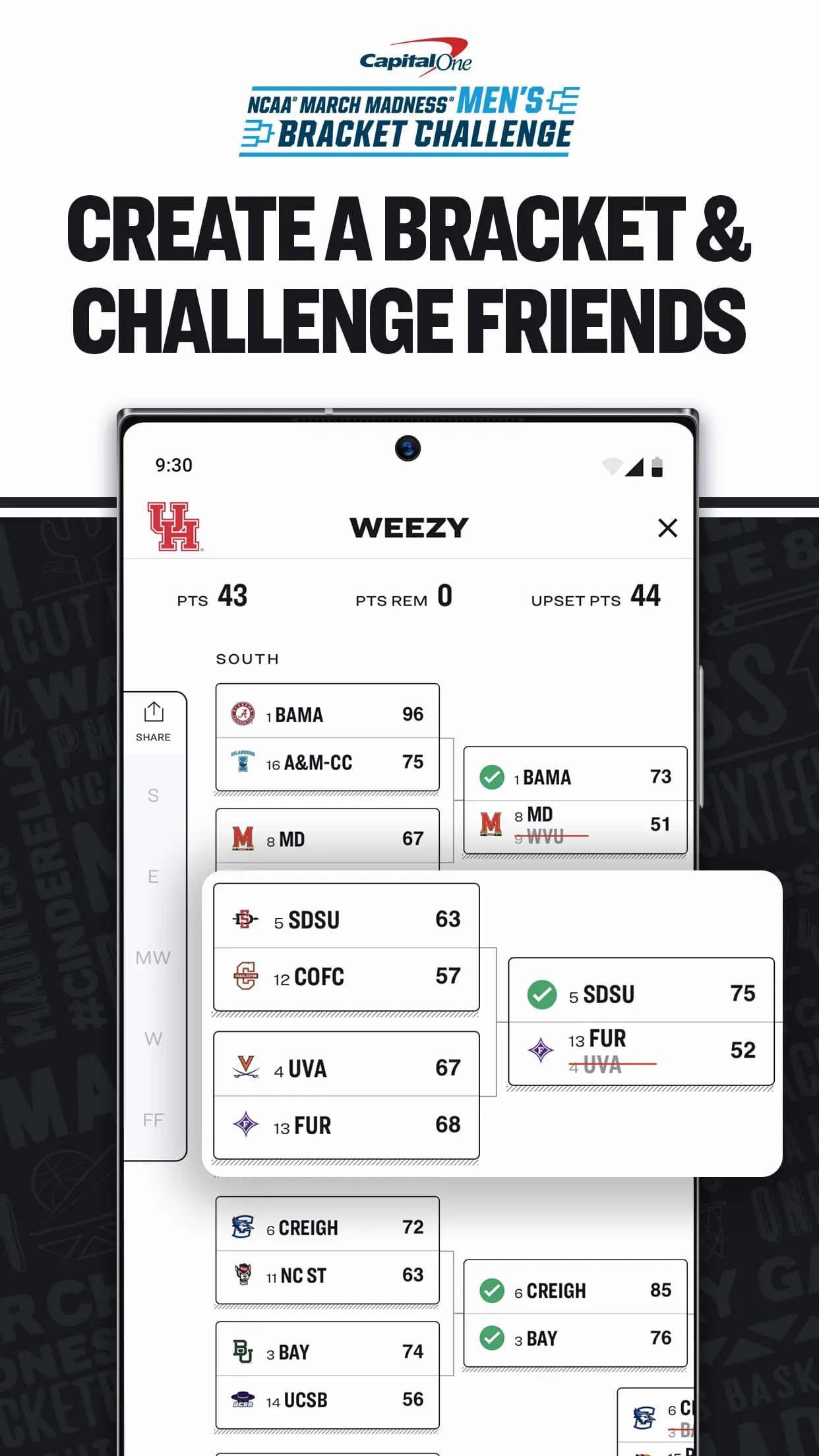
The app offers a range of features designed to enhance the viewing experience. Users can watch live games and full replays on-demand, with options for multi-game viewing to follow multiple matchups simultaneously. The bracket tracker allows fans to monitor their predictions and compete against others, while push notifications keep them informed of game start times, score changes, and breaking news. Additional features include integrated social media sharing, expert commentary, and access to archived games for catching up on missed action.
Pros & Cons
The primary advantage of NCAA March Madness Live is its convenience, offering free access to live streams and real-time updates without requiring a cable subscription. The user interface is intuitive, making it easy to navigate between games and access detailed statistics. However, the app's functionality is heavily dependent on internet connectivity, and some users may experience delays or buffering during peak usage times. Additionally, certain features may be limited based on geographic location or broadcaster restrictions.
Functions
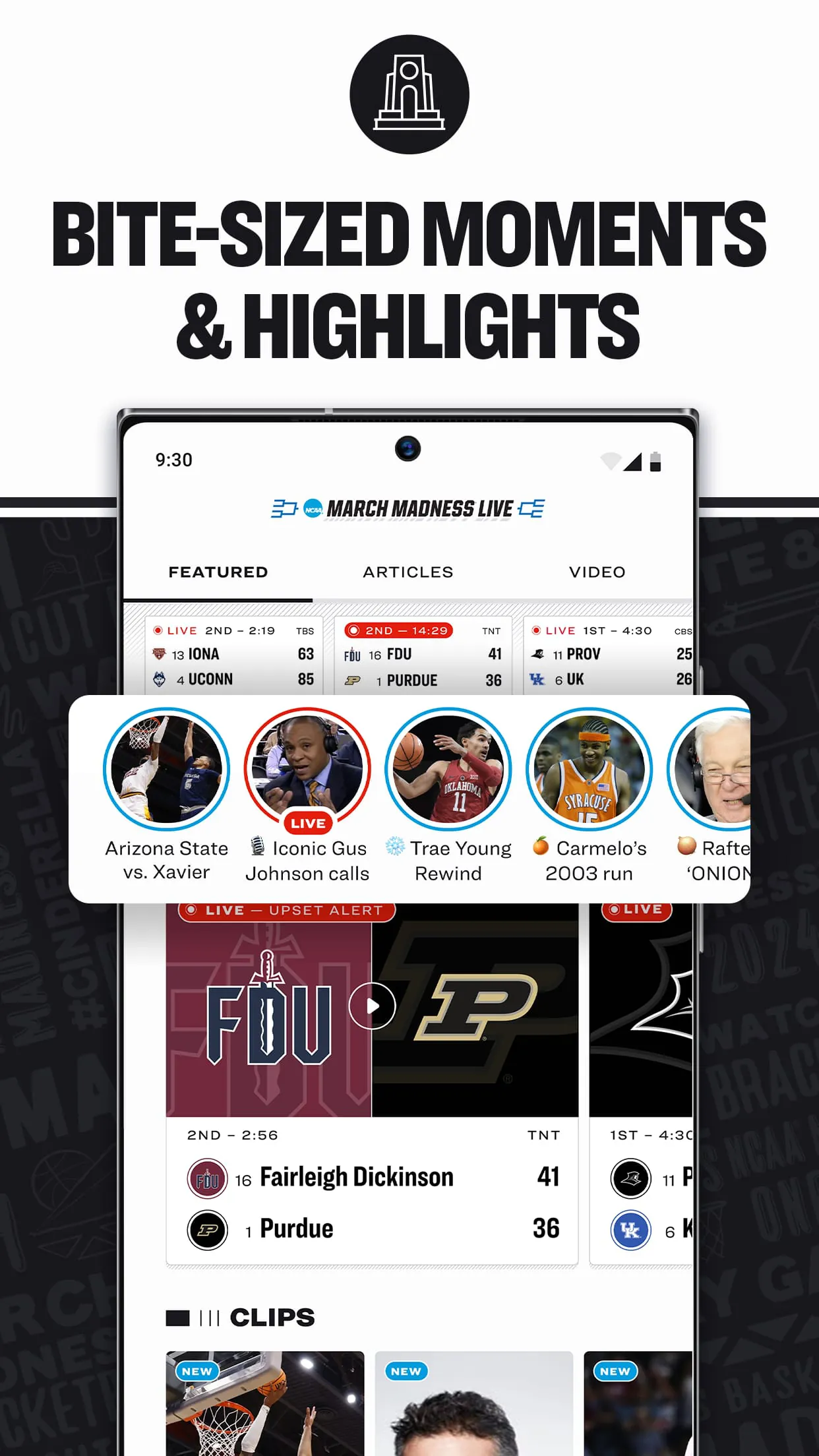
NCAA March Madness Live enables users to stream every tournament game live on their mobile devices, with options to switch between different broadcasts seamlessly. The app provides detailed box scores, play-by-play summaries, and team statistics for each game. It also includes tools for managing brackets, allowing users to make predictions and track their performance throughout the tournament. Other functions include video highlights, news articles, and the ability to set reminders for upcoming games.
How to Use
Click the button "Check All Versions" below to download and install it. Once installed, open the app and create an account or log in with existing credentials. Users can then customize their experience by selecting favorite teams to receive personalized alerts and recommendations. To watch live games, navigate to the "Live" section and choose the desired broadcast, ensuring a stable internet connection for optimal streaming quality. The bracket tool can be accessed from the main menu, where users can make predictions and compare scores with friends.




 APK
APK  Google Play
  iOS
iOS  4.70
4.70