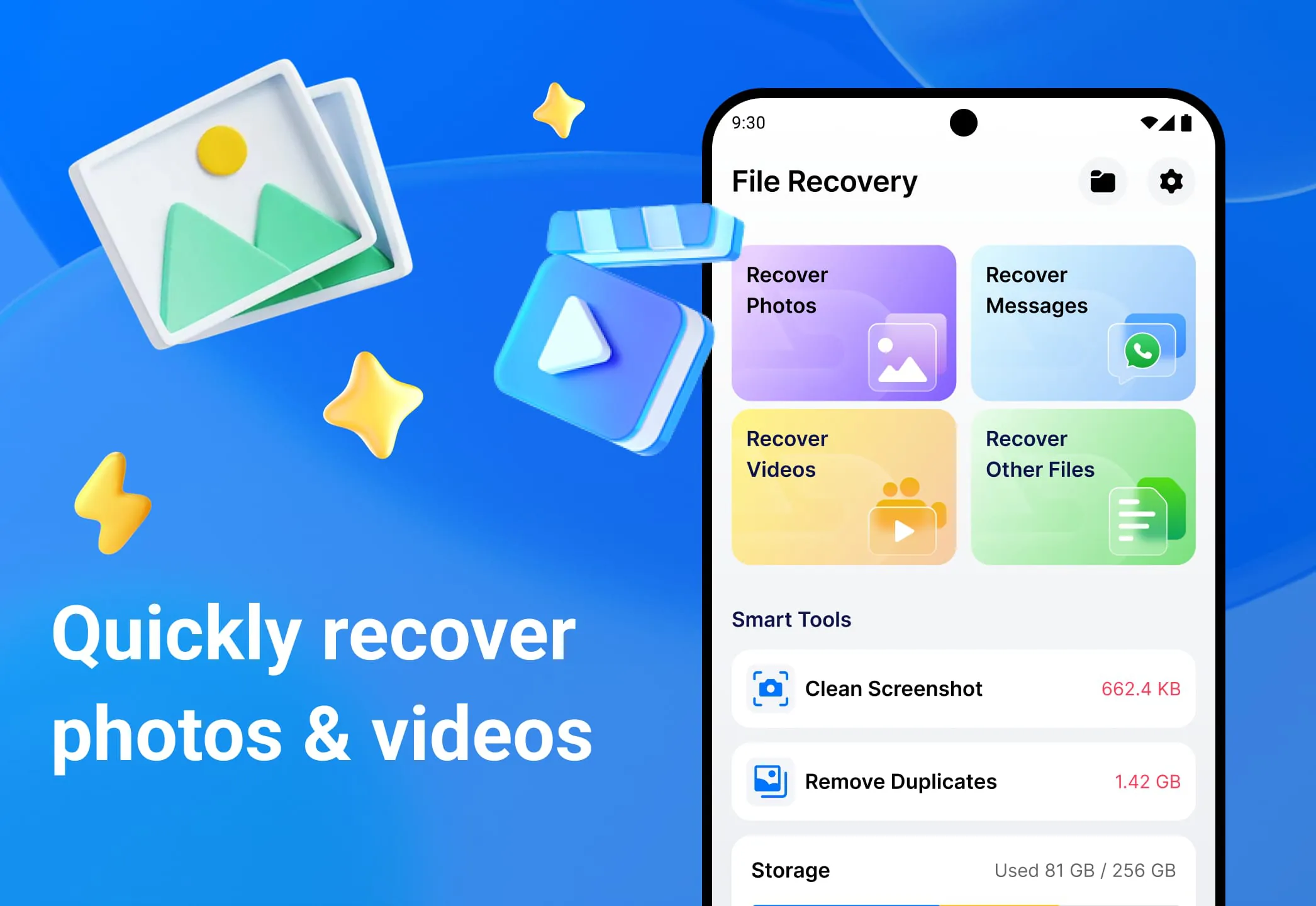
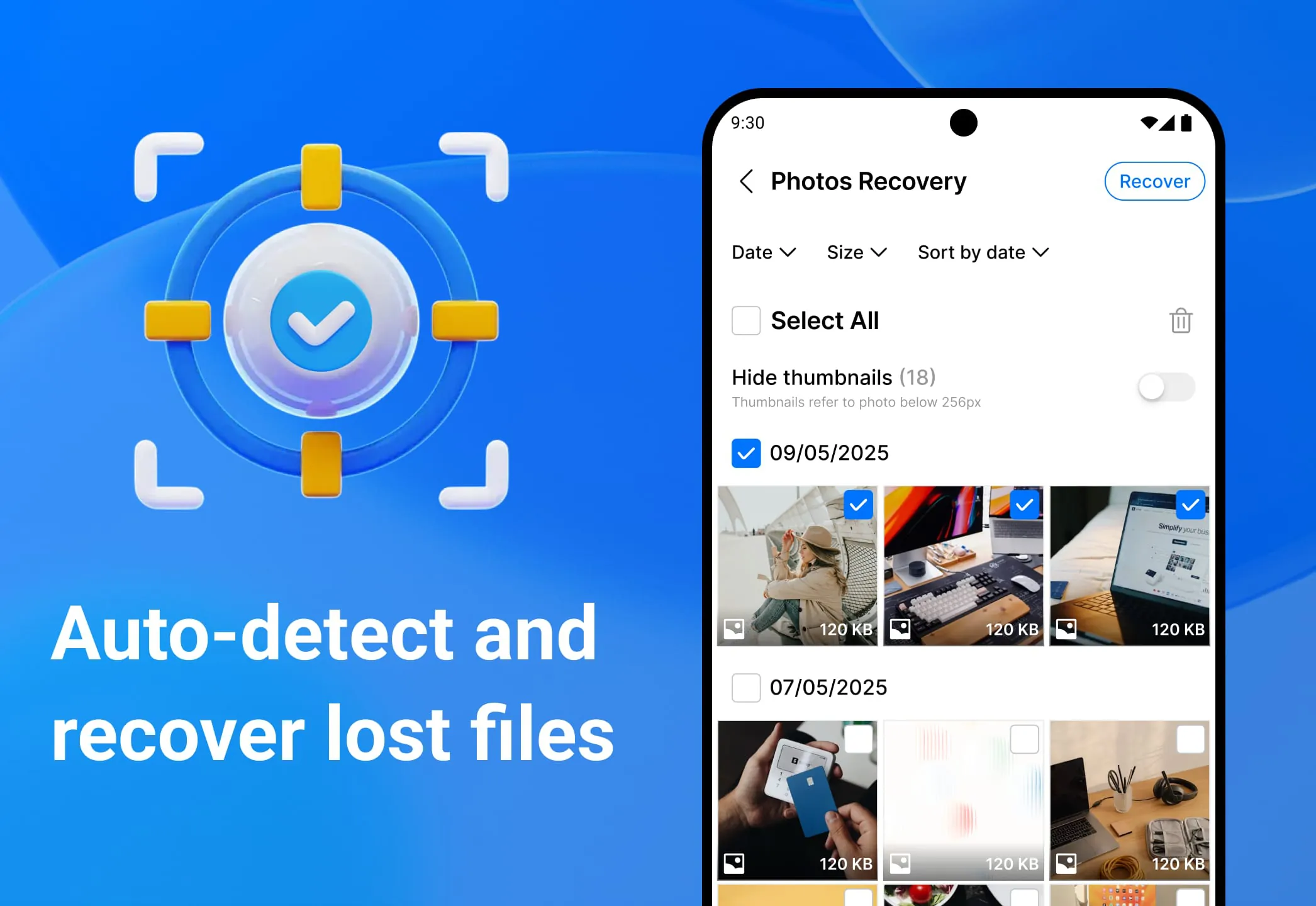
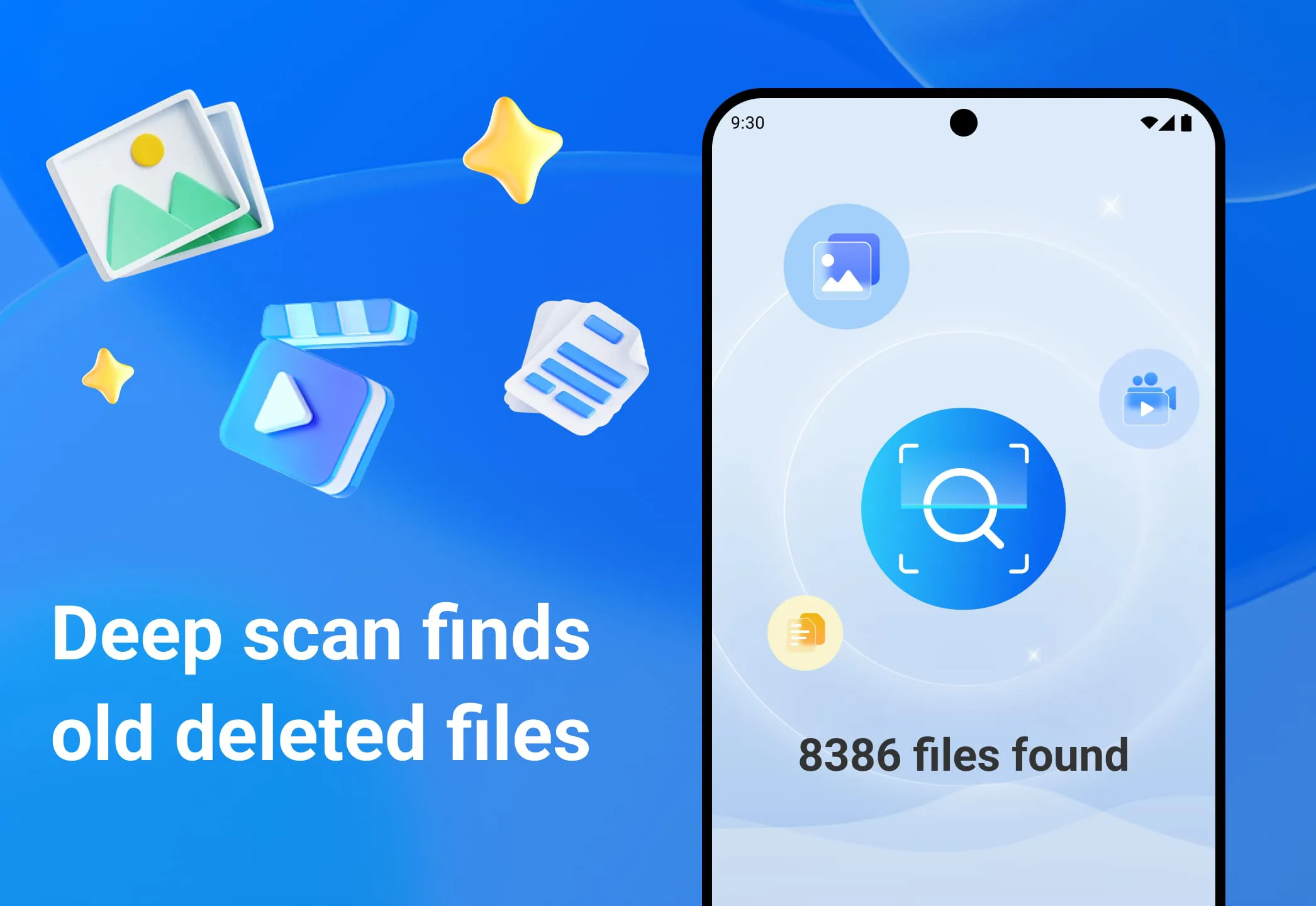
All Recovery: Photos, Videos is an application designed to assist users in retrieving recently deleted photos, videos, and other files from their devices. The application operates by scanning the device's storage, including the MediaStore, cache, and Recycle Bin (if available), to identify files that can be recovered. Users are then able to preview each file and select the ones they wish to restore, with the option to restore multiple files simultaneously. A key feature of the application is that it does not require root permissions to function, making it accessible to a wider range of users. The application's primary functions include the recovery of photos and videos that have been recently deleted, as well as the restoration of various types of documents and files, such as PDFs. Before restoring any files, users can preview them to ensure they are the correct ones and to assess their quality. The application also supports batch restoration, allowing users to recover multiple files at once, which can save time and effort. Additionally, the application supports SD cards, if available, which expands its recovery capabilities to external storage devices. To further enhance the user experience, the application offers flexible sorting and filtering options based on date, size, and file type, enabling users to quickly locate the files they need to recover. Finally, the application includes a feature for securely deleting unwanted files, ensuring that sensitive data is permanently removed from the device. The application works by performing a scan of the device to identify recoverable photos, videos, and files. Once the scan is complete, users can preview the results to verify the content and quality of the files. They can then choose to restore selected items or use the batch restore option to recover multiple items at once. The application is compatible with common media formats used by devices and gallery applications. It supports both internal storage and SD cards, provided that the necessary permissions are granted. However, it is important to note that the success of the recovery process depends on various factors, including the device's condition, storage conditions, and the time elapsed since the files were deleted. Files that have been overwritten or permanently deleted cannot be recovered. The application does not require root permissions to function. To operate effectively, the application requires certain permissions, including access to photos and media to scan, preview, and restore files, as well as access to the SD card (if available) to scan and restore files from external storage. The application urges users to take action as soon as possible to increase the chances of successful recovery. It allows users to selectively scan, preview, and restore photos and videos, providing complete control and transparency throughout the process. The application is designed to be user-friendly and efficient, providing a comprehensive solution for data recovery needs. The application's ability to recover a wide range of file types, combined with its support for both internal and external storage, makes it a valuable tool for anyone who has accidentally deleted important files from their device. The preview feature allows users to verify the content of the files before restoring them, which can save time and storage space by preventing the recovery of unwanted files. The batch restoration feature is particularly useful for recovering large numbers of files, as it eliminates the need to restore each file individually. The application's secure deletion feature ensures that sensitive data is permanently removed from the device, protecting users' privacy and security. The application's compatibility with common media formats and its support for both internal and external storage make it a versatile solution for data recovery needs. The application's user-friendly interface and comprehensive feature set make it a valuable tool for anyone who wants to protect their data and recover accidentally deleted files.
The All Recovery: Photos, Videos application distinguishes itself by offering a comprehensive suite of features tailored to address various data loss scenarios. Its ability to scan both internal and external storage, including SD cards, ensures that users can recover files from a wide range of storage locations. The application's support for various file types, including photos, videos, and documents, further enhances its versatility. The preview feature is particularly valuable, as it allows users to verify the content and quality of files before restoring them, preventing the recovery of unwanted or corrupted files. The batch restoration feature streamlines the recovery process by allowing users to recover multiple files simultaneously, saving time and effort. The application's secure deletion feature is an important addition, as it enables users to permanently remove sensitive data from their devices, protecting their privacy and security. The application's compatibility with common media formats ensures that users can recover files created by a variety of applications. The application's user-friendly interface makes it easy for users to navigate and utilize its various features. The application's ability to function without root permissions makes it accessible to a wider range of users, as rooting a device can be a complex and risky process. The application's reliance on scanning the device's storage to identify recoverable files means that the success of the recovery process depends on various factors, including the device's condition, storage conditions, and the time elapsed since the files were deleted. Files that have been overwritten or permanently deleted cannot be recovered. The application's permissions requirements are reasonable, as it only requests access to photos, media, and SD cards (if available) to scan, preview, and restore files. The application's emphasis on taking action as soon as possible to increase the chances of successful recovery is crucial, as the longer a file remains deleted, the greater the chance that it will be overwritten or corrupted. The application's selective scanning, previewing, and restoration capabilities provide users with complete control and transparency throughout the recovery process. The application's design prioritizes user-friendliness and efficiency, making it a valuable tool for anyone who has accidentally deleted important files from their device. The application's comprehensive feature set and intuitive interface make it a standout data recovery solution. The application's ability to recover files from both internal and external storage, combined with its support for various file types, makes it a versatile tool for addressing various data loss scenarios. The preview feature is particularly useful for ensuring that users only recover the files they need. The batch restoration feature streamlines the recovery process, saving time and effort. The secure deletion feature protects users' privacy and security by permanently removing sensitive data from their devices. The application's compatibility with common media formats ensures that users can recover files created by a variety of applications. The application's user-friendly interface makes it easy for users to navigate and utilize its various features. The application's ability to function without root permissions makes it accessible to a wider range of users.
In conclusion, All Recovery: Photos, Videos emerges as a robust and user-friendly solution for individuals seeking to retrieve inadvertently deleted files from their devices. Its comprehensive feature set, encompassing photo, video, and document recovery, coupled with its ability to scan both internal and external storage, positions it as a versatile tool for addressing a wide array of data loss scenarios. The inclusion of a preview feature allows users to verify the content and quality of files prior to restoration, mitigating the risk of recovering unwanted or corrupted data. The batch restoration functionality streamlines the recovery process, enabling the simultaneous retrieval of multiple files, thereby saving valuable time and effort. Furthermore, the incorporation of a secure deletion feature underscores the application's commitment to user privacy and security, ensuring the permanent removal of sensitive data from the device. The application's compatibility with prevalent media formats ensures seamless recovery of files created by diverse applications, while its intuitive interface facilitates effortless navigation and utilization of its various features. A significant advantage lies in its ability to function without requiring root permissions, thereby extending its accessibility to a broader user base, including those less technically inclined. However, it is crucial to acknowledge that the success of the recovery process is contingent upon factors such as the device's condition, storage conditions, and the duration elapsed since file deletion. Files that have been overwritten or permanently erased are irretrievable. The application's permission requests are justifiable, limited to accessing photos, media, and SD cards (if available) for scanning, previewing, and restoring files. The emphasis on prompt action to enhance recovery prospects is paramount, as prolonged deletion periods increase the likelihood of files being overwritten or corrupted. The application's selective scanning, previewing, and restoration capabilities empower users with complete control and transparency throughout the recovery procedure. All Recovery: Photos, Videos distinguishes itself as a dependable and efficient tool for safeguarding data and recovering accidentally deleted files. Its comprehensive feature suite, encompassing photo, video, and document recovery, combined with its ability to scan both internal and external storage, positions it as a versatile solution for addressing diverse data loss scenarios. The inclusion of a preview feature allows users to verify the content and quality of files before restoring them, mitigating the risk of recovering unwanted or corrupted data. The batch restoration functionality streamlines the recovery process, enabling the simultaneous retrieval of multiple files, thereby saving valuable time and effort. Furthermore, the incorporation of a secure deletion feature underscores the application's commitment to user privacy and security, ensuring the permanent removal of sensitive data from the device. The application's compatibility with prevalent media formats ensures seamless recovery of files created by diverse applications, while its intuitive interface facilitates effortless navigation and utilization of its various features.