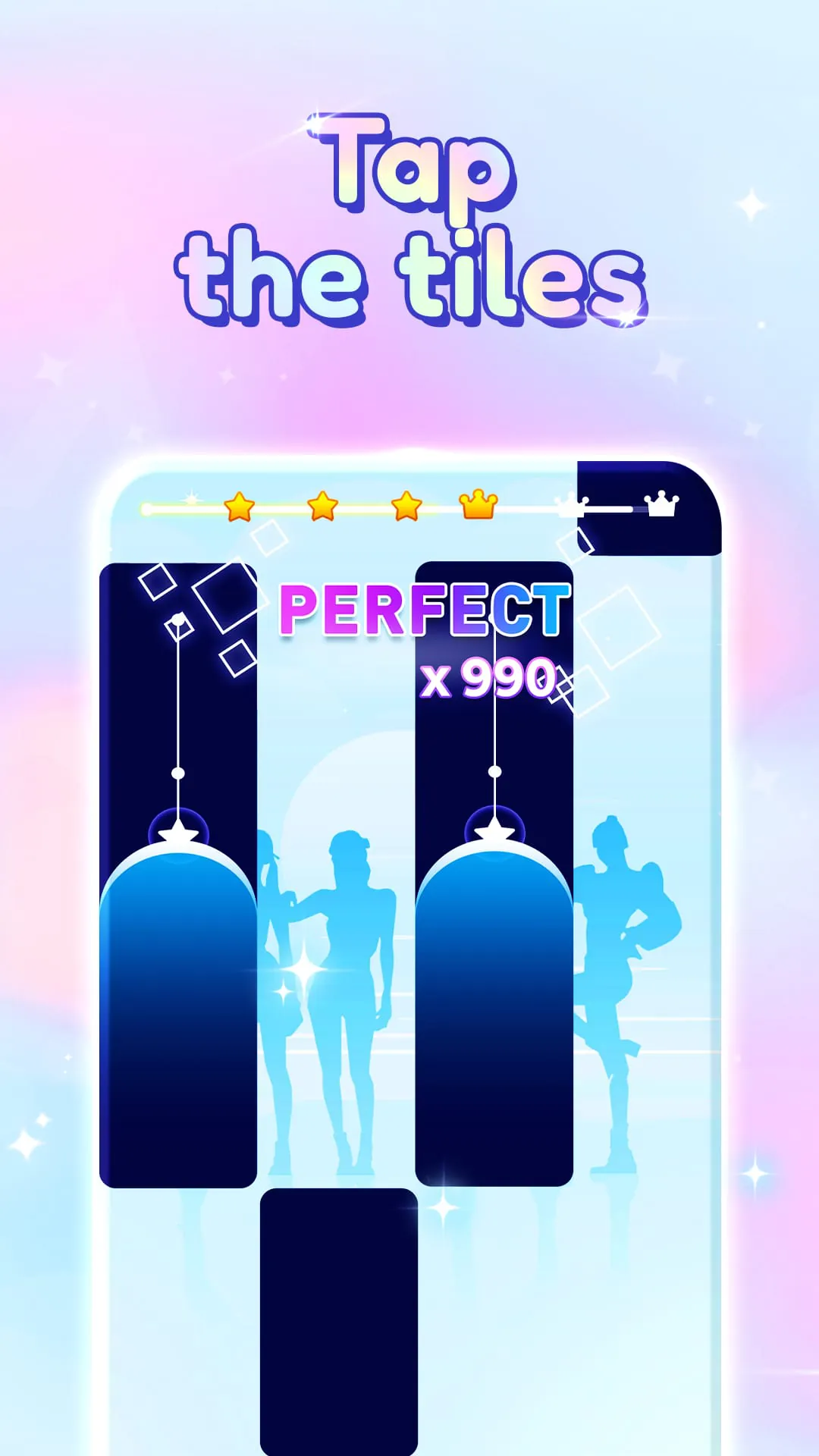
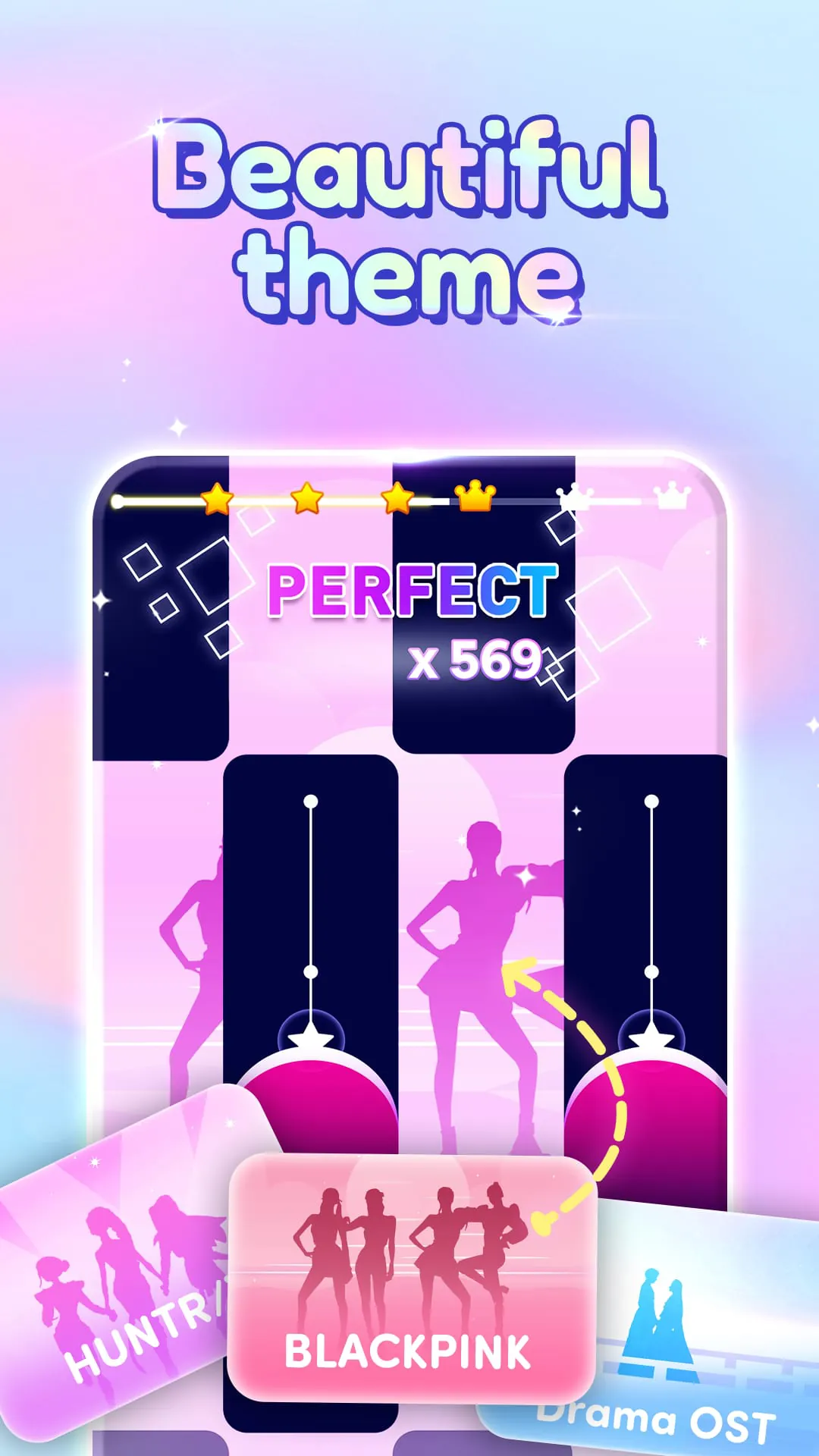
Kpop Magic Tiles - Piano Idol is presented as an engaging and immersive mobile game centered around KPOP music and rhythm-based gameplay. The core concept revolves around tapping, sliding, and holding tiles in sync with the beat of popular KPOP songs, creating a dance-like experience for the player's fingers. The game emphasizes its ability to make players feel like KPOP stars as they interact with the music. One of the key highlights of the game is its regularly updated library of the latest KPOP hits. This ensures that players have access to a continuous stream of fresh and popular music, simulating the experience of attending their own KPOP concert. The game also offers a customizable difficulty level, allowing players to adjust the challenge to match their skill level and preference. This adaptability caters to both casual players looking for a relaxed experience and more seasoned gamers seeking a demanding test of their rhythm and coordination. The game incorporates elements of collection and personalization, enabling players to unlock various items and customize the game's appearance. This feature adds an element of progression and allows players to express their individual style, enhancing their overall engagement with the game. Furthermore, Kpop Magic Tiles - Piano Idol features a social component that allows players to compete with friends and other players remotely. This competitive aspect encourages players to hone their skills and strive for higher scores, adding a layer of social interaction and motivation. The game positions itself as a combination of music, fun, and dance, inviting players to download it and start the party. The game is portrayed as an accessible and enjoyable way to engage with KPOP music, offering a virtual dance experience through rhythmic tile tapping and sliding. The game targets fans of KPOP music, rhythm game enthusiasts, and casual gamers looking for an engaging and accessible mobile experience. The game's continuous updates with the latest KPOP hits ensure a constant stream of new content. The game's accessibility makes it suitable for a wide range of players, from casual gamers to experienced rhythm game enthusiasts. The game's customization options and social features enhance the overall experience, providing additional layers of engagement and enjoyment. The game's overall design and presentation contribute to its appeal. The game is designed to be visually appealing and easy to navigate, ensuring a smooth and enjoyable user experience. The game is optimized for mobile devices, ensuring that it runs smoothly and efficiently on a variety of hardware configurations. The game's sound design is integral to the overall experience. The game is designed to provide a high-quality audio experience, immersing players in the music and enhancing their enjoyment. The game's social features encourage players to connect with friends and other KPOP fans, fostering a sense of community and shared enjoyment. The game's ongoing development and updates ensure that it remains relevant and engaging over time. The game is designed to adapt to evolving trends in KPOP music and mobile gaming, ensuring that it continues to appeal to a wide audience. The game is committed to providing a fair and enjoyable experience for all players. The game is designed to prevent cheating and ensure that all players have an equal opportunity to succeed. The game is regularly monitored and updated to address any issues or concerns raised by players.
The gameplay mechanics of Kpop Magic Tiles - Piano Idol are centered around accurately tapping, sliding, and holding tiles that appear on the screen in synchronization with the rhythm and beat of KPOP songs. These actions simulate the experience of dancing along to the music, engaging the player's sense of rhythm and coordination. The tiles cascade down the screen, requiring players to react quickly and precisely to maintain the flow of the music. The game incorporates different types of tiles, each requiring a specific action, adding variety and challenge to the gameplay. Some tiles may require a single tap, while others may require sliding or holding, demanding different levels of dexterity and attention. As players progress through the game, the speed and complexity of the tile patterns increase, challenging their reflexes and requiring them to adapt quickly. The game provides visual and auditory feedback to indicate the accuracy of the player's actions. Successful taps and slides are rewarded with visual effects and satisfying sounds, while missed tiles result in penalties. This feedback mechanism helps players to learn and improve their timing and accuracy. The game also incorporates power-ups and special abilities that can be activated during gameplay to enhance performance. These power-ups may provide temporary boosts to score, accuracy, or speed, offering strategic advantages to players. The game features a scoring system that rewards accuracy, timing, and combo streaks. Players earn points for each successful tap, slide, and hold, with bonus points awarded for maintaining long combo streaks. The game also tracks player statistics, such as accuracy percentage, high scores, and number of songs played, providing a sense of progress and achievement. The game offers a variety of control options to suit different player preferences. Players can choose to use touch controls, swipe controls, or even motion controls, allowing them to find the method that feels most comfortable and intuitive. The game is designed to be accessible to players of all skill levels. The game offers a range of difficulty settings, allowing players to adjust the challenge to match their abilities. The game also provides tutorials and practice modes to help new players learn the basics and improve their skills. The game's user interface is designed to be clean, intuitive, and easy to navigate. The game is designed to provide a seamless and enjoyable user experience, ensuring that players can focus on the gameplay without being distracted by unnecessary clutter. The game is optimized for mobile devices, ensuring that it runs smoothly and efficiently on a variety of hardware configurations. The game is designed to minimize battery drain and data usage, allowing players to enjoy the game for extended periods without worrying about their device's performance. The game is regularly updated with new features, improvements, and content. The game is committed to providing a constantly evolving and improving experience for players. The game is actively developed and maintained by a team of dedicated professionals. The game is designed to be a long-term source of entertainment and enjoyment for players. The game is committed to providing a fair and balanced experience for all players. The game is designed to prevent cheating and ensure that all players have an equal opportunity to succeed.
Kpop Magic Tiles - Piano Idol enriches user engagement through a suite of collectible elements and customization features, allowing players to personalize their gaming experience and express their individual style. As players progress through the game, they can unlock a variety of cosmetic items, such as new tile designs, background themes, and character skins. These items can be used to customize the appearance of the game, creating a unique and personalized visual experience. The game also features a collection of KPOP-themed items, such as virtual merchandise, posters, and accessories. These items can be collected and displayed in a virtual showcase, allowing players to demonstrate their fandom and connect with other KPOP enthusiasts. The game incorporates a leveling system that rewards players for their progress and achievements. As players gain experience and level up, they unlock new content, features, and customization options. The leveling system provides a sense of progression and motivates players to continue playing and improving their skills. The game offers a variety of challenges and achievements to keep players engaged and motivated. These challenges may involve completing specific tasks, achieving certain scores, or mastering particular songs. Completing challenges and earning achievements unlocks rewards and provides a sense of accomplishment. The game also features a social component that allows players to share their achievements and customizations with friends and other players. Players can post their high scores, showcase their customized game setups, and compete for bragging rights. The social features encourage players to connect with each other and share their passion for KPOP music and rhythm gaming. The game is designed to be highly customizable, allowing players to tailor the experience to their individual preferences. Players can adjust the difficulty level, control scheme, and visual settings to create a personalized gaming experience. The game also supports custom playlists, allowing players to create their own collections of favorite KPOP songs. The game is designed to be constantly evolving and improving. The developers regularly release new content, features, and customization options to keep the game fresh and engaging. The game is committed to providing a long-term source of entertainment and enjoyment for players. The game is actively supported by a community of dedicated fans. The game is designed to foster a sense of community and belonging among players. The game is committed to providing a safe and inclusive environment for all players. The game is regularly monitored and updated to address any issues or concerns raised by players. The game is designed to be a celebration of KPOP music and culture. The game is committed to providing a fun, engaging, and rewarding experience for all players. The game is constantly evolving to meet the needs and expectations of its players. The game is designed to be a timeless classic in the world of mobile rhythm gaming.