




Televizo
by Andrey Menscikov
IPTV player
A closer look
Overview
Televizo is a dedicated IPTV player application designed for Android devices, enabling users to stream live television channels, video-on-demand content, and radio stations from various sources over the internet. It provides a sleek, customizable interface to manage and play streams from M3U playlists or Xtream Codes API services, positioning itself as a versatile tool for accessing a wide array of digital broadcast content seamlessly on smartphones, tablets, and Android TV boxes.
Key Features
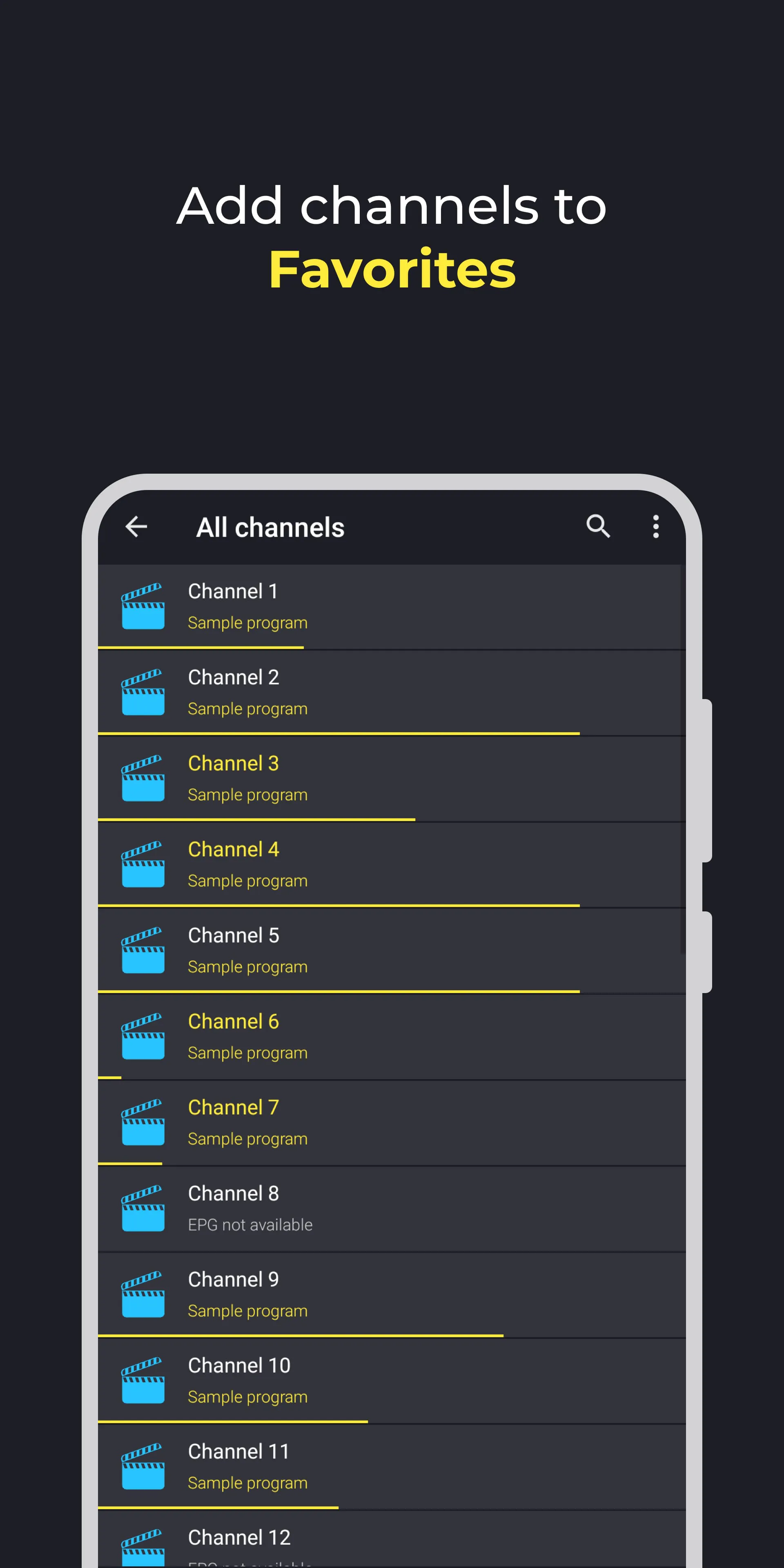
The core strengths of Televizo lie in its robust functionality and user-centric design. It supports multiple playlist formats and allows for extensive organization through categories and favorites. The application boasts advanced player controls with support for external players, comprehensive electronic program guide (EPG) integration, and useful utilities like a built-in browser for searching streams. Its focus on stability and a clean, ad-free viewing experience is a significant highlight for regular users.
Pros & Cons
Every application presents a balance of advantages and limitations, and Televizo is no exception.
- Pros: The interface is highly intuitive and regularly updated for performance. It operates without advertisements in the premium version and offers extensive customization for playlists and the EPG. Reliable playback with catch-up support and a responsive developer team are major positives.
- Cons: The application is exclusively available for the Android ecosystem. While a free version exists, the full feature set requires a one-time purchase. Initial setup with playlists and EPG sources can be slightly technical for absolute beginners.
Functions
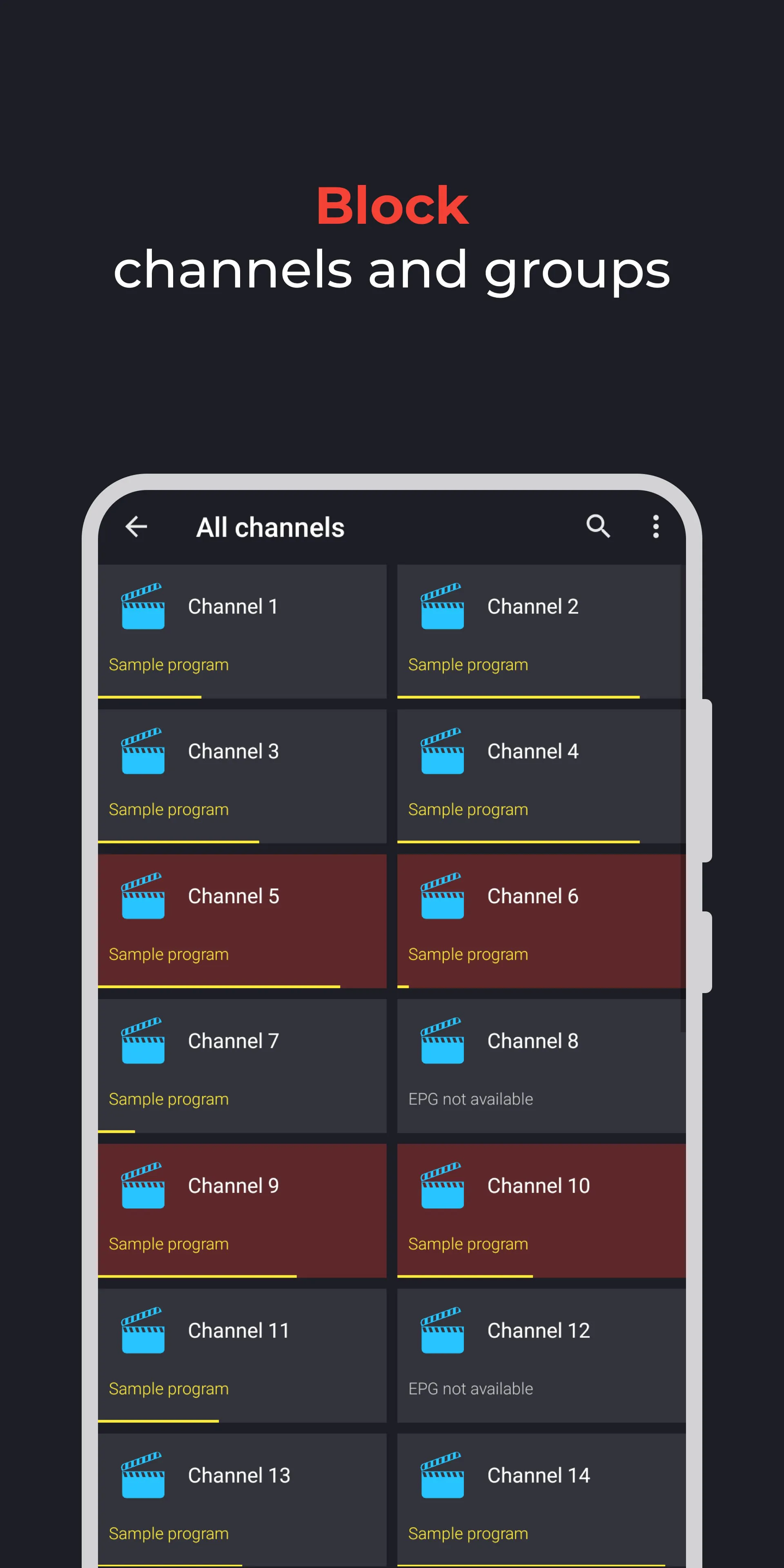
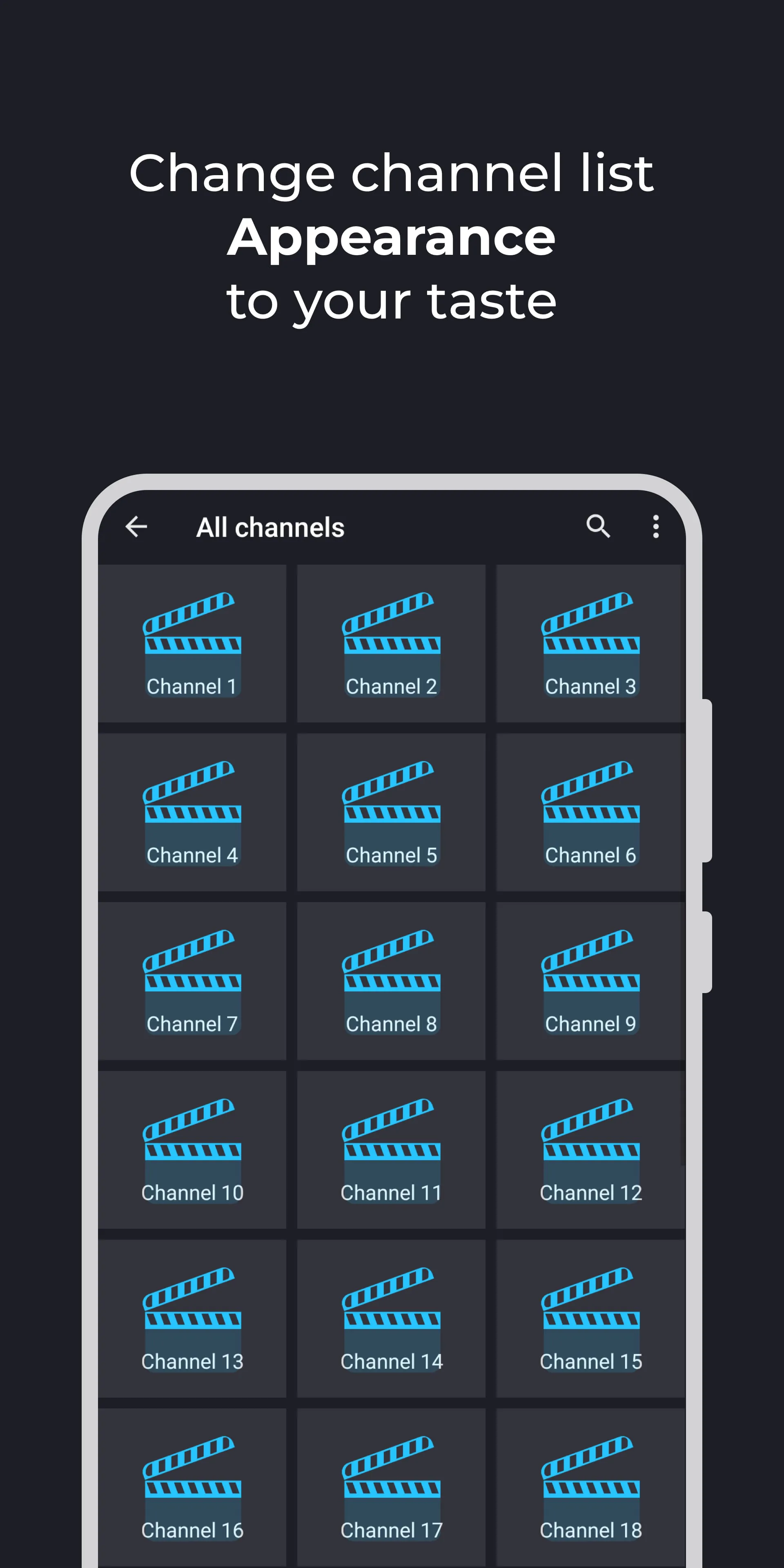
Televizo serves as a comprehensive multimedia hub with a suite of practical functions. It efficiently manages and updates IPTV playlists from URLs or local storage. The application parses and displays detailed EPG information for channels, enables timeshift and recording capabilities, and allows extensive customization of the player's appearance and behavior. Parental control features and the ability to search for channels directly within the app further enhance its utility for everyday entertainment management.
How to Use
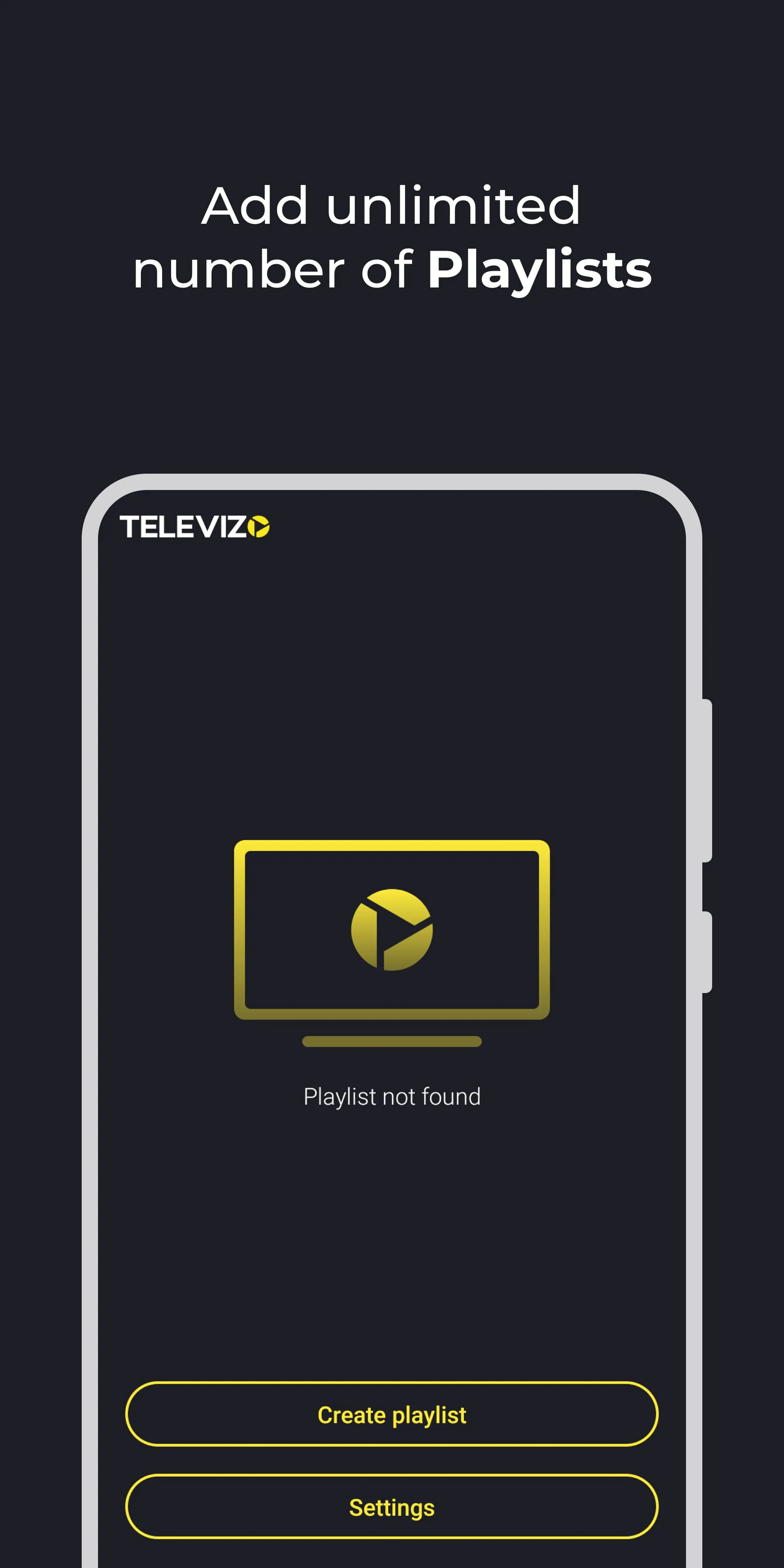
Click the button "Check All Versions" below to download and install it. Once installed, launch the app and begin by adding your IPTV source. This is typically done by entering the M3U playlist URL or Xtream Codes details provided by your service in the app's settings. After loading, channels and categories will appear. You can then browse the guide, customize your favorite lists, and start watching. For optimal use, explore the settings to adjust the player, set up the EPG source properly, and configure recording paths if needed.
App Download
Get Televizo from an official store or available APK channel.
Previous Versions
ZIP files require a Split APKs Installer (e.g., SAI) from Google Play to install. Steps: 1. Download SAI from Google Play; 2. Open SAI and tap "Install APKs"; 3. Select the ZIP file; 4. Complete installation.
Frequently Asked Questions
What is the latest version of Televizo?
The latest version currently listed by Appspicked is unavailable, with information updated on May 16, 2026. Versions may vary by device, region, or rollout schedule, so users should also check Google Play or announcements from Andrey Menscikov.
Is Televizo safe to download and use?
No website can guarantee that an app is completely risk-free. Appspicked recommends downloading Televizo only from an official app store or a verified channel operated by Andrey Menscikov. Before installing, confirm the developer name, package ID com.ottplay.ottplay, requested permissions, privacy policy, and download source.
Why can’t I find Televizo in the App Store?
Televizo may be unavailable because of regional restrictions, device incompatibility, account or age settings, a temporary removal, a name change, or because it has not been released for that platform. An Android package page does not necessarily mean that an iOS App Store version exists. Check Andrey Menscikov’s official website for current availability.
Where can I download or update Televizo?
Use Google Play or another official download channel provided by Andrey Menscikov whenever possible. Appspicked provides app information and store links, but users should verify the destination domain and publisher before downloading or updating the app.
Why is the version shown on Appspicked different from the app-store version?
The information on Appspicked may represent the most recently indexed snapshot. App stores sometimes release updates gradually or display different versions according to region, device, operating system, or testing group. The official store listing should be treated as the final reference.
Which devices and operating systems support Televizo?
Televizo is listed for Android, with a reported minimum requirement of Not specified. Actual compatibility may also depend on the device model, region, available storage, hardware features, and installed system components.
Is Televizo free?
The initial download may be free, but subscriptions, advertising, paid features, or in-app purchases may still apply. Prices and available purchases can vary by country and version. Check the payment information displayed by Google Play before completing a transaction.
What should I do if Televizo cannot be installed or updated?
Check the network connection, storage space, operating-system version, account region, and device compatibility. Restart the device and try again through the official store. If the problem continues, consult the support resources provided by Andrey Menscikov.









