




Contacts
by Zed UK
Phone Dialer with Caller ID, Call Blocker, Address Book & Contacts Manager
A closer look
Overview
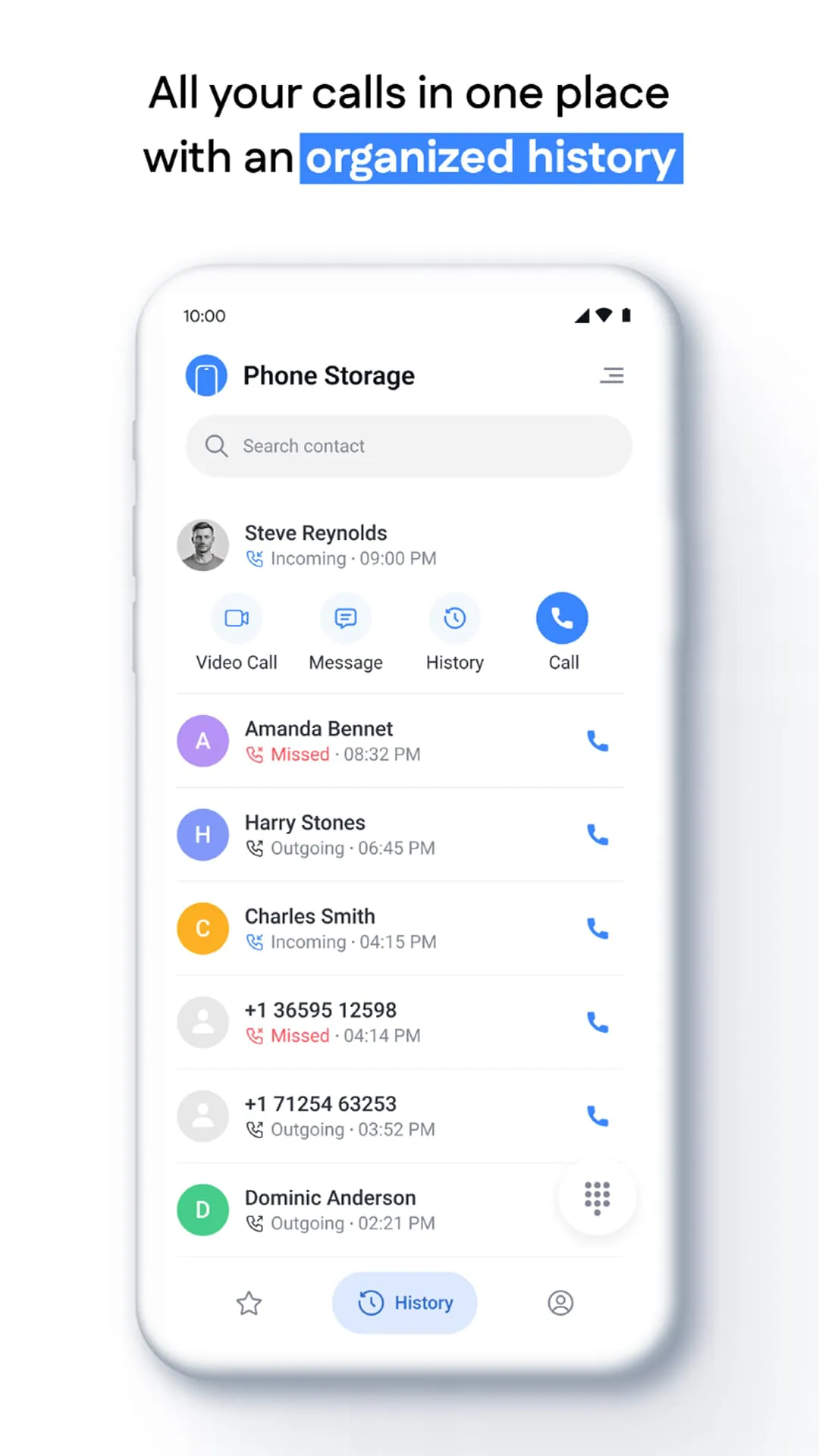
The Contacts app is a core digital address book application, typically pre-installed on smartphones and computers, designed to centralize and manage all your personal and professional contact information. It serves as a fundamental hub for communication, allowing users to store phone numbers, email addresses, physical locations, and other important details in one organized, easily accessible place.
Key Features
The Contacts application stands out due to its deep integration with the device's operating system and other services. Its primary role is to synchronize and unify information across various platforms, ensuring that your address book is consistent whether you are making a call, sending an email, or using a messaging service. A key aspect is its ability to merge duplicate entries automatically and pull in profile information from linked social media or professional accounts, keeping contact cards rich and up-to-date without constant manual input.
Pros & Cons
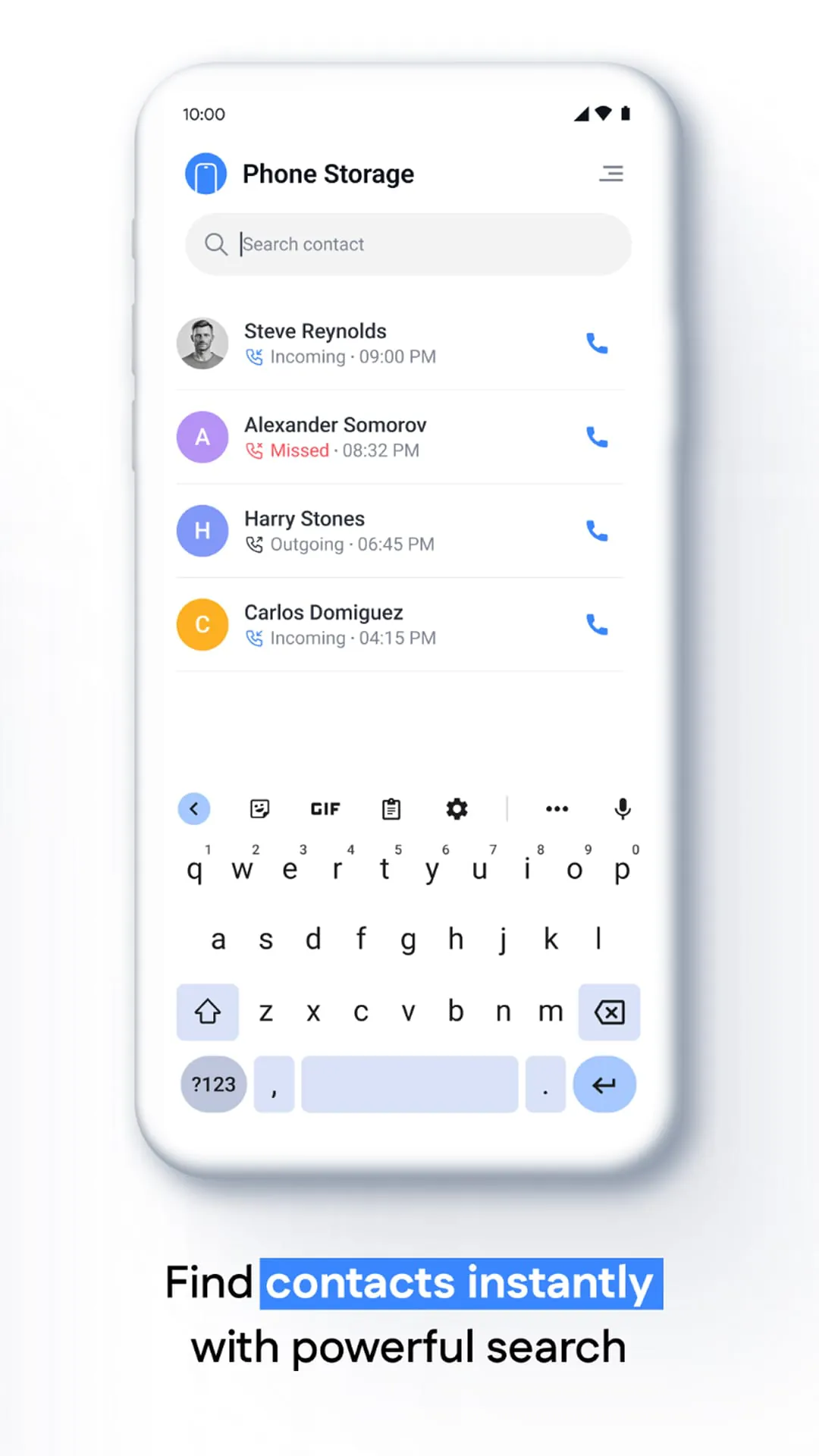
- Pros: Offers exceptional convenience and time-saving automation by syncing across all your devices via the cloud. It provides a single point of management for contact details, which greatly improves efficiency. The ability to link contacts to specific apps and set custom vibration or ringtone patterns enhances personalization. Integration with system-wide search makes finding contacts instantaneous.
- Cons: Can sometimes suffer from syncing errors between different platforms, leading to duplicates or outdated information. Privacy concerns may arise as contact data is often stored on company servers. The interface and feature set can vary significantly between Android and iOS, and some advanced organizational tools may have a learning curve for new users.
Functions
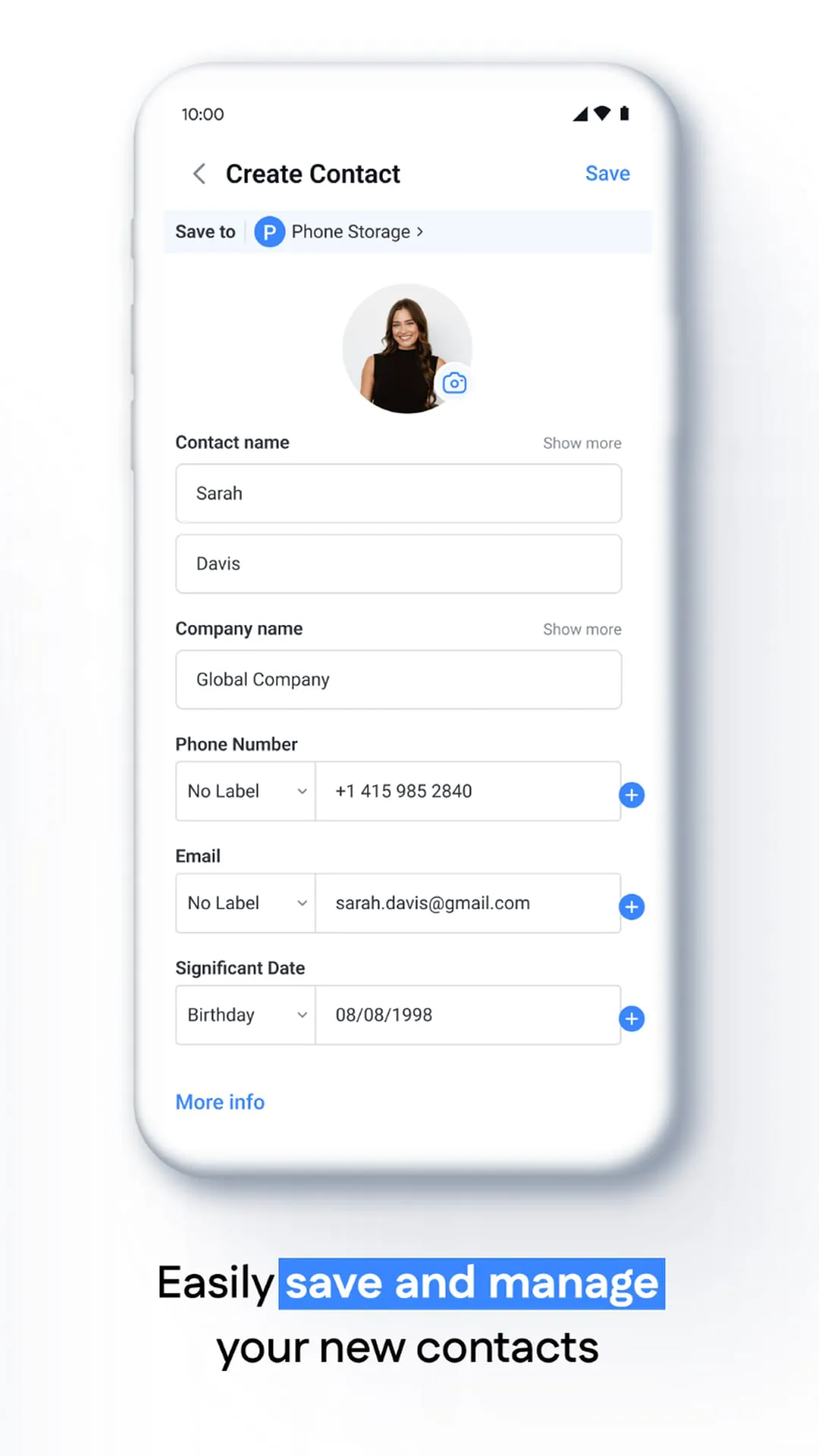
- Serves as the central repository for storing, editing, and categorizing contact details including phone numbers, emails, birthdays, and notes.
- Seamlessly integrates with the phone dialer, messaging apps, email clients, and third-party applications like WhatsApp or Zoom.
- Supports the creation of contact groups for bulk messaging or email distribution.
- Facilitates contact sharing through QR codes, vCard files, or direct links.
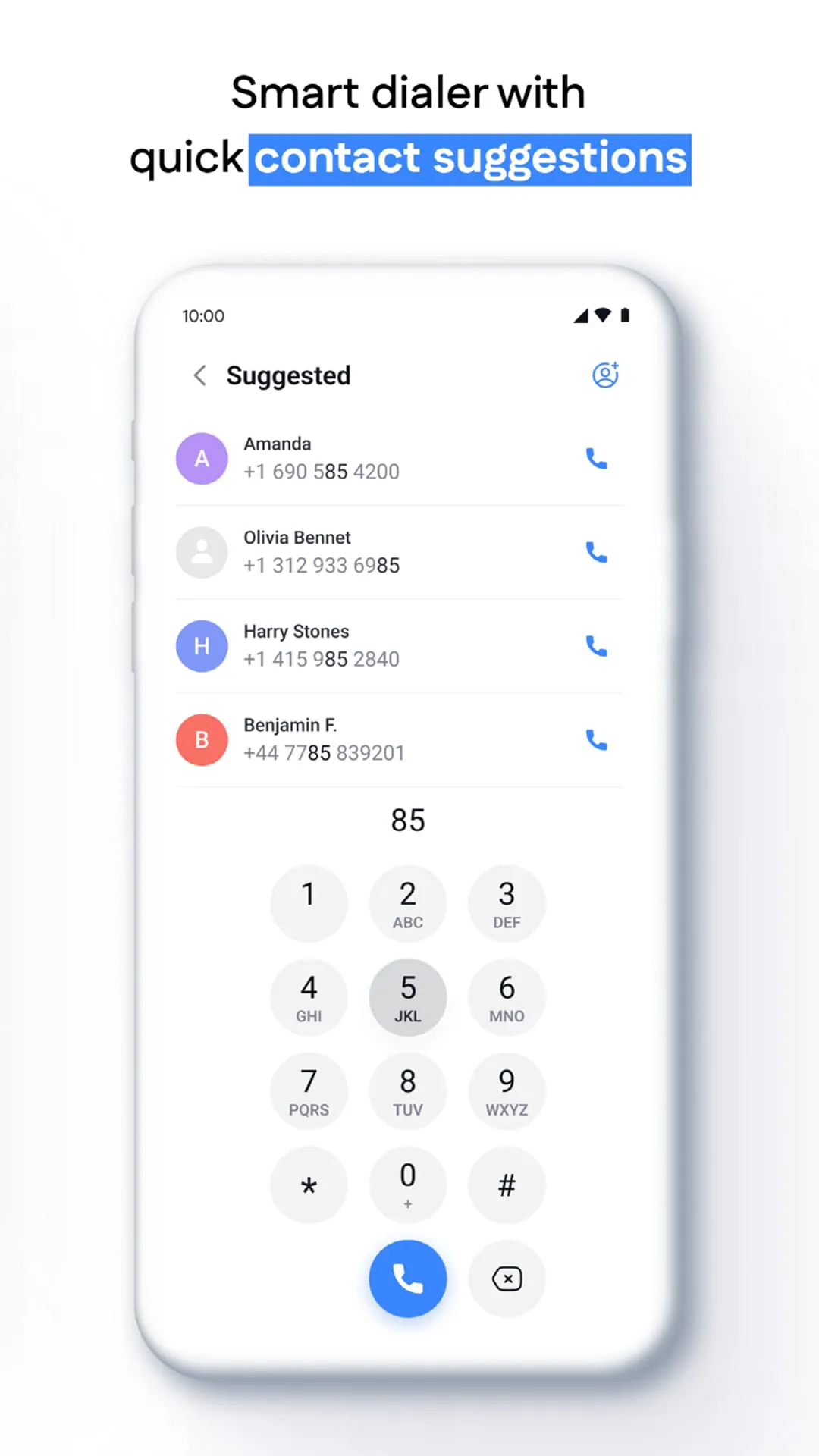
- Often includes a "Favorites" section for quick access to your most important contacts directly from the dialer screen.
- Provides options to block unwanted numbers and manage call screening settings directly from a contact's card.
How to Use
Click the button "Check All Versions" below to download and install it. Once installed, you can begin by opening the app and granting the necessary permissions to access your phone and accounts. To add a new contact, tap the "+" or "Add" icon and fill in the relevant fields. You can import existing contacts from your SIM card, a file, or another account like Google or iCloud. To edit a contact, simply tap on their name, select edit, and update their information. Organizing contacts into groups is typically done through the app's settings or menu, allowing you to manage family, work, and friend circles efficiently. Regularly reviewing the "Duplicate Contacts" or "Clean Up" suggestion within the app's settings can help maintain a tidy and efficient address book.
App Download
Get Contacts from an official store or available APK channel.
Previous Versions
ZIP files require a Split APKs Installer (e.g., SAI) from Google Play to install. Steps: 1. Download SAI from Google Play; 2. Open SAI and tap "Install APKs"; 3. Select the ZIP file; 4. Complete installation.
Frequently Asked Questions
What is the latest version of Contacts?
The latest version currently listed by Appspicked is unavailable, with information updated on May 18, 2026. Versions may vary by device, region, or rollout schedule, so users should also check Google Play or announcements from Zed UK.
Is Contacts safe to download and use?
No website can guarantee that an app is completely risk-free. Appspicked recommends downloading Contacts only from an official app store or a verified channel operated by Zed UK. Before installing, confirm the developer name, package ID com.phone.contact.call.phonecontact, requested permissions, privacy policy, and download source.
Why can’t I find Contacts in the App Store?
Contacts may be unavailable because of regional restrictions, device incompatibility, account or age settings, a temporary removal, a name change, or because it has not been released for that platform. An Android package page does not necessarily mean that an iOS App Store version exists. Check Zed UK’s official website for current availability.
Where can I download or update Contacts?
Use Google Play or another official download channel provided by Zed UK whenever possible. Appspicked provides app information and store links, but users should verify the destination domain and publisher before downloading or updating the app.
Why is the version shown on Appspicked different from the app-store version?
The information on Appspicked may represent the most recently indexed snapshot. App stores sometimes release updates gradually or display different versions according to region, device, operating system, or testing group. The official store listing should be treated as the final reference.
Which devices and operating systems support Contacts?
Contacts is listed for Android, with a reported minimum requirement of Not specified. Actual compatibility may also depend on the device model, region, available storage, hardware features, and installed system components.
Is Contacts free?
The initial download may be free, but subscriptions, advertising, paid features, or in-app purchases may still apply. Prices and available purchases can vary by country and version. Check the payment information displayed by Google Play before completing a transaction.
What should I do if Contacts cannot be installed or updated?
Check the network connection, storage space, operating-system version, account region, and device compatibility. Restart the device and try again through the official store. If the problem continues, consult the support resources provided by Zed UK.









