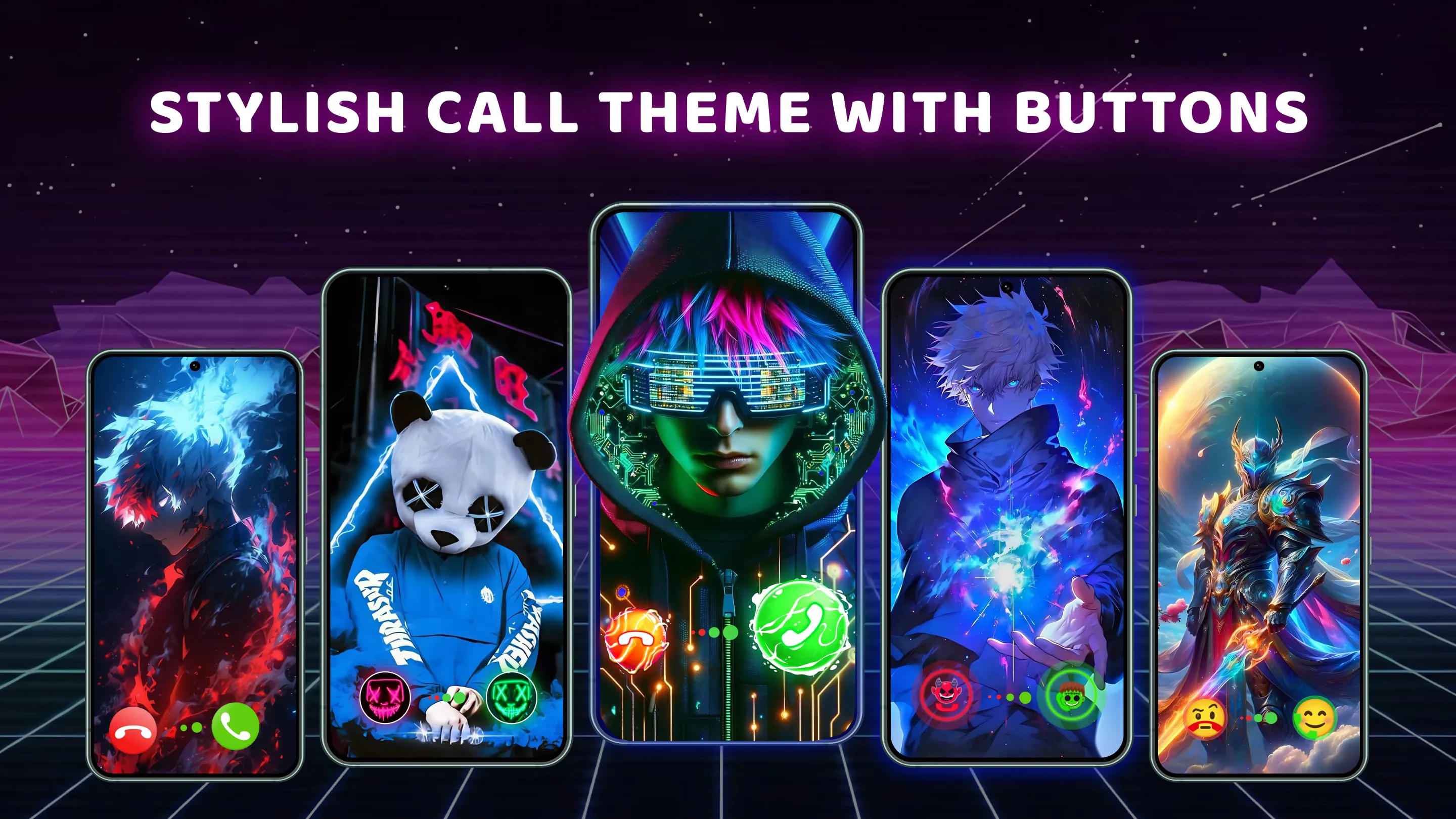
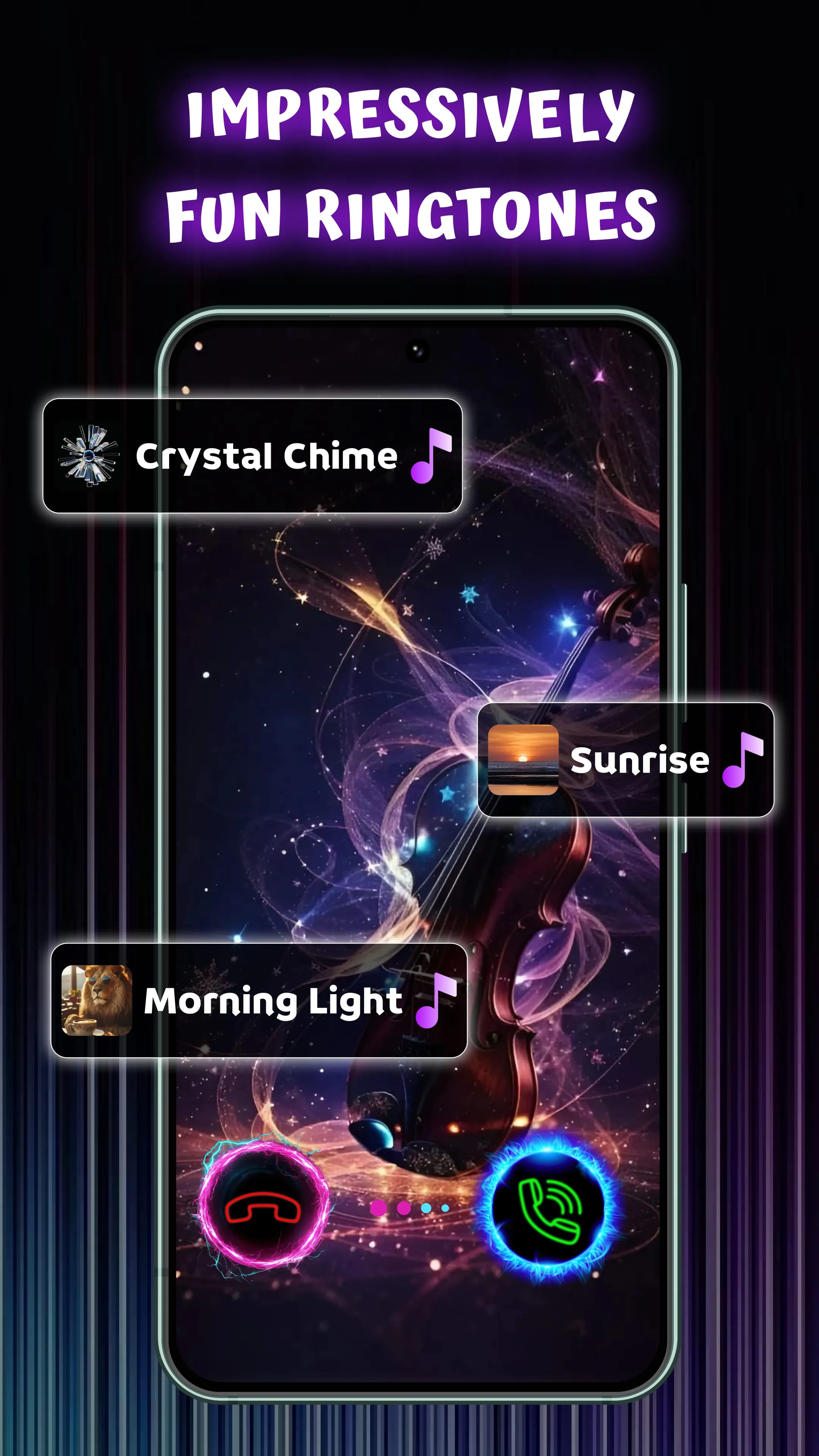
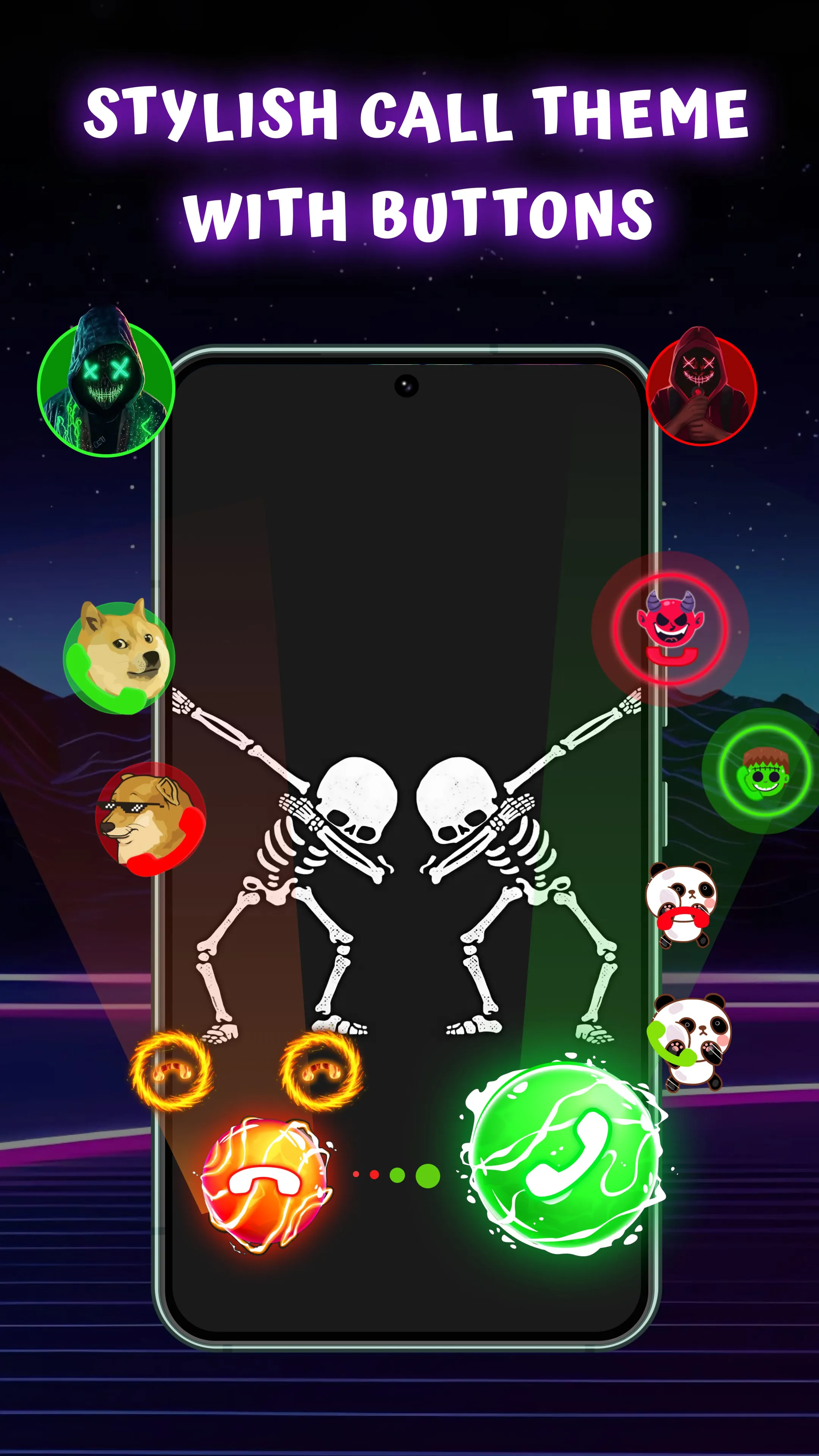
The Color Phone application emerges as a transformative tool in the realm of mobile personalization, offering a refreshing departure from the mundane default call screens that have long been the standard. In an era where smartphones have become extensions of our identities, this application empowers users to infuse their individual style and preferences into every incoming call, turning a routine interaction into a visually engaging experience. The core concept revolves around replacing the generic caller ID with a vibrant, customized call theme, complete with dynamic animations and personalized designs that reflect the user's unique taste. This shift from a static, uniform interface to a dynamic, personalized one elevates the user experience, transforming the act of receiving a call from a mere notification to an immersive and aesthetically pleasing event. The Color Phone application boasts an extensive library of professionally designed themes, catering to a diverse range of aesthetic preferences. From the mesmerizing allure of trippy abstracts to the calming serenity of nature scenes, the electrifying energy of glowing neons to the captivating charm of anime art, the application offers a theme to resonate with every individual's distinct sensibilities. This vast collection ensures that users can discover the perfect visual representation of their personality, allowing them to express themselves through their call screen in a way that was previously unimaginable. Beyond the pre-designed themes, the Color Phone application also features a DIY Theme Maker, providing users with the creative freedom to craft their own unique call screens using personal photos or videos. This empowers users to showcase cherished memories, beloved pets, or their own artistic creations, transforming their call screen into a personal gallery that reflects their passions and experiences. The ability to personalize the call screen with such intimate elements adds a layer of emotional connection to every call, making each interaction more meaningful and engaging. The application further enhances the call screen experience with animated and live themes, bringing a sense of dynamism and interactivity to the interface. These themes react to incoming calls, creating a visually stimulating experience that goes beyond static images. This infusion of motion and responsiveness transforms the call screen into a living canvas, adding an element of surprise and delight to every call. In addition to the visual customization options, the Color Phone application also allows users to personalize their answer and decline buttons, further tailoring the call screen to their individual preferences. This level of detail allows users to create a truly cohesive and personalized call experience, where every element aligns with their unique style.
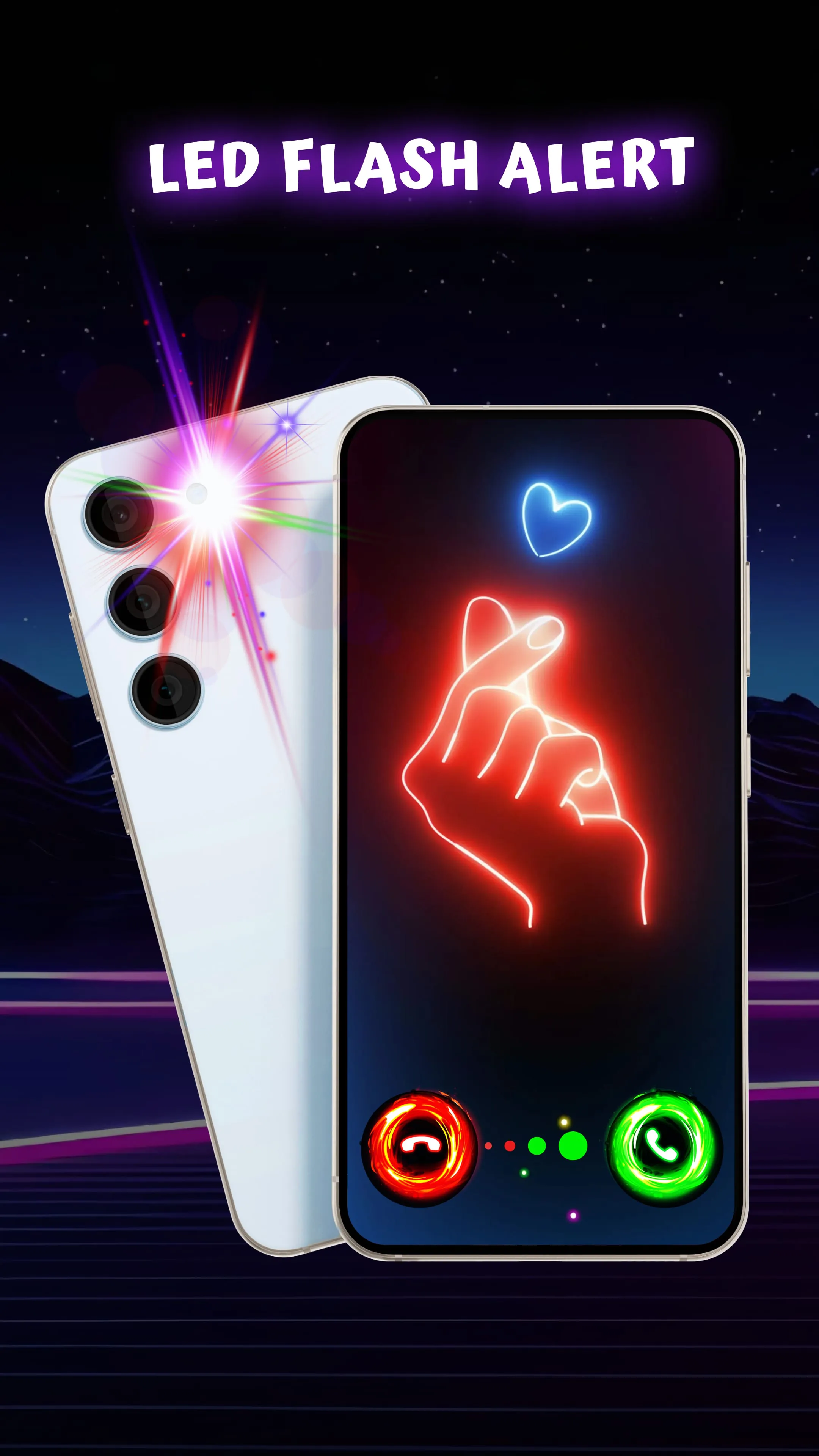
The Color Phone application transcends mere aesthetic enhancements, evolving into a comprehensive tool that enriches the overall call experience with a focus on enhanced functionality and user-friendliness. The application introduces a Vivid Caller ID feature that expands the traditional caller identification into a full-screen display, providing a clear and comprehensive view of the caller's information. This upgrade from the standard tiny notification improves visibility and ensures that users can easily identify incoming calls without straining their eyes or squinting at a small screen. This feature is particularly beneficial for users with visual impairments or those who simply prefer a larger, more prominent display of caller information. To ensure that no important call goes unnoticed, the Color Phone application incorporates LED Flash Alerts, which work in tandem with the customized call theme to capture the user's attention. The bright LED flash, coupled with the visually engaging call theme, serves as a powerful notification system, particularly in situations where the phone is in silent mode or in dimly lit environments. This feature is especially useful for individuals who are prone to missing calls due to background noise or other distractions, ensuring that they remain connected and responsive at all times. Despite its robust features and visually stunning graphics, the Color Phone application is designed to be lightweight and battery-friendly, ensuring that it does not compromise the performance or battery life of the user's device. The application's developers have optimized its code to minimize resource consumption, allowing users to enjoy a personalized call screen experience without sacrificing the longevity of their battery. This consideration for battery efficiency is a crucial factor in the application's appeal, as it addresses a common concern among smartphone users who are wary of applications that drain their device's power. The Color Phone application prides itself on its ease of use, making it accessible to users of all technical skill levels. The application's intuitive interface allows users to effortlessly select a call theme, preview it, and apply it to their call screen in a matter of seconds. This streamlined process eliminates the complexities often associated with customization applications, ensuring that users can quickly and easily personalize their call screen without encountering any technical hurdles. The application's user-friendly design is a testament to its commitment to providing a seamless and enjoyable user experience for everyone.
The Color Phone application extends its personalization capabilities beyond global settings, allowing users to assign unique call themes to individual contacts, creating a truly tailored communication experience. This feature enables users to instantly identify callers based on their assigned theme, even before glancing at the name displayed on the screen. By associating specific visuals with important contacts such as family members, close friends, or business partners, users can quickly prioritize incoming calls and respond accordingly. This personalized approach to caller identification adds a layer of efficiency and convenience to the communication process, allowing users to manage their calls more effectively. The application's gallery of call themes is constantly updated with fresh and modern designs, ensuring that users always have access to the latest trends and styles. This commitment to providing a continuously evolving selection of themes keeps the Color Phone experience fresh and engaging, preventing users from becoming bored with the same old visuals. The regular updates also reflect the application's dedication to staying ahead of the curve in terms of design and technology, ensuring that users always have access to the most cutting-edge call screen customization options. The Color Phone application positions itself as a tool for reclaiming ownership of the smartphone experience, encouraging users to break free from the monotony of default settings and embrace a world of personalized expression. By transforming the mundane act of receiving a call into a visually stimulating and engaging experience, the application empowers users to infuse their individual style and preferences into every interaction. The application's emphasis on creativity, customization, and user-friendliness makes it an appealing option for anyone seeking to enhance their smartphone experience and make their device a true reflection of their personality. In conclusion, the Color Phone application offers a compelling alternative to the generic call screens that have long dominated the mobile landscape. With its vast library of professionally designed themes, its intuitive DIY Theme Maker, and its focus on enhanced functionality, the application provides users with the tools to transform their call screen into a personalized work of art. By embracing the Color Phone application, users can inject a dose of creativity and individuality into their daily communication, turning every call into a wow moment.