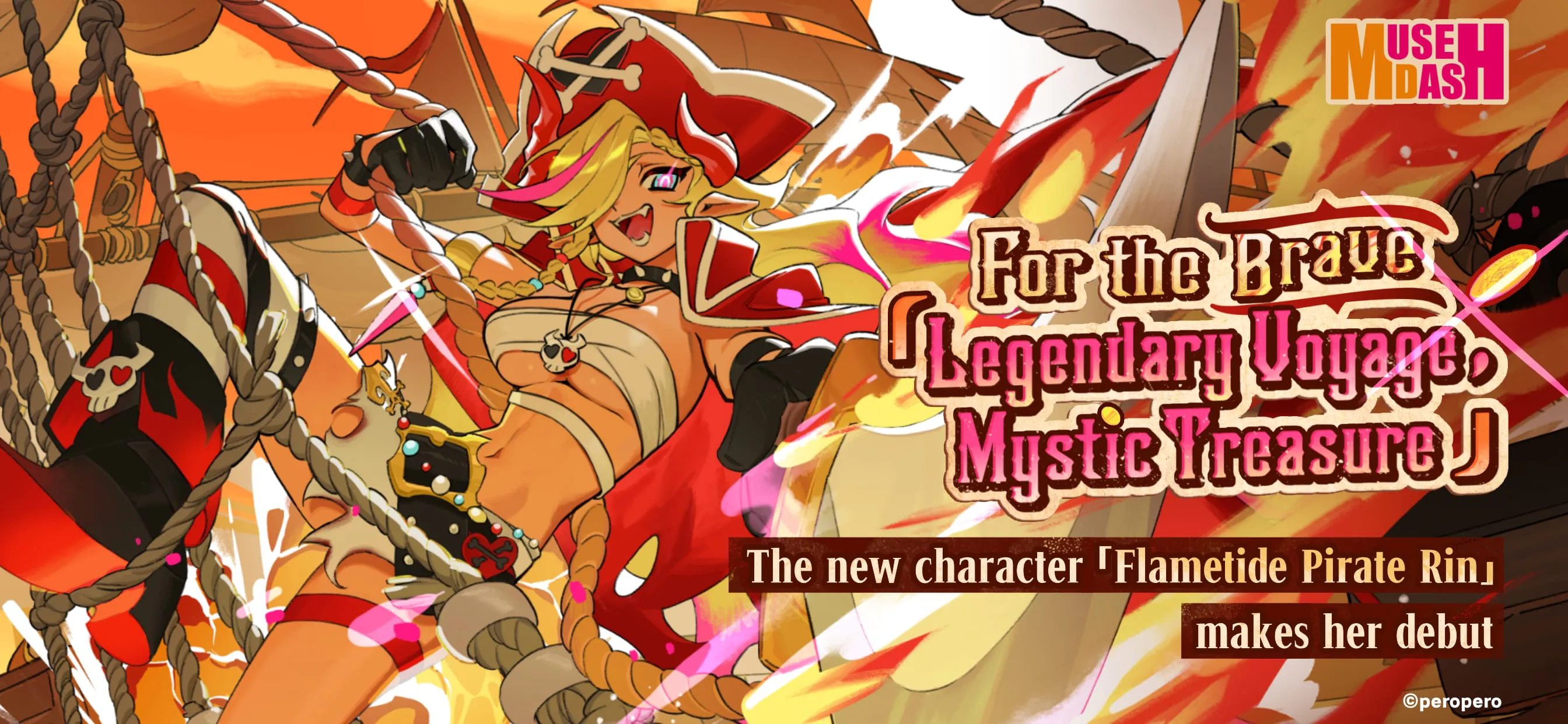
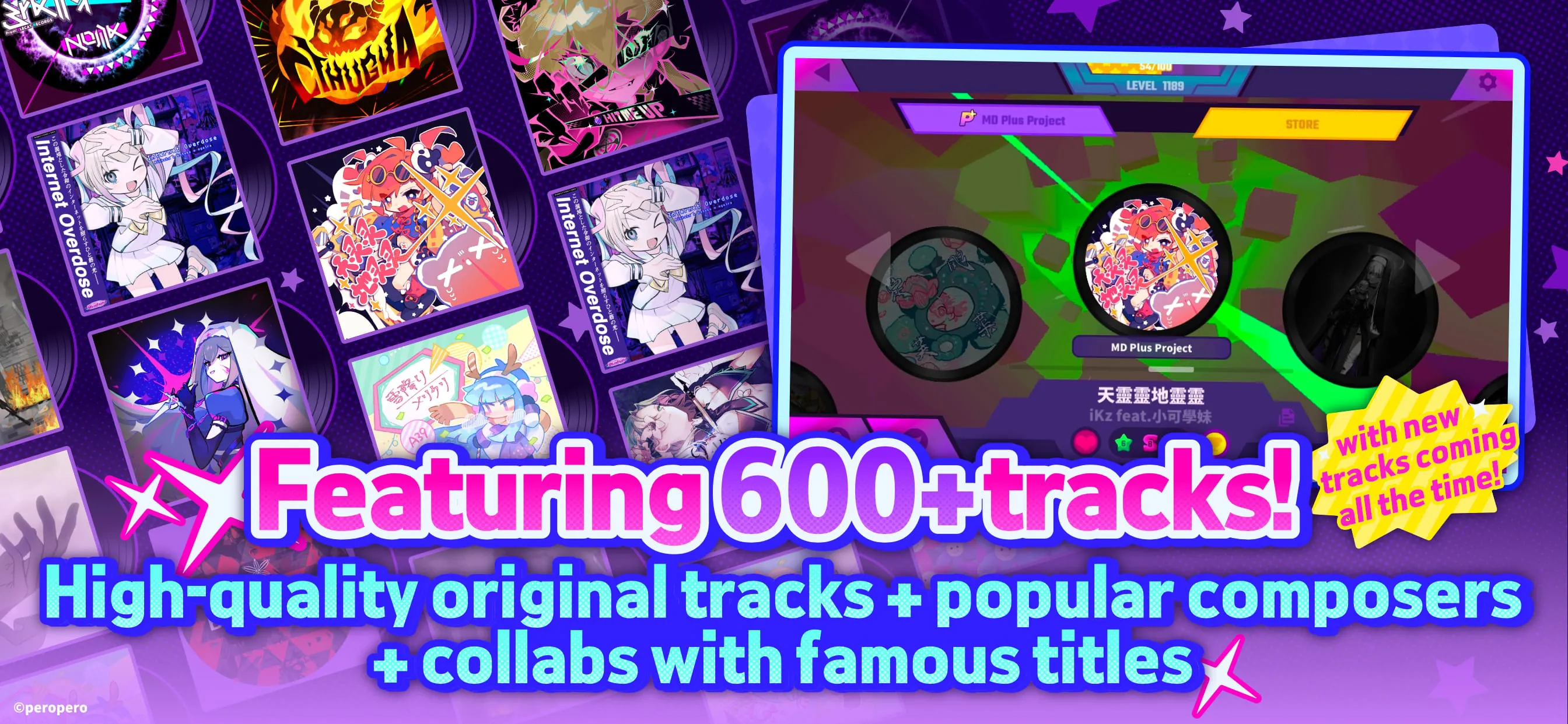
Muse Dash presents itself as a unique and engaging fusion of rhythm game mechanics and exhilarating run-and-gun action, all wrapped in an undeniably charming aesthetic. The game beckons players with the promise of a world where the boundaries between combat and musical performance blur, inviting them to heed a call from a vibrant and energetic dimension. It caters specifically to those who appreciate the appeal of cute, beautifully designed characters and the infectious energy of beat-driven music. Muse Dash positions itself as the ideal destination for players seeking to indulge in both passions simultaneously. This is achieved through its core gameplay loop, which seamlessly blends the precision and timing of rhythm games with the fast-paced, reflex-testing challenges of run-and-gun platformers. Players navigate visually stunning levels, controlling adorable characters who must dispatch enemies and overcome obstacles in sync with the rhythm of the music. The game boasts a diverse and ever-expanding library of tracks, spanning various genres and styles, ensuring that there's always something new and exciting to discover. Each song presents a unique challenge, with varying enemy patterns, obstacle placements, and rhythmic complexities, demanding that players stay on their toes and adapt to the ever-changing landscape. What sets Muse Dash apart is its accessibility. While mastery requires practice and dedication, the game is designed to be approachable even for players who are new to rhythm games or action games. The core mechanics are easy to grasp, and the difficulty curve is gradual, allowing players to progressively improve their skills and confidence. Furthermore, the game offers a range of difficulty settings, catering to players of all skill levels, from casual enjoyers to hardcore rhythm game enthusiasts. The visual presentation of Muse Dash is another key element of its appeal. The game features a vibrant and colorful art style, with meticulously designed characters and environments that exude charm and personality. The animations are fluid and expressive, bringing the characters to life and enhancing the overall sense of immersion. The user interface is clean and intuitive, making it easy to navigate the game's various menus and options. Overall, Muse Dash offers a compelling and addictive gameplay experience that is sure to resonate with players who appreciate rhythm games, action games, and cute aesthetics. Its unique blend of genres, combined with its accessible gameplay and charming presentation, makes it a standout title in the mobile gaming landscape. The game's dedication to providing a continuous stream of new content, through updates and DLC, ensures that players always have something to look forward to, further cementing its position as a must-have title for fans of the genre. The developers have clearly put a lot of passion and care into crafting a game that is both fun and rewarding, and their efforts have paid off handsomely. Muse Dash is a testament to the power of innovation and creativity in the gaming industry, and it serves as a shining example of how to successfully blend different genres to create something truly unique and memorable. The game's positive reception from both critics and players alike is a testament to its quality and appeal, and it is sure to continue to delight and entertain players for years to come. It's a game that's easy to pick up and play, but difficult to master, offering a satisfying challenge for players of all skill levels. And with its constantly expanding library of songs and characters, there's always something new to discover. Muse Dash is more than just a game; it's an experience. It's a journey into a world of vibrant colors, infectious music, and adorable characters. It's a celebration of rhythm, action, and fun. And it's an invitation to lose yourself in the moment and let the music take control. So, if you're looking for a game that will make you smile, tap your feet, and challenge your skills, look no further than Muse Dash. It's a game that's guaranteed to brighten your day and leave you wanting more.
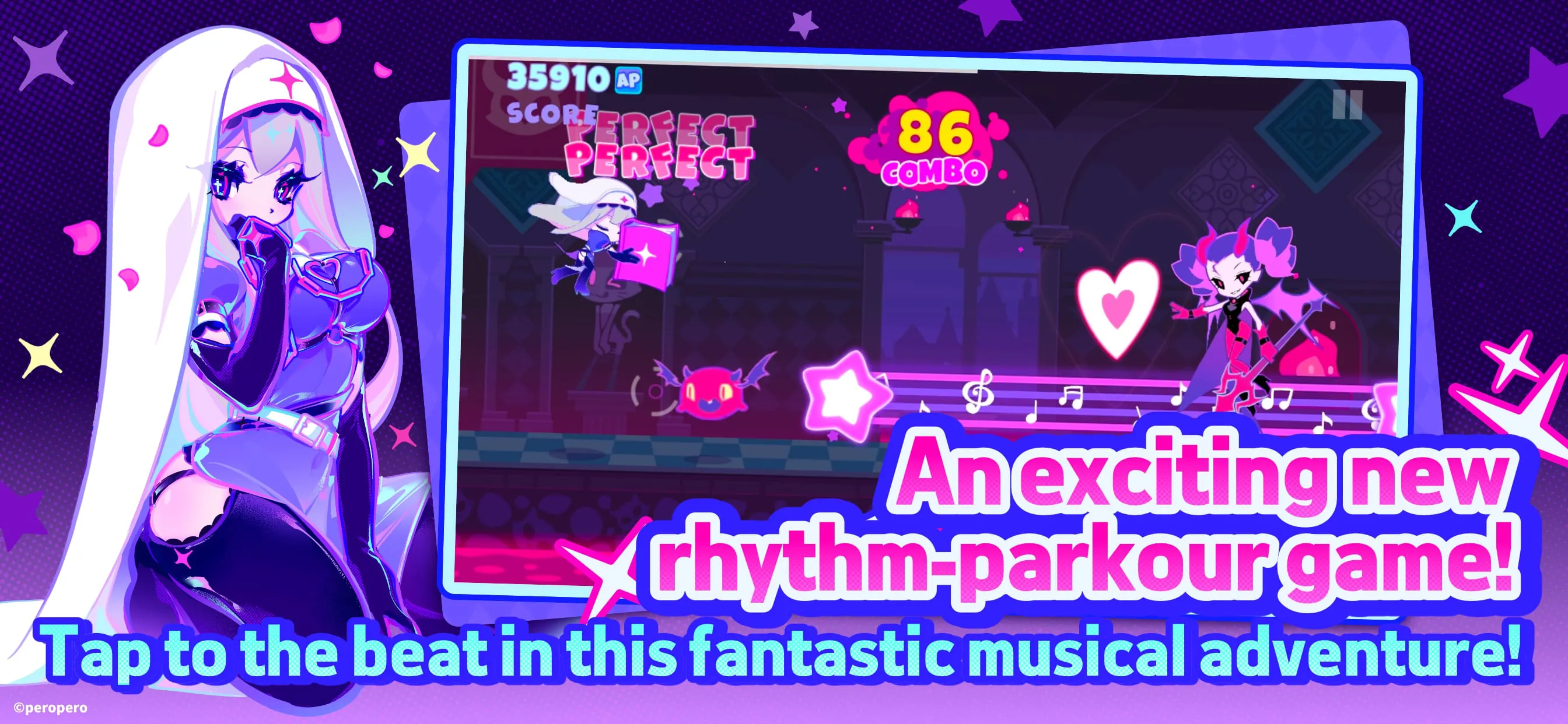
The core gameplay loop of Muse Dash revolves around skillfully maneuvering your chosen character through vibrant, side-scrolling stages teeming with enemies and obstacles, all synchronized to the beat of the music. As the music plays, enemies appear from both sides of the screen, requiring you to time your attacks perfectly to defeat them. Different types of enemies require different attack methods, adding a layer of strategic depth to the gameplay. Some enemies can be defeated with a simple tap, while others require you to jump, dash, or use special abilities. The obstacles in each stage also require precise timing and reflexes to overcome. You'll need to jump over gaps, slide under barriers, and dodge projectiles, all while maintaining your rhythm and focus. Missing an attack or failing to avoid an obstacle will result in damage, and taking too much damage will lead to game over. However, the game offers a generous health system and frequent checkpoints, ensuring that you never feel discouraged or overwhelmed. The key to success in Muse Dash is to learn the patterns of each song and anticipate the appearance of enemies and obstacles. By memorizing the rhythm and timing of the music, you can react more quickly and efficiently, allowing you to chain together combos and achieve high scores. The game also features a variety of power-ups that can aid you in your quest. These power-ups can grant you temporary invincibility, increase your attack power, or even slow down time, giving you a strategic advantage in challenging sections. Collecting these power-ups requires quick reflexes and careful planning, as they often appear in difficult-to-reach locations. In addition to the standard gameplay mode, Muse Dash also offers a variety of challenge modes that test your skills in different ways. These challenge modes include survival challenges, speedrun challenges, and even boss battles. Completing these challenges will reward you with exclusive items and achievements, adding to the game's replayability. The game also features a robust customization system that allows you to personalize your character's appearance and abilities. You can unlock new characters, outfits, and skills by completing challenges and earning in-game currency. Each character has their own unique strengths and weaknesses, allowing you to tailor your gameplay style to your preferences. The game also features a global leaderboard that allows you to compare your scores with other players around the world. Competing against other players is a great way to stay motivated and improve your skills. The leaderboard is constantly updated, so there's always a reason to come back and try to beat your high score. Muse Dash is a game that is easy to pick up and play, but difficult to master. Its addictive gameplay, charming presentation, and constant stream of new content make it a must-have title for fans of rhythm games and action games alike. Whether you're a casual gamer or a hardcore enthusiast, Muse Dash has something to offer you.
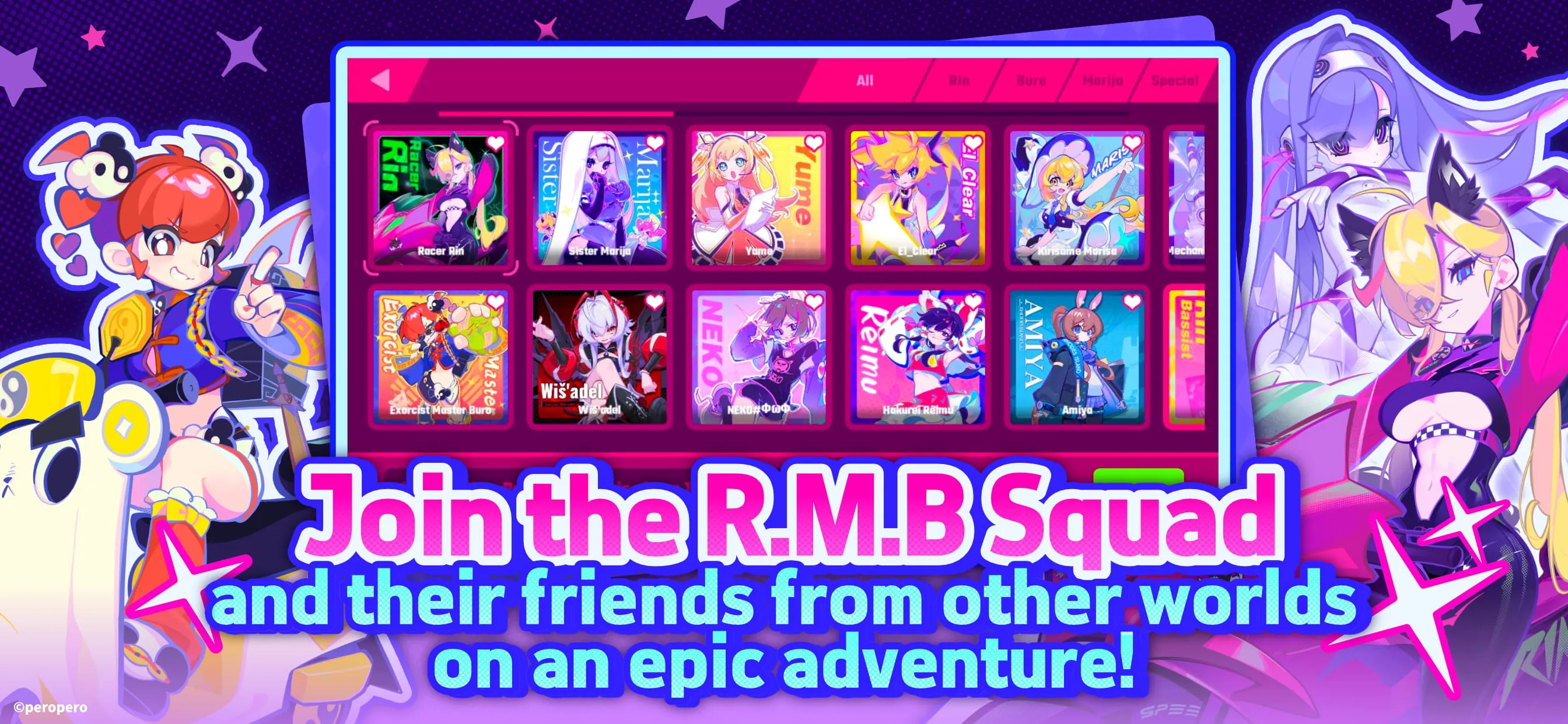
Beyond its engaging gameplay and adorable aesthetics, Muse Dash distinguishes itself with its remarkable accessibility and depth. The game cleverly lowers the barrier to entry for newcomers to both rhythm and action game genres while simultaneously providing a wealth of challenges and customization options for seasoned veterans. This delicate balance is achieved through several key design choices. Firstly, the control scheme is intentionally simplified, relying on intuitive button presses that correspond to the beat of the music. This allows players to quickly grasp the fundamental mechanics and focus on the rhythm and timing of their actions, rather than struggling with complex button combinations. Secondly, the game offers a tiered difficulty system that caters to a wide range of skill levels. Beginners can start with the easier difficulties, which feature slower tempos and simpler enemy patterns, gradually increasing the challenge as they become more proficient. Advanced players, on the other hand, can test their skills on the higher difficulties, which demand lightning-fast reflexes and impeccable timing. Thirdly, the game incorporates forgiving mechanics that prevent frustration and encourage experimentation. For instance, missing a note or taking damage doesn't immediately result in game over. Instead, players are given a chance to recover and continue playing, allowing them to learn from their mistakes and improve their performance. Furthermore, Muse Dash offers a wide array of customization options that allow players to tailor the game to their individual preferences. Players can unlock and equip different characters, each with their own unique abilities and playstyles. They can also customize their character's appearance with a variety of outfits and accessories. In addition, the game features a comprehensive skill tree that allows players to upgrade their character's stats and unlock new abilities. This customization system not only adds depth to the gameplay but also encourages players to experiment with different strategies and find the playstyle that best suits them. The game's commitment to accessibility extends beyond its core mechanics. The user interface is clean and intuitive, making it easy to navigate the game's various menus and options. The game also features a comprehensive tutorial mode that guides new players through the basics of the gameplay. Furthermore, the game supports multiple languages, making it accessible to players from all over the world. Muse Dash is a game that is designed to be enjoyed by everyone, regardless of their skill level or background. Its accessibility, depth, and charming presentation make it a standout title in the mobile gaming landscape. The game's success is a testament to the power of inclusive design, which prioritizes the needs of all players and creates a welcoming and enjoyable experience for everyone. Muse Dash is more than just a game; it's a celebration of music, art, and fun. It's an invitation to join a vibrant community of players and share your passion for rhythm games and action games. And it's a reminder that gaming is for everyone, regardless of their age, gender, or skill level.