


V1.2.0

- Package Name
- com.radarapp.trip.speedometer
- Version Name
- V1.2.0
- Version Code
- V1.2.0
- File Size
- 53.47 MB
- Update time
- 2024-2-23



by Appcentric Team
Drive safe with real-time speed camera radar, police, and traffic alerts
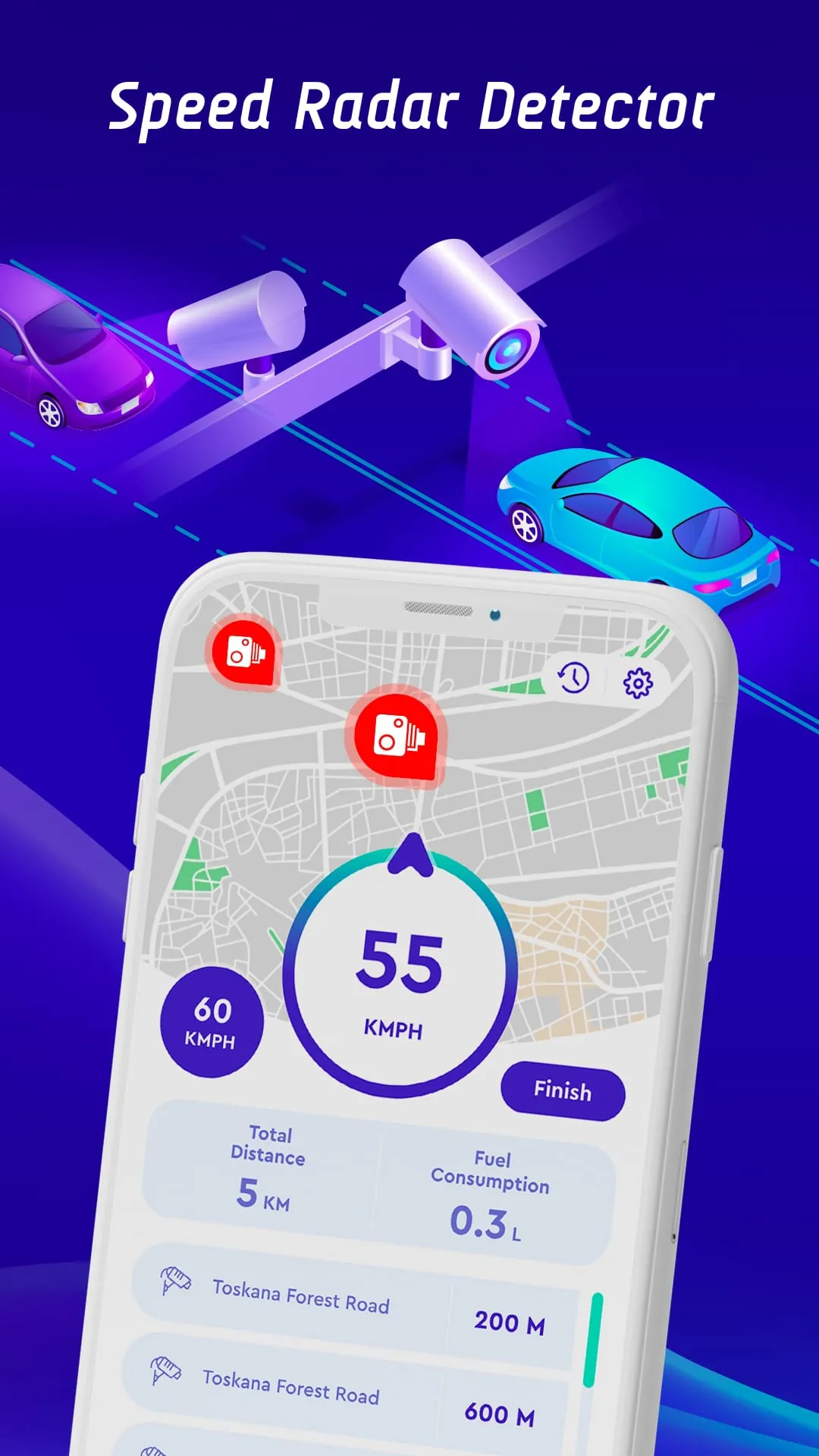
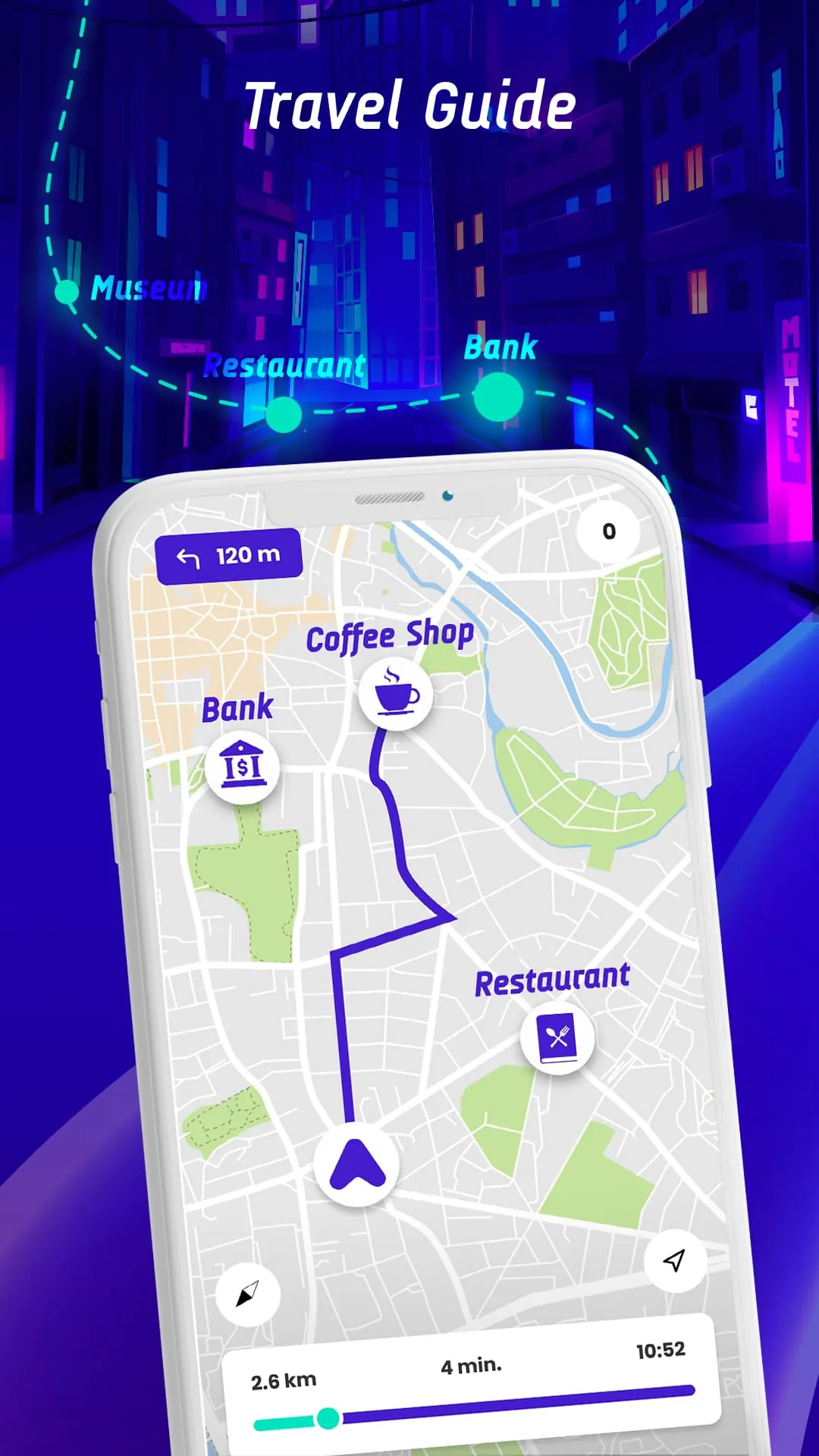
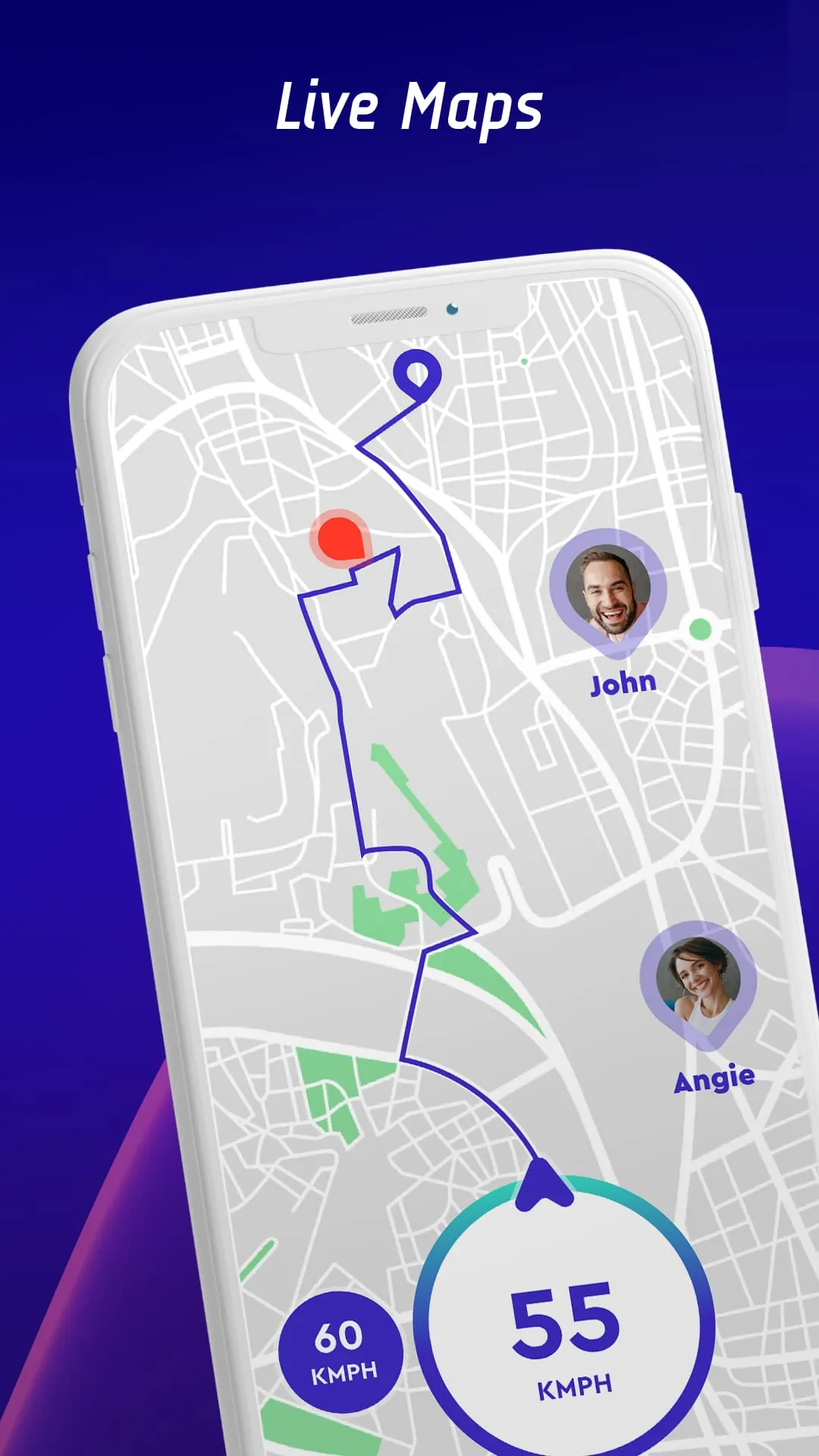
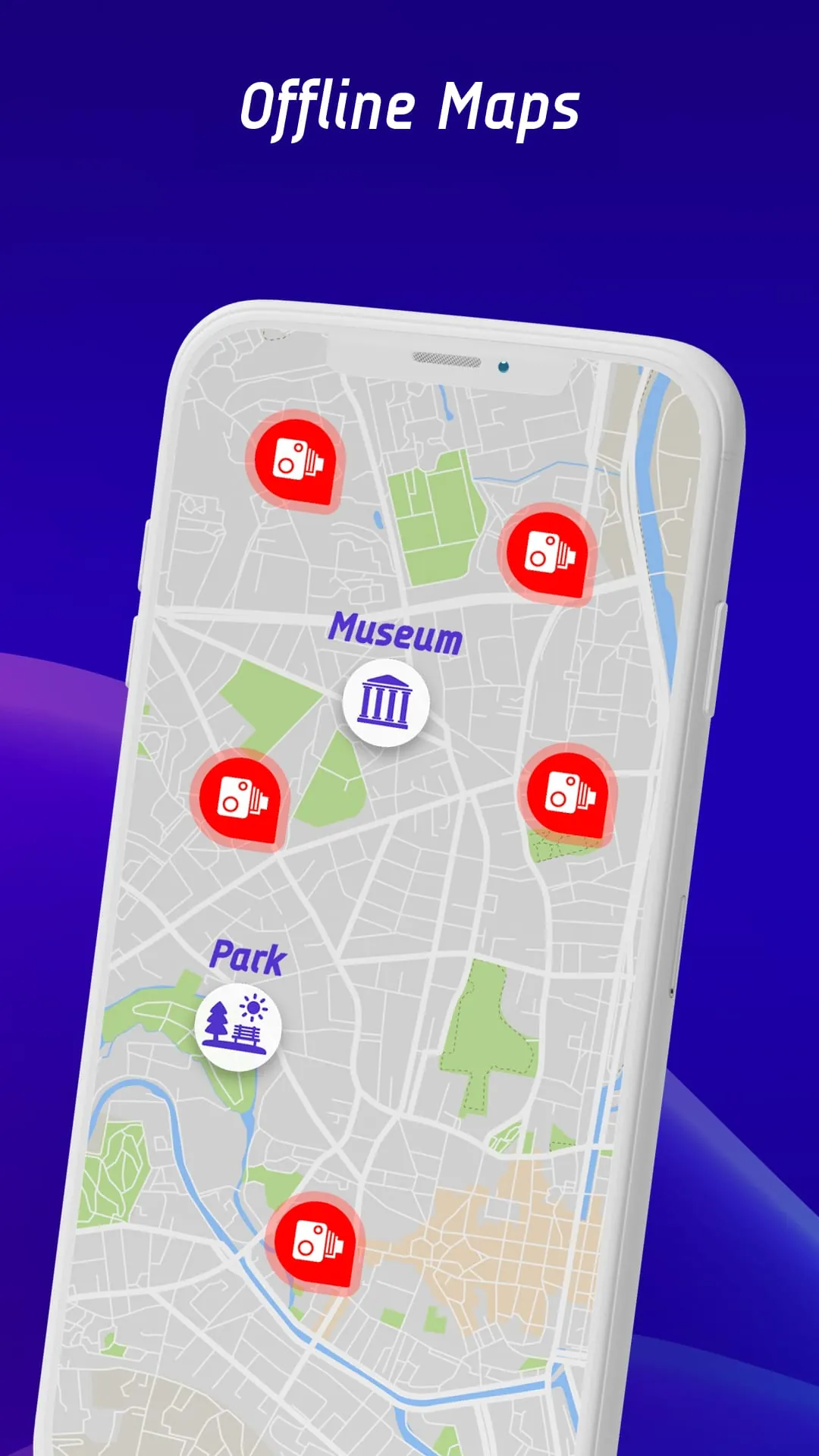
Get Offline Maps from an official store or available APK channel.
ZIP files require a Split APKs Installer (e.g., SAI) from Google Play to install. Steps: 1. Download SAI from Google Play; 2. Open SAI and tap "Install APKs"; 3. Select the ZIP file; 4. Complete installation.
The latest version currently listed by Appspicked is V1.2.0, with information updated on Mar 11, 2026. Versions may vary by device, region, or rollout schedule, so users should also check Google Play or announcements from Appcentric Team.
No website can guarantee that an app is completely risk-free. Appspicked recommends downloading Offline Maps only from an official app store or a verified channel operated by Appcentric Team. Before installing, confirm the developer name, package ID com.radarapp.trip.speedometer, requested permissions, privacy policy, and download source.
Offline Maps may be unavailable because of regional restrictions, device incompatibility, account or age settings, a temporary removal, a name change, or because it has not been released for that platform. An Android package page does not necessarily mean that an iOS App Store version exists. Check Appcentric Team’s official website for current availability.
Use Google Play or another official download channel provided by Appcentric Team whenever possible. Appspicked provides app information and store links, but users should verify the destination domain and publisher before downloading or updating the app.
The information on Appspicked may represent the most recently indexed snapshot. App stores sometimes release updates gradually or display different versions according to region, device, operating system, or testing group. The official store listing should be treated as the final reference.
Offline Maps is listed for Android, with a reported minimum requirement of Not specified. Actual compatibility may also depend on the device model, region, available storage, hardware features, and installed system components.
The initial download may be free, but subscriptions, advertising, paid features, or in-app purchases may still apply. Prices and available purchases can vary by country and version. Check the payment information displayed by Google Play before completing a transaction.
Check the network connection, storage space, operating-system version, account region, and device compatibility. Restart the device and try again through the official store. If the problem continues, consult the support resources provided by Appcentric Team.









