


V3.5.8

- Package Name
- com.rb.rocketbook
- Version Name
- V3.5.8
- Version Code
- V3.5.8
- File Size
- 148.57 MB
- Update time
- 2024-2-27



by Rocketbook
Send your Rocketbook pages and whiteboards enhanced with Beacons to the cloud
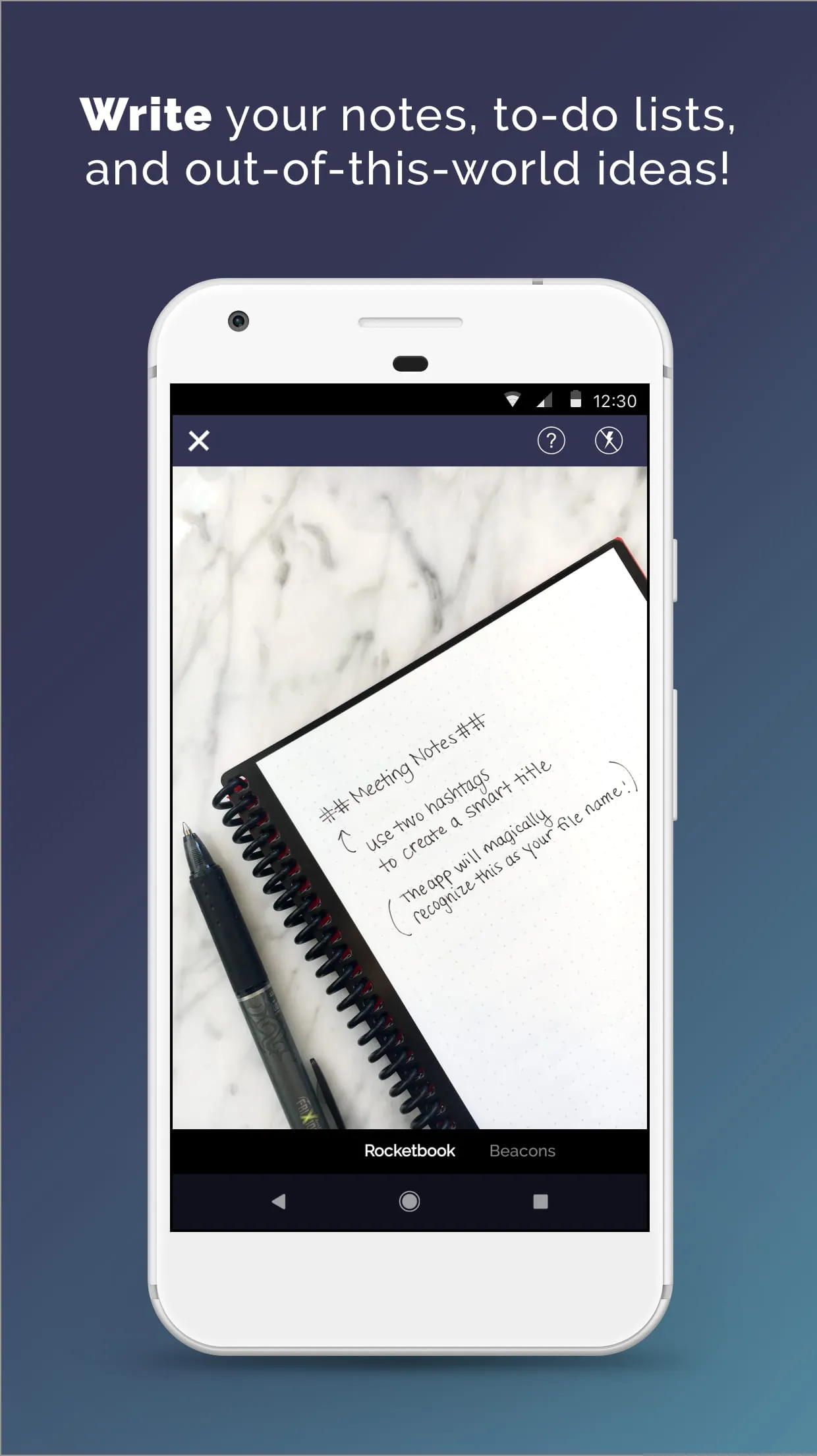
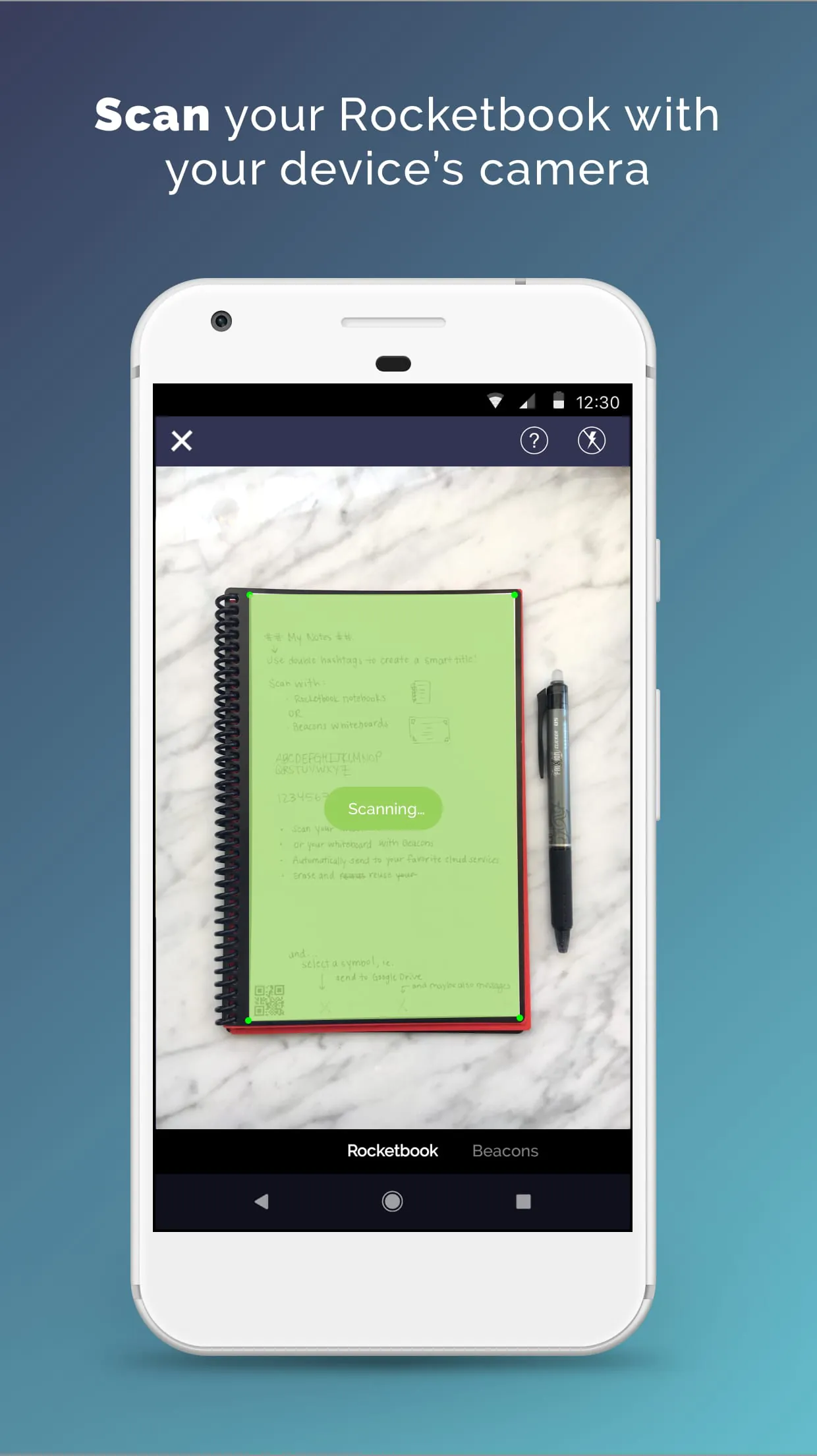
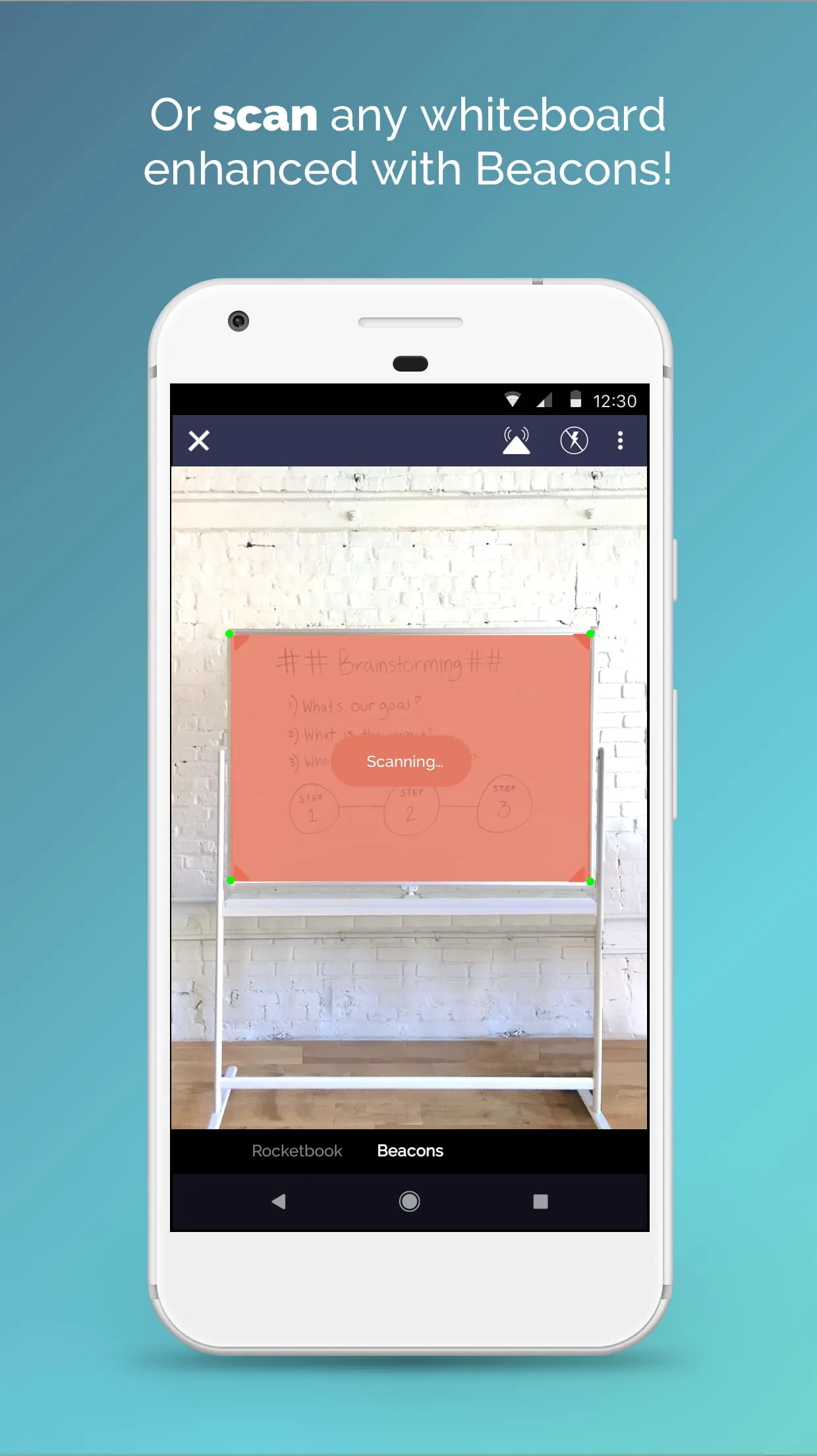
Rocketbook is a smart productivity application that seamlessly bridges the gap between physical notetaking and digital organization, allowing users to write with a special pen on its unique reusable notebook and then instantly scan, save, and send their notes to various cloud services and applications for permanent keeping and easy access.
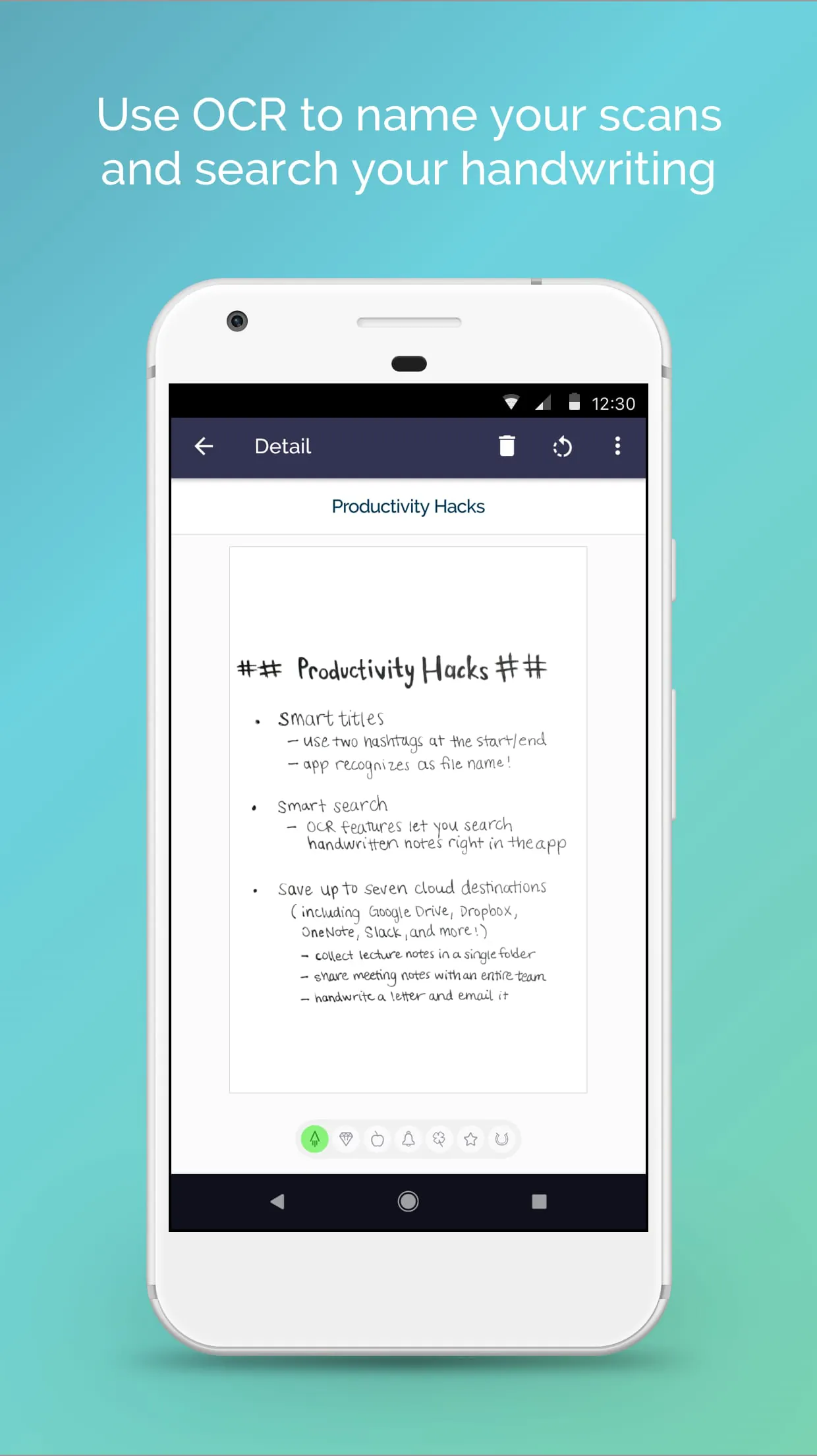
The core appeal of Rocketbook lies in its innovative integration of analog and digital workflows. It employs a system of simple icon-based triggers at the bottom of each page. When you scan a page using the mobile app, it automatically recognizes these icons and sends the PDF or image file to your pre-designated destination, such as Google Drive, Evernote, or an email address. Beyond this, the app offers powerful handwriting recognition that converts your scrawls into searchable text, and its pages can be wiped clean with a damp cloth, making the physical notebook endlessly reusable.
Click the button "Check All Versions" below to download and install it. Once the app is installed on your smartphone or tablet, begin by linking your preferred cloud services in the app's settings. Next, use a Pilot FriXion pen to write or draw on your physical Rocketbook notebook. When you're ready to save your work, open the app, tap the scan button, and follow the on-screen guide to capture the page. The app will then prompt you to confirm the destination icons you marked, apply OCR if desired, and then automatically upload your note to the chosen cloud folder or send it via email, effectively clearing your physical notebook for its next use.
Get Rocketbook from an official store or available APK channel.
ZIP files require a Split APKs Installer (e.g., SAI) from Google Play to install. Steps: 1. Download SAI from Google Play; 2. Open SAI and tap "Install APKs"; 3. Select the ZIP file; 4. Complete installation.
The latest version currently listed by Appspicked is V3.5.8, with information updated on May 19, 2026. Versions may vary by device, region, or rollout schedule, so users should also check Google Play or announcements from Rocketbook.
No website can guarantee that an app is completely risk-free. Appspicked recommends downloading Rocketbook only from an official app store or a verified channel operated by Rocketbook. Before installing, confirm the developer name, package ID com.rb.rocketbook, requested permissions, privacy policy, and download source.
Rocketbook may be unavailable because of regional restrictions, device incompatibility, account or age settings, a temporary removal, a name change, or because it has not been released for that platform. An Android package page does not necessarily mean that an iOS App Store version exists. Check Rocketbook’s official website for current availability.
Use Google Play or another official download channel provided by Rocketbook whenever possible. Appspicked provides app information and store links, but users should verify the destination domain and publisher before downloading or updating the app.
The information on Appspicked may represent the most recently indexed snapshot. App stores sometimes release updates gradually or display different versions according to region, device, operating system, or testing group. The official store listing should be treated as the final reference.
Rocketbook is listed for Android, with a reported minimum requirement of Not specified. Actual compatibility may also depend on the device model, region, available storage, hardware features, and installed system components.
The initial download may be free, but subscriptions, advertising, paid features, or in-app purchases may still apply. Prices and available purchases can vary by country and version. Check the payment information displayed by Google Play before completing a transaction.
Check the network connection, storage space, operating-system version, account region, and device compatibility. Restart the device and try again through the official store. If the problem continues, consult the support resources provided by Rocketbook.









