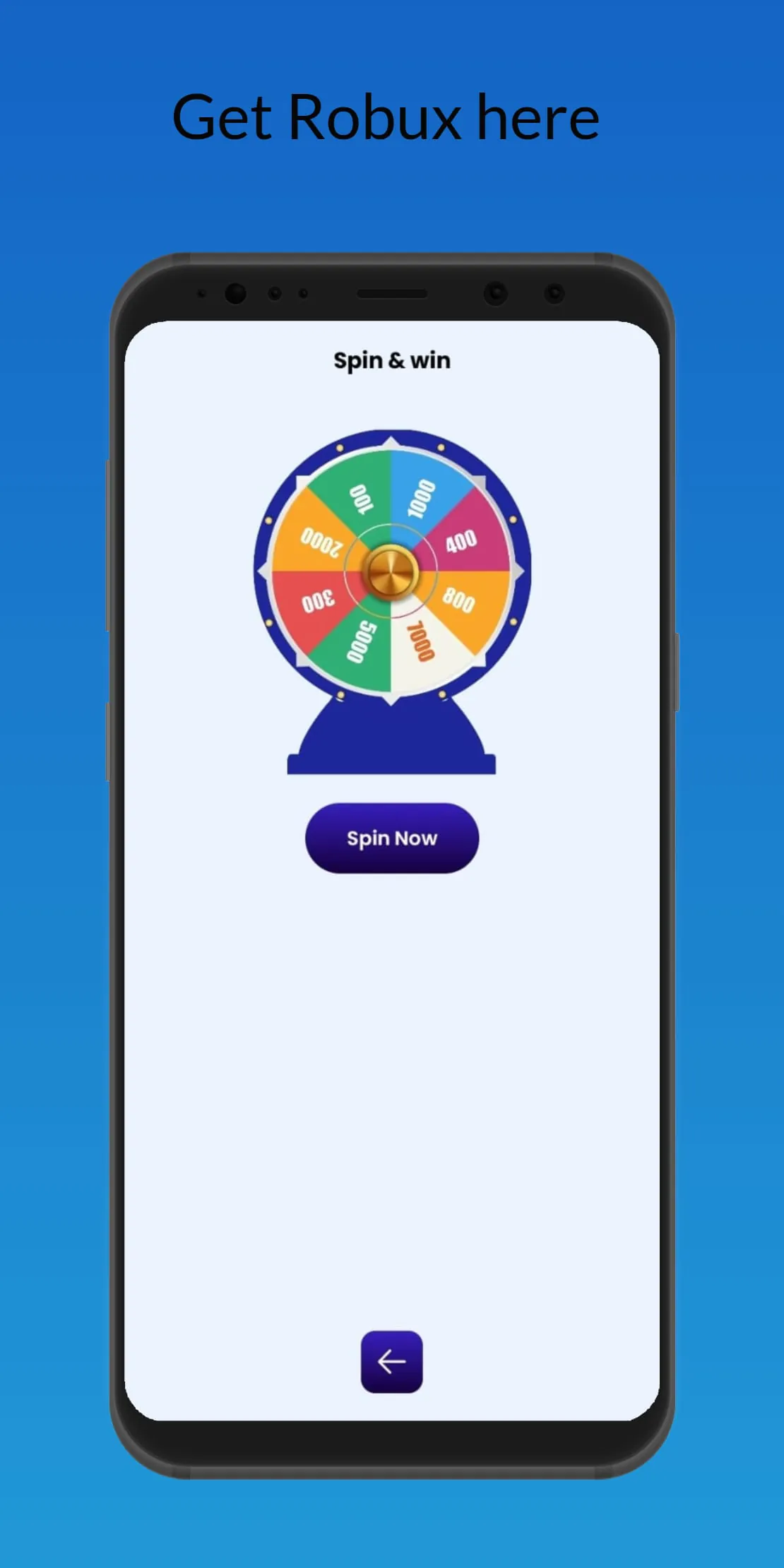
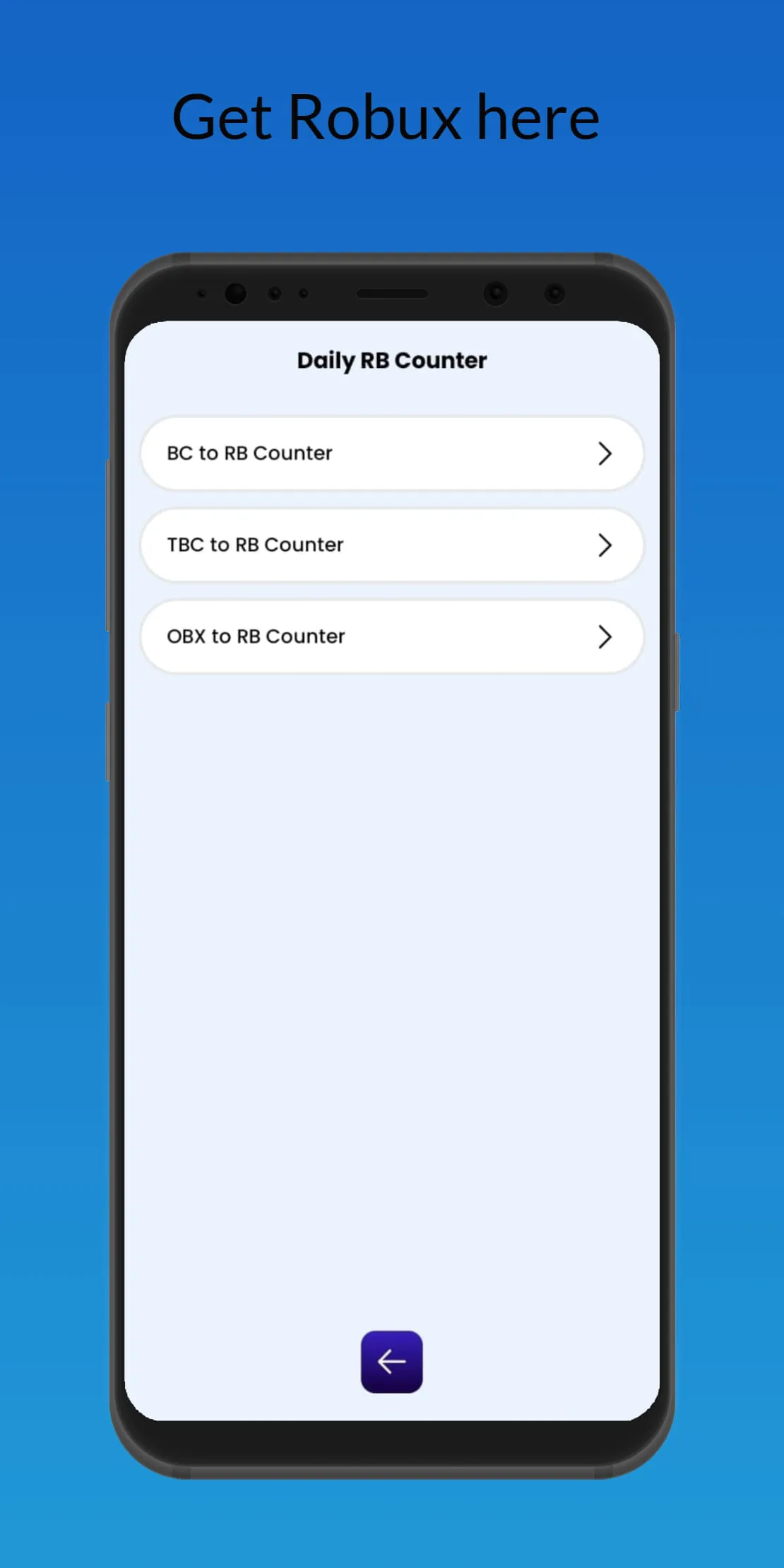
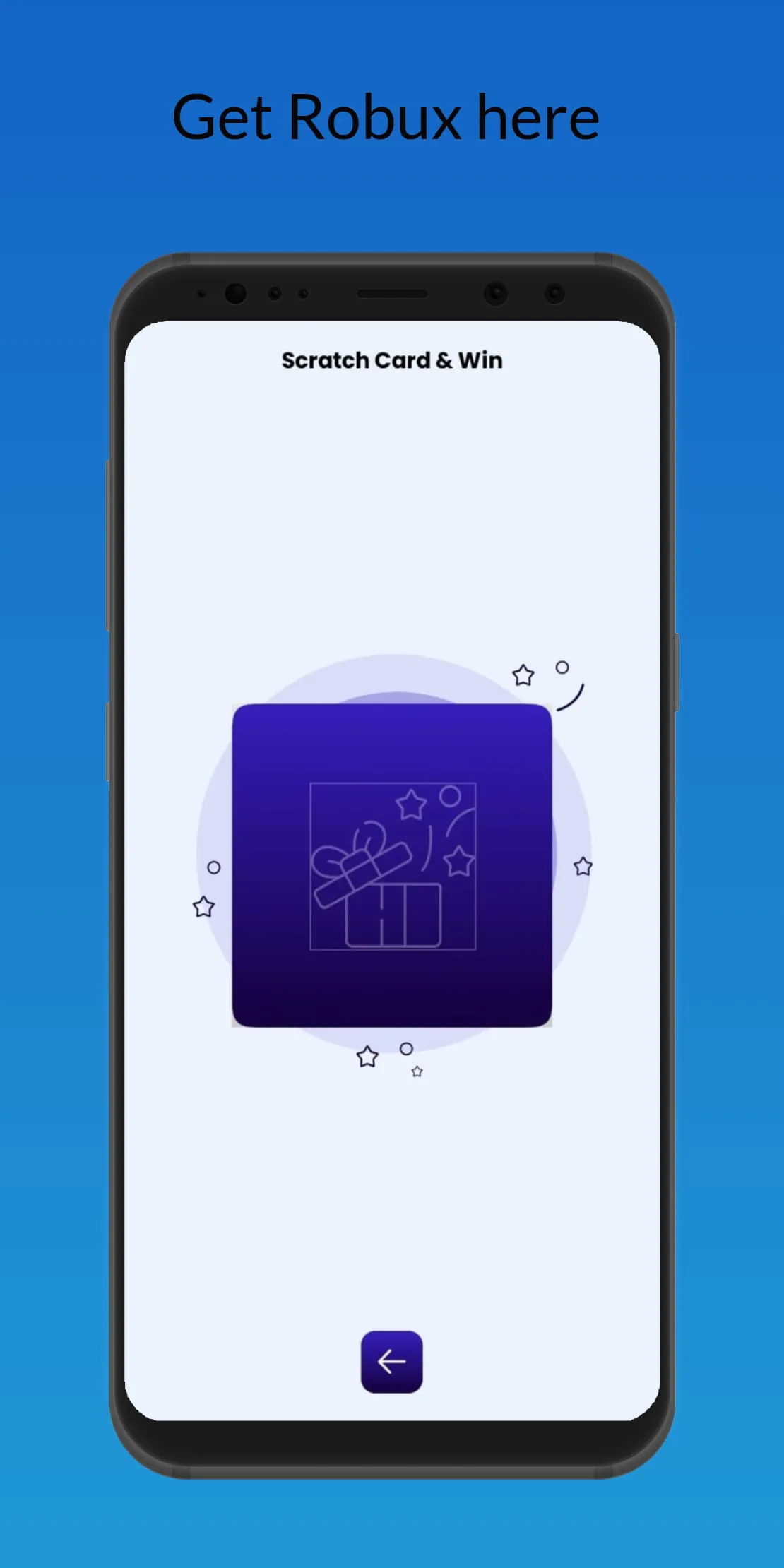
Easy Scratch Robux is an application designed for Roblox enthusiasts, offering a variety of features centered around the popular virtual currency, Robux. The app provides several avenues for users to engage with the platform, including scratch cards, spin wheels, Roblox-themed quizzes, and a Robux counter and calculator. Each of these features is designed to provide entertainment and educational value, allowing users to explore the Roblox ecosystem in a fun and engaging manner. The scratch card feature offers users the chance to test their luck with Platinum, Silver, and Gold cards, providing an instant opportunity to collect Robux-style points. The spin wheel feature allows users to enjoy unlimited free spins, designed with an authentic slot machine style reel for added enjoyment, and includes daily spin bonuses and rewards. Additionally, the Roblox quiz games challenge users' knowledge with Roblox-themed questions, providing tips, tricks, and hidden facts about the game, while also boosting their RBX balance with each correct answer. The Robux counter and calculator enable users to track their Robux points in real time, convert USD to RBX instantly, and includes converters for Builders Club (BC) and Turbo Builders Club (TBC). Daily rewards and bonuses are available for users who log in every day, offering extra RBX-style rewards and streak bonuses to boost their balance, along with instant prizes after each game. The app emphasizes that it is a fan-made application and is not affiliated with the Roblox Corporation, clarifying that it does not provide real Robux or any in-game currency, but rather serves as a helper and entertainment tool for Roblox fans. All rewards are for fun and educational purposes only, with all Roblox trademarks and copyrights belonging to their respective owners. The app encourages users to download Easy Scratch Robux to spin the wheel, scratch the cards, play quizzes, and use the Robux counter, positioning it as an all-in-one RBX app for fun, rewards, and Roblox entertainment. This multifaceted approach aims to capture the interest of Roblox players by offering diverse activities and tools related to the game's virtual economy, fostering a sense of community and engagement within the Roblox fanbase.
The app’s core functionality revolves around providing users with various methods to interact with the concept of Robux, the in-game currency of Roblox, without offering actual Robux. This is achieved through a series of games and tools that simulate the experience of earning and managing Robux, creating a sense of excitement and engagement for users. The scratch card feature, with its Platinum, Silver, and Gold cards, provides an instant gratification element, allowing users to test their luck and accumulate Robux-style points quickly. The spin wheel offers a similar experience, with unlimited free spins and daily bonuses, encouraging users to return to the app regularly. The Roblox quiz games add an educational component, challenging users to learn more about the game and its mechanics while earning rewards for correct answers. This combination of entertainment and education is designed to appeal to a wide range of Roblox players, from casual fans to more dedicated enthusiasts. The Robux counter and calculator tools provide practical utility, allowing users to track their virtual Robux earnings and convert real-world currency to Robux, enhancing their understanding of the game's virtual economy. The daily rewards and bonuses further incentivize user engagement, creating a sense of progression and accomplishment. Easy Scratch Robux positions itself as a safe and easy-to-use platform, emphasizing that it does not offer any real Robux or engage in any hacking or fraudulent activities. This transparency is crucial for building trust with users, particularly younger players who may be more susceptible to scams and misleading offers. The app’s disclaimer clearly states its unofficial status and its lack of affiliation with the Roblox Corporation, reinforcing its commitment to ethical and responsible practices. By offering a diverse range of features and tools related to Robux, Easy Scratch Robux aims to provide a comprehensive and engaging experience for Roblox fans, fostering a sense of community and shared interest in the game.
Easy Scratch Robux distinguishes itself by offering a multifaceted approach to Roblox entertainment, combining various engaging activities within a single application. Unlike other apps that may focus solely on quizzes or calculators, Easy Scratch Robux integrates scratch cards, spin wheels, quizzes, and a Robux counter into a cohesive experience. This all-in-one approach ensures that users have a variety of options to choose from, catering to different preferences and interests. The inclusion of scratch cards and spin wheels introduces an element of chance and excitement, providing instant rewards and encouraging repeat usage. The Roblox quiz games add an educational dimension, challenging users to test their knowledge and learn more about the game's intricacies. The Robux counter and calculator tools offer practical utility, allowing users to track their virtual earnings and convert real-world currency to Robux. By combining these diverse features, Easy Scratch Robux aims to provide a comprehensive and engaging experience for Roblox fans. The app's emphasis on safety and transparency is also a key differentiator. By explicitly stating its unofficial status and its lack of affiliation with the Roblox Corporation, Easy Scratch Robux sets itself apart from other apps that may make misleading claims or engage in fraudulent activities. The app's disclaimer clearly states that it does not offer real Robux and that all rewards are for fun and educational purposes only, reinforcing its commitment to ethical practices. This transparency is crucial for building trust with users, particularly younger players who may be more vulnerable to scams and misleading offers. In a market saturated with Roblox-related apps, Easy Scratch Robux stands out by offering a diverse range of features, a focus on safety and transparency, and a commitment to providing a fun and engaging experience for Roblox fans. Its all-in-one approach and ethical stance make it a compelling choice for users seeking to explore the Roblox ecosystem in a safe and responsible manner. The integration of entertainment, education, and practical tools within a single application positions Easy Scratch Robux as a valuable resource for Roblox players of all ages and interests.