


V25.50.0

- Package Name
- com.relayrides.android.relayrides
- Version Name
- V25.50.0
- Version Code
- V25.50.0
- File Size
- 58.65 MB
- Update time
- 2025-12-23



by Turo Inc.
Rent the perfect car for wherever you’re going
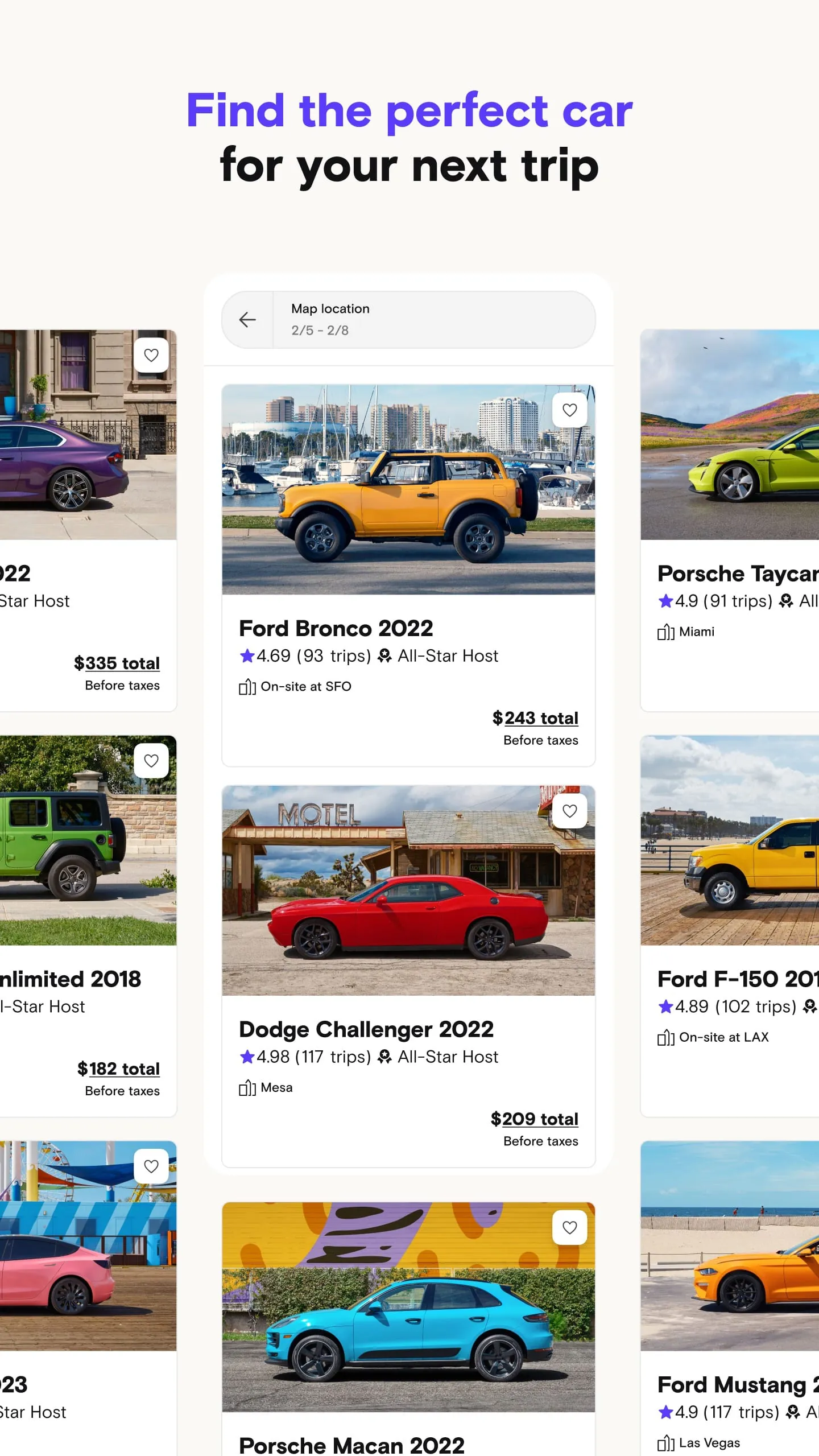
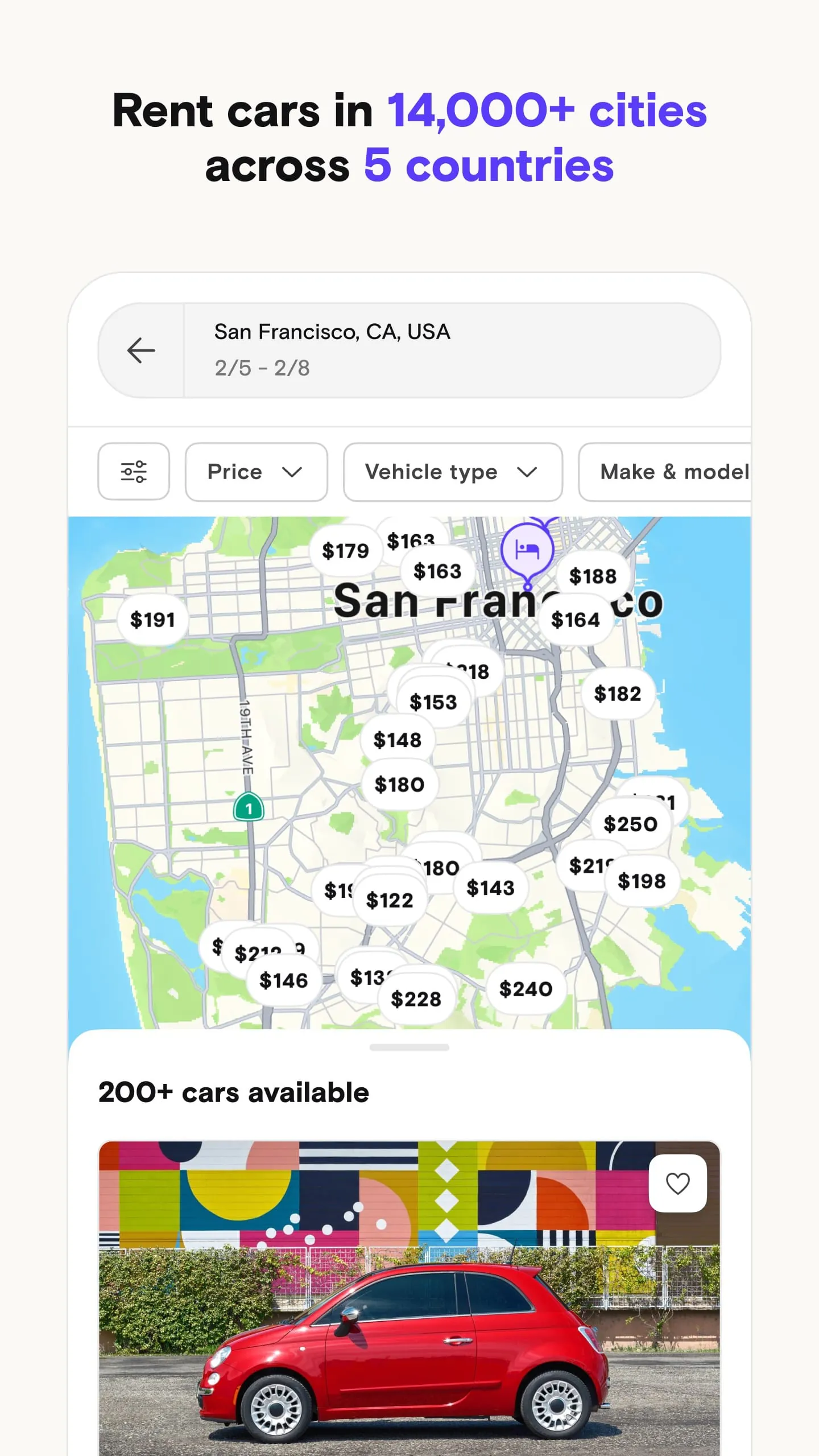
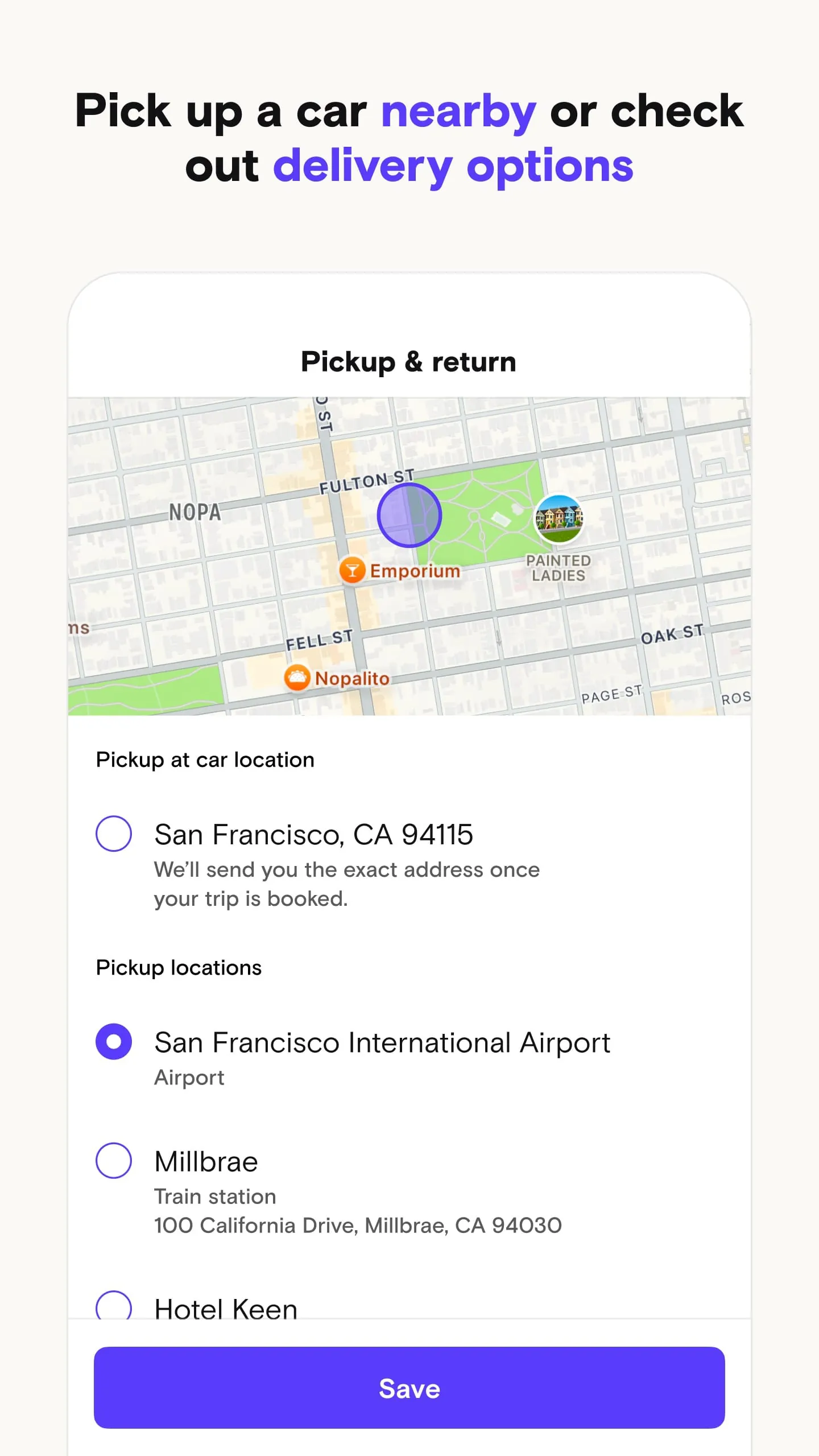
Turo is the world's largest peer-to-peer car sharing marketplace, often described as the "Airbnb for cars," which allows individuals to rent vehicles directly from local car owners rather than from traditional corporate rental agencies. Operating across thousands of cities in the United States, Canada, the United Kingdom, Australia, and France, the platform connects travelers looking for unique or affordable transportation with everyday entrepreneurs who want to earn extra income by sharing their personal vehicles. Users can browse an extensive and diverse inventory that ranges from everyday economy cars and family SUVs to rare classic automobiles, exotic sports cars, and electric vehicles, seeing the exact car they will drive before booking, complete with owner ratings and transparent pricing.
Turo offers a highly flexible and personalized rental experience that differs greatly from the standard counter-based model, highlighted by several standout features:
When deciding whether to use Turo over a traditional rental company, it is helpful to weigh the distinct advantages and potential drawbacks of the peer-to-peer model:
The Turo app serves a dual purpose, functioning seamlessly for both those looking to rent a car (guests) and those looking to rent out their car (hosts):
Click the button "Check All Versions" below to download and install it. To rent a car as a guest, start by creating an account and getting approved to drive by submitting a valid driver's license and basic personal information; most approvals are instant. Once approved, enter your desired pickup location (such as an airport code or city address) and the dates and times you need the vehicle, then browse the listings to find a car that fits your budget and style, utilizing filters to narrow down the options. Tap on a listing to view photos, read reviews from past renters, check the host's response rate, and review the specific trip details like mileage limits and delivery fees. When ready, either book instantly or send a request to the host; once confirmed, coordinate the pickup details with your host through the app's messaging feature. On the day of the trip, follow the host's instructions to obtain the keys—whether that is meeting them in person, opening a lockbox, or arranging a delivery—perform a quick check-in via the app, and enjoy your rental. To return the vehicle, simply refill the fuel to the agreed level, clean out personal belongings, meet the host or leave the car and keys as instructed, and complete the trip checkout in the app.
Get Turo from an official store or available APK channel.
ZIP files require a Split APKs Installer (e.g., SAI) from Google Play to install. Steps: 1. Download SAI from Google Play; 2. Open SAI and tap "Install APKs"; 3. Select the ZIP file; 4. Complete installation.
The latest version currently listed by Appspicked is V23.30.0, with information updated on May 25, 2026. Versions may vary by device, region, or rollout schedule, so users should also check Google Play or announcements from Turo Inc..
No website can guarantee that an app is completely risk-free. Appspicked recommends downloading Turo only from an official app store or a verified channel operated by Turo Inc.. Before installing, confirm the developer name, package ID com.relayrides.android.relayrides, requested permissions, privacy policy, and download source.
Turo may be unavailable because of regional restrictions, device incompatibility, account or age settings, a temporary removal, a name change, or because it has not been released for that platform. An Android package page does not necessarily mean that an iOS App Store version exists. Check Turo Inc.’s official website for current availability.
Use Google Play or another official download channel provided by Turo Inc. whenever possible. Appspicked provides app information and store links, but users should verify the destination domain and publisher before downloading or updating the app.
The information on Appspicked may represent the most recently indexed snapshot. App stores sometimes release updates gradually or display different versions according to region, device, operating system, or testing group. The official store listing should be treated as the final reference.
Turo is listed for Android, with a reported minimum requirement of Not specified. Actual compatibility may also depend on the device model, region, available storage, hardware features, and installed system components.
The initial download may be free, but subscriptions, advertising, paid features, or in-app purchases may still apply. Prices and available purchases can vary by country and version. Check the payment information displayed by Google Play before completing a transaction.
Check the network connection, storage space, operating-system version, account region, and device compatibility. Restart the device and try again through the official store. If the problem continues, consult the support resources provided by Turo Inc..









