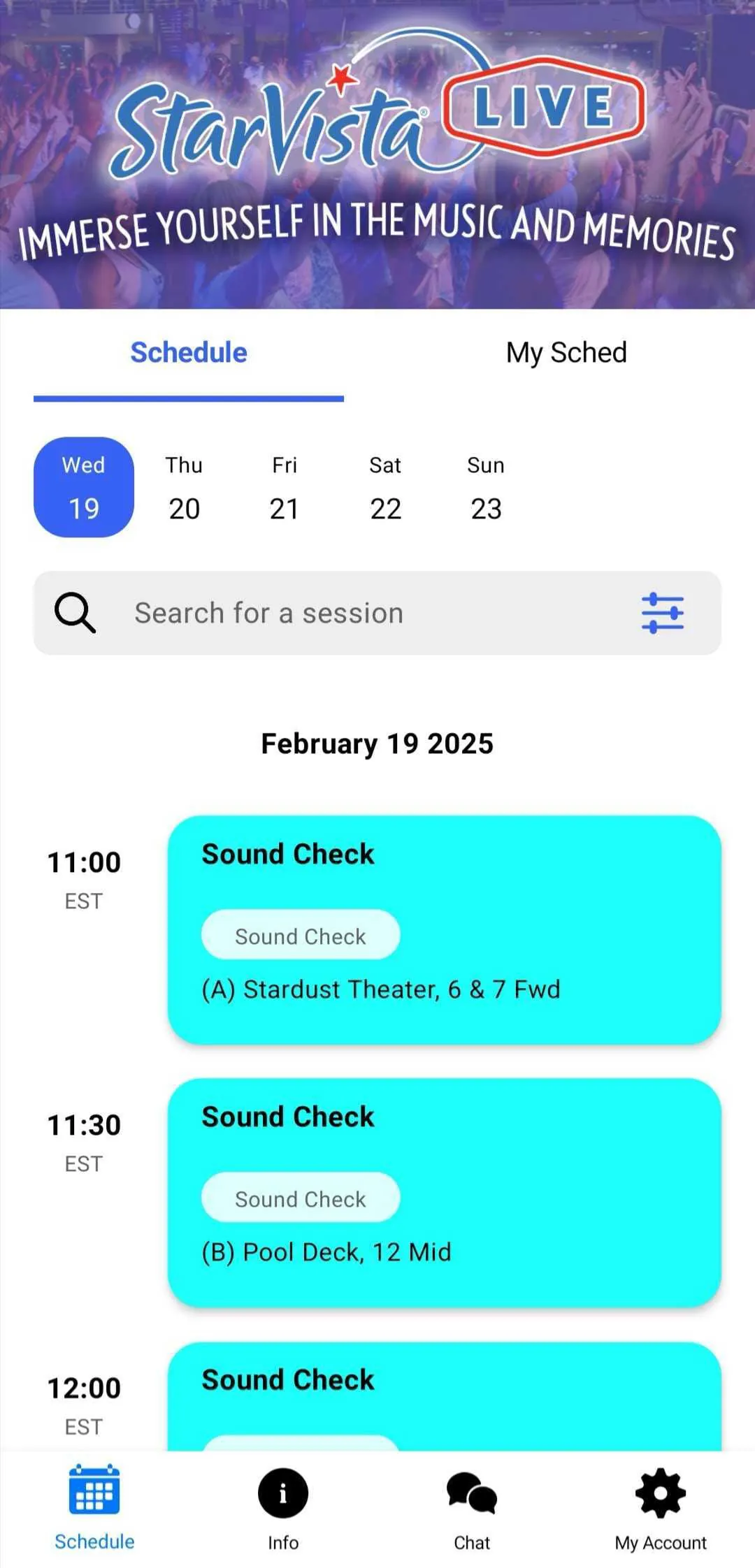
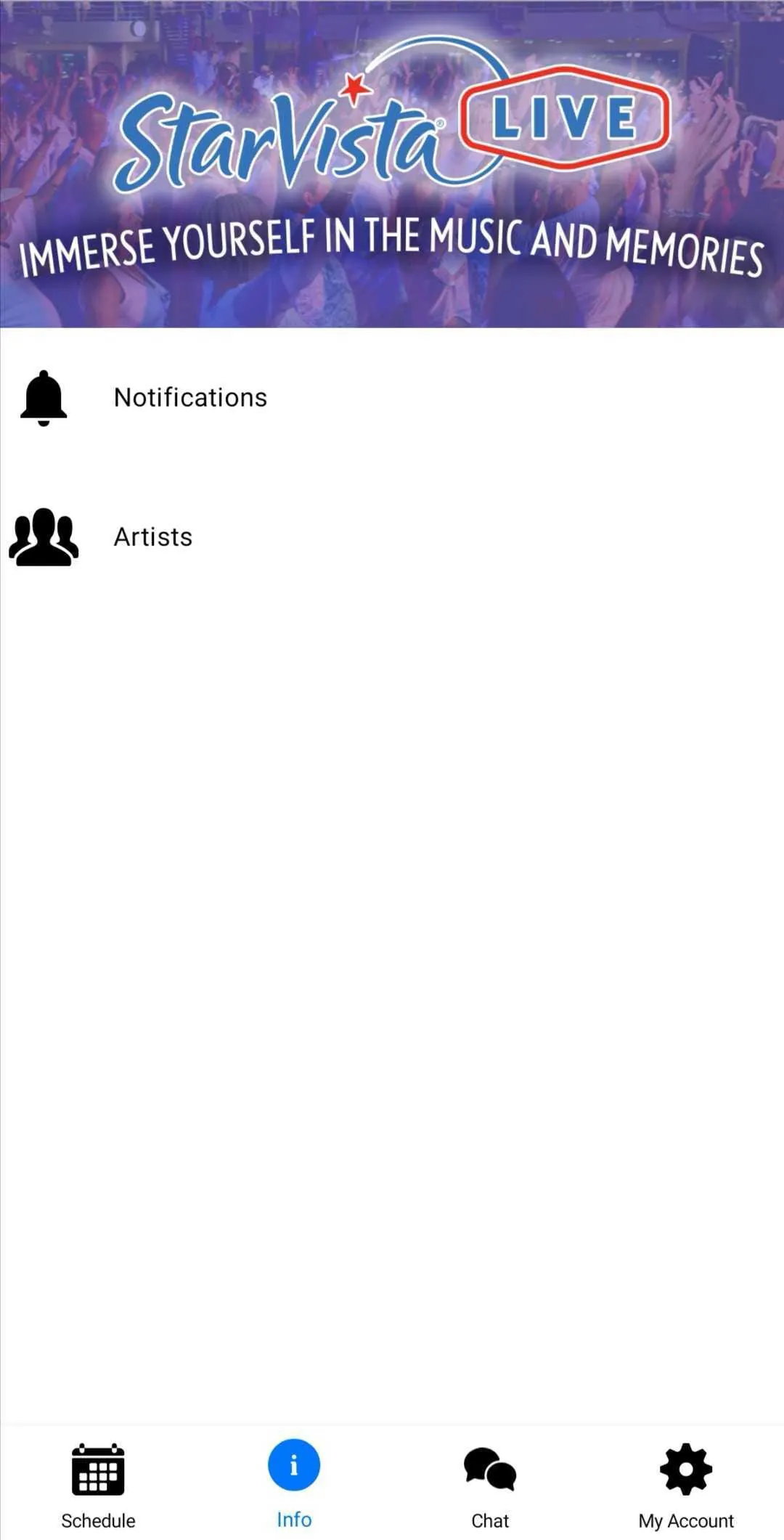
This mobile application serves as the official schedule and event management tool for StarVista LIVE cruises, designed to enhance the overall experience for attendees both before and during their voyage. The app's primary function is to provide users with convenient access to the complete schedule of events planned for their specific cruise. This feature allows passengers to browse the entire week's itinerary, ensuring they have essential information readily available at all times, right at their fingertips. Beyond simply displaying the schedule, the application offers a range of features aimed at personalizing and optimizing the cruise experience. One of the key functionalities is the ability for users to create a personalized schedule of events, tailoring their itinerary to match their individual interests and preferences. This feature, however, is contingent upon users having an existing Sched account and having marked themselves as attending the cruise on the Sched platform. It's important to note that this personalized scheduling option may not be available for all cruises, so users should check for compatibility. The app also includes a comprehensive directory of artists performing on the cruise. This directory provides detailed profiles of each artist, allowing users to learn more about their backgrounds, musical styles, and performance history. In addition to artist profiles, the directory enables users to view schedules organized by artist, making it easy to find out when and where their favorite performers will be appearing. A particularly valuable feature of the application is its offline caching capability. This ensures that users can access the schedule of events and their personalized schedules, even in areas with limited or no internet connectivity. This is especially useful on a cruise ship, where internet access can be unreliable or expensive. With offline caching, users can remain informed about the schedule and their plans, regardless of their connection status. Furthermore, the app provides real-time notifications from event organizers, ensuring that users never miss important updates or changes to the schedule. These notifications can include announcements about schedule adjustments, venue changes, special events, or any other information that attendees need to be aware of. This feature helps to keep users informed and engaged throughout the cruise experience, enhancing their overall enjoyment and minimizing the risk of missing out on key events. The application was developed by Sched, a platform specializing in session registration and attendance management for complex, multi-track events. Sched's vision is to transform events from mere occurrences into immersive and engaging experiences. The StarVista LIVE cruise app exemplifies this vision by providing a comprehensive suite of tools and features designed to help attendees make the most of their cruise experience, from accessing the schedule and personalizing their itinerary to staying informed about important updates and connecting with their favorite artists. By leveraging the power of mobile technology, the app aims to create a more seamless, enjoyable, and memorable cruise experience for all participants. The app acts as a central hub for all event-related information, empowering users to take control of their cruise experience and maximize their enjoyment. The app's user-friendly interface and intuitive navigation make it easy for users of all ages and technical abilities to access the information they need, ensuring that everyone can benefit from its features.
The StarVista LIVE cruise app distinguishes itself through several key features designed to elevate the attendee experience. Firstly, the full schedule functionality offers an easy-to-navigate, comprehensive overview of all events planned throughout the cruise. This feature is crucial for attendees who want to plan their days effectively and ensure they don't miss any activities of interest. The convenience of having the entire week's schedule at their fingertips empowers users to make informed decisions about how to spend their time, optimizing their enjoyment of the cruise. Secondly, the personalization feature allows attendees to tailor their cruise experience to their specific interests. By creating a personalized schedule, users can prioritize the events that are most relevant to them, ensuring they get the most out of their time on board. This feature is particularly valuable for individuals with diverse interests, as it allows them to focus on the activities they are most passionate about, enhancing their overall satisfaction with the cruise. However, it's important to note that this feature requires a Sched account and may not be available for all cruises. The artist directory provides a wealth of information about the performers on board, offering attendees a deeper understanding of the talent they will be seeing. By browsing artist profiles and schedules, users can discover new musicians, learn about their backgrounds, and plan to attend their performances. This feature adds an extra layer of engagement to the cruise experience, fostering a connection between attendees and the artists they are seeing. The offline caching capability is a standout feature that ensures attendees can access the schedule and their personal plans even without an internet connection. This is especially important on a cruise ship, where internet access can be unreliable or expensive. With offline access, users can remain informed about the schedule and their personalized itineraries, regardless of their location or connectivity status. This feature provides peace of mind and ensures that attendees can always stay on top of their plans, enhancing their overall cruise experience. Lastly, the real-time notifications feature keeps attendees informed about any important updates or changes to the schedule. This ensures that users never miss out on crucial information, such as schedule adjustments, venue changes, or special events. These notifications are delivered instantly, allowing attendees to react quickly to any changes and adjust their plans accordingly. This feature helps to create a more seamless and stress-free cruise experience, ensuring that attendees are always in the loop. In summary, the StarVista LIVE cruise app offers a comprehensive suite of features designed to enhance the attendee experience, from providing convenient access to the schedule and personalizing itineraries to staying informed about important updates and connecting with artists. By leveraging the power of mobile technology, the app aims to create a more enjoyable, engaging, and memorable cruise experience for all participants. The app's user-friendly interface and intuitive navigation make it easy for users of all ages and technical abilities to access the information they need, ensuring that everyone can benefit from its features.
The app's design and functionality are carefully crafted to address the unique challenges and opportunities presented by the cruise environment. One of the primary considerations is the limited or unreliable internet connectivity that is often encountered on cruise ships. To overcome this challenge, the app incorporates robust offline caching capabilities, allowing users to access essential information even without an active internet connection. This ensures that attendees can always view the schedule of events, their personalized itineraries, and other important details, regardless of their location on the ship or the availability of internet access. Another key design element is the app's user-friendly interface, which is designed to be intuitive and easy to navigate for users of all ages and technical abilities. The app's layout is clean and uncluttered, with clear and concise information presented in a visually appealing format. This makes it easy for users to find the information they need quickly and efficiently, without feeling overwhelmed or confused. The app also incorporates features that cater to the specific needs of cruise attendees, such as the artist directory and the real-time notifications feature. The artist directory provides a wealth of information about the performers on board, allowing users to discover new musicians, learn about their backgrounds, and plan to attend their performances. This feature adds an extra layer of engagement to the cruise experience, fostering a connection between attendees and the artists they are seeing. The real-time notifications feature keeps attendees informed about any important updates or changes to the schedule, ensuring that they never miss out on crucial information. These notifications are delivered instantly, allowing attendees to react quickly to any changes and adjust their plans accordingly. This feature helps to create a more seamless and stress-free cruise experience, ensuring that attendees are always in the loop. Furthermore, the app is designed to be highly customizable, allowing users to personalize their experience to match their individual preferences. The personalization feature allows attendees to create a personalized schedule of events, prioritizing the activities that are most relevant to them. This ensures that they get the most out of their time on board, enhancing their overall satisfaction with the cruise. The app also allows users to adjust notification settings, customize their profile, and configure other preferences to tailor the app to their specific needs. In addition to its core functionality, the app also serves as a valuable communication tool, connecting attendees with event organizers and other participants. The real-time notifications feature allows event organizers to communicate important updates and announcements to attendees, ensuring that everyone is informed about any changes or special events. The app also includes features that facilitate social interaction among attendees, such as chat rooms and social media integration. These features allow users to connect with other passengers, share their experiences, and coordinate activities. Overall, the StarVista LIVE cruise app is a comprehensive and well-designed tool that enhances the cruise experience for attendees in a variety of ways. By providing convenient access to the schedule, personalizing itineraries, keeping attendees informed, and facilitating communication, the app helps to create a more enjoyable, engaging, and memorable cruise experience for all participants. The app's user-friendly interface and robust offline capabilities make it accessible to users of all ages and technical abilities, ensuring that everyone can benefit from its features.