The Alarm Clock Scheduler & Timer application is presented as a comprehensive tool designed to enhance users' morning routines and overall daily organization. The application's core functionality revolves around providing a customizable and reliable alarm system that caters to a wide range of user preferences and needs. It emphasizes precision and reliability to ensure users wake up on time and stay organized throughout the day. One of the standout features is the after-call function, which streamlines the process of setting alarms or reminders immediately after a phone call. This feature allows users to promptly create follow-up tasks or send messages, ensuring that important actions discussed during the call are not overlooked. The app's ability to seamlessly integrate into the user's post-call workflow underscores its commitment to enhancing productivity and time management. Furthermore, the application's timer functionality is designed to operate smoothly in the background, even when the app is closed. This background feature enables users to interact with the timer directly from the notification shade, providing convenient access for dismissing or viewing the timer at any time. This level of accessibility ensures that users can efficiently manage their time-sensitive tasks without constantly switching between applications. The Alarm Clock Scheduler & Timer is positioned as more than just a simple alarm clock; it is a comprehensive solution for managing schedules, enhancing productivity, and ensuring users wake up refreshed and ready to tackle their daily tasks. The application's array of features and customizable options caters to a diverse user base, ranging from those who prefer a gentle wake-up to those who require a more assertive alarm. Its emphasis on seamless integration and user-friendly design further solidifies its appeal as a versatile and practical tool for modern time management. The developers appear to understand the importance of providing a reliable and feature-rich alarm clock application in today's fast-paced world, where effective time management is crucial for success. By offering a blend of essential features and innovative functionalities, the Alarm Clock Scheduler & Timer aims to empower users to take control of their schedules and optimize their daily routines. Its focus on user convenience and customization underscores its commitment to meeting the diverse needs of its user base. In essence, the Alarm Clock Scheduler & Timer is presented as a holistic solution for individuals seeking to improve their time management skills, enhance their productivity, and start each day on the right foot. The app's emphasis on reliability, customization, and seamless integration positions it as a valuable asset for anyone looking to optimize their daily routine and achieve their goals.
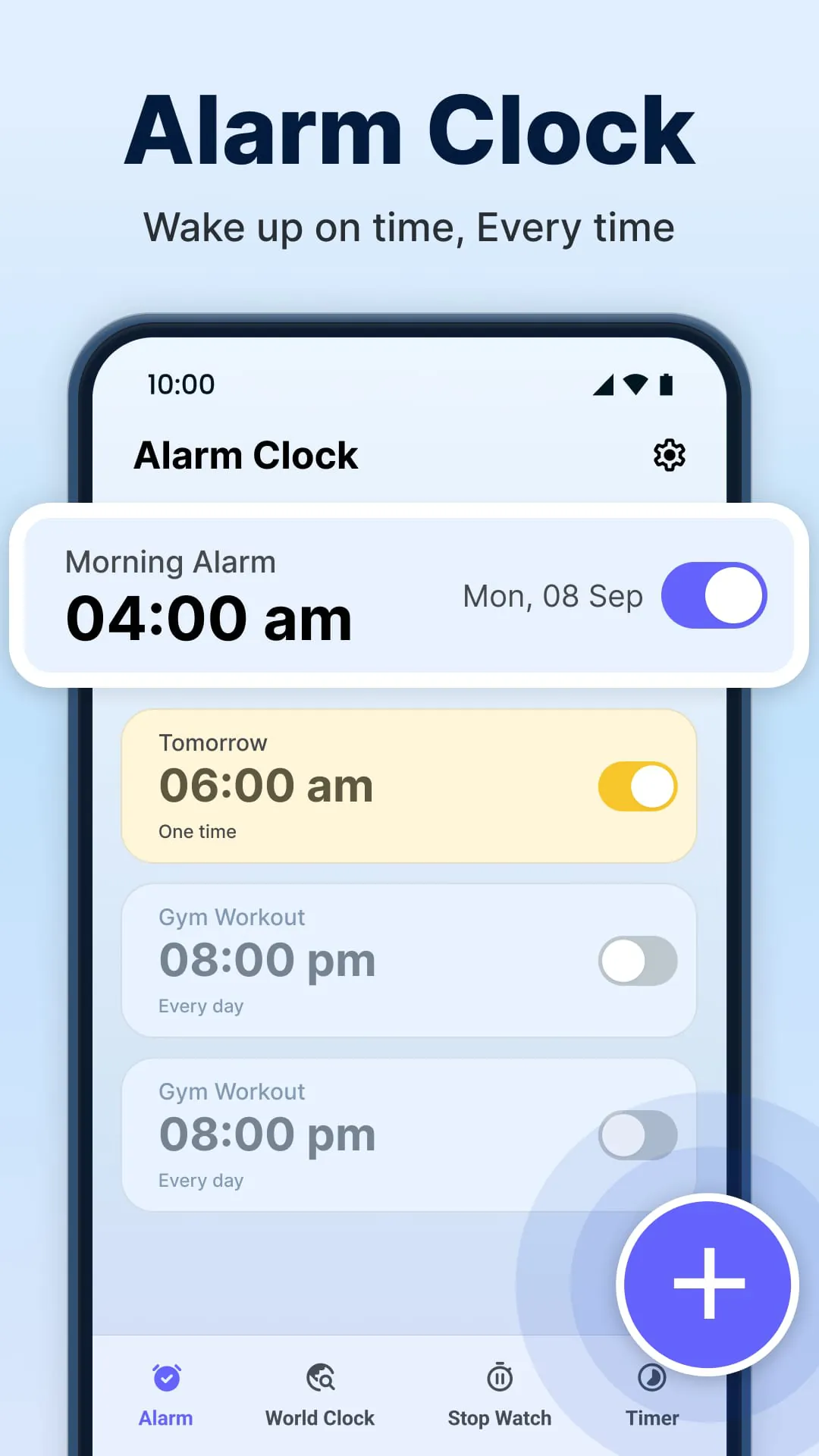
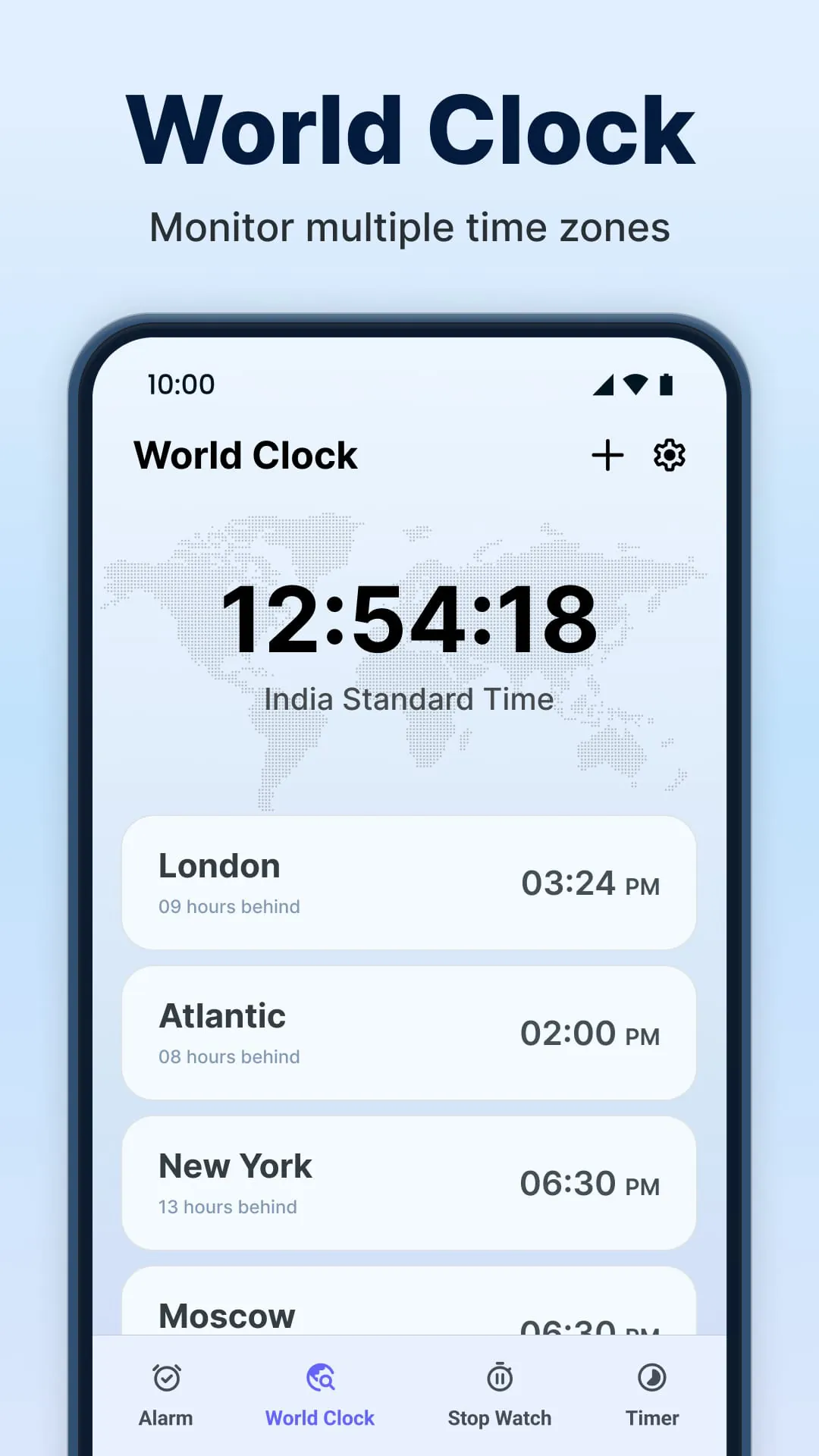
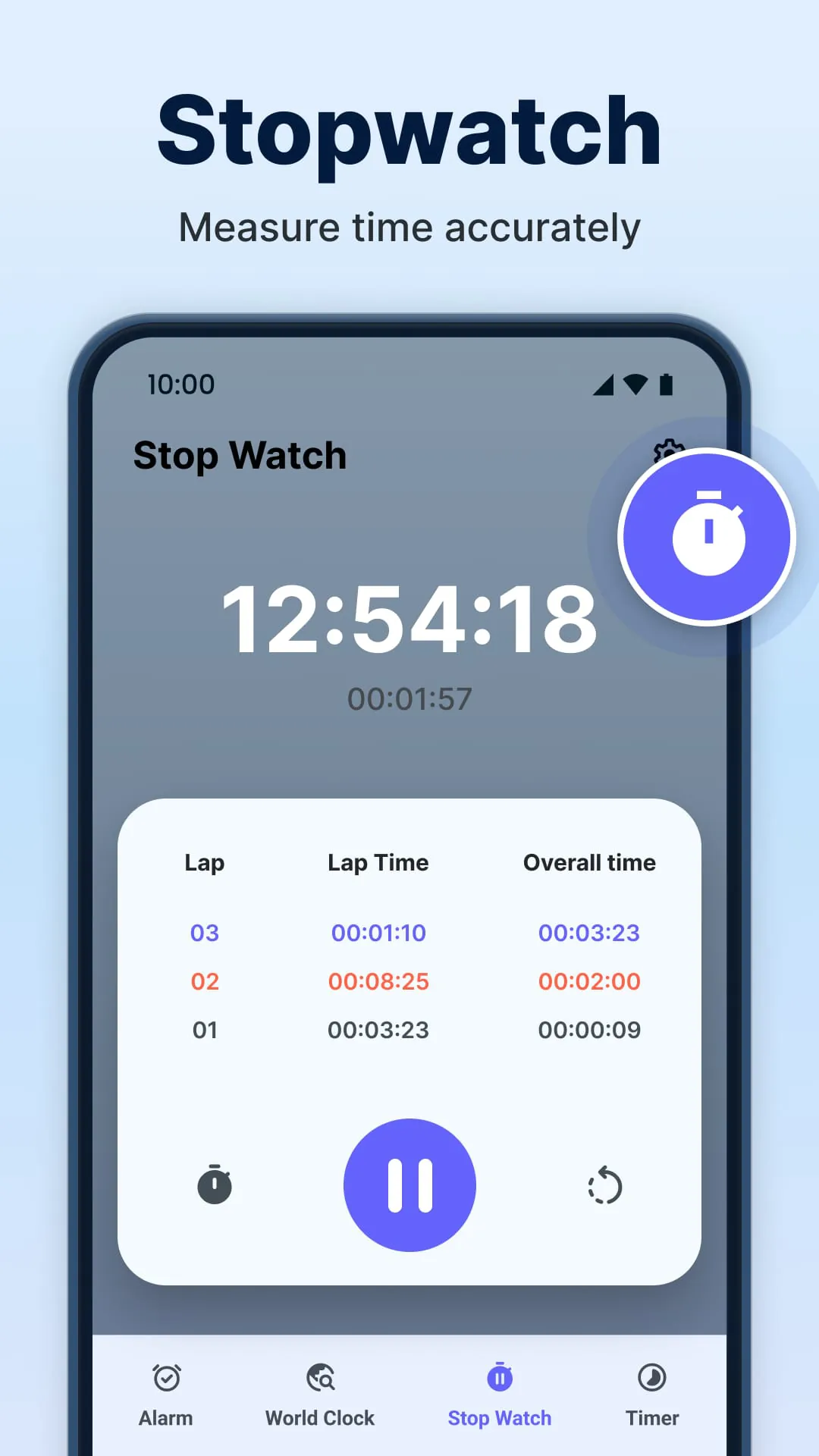
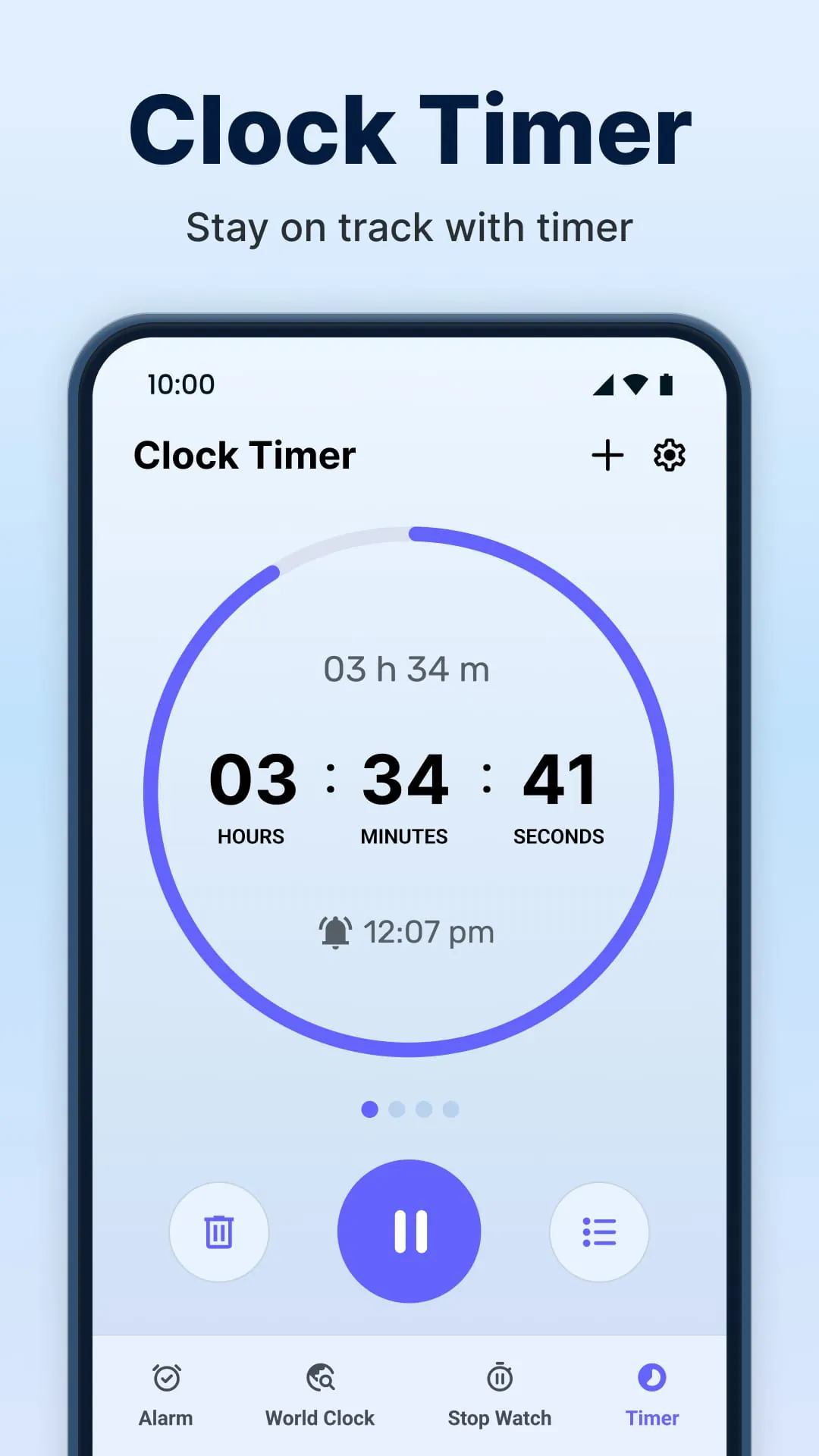
The Alarm Clock Scheduler & Timer application boasts a range of features designed to enhance user experience and cater to diverse needs. One of the key features highlighted is the multiple customizable alarms, which allow users to set various alarms with options for snooze, vibration, and repeat schedules. This level of customization ensures that users can tailor their wake-up experience to suit their individual preferences and daily routines. The inclusion of a quick snooze function provides users with the flexibility to grab a few extra minutes of sleep without disrupting their overall schedule. With a single tap, users can easily snooze the alarm for a set interval, allowing them to gently transition from sleep to wakefulness. The world clock feature is another notable addition, enabling users to check the current time in different cities around the globe. This feature is particularly useful for individuals who travel frequently or need to coordinate with colleagues or family members in different time zones. The stopwatch functionality allows users to accurately measure time, with a "Laps" option for tracking lap times. This feature is ideal for athletes, coaches, or anyone who needs to monitor performance during physical activities. The ability to pause, resume, and review records adds to the stopwatch's versatility and practicality. The timer function enables users to keep track of time for various tasks, such as cooking, workouts, or studying. The timer operates in the background, allowing users to continue using their devices without interrupting the timing process. This feature is particularly useful for multitasking and ensuring that tasks are completed within the allotted time. The application emphasizes its suitability for a wide range of users, whether they need a gentle wake-up, a powerful reminder, or a timer for their tasks. It aims to ensure that users start their day right and stay on track with their schedules. The developers appear to have carefully considered the diverse needs of their target audience and incorporated features that cater to a variety of lifestyles and preferences. By offering a comprehensive suite of tools for time management and organization, the Alarm Clock Scheduler & Timer seeks to empower users to take control of their daily routines and achieve their goals.
The Alarm Clock Scheduler & Timer positions itself as the premier alarm application in the United States, emphasizing its suitability for both heavy sleepers and those who prefer a more gentle wake-up experience. The application's ability to cater to diverse user preferences is highlighted as a key differentiator in the competitive alarm app market. For heavy sleepers who require a loud and persistent alarm to rouse them from sleep, the application offers customizable settings to ensure they never miss an important event or wake up late again. Conversely, for users who prefer a more gradual and gentle wake-up, the application provides custom snooze settings and bedtime reminders to help them ease into their day. The emphasis on customization underscores the application's commitment to providing a personalized experience for each user. The developers understand that individual sleep patterns and preferences vary widely, and they have designed the application to accommodate these differences. The Alarm Clock Scheduler & Timer is presented as more than just an alarm clock; it is a comprehensive wake-up solution that integrates seamlessly into the user's daily routine. Whether users are using an Android phone or another smart device, the application ensures that they can rely on it to wake them up on time and keep them organized throughout the day. The developers appear to have prioritized cross-platform compatibility to ensure that the application is accessible to a wide range of users. The call to action encourages users to download the application and experience the benefits of waking up refreshed every day. The developers express confidence in the application's ability to enhance users' morning routines and improve their overall quality of life. The inclusion of a contact email address (
[email protected]
) provides users with a direct channel for seeking help with the application or offering suggestions for improvement. This demonstrates the developers' commitment to providing ongoing support and actively engaging with their user base. In conclusion, the Alarm Clock Scheduler & Timer is positioned as a versatile, reliable, and customizable alarm application that caters to a wide range of user needs and preferences. Its emphasis on user experience, cross-platform compatibility, and ongoing support underscores its commitment to becoming the leading alarm app in the United States.