




Square Invoices
by Block, Inc.
Manage your business invoicing, bills & estimates. Track expenses & payments.
A closer look


Overview
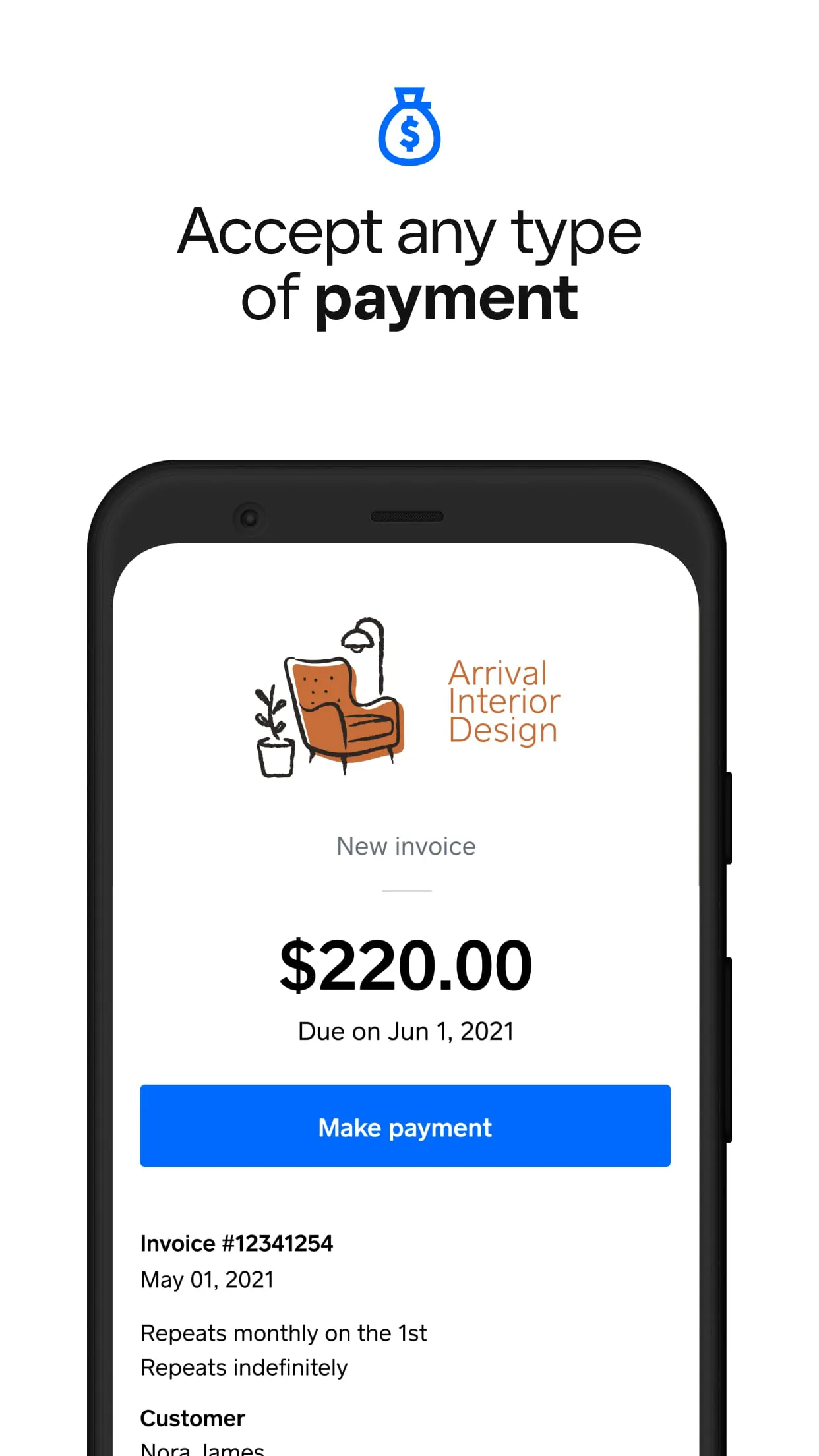
Square Invoices is a comprehensive invoicing and payment application developed by Square, designed to help businesses of all sizes streamline their billing processes. It enables entrepreneurs, freelancers, and companies to create, send, and track professional invoices directly from their computer or mobile device, while also accepting online payments, managing client information, and monitoring cash flow in real-time through an intuitive dashboard.
Key Features
Square Invoices comes packed with capabilities to automate and simplify financial transactions. It supports recurring invoices for subscription-based services and automatic payment reminders to reduce late payments. The app allows for full customization of invoices with your logo and brand colors, and provides real-time notifications when an invoice is viewed or paid. Furthermore, it seamlessly integrates payment processing, allowing clients to pay via credit card, debit card, or ACH bank transfer directly from the invoice.
Pros & Cons
Using Square Invoices offers several advantages and some considerations to keep in mind.
- Pros: The setup is incredibly quick and user-friendly, requiring no long-term contracts. It offers excellent mobility with a fully functional mobile app. The transparent, pay-as-you-go pricing with no monthly fee is a major benefit for small businesses. Integration with the broader Square ecosystem, including Point of Sale and payroll, creates a unified management platform.
- Cons: The transaction fees can add up for businesses with high-volume sales. Some advanced features, like detailed custom reporting, may be limited compared to specialized enterprise software. It is primarily optimized for the North American market, which can be a limitation for international businesses.
Functions
The application serves as a multi-functional tool for end-to-end payment management. Its core functions extend beyond simple invoice creation to encompass a complete financial workflow.
- Generate and dispatch branded, detailed invoices electronically.
- Securely accept and process a wide array of online payment methods.
- Schedule and automate recurring invoices for ongoing clients.
- Track the status of every invoice (sent, viewed, paid, overdue) in one dashboard.
- Manage customer profiles and payment histories.
- Sync all data with accounting software like QuickBooks Online.
- Generate basic sales reports and insights into revenue trends.
How to Use
Click the button "Check All Versions" below to download and install it. Once installed, you can begin by signing up for or logging into your Square account. Navigate to the Invoices section and click "Create Your First Invoice." Customize the template with your business details, add line items for products or services, and set payment terms. You can then send it directly to your client via email or a shareable link. From your main dashboard, you can monitor all sent invoices, see which ones are pending, and record any offline payments received to keep your books perfectly aligned.
App Download
Get Square Invoices from an official store or available APK channel.
Previous Versions
ZIP files require a Split APKs Installer (e.g., SAI) from Google Play to install. Steps: 1. Download SAI from Google Play; 2. Open SAI and tap "Install APKs"; 3. Select the ZIP file; 4. Complete installation.
Frequently Asked Questions
What is the latest version of Square Invoices?
The latest version currently listed by Appspicked is unavailable, with information updated on May 20, 2026. Versions may vary by device, region, or rollout schedule, so users should also check Google Play or announcements from Block, Inc..
Is Square Invoices safe to download and use?
No website can guarantee that an app is completely risk-free. Appspicked recommends downloading Square Invoices only from an official app store or a verified channel operated by Block, Inc.. Before installing, confirm the developer name, package ID com.squareup.invoicesapp, requested permissions, privacy policy, and download source.
Why can’t I find Square Invoices in the App Store?
Square Invoices may be unavailable because of regional restrictions, device incompatibility, account or age settings, a temporary removal, a name change, or because it has not been released for that platform. An Android package page does not necessarily mean that an iOS App Store version exists. Check Block, Inc.’s official website for current availability.
Where can I download or update Square Invoices?
Use Google Play or another official download channel provided by Block, Inc. whenever possible. Appspicked provides app information and store links, but users should verify the destination domain and publisher before downloading or updating the app.
Why is the version shown on Appspicked different from the app-store version?
The information on Appspicked may represent the most recently indexed snapshot. App stores sometimes release updates gradually or display different versions according to region, device, operating system, or testing group. The official store listing should be treated as the final reference.
Which devices and operating systems support Square Invoices?
Square Invoices is listed for Android, with a reported minimum requirement of Not specified. Actual compatibility may also depend on the device model, region, available storage, hardware features, and installed system components.
Is Square Invoices free?
The initial download may be free, but subscriptions, advertising, paid features, or in-app purchases may still apply. Prices and available purchases can vary by country and version. Check the payment information displayed by Google Play before completing a transaction.
What should I do if Square Invoices cannot be installed or updated?
Check the network connection, storage space, operating-system version, account region, and device compatibility. Restart the device and try again through the official store. If the problem continues, consult the support resources provided by Block, Inc..









