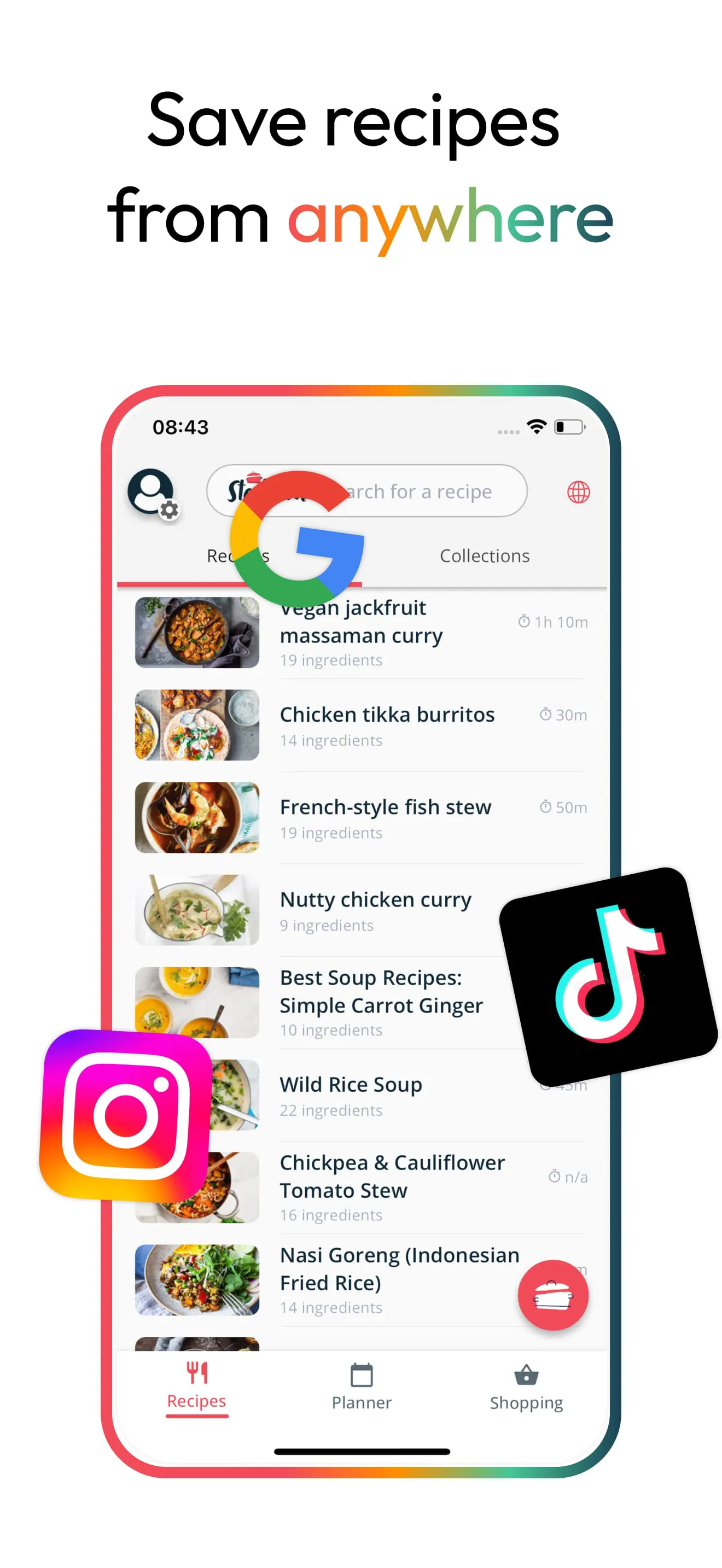
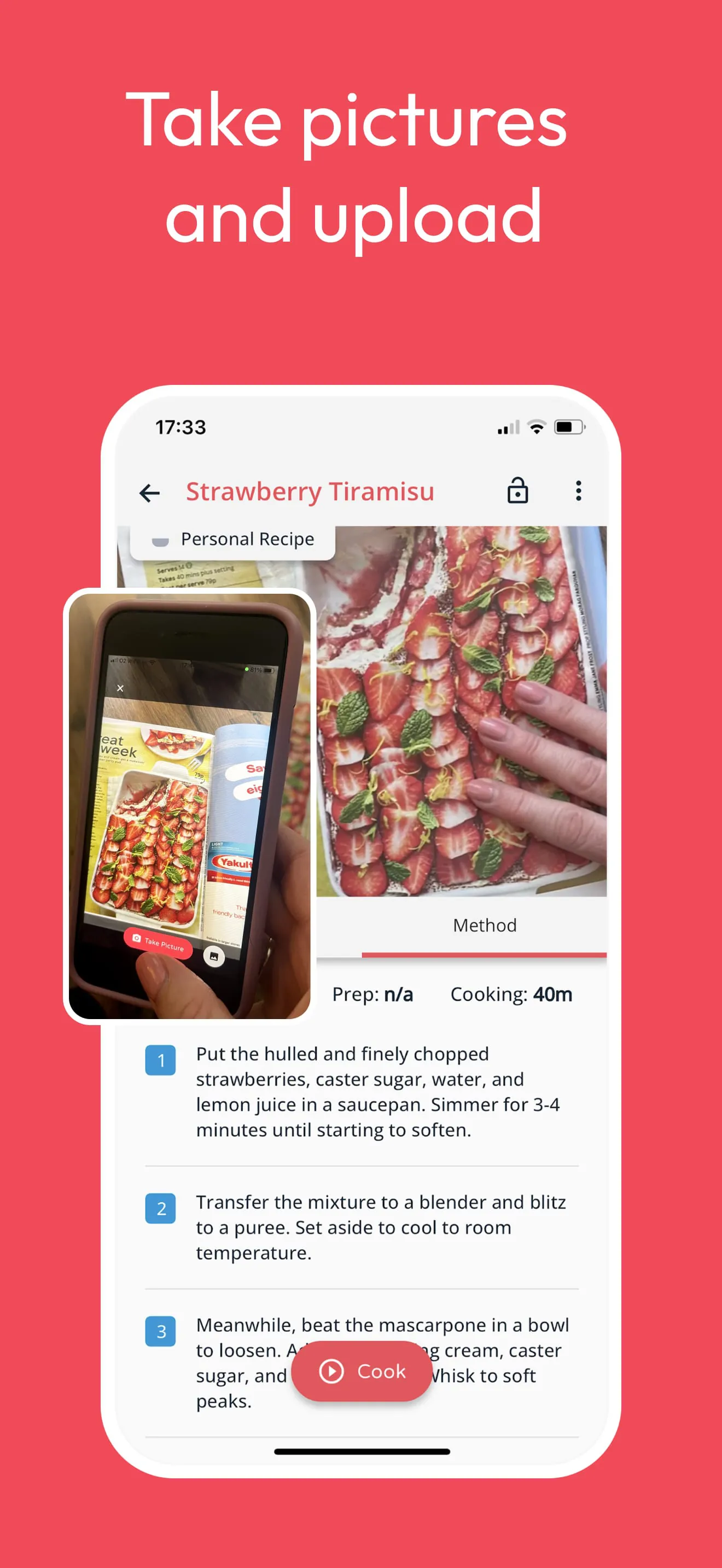
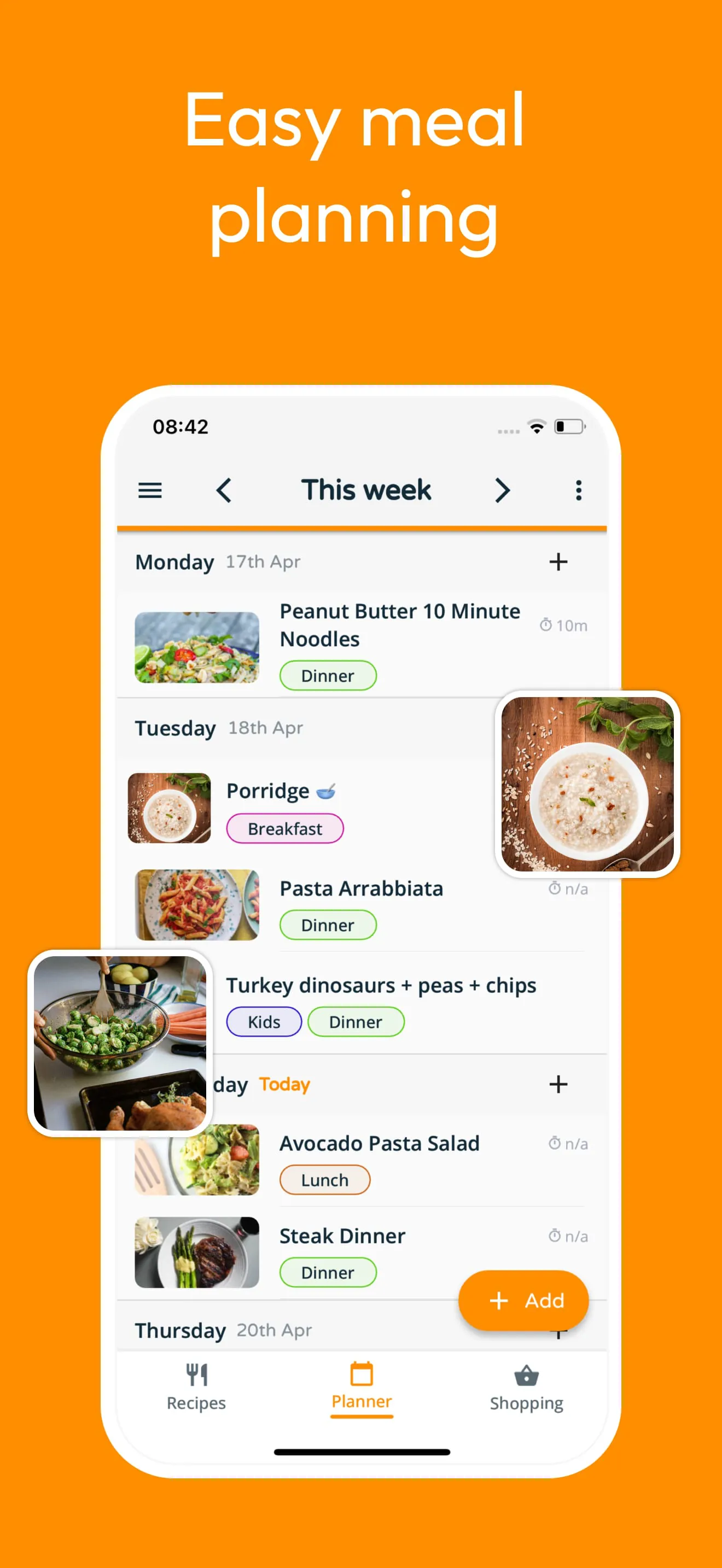
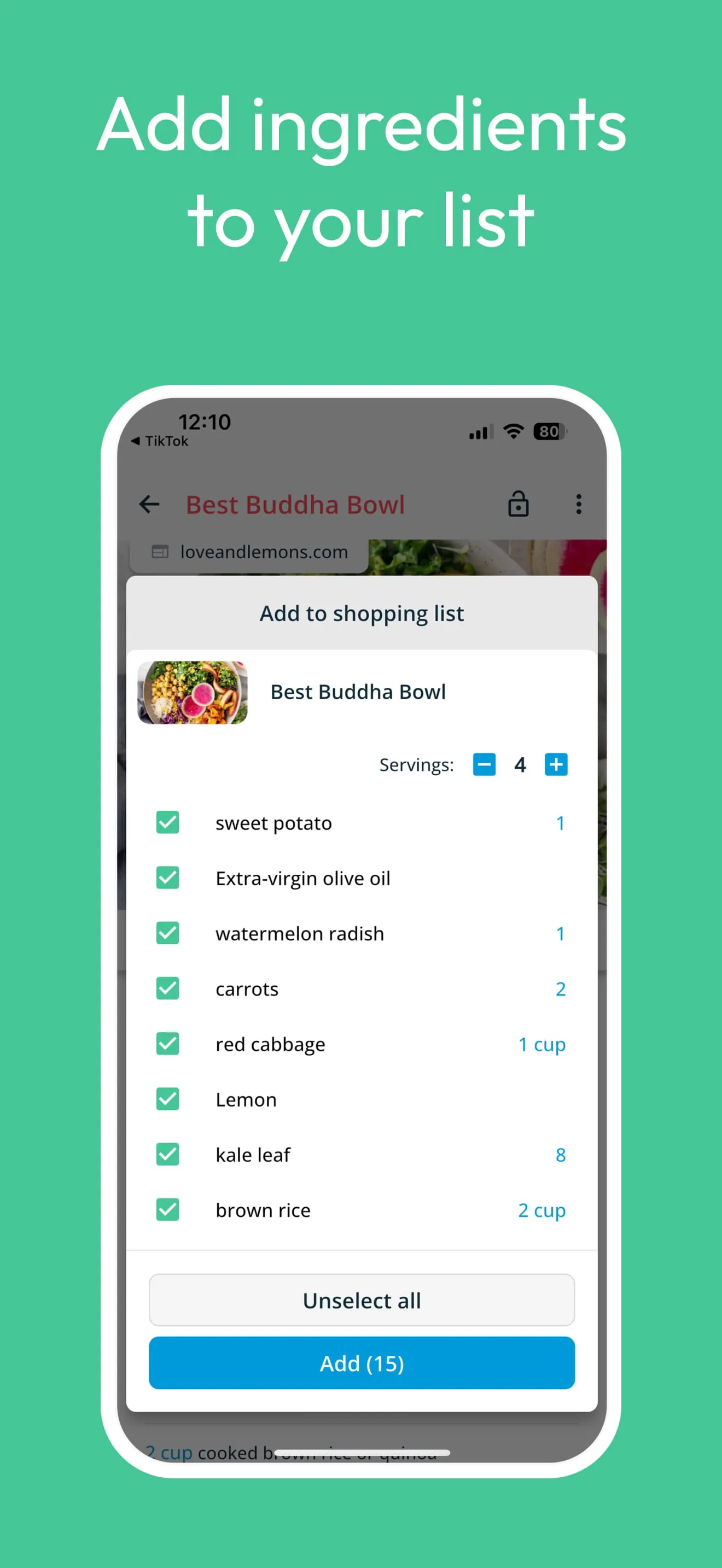
Stashcook is a comprehensive meal planning and recipe management application designed to simplify the process of finding, saving, organizing, and utilizing recipes for home cooks of all levels. The application addresses common pain points experienced by individuals and families when it comes to meal preparation, such as losing recipes, struggling to plan meals, and inefficient grocery shopping. By offering a centralized platform for recipe storage, meal planning, and shopping list creation, Stashcook aims to streamline the entire cooking experience and reduce food waste. One of the standout features of Stashcook is its ability to save recipes from virtually any website on the internet. This is accomplished through a convenient stash button that allows users to quickly and easily add recipes to their personal recipe keeper. This eliminates the need to manually copy and paste recipes or rely on disorganized bookmarks. The application supports saving recipes from popular websites such as BBC Good Food, Pinterest, Food Network, and Epicurious, making it a versatile tool for gathering culinary inspiration from a wide range of sources. Once recipes are saved, users can organize them into collections based on cuisine, dietary restrictions, or cooking time. This makes it easy to quickly find recipes that fit specific needs or preferences. For example, users can create a collection for "10-minute dinners" or "vegetarian meals." In addition to recipe saving and organization, Stashcook offers a robust meal planning feature. The application allows users to create weekly meal plans, adding recipes to specific days and rearranging them as needed. Users can also add notes to meal entries to remind themselves of important details, such as using leftovers or planning to eat out. The meal planning feature is designed to help users stay organized and avoid impulse decisions when it comes to mealtime. Furthermore, Stashcook simplifies grocery shopping by allowing users to create shopping lists from their recipes. The application automatically adds all the ingredients from selected recipes to the shopping list, and users can manually add any additional items they need. Stashcook then organizes the shopping list by supermarket aisle, making it easier to navigate the store and avoid forgetting items. This feature can save users time and money by reducing the likelihood of impulse purchases and ensuring that they have all the necessary ingredients for their meals. Stashcook also offers a Family Share feature that allows up to six accounts to sync recipes, meals, and grocery lists. This makes it easy for households to collaborate on meal planning and shopping. The application includes features such as nutritional analysis, allowing users to gain insights into the nutritional content of their recipes, including calories, protein, carbohydrates, fats, sugars, and sodium. This is particularly useful for individuals who are tracking their diet or trying to meet specific nutritional goals. Stashcook provides its core features without restrictions, allowing users to save unlimited recipes and create weekly meal plans without any charges or membership requirements. A premium upgrade is available for users who want additional features, but the basic functionality is fully accessible to all users. Overall, Stashcook is a well-designed and feature-rich meal planning and recipe management application that can help users simplify their cooking routine, reduce food waste, and achieve their dietary goals.
The Stashcook application distinguishes itself through its user-friendly design and comprehensive feature set, catering to the diverse needs of home cooks seeking to streamline their meal preparation process. One of the key strengths of Stashcook lies in its intuitive interface, which makes it easy for users to navigate and utilize the various features. The application is designed with simplicity in mind, removing unnecessary clutter and presenting information in a clear and concise manner. This is particularly evident in the recipe view, which focuses on the essential information needed for cooking, such as ingredients and instructions, while minimizing distractions. The application also includes handy functions such as ingredient scaling, which allows users to easily adjust the quantities of ingredients to match their desired serving size, and screen locking, which prevents the screen from turning off while cooking, even with messy fingers. These features demonstrate Stashcook's commitment to providing a user-friendly experience that simplifies the cooking process. In addition to its user-friendly design, Stashcook offers a wide range of features that address various aspects of meal planning and recipe management. The application's ability to save recipes from any website is a significant advantage, as it allows users to consolidate their favorite recipes in one place, regardless of their source. The recipe organization features, including collections and tags, further enhance the user experience by allowing for easy retrieval of recipes based on specific criteria. The meal planning feature is also well-designed, providing users with a flexible and intuitive way to create weekly meal plans and manage their meals. The shopping list feature is seamlessly integrated with the meal planning feature, allowing users to quickly generate shopping lists based on their planned meals. The application's ability to organize shopping lists by supermarket aisle is a particularly useful feature that can save users time and effort while grocery shopping. The Family Share feature is another valuable addition, as it allows households to collaborate on meal planning and shopping, making it easier to coordinate meals and avoid duplicate purchases. Furthermore, Stashcook's nutritional analysis feature provides users with valuable insights into the nutritional content of their recipes, empowering them to make informed decisions about their diet and plan their meals accordingly. The application's commitment to providing its core features without restrictions is also noteworthy, as it allows users to fully experience the benefits of Stashcook without having to pay for a premium subscription. Overall, Stashcook is a well-rounded and feature-rich application that offers a compelling solution for individuals and families seeking to simplify their meal preparation process.
Stashcook differentiates itself in the competitive landscape of meal planning applications through its seamless integration of recipe management, meal planning, and grocery shopping functionalities, coupled with its emphasis on user experience and accessibility. Unlike many other meal planning applications that focus primarily on meal planning or recipe discovery, Stashcook provides a holistic solution that addresses all aspects of the meal preparation process. The application's ability to save recipes from any website, organize them into collections, create meal plans, generate shopping lists, and analyze nutritional content all within a single platform is a significant advantage. This seamless integration of features saves users time and effort by eliminating the need to switch between multiple applications or manually transfer data. In addition to its comprehensive feature set, Stashcook stands out for its user-friendly design and intuitive interface. The application is designed to be easy to use, even for individuals who are not tech-savvy. The clear and concise presentation of information, the intuitive navigation, and the helpful features such as ingredient scaling and screen locking all contribute to a positive user experience. Stashcook's emphasis on accessibility is also noteworthy. The application provides its core features without restrictions, allowing users to fully experience the benefits of the application without having to pay for a premium subscription. This makes Stashcook accessible to a wider audience, including individuals who may be on a budget. Furthermore, Stashcook's Family Share feature promotes collaboration and shared responsibility within households, making it easier for families to plan meals and shop together. The application's commitment to simplifying the meal preparation process and making it more accessible to everyone sets it apart from other meal planning applications. Stashcook is a well-designed and feature-rich application that offers a compelling solution for individuals and families seeking to streamline their cooking routine, reduce food waste, and achieve their dietary goals. By seamlessly integrating recipe management, meal planning, and grocery shopping functionalities, and by emphasizing user experience and accessibility, Stashcook provides a holistic and user-friendly solution that can help users simplify their cooking routine and enjoy healthier, more delicious meals.