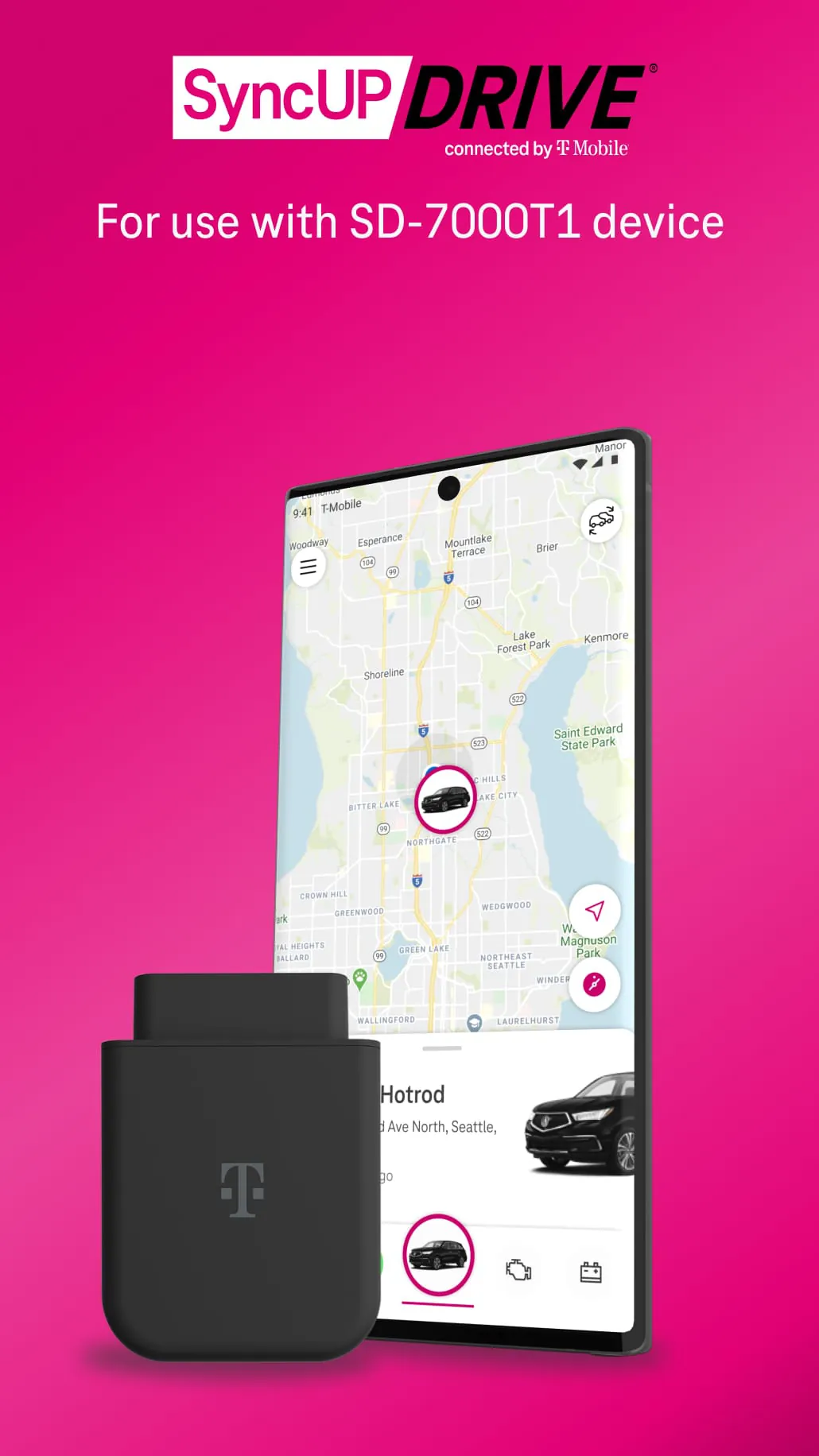
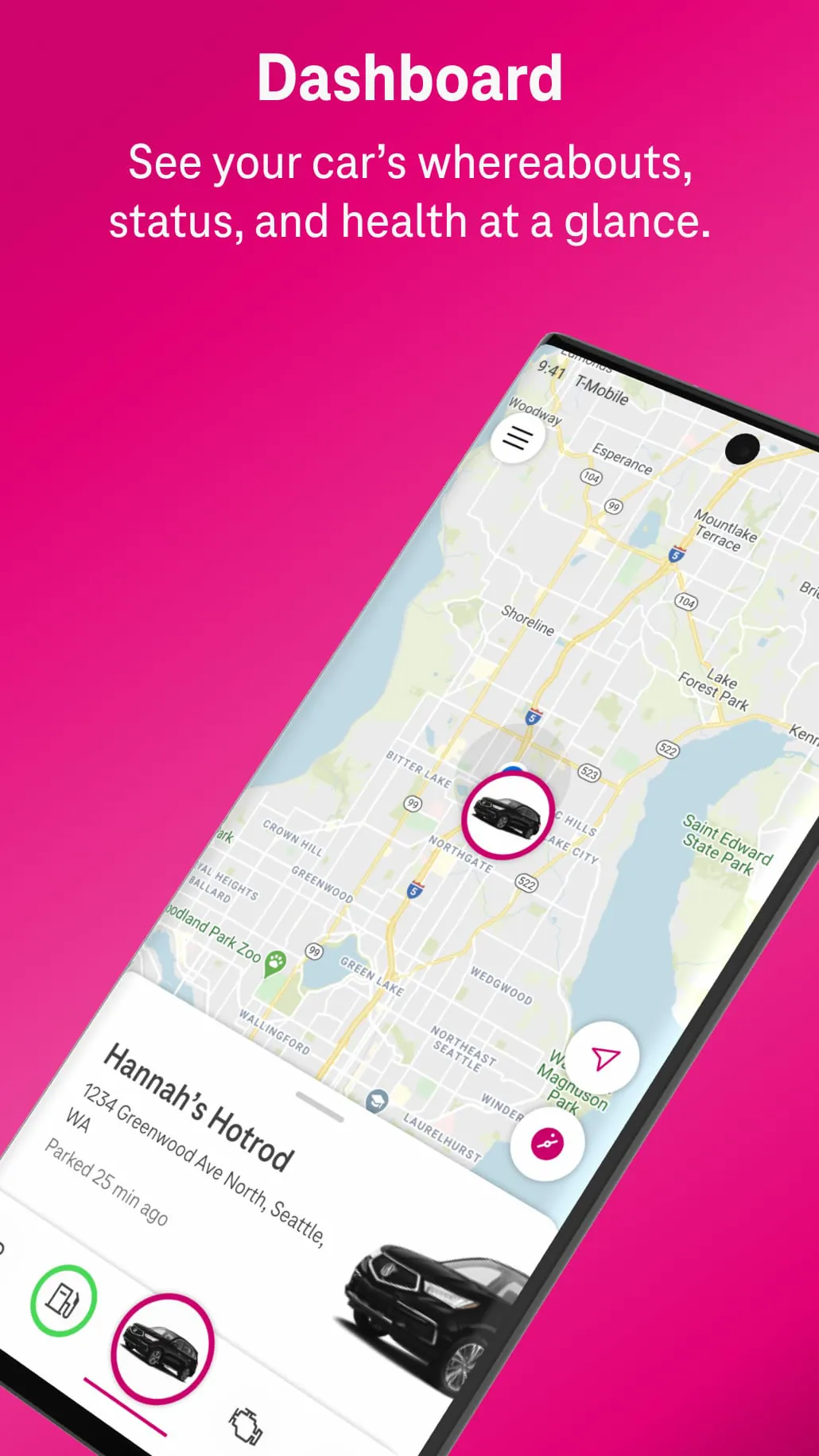
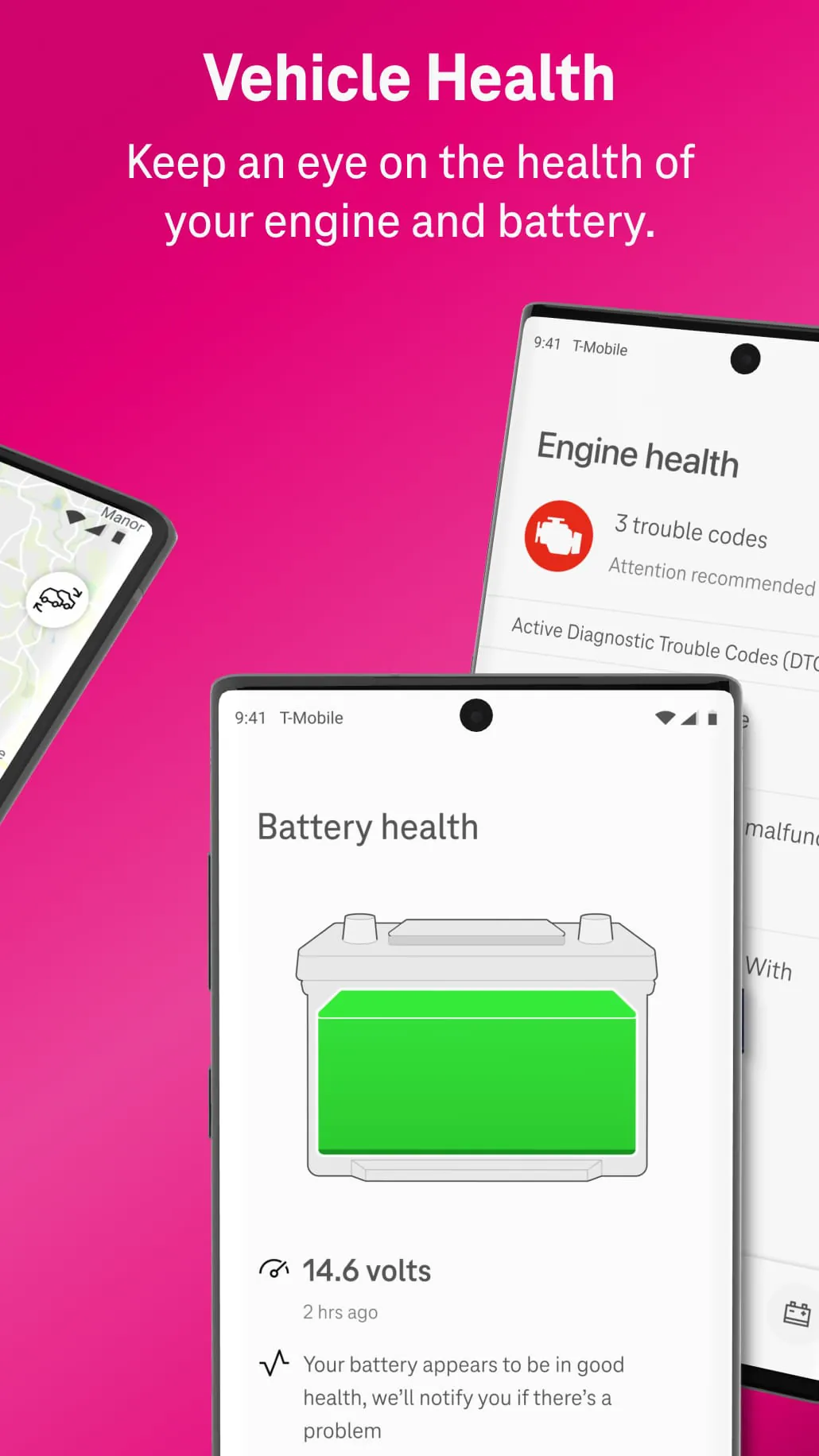
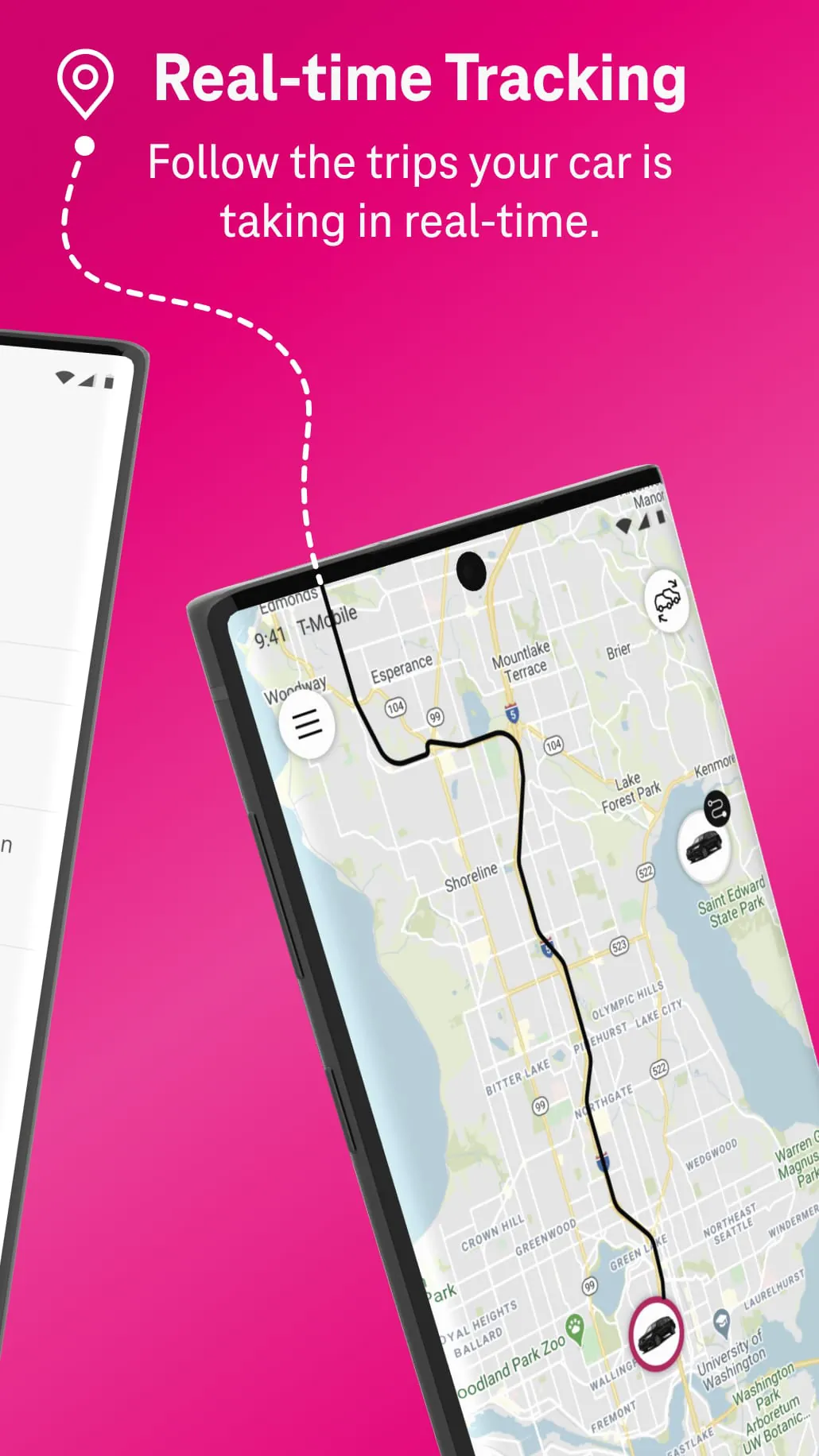
SyncUP DRIVE is a smart driving companion app designed for T-Mobile customers that transforms your vehicle into a connected car. By simply plugging the SyncUP DRIVE device into your car’s OBD-II port, you can access real-time diagnostics, track your vehicle’s location, monitor driving behavior, and even set up alerts—all directly from your smartphone. It’s an all-in-one solution for safer driving, smarter maintenance, and peace of mind on the road.
Key Features
- Real-Time Vehicle Diagnostics – Instantly detect engine issues and receive maintenance reminders.
- GPS Tracking – View your car’s exact location in real time, perfect for keeping tabs on family members or recovering a stolen vehicle.
- Driving Behavior Monitoring – Track speed, braking habits, and acceleration patterns to encourage safer driving.
- Roadside Assistance Integration – Quickly request help in case of emergencies directly through the app.
- Wi-Fi Hotspot Capability – Turn your car into a mobile Wi-Fi hub for passengers (requires T-Mobile data plan).
Pros & Cons
- Pros: Easy plug-and-play setup, robust tracking tools, useful safety features, seamless integration with T-Mobile services.
- Cons: Requires a T-Mobile subscription, limited compatibility with some older vehicles, dependent on cellular coverage for full functionality.
Functions
SyncUP DRIVE offers multiple practical functions that go beyond basic tracking. It provides instant notifications for unusual activity, such as unexpected movement when your car is parked. You can set geographic boundaries (“geo-fencing”) and receive alerts if the vehicle leaves or enters specific areas. The app also logs trip history, giving you insights into mileage, routes taken, and fuel usage trends. For parents of young drivers, it offers speed alerts and curfew monitoring, helping promote responsible driving habits. In addition, the built-in Wi-Fi hotspot ensures passengers stay connected during long drives.
How to Use
Click the button "Check All Versions" below to download and install it. After installation, open the app and create a T-Mobile account if you don’t already have one. Plug the SyncUP DRIVE device into your vehicle’s OBD-II port—usually located under the dashboard near the steering column. Follow the in-app setup guide to pair the device with your phone via Bluetooth. Once connected, you can customize alerts, enable location tracking, and explore the diagnostic tools. Make sure your T-Mobile service plan supports SyncUP DRIVE features for the best experience.





 APK
APK  Google Play
  iOS
iOS  4.30
4.30