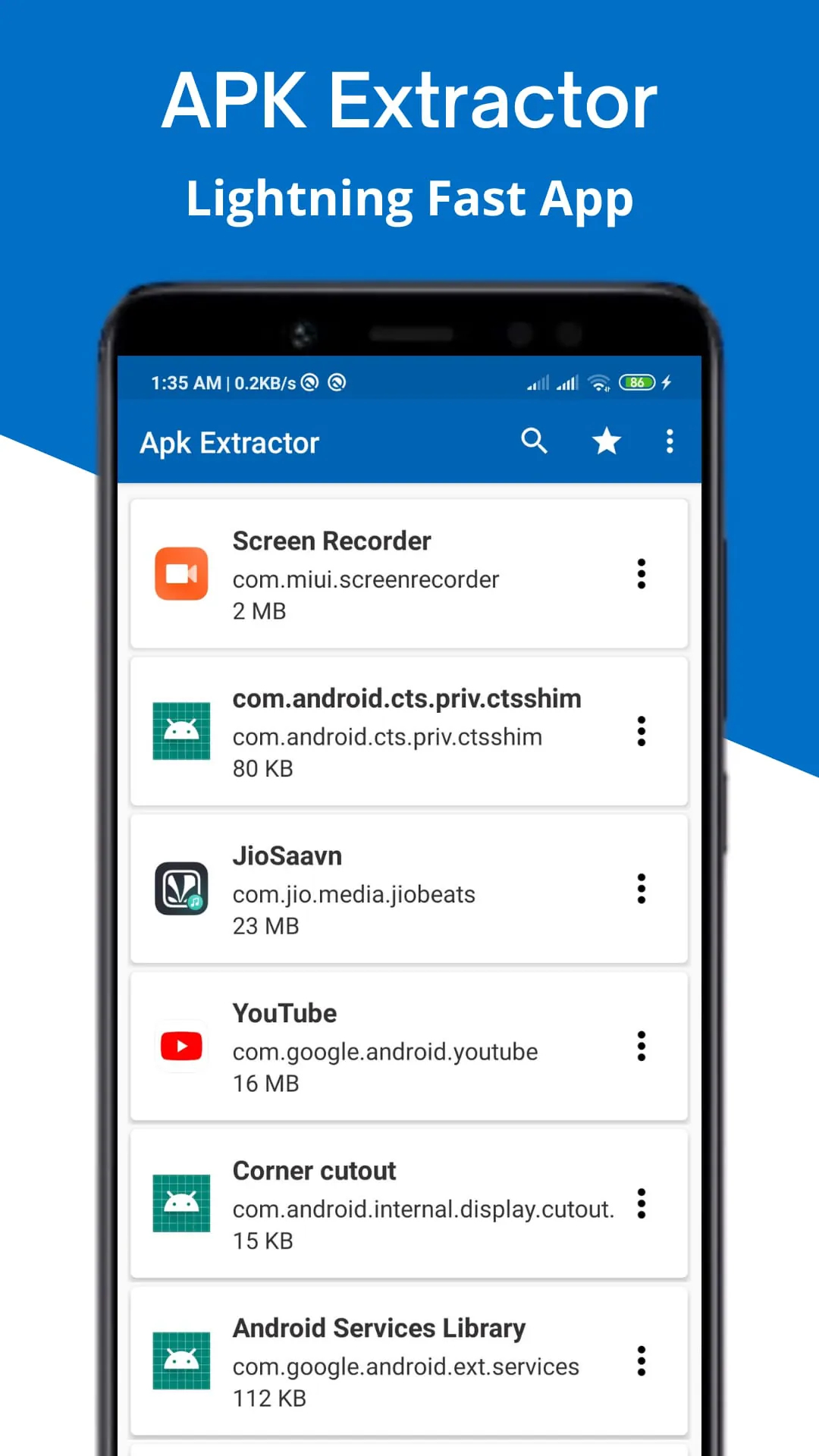
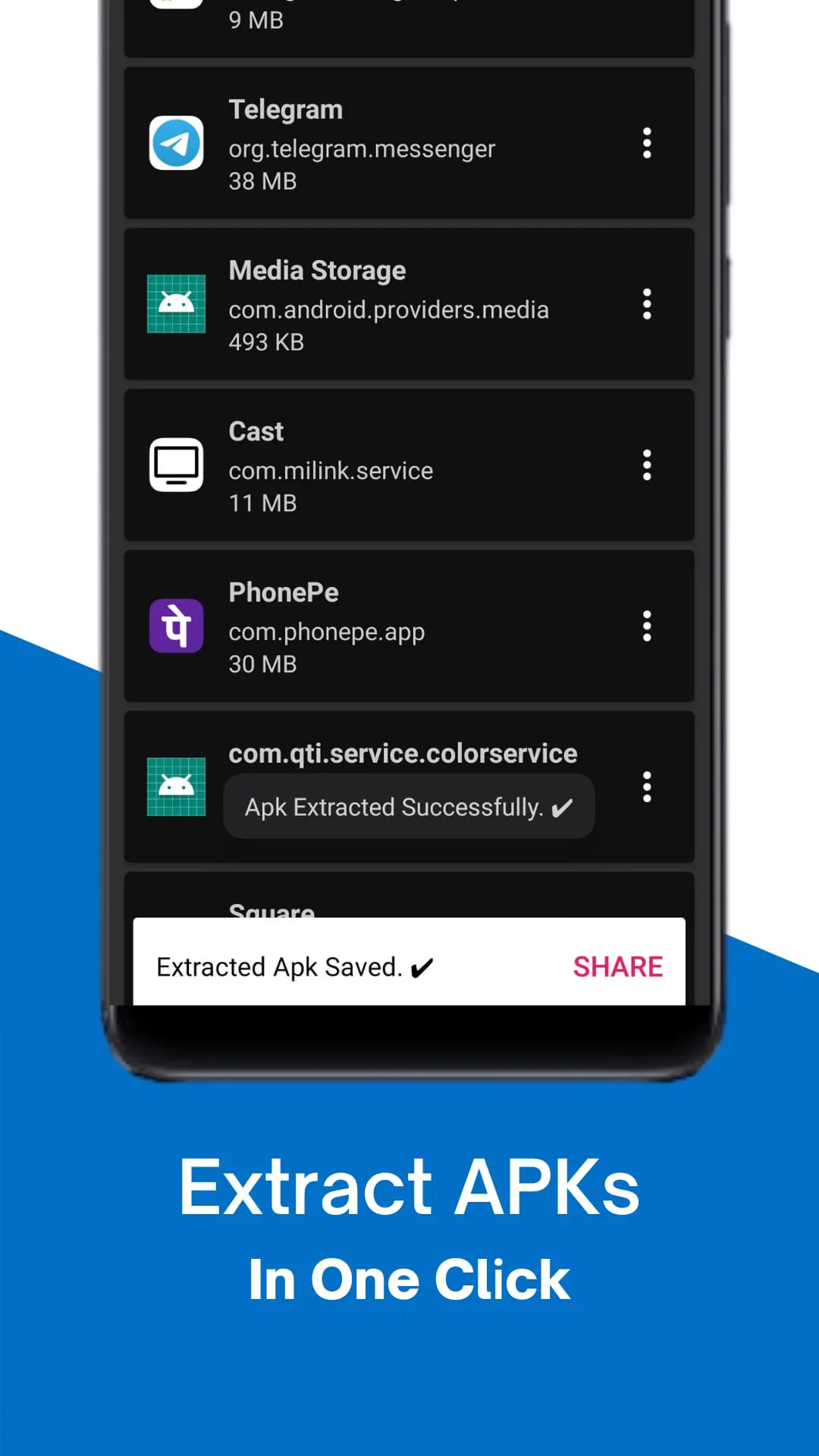
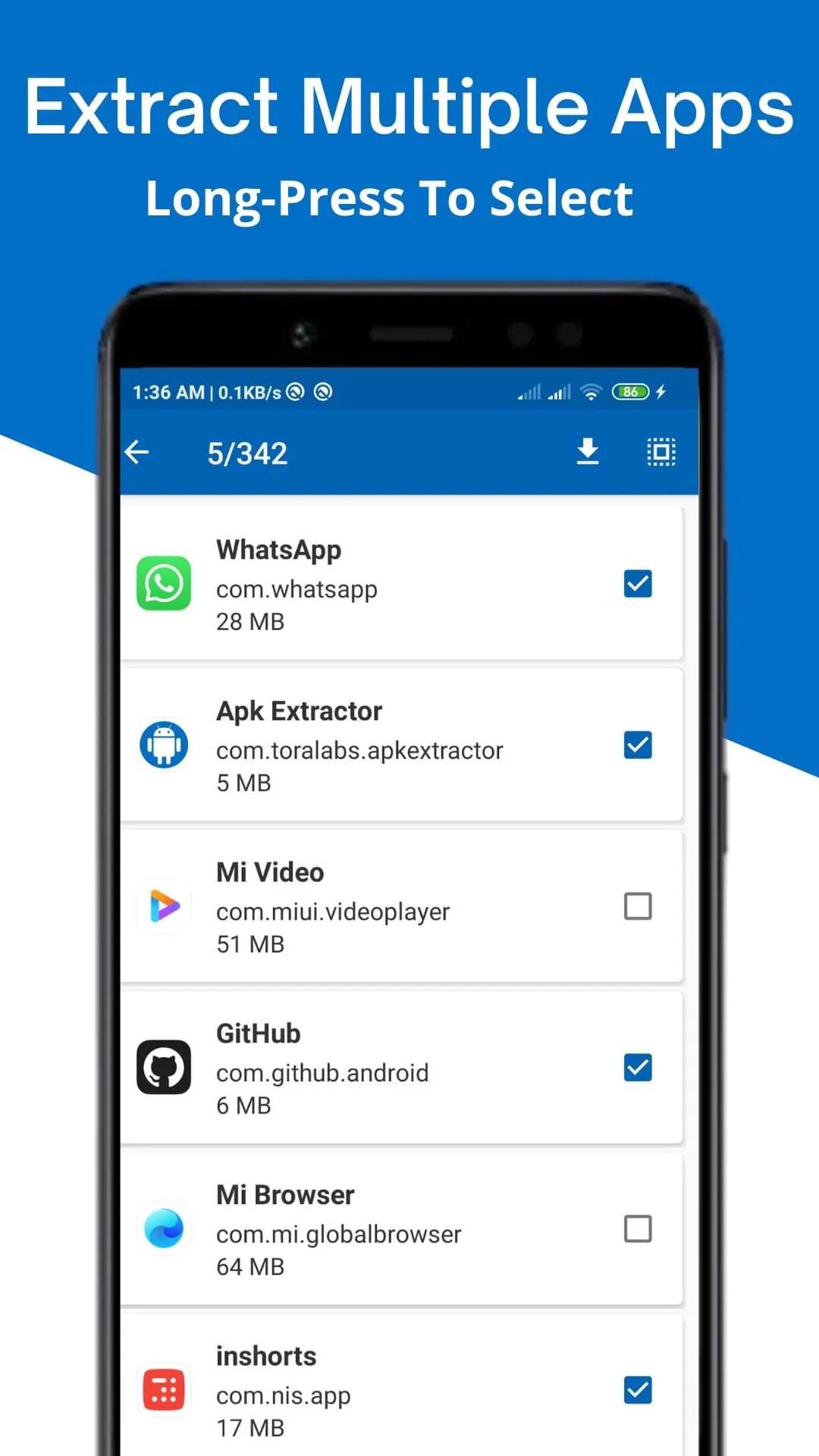
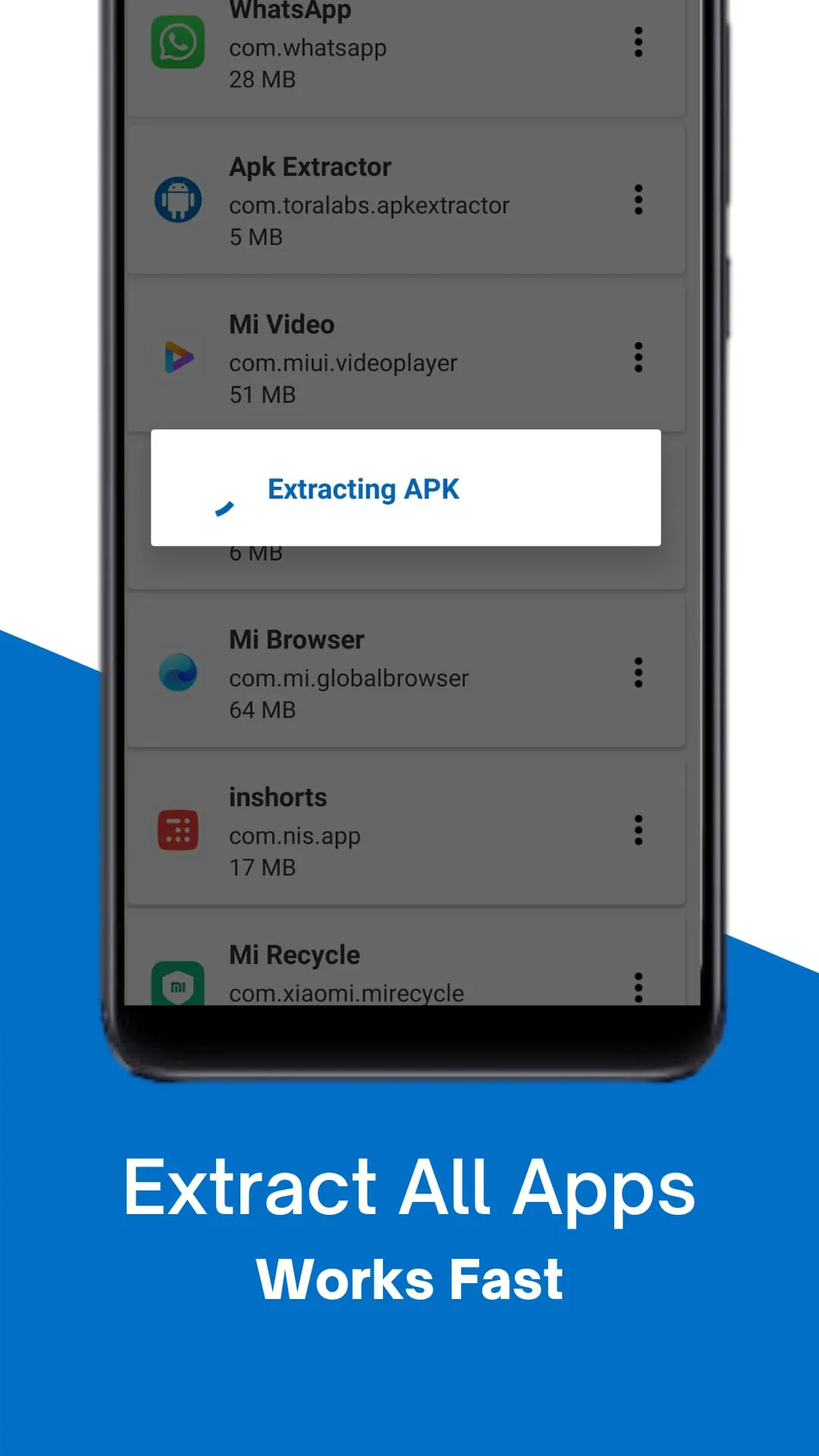
The Apk Extractor - Apk Manager is presented as a comprehensive tool designed to simplify and streamline the management of applications on Android devices. The core functionality revolves around enabling users to extract, backup, share, and manage their apps with ease and efficiency. The description emphasizes the user-friendly nature of the application, highlighting its intuitive interface and lightning-fast performance. It positions itself as a solution for users seeking to declutter their devices, create backups of their favorite apps, or share applications with others. A key advantage is its accessibility, as it does not require root access, making it a hassle-free option for a wide range of users. The application supports multi-app extraction, allowing users to handle multiple applications simultaneously, which significantly saves time and effort. Furthermore, the Apk Extractor - Apk Manager offers customizable save options, enabling users to extract and save APK files in their preferred format and location. This includes the ability to include specific details such as the app name, package name, version name, or version code, making it easier to organize and locate the extracted files. The direct sharing feature facilitates seamless app sharing directly from the extractor, catering to both app developers who need to share their apps with testers and general users who want to share interesting or useful apps with friends. This is facilitated through the APK transfer feature, which simplifies the sharing process. In addition to extraction and sharing, the application provides detailed app information, offering users insights into each application installed on their device. This detailed information aids in better management and organization of applications, allowing users to make informed decisions about which apps to keep, backup, or share. The Apk Extractor - Apk Manager aims to provide a holistic solution for managing applications, addressing various needs such as backup, sharing, and organization. The emphasis on user-friendliness, efficiency, and comprehensive features positions it as a valuable tool for Android users looking to take control of their app management. The promise of seamless management of both system and installed apps further underscores its utility in maintaining an organized and efficient device environment. The absence of root requirements, combined with the customizable save options and direct sharing capabilities, makes it an accessible and versatile option for a broad audience. The inclusion of detailed app information adds another layer of functionality, enabling users to make informed decisions about their applications. Overall, the Apk Extractor - Apk Manager is presented as a robust and user-centric solution for managing applications on Android devices, offering a range of features to simplify and enhance the app management experience. Its focus on efficiency, accessibility, and comprehensive functionality positions it as a valuable tool for both casual users and app developers alike. The ability to extract, backup, share, and manage apps seamlessly contributes to a more organized and efficient device, ultimately improving the user experience. The application's detailed features and intuitive design make it a standout choice for anyone looking to streamline their app management process and take control of their device's application ecosystem. The constant improvements and updates ensure that the user experience is always at its peak performance, offering reliability and consistency.
The Apk Extractor - Apk Manager boasts a range of key features designed to enhance the user experience and provide comprehensive app management capabilities. One notable feature is the Icon Extraction capability, which allows users to extract APK files and save the associated icons. This feature is particularly useful for designers and developers who need to retrieve app icons quickly for various purposes such as creating app previews or designing marketing materials. The user-friendly interface is another key highlight, designed with an intuitive layout and a dark mode option to ease usage during all hours. The interface is crafted for efficiency and ease of use, ensuring that users can navigate the application without hassle and find the features they need quickly. The inclusion of dark mode is a thoughtful addition, catering to users who prefer a darker color scheme, especially during nighttime usage, reducing eye strain and improving overall comfort. The advanced search functionality allows users to quickly find the app they are looking for, eliminating the need to scroll through endless lists. This smart search feature significantly improves the efficiency of app management, allowing users to locate and extract specific apps with ease. Users simply need to type the app name, and the search function will quickly identify the relevant application. Wide compatibility is another essential feature, with support for the latest Android versions. This ensures that the Apk Extractor - Apk Installer app remains a versatile choice for all users, regardless of the Android version running on their device. The commitment to staying up-to-date with the latest Android versions ensures that users can continue to use the application without encountering compatibility issues, making it a reliable tool for long-term app management. The availability of theme variety allows users to personalize their experience by choosing a theme that matches their style and enhances their interaction with the APK installer tool. This customization option adds a personal touch to the application, making it more enjoyable to use. Users can select from a range of themes to suit their preferences, creating a more engaging and visually appealing experience. In addition to these key features, the Apk Extractor - Apk Manager emphasizes APK backup and restore capabilities, enabling users to take control of their apps and safeguard their data. This functionality is crucial for preventing data loss and ensuring that users can easily restore their applications if needed. By providing a comprehensive suite of features, the Apk Extractor - Apk Manager aims to empower users to manage their apps effectively and efficiently. The combination of icon extraction, user-friendly interface, advanced search functionality, wide compatibility, and theme variety contributes to a seamless and enjoyable user experience. The focus on backup and restore capabilities further enhances the application's value, providing users with peace of mind and control over their app data. The application's commitment to providing a comprehensive and user-centric experience makes it a standout choice for Android users looking to streamline their app management process and take full control of their device's application ecosystem. The constant updates and improvements ensure that the app remains a reliable and feature-rich tool for managing applications on Android devices.
The Apk Extractor - Apk Installer positions itself as more than just an APK extractor; it aims to be a comprehensive APK manager tool catering to all APK-related needs, from APK backup and restore to APK transfer and beyond. The emphasis is on empowering users to extract, manage, and master their applications like never before, offering a seamless and efficient experience. The call to action encourages users to download the Apk Extractor - APK installer today and start simplifying how they manage their apps. The promise is to boost the app management experience by providing an effective APK manager at their fingertips. The overall tone suggests that the application is designed to be a one-stop solution for all app management tasks, providing users with the tools they need to take control of their device's application ecosystem. The Apk Extractor - Apk Manager is designed to offer a holistic solution for managing applications, addressing various needs such as backup, sharing, and organization. The emphasis on user-friendliness, efficiency, and comprehensive features positions it as a valuable tool for Android users looking to take control of their app management. The promise of seamless management of both system and installed apps further underscores its utility in maintaining an organized and efficient device environment. The absence of root requirements, combined with the customizable save options and direct sharing capabilities, makes it an accessible and versatile option for a broad audience. The inclusion of detailed app information adds another layer of functionality, enabling users to make informed decisions about their applications. Overall, the Apk Extractor - Apk Manager is presented as a robust and user-centric solution for managing applications on Android devices, offering a range of features to simplify and enhance the app management experience. Its focus on efficiency, accessibility, and comprehensive functionality positions it as a valuable tool for both casual users and app developers alike. The ability to extract, backup, share, and manage apps seamlessly contributes to a more organized and efficient device, ultimately improving the user experience. In addition to its core functionality, the application's detailed features and intuitive design make it a standout choice for anyone looking to streamline their app management process and take control of their device's application ecosystem. The constant improvements and updates ensure that the user experience is always at its peak performance, offering reliability and consistency. The wide compatibility with the latest Android versions ensures that the application remains a versatile choice for all users, regardless of the Android version running on their device. The commitment to staying up-to-date with the latest Android versions ensures that users can continue to use the application without encountering compatibility issues, making it a reliable tool for long-term app management. By providing a comprehensive suite of features, the Apk Extractor - Apk Manager aims to empower users to manage their apps effectively and efficiently. The combination of icon extraction, user-friendly interface, advanced search functionality, wide compatibility, and theme variety contributes to a seamless and enjoyable user experience. The focus on backup and restore capabilities further enhances the application's value, providing users with peace of mind and control over their app data.