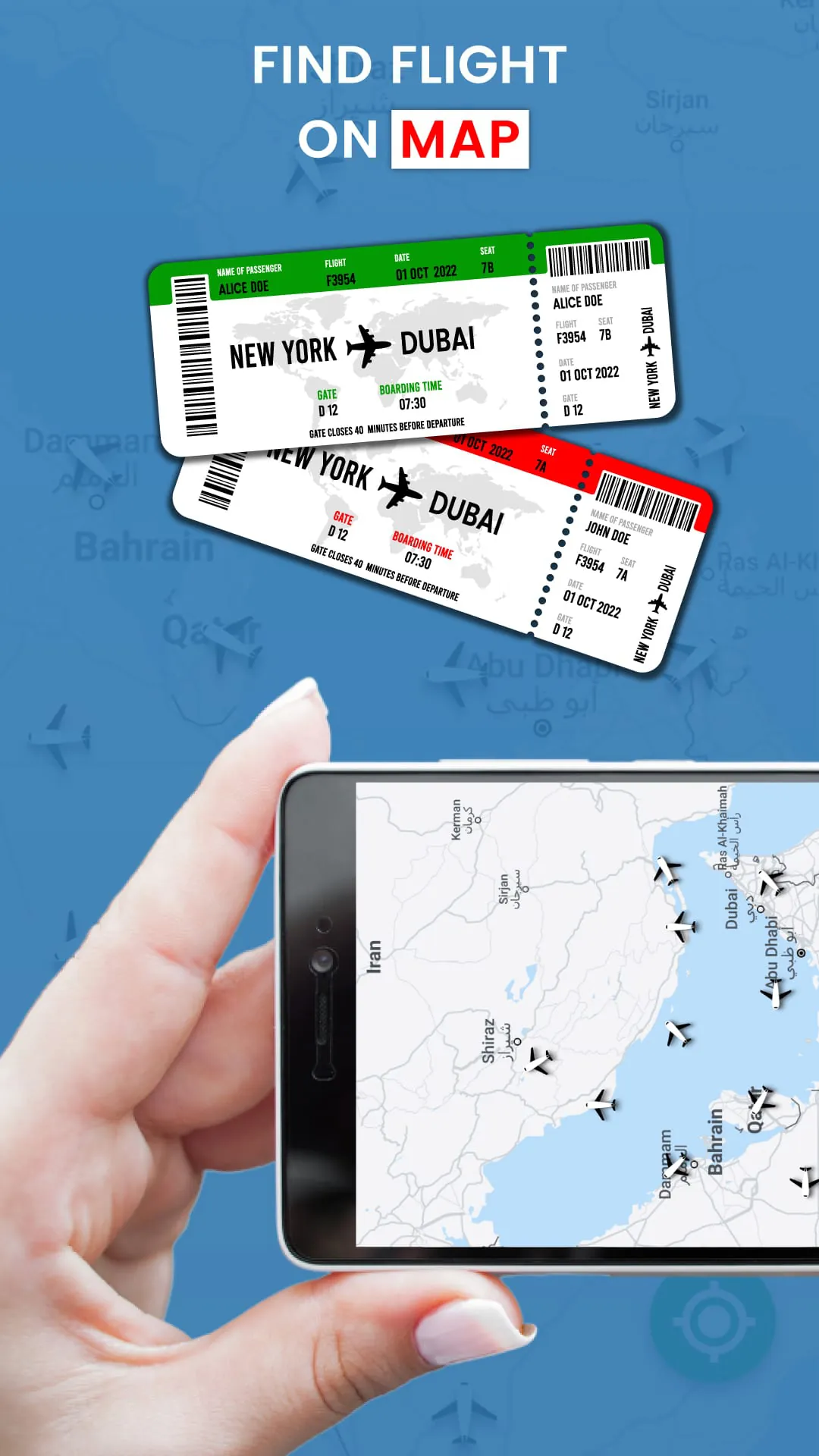
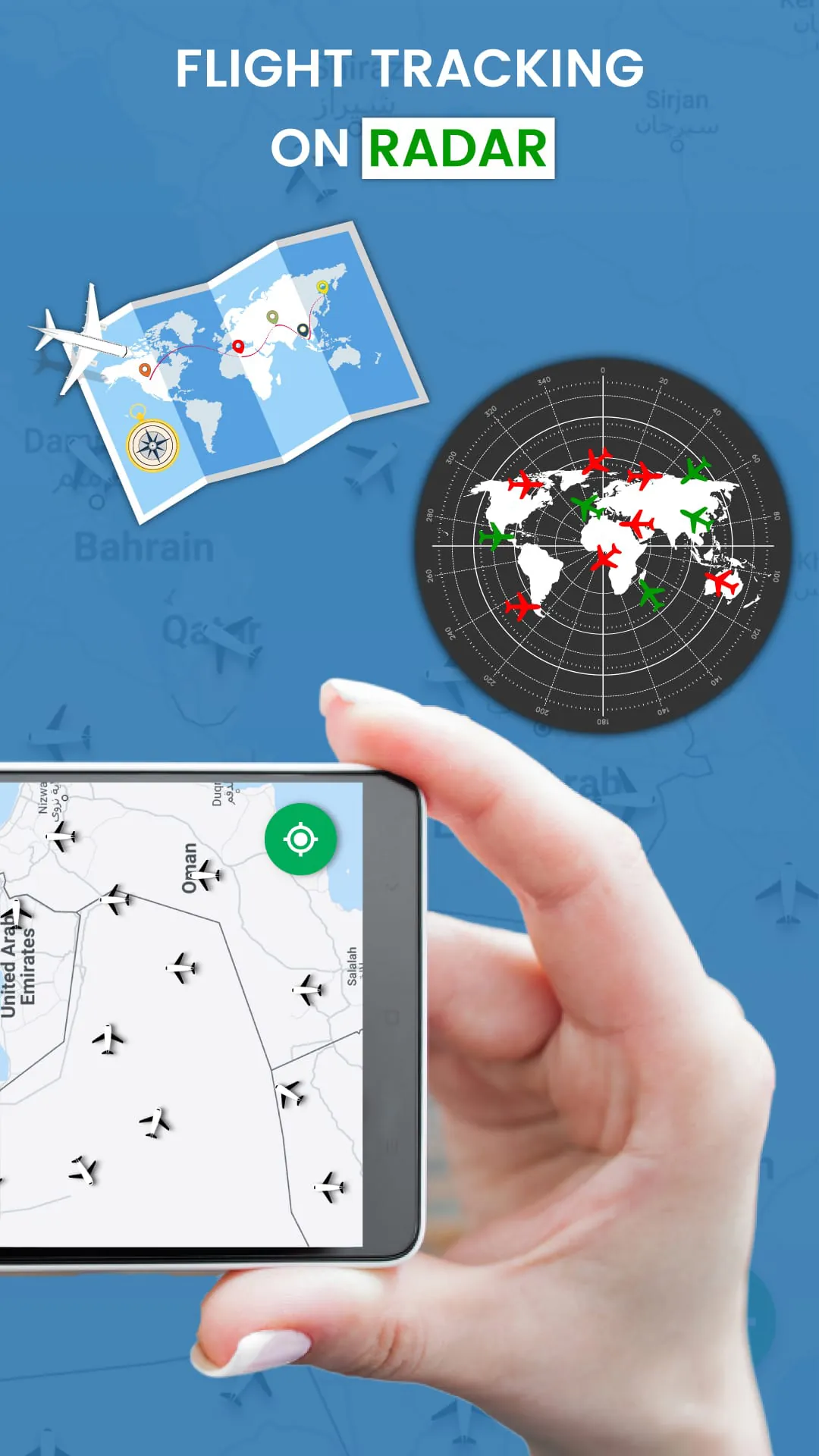
The UAE Flight Tracker app is a comprehensive tool designed for real-time flight tracking and providing users with up-to-date information on flight status, airport details, and potential delays. This application aggregates data from various sources to offer a seamless experience for tracking flights across multiple airlines, including Emirates, Air Arabia, flydubai, Etihad Airways, Indigo, Air India, American Airlines, and United Airlines. The primary function of the app revolves around enabling users to monitor the live movement of airplanes on a map, providing detailed insights into their current location, speed, altitude, and heading. This real-time tracking feature is particularly useful for individuals who need to stay informed about the progress of a flight, whether they are picking up arriving passengers or monitoring the journey of loved ones. Beyond basic tracking, the app provides a wealth of supplementary information that enhances its utility. Users can access flight schedules, aircraft types, arrival and departure times, and airport details. This comprehensive suite of features makes the UAE Flight Tracker app an indispensable tool for anyone involved in air travel, from passengers and their families to aviation enthusiasts and professionals. One of the key benefits of the UAE Flight Tracker app is its ability to provide timely alerts about flight delays. By continuously monitoring flight status, the app can notify users of any changes to the expected arrival or departure times. This is particularly valuable in mitigating the stress and inconvenience associated with flight disruptions. The app sources its data from a variety of channels, including real-time flight radar, airline data feeds, and airport information systems. This multi-faceted approach ensures that the information presented to users is as accurate and up-to-date as possible. The user interface is designed to be intuitive and user-friendly, making it easy for individuals of all technical skill levels to navigate the app and find the information they need. Whether searching for a specific flight or browsing airport information, the app provides a streamlined and efficient experience. Furthermore, the app supports searches by flight number, tail number, origin, and destination, offering multiple ways for users to locate the flights they are interested in. In addition to its core tracking capabilities, the UAE Flight Tracker app offers a range of features tailored to specific user needs. For example, the app includes tools for searching cheap flights, allowing users to compare prices and find the best deals on air travel. This feature can be particularly useful for budget-conscious travelers who are looking to save money on their next trip. The app also provides detailed information about various international airports within the UAE, including Al Ain International Airport (AAN), Abu Dhabi International Airport (AUH), Al Maktoum International Airport/Dubai World Central (DWC), Dubai International Airport (DXB), Ras Al Khaimah International Airport (RKT), and Sharjah International Airport (SHJ). This airport-specific information includes real-time flight status, arrival and departure times, and terminal and gate information. This level of detail can be invaluable for travelers navigating unfamiliar airports or trying to coordinate connecting flights. The app is designed to provide a comprehensive overview of the entire flight tracking process, from initial search to real-time monitoring. Its ability to integrate data from multiple sources and present it in a user-friendly format makes it a valuable tool for anyone involved in air travel. Whether tracking a single flight or monitoring multiple flights across different airlines and airports, the UAE Flight Tracker app provides the information and tools needed to stay informed and in control.
The real-time flight tracking capabilities of the UAE Flight Tracker app are particularly noteworthy, offering users a dynamic and interactive view of air traffic around the world. This feature allows users to see the precise location of airplanes on a map, along with detailed information about their speed, altitude, and heading. The app updates this information in real-time, providing a constantly evolving picture of the current state of air travel. This level of detail is particularly useful for those who are interested in the technical aspects of aviation or who simply enjoy watching airplanes in flight. The app also includes features that allow users to zoom in on specific airplanes and view detailed information about their route, aircraft type, height, and estimated time of arrival. This can be particularly useful for travelers who are trying to track the progress of their own flight or who are curious about the details of a particular aircraft. In addition to its real-time tracking capabilities, the UAE Flight Tracker app also offers a range of features that are designed to help users plan their own flights. For example, the app includes a flight search tool that allows users to search for flights by airline, flight number, or route. This tool can be used to find the best deals on air travel or to check the status of an existing flight. The app also includes a range of airport information, such as arrival and departure times, terminal information, and gate information. This information can be particularly useful for travelers who are navigating unfamiliar airports or who are trying to coordinate connecting flights. The app is designed to be a comprehensive resource for all things related to air travel, providing users with the information and tools they need to plan and track their flights with ease. Its ability to integrate data from multiple sources and present it in a user-friendly format makes it an invaluable tool for anyone who travels by air. The UAE Flight Tracker app's flight search functionality is a valuable asset for travelers seeking the most convenient and cost-effective flight options. By allowing users to search for flights based on various criteria such as airline, flight number, and route, the app streamlines the process of comparing different travel itineraries. The app's integration with multiple airline databases ensures that users have access to a wide range of flight options, including both domestic and international routes. This comprehensive search capability enables users to identify the flights that best meet their specific needs and preferences, whether they prioritize price, travel time, or specific airline preferences. The app also provides detailed information about each flight, including the aircraft type, the duration of the flight, and any layovers that may be required. This level of detail allows users to make informed decisions about their travel plans and to avoid any unexpected surprises. In addition to its flight search functionality, the UAE Flight Tracker app also offers a range of tools that are designed to help users manage their travel arrangements. For example, the app includes a flight status tracker that allows users to monitor the progress of their flights in real-time. This tool provides updates on arrival and departure times, as well as any delays or cancellations that may occur. The app also includes a range of airport information, such as terminal maps, gate locations, and baggage claim information. This information can be particularly useful for travelers who are navigating unfamiliar airports or who are trying to coordinate connecting flights. The app is designed to be a one-stop shop for all things related to air travel, providing users with the information and tools they need to plan, book, and manage their flights with ease.
The UAE Flight Tracker app distinguishes itself through its dedication to offering detailed airport information, a feature crucial for travelers navigating both domestic and international terminals. The app furnishes users with real-time data on arrival and departure schedules, terminal layouts, gate assignments, and available amenities, enabling a seamless and stress-free airport journey. Such comprehensive airport insights are particularly beneficial for those unfamiliar with an airport's layout or managing tight connections, allowing for efficient navigation and minimizing potential delays. Furthermore, the app includes specifics on ground transportation options, encompassing taxi services, public transit, and car rental facilities, aiding travelers in planning their transit to and from the airport effectively. By consolidating all pertinent airport details into a single, accessible platform, the UAE Flight Tracker app ensures travelers are well-prepared and informed, ultimately enhancing their overall travel experience. The app also provides information about airport services such as restaurants, shops, and Wi-Fi availability, enabling travelers to make the most of their time at the airport. This comprehensive approach to airport information ensures that travelers have everything they need to navigate the airport with ease and efficiency. In addition to its comprehensive flight tracking and airport information features, the UAE Flight Tracker app also offers a user-friendly interface and intuitive design. The app is easy to navigate, even for those who are not tech-savvy, and its clean and uncluttered layout makes it easy to find the information you need quickly. The app also includes a range of customization options, allowing users to tailor the app to their specific needs and preferences. For example, users can choose to receive notifications about flight delays or gate changes, and they can customize the app's appearance to match their personal style. The app's user-friendly interface and intuitive design make it a pleasure to use, and its customization options ensure that it meets the needs of every traveler. The feedback mechanism integrated into the UAE Flight Tracker app is an essential component for continuous enhancement and user satisfaction. By encouraging users to rate and review their experiences, the app developers gain valuable insights into the app's strengths and weaknesses. This feedback loop allows for the identification of areas that require improvement, whether it's addressing technical glitches, refining the user interface, or expanding the range of features offered. Positive reviews not only boost the app's reputation but also provide motivation for the development team to maintain high standards. Conversely, constructive criticism helps pinpoint specific issues that need to be resolved, ensuring that the app remains responsive to user needs and expectations. The app's responsiveness to user feedback is a testament to its commitment to providing a high-quality service. By actively soliciting and incorporating user input, the app demonstrates its dedication to continuous improvement and its desire to meet the evolving needs of its user base. This feedback-driven approach ensures that the app remains a valuable and reliable tool for travelers around the world.