In today's fast-paced world, having reliable navigation tools is essential, especially when you find yourself in areas with no cellphone tower signal. The Offline Map Navigation app is designed to provide users with the ability to locate themselves, search for nearby places, and receive accurate turn-by-turn driving directions, all without the need for an internet connection. This feature is particularly useful for those who venture into remote areas or travel to regions where connectivity may be limited. The app ensures that you can navigate safely back home, regardless of your location. With its user-friendly interface, the app allows you to easily access maps and directions, making it an indispensable tool for anyone who values safety and efficiency while traveling.
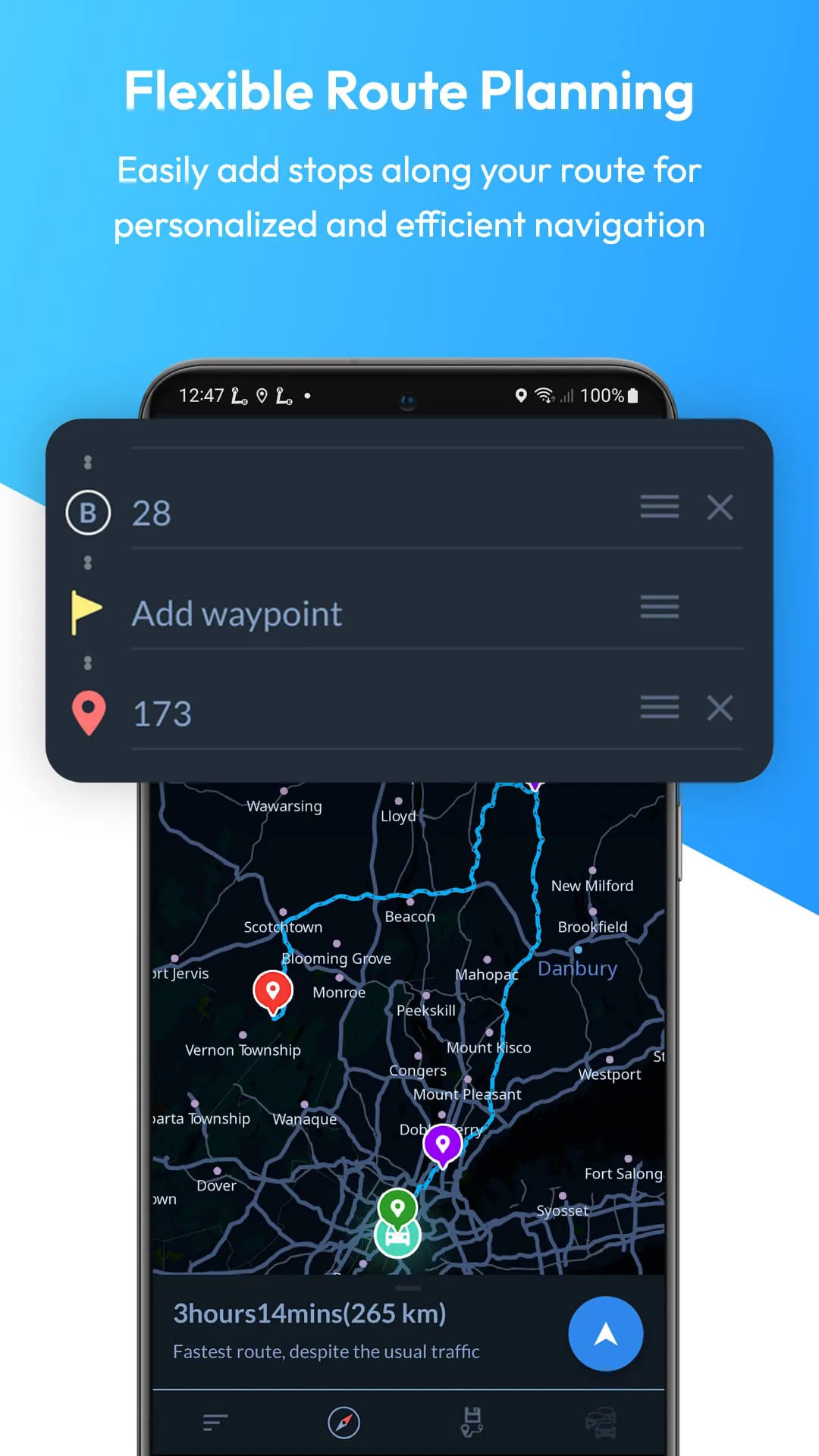
Planning a holiday can often be a daunting task, but with the Offline Map Navigation app, the process becomes significantly easier. Users can search for nearby hotels, restaurants, and various points of interest while on the go, ensuring that they have all the information they need at their fingertips. The app not only helps in finding accommodations and dining options but also provides essential travel planning features such as precise estimated time of arrival (ETA) and real-time weather updates. Additionally, the ability to add multiple way-points allows travelers to optimize their routes, making the journey more enjoyable and less stressful. Whether you are driving, biking, cycling, or walking, the app is designed to cater to all modes of transportation, providing peace of mind and reliable assistance throughout your travels.
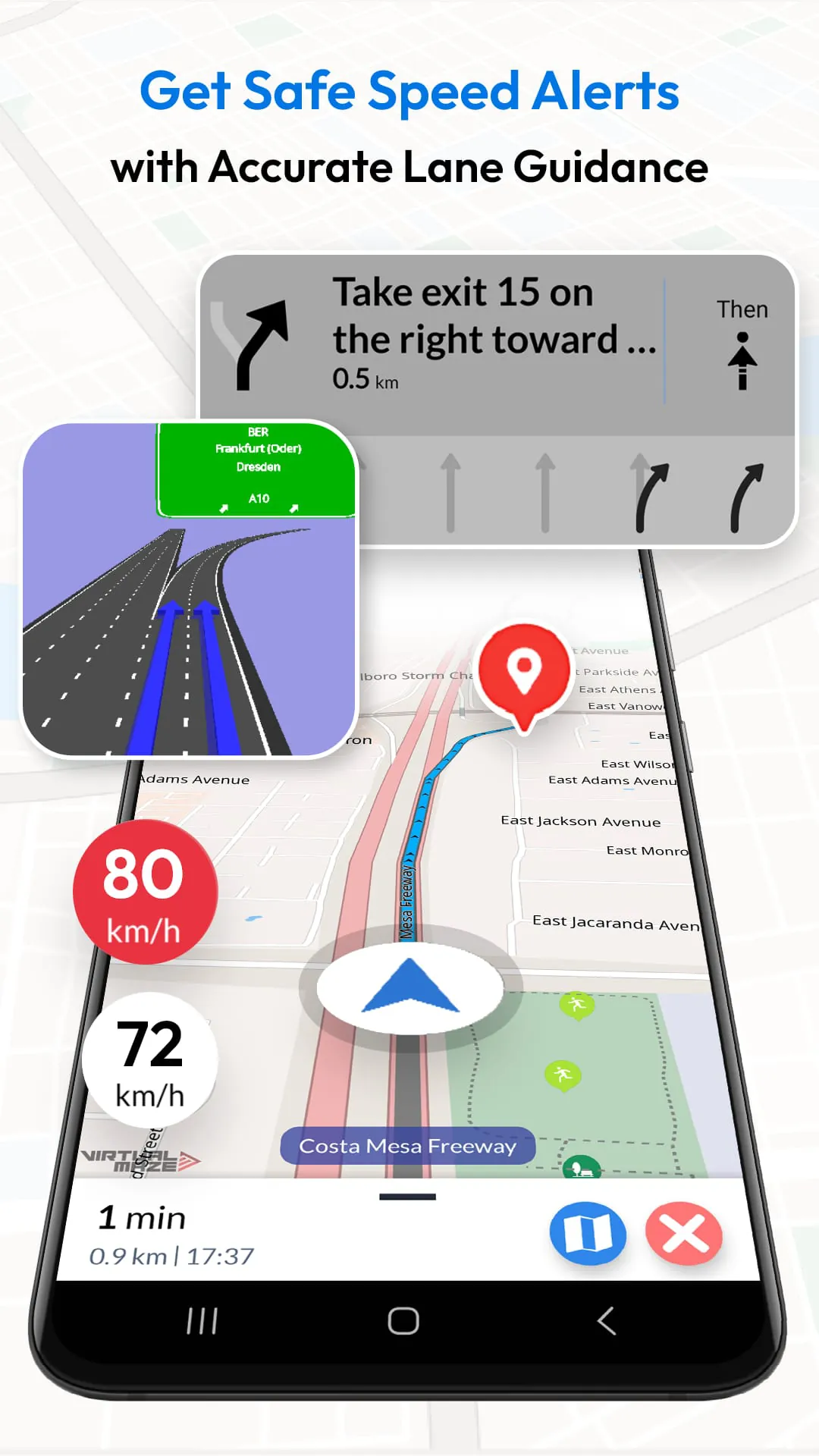
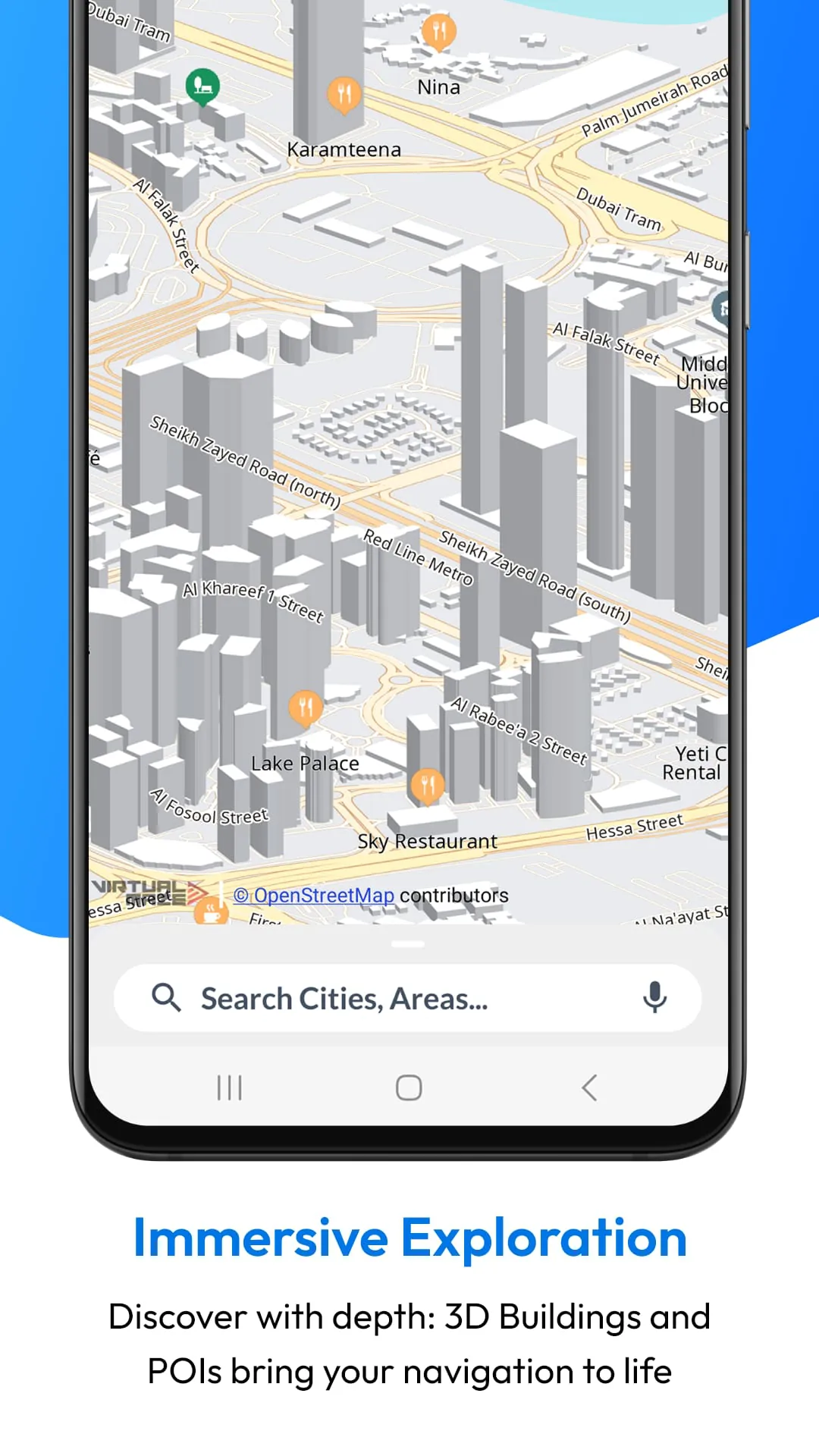
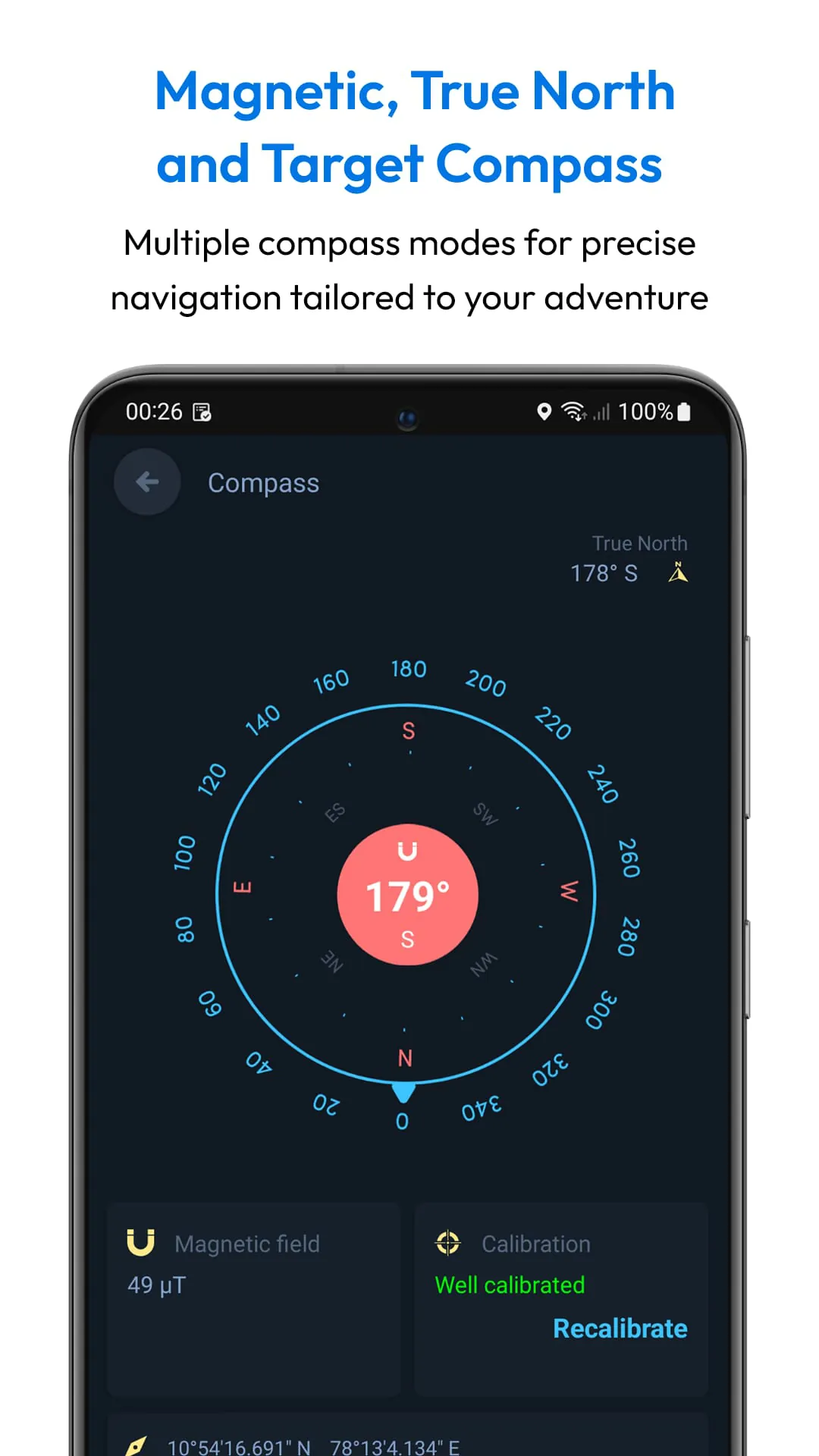
The Offline Map Navigation app is packed with a variety of key features that enhance the user experience and ensure efficient navigation. With turn-by-turn navigation, users receive clear route instructions tailored to their chosen mode of transport, whether it be car, motorbike, bicycle, or walking. The app supports Android Auto and automotive displays, allowing for seamless integration with your vehicle's system. Users can also benefit from offline points of interest, which enable them to locate essential services such as hotels, restaurants, hospitals, ATMs, and charging stations without needing an internet connection. Additional features like junction view, voice guidance in multiple languages, lane guidance, and EV routing for electric vehicles further enhance the navigation experience. The app also includes weather updates, multi-stop routes, automatic rerouting, and the ability to save favorite locations for quick access. With fast GPS updates, day and night modes, downloadable maps, and offline search capabilities, the Offline Map Navigation app is a comprehensive solution for all your navigation needs, ensuring that you stay safe and informed while on the road.
Offline Map Navigation is a versatile application designed to enhance the travel experience by providing users with a range of features that cater to both online and offline needs. One of the standout features of this app is its ability to function without an internet connection, which is particularly beneficial for travelers who want to avoid roaming charges while exploring new destinations. Users can save locations, add waypoints, and find optimized routes, making travel planning more efficient and tailored to individual preferences. The app also allows users to share their trip plans easily, fostering a sense of community among travelers. With multi-language support, the app is accessible to a diverse audience, ensuring that language barriers do not hinder navigation. Comprehensive coverage of various regions worldwide means that users can rely on the app for accurate maps and navigation, regardless of their location. The user-friendly interface is designed to be intuitive, allowing users to navigate the app with ease, while regular updates ensure that the app remains current and functional. High accuracy in navigation is a key selling point, as users can depend on precise guidance to reach their destinations. Customization options further enhance the user experience, allowing individuals to personalize their navigation settings according to their preferences. Additionally, the app emphasizes privacy, ensuring that users can navigate securely without compromising their personal information.
The integration of Wear OS technology into the Offline Map Navigation app adds another layer of convenience for users who prefer to have navigation instructions readily available on their smartwatches. This feature allows for seamless turn-by-turn navigation, enabling users to keep their mobile devices in their pockets while still receiving real-time updates on their wrist. To utilize this feature, users must install the app on both their Android device and Wear OS smartwatch, ensuring that both devices are synchronized for optimal performance. The setup process is straightforward, requiring users to open the app on both devices and complete the necessary configurations. Once navigation is initiated on the mobile device, users can receive navigation instructions directly on their Wear OS device, making it easier to follow directions without needing to constantly check their phone. This integration is particularly useful for those who are on the move, such as cyclists or pedestrians, as it allows for hands-free navigation. The combination of offline functionality and Wear OS support makes this app a powerful tool for modern travelers who value efficiency and convenience in their navigation experience.
In summary, Offline Map Navigation is a comprehensive GPS-based application that prioritizes user experience through its offline capabilities, community-driven content, and integration with wearable technology. The app's focus on privacy and security ensures that users can navigate confidently, knowing that their personal information is protected. With features that cater to a wide range of travel needs, including local event discovery and user-created attractions, the app fosters a sense of exploration and adventure. Regular updates and high accuracy in navigation further enhance its reliability, making it a go-to choice for travelers seeking a dependable navigation solution. The ability to customize settings and share trip plans adds a social element to the app, encouraging users to connect with others and share their experiences. Overall, Offline Map Navigation stands out as a robust tool for anyone looking to enhance their travel experience, whether they are exploring familiar locales or venturing into uncharted territories.