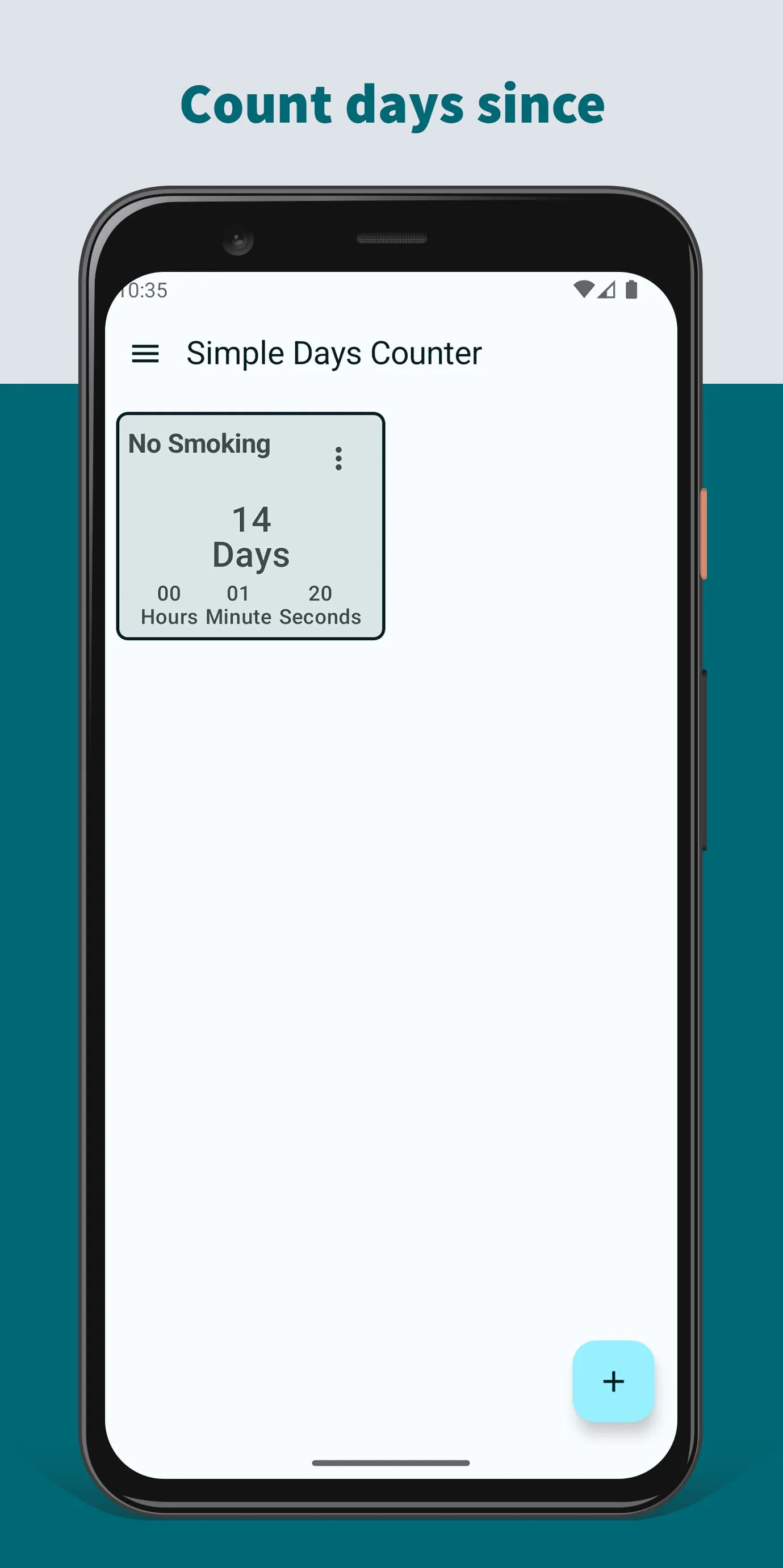
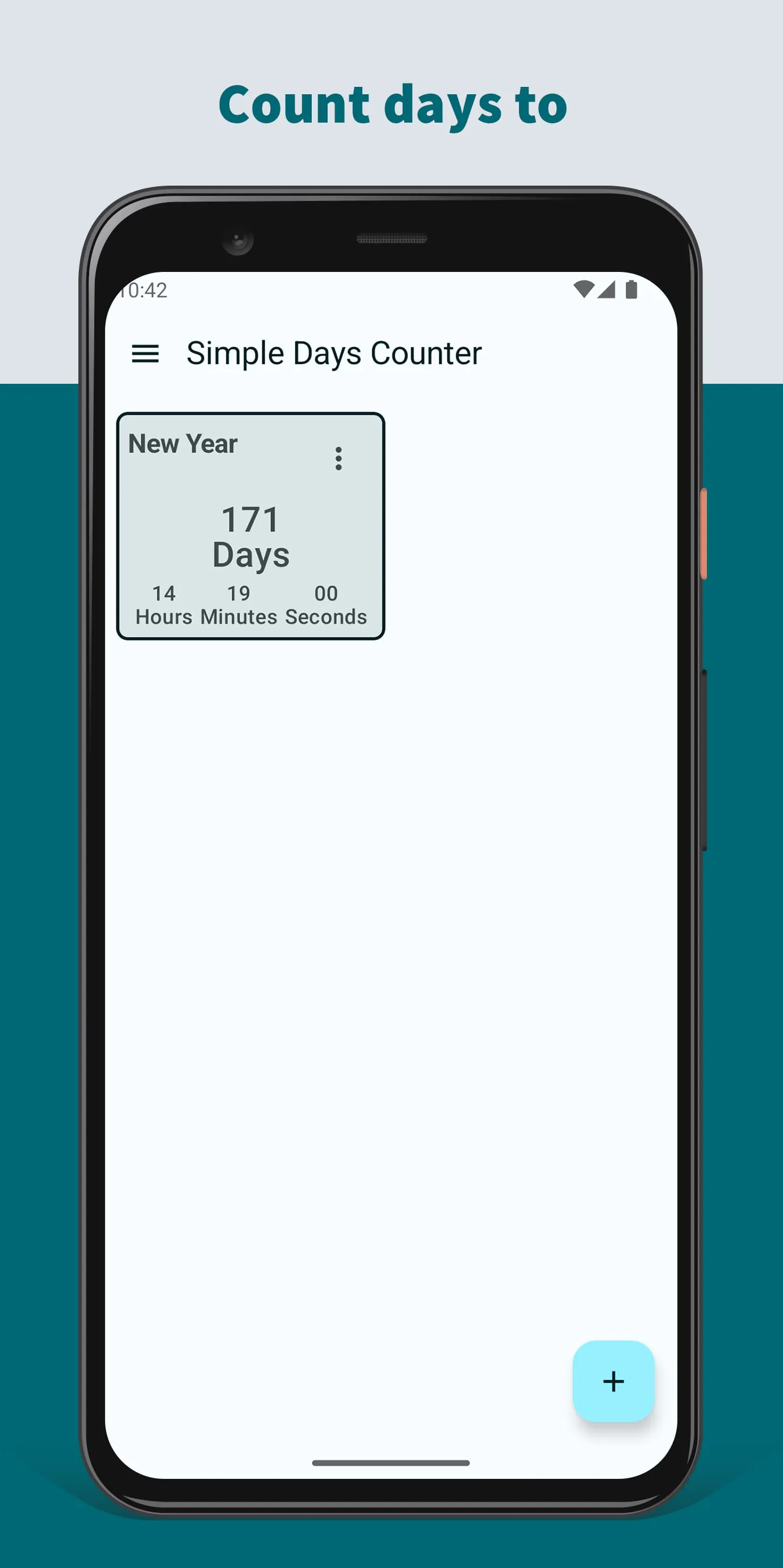
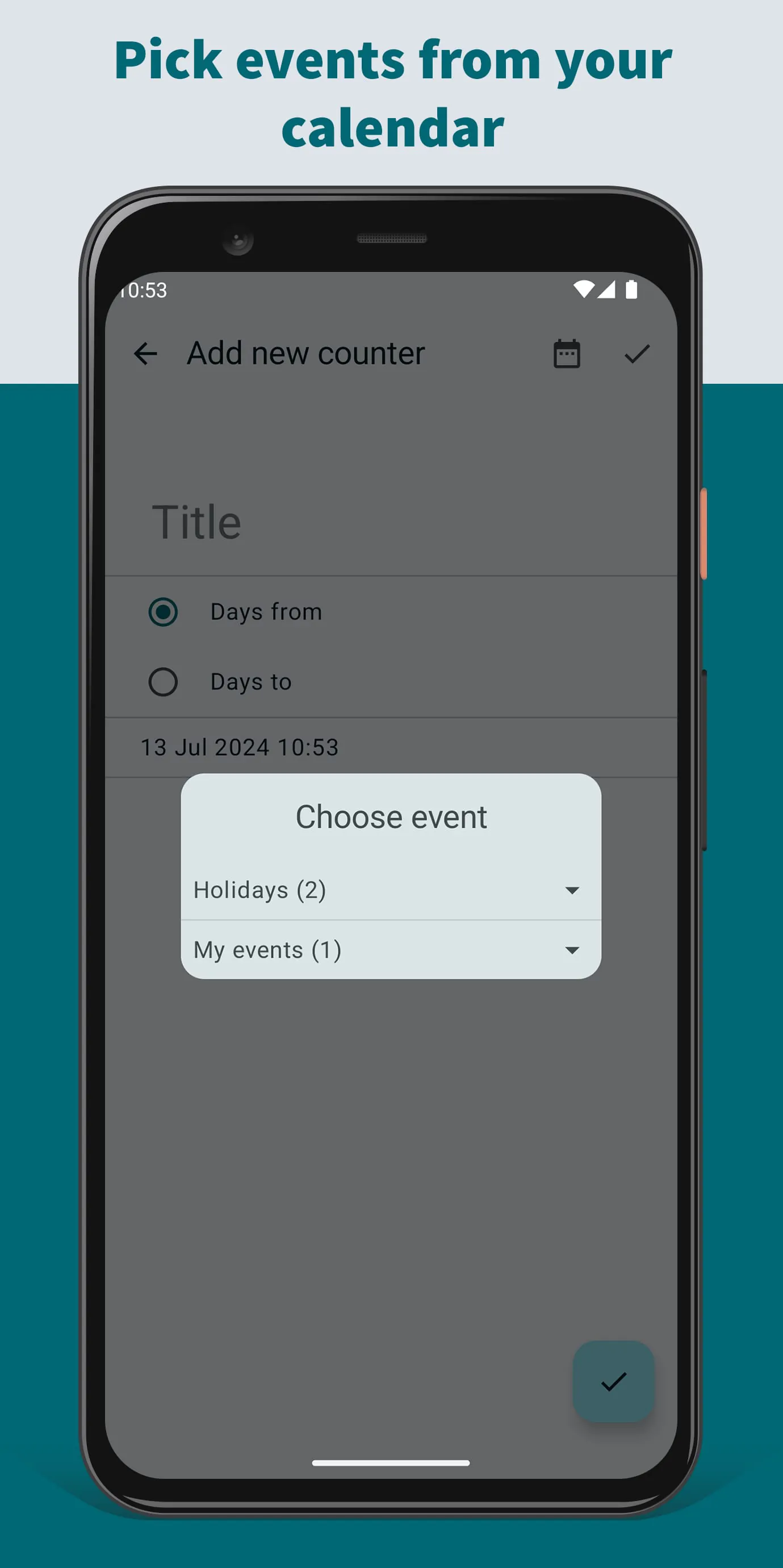
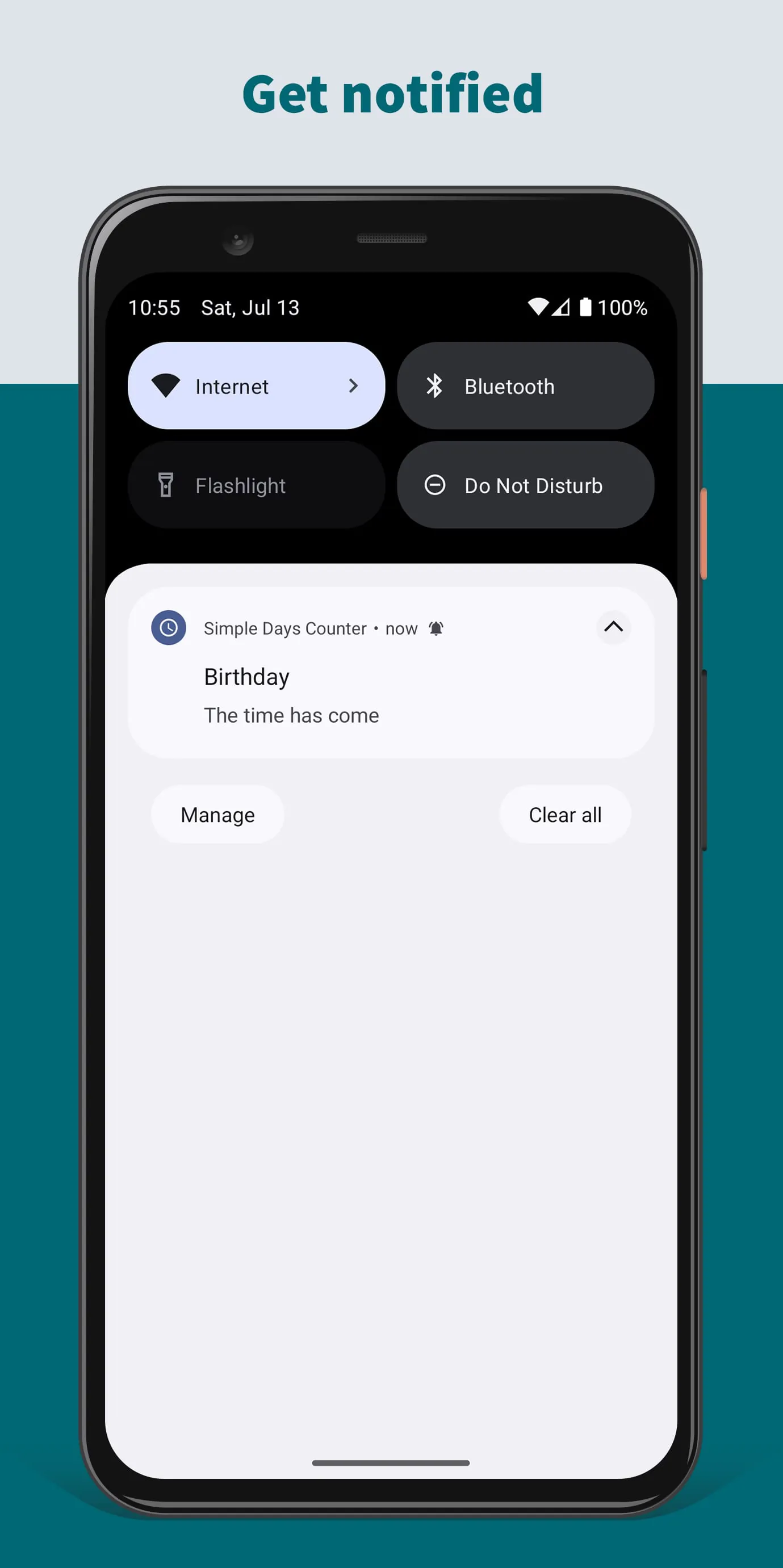
The Simple Days Counter application offers a straightforward method for users to establish timers that count either forward from or backward to a specific event, providing a practical solution for tracking time-sensitive occasions. The application's core functionality revolves around its ability to create counters that display the number of days elapsed since an event occurred or the number of days remaining until a future event. This feature caters to users who need to monitor the progress of ongoing projects, anticipate upcoming deadlines, or simply keep track of significant personal milestones. The application enhances user convenience by allowing them to directly select the target event from their existing calendar, eliminating the need for manual data entry and ensuring accuracy in event timing. This integration with the calendar streamlines the setup process and reduces the potential for errors, making it easier for users to manage their time effectively. Furthermore, the application includes a notification system that alerts users when the designated time arrives, ensuring that they do not miss important events or deadlines. These notifications can be customized to suit individual preferences, providing timely reminders and keeping users informed about upcoming occasions. The application also offers the option to place a counter widget on the user's home screen, providing a constant visual reminder of the event's status. This widget allows users to quickly glance at the remaining time without having to open the application, promoting efficient time management and keeping the event top-of-mind. The Simple Days Counter application stands out for its user-friendly interface and ease of use, making it accessible to users of all technical skill levels. Its intuitive design and clear instructions guide users through the setup process, ensuring a smooth and hassle-free experience. The application's simple yet effective features cater to a wide range of needs, from tracking project milestones to anticipating personal events. By providing a visual representation of time and offering timely notifications, the application empowers users to stay organized, manage their time effectively, and never miss an important occasion. The Simple Days Counter is an excellent tool for anyone seeking a simple and reliable way to track time leading up to or following a specific event, offering a practical solution for both personal and professional use. The application’s versatility and ease of use make it a valuable asset for anyone looking to improve their time management skills and stay on top of their schedule. The ability to customize notifications and display a widget on the home screen further enhances the user experience, providing convenient and timely reminders of upcoming events. The application's integration with the calendar ensures accuracy and simplifies the setup process, making it a seamless addition to any user's daily routine. Whether it's tracking project deadlines, counting down to a vacation, or commemorating personal milestones, the Simple Days Counter offers a practical and user-friendly solution for managing time and staying informed.
The key strength of the Simple Days Counter lies in its ability to simplify the process of tracking time in relation to specific events, offering a user-friendly alternative to more complex calendar applications. By focusing on the core functionality of counting days to or from an event, the application provides a streamlined experience that is both intuitive and efficient. The application's integration with the user's calendar is a significant advantage, allowing for seamless event selection and eliminating the need for manual data entry. This feature ensures accuracy and reduces the risk of errors, making it easier for users to manage their time effectively. The ability to set notifications that alert users when the designated time arrives is another valuable feature, ensuring that they do not miss important events or deadlines. These notifications can be customized to suit individual preferences, providing timely reminders and keeping users informed about upcoming occasions. The home screen widget further enhances the user experience by providing a constant visual reminder of the event's status, allowing users to quickly glance at the remaining time without having to open the application. This feature promotes efficient time management and keeps the event top-of-mind. The Simple Days Counter application is designed with simplicity in mind, making it accessible to users of all technical skill levels. Its intuitive interface and clear instructions guide users through the setup process, ensuring a smooth and hassle-free experience. The application's simple yet effective features cater to a wide range of needs, from tracking project milestones to anticipating personal events. By providing a visual representation of time and offering timely notifications, the application empowers users to stay organized, manage their time effectively, and never miss an important occasion. The application is particularly useful for individuals who prefer a minimalist approach to time management, focusing on the essential task of tracking days to or from specific events. Its streamlined interface and simple features make it easy to use and understand, even for those who are not tech-savvy. The ability to customize notifications and display a widget on the home screen further enhances the user experience, providing convenient and timely reminders of upcoming events. The application's integration with the calendar ensures accuracy and simplifies the setup process, making it a seamless addition to any user's daily routine. Whether it's tracking project deadlines, counting down to a vacation, or commemorating personal milestones, the Simple Days Counter offers a practical and user-friendly solution for managing time and staying informed.
In conclusion, the Simple Days Counter application provides a valuable tool for users seeking a straightforward and efficient way to track time in relation to specific events. Its focus on simplicity and ease of use makes it accessible to users of all technical skill levels, while its key features, such as calendar integration, notifications, and home screen widget, enhance its functionality and convenience. The application's ability to create counters that display the number of days elapsed since an event occurred or the number of days remaining until a future event caters to a wide range of needs, from tracking project milestones to anticipating personal events. The integration with the user's calendar ensures accuracy and simplifies the setup process, while the notification system provides timely reminders of upcoming occasions. The home screen widget offers a constant visual reminder of the event's status, promoting efficient time management and keeping the event top-of-mind. The Simple Days Counter application stands out for its user-friendly interface and clear instructions, making it easy to use and understand. Its minimalist design and focus on essential features make it a practical solution for individuals who prefer a streamlined approach to time management. The application's versatility and ease of use make it a valuable asset for anyone looking to improve their time management skills and stay on top of their schedule. The ability to customize notifications and display a widget on the home screen further enhances the user experience, providing convenient and timely reminders of upcoming events. The application's integration with the calendar ensures accuracy and simplifies the setup process, making it a seamless addition to any user's daily routine. Whether it's tracking project deadlines, counting down to a vacation, or commemorating personal milestones, the Simple Days Counter offers a practical and user-friendly solution for managing time and staying informed. The application’s core strength lies in its ability to simplify the process of tracking time, making it accessible to a wide range of users. Its focus on essential features and user-friendly design make it a valuable tool for anyone seeking to improve their time management skills.