Padlet is a versatile digital canvas that allows users to create visually engaging boards for organizing ideas, sharing resources, and collaborating in real time. It blends the simplicity of sticky notes with the power of multimedia integration, making it a popular tool for educators, students, teams, and creative professionals who want to brainstorm, present projects, or collect feedback in an interactive way.
Key Features
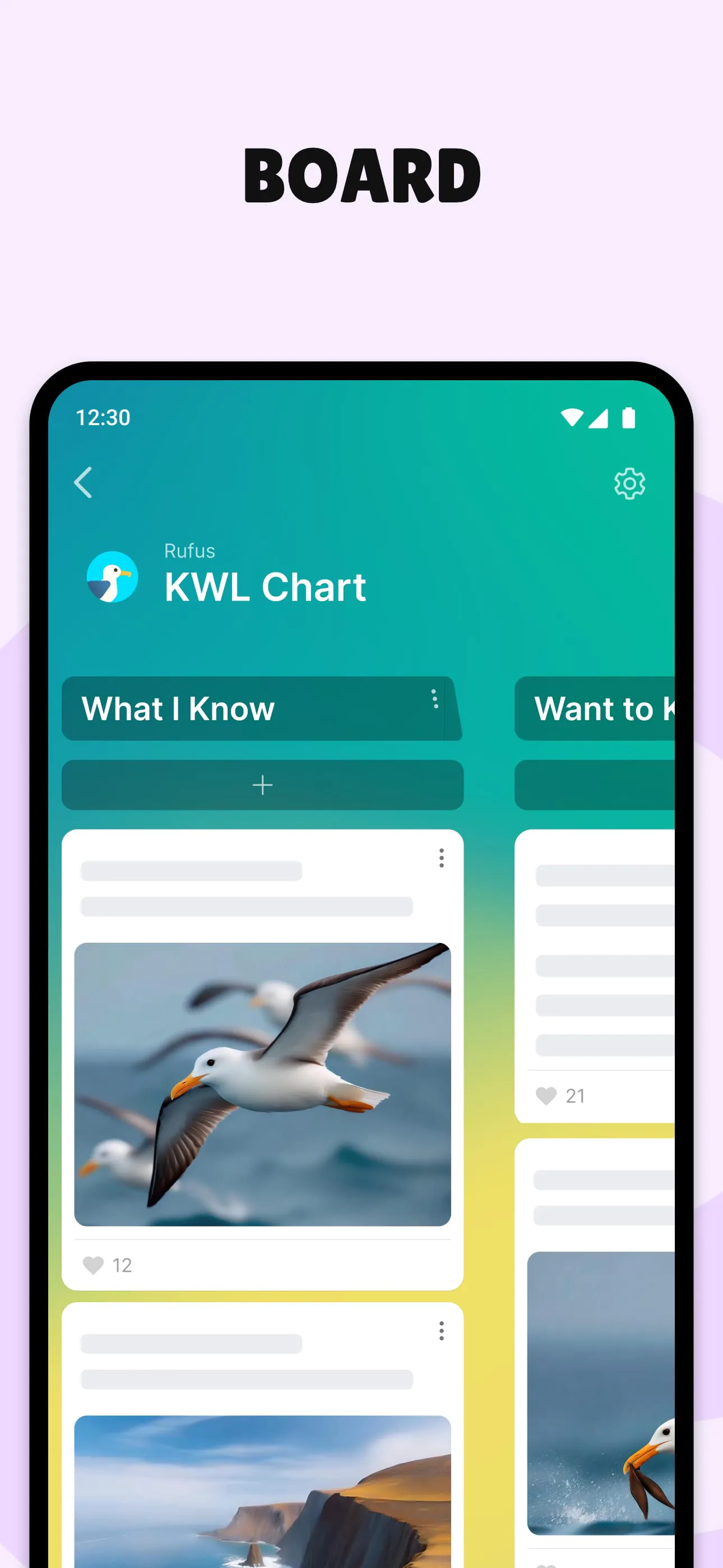
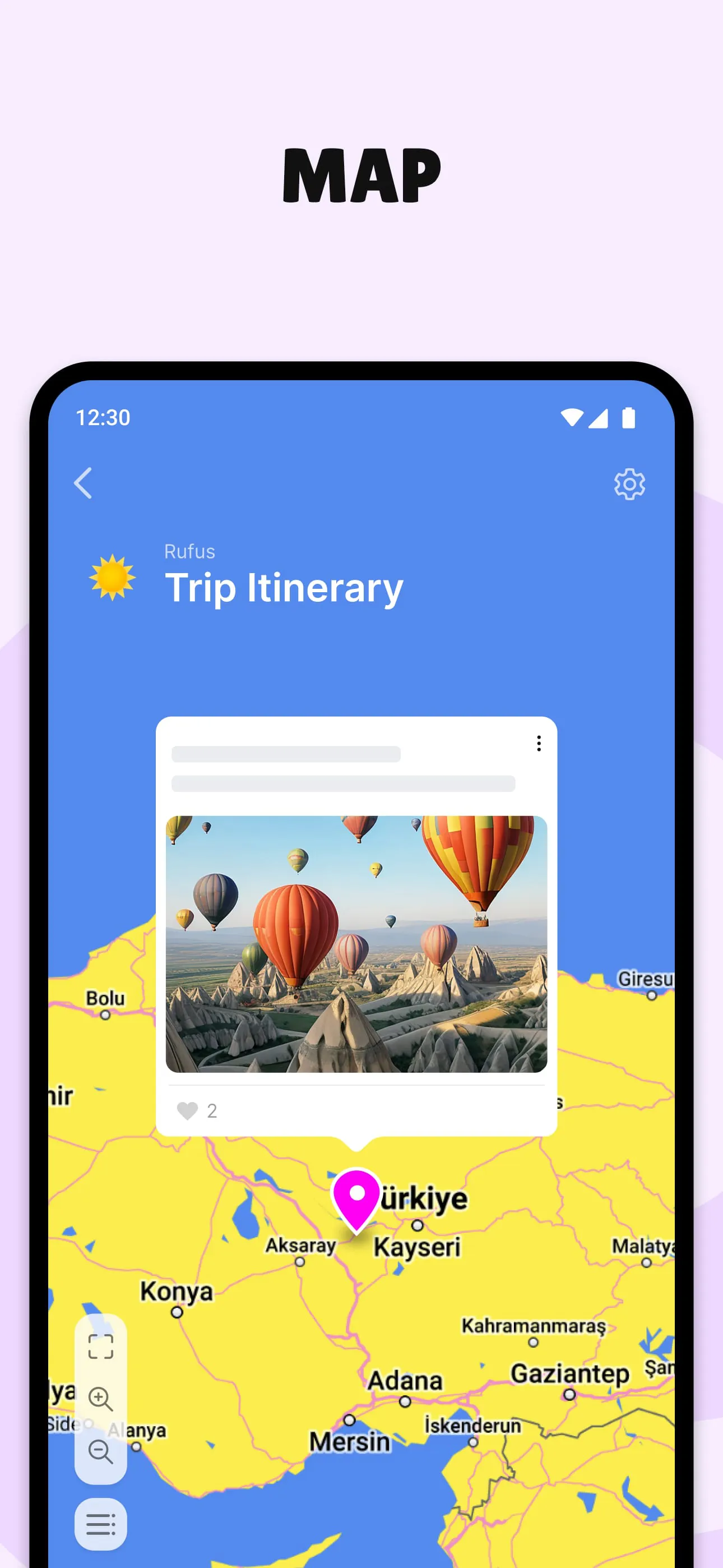
- Multiple board layouts including wall, grid, shelf, timeline, and map.
- Support for text, images, videos, audio files, links, and documents.
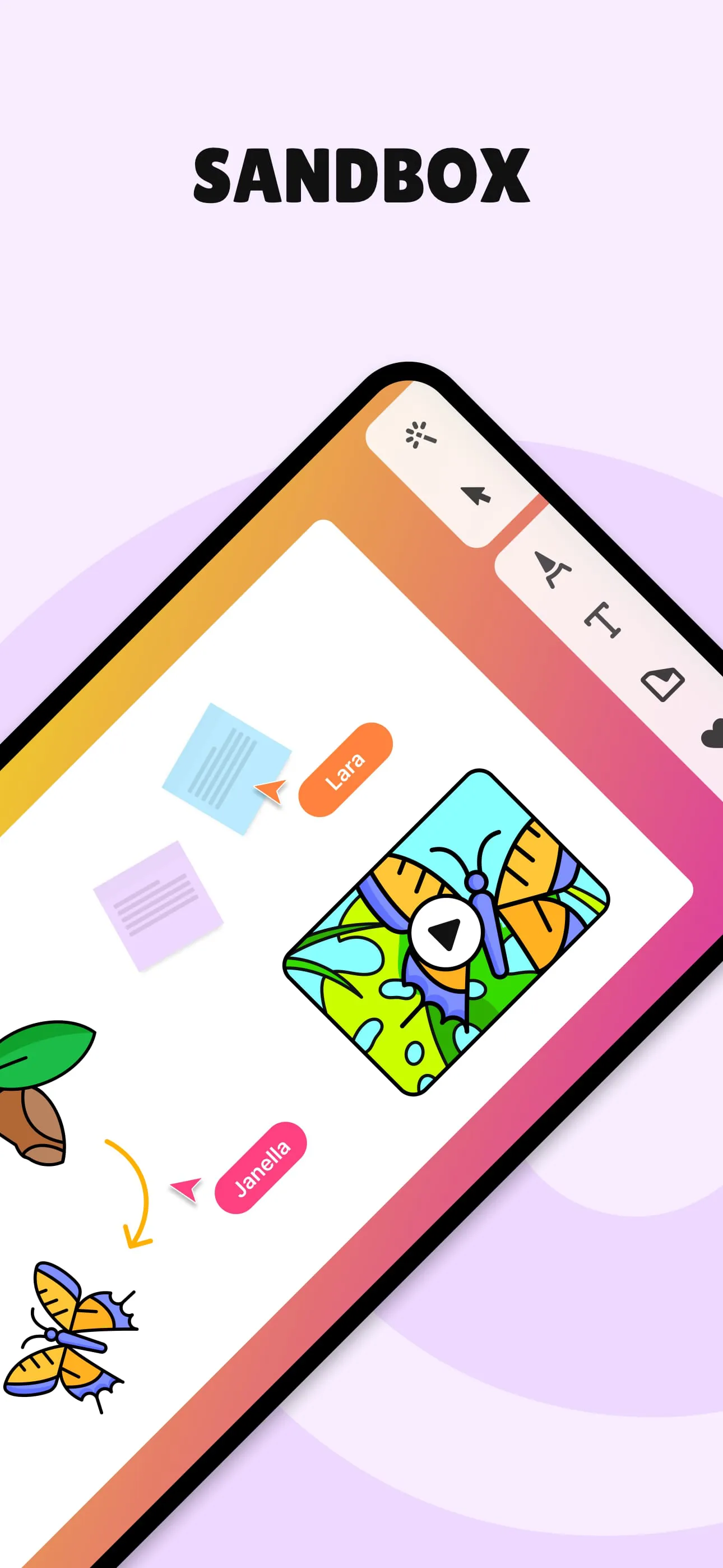
- Real-time collaboration with instant updates visible to all contributors.
- Privacy controls ranging from public access to password-protected boards.
- Commenting and reaction features for interactive engagement.
- Cross-platform compatibility on web browsers, iOS, and Android devices.
Pros & Cons
- Pros:
- Highly intuitive interface requiring minimal setup or training.
- Visually appealing design enhances presentations and project displays.
- Flexible use cases across education, business, events, and personal organization.
- Seamless multimedia uploads without complex formatting needs.
- Cons:
- Free version limits the number of editable boards.
- Advanced customization options require a paid subscription.
- Performance may slow with very large media-heavy boards.
Functions
- Brainstorming sessions where participants add ideas simultaneously.
- Lesson planning and resource sharing for teachers and trainers.
- Project management through task assignment and progress tracking.
- Event planning with schedules, maps, and attendee contributions.
- Portfolio creation showcasing work samples and achievements.
- Feedback collection via comments, ratings, or emoji reactions.
How to Use
Click the button "Check All Versions" below to download and install it. Once installed, open Padlet and sign up for a free account using your email or social login. After logging in, select a board layout that suits your purpose—such as a grid for portfolios or a timeline for project milestones. Give your board a clear title and adjust privacy settings to control who can view or contribute. Start adding posts by clicking anywhere on the board; you can insert text, upload files, or embed online content. Invite collaborators by sharing a direct link or sending email invitations. Monitor activity in real time, respond to comments, and rearrange posts to keep information organized. When finished, you can export the board as an image, PDF, or CSV file for offline use or reporting.





 APK
APK  Google Play
  iOS
iOS  4.10
4.10
 Download








