


V4.9.9_20251218

- Package Name
- com.yunyi.smartcamera
- Version Name
- V4.9.9_20251218
- Version Code
- V4.9.9_20251218
- File Size
- 138.98 MB
- Update time
- 2025-12-23



by Kami HK
Connects you with family through real-time video and audio anytime and anywhere
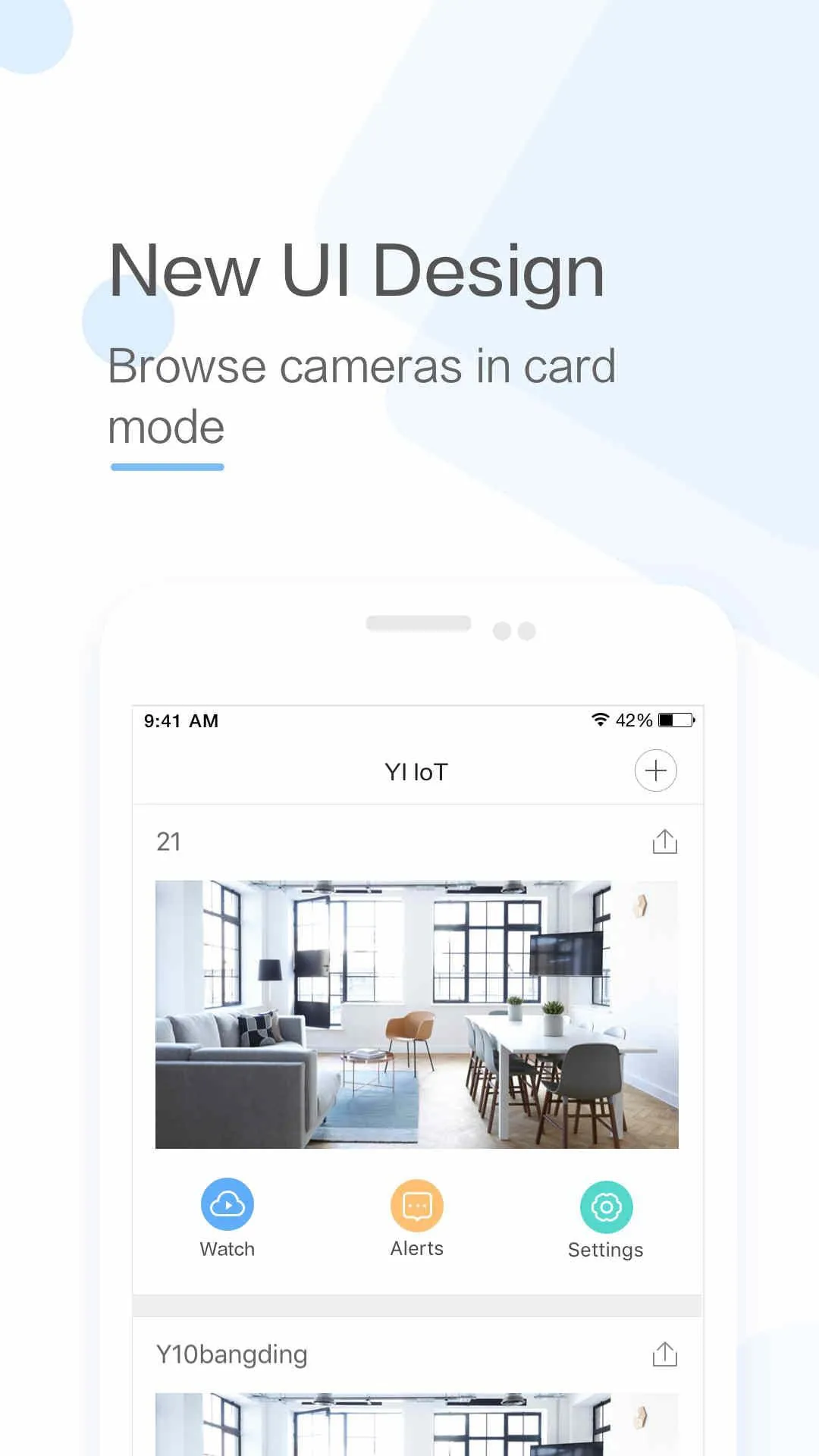
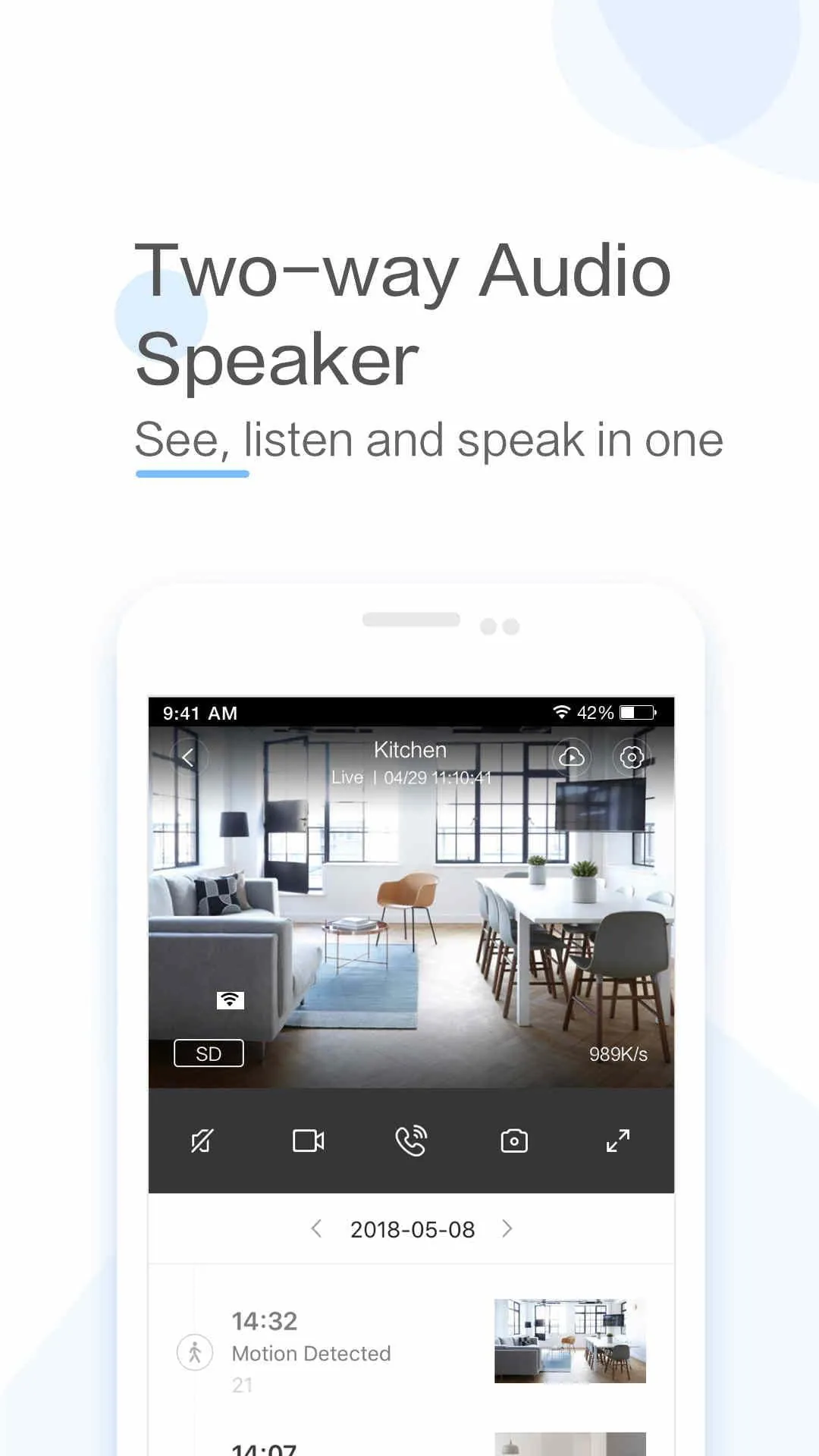
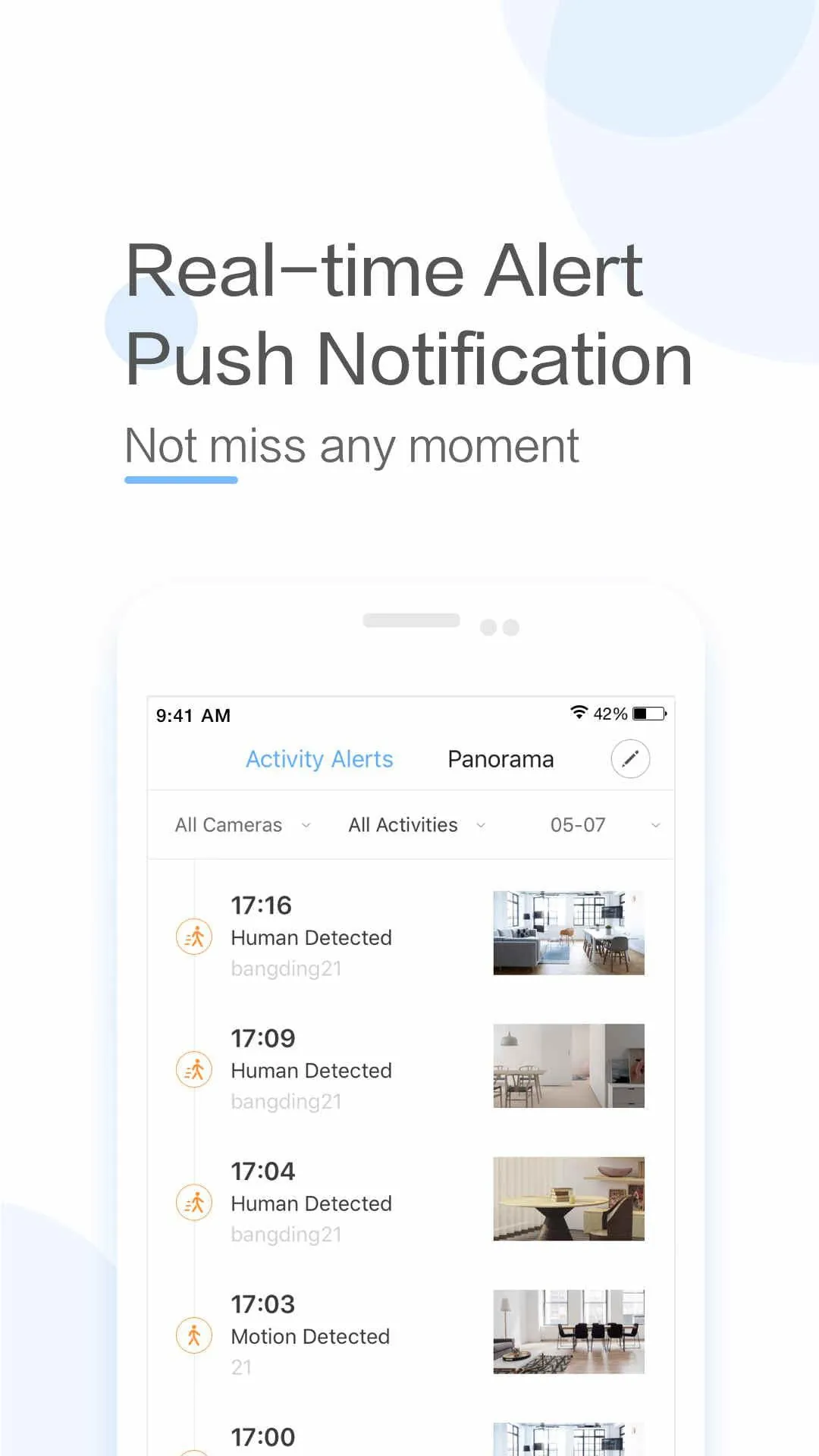
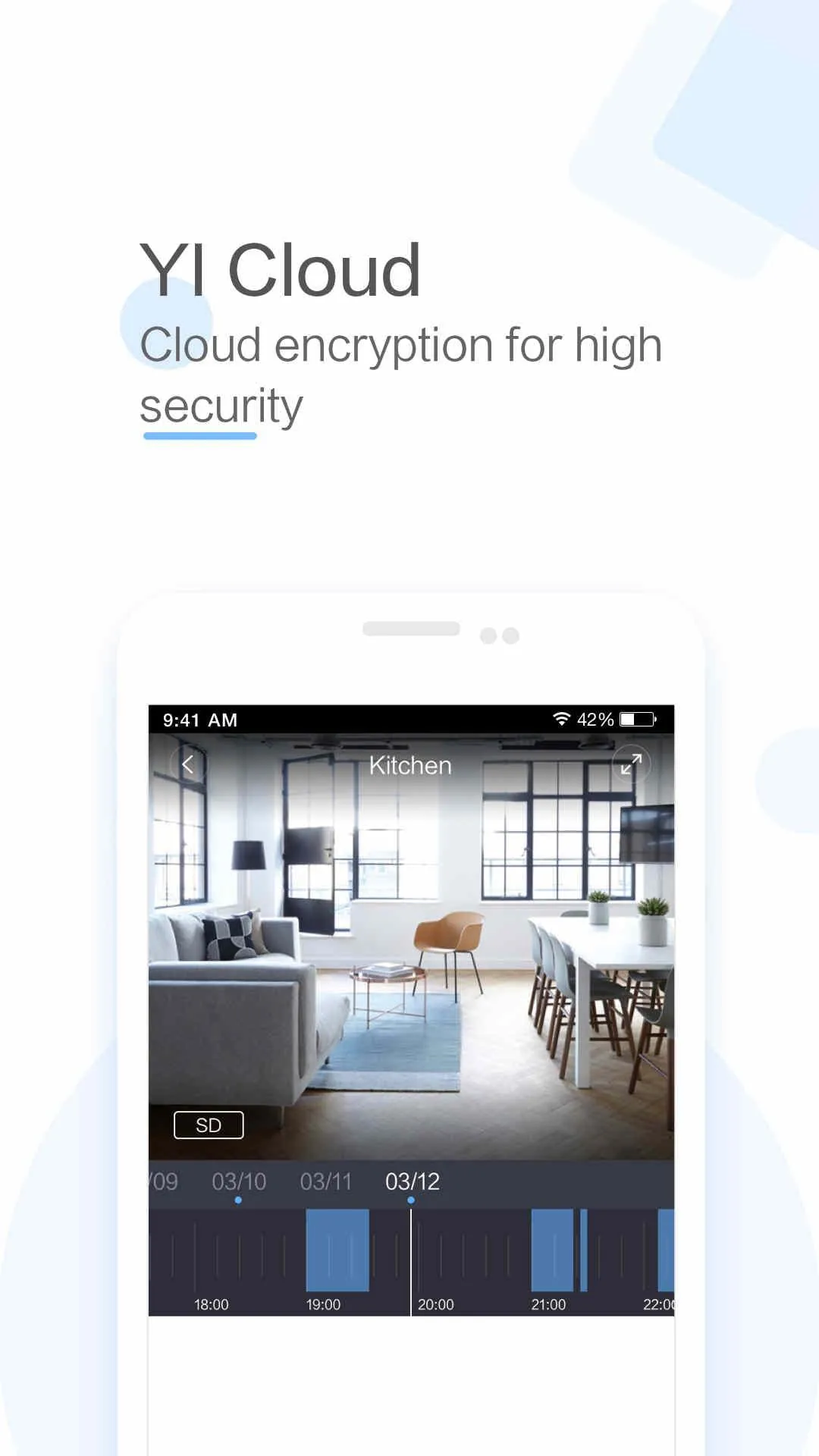
Yi iot is a comprehensive and user-friendly mobile application developed by Yi Technology, designed to serve as the central control hub for managing their ecosystem of smart home devices, such as security cameras, doorbells, smart locks, and sensors, allowing users to monitor their homes in real-time, receive instant alerts, and interact with their connected environment from anywhere through a single, integrated interface.
The app stands out with a robust set of features aimed at providing security, convenience, and peace of mind. It offers high-definition live streaming with night vision capabilities, ensuring clear visibility day and night. The platform supports two-way audio communication, enabling users to listen and speak directly through their devices. Intelligent motion detection with person and package recognition sends tailored alerts to minimize false notifications. Users can also create automated scenes and schedules, store footage locally or in secure cloud storage, and share device access with family members seamlessly.
Like any application, Yi iot presents a balanced mix of strengths and areas that may not suit every user. Its main advantages are highly regarded for providing reliable basic functionality without a mandatory subscription fee, which is a significant benefit. The user interface is generally intuitive, making setup and daily operation straightforward for most. However, some users report that advanced features and person detection are locked behind a premium cloud service paywall. Occasional connectivity issues or lag in live stream loading have also been noted in some reviews, and the ecosystem is primarily optimized for Yi-branded products, with limited third-party device compatibility.
The application delivers a wide array of practical functions that empower users to secure and automate their living spaces. Core functions include viewing multiple camera feeds on a unified dashboard and reviewing recorded video footage from event timelines. Users can configure specific activity zones for motion detection to focus on critical areas. The app also allows for the customization of alert schedules and sensitivity settings. Furthermore, it enables firmware updates for connected devices, management of microSD card storage, and the creation of time-based automation rules for device operation.
Click the button "Check All Versions" below to download and install it. Once installed, open the app and create a new account or log in with your existing Yi credentials. Follow the in-app prompts to add your first device, typically by scanning the QR code on the product or its packaging. Connect the device to your home Wi-Fi network as instructed. After successful setup, you can customize your device settings, group devices by room, set up notification preferences, and explore other features like creating automation scenes or inviting other household members to the app.
Get Yi iot from an official store or available APK channel.
ZIP files require a Split APKs Installer (e.g., SAI) from Google Play to install. Steps: 1. Download SAI from Google Play; 2. Open SAI and tap "Install APKs"; 3. Select the ZIP file; 4. Complete installation.
The latest version currently listed by Appspicked is V4.2.8_20240306, with information updated on May 16, 2026. Versions may vary by device, region, or rollout schedule, so users should also check Google Play / App Store or announcements from Kami HK.
No website can guarantee that an app is completely risk-free. Appspicked recommends downloading Yi iot only from an official app store or a verified channel operated by Kami HK. Before installing, confirm the developer name, package ID com.yunyi.smartcamera, requested permissions, privacy policy, and download source.
Yi iot may be unavailable because of regional restrictions, device incompatibility, account or age settings, a temporary removal, a name change, or because it has not been released for that platform. An Android package page does not necessarily mean that an iOS App Store version exists. Check Kami HK’s official website for current availability.
Use Google Play / App Store or another official download channel provided by Kami HK whenever possible. Appspicked provides app information and store links, but users should verify the destination domain and publisher before downloading or updating the app.
The information on Appspicked may represent the most recently indexed snapshot. App stores sometimes release updates gradually or display different versions according to region, device, operating system, or testing group. The official store listing should be treated as the final reference.
Yi iot is listed for Android / iOS, with a reported minimum requirement of Not specified. Actual compatibility may also depend on the device model, region, available storage, hardware features, and installed system components.
The initial download may be free, but subscriptions, advertising, paid features, or in-app purchases may still apply. Prices and available purchases can vary by country and version. Check the payment information displayed by Google Play / App Store before completing a transaction.
Check the network connection, storage space, operating-system version, account region, and device compatibility. Restart the device and try again through the official store. If the problem continues, consult the support resources provided by Kami HK.









