




Zendesk Support
by Zendesk Mobile
Provide great support - anytime, anywhere
A closer look
Overview
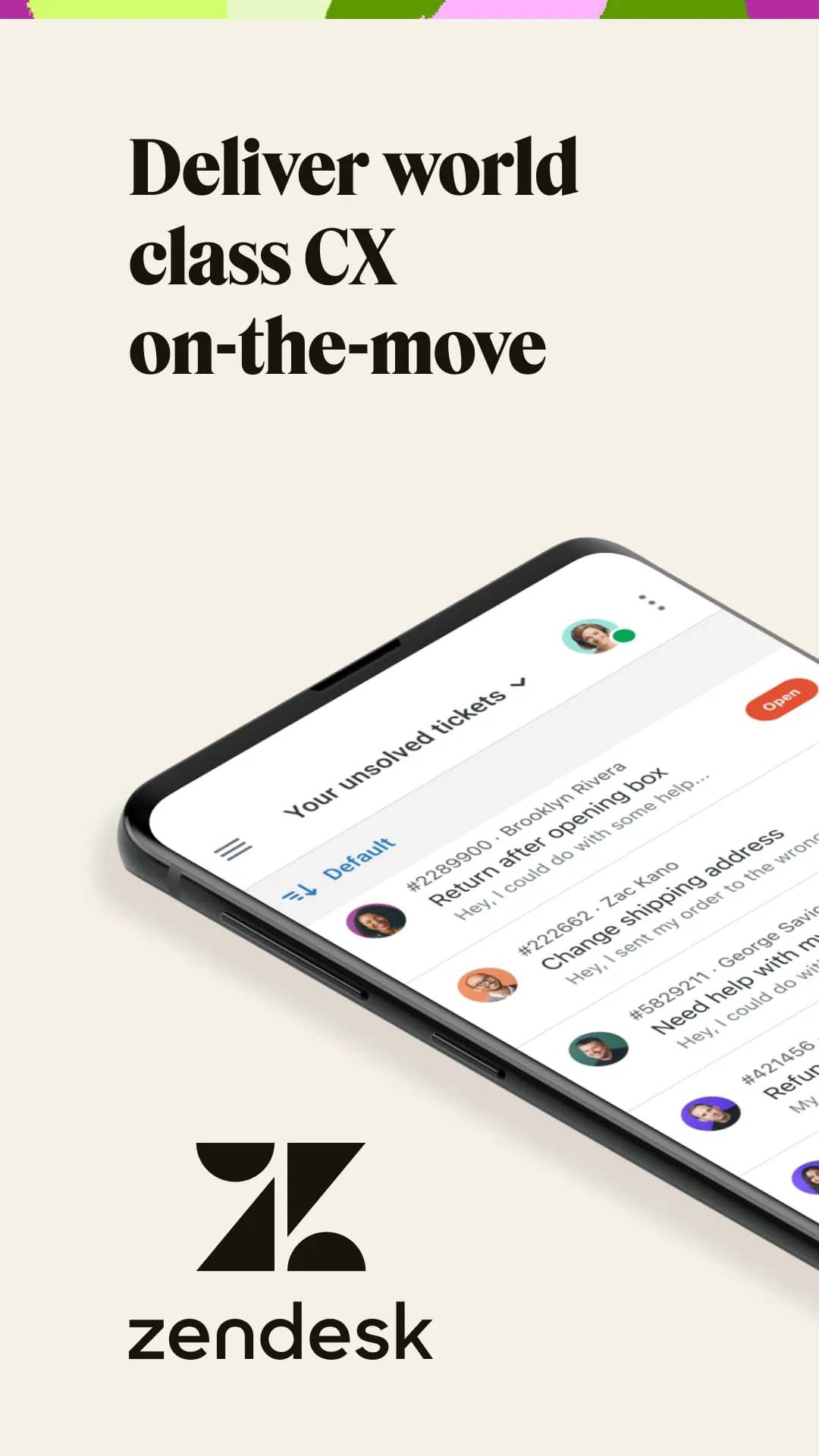
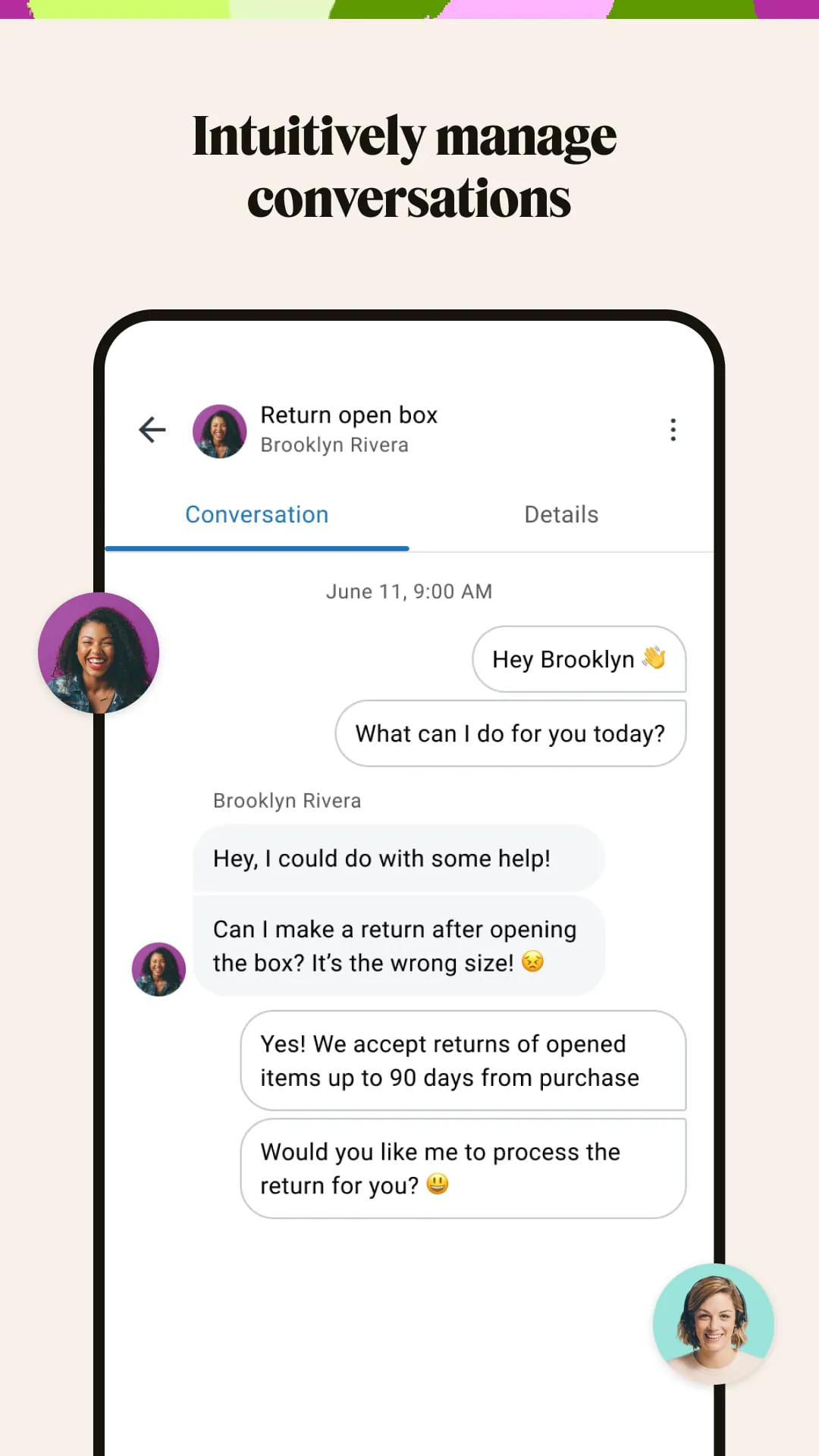
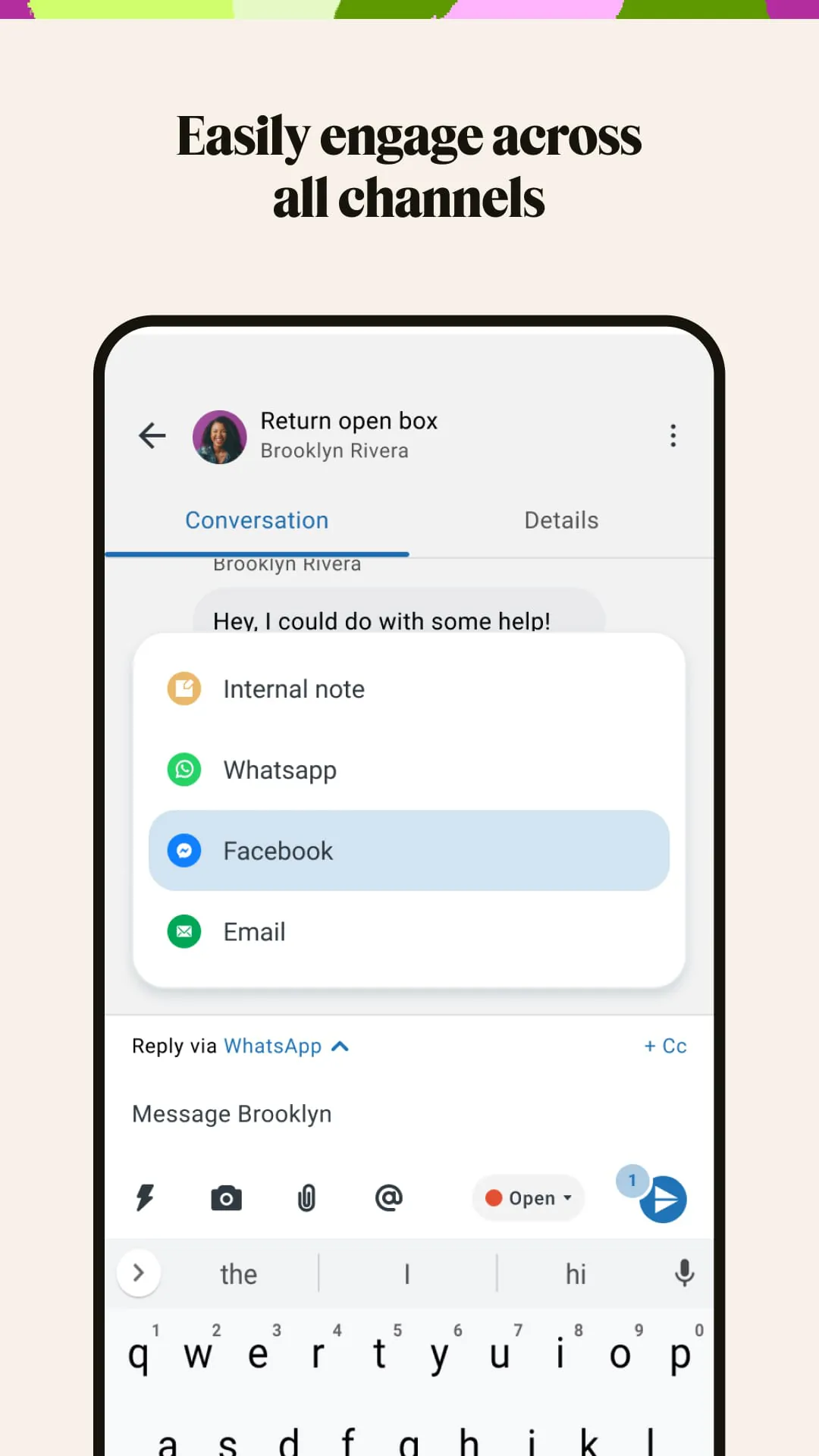
Zendesk Support is a comprehensive cloud-based customer service software solution designed to help businesses of all sizes manage customer interactions across various channels, including email, chat, phone, and social media, all from a single, unified interface to streamline support operations and improve customer satisfaction.
Key Features
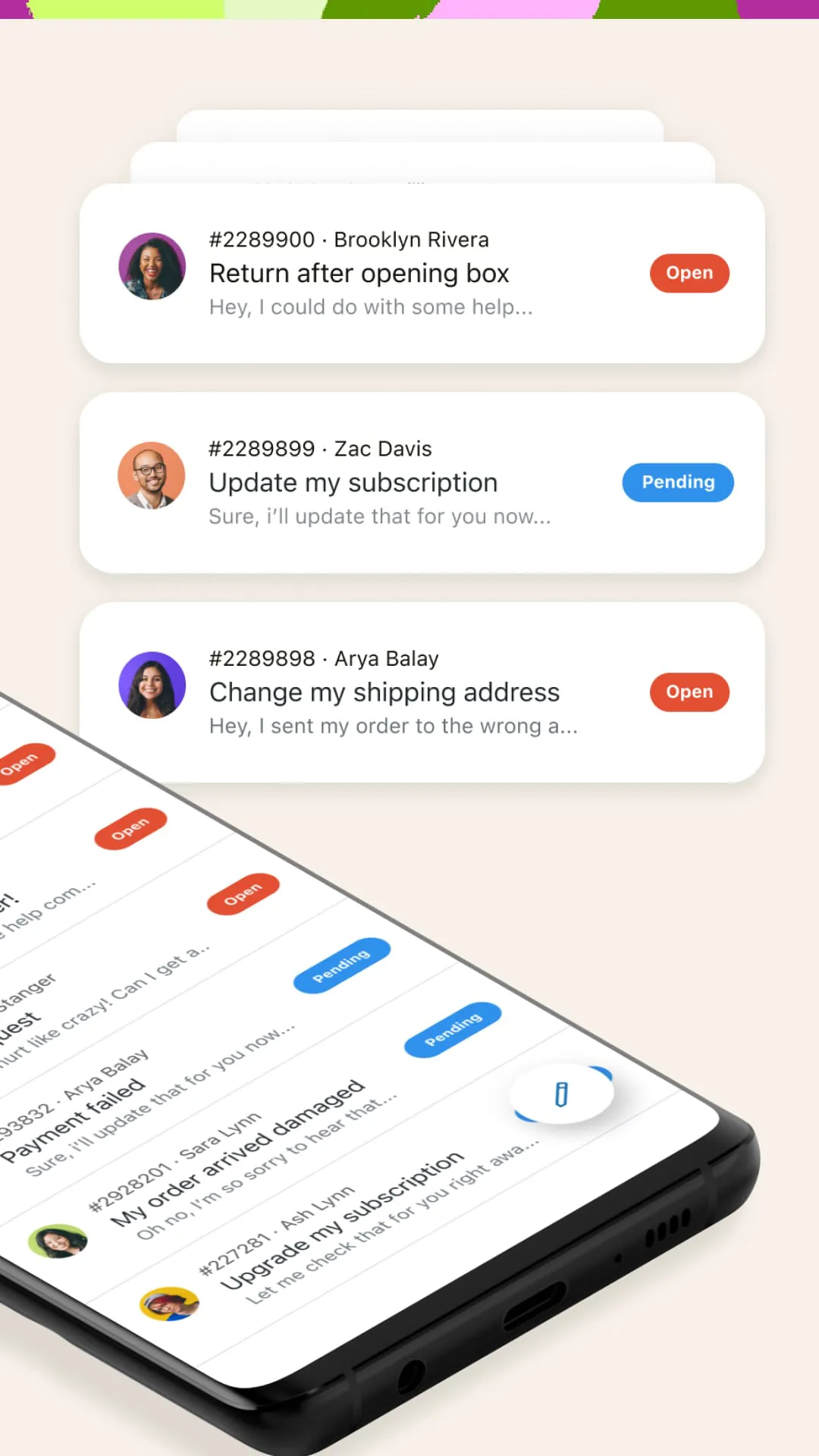
The platform stands out with its robust set of tools for delivering efficient customer service. It centralizes all customer conversations into one helpdesk, ensuring no query is missed. It features a powerful ticketing system that automatically organizes, prioritizes, and routes requests to the right agent. Additionally, it includes a built-in knowledge base for self-service, real-time analytics for performance insights, and extensive customization options to fit specific workflow needs.
Pros & Cons
Evaluating Zendesk Support reveals a balanced mix of strengths and considerations for potential users.
- Pros: Known for its intuitive and user-friendly interface that reduces agent training time. It offers exceptional scalability, growing seamlessly with a business. The integration ecosystem is vast, connecting with hundreds of other business tools. Its reporting and analytics capabilities are also deeply detailed and actionable.
- Cons: The pricing structure can become expensive as you add more features and agents. Some advanced features and configurations may require technical expertise to set up optimally. A few users note that the phone support module can be less robust compared to specialized competitors.
Functions
Zendesk Support performs a wide array of critical customer service functions. Its core is the multi-channel ticketing system that converts inquiries from any source into trackable tickets. It automates workflows with triggers and automations to handle routine tasks. Other key functions include:
- Providing a customer portal and community forums for peer-to-peer support.
- Offering macro and chatbot capabilities for quick, automated responses.
- Tracking comprehensive service level agreements (SLAs) to meet performance targets.
- Generiding custom reports and dashboards to monitor team productivity and customer happiness metrics.
How to Use
Click the button "Check All Versions" below to download and install it. To begin using Zendesk Support, you first need to sign up for an account on their website and choose a suitable pricing plan. After setting up your help desk, you can customize ticket fields, statuses, and user roles to match your process. Next, configure your support channels by embedding the chat widget on your website or connecting your business email and social media accounts. Finally, onboard your agent team, create knowledge base articles, and utilize the automation tools to build efficient workflows for handling customer requests.
App Download
Get Zendesk Support from an official store or available APK channel.
Previous Versions
ZIP files require a Split APKs Installer (e.g., SAI) from Google Play to install. Steps: 1. Download SAI from Google Play; 2. Open SAI and tap "Install APKs"; 3. Select the ZIP file; 4. Complete installation.
Frequently Asked Questions
What is the latest version of Zendesk Support?
The latest version currently listed by Appspicked is unavailable, with information updated on May 14, 2026. Versions may vary by device, region, or rollout schedule, so users should also check Google Play or announcements from Zendesk Mobile.
Is Zendesk Support safe to download and use?
No website can guarantee that an app is completely risk-free. Appspicked recommends downloading Zendesk Support only from an official app store or a verified channel operated by Zendesk Mobile. Before installing, confirm the developer name, package ID com.zendesk.android, requested permissions, privacy policy, and download source.
Why can’t I find Zendesk Support in the App Store?
Zendesk Support may be unavailable because of regional restrictions, device incompatibility, account or age settings, a temporary removal, a name change, or because it has not been released for that platform. An Android package page does not necessarily mean that an iOS App Store version exists. Check Zendesk Mobile’s official website for current availability.
Where can I download or update Zendesk Support?
Use Google Play or another official download channel provided by Zendesk Mobile whenever possible. Appspicked provides app information and store links, but users should verify the destination domain and publisher before downloading or updating the app.
Why is the version shown on Appspicked different from the app-store version?
The information on Appspicked may represent the most recently indexed snapshot. App stores sometimes release updates gradually or display different versions according to region, device, operating system, or testing group. The official store listing should be treated as the final reference.
Which devices and operating systems support Zendesk Support?
Zendesk Support is listed for Android, with a reported minimum requirement of Not specified. Actual compatibility may also depend on the device model, region, available storage, hardware features, and installed system components.
Is Zendesk Support free?
The initial download may be free, but subscriptions, advertising, paid features, or in-app purchases may still apply. Prices and available purchases can vary by country and version. Check the payment information displayed by Google Play before completing a transaction.
What should I do if Zendesk Support cannot be installed or updated?
Check the network connection, storage space, operating-system version, account region, and device compatibility. Restart the device and try again through the official store. If the problem continues, consult the support resources provided by Zendesk Mobile.









