


V3.146.0

- Package Name
- com.zocdoc.android
- Version Name
- V3.146.0
- Version Code
- V3.146.0
- File Size
- 92.19 MB
- Update time
- 2024-3-12



by Zocdoc, Inc.
Search by insurance, see real-time openings & verified reviews, get care fast.
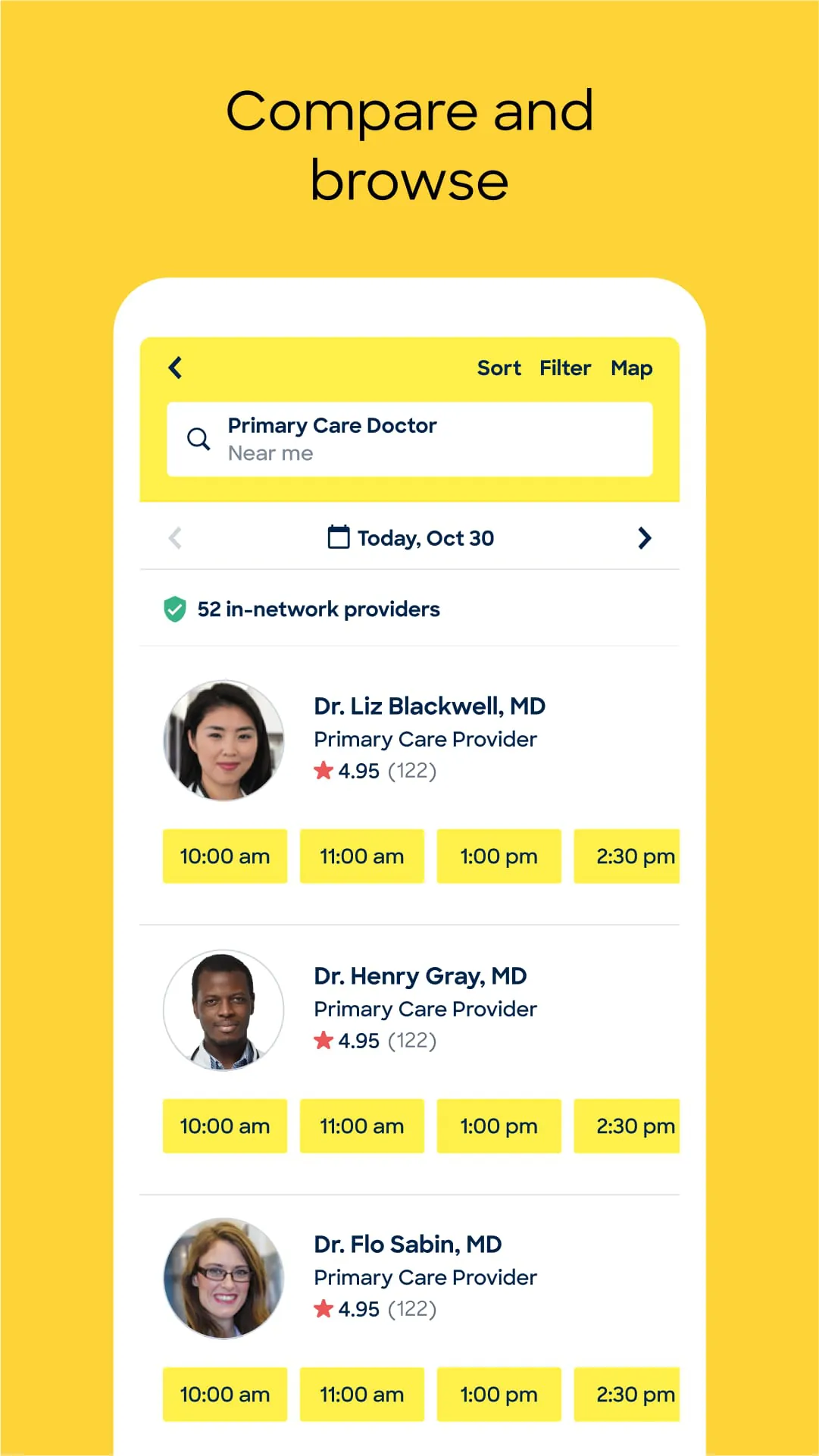
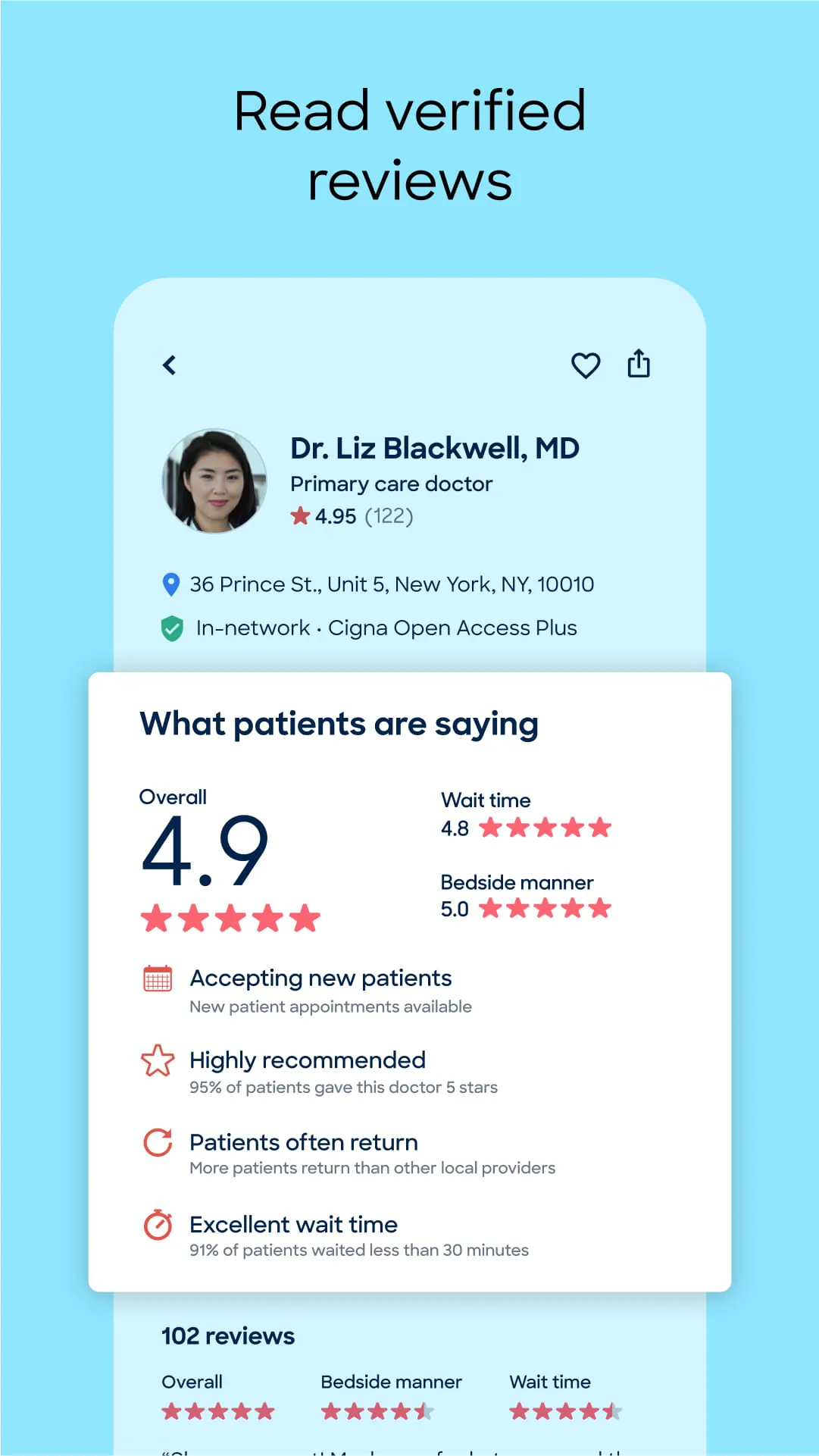
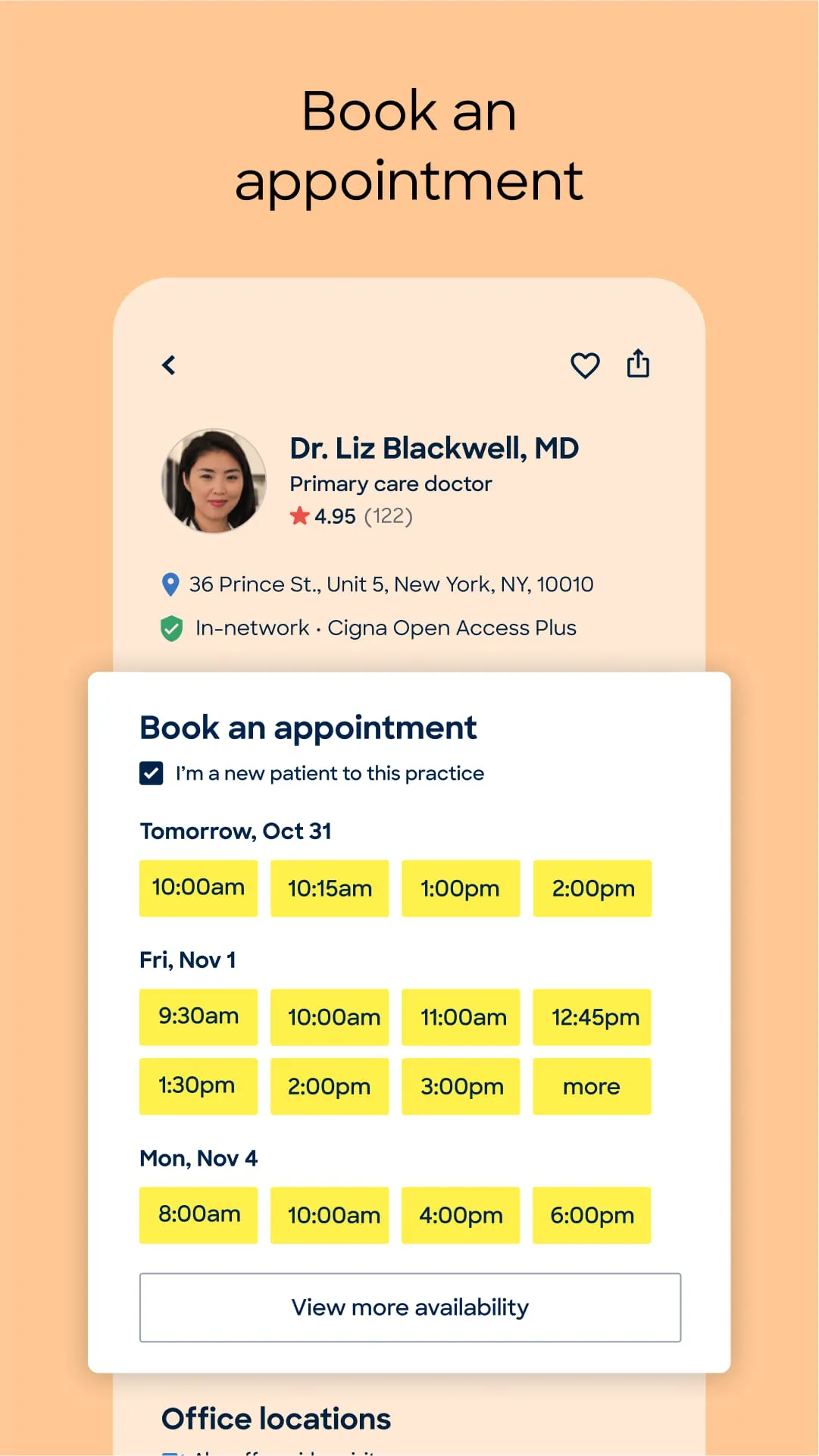
Zocdoc is a comprehensive healthcare appointment booking application that connects patients with a vast network of doctors, dentists, and specialists. It allows users to search for healthcare providers based on insurance, location, specialty, and availability, view detailed profiles with verified patient reviews, and instantly book appointments online, often for same-day or next-day slots, streamlining the entire process of finding and securing medical care.
The platform stands out through its real-time integration with provider schedules, ensuring the availability shown is accurate. It emphasizes transparency by showcasing in-depth doctor profiles, including credentials, practice information, and genuine patient feedback. A critical feature is its robust insurance filter, helping users find providers within their network. Additionally, the app manages administrative tasks by offering online paperwork completion and sending automated reminders for upcoming appointments.
Users benefit significantly from the convenience of 24/7 booking and the time saved searching for in-network doctors. The transparency from reviews and detailed bios helps in making informed decisions. However, the service's coverage is dependent on provider participation, so availability can be limited in some geographic areas or for very specific specialties. Occasionally, the listed insurance information may not be fully up-to-date, so a verification call is still recommended.
Zocdoc serves multiple functions within the healthcare access ecosystem. Primarily, it functions as a discovery and booking engine. Beyond that, it acts as a digital healthcare organizer by storing your appointment history and personal details for easy form pre-filling. The app also provides practical utilities like mapping and directions to the clinic, telehealth visit integration, and the ability to manage appointments for family members under a single account.
Click the button "Check All Versions" below to download and install it. Once installed, open the app and create a free account. You can then begin your search by entering your location, insurance provider, and the specific doctor or specialty you need. Browse the list of available professionals, compare their profiles and reviews, and select an appointment time that suits you. Confirm the booking, and you will receive all details and reminders directly within the app.
Get Zocdoc from an official store or available APK channel.
ZIP files require a Split APKs Installer (e.g., SAI) from Google Play to install. Steps: 1. Download SAI from Google Play; 2. Open SAI and tap "Install APKs"; 3. Select the ZIP file; 4. Complete installation.
The latest version currently listed by Appspicked is V3.146.0, with information updated on May 19, 2026. Versions may vary by device, region, or rollout schedule, so users should also check Google Play or announcements from Zocdoc, Inc..
No website can guarantee that an app is completely risk-free. Appspicked recommends downloading Zocdoc only from an official app store or a verified channel operated by Zocdoc, Inc.. Before installing, confirm the developer name, package ID com.zocdoc.android, requested permissions, privacy policy, and download source.
Zocdoc may be unavailable because of regional restrictions, device incompatibility, account or age settings, a temporary removal, a name change, or because it has not been released for that platform. An Android package page does not necessarily mean that an iOS App Store version exists. Check Zocdoc, Inc.’s official website for current availability.
Use Google Play or another official download channel provided by Zocdoc, Inc. whenever possible. Appspicked provides app information and store links, but users should verify the destination domain and publisher before downloading or updating the app.
The information on Appspicked may represent the most recently indexed snapshot. App stores sometimes release updates gradually or display different versions according to region, device, operating system, or testing group. The official store listing should be treated as the final reference.
Zocdoc is listed for Android, with a reported minimum requirement of Not specified. Actual compatibility may also depend on the device model, region, available storage, hardware features, and installed system components.
The initial download may be free, but subscriptions, advertising, paid features, or in-app purchases may still apply. Prices and available purchases can vary by country and version. Check the payment information displayed by Google Play before completing a transaction.
Check the network connection, storage space, operating-system version, account region, and device compatibility. Restart the device and try again through the official store. If the problem continues, consult the support resources provided by Zocdoc, Inc..









