


V1.0.142579

- Package Name
- com.zwift.zwiftgame
- Version Name
- V1.0.142579
- Version Code
- V1.0.142579
- File Size
- 40.79 MB
- Update time
- 2025-3-13



by Zwift, Inc.
Workout, Ride and Race at Home
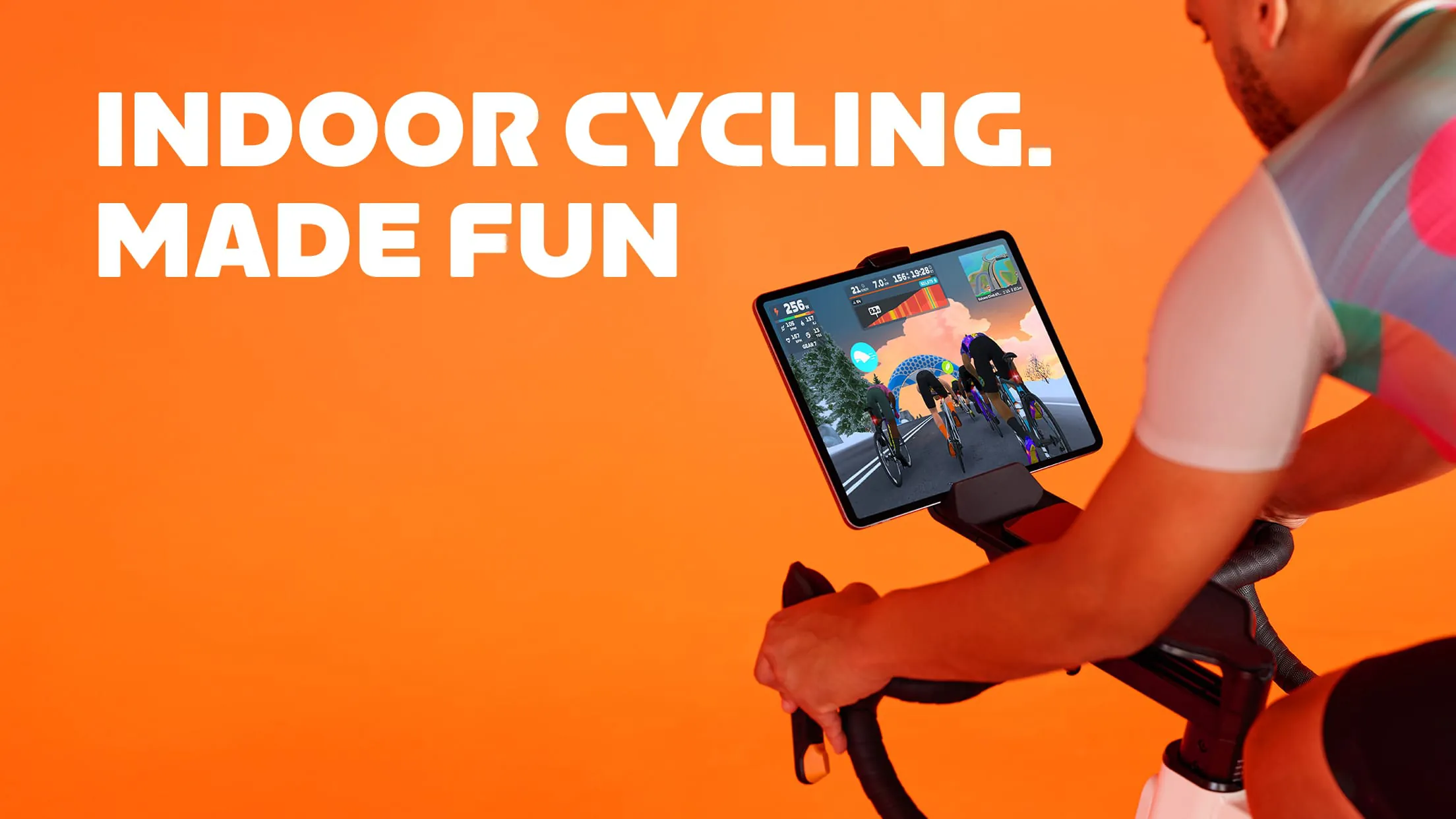
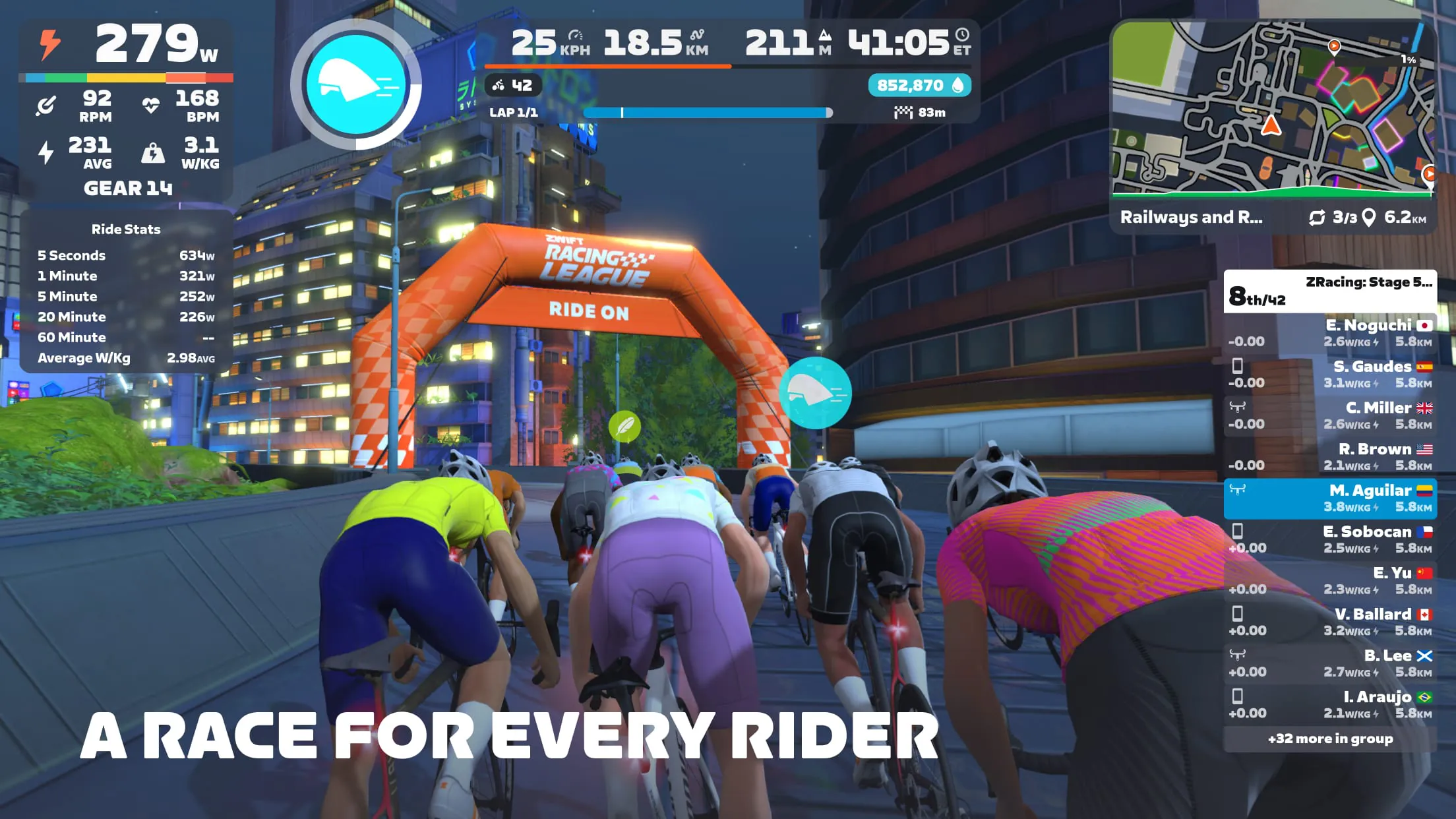
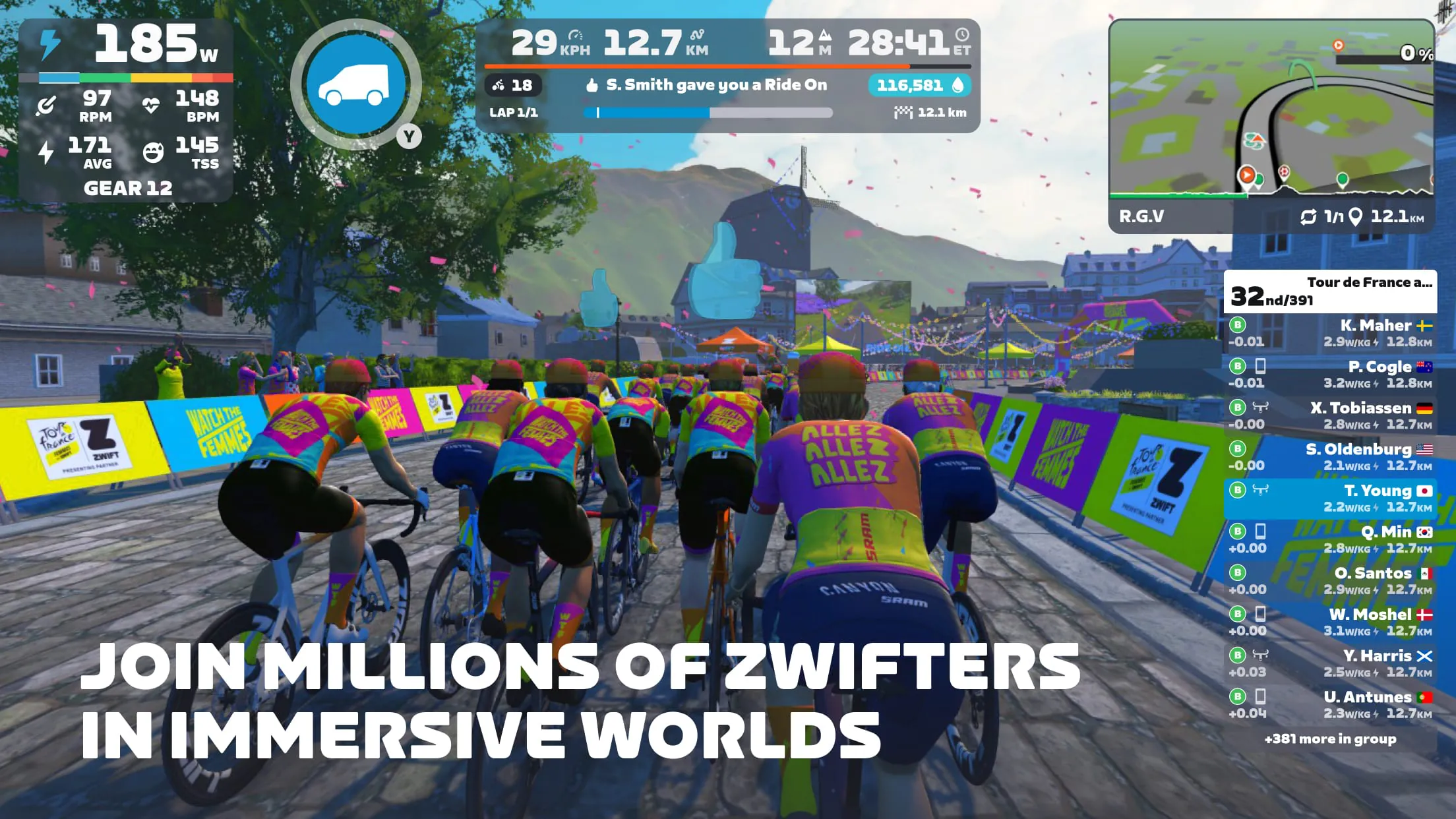
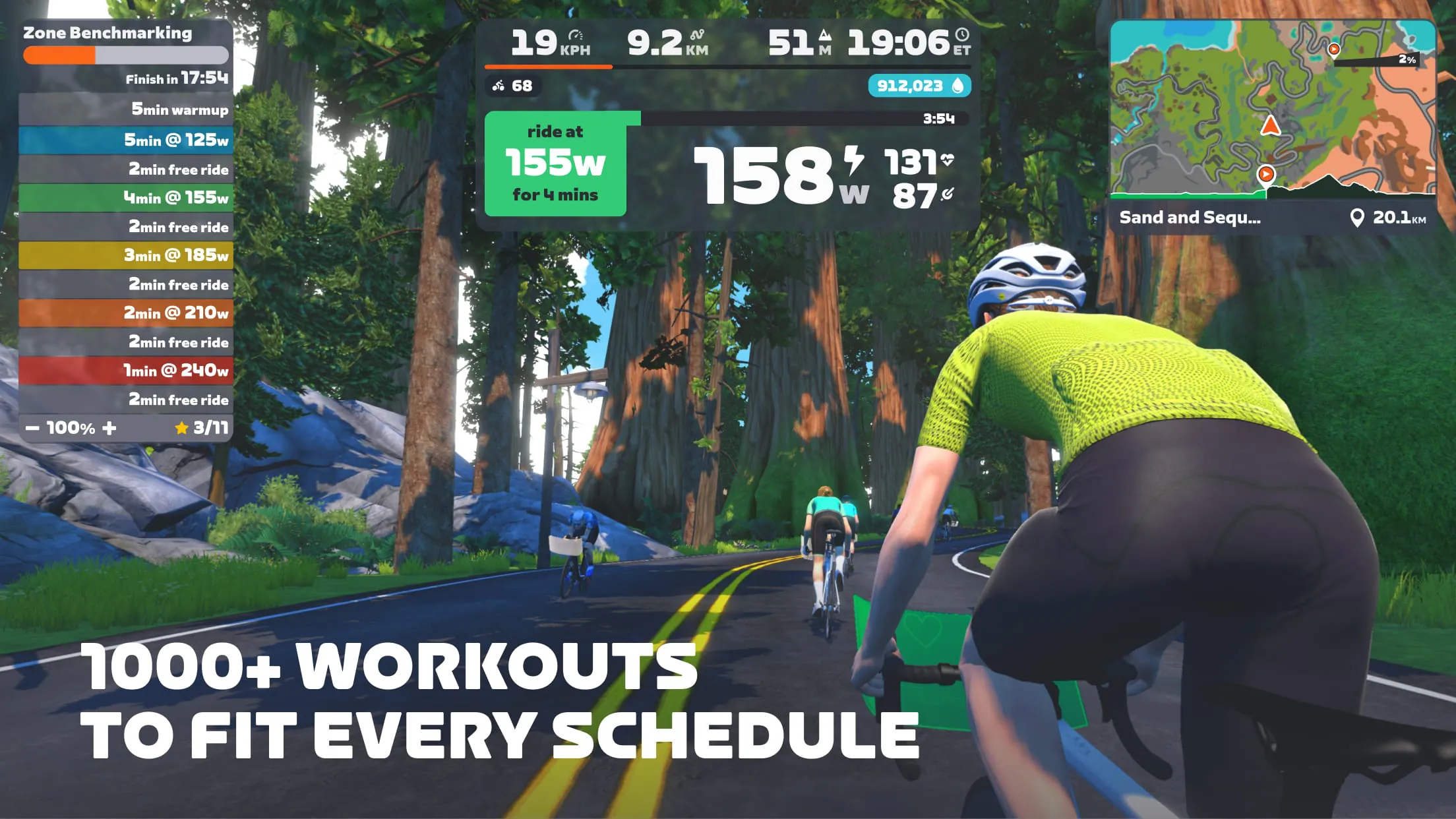
Zwift is a popular fitness application that transforms indoor cycling and running into an immersive, gamified experience. By connecting to compatible smart trainers, bikes, and treadmills, it allows users to ride or run in stunningly detailed virtual worlds alongside other participants from around the globe, effectively blending rigorous physical exercise with engaging social interaction and virtual exploration.
The application stands out through a combination of social connectivity, structured training, and virtual escapism. It enables real-time group workouts and races, fostering a strong sense of community. Users can follow personalized workout plans or join structured training programs designed for various fitness goals. The ever-expanding virtual landscapes, from fantasy worlds to real-life race course replicas, provide visual stimulation that makes long workouts more enjoyable. Furthermore, it offers comprehensive performance tracking, analyzing metrics like power, distance, and heart rate to monitor progress over time.
Pros:
Cons:
Zwift operates by synchronizing data from a user's equipment to create a responsive virtual avatar. Its core functions include simulating realistic terrain that adjusts resistance on smart trainers, facilitating multiplayer events, and providing a platform for virtual races and charity events. The app also functions as a detailed training log, storing all workout data for analysis. It integrates with third-party platforms like Strava and TrainingPeaks, allowing for seamless data sharing. Additional functions include customizable training sessions, direct messaging with other riders, and the ability to form or join clubs.
Click the button "Check All Versions" below to download and install it. First, ensure you have the necessary hardware: a compatible smart trainer, bike, or treadmill, along with sensors for cadence and heart rate if needed. After installation, create your account and set up your athlete profile. Connect your devices to the app via Bluetooth or ANT+. Then, choose your activity—you can select a free ride in a virtual world, join a scheduled group ride, enroll in a training plan, or enter a race. Once in a session, your real-world effort directly controls your avatar's speed on screen. You can interact with other riders, follow workout instructions, and complete routes to earn experience points and unlock new equipment.
Get Zwift from an official store or available APK channel.
ZIP files require a Split APKs Installer (e.g., SAI) from Google Play to install. Steps: 1. Download SAI from Google Play; 2. Open SAI and tap "Install APKs"; 3. Select the ZIP file; 4. Complete installation.
The latest version currently listed by Appspicked is V1.0.127000, with information updated on May 14, 2026. Versions may vary by device, region, or rollout schedule, so users should also check Google Play or announcements from Zwift, Inc..
No website can guarantee that an app is completely risk-free. Appspicked recommends downloading Zwift only from an official app store or a verified channel operated by Zwift, Inc.. Before installing, confirm the developer name, package ID com.zwift.zwiftgame, requested permissions, privacy policy, and download source.
Zwift may be unavailable because of regional restrictions, device incompatibility, account or age settings, a temporary removal, a name change, or because it has not been released for that platform. An Android package page does not necessarily mean that an iOS App Store version exists. Check Zwift, Inc.’s official website for current availability.
Use Google Play or another official download channel provided by Zwift, Inc. whenever possible. Appspicked provides app information and store links, but users should verify the destination domain and publisher before downloading or updating the app.
The information on Appspicked may represent the most recently indexed snapshot. App stores sometimes release updates gradually or display different versions according to region, device, operating system, or testing group. The official store listing should be treated as the final reference.
Zwift is listed for Android, with a reported minimum requirement of Not specified. Actual compatibility may also depend on the device model, region, available storage, hardware features, and installed system components.
The initial download may be free, but subscriptions, advertising, paid features, or in-app purchases may still apply. Prices and available purchases can vary by country and version. Check the payment information displayed by Google Play before completing a transaction.
Check the network connection, storage space, operating-system version, account region, and device compatibility. Restart the device and try again through the official store. If the problem continues, consult the support resources provided by Zwift, Inc..









