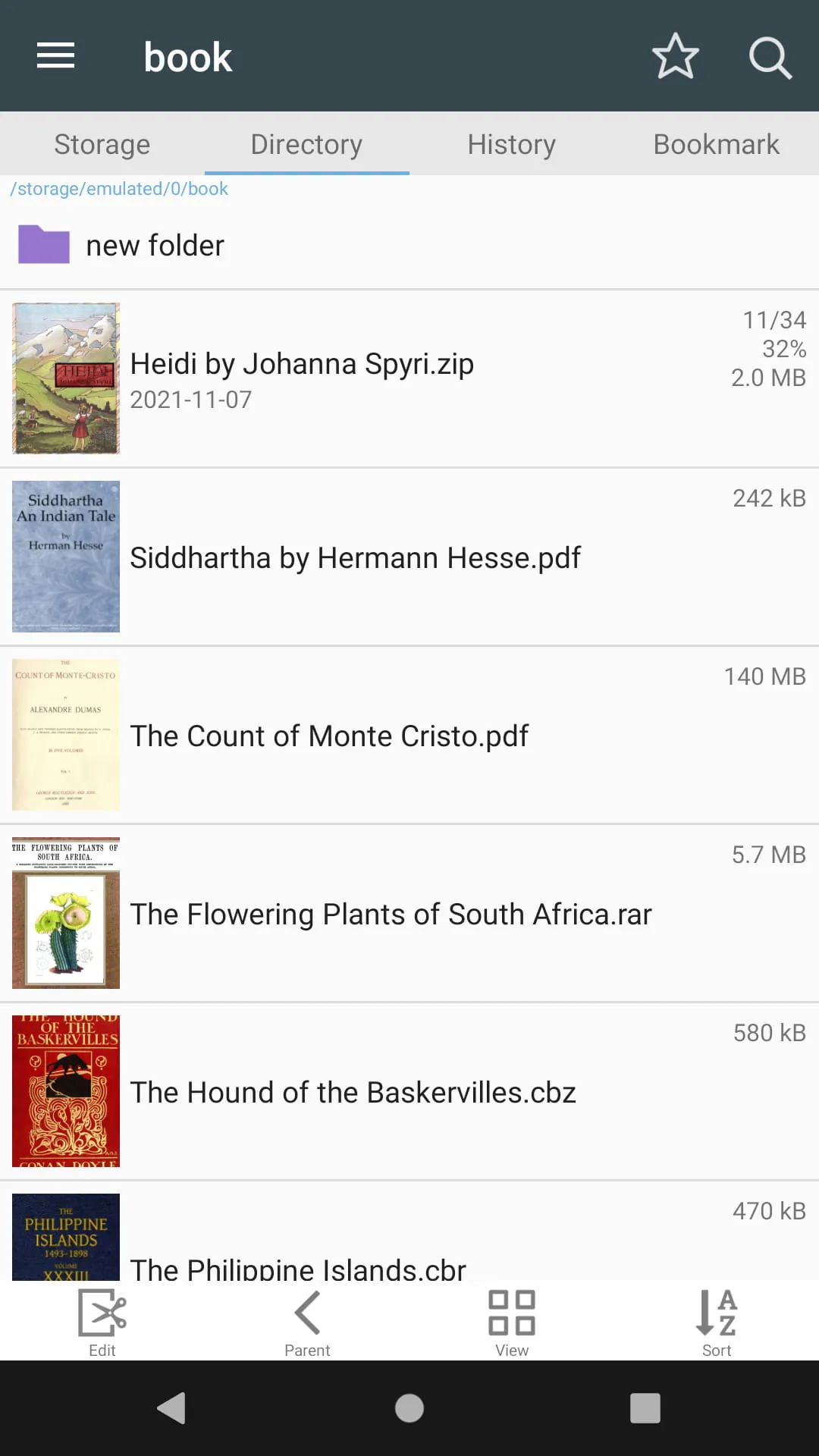
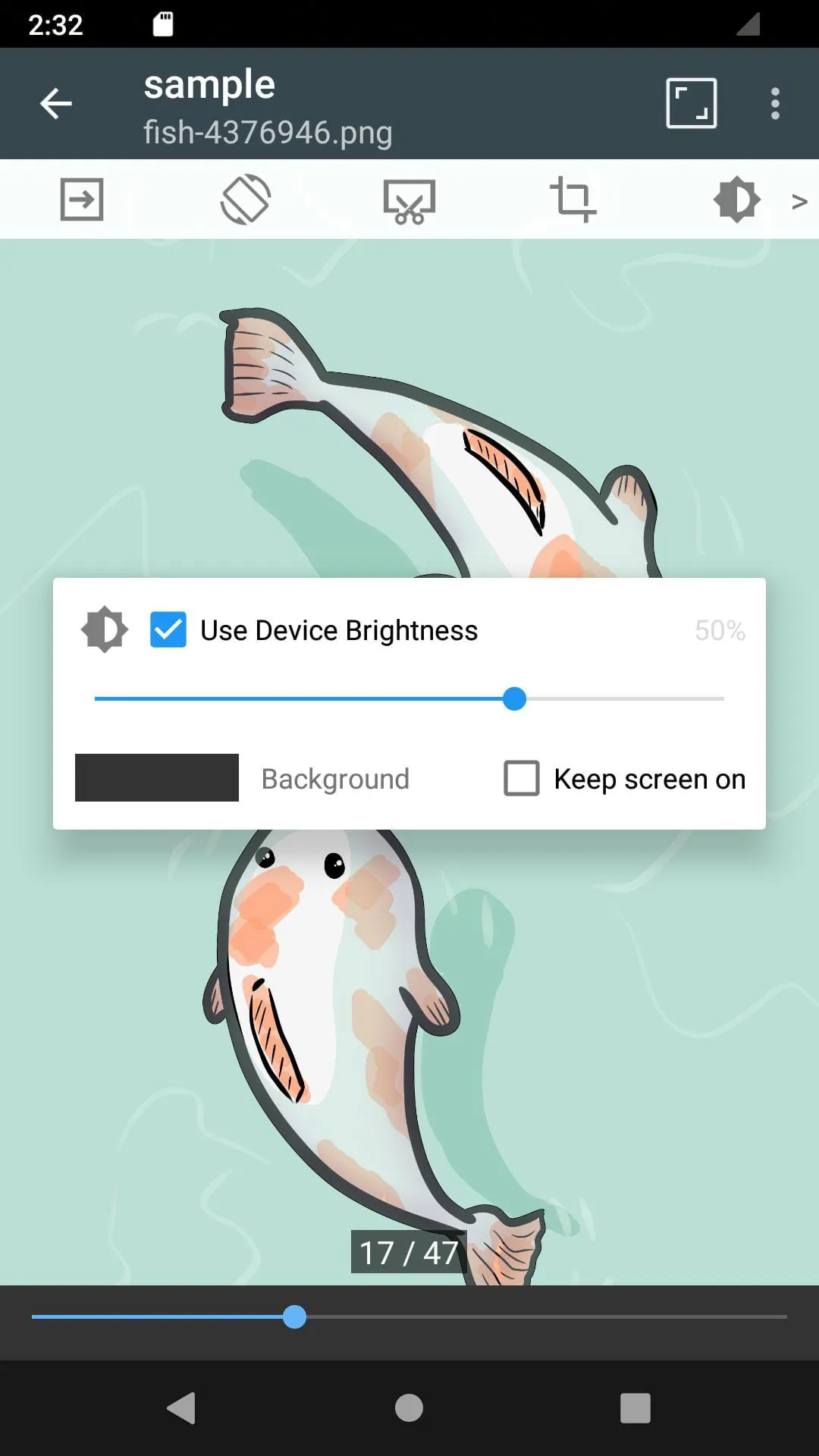
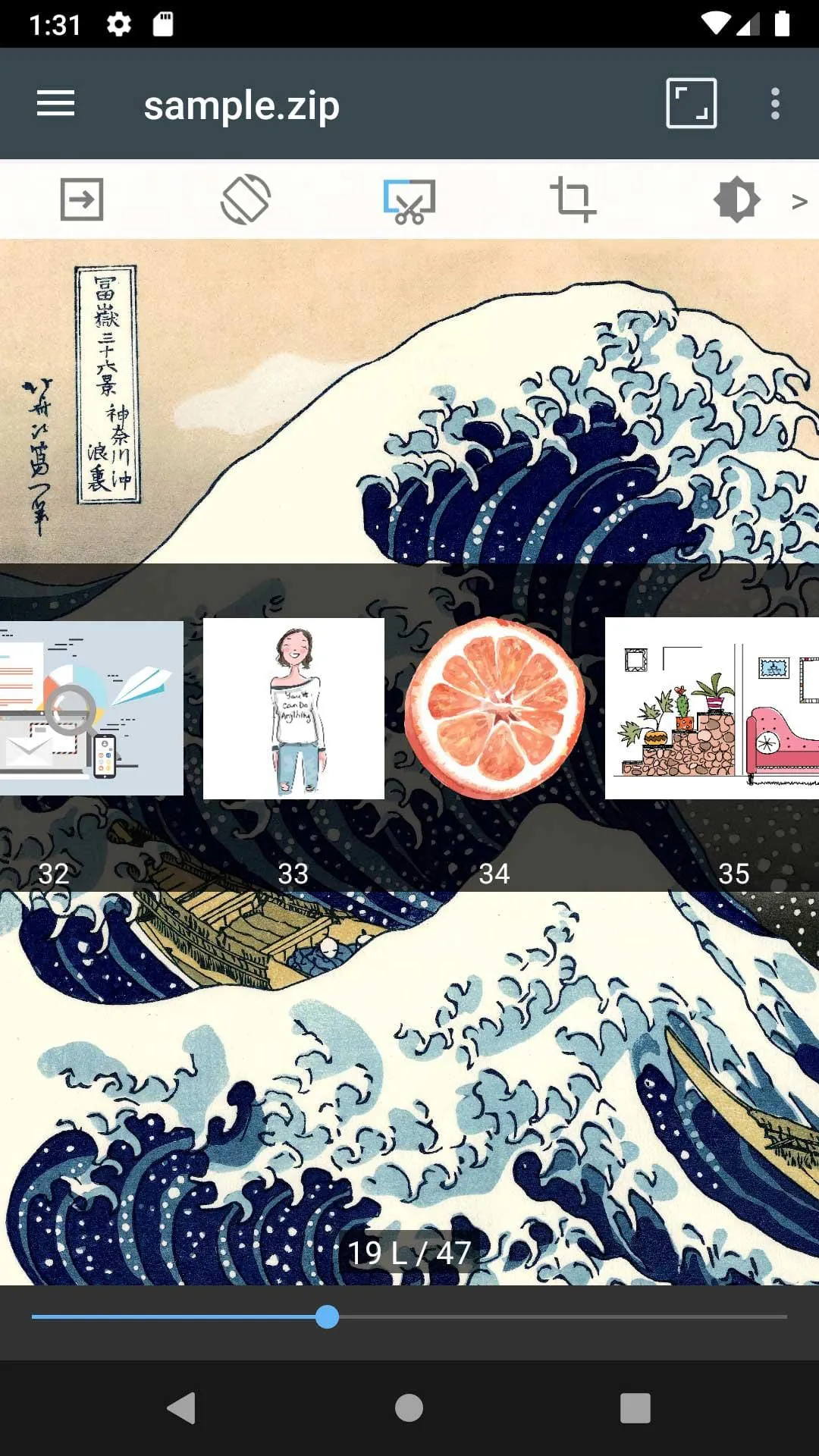
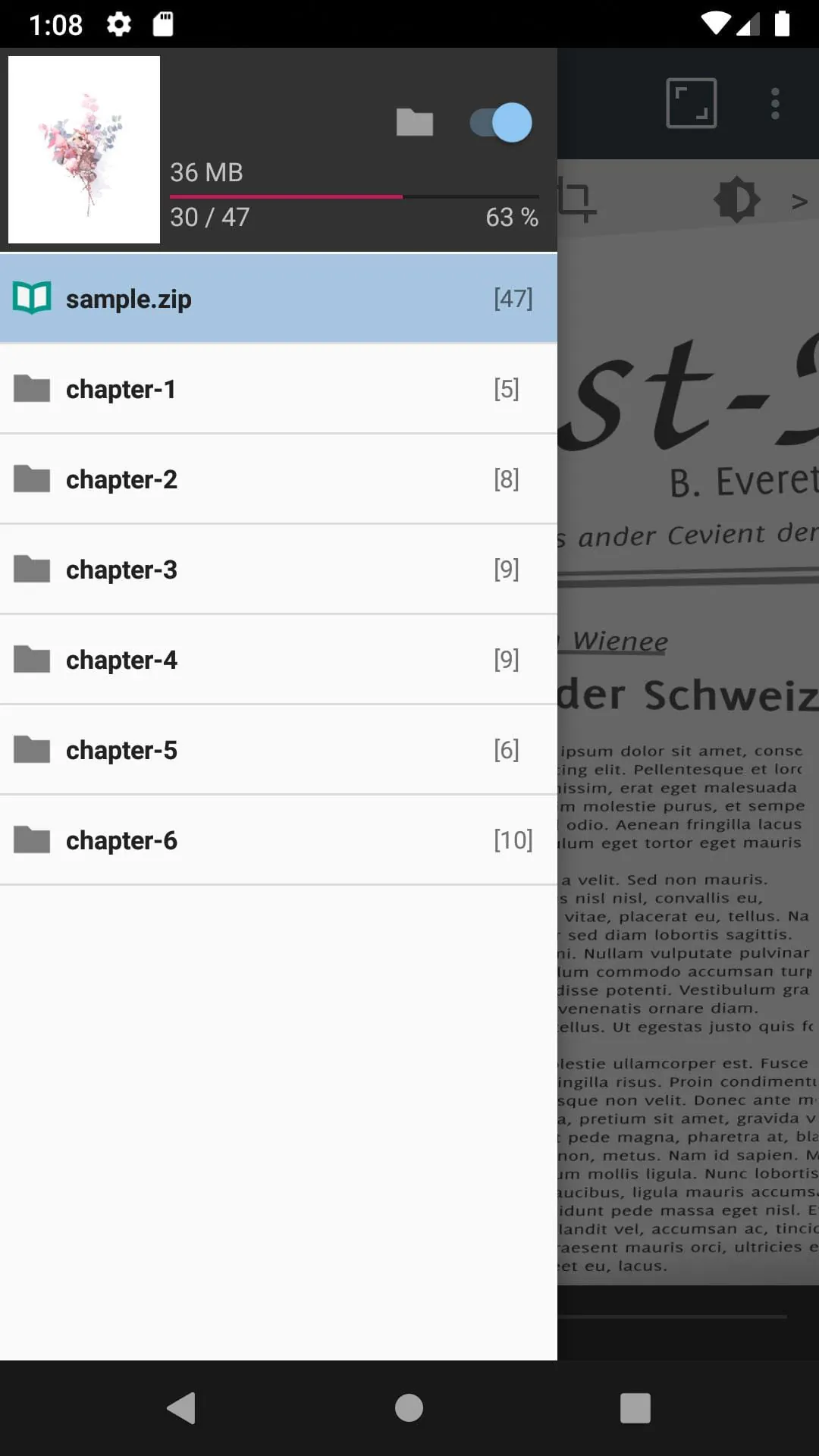
This application is designed to provide users with a comprehensive and user-friendly experience for managing and viewing various image and compressed file formats on their mobile devices. The core functionality revolves around supporting a wide array of compression formats, including ZIP, RAR, CBZ, CBR, and PDF, enabling users to access and manage documents and images stored within these archives seamlessly. Furthermore, the application boasts extensive image format compatibility, supporting popular formats like JPG, PNG, GIF, BMP, TIFF, WEBP, and AVIF, ensuring that users can view virtually any image they encounter. The application's feature set is geared towards simplifying file management and enhancing the viewing experience. Users can effortlessly search for specific folders and files, rename or delete them as needed, and even utilize USB-OTG drives for external storage access. The inclusion of SMB and FTP support allows for convenient access to files stored on network shares or remote servers, further expanding the application's versatility. The drag-and-drop functionality simplifies file and folder organization, while the directory image list provides a visual overview of the contents of each folder. The application also prioritizes providing a smooth and enjoyable viewing experience. The soft image flipping feature ensures seamless page transitions, while the bookmark preview allows users to quickly jump to previously saved locations within a file. High-speed compressed file viewing minimizes loading times, and the page movement preview provides a glimpse of upcoming pages. The application also offers customizable viewing options, including horizontal mode for displaying two images side-by-side and vertical mode for displaying single images. Automatic page reconstruction ensures optimal display on different screen sizes, and folder navigation support within compressed files allows users to easily browse complex archives. Additional features such as margin trimming and hardware key navigation further enhance the user experience, making this application a powerful and versatile tool for managing and viewing images and documents on mobile devices. The application emphasizes ease of use and accessibility, allowing users to quickly access and enjoy their digital content regardless of its format or location. The focus on comprehensive format support, combined with a suite of intuitive file management and viewing features, makes this application a valuable asset for anyone who frequently works with images and documents on their mobile device.
The application distinguishes itself through its meticulous attention to detail in optimizing the viewing experience for various types of content. The soft image flipping feature, for example, goes beyond simple page transitions by incorporating subtle animations and effects to create a more natural and engaging browsing experience. The bookmark preview functionality is similarly enhanced, allowing users to not only jump to saved locations but also to view a small thumbnail of the bookmarked page, providing a visual reminder of the content and context. The high-speed compressed file viewing is achieved through a combination of efficient decompression algorithms and intelligent caching mechanisms, ensuring that even large and complex archives can be opened and viewed with minimal delay. The page movement preview is particularly useful for navigating lengthy documents or image collections, allowing users to quickly scan through the content and identify the desired page or image without having to load each page individually. The application's customizable viewing options, such as the horizontal and vertical modes, cater to different viewing preferences and screen orientations. The automatic page reconstruction feature dynamically adjusts the layout of each page to fit the screen size and resolution, ensuring optimal readability and visual clarity regardless of the device being used. The folder navigation support within compressed files is a significant advantage for users who frequently work with complex archives containing multiple subfolders, allowing them to easily browse the file structure and access the desired content without having to extract the entire archive. The margin trimming feature automatically removes excess whitespace around the edges of images, maximizing the screen space and improving the overall viewing experience. The hardware key navigation allows users to control page turning and other functions using the physical buttons on their device, providing a convenient alternative to touch-based controls. These features, combined with the application's comprehensive format support and intuitive interface, make it a truly exceptional tool for managing and viewing images and documents on mobile devices. The developers have clearly prioritized user experience, ensuring that the application is both powerful and easy to use.
The core design philosophy of this application centers around providing a streamlined and efficient solution for managing and viewing a diverse range of image and document formats. The application's architecture is optimized for performance, ensuring that even large and complex files can be processed quickly and smoothly. The user interface is intuitive and easy to navigate, allowing users to quickly access the features and functions they need. The application's file management capabilities are comprehensive, allowing users to easily search for, rename, delete, and organize their files and folders. The support for USB-OTG drives provides convenient access to external storage devices, while the SMB and FTP support allows for seamless integration with network shares and remote servers. The drag-and-drop functionality simplifies file and folder organization, and the directory image list provides a visual overview of the contents of each folder. The application's viewing capabilities are equally impressive, with features such as soft image flipping, bookmark preview, high-speed compressed file viewing, page movement preview, customizable viewing options, automatic page reconstruction, folder navigation support within compressed files, margin trimming, and hardware key navigation. These features combine to create a truly exceptional viewing experience, allowing users to enjoy their digital content with maximum comfort and convenience. The application is also designed to be highly customizable, allowing users to tailor the settings and preferences to their individual needs. Users can adjust the image quality, zoom level, and other viewing parameters to optimize the display for their device. They can also customize the keyboard shortcuts and other input methods to streamline their workflow. The application is constantly being updated with new features and improvements, ensuring that it remains at the forefront of mobile image and document viewing technology. The developers are committed to providing users with the best possible experience, and they are constantly listening to feedback and incorporating suggestions into future releases. This dedication to quality and innovation makes this application a valuable asset for anyone who frequently works with images and documents on their mobile device. The application's combination of comprehensive format support, intuitive interface, powerful features, and customizable options makes it a truly indispensable tool for managing and viewing digital content on the go.