


V3.97.3

- Package Name
- com.crunchyroll.crunchyroid
- Version Name
- V3.97.3
- Version Code
- V3.97.3
- File Size
- 75.07 MB
- Update time
- 2026-1-6



by Crunchyroll, LLC
World’s largest dedicated anime library
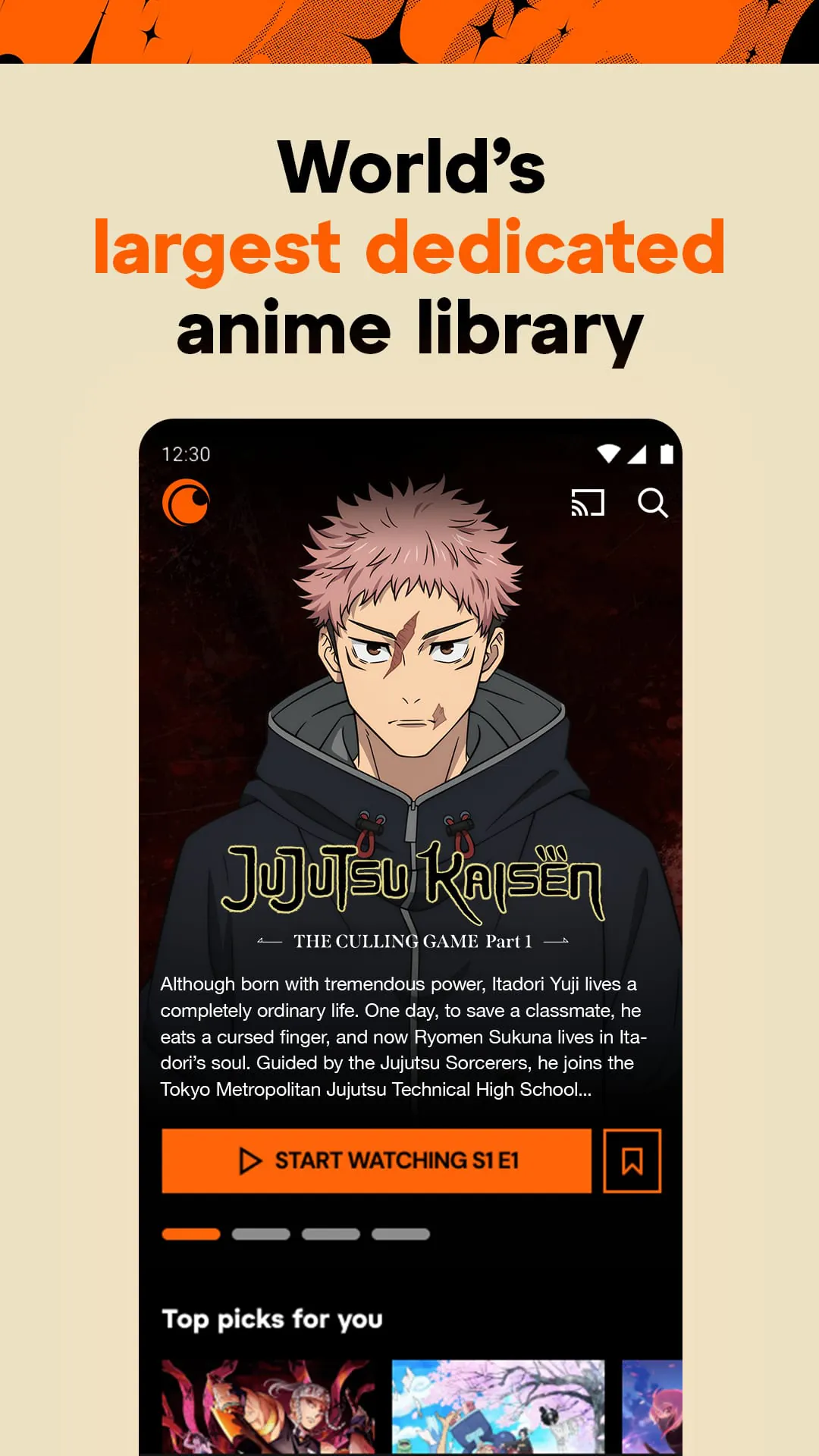
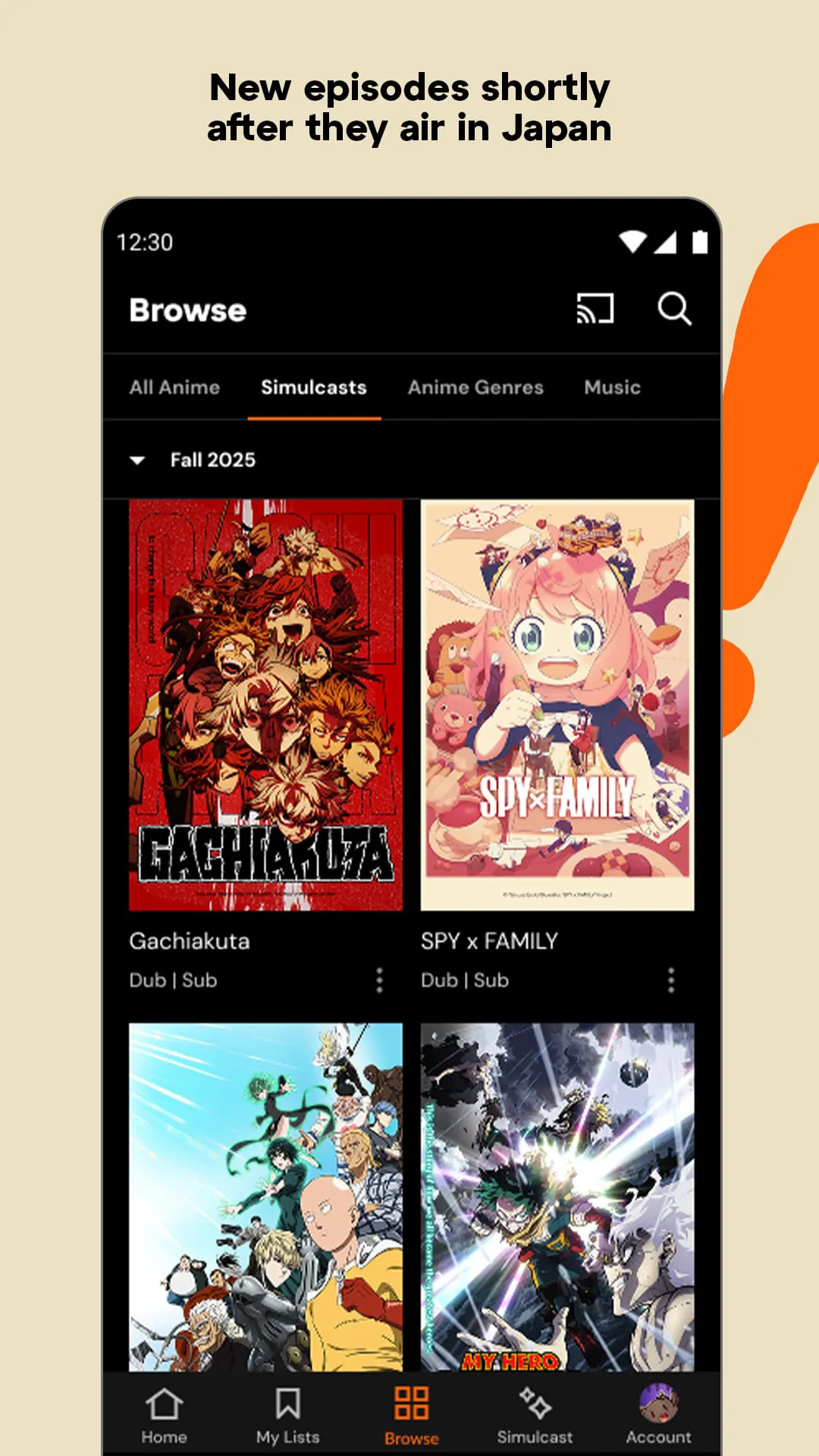
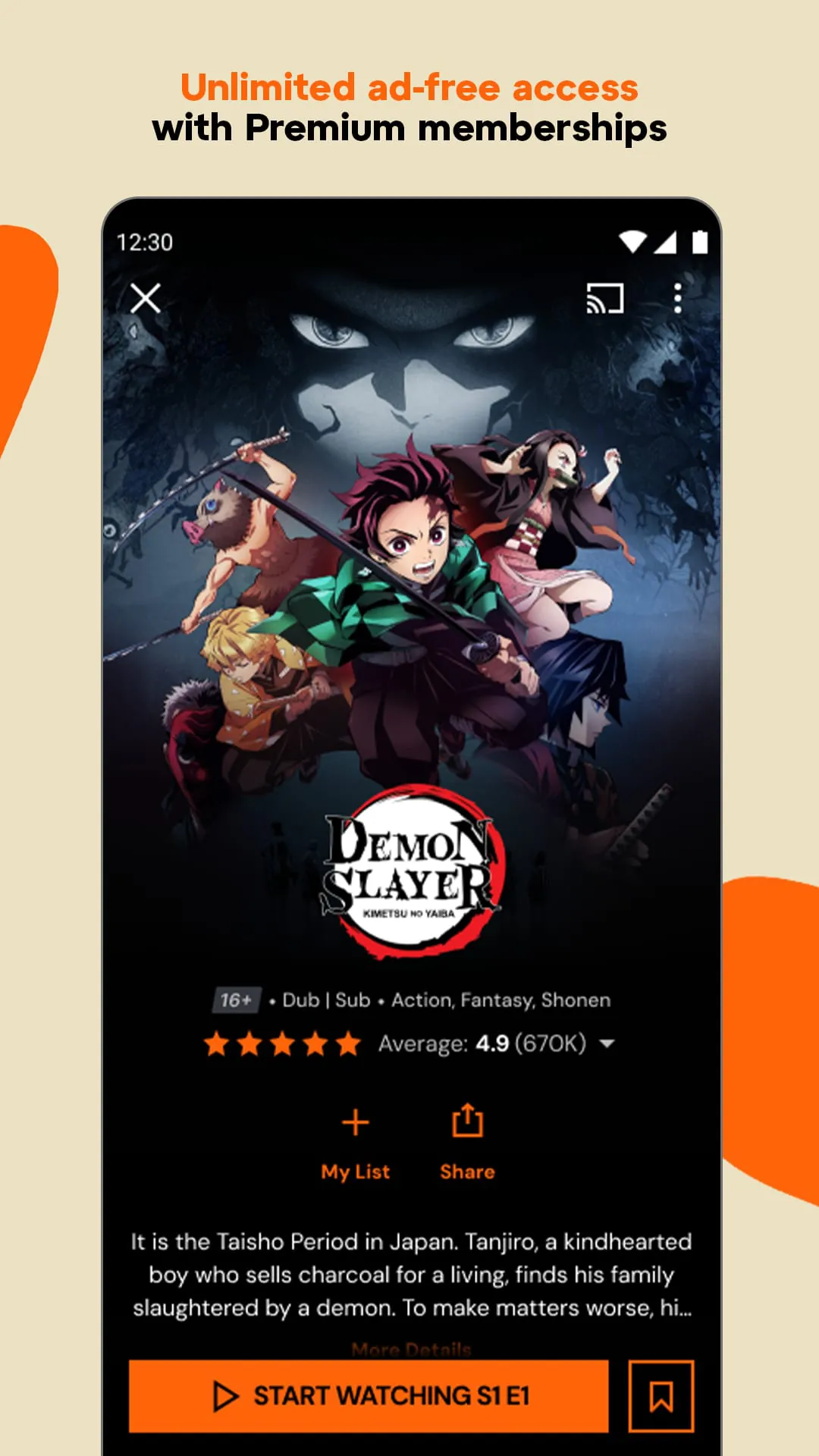
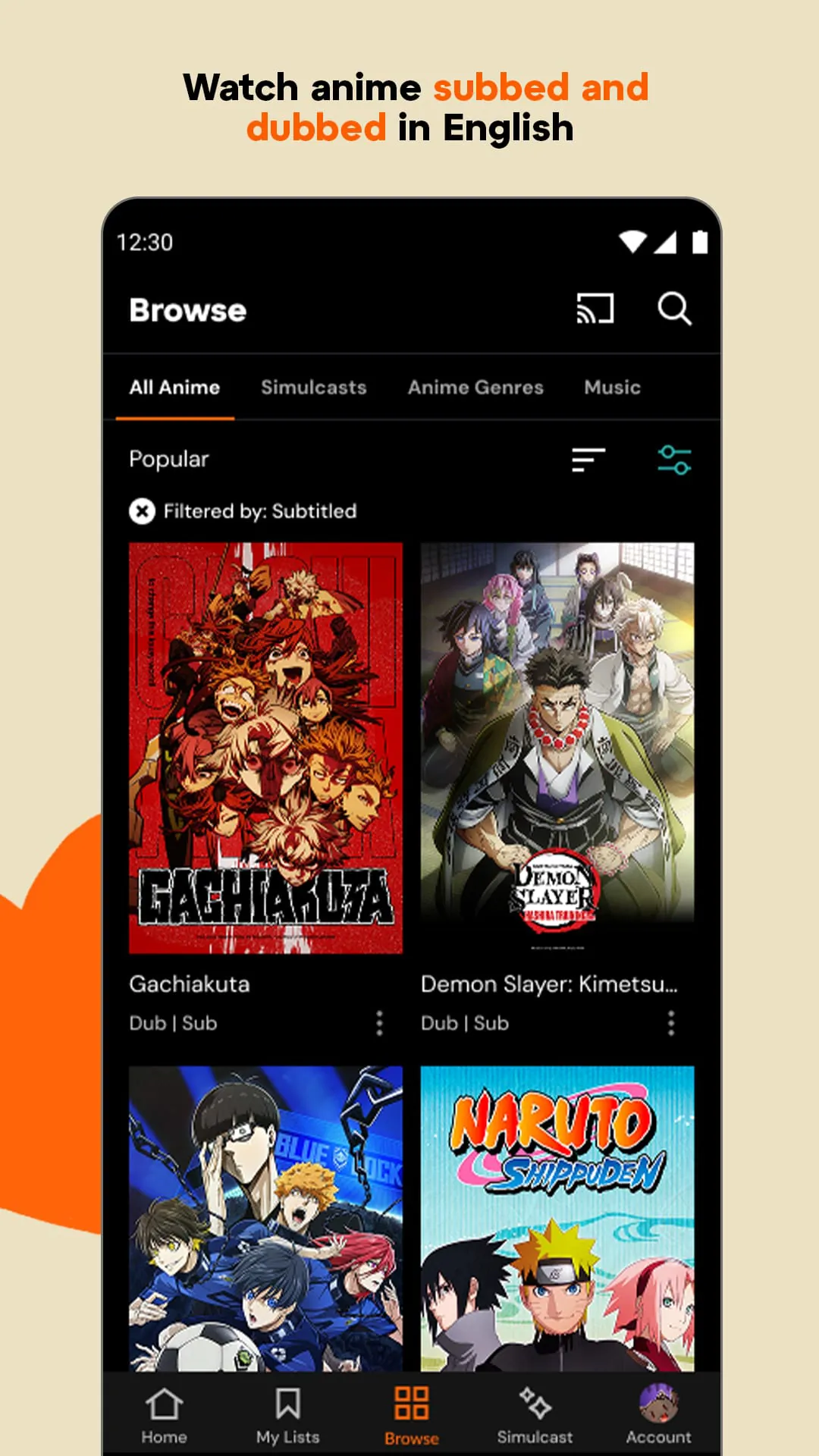
Crunchyroll is a premier over-the-top (OTT) streaming application dedicated primarily to anime, manga, and Asian dramas, serving as the definitive digital hub for enthusiasts worldwide who wish to access a massive, curated library of both classic and contemporary titles. Owned by Sony, this platform brings the vibrant world of Japanese animation directly to users' fingertips, offering everything from globally renowned series like One Piece and Attack on Titan to exclusive Crunchyroll Originals and simulcasts that premiere shortly after their initial broadcast in Japan. Beyond mere video playback, the app integrates a comprehensive ecosystem that includes a browsable manga library, a selection of mobile games via the Game Vault, and an integrated store for official merchandise, all wrapped in a user interface designed to cater specifically to the navigation habits and preferences of the anime community.
The Crunchyroll app is packed with specialized functionalities tailored to enhance the anime viewing experience. Users benefit from same-day simulcasts, allowing them to watch new episodes just hours after they air in Japan, ensuring they stay current with ongoing series without spoilers. The platform supports extensive customization, including the ability to switch between multiple subtitle languages and dubbed audio tracks, accommodating a global audience with diverse linguistic preferences. Premium subscribers gain access to significant quality-of-life features such as offline viewing (downloads) for watching on the go without data, concurrent streaming on multiple devices depending on the tier, and an entirely ad-free environment even on lower bandwidth connections. Additionally, the app offers personalized recommendation algorithms, the ability to create custom playlists known as "Crunchylists," and access to the Crunchyroll Game Vault, which provides a rotating catalog of free mobile games for higher-tier members.
Like any specialized streaming service, Crunchyroll comes with its distinct advantages and drawbacks that users should consider.
However, there are notable downsides:
The core function of the Crunchyroll app is to stream high-quality video content, but it operates as a multi-functional media center. Its primary operational capability is the delivery of on-demand streaming video, ranging from standard definition up to 1080p HD (depending on the device and subscription), with adaptive bitrate technology to adjust quality based on internet speed. The app manages user accounts and profiles, allowing households to maintain separate watch histories and recommendations. It handles digital rights management for offline downloads, ensuring that cached episodes are only accessible within the app and for a limited time without internet verification. Furthermore, the app facilitates e-commerce functions through the Crunchyroll Store integration, allows users to read digital manga chapters, and provides access to a library of mobile games. It also serves a social function by hosting comment sections and community discussions attached to specific episodes, fostering interaction among viewers.
Click the button "Check All Versions" below to download and install it. Once the application is installed on your device, launch it and either sign in with an existing account or register for a new one to start your streaming journey. Upon entering the main interface, you will find a dynamically curated homepage featuring trending shows, new releases, and seasonal simulcasts tailored to your viewing region. To find specific content, utilize the search icon at the top or browse through the categorized genres in the "Browse" tab; you can filter results by show type, such as anime, drama, or manga. When you select a series, you will be presented with a detail page showing the synopsis, cast, and episode list; simply tap on an episode to begin streaming immediately. If you are a premium subscriber with download privileges, look for the downward arrow icon next to an episode title to save it for offline viewing. To adjust playback settings, such as audio language, subtitle track, or video quality, tap the screen while an episode is playing to reveal the overlay controls and access the settings gear.
Get Crunchyroll from an official store or available APK channel.
ZIP files require a Split APKs Installer (e.g., SAI) from Google Play to install. Steps: 1. Download SAI from Google Play; 2. Open SAI and tap "Install APKs"; 3. Select the ZIP file; 4. Complete installation.
The latest version currently listed by Appspicked is V3.54.0, with information updated on May 25, 2026. Versions may vary by device, region, or rollout schedule, so users should also check Google Play or announcements from Crunchyroll, LLC.
No website can guarantee that an app is completely risk-free. Appspicked recommends downloading Crunchyroll only from an official app store or a verified channel operated by Crunchyroll, LLC. Before installing, confirm the developer name, package ID com.crunchyroll.crunchyroid, requested permissions, privacy policy, and download source.
Crunchyroll may be unavailable because of regional restrictions, device incompatibility, account or age settings, a temporary removal, a name change, or because it has not been released for that platform. An Android package page does not necessarily mean that an iOS App Store version exists. Check Crunchyroll, LLC’s official website for current availability.
Use Google Play or another official download channel provided by Crunchyroll, LLC whenever possible. Appspicked provides app information and store links, but users should verify the destination domain and publisher before downloading or updating the app.
The information on Appspicked may represent the most recently indexed snapshot. App stores sometimes release updates gradually or display different versions according to region, device, operating system, or testing group. The official store listing should be treated as the final reference.
Crunchyroll is listed for Android, with a reported minimum requirement of Not specified. Actual compatibility may also depend on the device model, region, available storage, hardware features, and installed system components.
The initial download may be free, but subscriptions, advertising, paid features, or in-app purchases may still apply. Prices and available purchases can vary by country and version. Check the payment information displayed by Google Play before completing a transaction.
Check the network connection, storage space, operating-system version, account region, and device compatibility. Restart the device and try again through the official store. If the problem continues, consult the support resources provided by Crunchyroll, LLC.









