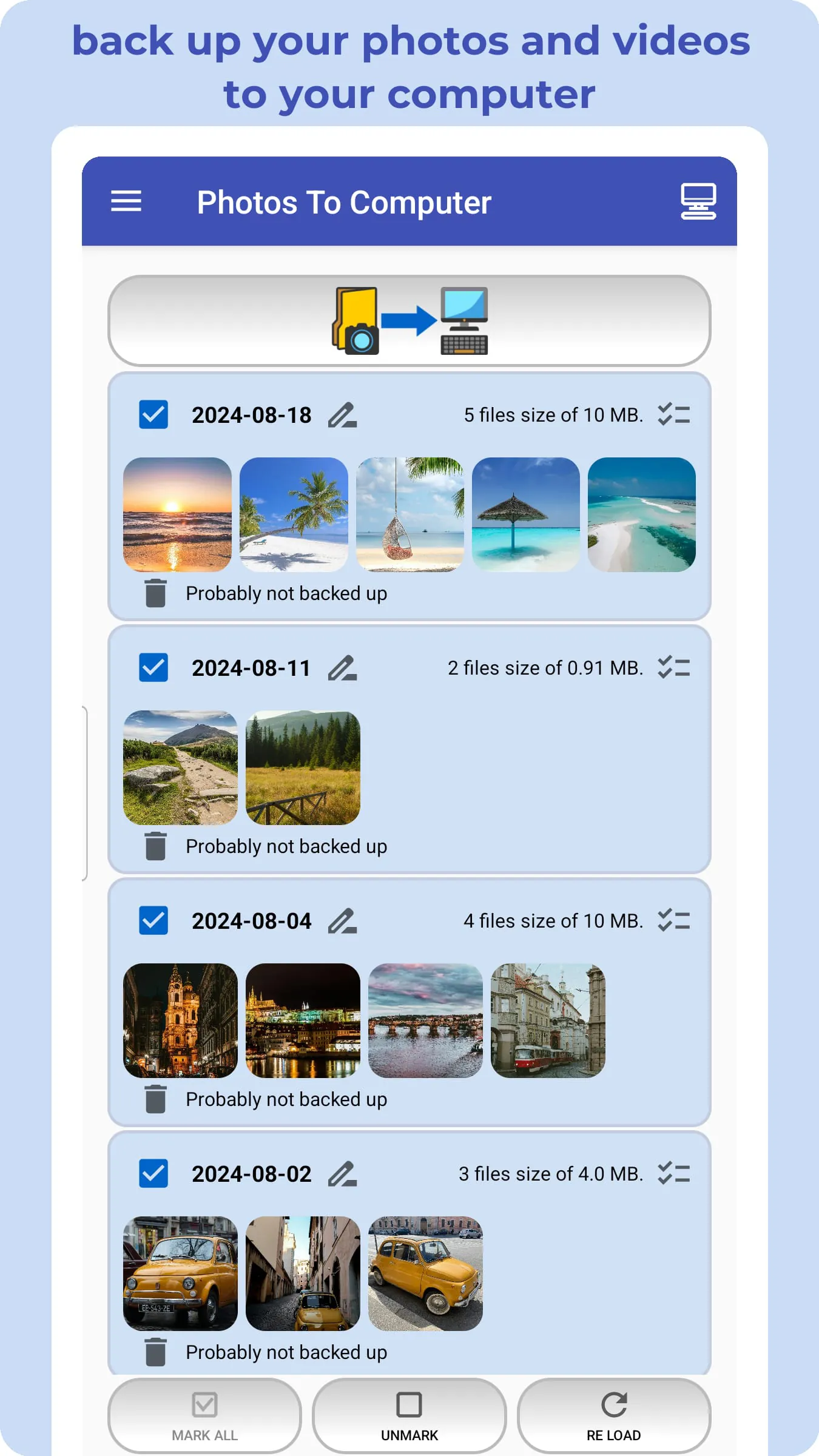
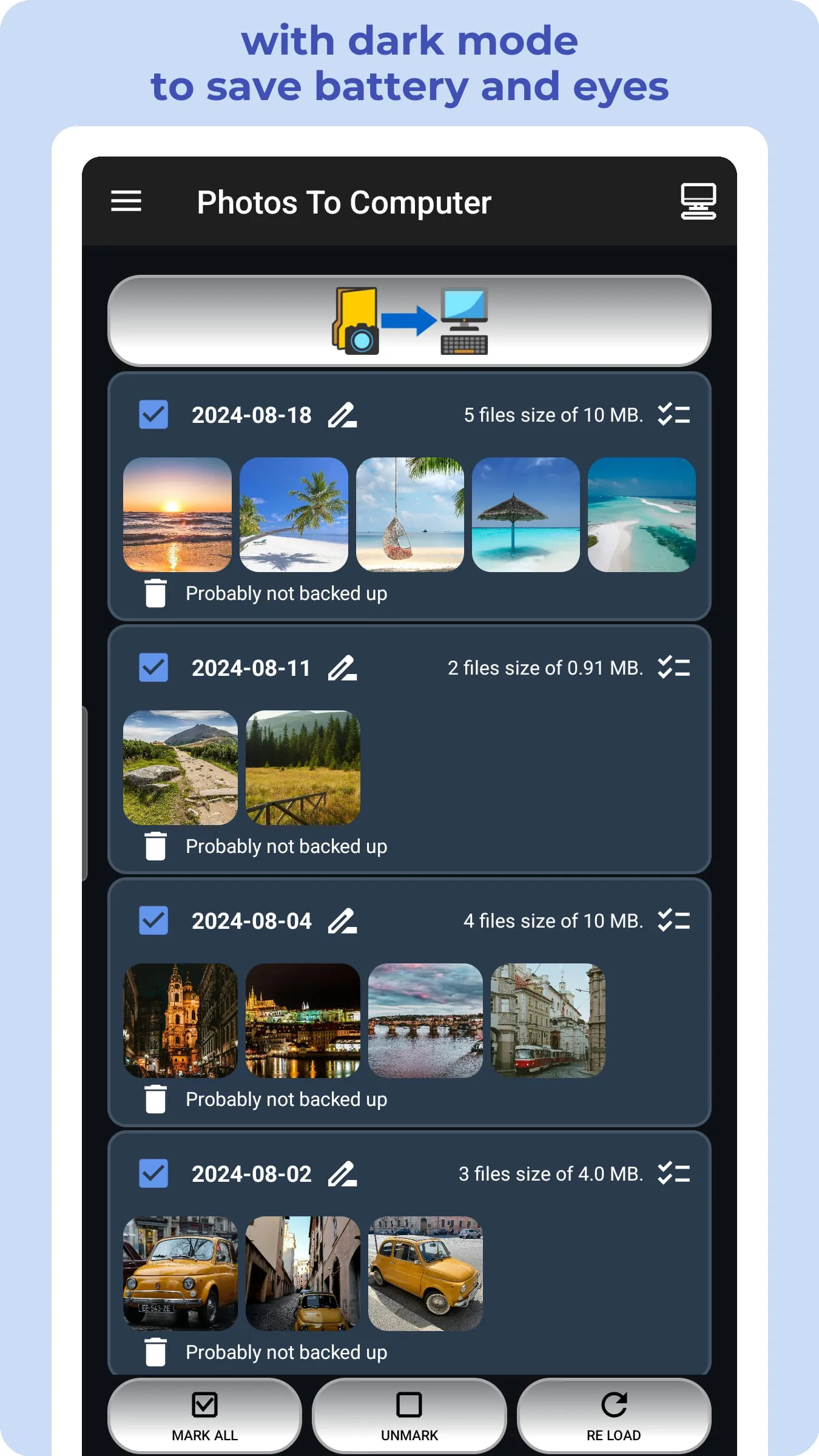
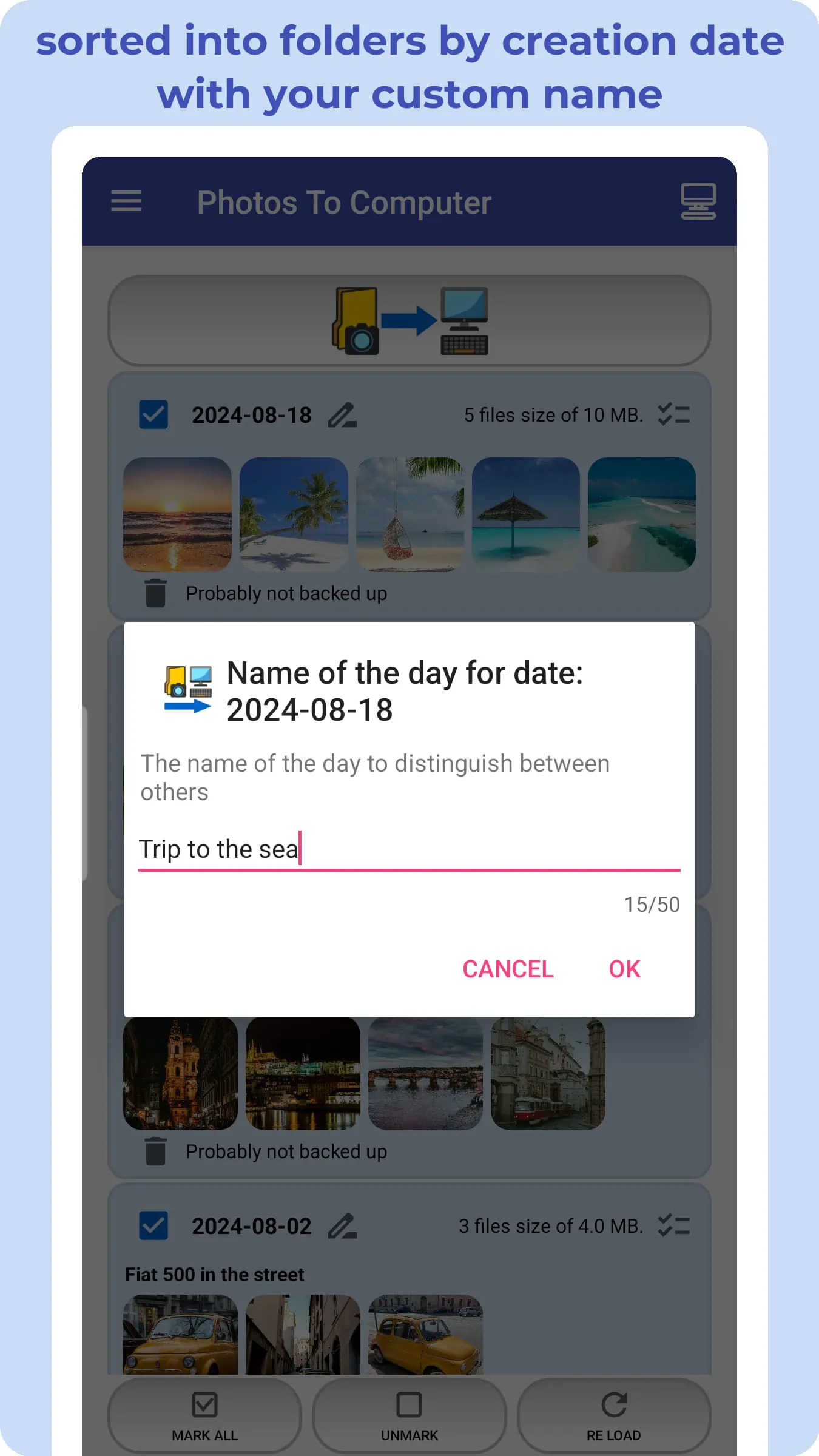
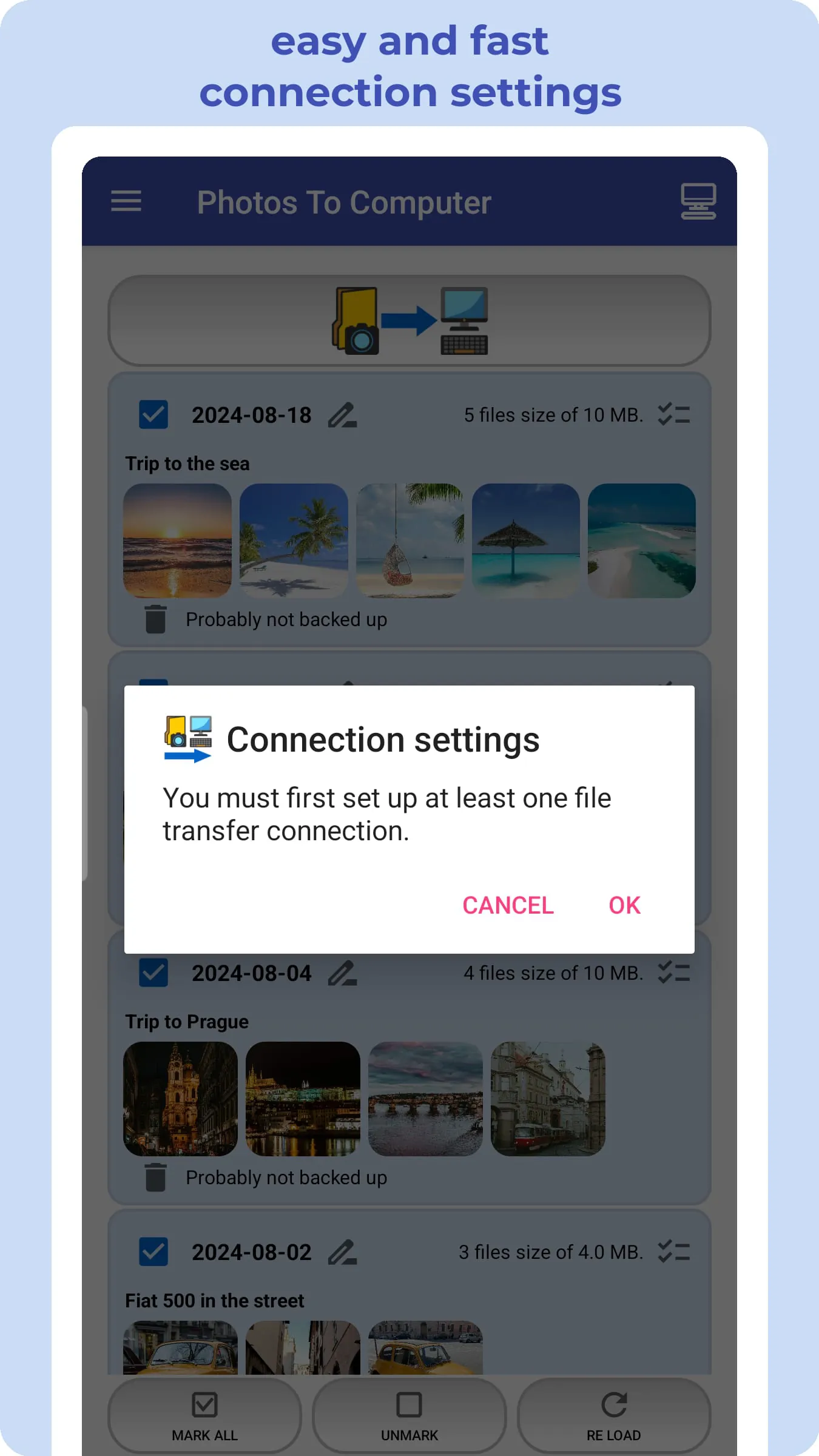
The 📷 PHOTOS TO COMPUTER app presents a streamlined solution for transferring photos and videos from mobile devices to personal computers (🖥️ PCs) or network-attached storage (🔄 NAS) servers. This application focuses on simplifying the backup process and enhancing organization through intelligent categorization. One of its key features is the automated organization of media files into folders based on their creation date, following the YYYY-MM-DD format, which allows users to easily locate and manage their backed-up content. The app supports multiple transfer protocols, including 📁 Shared Directory (Samba - SMB), 🔐 SFTP, and 📂 FTP, providing flexibility and security in data transmission. The primary benefits of using PHOTOS TO COMPUTER include effortlessly backing up photos and videos, organizing media into date-based folders (YYYY-MM-DD Day Name format), offering a quick and user-friendly interface, and providing cable-free operation through Samba - SMB, SFTP, or FTP. Additional functionalities include the option to delete photos by day after verifying a successful backup and cleaning up the device to free up space for new memories. The app's regular use enables a one-click backup of photos and videos to a computer, utilizing advanced protocols like SMB, SFTP, or FTP. This ensures a systematic backup of life's moments by arranging copied media into folders based on capture date. The capability to create multiple folders on a single day allows for organized thematic backups within daily folders. To maintain data integrity, establishing a routine of regular backups is recommended, with subsequent file transfers automatically skipping existing files on the computer. The app also supports archiving multiple photos and videos from various devices into a single folder for a specific day or maintaining dedicated folders for each device. The process involves configuring the connection to the computer, selecting the desired photos and videos, and initiating the transfer with a single click, making it fast and easy. The PHOTOS TO COMPUTER app is particularly advantageous for users seeking a straightforward method to back up their photos and videos to their computer while employing advanced protocols like SMB, SFTP, or FTP. It is also compatible with Android Go, expanding its usability across various devices, including Samsung Galaxy, Nokia, Nokia One, Motorola, HTC, OPPO, Lenovo, Asus, Sony Xperia, Alcatel, and Vodafone. By preserving cherished memories flawlessly through comprehensive PhotoBackup and VideoBackup solutions, users can safeguard their visual narratives securely on their computers, ensuring a lasting record of their most treasured moments and facilitating chronological reference. Furthermore, the app unlocks the potential of advanced file transfer with industry-standard protocols such as Samba (SMB), Secure File Transfer Protocol (SFTP), and File Transfer Protocol (FTP), enhancing file sharing, data security, and versatile file management. The app's ability to delete photos by individual days after backup is highlighted, with a strong recommendation to verify successful backups to prevent accidental data loss. The app promotes device cleanup by removing old memories, ensuring the device is ready for new moments. Ultimately, PHOTOS TO COMPUTER is designed for convenience and security, offering a seamless and intuitive file backup journey. It is positioned as the ultimate app for photo transfer and organization, easy photo backup, syncing to PC, and professional photo transfer, compatible with Windows, macOS, and Linux, making it a versatile solution for various operating systems.
The PHOTOS TO COMPUTER application distinguishes itself through several key features and functionalities designed to provide a comprehensive and user-friendly experience for backing up and organizing photos and videos. One of the primary features is its intelligent categorization system, which automatically sorts media files into folders based on their creation date, following the YYYY-MM-DD format. This feature simplifies the process of locating and managing backed-up content, allowing users to quickly access specific photos and videos based on when they were taken. The app’s support for multiple transfer protocols, including Samba (SMB), SFTP, and FTP, offers users flexibility and security in data transmission. Samba (SMB) is ideal for seamless file sharing between devices on a network, SFTP provides enhanced security during transfers, and FTP offers versatile file management options. The app's user interface is designed to be quick and intuitive, saving users time and effort in backing up their media. The cable-free operation further enhances convenience, allowing users to transfer files wirelessly using the supported protocols. The ability to delete photos by day after verifying a successful backup is another useful feature, helping users to clean up their devices and free up space for new memories. Regular use of PHOTOS TO COMPUTER facilitates a one-click backup process, leveraging the advanced capabilities of SMB, SFTP, and FTP protocols. This ensures a systematic and efficient backup of cherished moments. The app's capability to create multiple folders within a single day allows for organized thematic backups, enabling users to categorize their photos and videos based on specific events or themes. To ensure the safety of photos and videos, the app recommends establishing a routine of regular backups to a computer. Subsequent file transfers are designed to automatically skip existing files, preventing duplicates and saving storage space. The application also supports archiving multiple photos and videos from various devices into a single folder for a specific day, or maintaining dedicated folders for each device, providing users with flexible organization options. The backup process involves configuring the connection to the computer, selecting the desired photos and videos, and initiating the transfer with a single click, making it fast and easy. The PHOTOS TO COMPUTER app is particularly beneficial for users seeking a straightforward method to back up their media while utilizing advanced transfer protocols. Its compatibility with Android Go expands its reach to a wider range of devices, including popular models from Samsung, Nokia, Motorola, HTC, OPPO, Lenovo, Asus, Sony, Alcatel, and Vodafone. The app's PhotoBackup and VideoBackup solutions ensure that visual narratives are securely stored on computers, providing a lasting record of treasured moments and facilitating chronological reference. Furthermore, the app supports industry-standard protocols such as Samba (SMB), Secure File Transfer Protocol (SFTP), and File Transfer Protocol (FTP), enhancing file sharing, data security, and versatile file management. The app's ability to delete photos by individual days after backup is highlighted, with a strong recommendation to verify successful backups to prevent accidental data loss. The app promotes device cleanup by removing old memories, ensuring the device is ready for new moments. Ultimately, PHOTOS TO COMPUTER is designed for convenience and security, offering a seamless and intuitive file backup journey. It is positioned as the ultimate app for photo transfer and organization, easy photo backup, syncing to PC, and professional photo transfer, compatible with Windows, macOS, and Linux, making it a versatile solution for various operating systems.
The effectiveness and value proposition of the PHOTOS TO COMPUTER app can be further understood by examining its compatibility, security features, and overall design. The app is engineered to be compatible with a wide array of devices, including those running Android Go, which makes it accessible to users with older or less powerful smartphones. This broad compatibility ensures that a larger audience can benefit from its features, regardless of their device's specifications. The app supports a range of popular brands such as Samsung Galaxy, Nokia, Motorola, HTC, OPPO, Lenovo, Asus, Sony Xperia, Alcatel, and Vodafone, further demonstrating its versatility and widespread applicability. Security is a paramount concern for users when transferring personal photos and videos, and PHOTOS TO COMPUTER addresses this by supporting secure transfer protocols such as SFTP. This protocol encrypts the data during transmission, protecting it from potential interception or unauthorized access. Additionally, the app's recommended practice of verifying successful backups before deleting photos from the device adds an extra layer of security, minimizing the risk of data loss. The ability to archive multiple photos and videos from various devices into a single folder on a computer provides users with centralized storage and organization, simplifying the management of their media library. Alternatively, the option to create dedicated folders for each device allows for separate and distinct backups, catering to different organizational preferences. The app’s one-click backup process streamlines the entire transfer, making it fast and easy for users to back up their media. The combination of these features positions PHOTOS TO COMPUTER as a user-friendly and reliable solution for backing up photos and videos. The app's ability to organize media into date-based folders further enhances its usability, allowing users to quickly locate and access specific photos and videos based on when they were taken. The option to create multiple folders within a single day enables users to categorize their photos and videos based on specific events or themes, providing even greater organizational flexibility. In addition to its primary function of backing up photos and videos, PHOTOS TO COMPUTER also offers features that help users manage their device storage. The ability to delete photos by day after verifying a successful backup allows users to free up space on their devices, ensuring they have ample storage for new photos and videos. The app's comprehensive approach to photo and video management, combined with its ease of use and robust security features, makes it a valuable tool for anyone looking to protect and preserve their precious memories. Ultimately, PHOTOS TO COMPUTER aims to provide a seamless and intuitive file backup journey, simplifying the process of transferring and organizing media files. Its compatibility with various operating systems, including Windows, macOS, and Linux, makes it a versatile solution for users with different types of computers. By offering a combination of convenience, security, and comprehensive features, PHOTOS TO COMPUTER stands out as a top choice for photo transfer and organization, easy photo backup, syncing to PC, and professional photo transfer.