




myAudi
by Audi
myAudi offers users services and Audi connect services for Audi drivers
A closer look
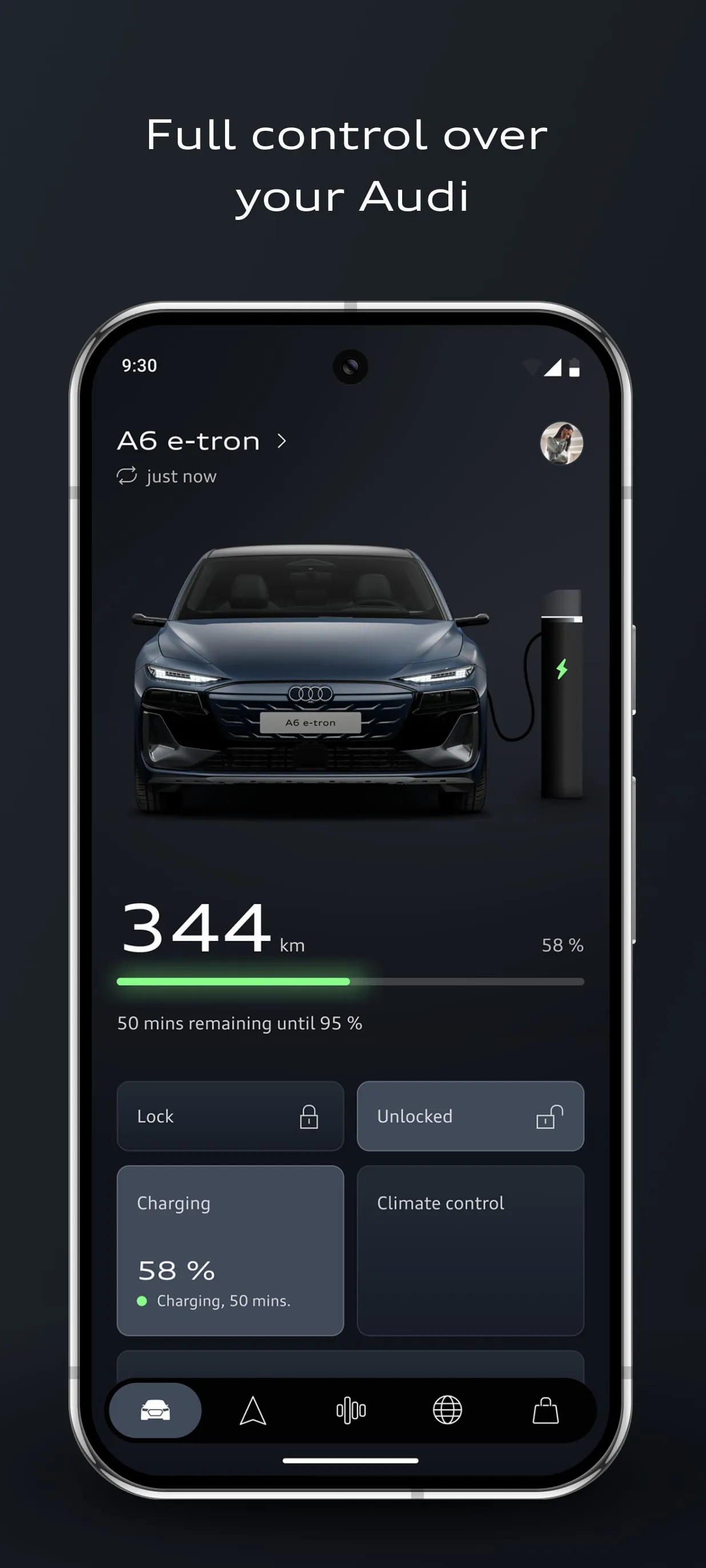
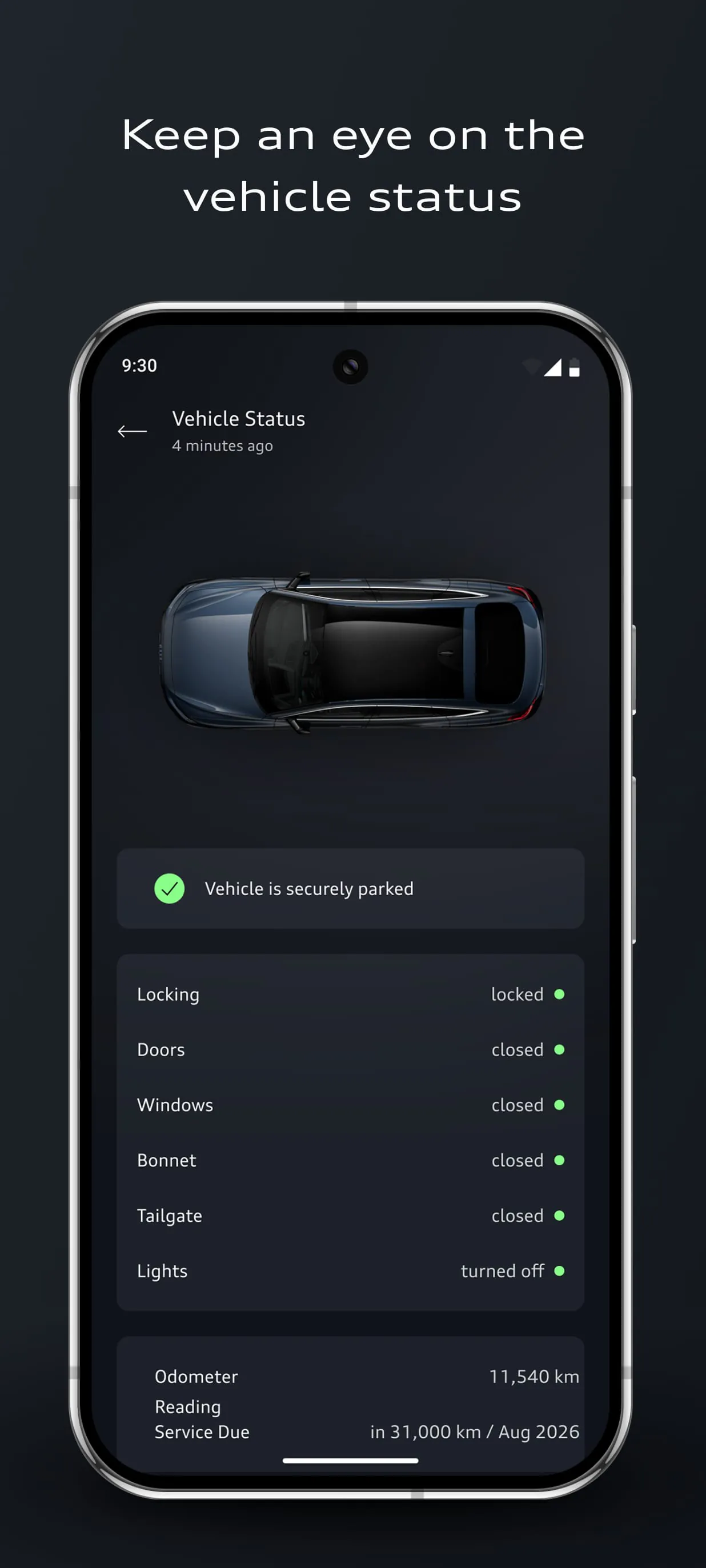
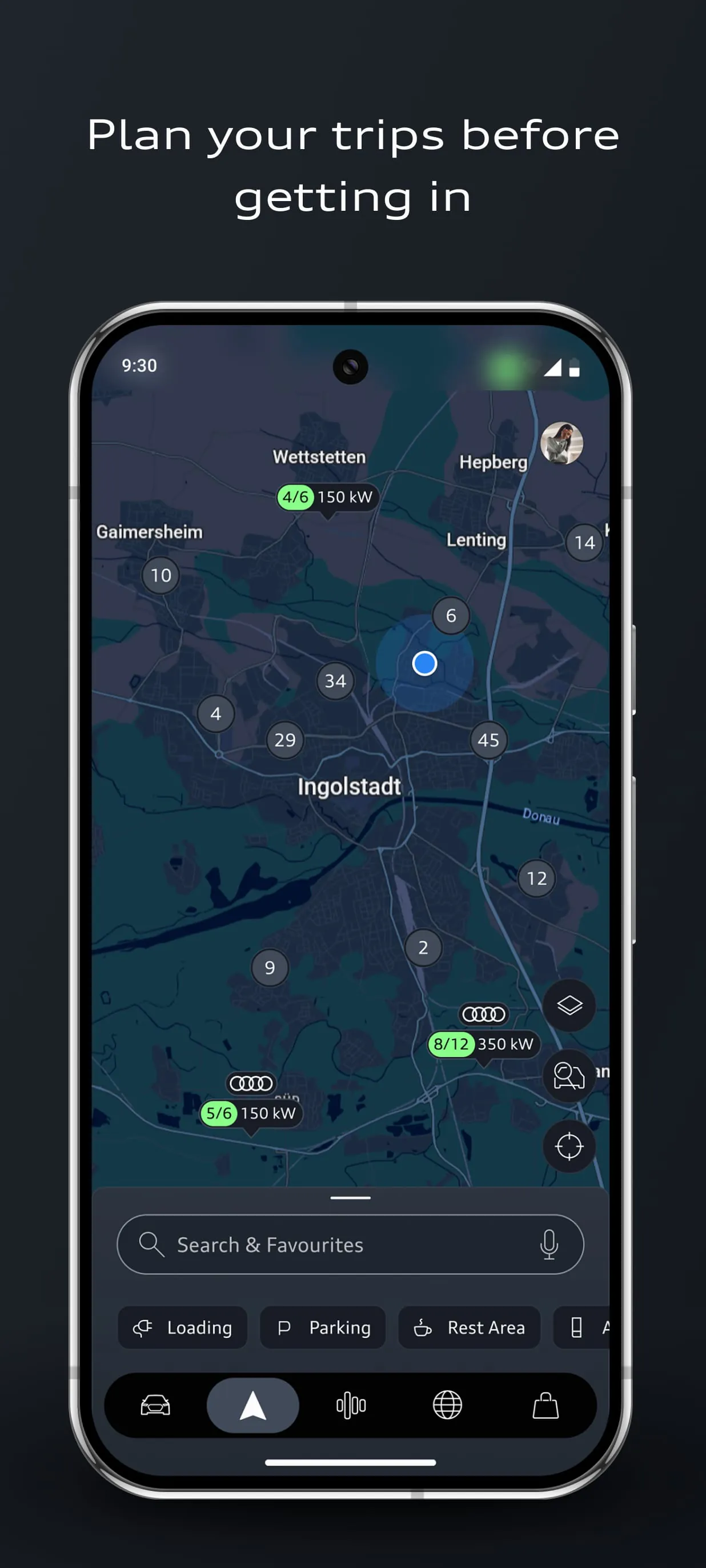
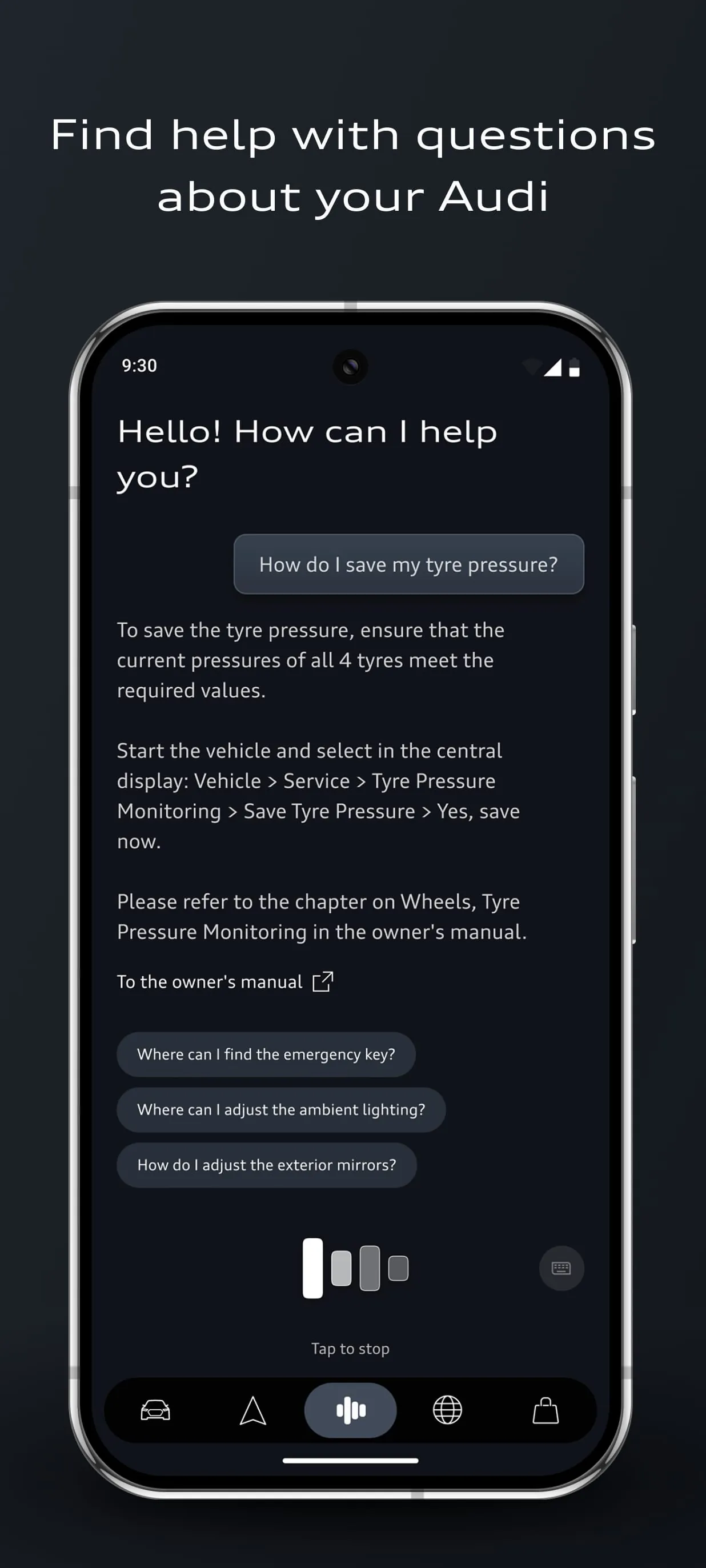
Overview
myAudi is the official companion app from Audi, designed to seamlessly connect you with your vehicle. It serves as a digital command center, allowing you to remotely monitor your car's status, control various functions, and access a suite of services that enhance ownership, all from the convenience of your smartphone. The app integrates with your Audi's built-in connectivity to provide a personalized and secure link between you and your car, whether it's parked at home or on the road.
Key Features
The myAudi app stands out by bringing the sophistication of the Audi brand to your fingertips. It offers a comprehensive set of tools tailored for the modern driver. You can check essential vehicle information at a glance, such as fuel level, range, and service due dates. The app also enables remote locking and unlocking of your doors, allowing you to share digital keys with friends or family without handing over a physical fob. Furthermore, it provides detailed trip statistics and supports sending navigation destinations directly from your phone to your car's MMI system, ensuring you're ready to go as soon as you get in.
Pros & Cons
- Pros: The app provides exceptional convenience through reliable remote functions like lock/unlock and climate pre-conditioning, which is ideal for extreme weather. Its integration with the vehicle's navigation and infotainment system is seamless. The interface is generally sleek and user-friendly, reflecting Audi's premium brand image. Having all vehicle documents and service history in one digital place is a significant organizational benefit.
- Cons: Some advanced features require a subscription after an initial free period, which can be a recurring cost. Performance and feature availability can vary significantly depending on your specific car model and model year. Occasional connectivity delays or sync issues with the vehicle have been reported by some users. The app's functionality is limited without a compatible, connected Audi vehicle.
Functions
The myAudi app encompasses a wide array of practical functions designed for control, information, and planning. Core remote services are a major component, allowing you to manage door locks, flash the lights, and sound the horn to locate your vehicle in a crowded parking lot. The climate control function lets you start heating or cooling the cabin before you enter. For trip management, you can plan routes, see fuel or charge levels, and review past journeys. The app also acts as a digital logbook, storing your vehicle identification, maintenance schedules, and owner's manuals. Additionally, it can facilitate roadside assistance requests and help you find and book services at your preferred Audi dealer.
How to Use
Click the button "Check All Versions" below to download and install it. Once installed, open the app and register for a myAudi account or log in if you already have one. You will need to add your vehicle using its Vehicle Identification Number (VIN) to pair it with your profile—this process verifies ownership. After successful pairing, the app's dashboard will display your car's status. You can then explore the various menus to use remote functions, check service intervals, or send a destination to your car. For features like remote lock/unlock, you will typically need to authenticate with a PIN or biometrics on your phone for security. Ensure your vehicle is equipped with the necessary Audi connect hardware and that the associated services are active for full functionality.
App Download
Get myAudi from an official store or available APK channel.
Previous Versions
ZIP files require a Split APKs Installer (e.g., SAI) from Google Play to install. Steps: 1. Download SAI from Google Play; 2. Open SAI and tap "Install APKs"; 3. Select the ZIP file; 4. Complete installation.
Frequently Asked Questions
What is the latest version of myAudi?
The latest version currently listed by Appspicked is unavailable, with information updated on May 18, 2026. Versions may vary by device, region, or rollout schedule, so users should also check Google Play or announcements from Audi.
Is myAudi safe to download and use?
No website can guarantee that an app is completely risk-free. Appspicked recommends downloading myAudi only from an official app store or a verified channel operated by Audi. Before installing, confirm the developer name, package ID de.myaudi.mobile.assistant, requested permissions, privacy policy, and download source.
Why can’t I find myAudi in the App Store?
myAudi may be unavailable because of regional restrictions, device incompatibility, account or age settings, a temporary removal, a name change, or because it has not been released for that platform. An Android package page does not necessarily mean that an iOS App Store version exists. Check Audi’s official website for current availability.
Where can I download or update myAudi?
Use Google Play or another official download channel provided by Audi whenever possible. Appspicked provides app information and store links, but users should verify the destination domain and publisher before downloading or updating the app.
Why is the version shown on Appspicked different from the app-store version?
The information on Appspicked may represent the most recently indexed snapshot. App stores sometimes release updates gradually or display different versions according to region, device, operating system, or testing group. The official store listing should be treated as the final reference.
Which devices and operating systems support myAudi?
myAudi is listed for Android, with a reported minimum requirement of Not specified. Actual compatibility may also depend on the device model, region, available storage, hardware features, and installed system components.
Is myAudi free?
The initial download may be free, but subscriptions, advertising, paid features, or in-app purchases may still apply. Prices and available purchases can vary by country and version. Check the payment information displayed by Google Play before completing a transaction.
What should I do if myAudi cannot be installed or updated?
Check the network connection, storage space, operating-system version, account region, and device compatibility. Restart the device and try again through the official store. If the problem continues, consult the support resources provided by Audi.









