


V7.37.0.0

- Package Name
- com.desmos.calculator
- Version Name
- V7.37.0.0
- Version Code
- V7.37.0.0
- File Size
- 6.12 MB
- Update time
- 2025-12-20



by Desmos Inc
Explore math with Desmos! Plot functions, create tables, add sliders, and more.
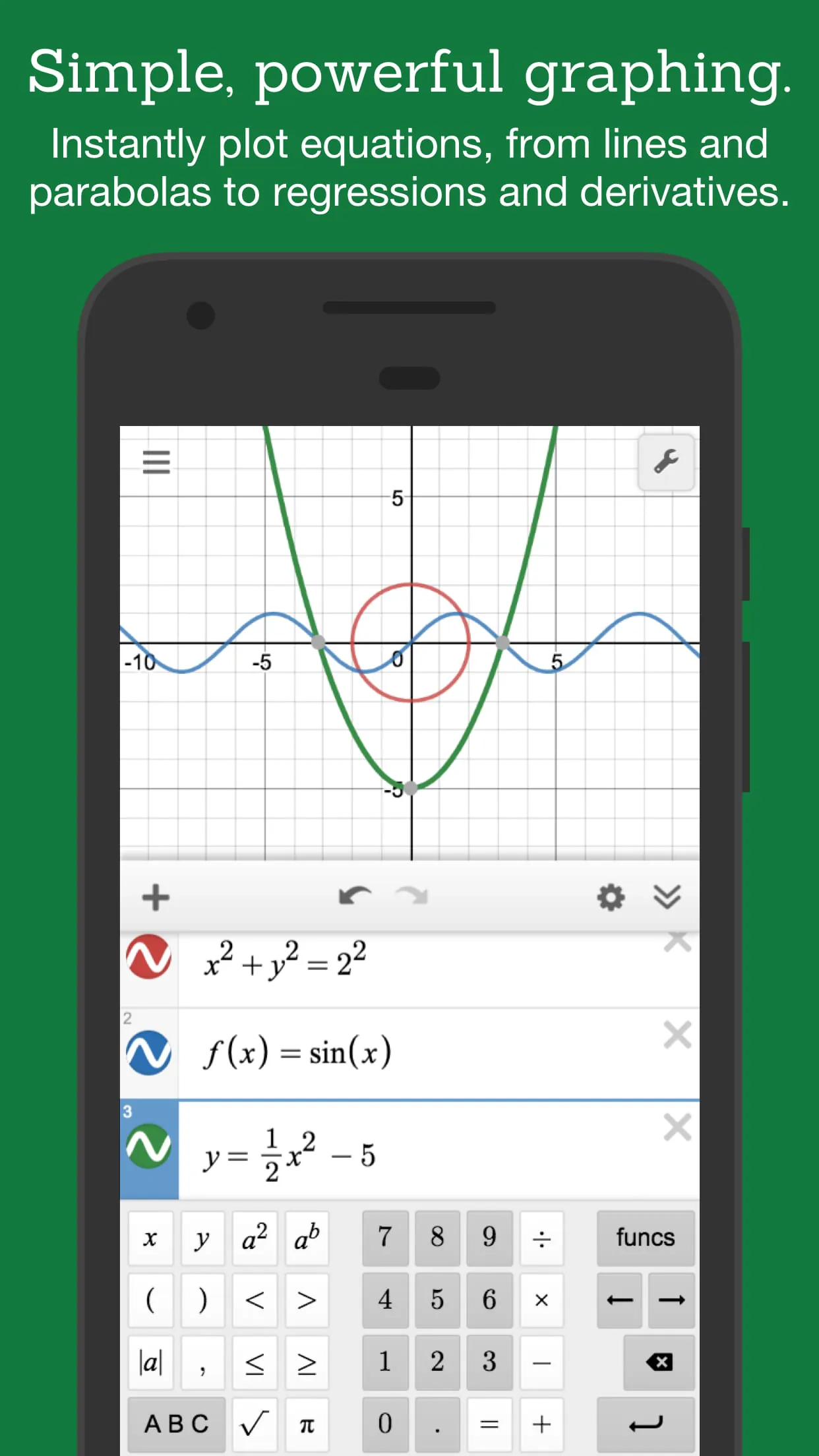
Desmos is a powerful and versatile graphing calculator designed to make learning and exploring mathematics an engaging and intuitive experience. This free tool allows users to plot a wide array of functions, from simple linear equations and parabolas to more complex concepts like derivatives and Fourier series.
Beyond basic graphing, Desmos offers a suite of interactive features that enable users to manipulate graphs using sliders, create tables of input data, and even generate animations to visualize mathematical concepts in dynamic ways. The platform supports three types of graphing: polar, Cartesian (rectangular), and parametric, providing flexibility for different mathematical representations. There is no limit to the number of equations that can be graphed simultaneously, and users are not restricted to the traditional 'y=' format, making it easier to input and explore various mathematical relationships.
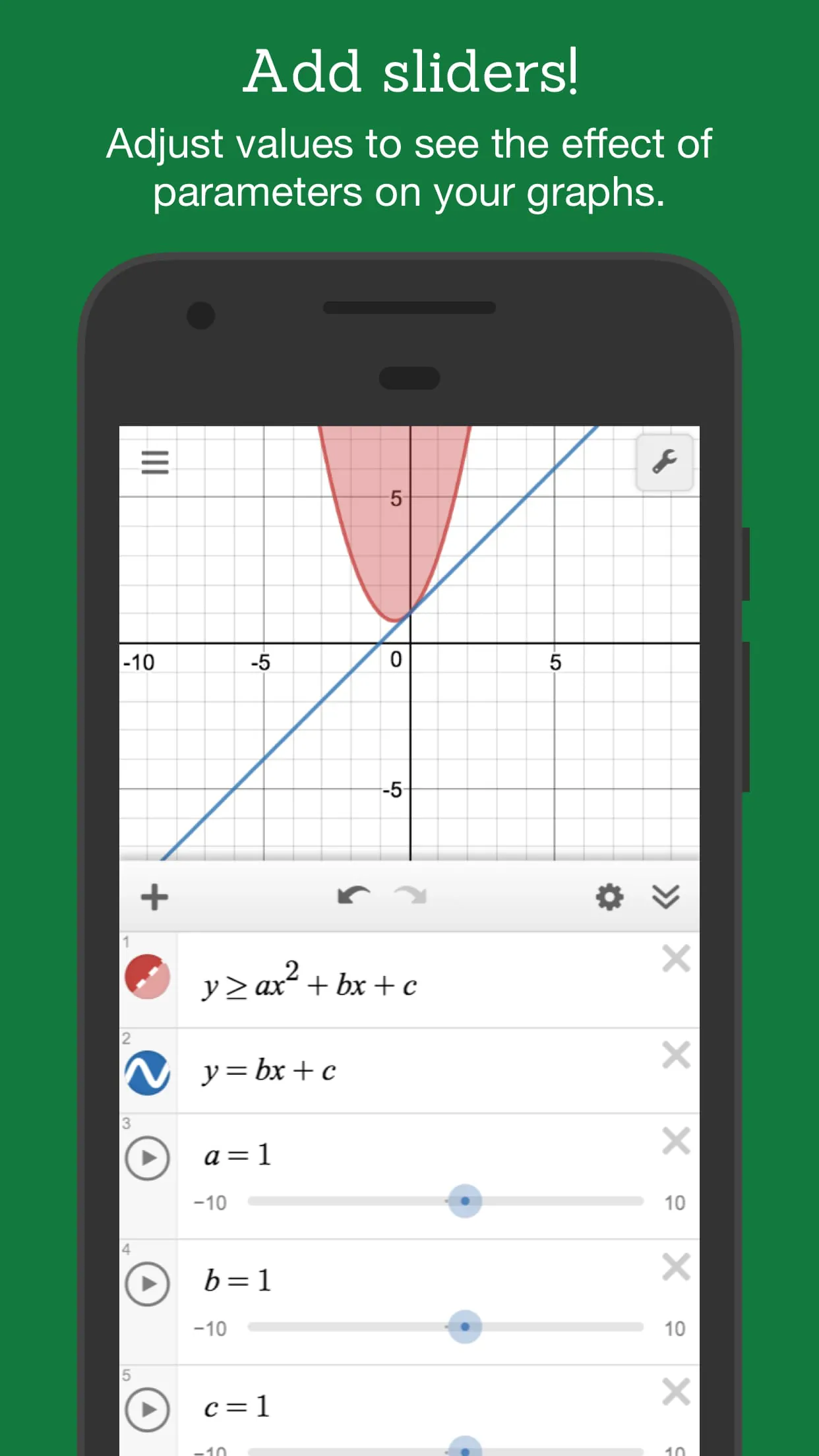
Interactive sliders are a key feature, allowing users to adjust values and observe the corresponding changes in the graph in real-time. This visual feedback is invaluable for understanding how parameters affect the shape and position of a curve. Sliders can also be animated, adding another layer of visual insight, and can be used to create compelling visual effects.
Desmos also supports the creation of tables, allowing users to directly input data points and plot them on the graph. This is particularly useful for statistical analysis, where users can find the best-fitting line or curve for a given set of data. The calculator includes built-in statistical functions to streamline this process.
Zooming functionality is another essential feature, allowing users to scale the axes independently or together using standard pinch gestures. The graph area can also be manually adjusted to focus on specific regions of interest.
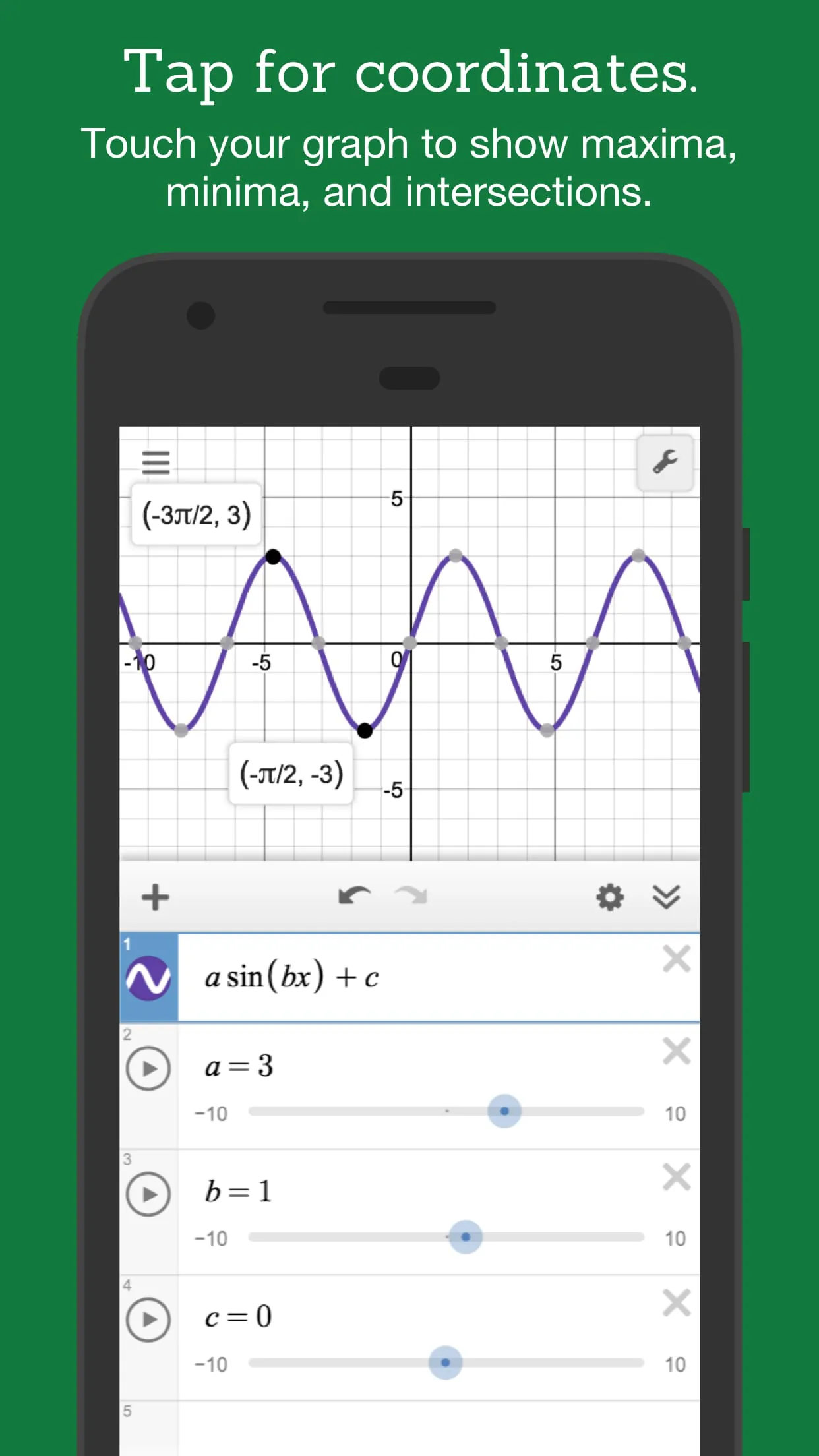
One of the most notable aspects of Desmos is its ability to highlight key points on a curve, such as maximums, minimums, and intercepts. By simply touching a curve, these points are displayed, and tapping on a gray point reveals its coordinates. Users can also trace along a curve with their finger to see the coordinates update in real-time.
In addition to graphing, Desmos includes a built-in function calculator that can solve equations and handle various mathematical operations, including square roots, logarithms, and absolute values. The platform also supports graphing inequalities in both Cartesian and polar coordinates, further expanding its versatility.
Desmos is committed to accessibility, offering features such as screen reader compatibility and Braille display support to make mathematics accessible to users with visual impairments. The platform can read mathematical expressions and allow users to modify them using assistive technologies. Furthermore, Desmos includes a feature that allows users to trace the path of a graph and hear the corresponding data points.
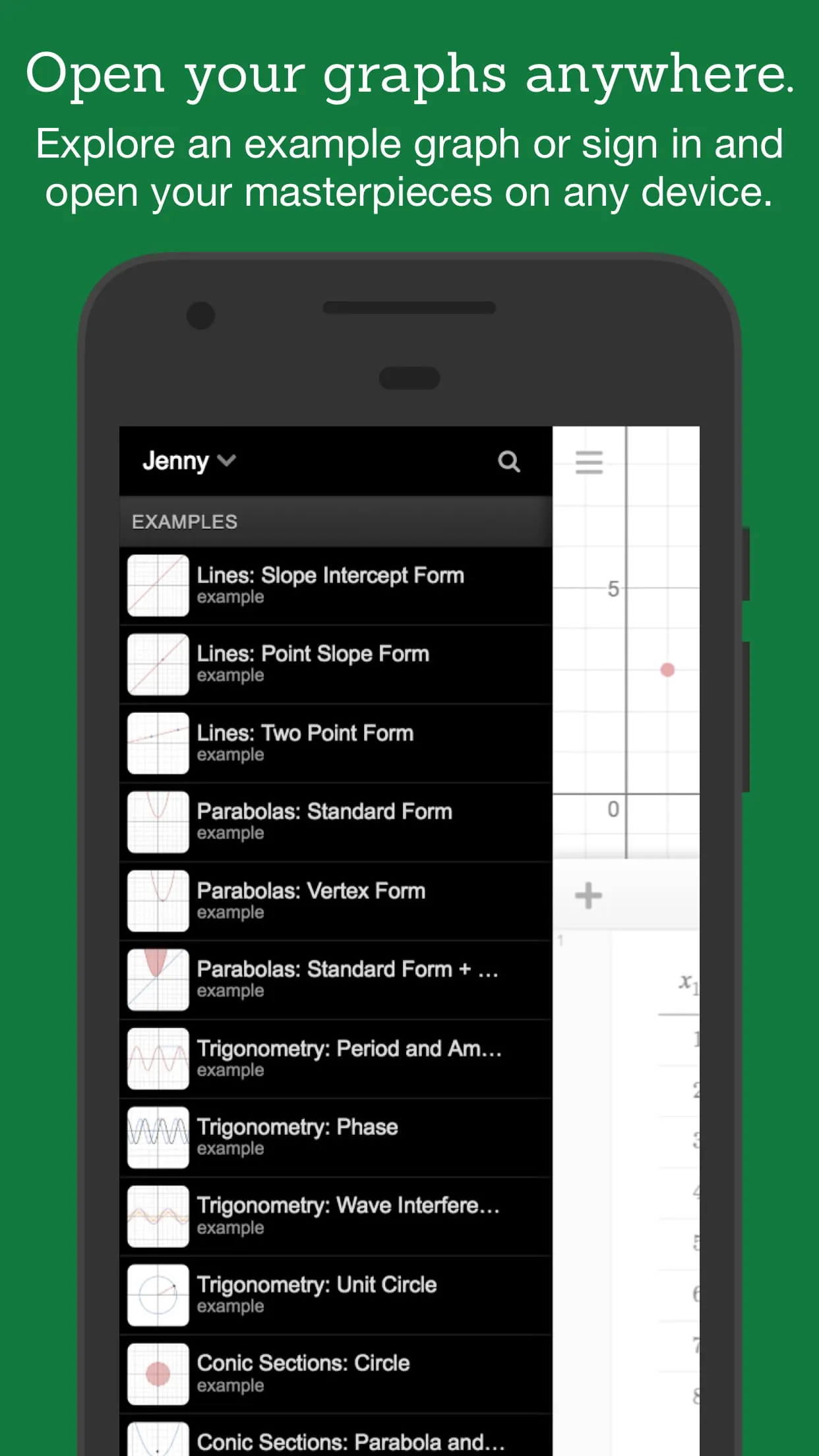
One of the most significant advantages of Desmos is its offline accessibility, allowing users to continue exploring mathematics even without an internet connection. An online version of the calculator is also available at www.desmos.com, offering the same functionality in a web browser.
Get Desmos Graphing Calculator from an official store or available APK channel.
ZIP files require a Split APKs Installer (e.g., SAI) from Google Play to install. Steps: 1. Download SAI from Google Play; 2. Open SAI and tap "Install APKs"; 3. Select the ZIP file; 4. Complete installation.
The latest version currently listed by Appspicked is V6.7.0.0, with information updated on Oct 27, 2026. Versions may vary by device, region, or rollout schedule, so users should also check Google Play or announcements from Desmos Inc.
No website can guarantee that an app is completely risk-free. Appspicked recommends downloading Desmos Graphing Calculator only from an official app store or a verified channel operated by Desmos Inc. Before installing, confirm the developer name, package ID com.desmos.calculator, requested permissions, privacy policy, and download source.
Desmos Graphing Calculator may be unavailable because of regional restrictions, device incompatibility, account or age settings, a temporary removal, a name change, or because it has not been released for that platform. An Android package page does not necessarily mean that an iOS App Store version exists. Check Desmos Inc’s official website for current availability.
Use Google Play or another official download channel provided by Desmos Inc whenever possible. Appspicked provides app information and store links, but users should verify the destination domain and publisher before downloading or updating the app.
The information on Appspicked may represent the most recently indexed snapshot. App stores sometimes release updates gradually or display different versions according to region, device, operating system, or testing group. The official store listing should be treated as the final reference.
Desmos Graphing Calculator is listed for Android, with a reported minimum requirement of Not specified. Actual compatibility may also depend on the device model, region, available storage, hardware features, and installed system components.
The initial download may be free, but subscriptions, advertising, paid features, or in-app purchases may still apply. Prices and available purchases can vary by country and version. Check the payment information displayed by Google Play before completing a transaction.
Check the network connection, storage space, operating-system version, account region, and device compatibility. Restart the device and try again through the official store. If the problem continues, consult the support resources provided by Desmos Inc.









