


V2.25.0.433

- Package Name
- com.dexcom.clarity.mobile
- Version Name
- V2.25.0.433
- Version Code
- V2.25.0.433
- File Size
- 26.78 MB
- Update time
- 2024-2-20


by Dexcom
Track your glucose management between clinic visits with Dexcom Clarity Reports.
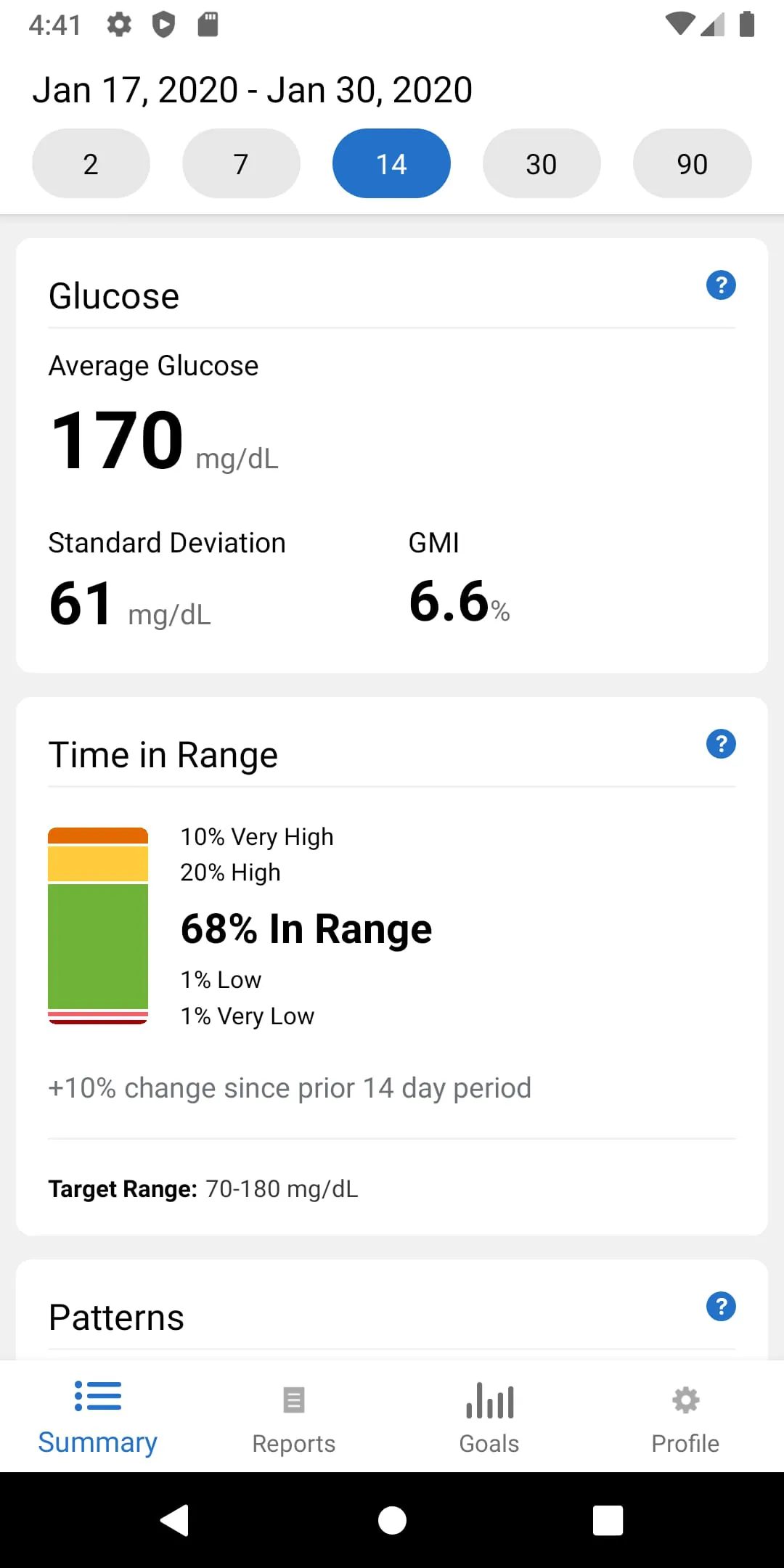
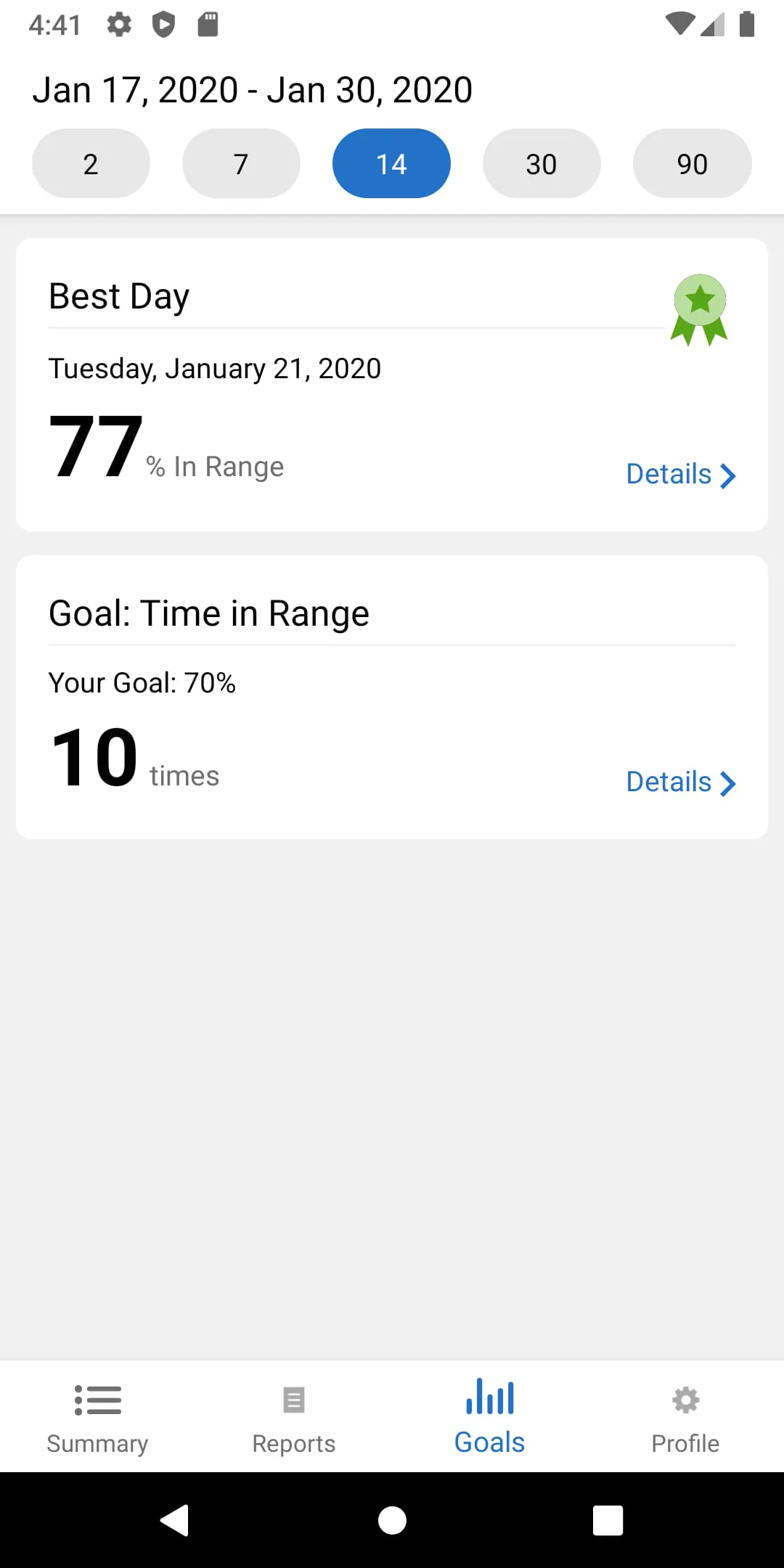
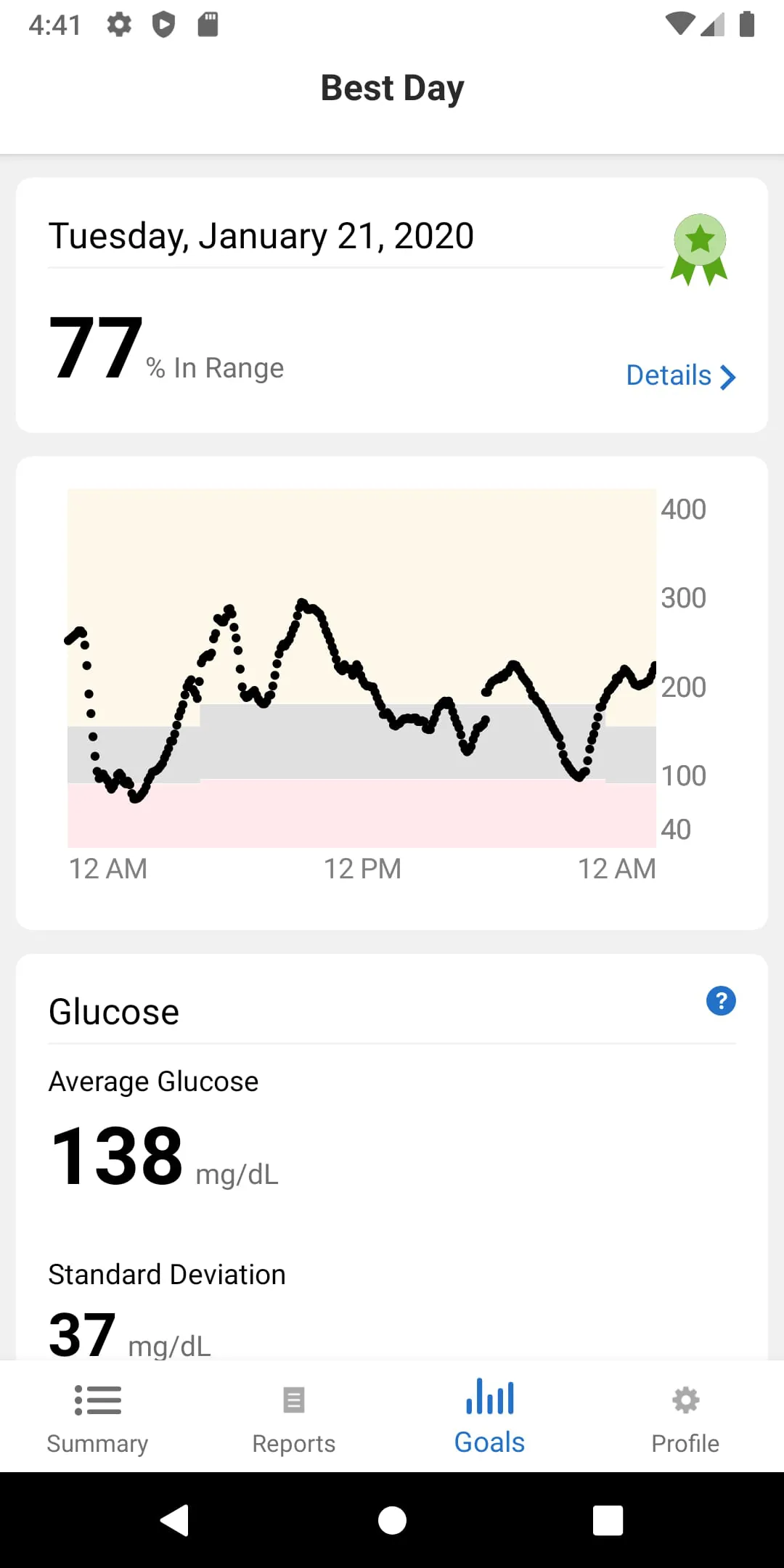
Dexcom Clarity is a complementary data analysis software designed for users of Dexcom continuous glucose monitoring (CGM) systems. It serves as a powerful web and mobile platform that transforms raw blood glucose data collected by the CGM device into comprehensive, easy-to-understand reports and trends, empowering individuals with diabetes and their healthcare providers to make more informed decisions about diabetes management.
The application stands out through its deep analytical capabilities and collaborative tools. It goes beyond simple data display to offer meaningful insights that are crucial for effective glucose control. Key aspects of the platform include its ability to generate standardized reports for clinical review and its focus on identifying patterns that might be missed with daily monitoring alone.
When evaluating Dexcom Clarity, users will encounter several advantages and some limitations.
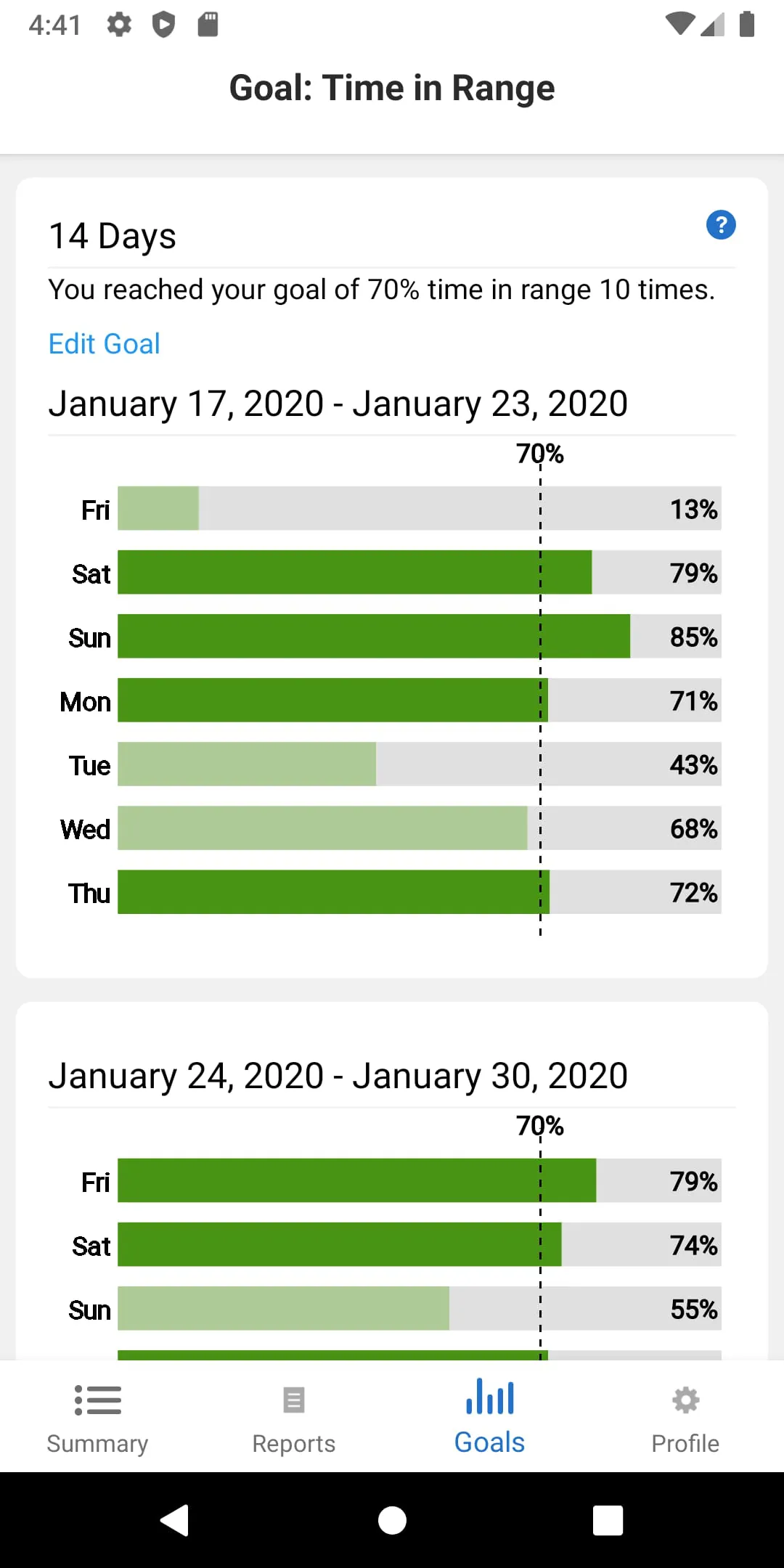
Dexcom Clarity performs several critical functions in diabetes data management. Its core purpose is to analyze CGM data to reveal patterns in blood glucose levels. Primary functions include generating the Ambulatory Glucose Profile (AGP) report, which is a clinical standard. It also provides detailed metrics on daily glucose trends, hypoglycemia and hyperglycemia exposure, and sensor usage. The software facilitates setting and tracking goals for time in target range and allows users to add notes about meals, medication, and exercise to correlate with glucose changes.
Click the button "Check All Versions" below to download and install it. Once installed, you will need to log in with your Dexcom account. The app will automatically sync with your Dexcom CGM data if you use the Dexcom G6 or G7 system. To view your data, navigate to the "Reports" section. Here, you can select different report types, such as the Summary Report or the Daily Trends Report. You can customize the date range for the data you wish to analyze. To share data with your doctor, use the "Share" function to invite them via email, granting them secure, view-based access to your reports for a specified duration. Regularly reviewing the "Time in Range" graph and pattern flags can help you identify areas for adjustment in your management plan.
Get Dexcom Clarity from an official store or available APK channel.
ZIP files require a Split APKs Installer (e.g., SAI) from Google Play to install. Steps: 1. Download SAI from Google Play; 2. Open SAI and tap "Install APKs"; 3. Select the ZIP file; 4. Complete installation.
The latest version currently listed by Appspicked is V2.25.0.433, with information updated on May 14, 2026. Versions may vary by device, region, or rollout schedule, so users should also check Google Play or announcements from Dexcom.
No website can guarantee that an app is completely risk-free. Appspicked recommends downloading Dexcom Clarity only from an official app store or a verified channel operated by Dexcom. Before installing, confirm the developer name, package ID com.dexcom.clarity.mobile, requested permissions, privacy policy, and download source.
Dexcom Clarity may be unavailable because of regional restrictions, device incompatibility, account or age settings, a temporary removal, a name change, or because it has not been released for that platform. An Android package page does not necessarily mean that an iOS App Store version exists. Check Dexcom’s official website for current availability.
Use Google Play or another official download channel provided by Dexcom whenever possible. Appspicked provides app information and store links, but users should verify the destination domain and publisher before downloading or updating the app.
The information on Appspicked may represent the most recently indexed snapshot. App stores sometimes release updates gradually or display different versions according to region, device, operating system, or testing group. The official store listing should be treated as the final reference.
Dexcom Clarity is listed for Android, with a reported minimum requirement of Not specified. Actual compatibility may also depend on the device model, region, available storage, hardware features, and installed system components.
The initial download may be free, but subscriptions, advertising, paid features, or in-app purchases may still apply. Prices and available purchases can vary by country and version. Check the payment information displayed by Google Play before completing a transaction.
Check the network connection, storage space, operating-system version, account region, and device compatibility. Restart the device and try again through the official store. If the problem continues, consult the support resources provided by Dexcom.









