


V15.14.26

- Package Name
- com.dollargeneral.android
- Version Name
- V15.14.26
- Version Code
- V15.14.26
- File Size
- 26.42 MB
- Update time
- 2025-12-20



by DOLLAR GENERAL CORPORATION
Online shopping & digital coupons. Deals & local weekly ad in your myDG account
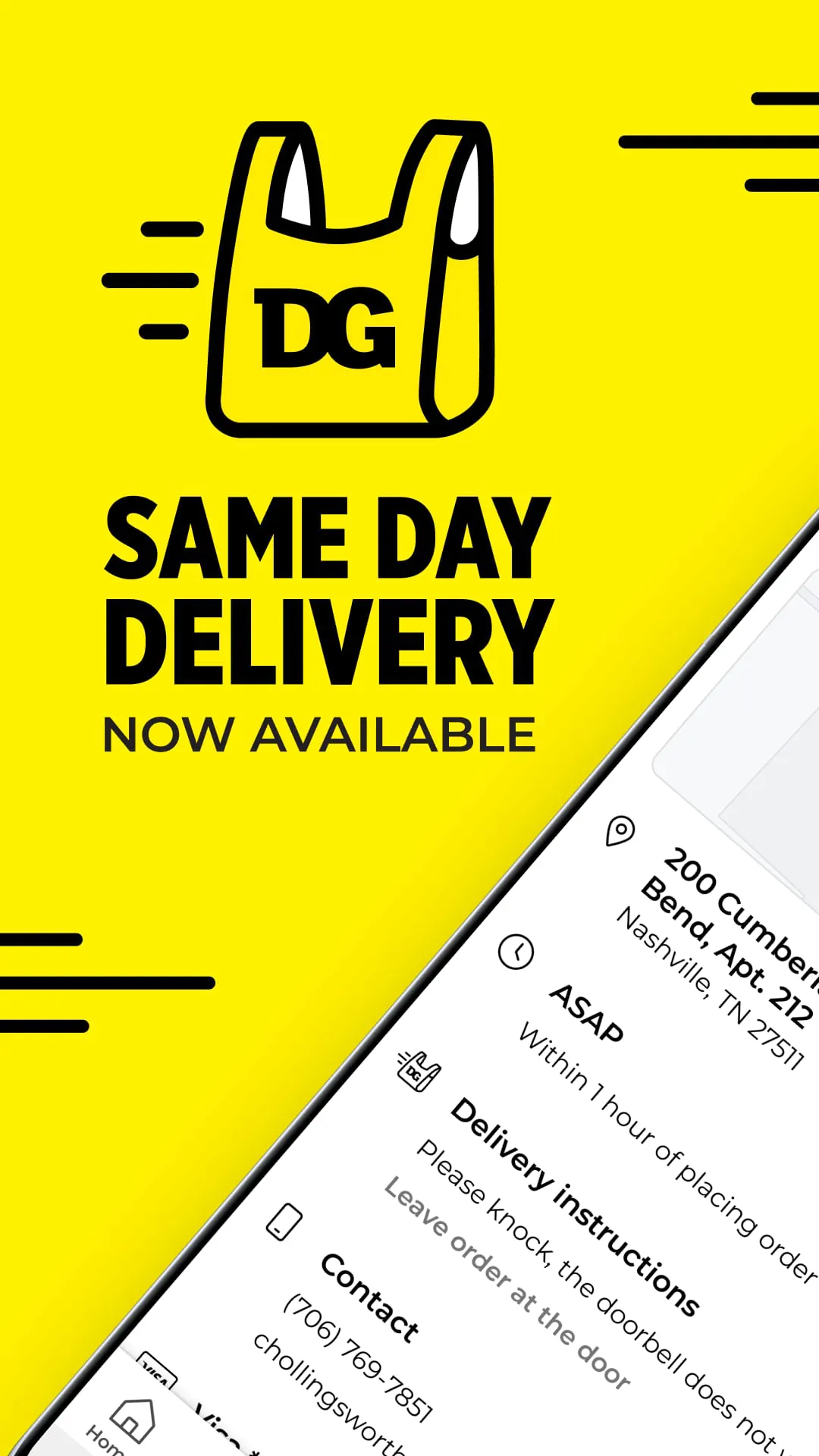
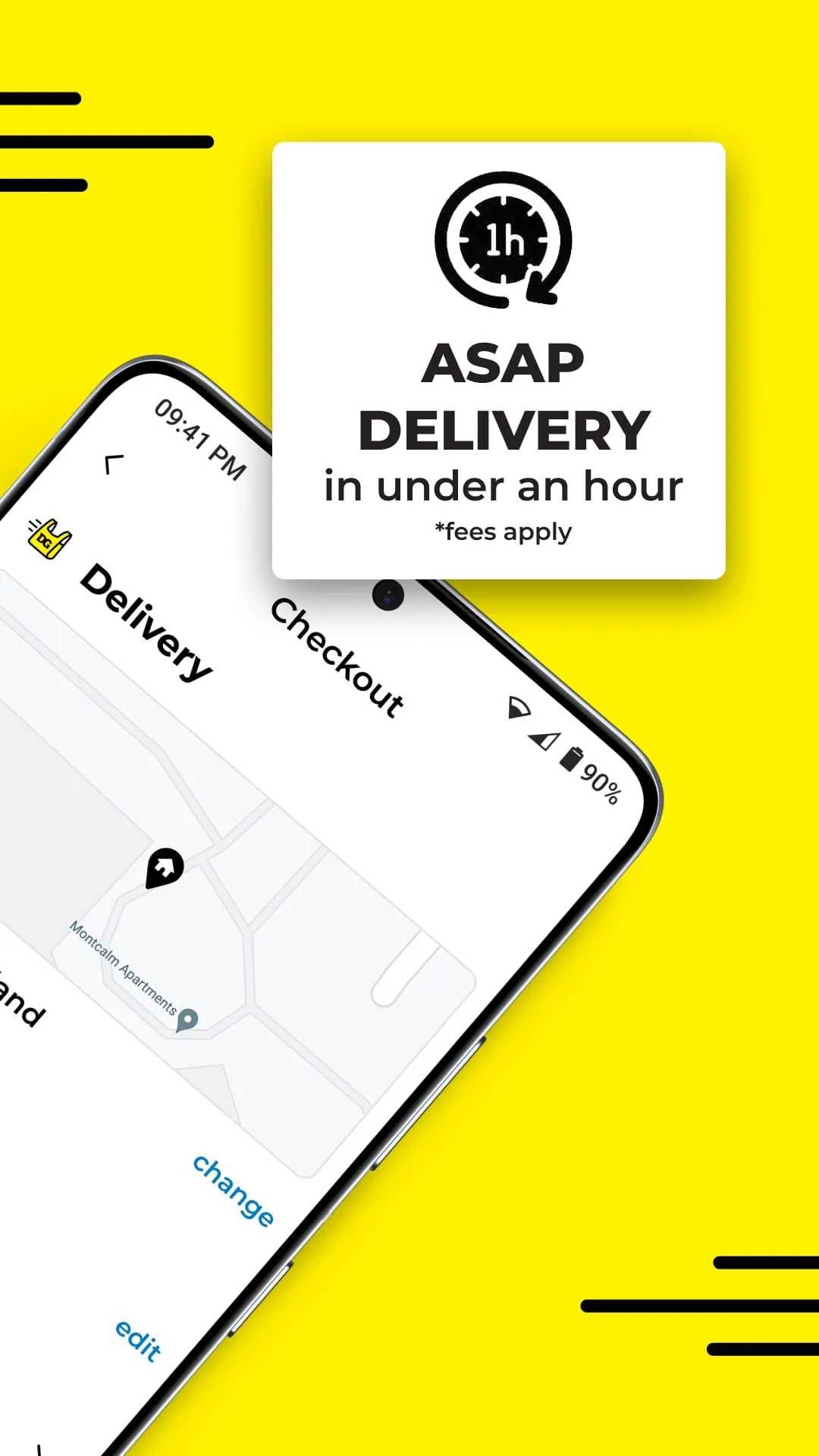
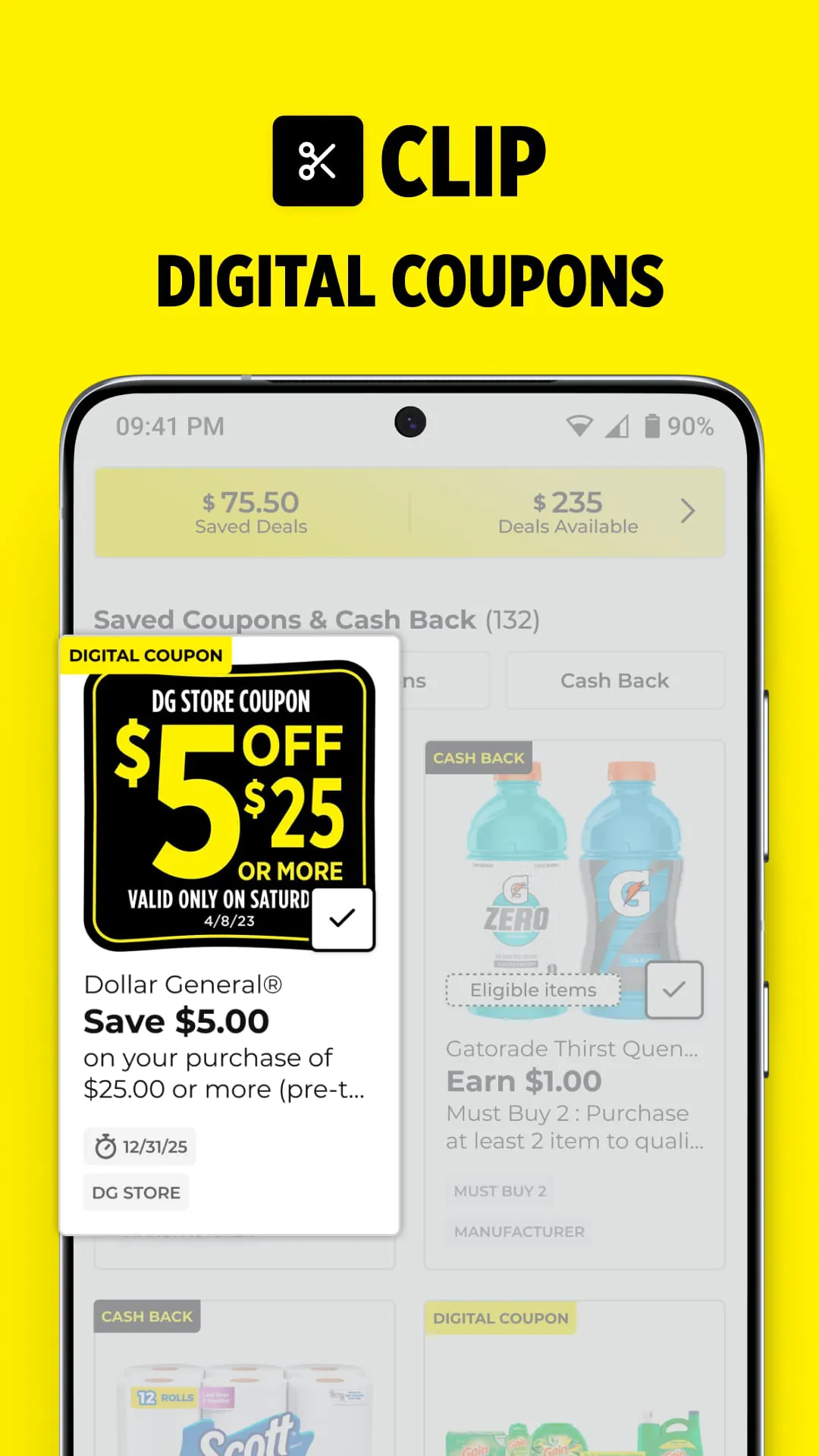
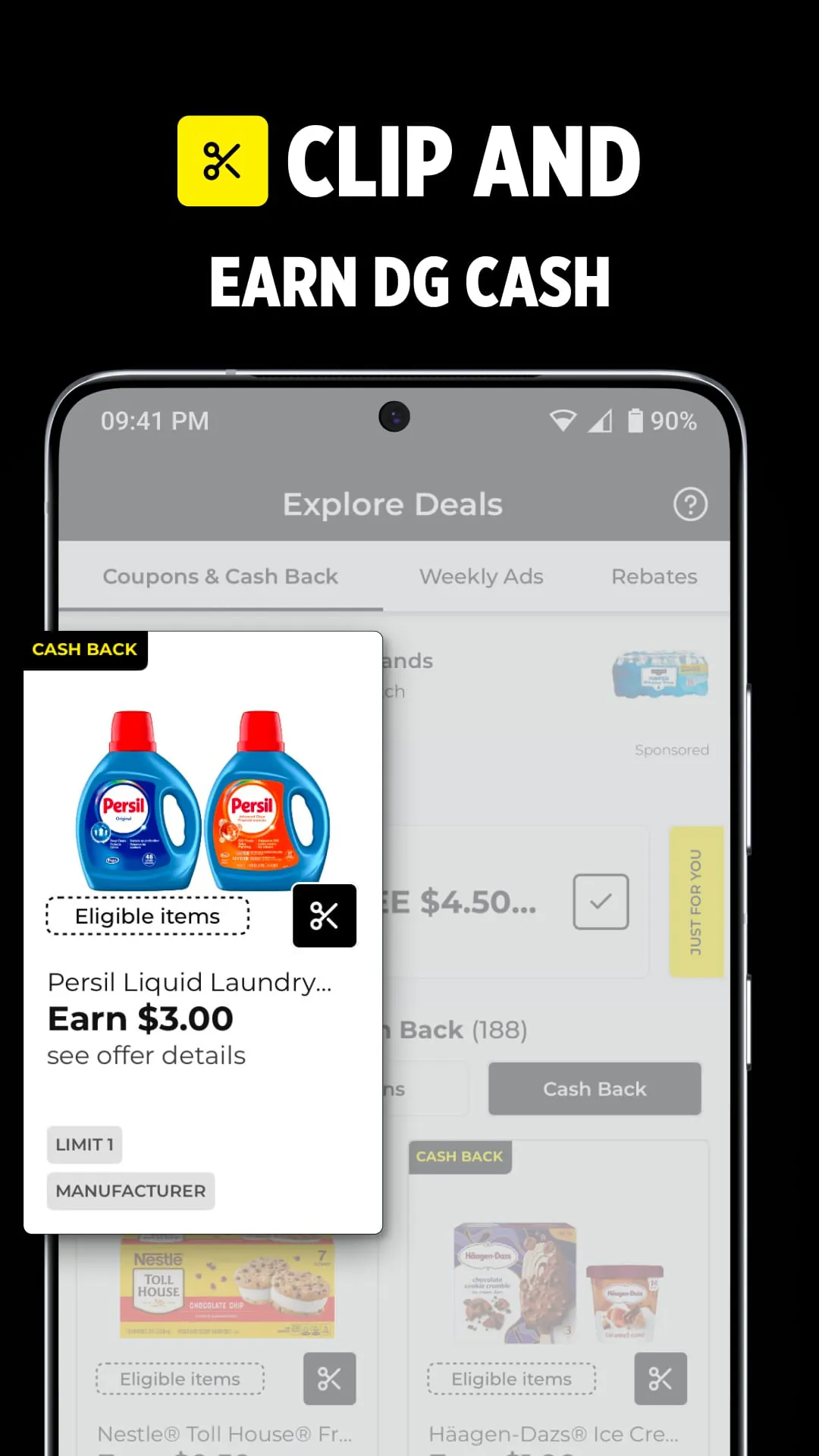
The Dollar General app, also known as the myDG app, is the official mobile companion designed for shoppers frequenting Dollar General stores, serving as a centralized hub for maximizing savings and streamlining the shopping experience. This free application allows users to access a wide array of digital coupons, browse weekly advertisements, manage personalized shopping lists, and utilize a cart calculator to track expenses in real-time. By integrating features like DG Cash Back rewards and store locators, the app empowers budget-conscious consumers to plan their trips efficiently, ensure they never miss a deal, and even arrange for delivery or pickup services directly from their smartphones.
The app is packed with practical tools aimed at helping you save money and time during your shopping routine.
Understanding the advantages and limitations of the Dollar General app can help you decide how best to incorporate it into your shopping habits. Pros:
Cons:
The Dollar General app operates as a multi-functional shopping assistant with several core capabilities that trigger at different stages of your retail journey. Its primary function is the distribution and management of digital discounts, where the system syncs clipped coupons from your account to the point-of-sale system when your registered phone number is entered during checkout. The barcode scanning function serves a dual purpose: it identifies products to reveal the exact price and simultaneously checks the database to display any associated digital coupons or cash back offers for that specific item. The Cart Calculator functions as a dynamic tallying tool, adding up the prices of scanned items, calculating applicable taxes, and subtracting any clipped coupons to show you an accurate estimated total. Additionally, the app functions as a logistical aid, interfacing with store data to provide operating hours, directions via map integration, and facilitating e-commerce transactions for delivery or pickup orders by connecting to the store's order management system.
Click the button "Check All Versions" below to download and install it. Once installed, open the app and either sign in to an existing myDG account or register for a new one using your email and phone number. After logging in, set your preferred local Dollar General store by using the store locator feature, which ensures you see the correct weekly ads and availability for pickup. To save money, navigate to the "Coupons" or "Deals" tab to browse the available offers and tap "Clip" on any coupon or cash back deal you wish to use; these will be saved to your account automatically. When you go shopping, you can use the "Scan" feature in the app to scan item barcodes in the aisle to check prices and see if any coupons are available to clip right then and there. If you want to track your spending, open the Cart Calculator and scan items as you put them in your cart to watch your total update in real-time. At checkout, simply provide the phone number associated with your app account to the cashier or enter it on the pin pad, and all your clipped digital coupons and eligible cash back offers will be applied to your transaction instantly.
Get Dollar General from an official store or available APK channel.
ZIP files require a Split APKs Installer (e.g., SAI) from Google Play to install. Steps: 1. Download SAI from Google Play; 2. Open SAI and tap "Install APKs"; 3. Select the ZIP file; 4. Complete installation.
The latest version currently listed by Appspicked is V12.10.2, with information updated on May 21, 2026. Versions may vary by device, region, or rollout schedule, so users should also check Google Play or announcements from DOLLAR GENERAL CORPORATION.
No website can guarantee that an app is completely risk-free. Appspicked recommends downloading Dollar General only from an official app store or a verified channel operated by DOLLAR GENERAL CORPORATION. Before installing, confirm the developer name, package ID com.dollargeneral.android, requested permissions, privacy policy, and download source.
Dollar General may be unavailable because of regional restrictions, device incompatibility, account or age settings, a temporary removal, a name change, or because it has not been released for that platform. An Android package page does not necessarily mean that an iOS App Store version exists. Check DOLLAR GENERAL CORPORATION’s official website for current availability.
Use Google Play or another official download channel provided by DOLLAR GENERAL CORPORATION whenever possible. Appspicked provides app information and store links, but users should verify the destination domain and publisher before downloading or updating the app.
The information on Appspicked may represent the most recently indexed snapshot. App stores sometimes release updates gradually or display different versions according to region, device, operating system, or testing group. The official store listing should be treated as the final reference.
Dollar General is listed for Android, with a reported minimum requirement of Not specified. Actual compatibility may also depend on the device model, region, available storage, hardware features, and installed system components.
The initial download may be free, but subscriptions, advertising, paid features, or in-app purchases may still apply. Prices and available purchases can vary by country and version. Check the payment information displayed by Google Play before completing a transaction.
Check the network connection, storage space, operating-system version, account region, and device compatibility. Restart the device and try again through the official store. If the problem continues, consult the support resources provided by DOLLAR GENERAL CORPORATION.









