




Duck Life
by MAD.com
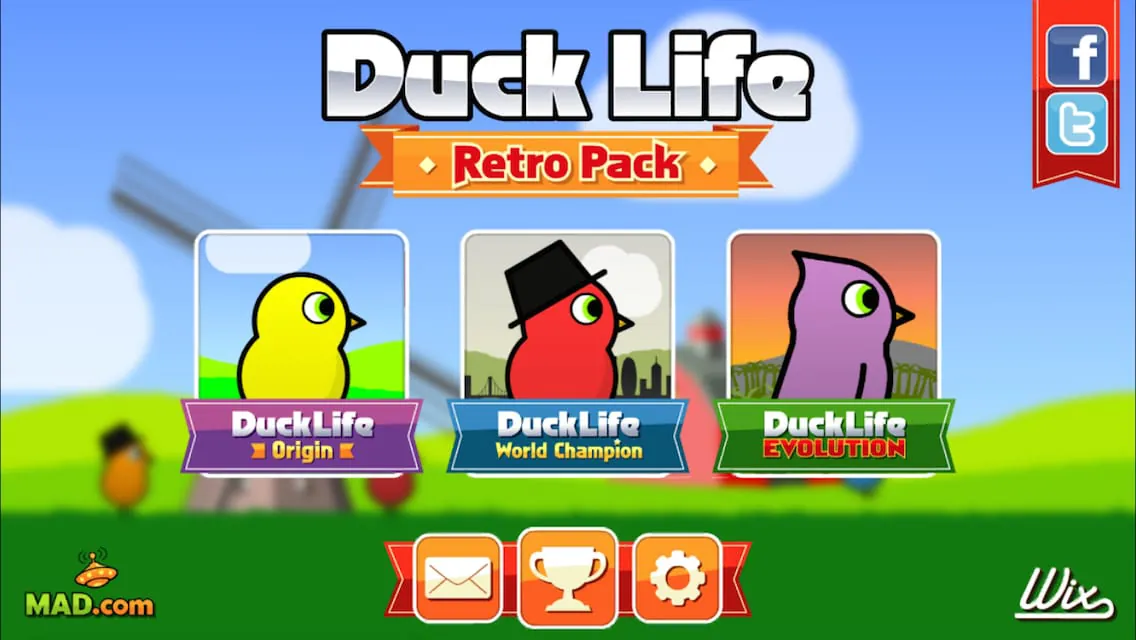
Play the 3 classic Duck Life games like you've never seen them before!
A closer look

Overview
Duck Life is a lighthearted adventure and training game originally developed for web browsers and later adapted into mobile versions, where players raise, train, and race ducks in various disciplines to help them reach championship levels. Combining elements of simulation, racing, and skill-based mini-games, Duck Life offers an engaging experience for players of all ages who enjoy nurturing characters and watching them progress through persistence and strategy. The game’s charm lies in its colorful visuals, quirky premise, and gradual difficulty curve, making it both entertaining and accessible.
Key Features
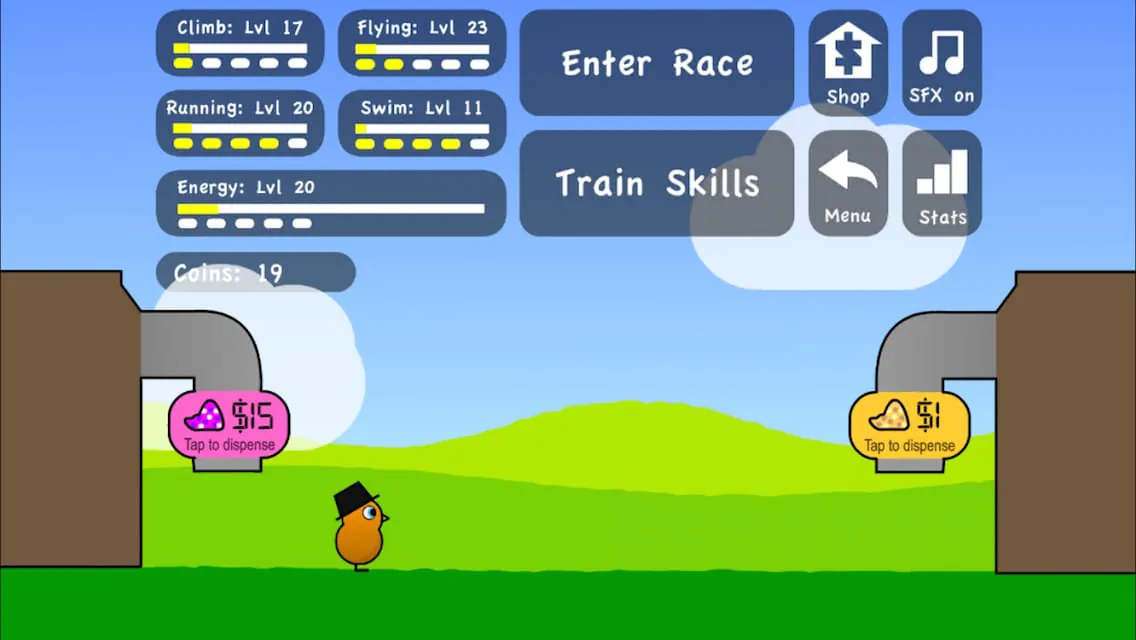
- Training mini-games focused on running, swimming, flying, climbing, and stamina building
- Customizable duck appearance with different colors, hats, and accessories
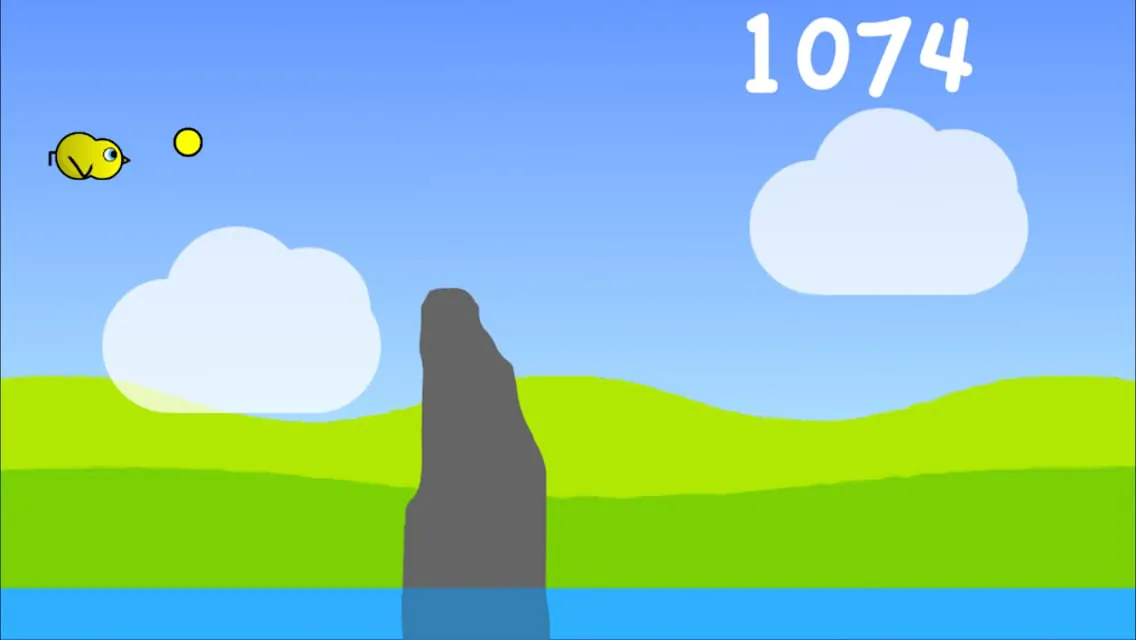
- Multiple racing environments with unique obstacles and challenges
- Coin collection system for unlocking upgrades and new gear
- Progressive difficulty that scales with the duck’s abilities
- Offline play support in certain versions
Pros & Cons
- Pros: Fun and addictive gameplay loop, appealing art style, suitable for casual and younger audiences, encourages repeated playthroughs
- Cons: Can become repetitive over long sessions, limited depth in story development, some versions contain ads or in-app purchases
Functions
The core function of Duck Life is to guide a duck from a novice racer to a champion through structured training and competitive races. Each mini-game targets specific skills, such as speed, endurance, or agility, allowing players to strategically develop their duck’s strengths. Races serve as performance checkpoints, rewarding coins and progression upon victory. The game also incorporates shop functions where players can spend earned currency on cosmetic upgrades or performance-enhancing items. By balancing training, racing, and resource management, players steadily improve their duck’s overall capabilities.
How to Use
Click the button "Check All Versions" below to download and install it. Once installed, start by creating your duck and choosing its initial attributes. Enter training mode to improve skills through short, interactive games, then enter races to test progress and earn rewards. Reinvest winnings into better equipment or visual customization to keep motivation high. With consistent training and smart resource allocation, you’ll advance through increasingly challenging tournaments and ultimately aim for the championship title.
App Download
Get Duck Life from an official store or available APK channel.
Previous Versions
ZIP files require a Split APKs Installer (e.g., SAI) from Google Play to install. Steps: 1. Download SAI from Google Play; 2. Open SAI and tap "Install APKs"; 3. Select the ZIP file; 4. Complete installation.
Frequently Asked Questions
What is the latest version of Duck Life?
The latest version currently listed by Appspicked is unavailable, with information updated on May 25, 2026. Versions may vary by device, region, or rollout schedule, so users should also check Google Play or announcements from MAD.com.
Is Duck Life safe to download and use?
No website can guarantee that an app is completely risk-free. Appspicked recommends downloading Duck Life only from an official app store or a verified channel operated by MAD.com. Before installing, confirm the developer name, package ID com.MoFunZone.DuckLifeRetroPack, requested permissions, privacy policy, and download source.
Why can’t I find Duck Life in the App Store?
Duck Life may be unavailable because of regional restrictions, device incompatibility, account or age settings, a temporary removal, a name change, or because it has not been released for that platform. An Android package page does not necessarily mean that an iOS App Store version exists. Check MAD.com’s official website for current availability.
Where can I download or update Duck Life?
Use Google Play or another official download channel provided by MAD.com whenever possible. Appspicked provides app information and store links, but users should verify the destination domain and publisher before downloading or updating the app.
Why is the version shown on Appspicked different from the app-store version?
The information on Appspicked may represent the most recently indexed snapshot. App stores sometimes release updates gradually or display different versions according to region, device, operating system, or testing group. The official store listing should be treated as the final reference.
Which devices and operating systems support Duck Life?
Duck Life is listed for Android, with a reported minimum requirement of Not specified. Actual compatibility may also depend on the device model, region, available storage, hardware features, and installed system components.
Is Duck Life free?
The initial download may be free, but subscriptions, advertising, paid features, or in-app purchases may still apply. Prices and available purchases can vary by country and version. Check the payment information displayed by Google Play before completing a transaction.
What should I do if Duck Life cannot be installed or updated?
Check the network connection, storage space, operating-system version, account region, and device compatibility. Restart the device and try again through the official store. If the problem continues, consult the support resources provided by MAD.com.









