




Edward Jones
by Edward Jones Investments
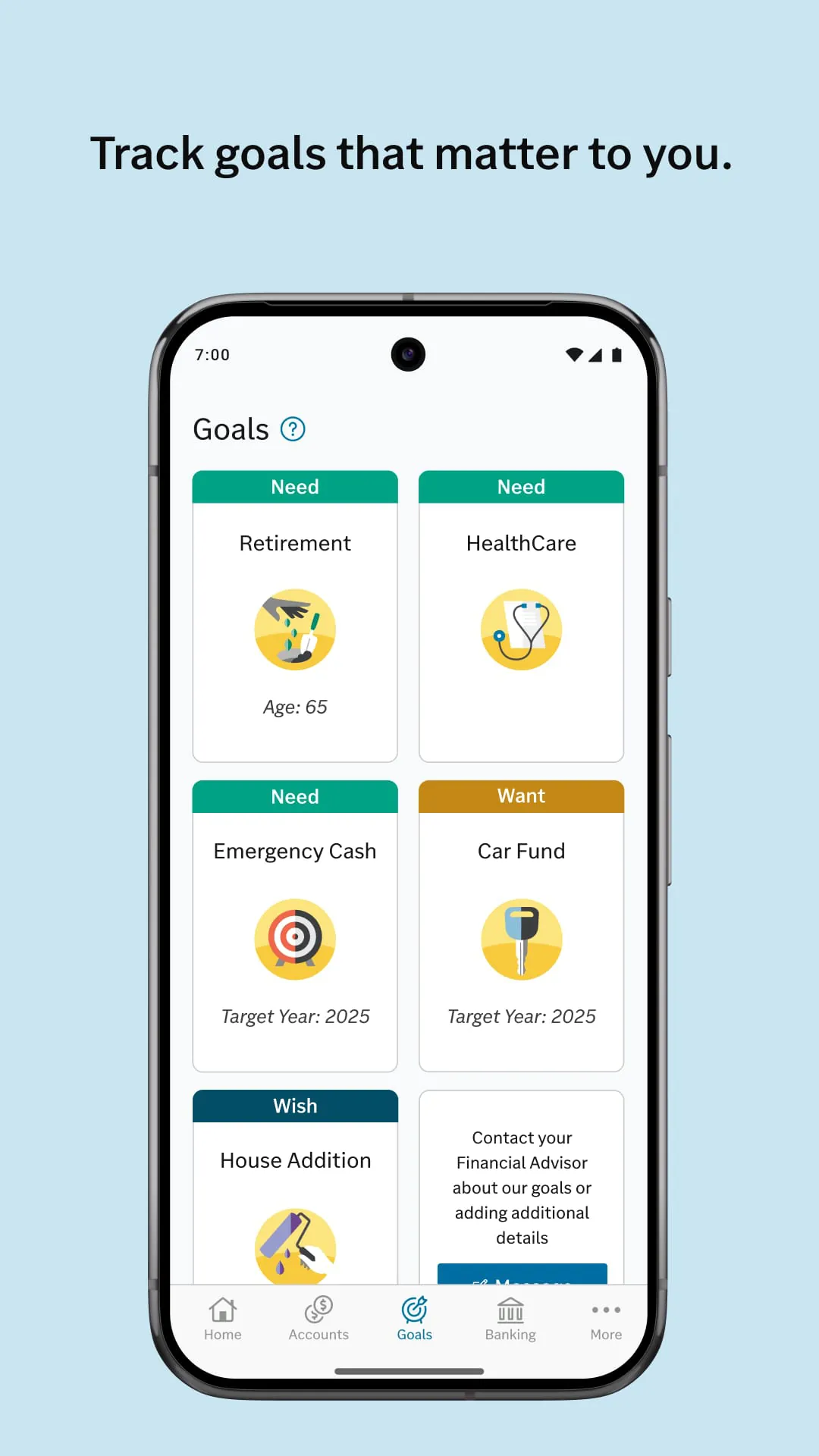
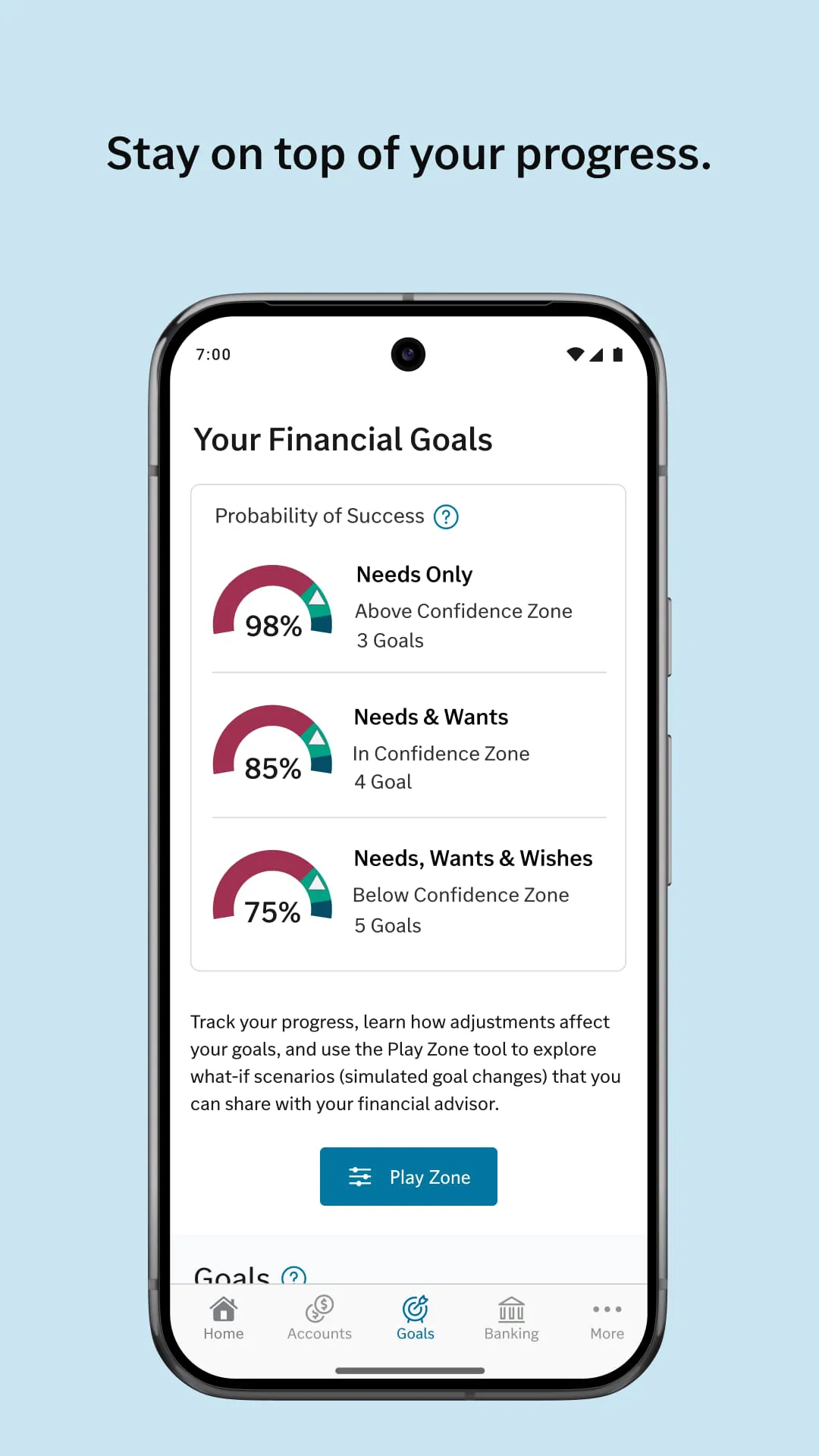
Track your goals on-the-go
A closer look
Overview
The Edward Jones app is the official mobile platform for clients of the Edward Jones financial services firm, designed to provide secure, on-the-go access to investment accounts and financial guidance. It serves as a direct digital extension of the personalized relationship clients have with their financial advisor, enabling them to monitor portfolio performance, review statements, and contact their advisor from a single, trusted application.
Key Features
The app focuses on delivering clarity and convenience for long-term investors, emphasizing security and a connection to personal advice. Its design prioritizes a clear view of a client's complete financial picture as structured with their Edward Jones representative. Rather than promoting independent, rapid trading, it facilitates informed monitoring and communication, ensuring clients stay aligned with their financial strategies alongside their advisor's guidance.
Pros & Cons
- Pros: The app offers a clean, intuitive interface that presents complex portfolio information in an easy-to-understand format. Its integration with the assigned financial advisor is seamless, featuring direct messaging and easy appointment scheduling. Security measures are robust, employing industry-standard encryption and authentication. The ability to access all account documents, including statements and tax forms, is highly convenient.
- Cons: Functionality is primarily for monitoring and communication, lacking the advanced charting tools or direct stock trading capabilities found on brokerage-focused platforms. Some users note that certain advanced account features or detailed performance reports are best accessed through the full website. The app's design is conservative, prioritizing stability and clarity over frequent, cutting-edge feature updates.
Functions
The application provides a comprehensive suite of tools for account management and advisor collaboration.
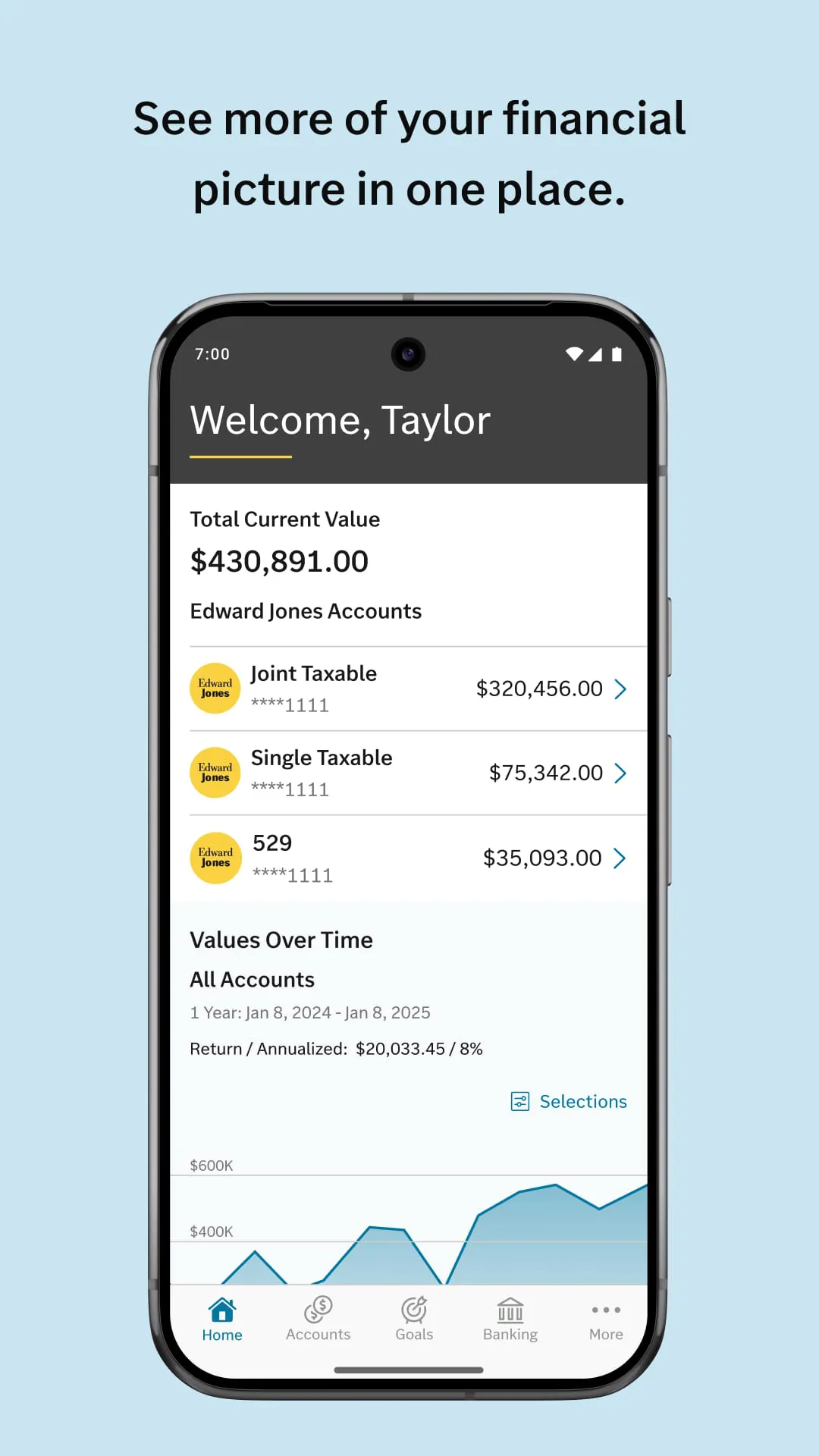
- Portfolio Overview: View a consolidated summary of all account balances, allocations, and performance trends over time.
- Document Access: Securely retrieve and store monthly statements, trade confirmations, and annual tax documents.
- Advisor Communication: Send direct, secure messages to your financial advisor and schedule branch appointments.
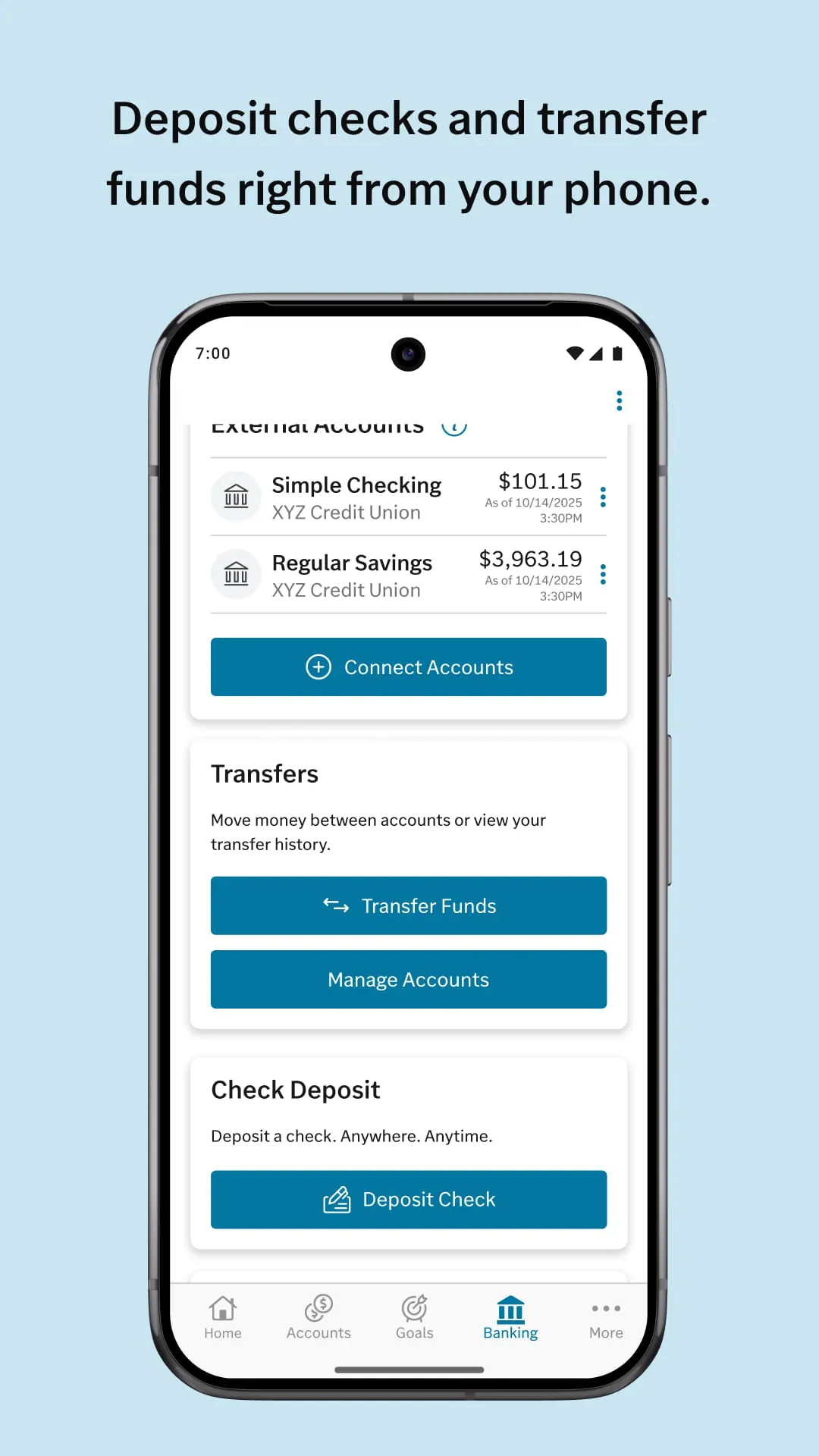
- Account Activity Monitoring: Review recent transactions, dividends, and deposits for all linked accounts.
- Market Information: Access curated market news, insights, and educational content from Edward Jones.
- Security Management: Utilize biometric login (Touch ID/Face ID) and quickly enable travel notices on accounts.
How to Use
Click the button "Check All Versions" below to download and install it. After installation, open the app and log in using your existing Edward Jones client website credentials; first-time users will need to register their account for mobile access. Upon successful login, you will typically land on a dashboard summarizing your total invested assets. You can tap on any account to see more detailed holdings and activity. To contact your advisor, navigate to the dedicated "My Advisor" section to send a message or view their contact details. For documents, access the "Statements & Documents" tab, where you can view or download PDFs. Regularly review the dashboard for performance updates and check the message center for important communications from your branch.
App Download
Get Edward Jones from an official store or available APK channel.
Previous Versions
ZIP files require a Split APKs Installer (e.g., SAI) from Google Play to install. Steps: 1. Download SAI from Google Play; 2. Open SAI and tap "Install APKs"; 3. Select the ZIP file; 4. Complete installation.
Frequently Asked Questions
What is the latest version of Edward Jones?
The latest version currently listed by Appspicked is unavailable, with information updated on May 18, 2026. Versions may vary by device, region, or rollout schedule, so users should also check Google Play or announcements from Edward Jones Investments.
Is Edward Jones safe to download and use?
No website can guarantee that an app is completely risk-free. Appspicked recommends downloading Edward Jones only from an official app store or a verified channel operated by Edward Jones Investments. Before installing, confirm the developer name, package ID app.edwardjones.mobile, requested permissions, privacy policy, and download source.
Why can’t I find Edward Jones in the App Store?
Edward Jones may be unavailable because of regional restrictions, device incompatibility, account or age settings, a temporary removal, a name change, or because it has not been released for that platform. An Android package page does not necessarily mean that an iOS App Store version exists. Check Edward Jones Investments’s official website for current availability.
Where can I download or update Edward Jones?
Use Google Play or another official download channel provided by Edward Jones Investments whenever possible. Appspicked provides app information and store links, but users should verify the destination domain and publisher before downloading or updating the app.
Why is the version shown on Appspicked different from the app-store version?
The information on Appspicked may represent the most recently indexed snapshot. App stores sometimes release updates gradually or display different versions according to region, device, operating system, or testing group. The official store listing should be treated as the final reference.
Which devices and operating systems support Edward Jones?
Edward Jones is listed for Android, with a reported minimum requirement of Not specified. Actual compatibility may also depend on the device model, region, available storage, hardware features, and installed system components.
Is Edward Jones free?
The initial download may be free, but subscriptions, advertising, paid features, or in-app purchases may still apply. Prices and available purchases can vary by country and version. Check the payment information displayed by Google Play before completing a transaction.
What should I do if Edward Jones cannot be installed or updated?
Check the network connection, storage space, operating-system version, account region, and device compatibility. Restart the device and try again through the official store. If the problem continues, consult the support resources provided by Edward Jones Investments.









