


V2.4.10-prod-release

- Package Name
- eu.nissan.nissanconnect.services
- Version Name
- V2.4.10-prod-release
- Version Code
- V2.4.10-prod-release
- File Size
- 15.31 MB
- Update time
- 2024-2-10


by Nissan Automotive Europe
Connect your Nissan vehicle with the NissanConnect Services app.
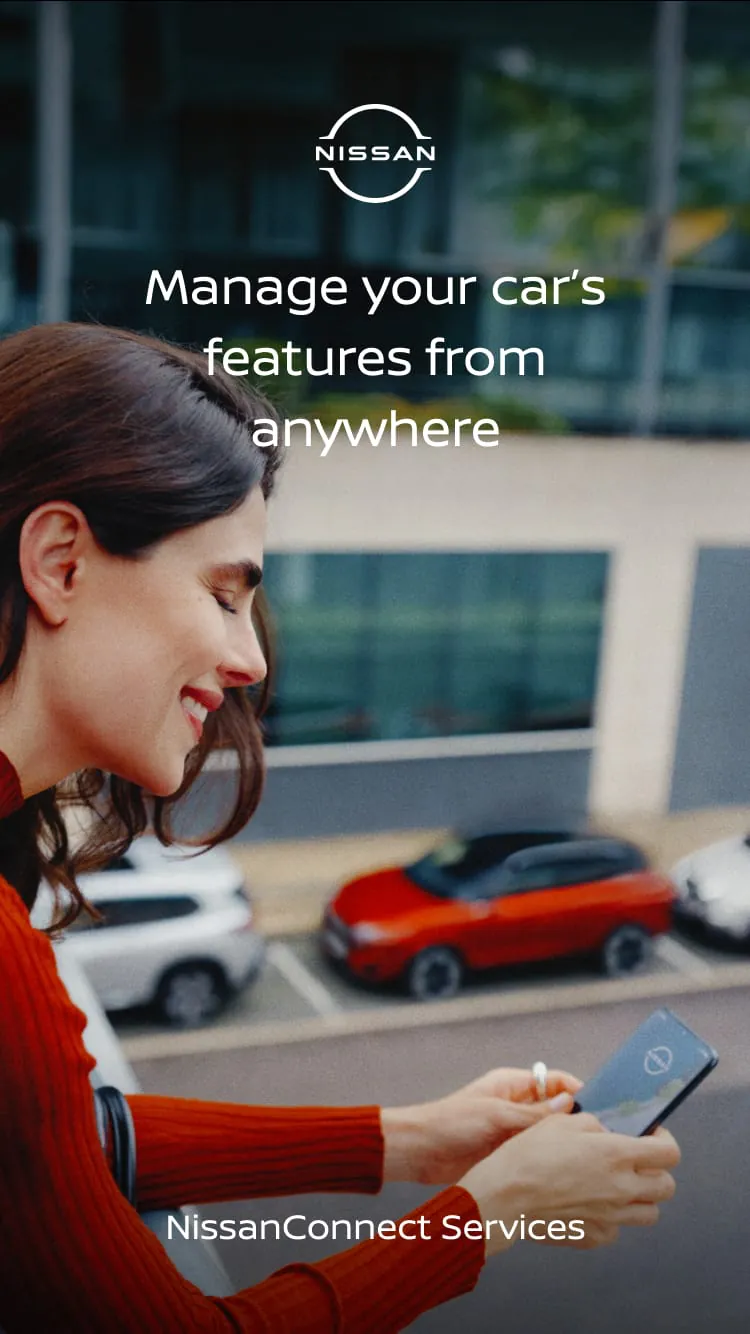
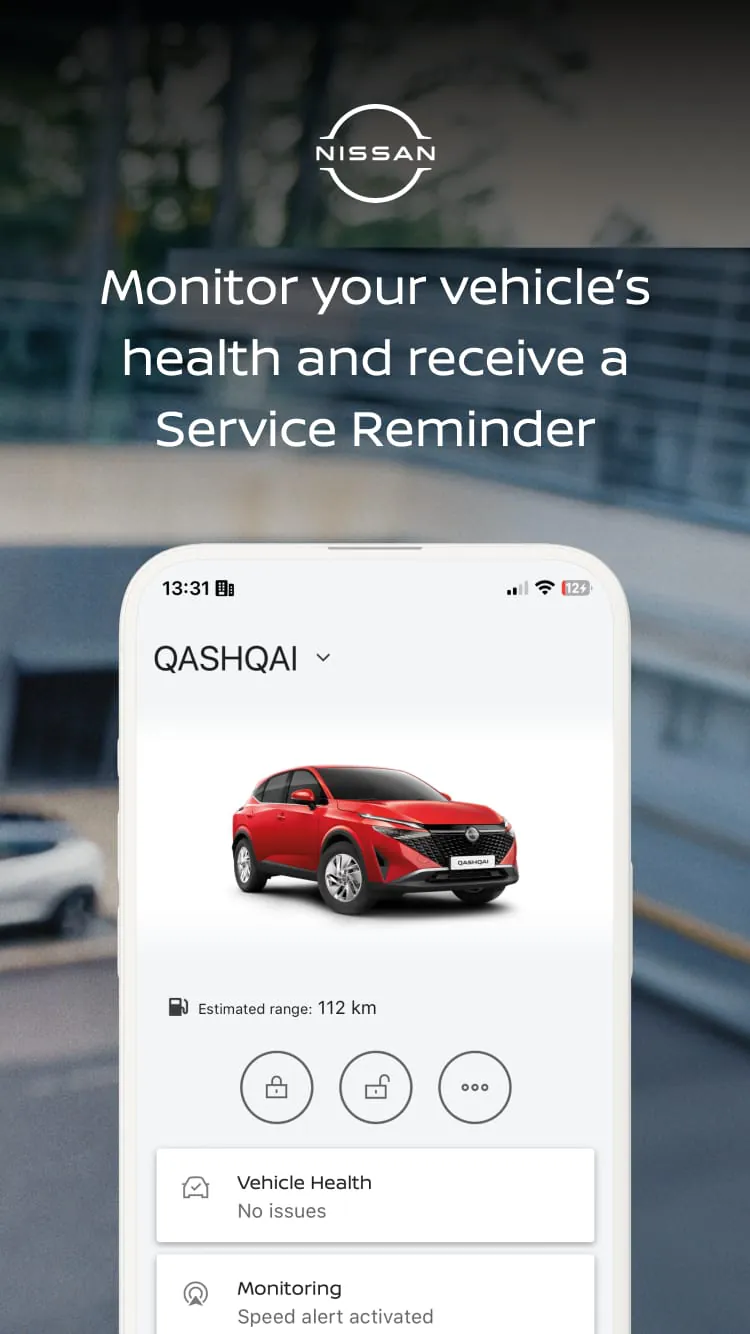
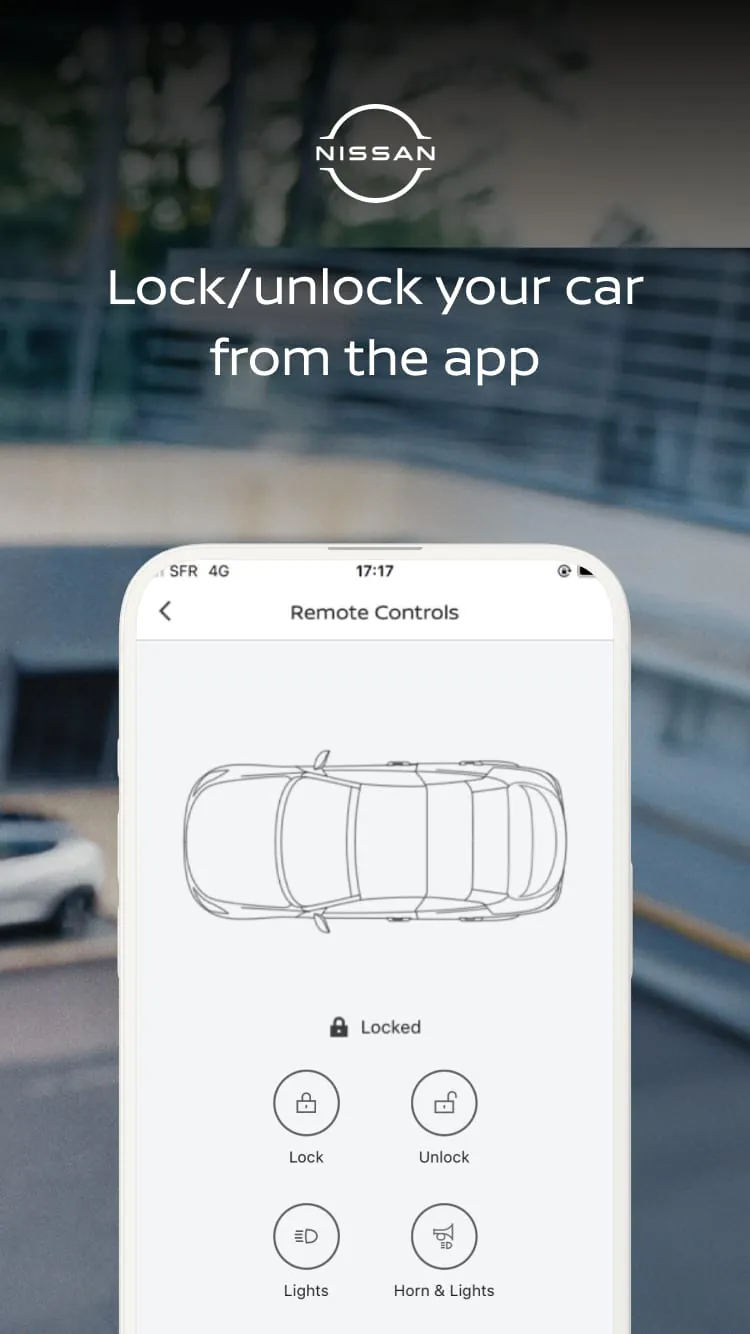
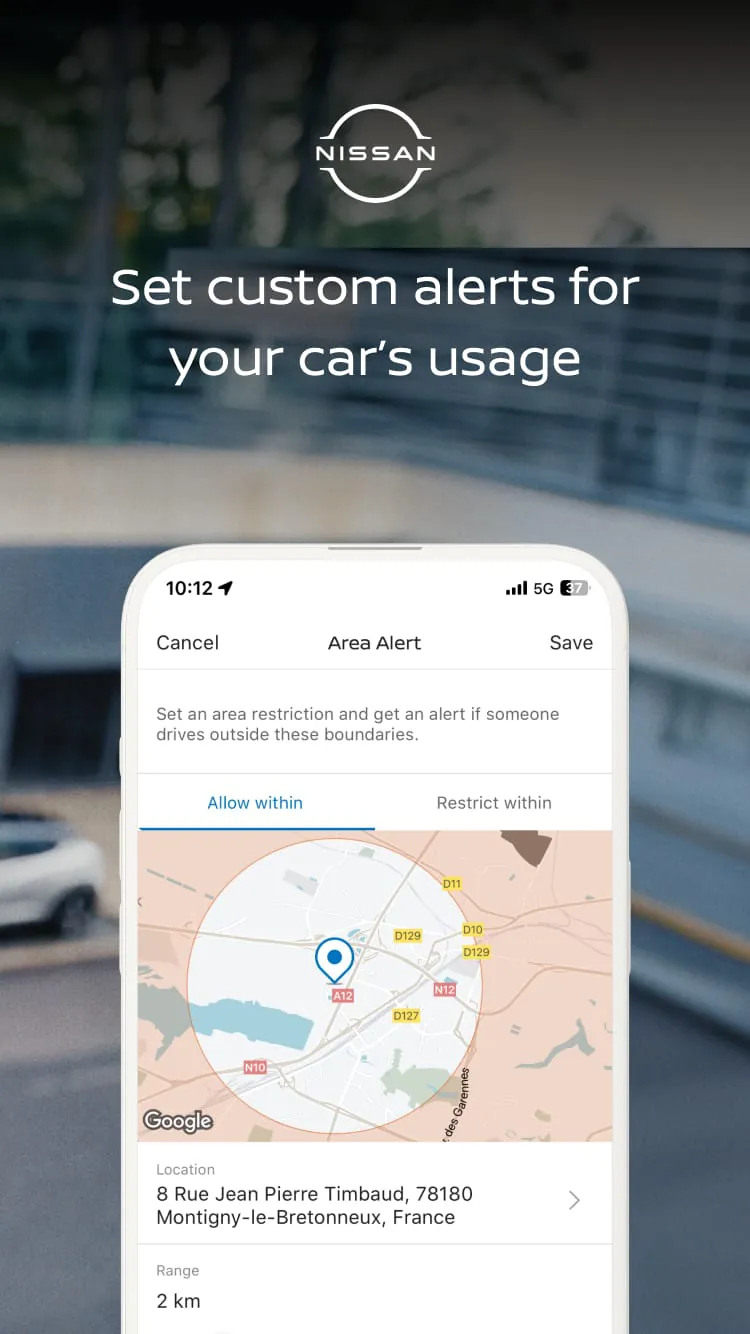
NissanConnect Services is a dedicated mobile application and connected car platform designed for Nissan vehicle owners. It acts as a digital companion, bridging the gap between the driver and their car through smartphone integration. The app leverages built-in vehicle telematics to provide remote control, real-time information, and security features, all aimed at enhancing convenience, safety, and the overall ownership experience. Essentially, it turns your phone into a remote control and monitoring tool for your Nissan, keeping you connected to your vehicle no matter where you are.
The application stands out by offering a comprehensive suite of features that cater to modern driving needs. Its core value lies in providing control and peace of mind. Key aspects of the service include the ability to interact with your car from a distance and receive important updates about its status. The system is designed to be intuitive, giving owners a direct window into their vehicle's operations and security.
The functions of NissanConnect Services are diverse, covering convenience, security, and diagnostics. Users can perform a variety of actions remotely and access important vehicle data.
Click the button "Check All Versions" below to download and install it. Once installed, you will need to create or log into your NissanConnect Services account. The crucial next step is to pair the app with your specific vehicle, which typically involves verifying your ownership through the Vehicle Identification Number (VIN). After successful pairing, the app's main dashboard will display available functions for your car model. You can then navigate through tabs like "Security," "Remote Commands," or "Vehicle Status" to use the features. For remote functions, simply tap the desired command (e.g., "Start Engine") and confirm; the app will send the request to your car via cellular network. Ensure your vehicle is in an area with network coverage and that any active subscription plan is current for full functionality.
Get NissanConnect Services from an official store or available APK channel.
ZIP files require a Split APKs Installer (e.g., SAI) from Google Play to install. Steps: 1. Download SAI from Google Play; 2. Open SAI and tap "Install APKs"; 3. Select the ZIP file; 4. Complete installation.
The latest version currently listed by Appspicked is V2.4.10-prod-release, with information updated on May 16, 2026. Versions may vary by device, region, or rollout schedule, so users should also check Google Play or announcements from Nissan Automotive Europe.
No website can guarantee that an app is completely risk-free. Appspicked recommends downloading NissanConnect Services only from an official app store or a verified channel operated by Nissan Automotive Europe. Before installing, confirm the developer name, package ID eu.nissan.nissanconnect.services, requested permissions, privacy policy, and download source.
NissanConnect Services may be unavailable because of regional restrictions, device incompatibility, account or age settings, a temporary removal, a name change, or because it has not been released for that platform. An Android package page does not necessarily mean that an iOS App Store version exists. Check Nissan Automotive Europe’s official website for current availability.
Use Google Play or another official download channel provided by Nissan Automotive Europe whenever possible. Appspicked provides app information and store links, but users should verify the destination domain and publisher before downloading or updating the app.
The information on Appspicked may represent the most recently indexed snapshot. App stores sometimes release updates gradually or display different versions according to region, device, operating system, or testing group. The official store listing should be treated as the final reference.
NissanConnect Services is listed for Android, with a reported minimum requirement of Not specified. Actual compatibility may also depend on the device model, region, available storage, hardware features, and installed system components.
The initial download may be free, but subscriptions, advertising, paid features, or in-app purchases may still apply. Prices and available purchases can vary by country and version. Check the payment information displayed by Google Play before completing a transaction.
Check the network connection, storage space, operating-system version, account region, and device compatibility. Restart the device and try again through the official store. If the problem continues, consult the support resources provided by Nissan Automotive Europe.









