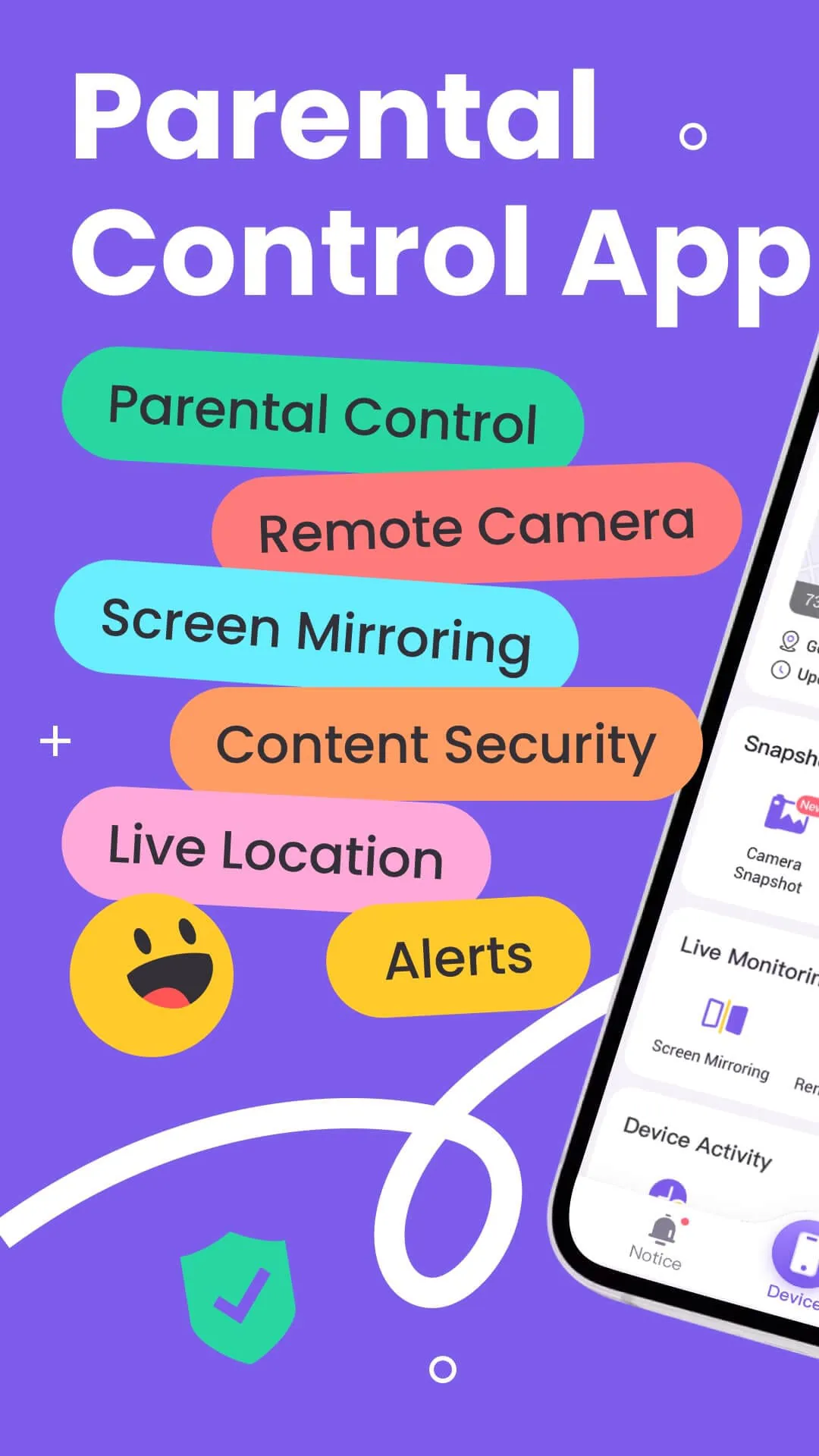
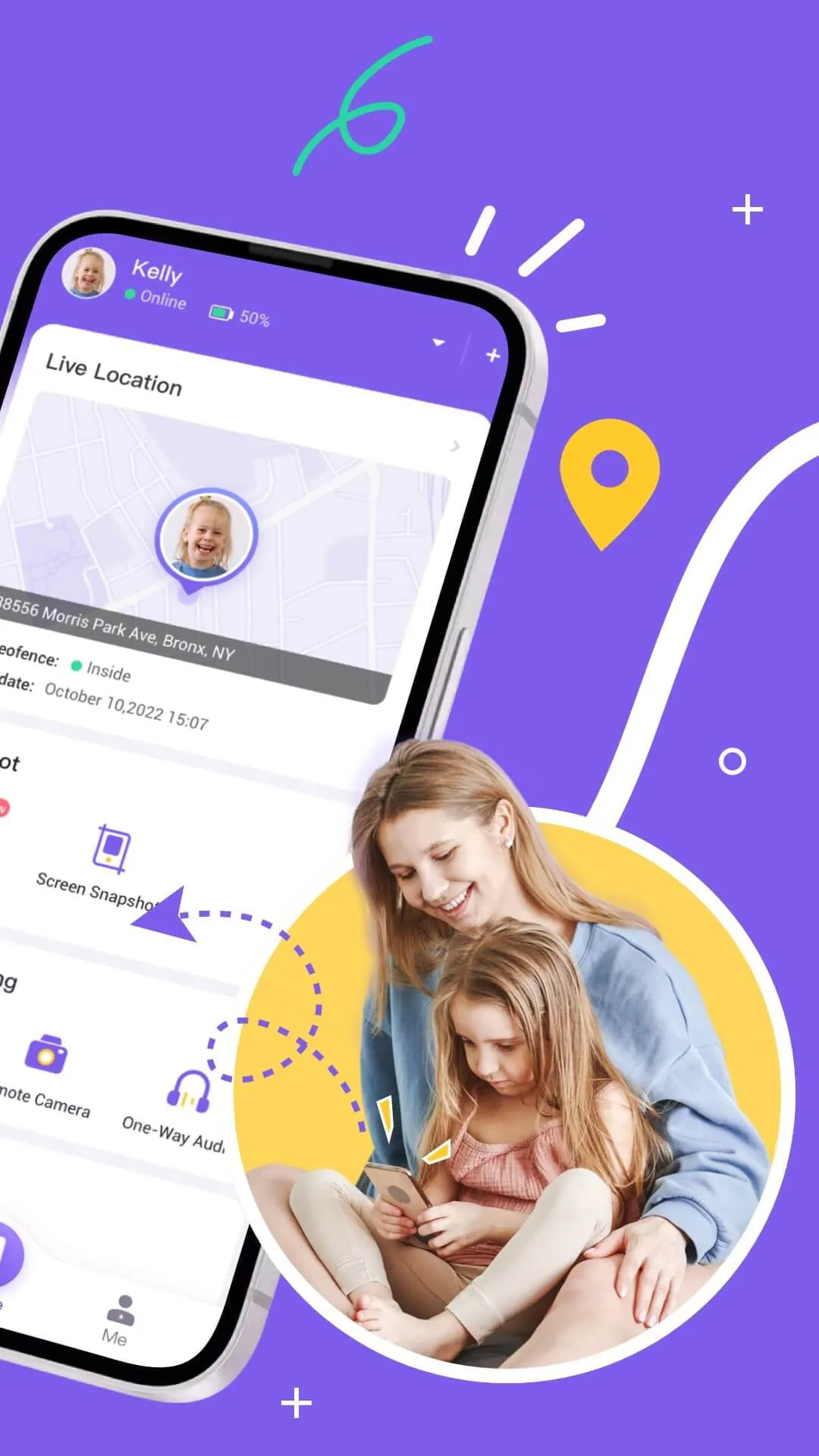
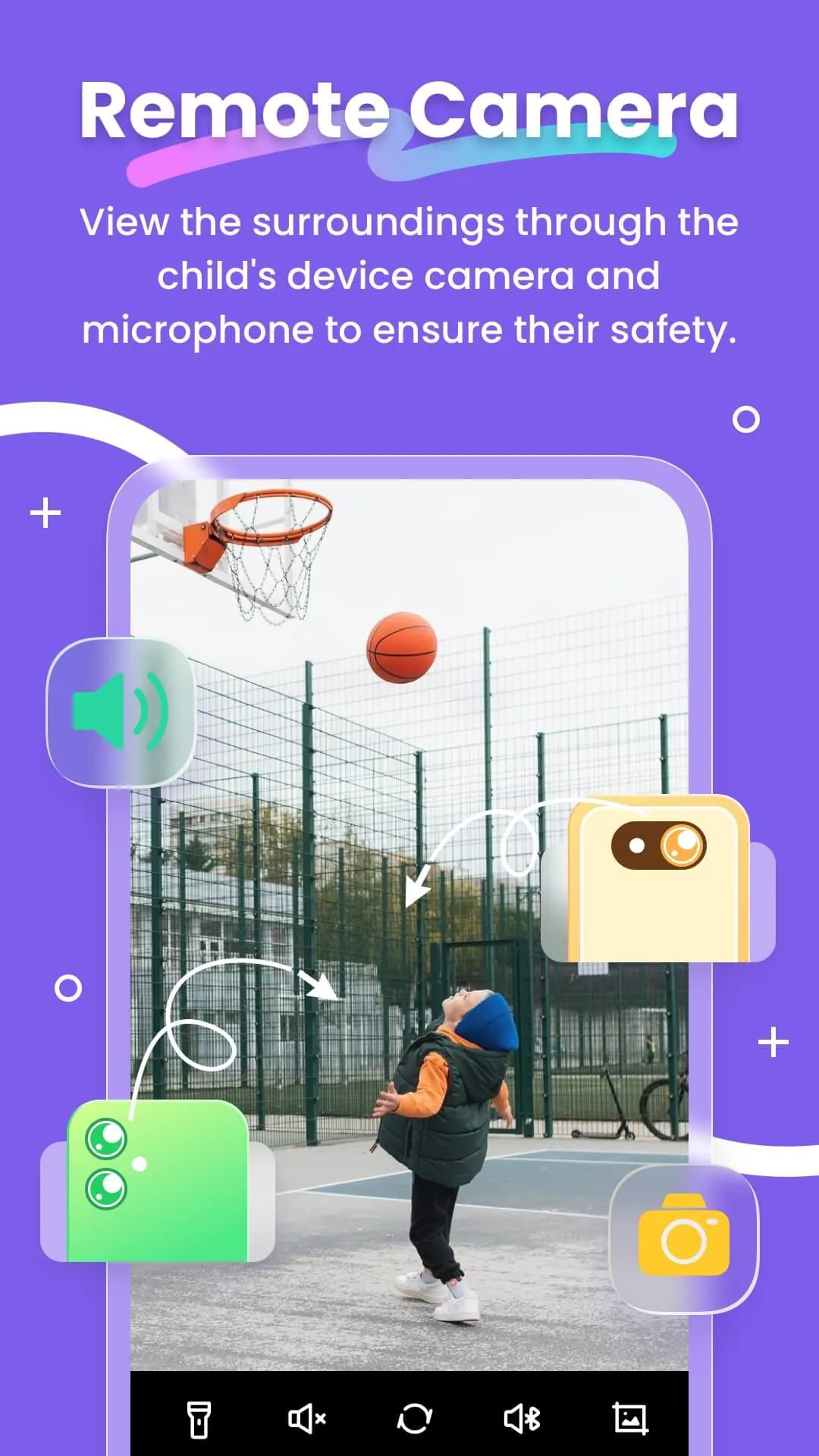
FlashGet Kids emerges as a comprehensive parental control application meticulously crafted to empower parents in safeguarding their children's digital well-being. In an era dominated by technology, where children are increasingly exposed to the digital realm, the need for robust parental control tools has become paramount. FlashGet Kids addresses this critical need by offering a suite of powerful and secure features designed to provide parents with real-time insights into their children's online activities, promote responsible digital habits, and ensure their safety in the ever-evolving digital landscape. At its core, FlashGet Kids operates on the principle of fostering a strong parent-child connection, enabling open communication and mutual understanding regarding responsible technology use. It transcends the limitations of conventional 'spy apps' by prioritizing transparency and collaboration, creating an environment where children feel supported rather than surveilled. The application's comprehensive feature set encompasses live monitoring, app blocking, sensitive content detection, location tracking, and screen time management, all meticulously designed to provide parents with a holistic view of their children's digital interactions. The Live Monitoring feature enables parents to remotely access their child's device camera and microphone, providing valuable insights into their surroundings and potential emergency situations. This feature can be particularly useful in ensuring the child's safety when they are away from home, allowing parents to promptly respond to any unforeseen circumstances. The App Block feature empowers parents to restrict access to specific applications deemed inappropriate or potentially harmful, preventing children from engaging with content that may be detrimental to their development or well-being. Sensitive Content Detection employs advanced algorithms to identify and flag potentially harmful content accessed by the child, such as cyberbullying, online scams, or exposure to inappropriate material. This proactive approach enables parents to intervene promptly and guide their children towards safer online experiences. The Live Location feature utilizes high-precision GPS technology to track the child's real-time location, providing parents with peace of mind and ensuring their safety when they are away from home. Customizable geofencing rules further enhance this feature, alerting parents when their child enters or exits predefined zones, such as school, home, or extracurricular activity locations. FlashGet Kids' commitment to fostering healthy digital habits is evident in its Screen Time Limits feature, which allows parents to set daily or weekly time limits for specific applications or the device as a whole. This feature helps children develop self-discipline and prioritize other important activities, such as schoolwork, outdoor play, and social interaction. Furthermore, the App Rules feature allows parents to establish custom usage rules for individual applications, such as limiting the duration of use or restricting access to certain features. This granular control empowers parents to tailor the application's restrictions to their child's specific needs and developmental stage. The Live Painting feature adds a unique element of emotional connection, allowing parents to send handwritten doodles to their child's device, fostering communication and expressing affection in a playful and engaging manner. FlashGet Kids' user-friendly interface and straightforward setup process further enhance its appeal to parents of all technical backgrounds. The application can be easily installed on both the parent's and child's devices, and linked through a simple invitation link or code. FlashGet Kids prioritizes data privacy and security, employing robust encryption protocols to protect sensitive information and ensuring compliance with relevant data protection regulations. The application's Privacy Policy and Terms of Service are readily accessible on the FlashGet Kids website, providing transparency and building trust with users. FlashGet Kids recognizes the importance of ongoing support and assistance, offering a comprehensive Help and Support section on its website, as well as dedicated email support to address any user inquiries or concerns. FlashGet Kids stands out as a comprehensive and reliable parental control solution that empowers parents to navigate the complexities of the digital world and ensure their children's safety and well-being. By combining a robust feature set with a user-friendly interface and a commitment to data privacy, FlashGet Kids provides parents with the tools they need to foster healthy digital habits, promote responsible technology use, and build strong, communicative relationships with their children in the digital age. It represents a proactive and collaborative approach to parental control, empowering parents to guide their children towards safe and enriching online experiences.
The multifaceted functionalities of FlashGet Kids are strategically designed to address the contemporary challenges parents encounter in the digital era. One of the standout features, Remote Camera/One-Way Audio, presents a novel approach to ensuring children's safety. This feature empowers parents to remotely activate the device's camera and microphone, granting them real-time insights into the child's surroundings. This capability proves invaluable in emergency situations, enabling parents to promptly assess the situation and take appropriate action. For instance, if a child is involved in an accident or encounters a threatening situation, parents can utilize this feature to gather crucial information and alert the authorities or provide immediate assistance. Furthermore, the Screen Mirroring feature provides parents with a window into their child's digital world. By mirroring the child's device screen onto the parent's device in real-time, parents can monitor the applications being used, the websites being visited, and the overall digital activity. This feature is particularly useful for identifying potentially harmful apps or websites that may expose the child to inappropriate content or online risks. Parents can then take proactive steps to block or restrict access to such content, safeguarding their child's digital well-being. The Screen Snapshot and Recordings feature offers an additional layer of protection by enabling parents to capture screenshots or record videos of the child's device screen. This feature can be particularly helpful in detecting instances of cyberbullying, online harassment, or exposure to inappropriate content. By reviewing the captured screenshots or recordings, parents can gain a better understanding of the child's online interactions and intervene appropriately to address any issues. The Live Location feature provides parents with peace of mind by enabling them to track their child's real-time location. This feature utilizes high-precision GPS technology to pinpoint the child's whereabouts, allowing parents to ensure their safety and security. Customizable geofencing rules further enhance this feature by alerting parents when the child enters or exits predefined zones, such as school, home, or extracurricular activity locations. This feature is particularly useful for parents of younger children who may be more vulnerable to getting lost or encountering dangerous situations. The Sync App Notifications feature keeps parents informed about their child's social media activity by synchronizing notifications from various social media apps. This feature allows parents to monitor their child's interactions on platforms like TikTok, YouTube, Snapchat, WhatsApp, Facebook, Instagram, and Telegram, enabling them to identify potential risks such as cyberbullying, online scams, or exposure to inappropriate content. By staying informed about their child's social media activity, parents can provide guidance and support to help them navigate the complexities of the online world. The Social App and Sensitive Content Detection feature goes a step further by actively managing children's access to sensitive content on social media platforms. This feature allows parents to customize browsing modes to prevent children from accessing inappropriate websites, guiding them towards age-appropriate content. Parents can also filter specific keywords or phrases that may indicate exposure to harmful content, providing an additional layer of protection. By proactively managing their child's access to sensitive content, parents can create a safer and more enriching online environment. The Screen Time Limits feature empowers parents to set dedicated schedules for their child's phone usage, limiting their screen time to prevent distractions during class or other important activities. This feature promotes healthy digital habits by encouraging children to prioritize other activities, such as schoolwork, outdoor play, and social interaction. Parents can customize the screen time limits based on their child's individual needs and schedule, ensuring a balanced and productive lifestyle. The App Rules feature allows parents to set custom usage rules for individual apps, such as limiting the duration of use or restricting access to certain features. This granular control enables parents to tailor the application's restrictions to their child's specific needs and developmental stage. Parents will also receive alerts when their child attempts to install or delete an application, providing an additional layer of oversight and preventing unauthorized app installations. The Live Painting feature adds a unique element of emotional connection, allowing parents to send handwritten doodles to their child's phone, expressing their affection or sharing a 'secret signal' unique to them. This feature enhances emotional communication between parents and children, fostering a stronger bond and creating positive interactions in the digital realm. FlashGet Kids' comprehensive suite of features is meticulously designed to address the diverse challenges parents face in the digital age. By providing real-time insights, proactive monitoring, and customizable restrictions, FlashGet Kids empowers parents to create a safer, more enriching, and more balanced digital environment for their children.
FlashGet Kids distinguishes itself from conventional 'spy apps' by prioritizing family bonding and open communication, fostering a relationship built on trust and mutual understanding rather than mere surveillance. The application's design philosophy revolves around empowering parents to guide their children towards responsible digital device usage habits, enabling them to navigate the digital landscape safely and confidently. The activation process for FlashGet Kids is designed to be simple and intuitive, ensuring that parents of all technical backgrounds can easily set up and utilize the application. The process involves installing FlashGet Kids on both the parent's and child's devices, followed by connecting the devices through an invitation link or code. Once the devices are linked, parents can access the application's comprehensive feature set and begin monitoring their child's digital activities. FlashGet Kids places a strong emphasis on data privacy and security, recognizing the importance of protecting sensitive information. The application employs robust encryption protocols to safeguard user data and ensures compliance with relevant data protection regulations. FlashGet Kids' Privacy Policy and Terms of Service are readily accessible on the application's website, providing transparency and building trust with users. The application is committed to providing ongoing help and support to its users, offering a comprehensive Help and Support section on its website, as well as dedicated email support to address any inquiries or concerns. The Help and Support section includes detailed guides, FAQs, and troubleshooting tips to assist users in resolving common issues. FlashGet Kids recognizes that parental control is not a one-size-fits-all solution and encourages parents to tailor the application's settings to their child's individual needs and developmental stage. The application provides a range of customization options, allowing parents to adjust the level of monitoring and restriction based on their child's age, maturity level, and digital habits. FlashGet Kids promotes open communication between parents and children regarding technology use, encouraging them to discuss the potential risks and benefits of the digital world and to establish clear guidelines for responsible online behavior. The application serves as a tool to facilitate these conversations, providing parents with the data and insights they need to guide their children towards safe and enriching online experiences. FlashGet Kids empowers parents to proactively manage their children's digital well-being, enabling them to identify and address potential risks before they escalate into serious problems. By providing real-time monitoring, customizable restrictions, and open communication tools, FlashGet Kids helps parents to create a safer, more balanced, and more enriching digital environment for their children. The application's commitment to data privacy, security, and ongoing support further enhances its appeal to parents who are seeking a reliable and trustworthy parental control solution. FlashGet Kids is not just a parental control application; it is a tool for fostering stronger family bonds, promoting responsible digital citizenship, and empowering children to thrive in the digital age. It represents a proactive and collaborative approach to parental control, empowering parents to guide their children towards safe, enriching, and positive online experiences. By prioritizing open communication, mutual understanding, and responsible technology use, FlashGet Kids is helping to shape a future where children can harness the power of technology while remaining safe and protected.