Ruler is a versatile and practical mobile application designed to transform your smartphone into a precise digital measuring tool. By utilizing your device's built-in sensors and camera technology, it allows you to quickly measure the length, width, and dimensions of everyday objects without the need for a physical tape measure or ruler, making it an incredibly handy utility for home projects, shopping, or DIY tasks.
Key Features
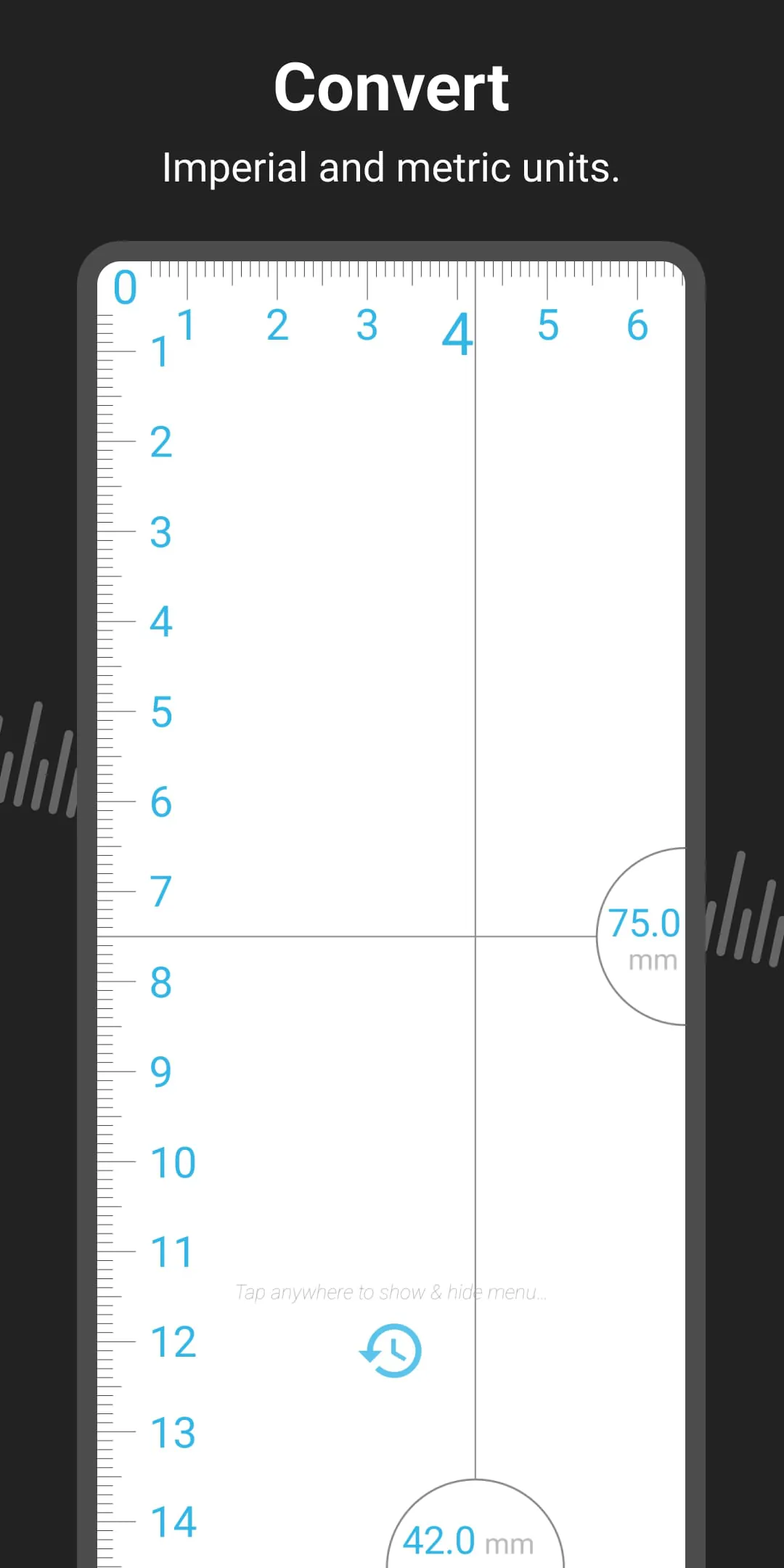
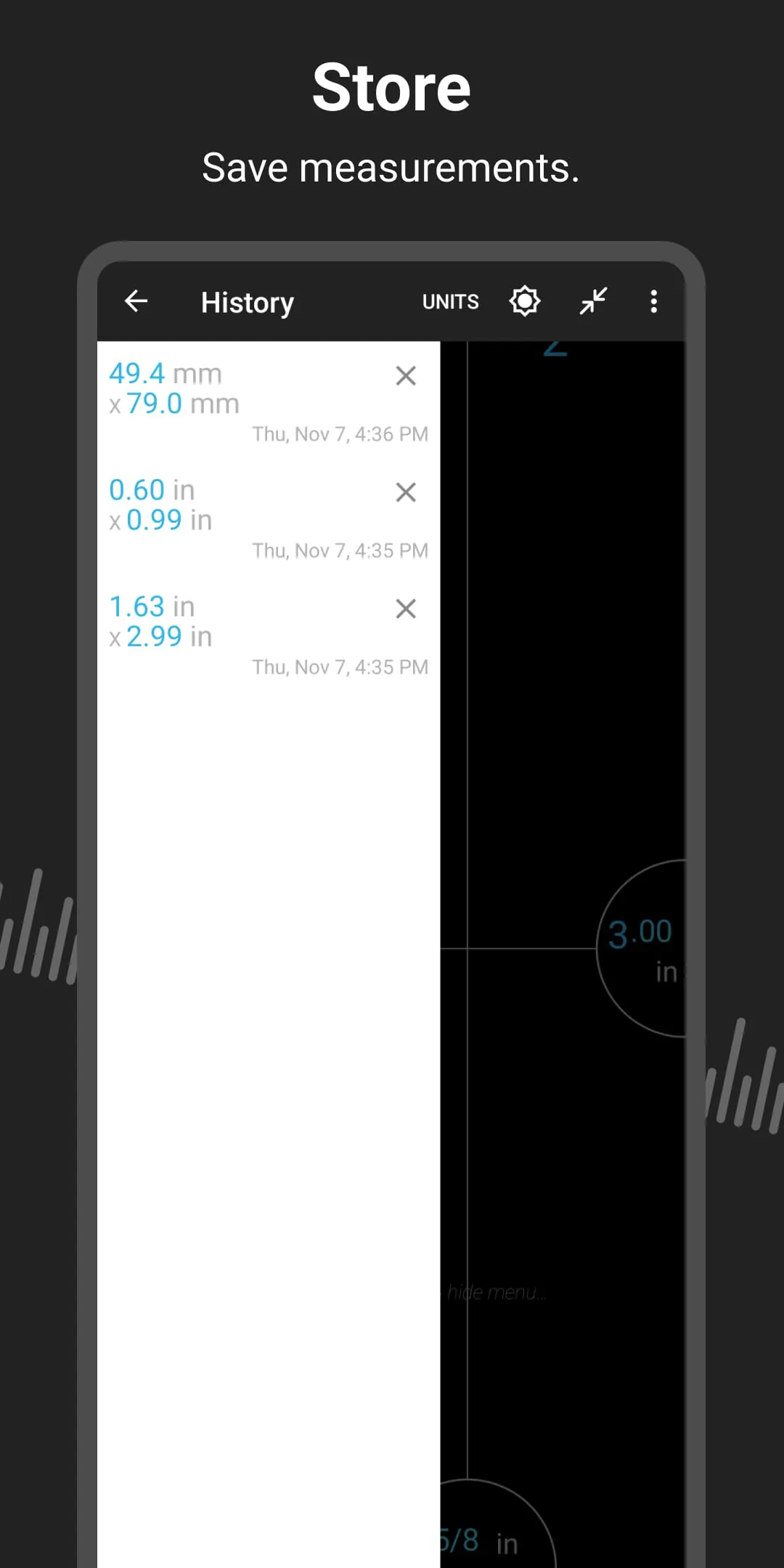
The app stands out with a set of features that enhance accuracy and user convenience. It supports multiple measurement modes, including a standard ruler for smaller items and an augmented reality (AR) tape measure for larger spaces. The ability to calibrate using a common reference object, like a credit card, improves precision. Furthermore, it offers unit conversion between imperial and metric systems, a history log to save past measurements, and a simple screenshot function for easy sharing.
Pros & Cons
- Pros: Its greatest advantage is sheer portability and convenience, as you always have a measuring tool in your pocket. The AR measuring function is particularly useful for sizing up furniture or room dimensions. The interface is generally intuitive, and the app is often free for basic functions, providing excellent value.
- Cons: Measurement accuracy can vary depending on your device's hardware quality, camera calibration, and user technique, making it less reliable than a professional-grade physical tool for highly precise work. Some advanced features may require a paid premium version, and measurements can be tricky in poor lighting conditions.
Functions
- Linear Measurement: Use the touch screen to measure small objects directly against a digital ruler displayed on the screen.
- AR Tape Measure: Activate your camera, point at a start and end point in your environment, and the app calculates the distance in real-time.
- Unit Conversion: Instantly switch measurements between centimeters, inches, feet, and meters.
- Calibration Tool: Input a known length of a common object to calibrate the app for more accurate subsequent measurements.
- Measurement History: Automatically saves your recent measurements for future reference or comparison.
- Level Tool: Many ruler apps include a bubble level or protractor function, utilizing the device's gyroscope.
How to Use
Click the button "Check All Versions" below to download and install it. Once installed, open the app and grant necessary permissions for camera access. For a simple length measurement, select the "Ruler" mode, place the object edge at the zero-point on your screen, and read the length. For room measurements, choose the "AR Measure" mode, slowly point your camera at the starting point, tap to set it, then move to the end point and tap again to get the distance. Remember to calibrate the app first using a known object for the most accurate results.




 APK
APK  Google Play
  iOS
iOS  4.60
4.60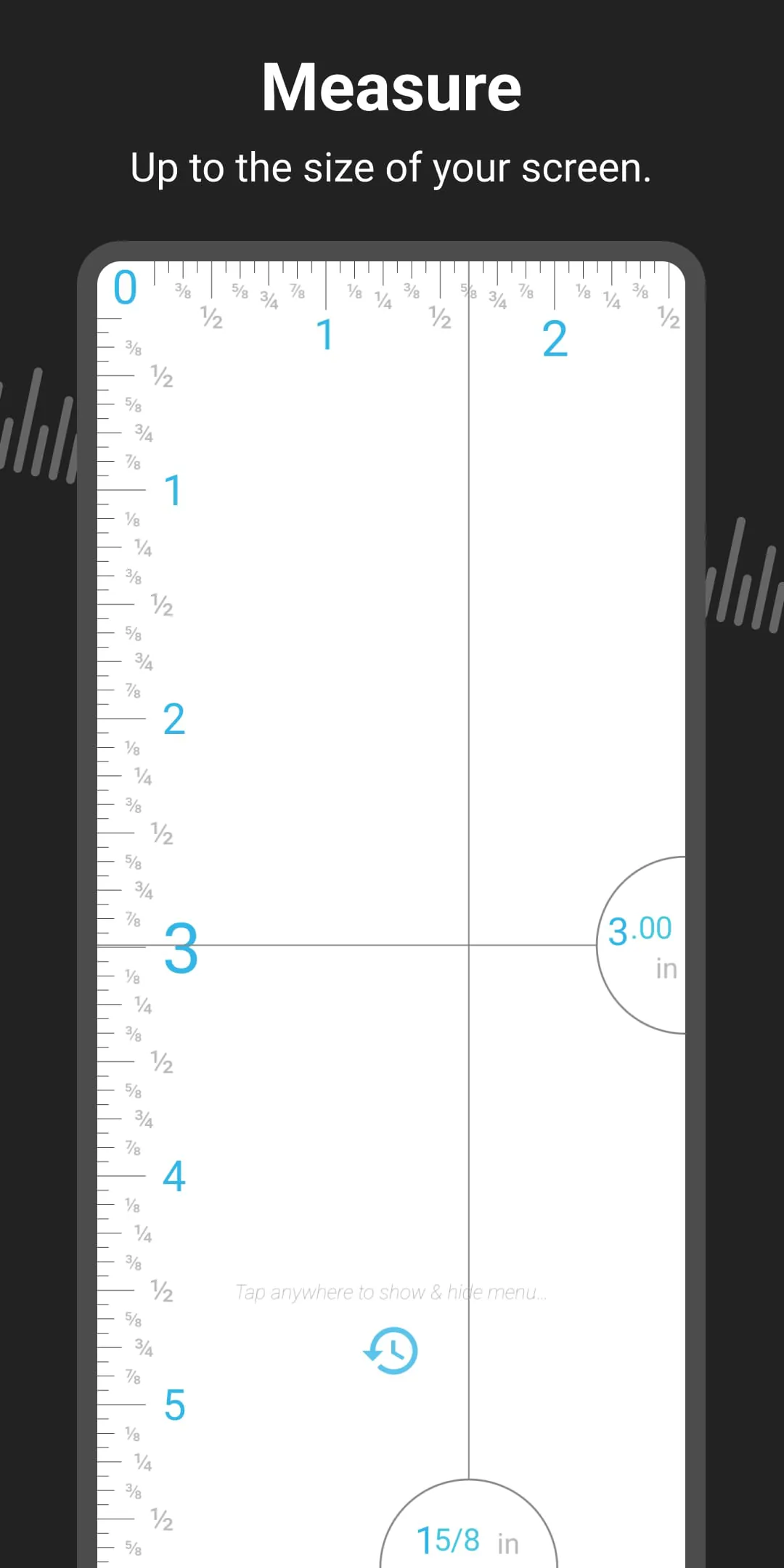
 Download








